Retro Controllers
Tired of cables that are always too short? Explore our range of wireless retro controllers and Bluetooth adapters. Whether you play on PC or straight on your original consoles (NES, SNES, Mega Drive, PlayStation), you get pinpoint precision and modern ergonomics without giving up any of the nostalgia.
15 items14 available right now
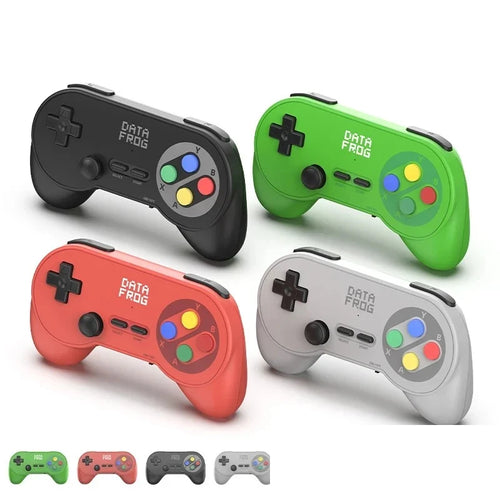
Data Frog
Data Frog PC07 wireless controllers for PC and Android TV — set of 2, one 2.4 GHz receiverAvailable
38,99€
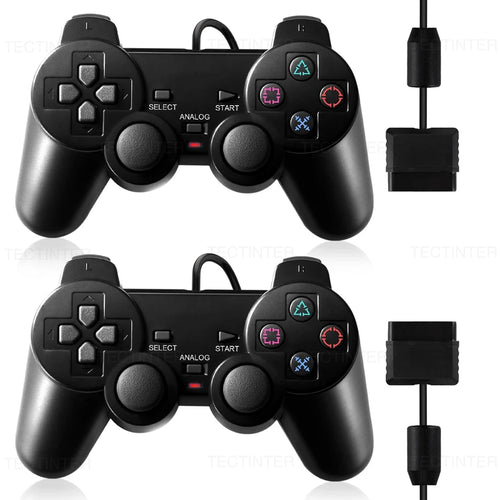
Fun-Esports
Wired controller compatible with PS2 and PS1 — vibration, single or pairAvailable
27,99€
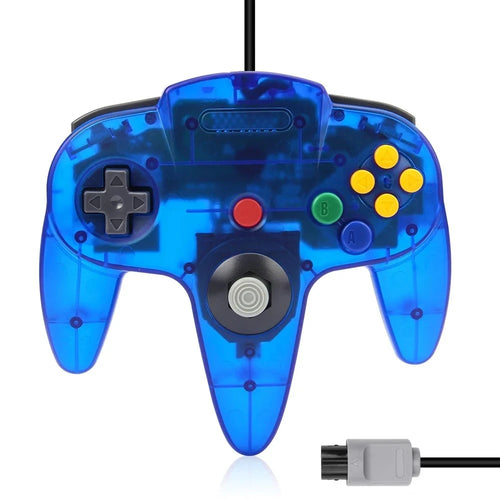
Fun-Esports
N64-compatible wired controller — translucent shell, 8 coloursAvailable
32,99€
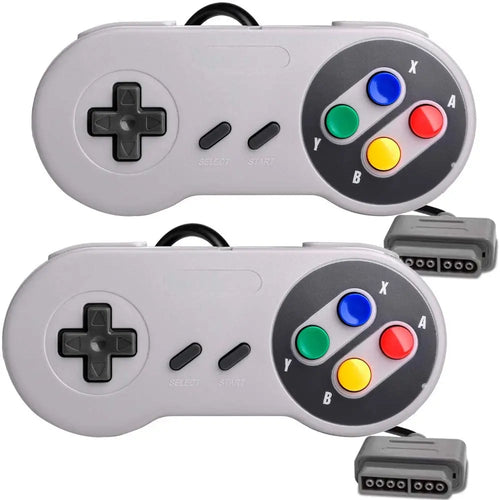
Fun-Esports
Wired controller compatible with SNES and Super Famicom — classic formatAvailable
24,99€
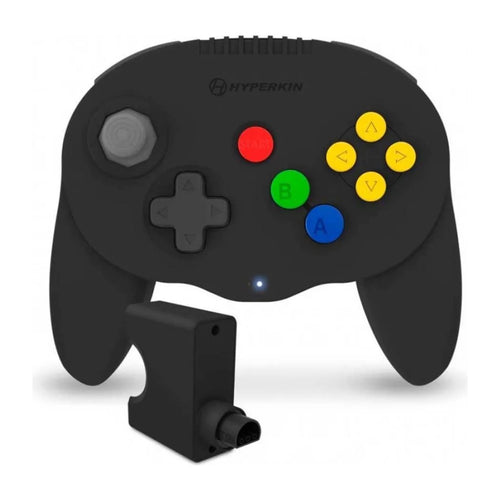
Hyperkin
Hyperkin Admiral N64-style Bluetooth controller — adapter for the original console includedAvailable
74,99€
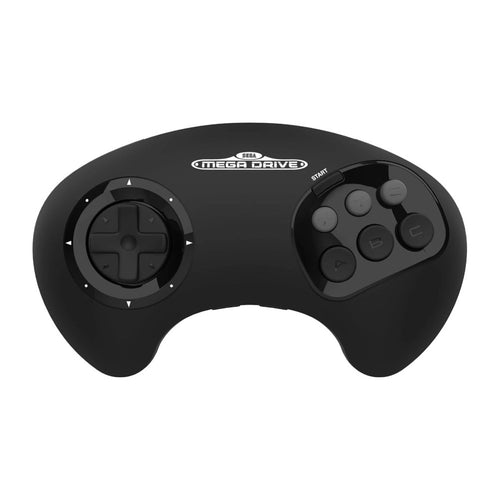
Retro-Bit
Retro-Bit BIG6 wireless controller for Mega Drive — 6 buttons in the large format, console and USB receivers includedAvailable
56,99€
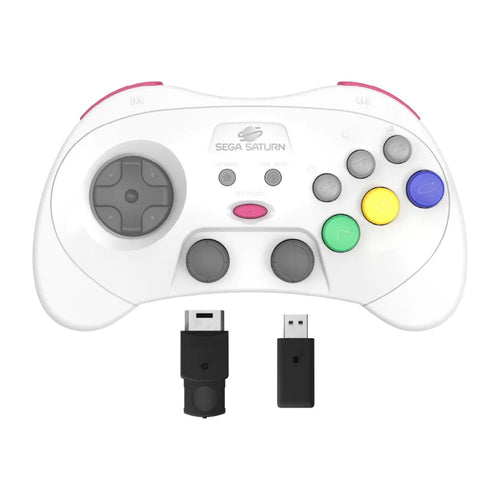
Retro-Bit
Retro-Bit Pro Saturn-style wireless controller — 2 Hall effect sticks, Saturn and USB receivers includedTemporarily unavailable
73,99€
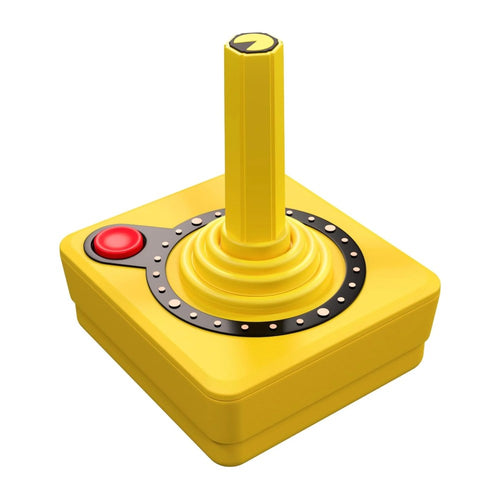
Atari
Atari CX40+ Wireless Joystick PAC-MAN Edition — 5 colours, DB9 and USB-A adapters includedAvailable
79,99€
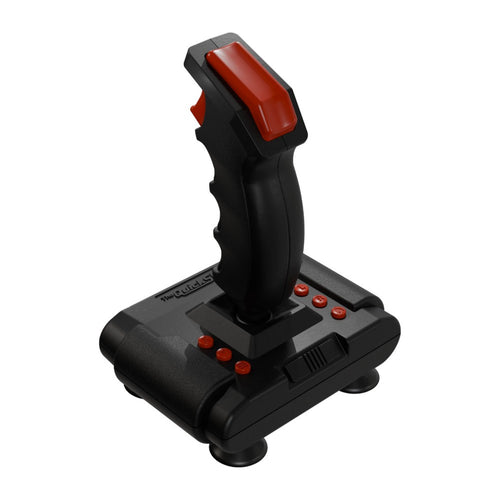
Retro Games
THEQUICKSHOT II — USB joystick with 8 buttons, microswitches and auto-fireAvailable
91,99€

8BitDo
8BitDo SN30 Pro Bluetooth controller for Switch, PC and Android — SNES layout with two sticksAvailable
64,99€
-20 %

8BitDo
8BitDo 64 Bluetooth Controller for Analogue 3D, Switch and PC — Hall effect stick and original gateAvailable🔥 You save 13,40€
53,59€66,99€
-5 %

8BitDo
8BitDo Micro mini Bluetooth controller for Switch and Android — 24.8 g, 16 buttons and keyboard modeAvailable🔥 You save 2,20€
41,79€43,99€
-5 %

8BitDo
8BitDo Zero 2 mini Bluetooth controller for Switch, PC and Android — 20.7 g, keyring sizeAvailable🔥 You save 1,85€
35,14€36,99€
-10 %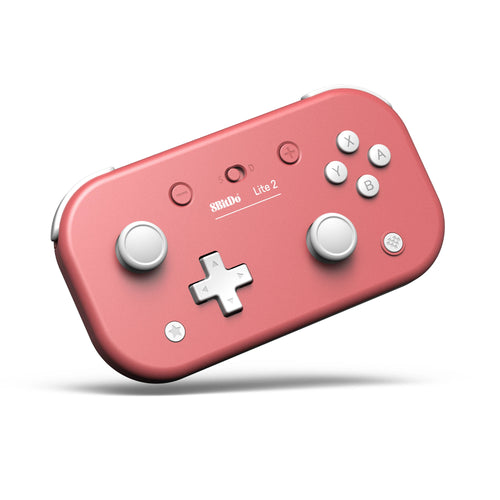
8BitDo
8BitDo Lite 2 Bluetooth controller for Switch, Switch 2 and Android — 82 g and 18-hour battery lifeAvailable🔥 You save 6,50€
58,49€64,99€
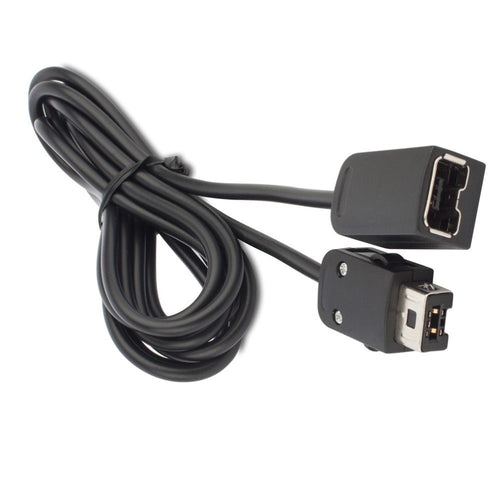
Fun-Esports
Controller extension for Wii, NES and SNES Classic Mini — 1.8 or 3 mAvailable
20,99€
Manettes rétro sans fil : choisir le bon format et la bonne liaison
Questions fréquentes
Une manette 2,4 GHz fonctionne-t-elle en Bluetooth ?
Non, ce sont deux technologies distinctes. Un modèle 2,4 GHz dialogue uniquement avec l’émetteur fourni avec lui, qu’il faut brancher sur la console ou l’ordinateur. Sans cet émetteur, la manette ne se connecte à rien, même sur un appareil équipé du Bluetooth. Conservez-le précieusement avec la manette.
À quoi sert le récepteur Bluetooth pour Mega Drive ?
Il se branche dans le port manette d’une Mega Drive ou d’une Genesis et permet d’y utiliser une manette sans fil, sans ouvrir ni modifier la console. C’est un adaptateur, pas une manette : il faut donc lui associer un modèle compatible. La liste des manettes prises en charge figure sur sa fiche produit.
Ces manettes conviennent-elles à un émulateur sur PC ?
Oui, c’est même un usage répandu : retrouver le plan de touches d’origine change la sensation sur les jeux de la même époque. Les modèles radio demandent simplement un port USB libre pour leur émetteur. Vérifiez la compatibilité annoncée sur la fiche du modèle qui vous intéresse.