microSD card
Boost your devices with microSD cards, SSDs and USB drives suited to photography, video and handheld consoles. A certified selection, competitive prices and expert advice from Fun Esports to help you choose right, with no compromise on reliability or performance.
Choosing a microSD card for a retro gaming handheld is not about grabbing the biggest capacity on the shelf. On an Anbernic, a Retroid Pocket, a TrimUI or a Miyoo, the card holds the system, the ROMs and the save files: it determines boot time, menu smoothness and emulation stability. This guide covers speed classes, the A1 and A2 ratings and the capacities that actually make sense.
Speed classes: Class 10, U1, U3, V30
The logos on a microSD do not all measure the same thing. Speed Class, UHS Speed Class (U1, U3) and Video Speed Class (V10, V30, V90) all describe a guaranteed minimum sequential write speed. Class 10, U1 and V10 share the same 10 MB/s floor; U3 and V30 guarantee 30 MB/s. Standards designed for video.
Sequential speed is not the criterion
A retro console does not shoot video: it opens thousands of small files and writes save data. That workload is a matter of random access. A V90 card built for 8K video can feel slower than a modest card when faced with thousands of titles.
A1 and A2: the rating that counts
The Application Performance class addresses exactly this use. An A1 card guarantees 1,500 random read operations per second (IOPS), 500 IOPS in writing and 10 MB/s sequential; an A2 raises those floors to 4,000 and 2,000 IOPS. This is the rating to look at first, the one that governs loading.
One nuance: A2 relies on advanced mechanisms (command queuing, caching) that the host has to handle. Many retro console SoCs do not implement them, in which case an A2 behaves like a good A1. Aiming for A1 as a minimum therefore remains the key point.
Which capacity for which emulated systems
The 8- and 16-bit era
NES, Game Boy, Mega Drive, Super Nintendo: ROMs weigh anything from a few kilobytes to a few megabytes, and a complete library fits under 32 GB. Beyond 64 GB, it is pure comfort.
PS1, Saturn, Dreamcast and PSP
A change of scale: a game on optical media weighs from a few hundred megabytes to more than a gigabyte, even compressed. A serious collection calls for 128 to 256 GB.
PS2, GameCube and beyond
DVD images climb to several gigabytes each: 256 GB becomes the floor, and 512 GB or 1 TB are justified. Keep 10 to 15% of free space.
Formatting and the second slot
FAT32 or exFAT
Up to 32 GB, the SDHC standard ships from the factory in FAT32; from 64 GB, SDXC imposes exFAT. Yet many retro console systems running embedded Linux support exFAT only partially, or not at all. Hence the recommendation to reformat a 128 GB card to FAT32, which requires a third-party utility. In return, FAT32 imposes a limit of 4 GB per file.
Why a console rejects a card
Four causes come up again and again: an unsupported file system; a partition in GPT when the firmware expects MBR; a capacity above the recognised maximum; an unusual allocation unit. Reformat before concluding the card has failed, and check compatibility on the product page.
The second microSD slot
Many consoles offer two card readers. The logic is to reserve the first for the system and the second for games: you update the firmware without touching your library.
Spotting a counterfeit
The microSD is one of the most counterfeited products in electronics. The classic fraud reprograms the controller of a small card so that it reports 512 GB or 1 TB: everything looks normal until the real capacity is exceeded, at which point the data is silently corrupted. Uneven printing or blurry logos give the copy away. Above all, test the card as soon as it arrives with a write-and-verify utility that fills the card and reads back what was written: it is the only reliable method.
Our selection
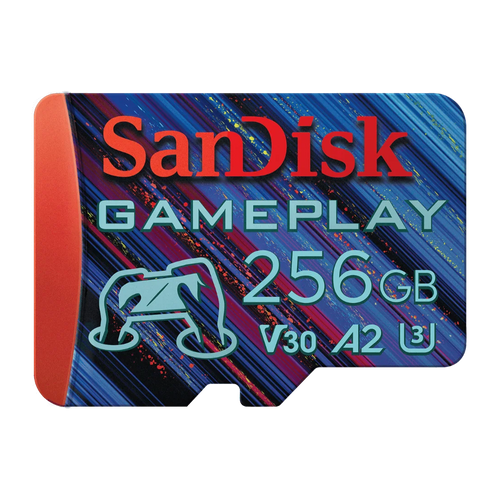
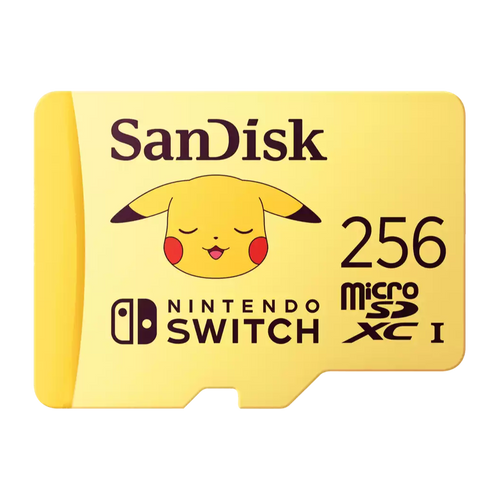
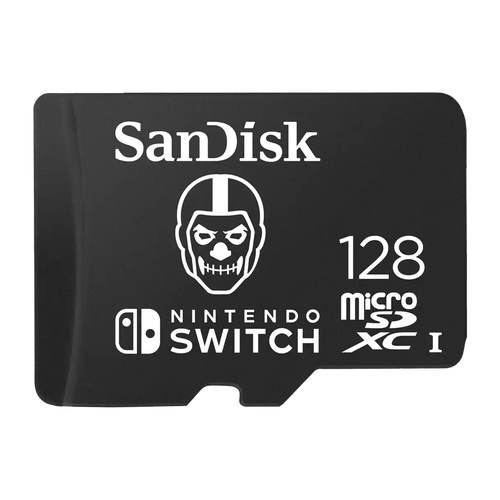
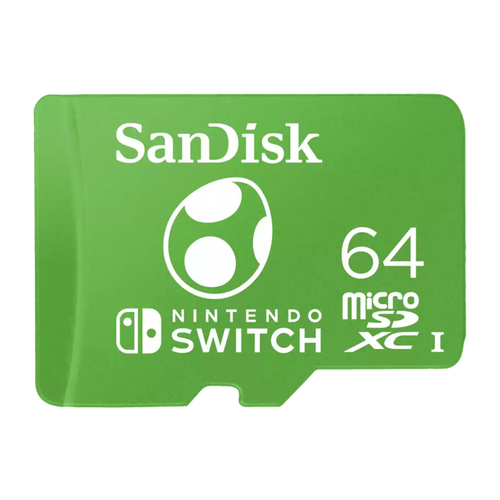
Our catalogue features branded cards, properly listed and traceable. The SanDisk microSD GamePlay is advertised for mobile games and consoles. The SanDisk microSD Pokémon 256 GB offers 256 GB under licence, the SanDisk microSDXC Fortnite 128 GB offers 128 GB, and the Nintendo-licensed microSDXC cards round out the range. These models target the Nintendo Switch: for an Anbernic or a Miyoo, check compatibility on the product page.
Class table
| Standard | Guarantee | Performance | Relevance for emulation |
|---|---|---|---|
| Class 10 | 10 MB/s write | Sequential | Acceptable minimum |
| U1 | 10 MB/s write | Sequential | Equivalent to Class 10 |
| U3 | 30 MB/s write | Sequential | Comfortable for large volumes |
| V10 | 10 MB/s write | Sequential | Video standard, no effect here |
| V30 | 30 MB/s write | Sequential | Useful for video capture |
| A1 | 1,500 and 500 IOPS | Random | Key rating: browsing, loading |
| A2 | 4,000 and 2,000 IOPS | Random | Real gain depends on the host |
Frequently asked questions
A1 or A2 for a retro handheld?
A1 is the genuinely useful tier: it guarantees the random-access performance that determines browsing and loading speed. A2 doubles those floors but requires features that retro console SoCs do not always exploit, with no guaranteed gain.
FAT32 or exFAT?
If the firmware accepts exFAT, keep it: no 4 GB limit per file and nothing to do. If the card is not recognised, FAT32 is the safe bet, understood by almost every embedded system; beyond 32 GB you will then need a third-party utility.
Which capacity to start with?
For 8- and 16-bit systems only, 32 to 64 GB is enough. As soon as PS1 and PSP join the library, aim for 128 to 256 GB; for PS2, 512 GB becomes comfortable. Always leave 10 to 15% of free space.
My console rejects the card, what should I do?
Work through the causes one by one: reformat to FAT32, check that the partition is MBR and not GPT, make sure the capacity does not exceed what the firmware recognises, then test it on a computer. If it is unreadable everywhere, the card is most likely counterfeit.
Can you use two cards?
On consoles with two readers, yes, and it is recommended: the first takes the system, the second the games, which lets you update the firmware without putting your library at risk. The number of slots varies: check compatibility on the product page.
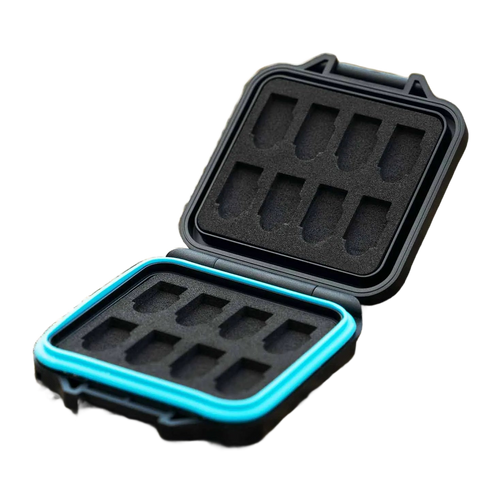
Complete your setup with our handheld console accessories, our cases and pouches and our handheld consoles.