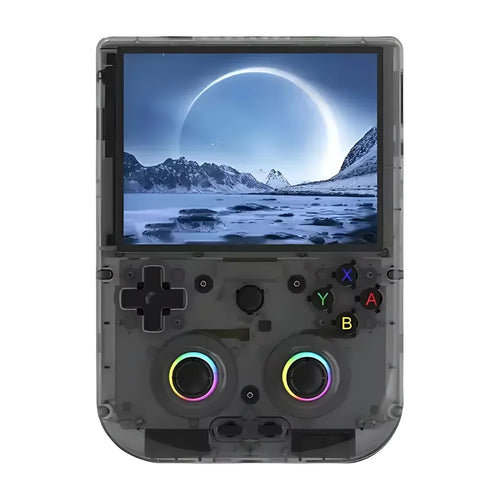
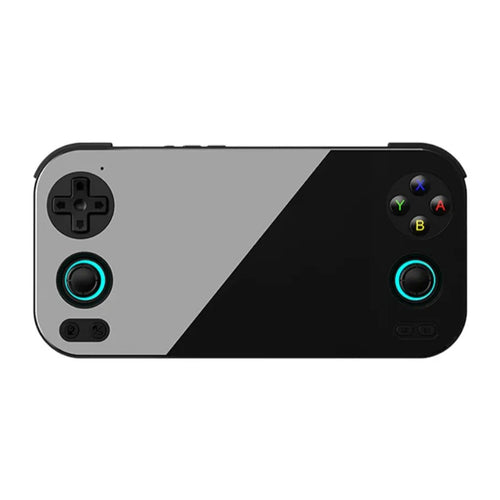
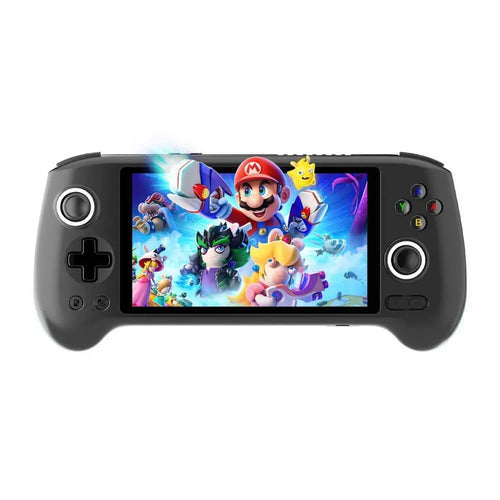
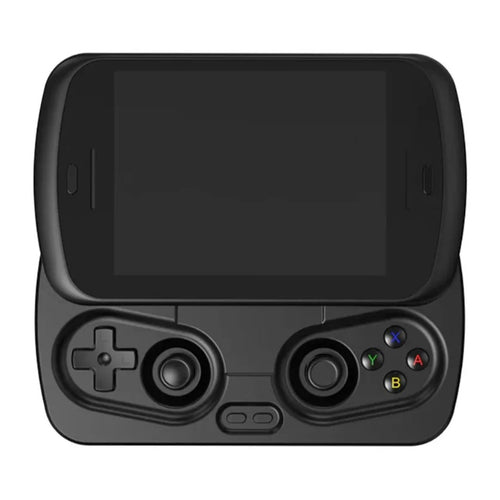
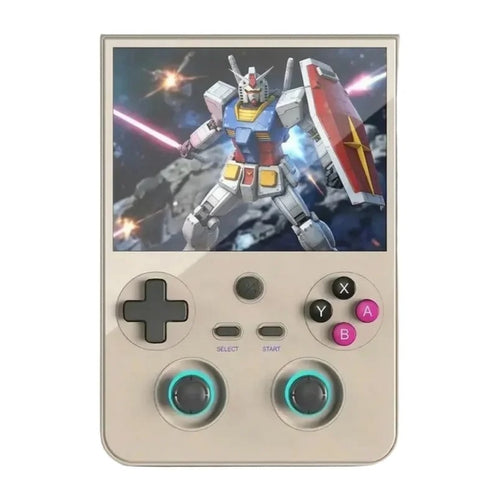
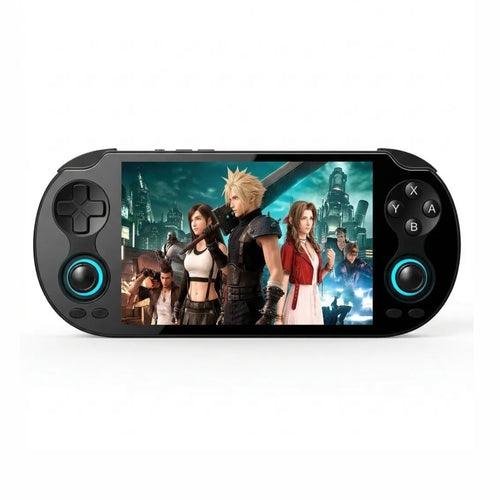
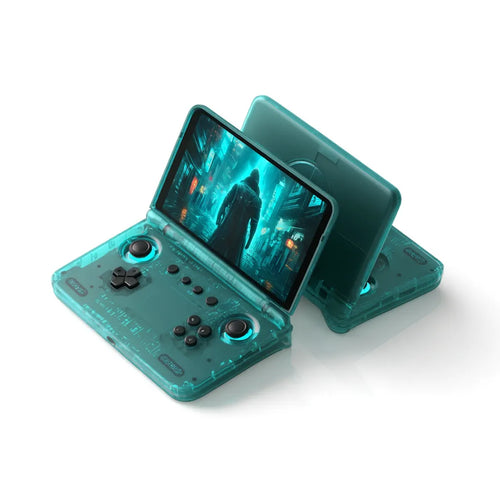
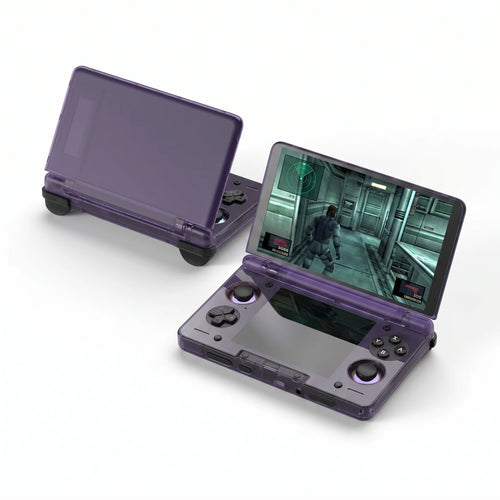
Nintendo 3DS Consoles
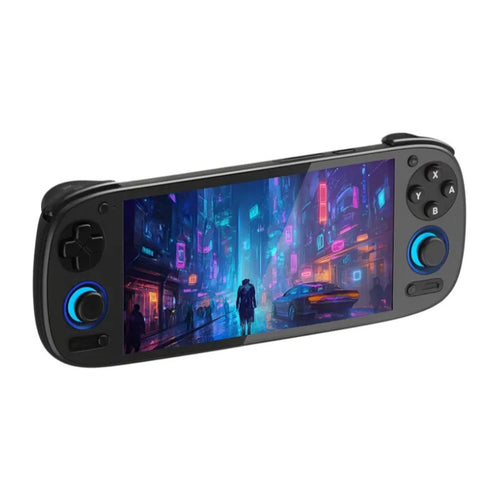
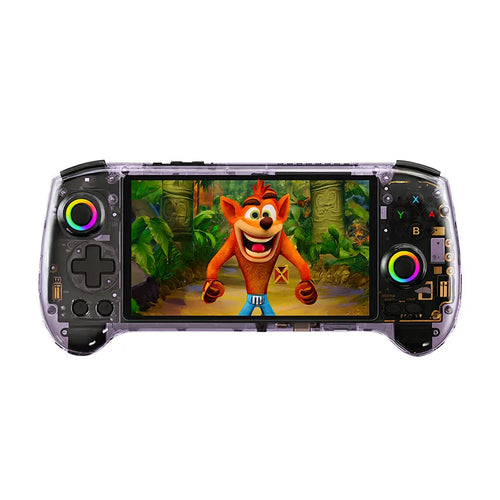
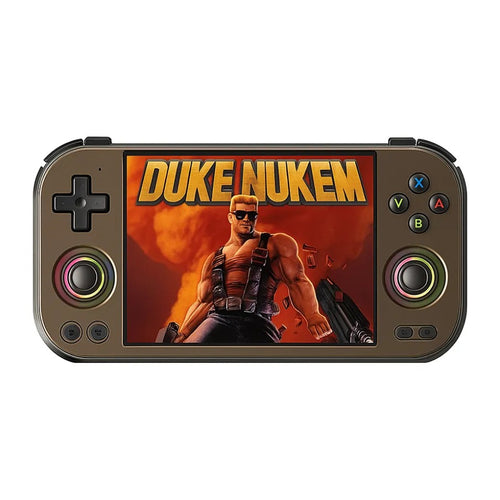
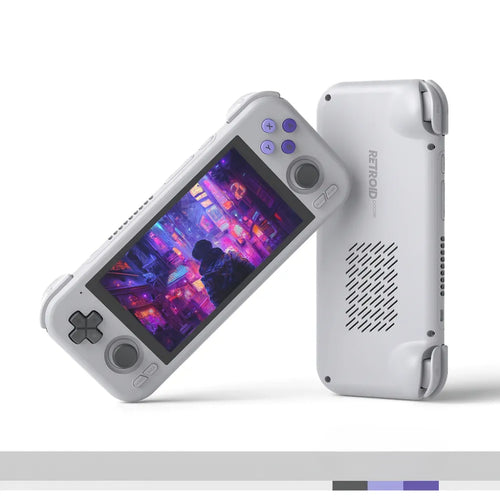
Pokémon X/Y and Sun/Moon, Mario Kart 7, The Legend of Zelda: Ocarina of Time 3D, Animal Crossing: New Leaf, Fire Emblem: Awakening, Professor Layton, Luigi's Mansion 2… This selection brings together the handheld consoles capable of emulating the Nintendo 3DS. It is the most demanding system in our whole retro catalogue: only recent Android consoles appear here, with modern chips and cooling or ventilation suited to the heaviest emulators.
Why emulate the Nintendo 3DS on a handheld
The 3DS was Nintendo's last great handheld console, with a library of more than a thousand titles covering every genre: RPG, platform, management, puzzle, as well as excellent 3D remakes of N64 classics. The eShop has closed for good, which makes part of the digital catalogue impossible to buy, and second-hand consoles are seeing their screen, their sticks and above all their battery age.
Emulating the 3DS on a modern Android console brings several things the original hardware cannot offer. You play on a far sharper screen than the 2011 panels, with the option of increasing the internal rendering resolution, which makes 3D games much crisper. You get save states, a brand-new battery, genuine Hall Effect joysticks on several models, and comfortable triggers where the original 3DS was often criticised on that point.
It has to be said honestly, though: 3DS emulation remains imperfect. Some games run very well, others show slowdowns or graphical glitches depending on the emulator and its version. It is a fascinating system to emulate, but not the most relaxing one.
What you need to emulate the Nintendo 3DS properly
The 3DS is one of the hardest systems to emulate, far ahead of the Game Boy Advance or the PS1. Its unusual graphics architecture translates poorly onto mobile GPUs and demands a lot of computing power. In practice, that means an entry-level Linux retro console is not a candidate: you need a recent Android chip.
- The processor. This is criterion number one. The high-end Snapdragon chips and the recent MediaTek Dimensity found in the most powerful models on this page are the ones that cope best. Mid-range Android chips give more variable results depending on the game and the settings.
- The dual screen. The 3DS used two screens, one of them a touchscreen. On a single-screen console, emulators offer various layouts: the two screens stacked vertically, side by side, or the bottom screen as an inset. A 4:3 format screen leaves more room for a stacked layout than a very elongated 16:9 panel. On this particular system that is a genuine buying criterion.
- The touchscreen. Many 3DS games rely on the bottom screen, sometimes only for the menu, sometimes for whole gameplay mechanics. A touch panel is therefore a real convenience. Check this point on the product page of the model you are interested in: the Anbernic RG406V and the Anbernic RG476H, for example, list a touchscreen.
- Cooling. A 3DS emulator makes the chip run hot. Models fitted with active cooling, a fan or a heat pipe, hold up better over long sessions.
- Battery life. This is the flip side of power: the heavier the emulated system, the faster the battery drains. Expect appreciably shorter battery life on the 3DS than on 2D retro, whatever the model.
One last useful point: 3DS emulators reproduce the game in 2D. The original console's glasses-free stereoscopic 3D is a feature of its screen, not of the software, and it is not reproduced on a conventional panel.
Which console to choose from our selection
To get into the 3DS without aiming for the very top
Mid-range Android models are a reasonable entry point, provided you accept results that vary from game to game. The Anbernic RG406V runs Android 13 with a 4-inch IPS touchscreen at 960×720, a 4:3 format well suited to the stacked display of the two screens. The Anbernic RG556 relies on a large 5.48-inch AMOLED at 1080×1920, a Unisoc T820, 8 GB of RAM and active cooling. The Anbernic RG476H and the Anbernic RG Slide are built on the same chip with a 4.7-inch 120 Hz LTPS screen, the latter in an original sliding format.
For versatility
The Retroid Pocket 4 Pro combines a Cortex-A78 SoC with a Mali-G77 GPU, 8 GB of LPDDR4X, 128 GB of UFS 3.1 storage, active cooling, Hall Effect joysticks and analogue L2/R2 triggers, all on a 4.7-inch IPS screen at 1334×750. The Retroid Pocket 5 moves up a level with a Snapdragon 865, 5.5 inches of AMOLED and active cooling; the Retroid Pocket Flip 2 takes that same configuration into a clamshell format that is handy on the move.
For the high end
If you want to give yourself every chance on this system, go for the most recent chips. The Anbernic RG557 carries a MediaTek Dimensity 8300 with 12 GB of LPDDR5X and a 5.48-inch AMOLED screen. The Anbernic RG 477M takes that same Dimensity 8300 into a metal chassis with a 4.7-inch LTPS screen in 4:3 at 1280×960, a particularly coherent combination for the 3DS. The Anbernic RG 477V offers a 4.7-inch 4:3 screen at 120 Hz under Android 14 with a fan and a heat pipe. Finally, the Retroid Pocket 6 and its Snapdragon 8 Gen 2 are the benchmark for raw power on this page.
Comparison table
| Console | System | Screen | Aspect ratio | Usage profile |
|---|---|---|---|---|
| Anbernic RG406V | Android 13 | 4-inch IPS touchscreen 960×720 | 4:3 | Entry point, 4:3 format |
| Anbernic RG476H | Android 13 | 4.7-inch LTPS 120 Hz touchscreen | – | Versatile mid-range |
| Anbernic RG556 | Android 13 | 5.48-inch AMOLED 1080×1920 | 16:9 | Large screen, active cooling |
| Anbernic RG Slide | Android 13 | 4.7-inch LTPS 120 Hz | – | Sliding format |
| Retroid Pocket 4 Pro | Android | 4.7-inch IPS 1334×750 | 16:9 | Versatility, Hall sticks |
| Retroid Pocket 5 | Android | 5.5-inch AMOLED | 16:9 | Snapdragon 865, large screen |
| Anbernic RG 477M | Android | 4.7-inch LTPS 1280×960 | 4:3 | High end, 4:3 format |
| Retroid Pocket 6 | Android | AMOLED 120 Hz | – | Maximum power |
Frequently asked questions
Are the consoles sold with Nintendo 3DS games?
No. These are emulation consoles sold without Nintendo games, and no licensed title is supplied by us. You must use the dumps of games you legally own, or homebrew and royalty-free content. 3DS emulators may also require files taken from an original console that you own, which you have to extract yourself.
Is it legal to use 3DS ROMs?
The emulator is legal, the origin of the game is not always. Under French law, private copying assumes that you own the original and that the copy is made by you, for your personal use. Downloading a game you have not bought remains an infringement, including since the eShop closed. We neither supply nor recommend any source of ROMs.
How do I transfer my games onto the console?
On these Android models there are three methods: connect the console over USB-C to a computer and copy the files, go through Wi-Fi on the local network, or write directly to the microSD card from a card reader. As 3DS games are bulky, often several gigabytes each, plan for a fast microSD card with generous capacity.
What battery life can I expect on 3DS games?
Appreciably less than on 2D retro. 3DS emulation puts heavy demands on the processor and the GPU, which increases consumption and triggers the active cooling on models that have it. Battery life depends on the model, on brightness, on the emulator settings and on the game being run. Expect noticeably shorter sessions than on Game Boy Advance.
Is it suitable for a child?
Less so than Linux retro consoles. These Android models require serious initial setting up: installing the emulator, adjusting settings, arranging the screens, managing files. They are also open to the internet and the Play Store, which calls for parental controls. For a child, a Linux console dedicated to 2D retro is generally a simpler and more robust choice.
What is the difference between Linux and Android for the 3DS?
Here it is decisive. Linux retro consoles are designed for 2D emulation and older systems: they boot quickly and use little power, but they are not built for the 3DS. Android gives access to the most recent 3DS emulators and to the power needed to run them. For this system, Android is not an option but a prerequisite.
For a broader comparison, browse all of our Android consoles, the full range of Retroid Pocket consoles, particularly well represented on this system, or our Anbernic consoles. Our comparison tool will help you decide between the most powerful models.