Laminated screen kits
A laminated screen kit bonds the IPS panel directly to the protective glass, with no air gap between the two. This page brings together the kits for the PSP 1000, available with or without an upper shell, and the high-brightness PSP 3000 kit, which fits without soldering onto the original connector.
5 items5 available right now
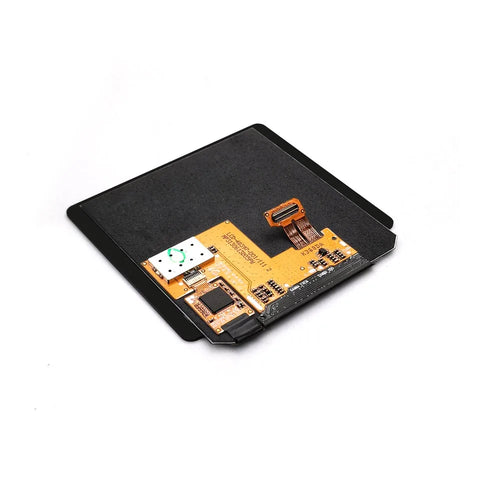
Fun-Esports
Laminated AMOLED screen for Game Boy Color — Hispeedido, touch and OSD menuAvailable
97,99€
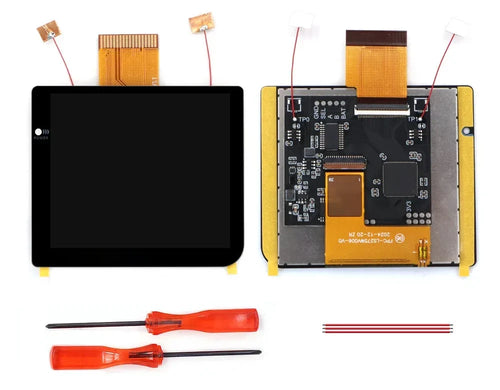
Fun-Esports
2.8-inch laminated IPS screen for Game Boy Pocket — Hispeedido, OSD menuAvailable
94,99€
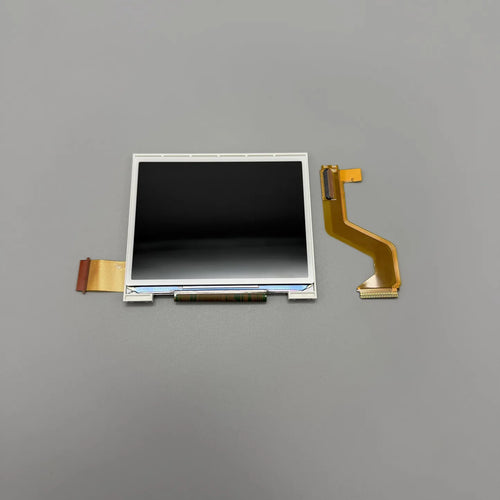
Fun-Esports
Laminated IPS screen for DS Lite — top or bottom screen of your choiceAvailable
98,99€
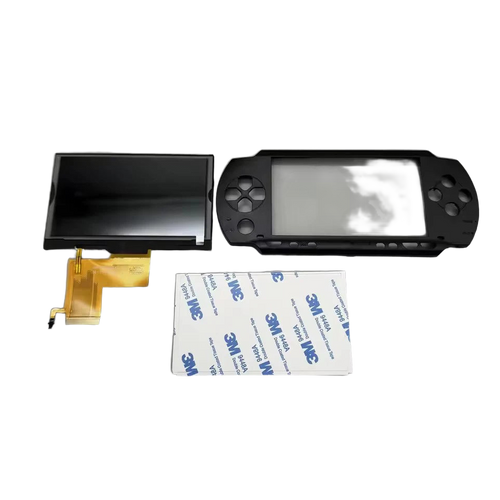
Fun-Esports
Laminated IPS screen for PSP 1000 — with or without top shellAvailable
49,99€
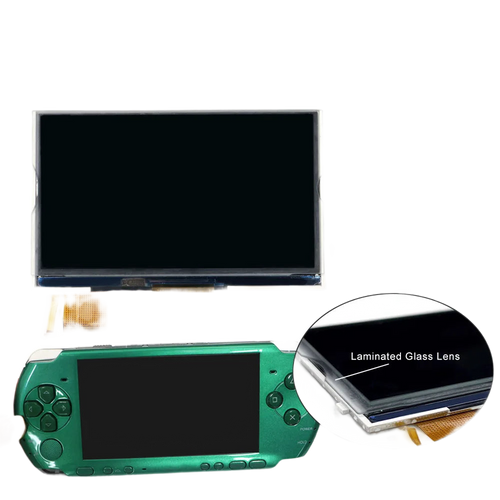
Fun-Esports
PSP 3000 IPS screen kit — laminated, high brightness, no solderingAvailable
89,99€
PSP laminated screen kit: what bonding the panel to the glass really changes in the picture
Questions fréquentes
Can you see the difference between a laminated and a non-laminated screen while playing?
Yes, especially in daylight. By removing the air gap between the panel and the glass, lamination reduces internal reflections and gives a picture that seems stuck to the surface. In a dark room, the difference is much less noticeable and comes down mainly to the panel's brightness.
Should you choose the version with an upper shell for the PSP 1000?
It's recommended if the front panel is scratched or if you'd rather not pry off the original glass, a step where the plastic often breaks. The version without a shell is cheaper but requires a front panel in good condition and patient removal, with gentle heat.
Does installing a laminated kit require soldering?
Not with the PSP 3000 kit on this page, which is listed as solder-free since it uses the original connector. You will, however, need a Phillips screwdriver, must remove the battery before doing anything and should work on a clean surface: dust trapped under the glass stays visible permanently.