microSD card storage & cases
Storing microSD cards prevents losing one and prevents data corruption from knocks or damp. This selection brings together a JJC MCR-TF16 case for sixteen cards, shock-resistant water-resistant cases that take both microSD and SD, and a zipped pouch for carrying a console, its cables and its cards.
4 items4 available right now
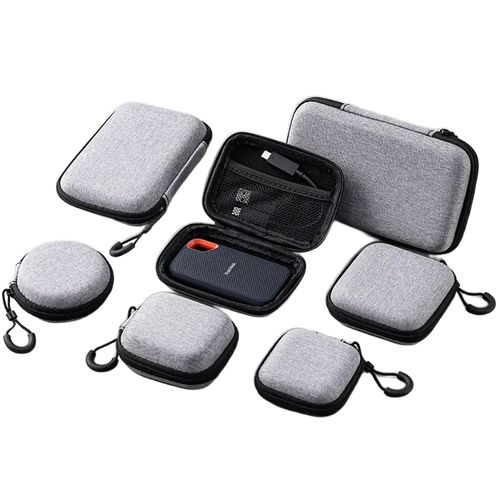
Fun-Esports
Zipped carrying case for handheld consoles, cables and microSDAvailable
15,99€
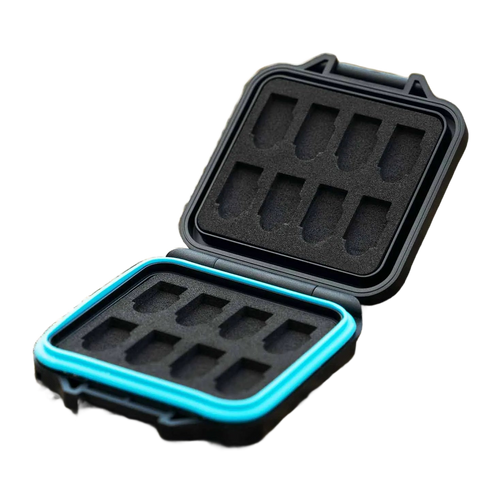
Fun-Esports
Storage case for 16 microSD cards — JJC MCR-TF16Available
17,99€
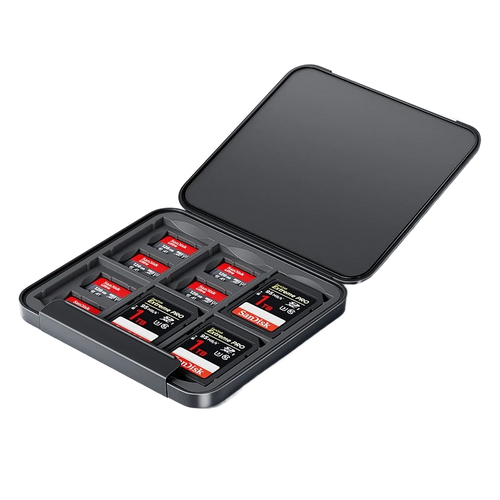
Fun-Esports
microSD and SD card storage case — splash-proof and shockproofAvailable
17,99€
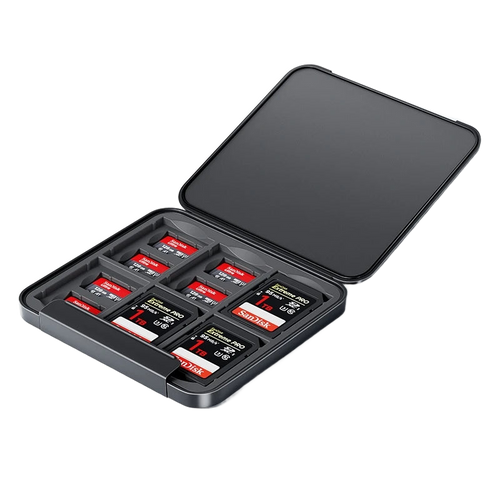
Fun-Esports
microSD and SD Card Storage Case — shockproof, water-resistantAvailable
16,99€
Number of slots, protection and carrying: what sets the cases apart
Questions fréquentes
How many microSD cards should you plan to store?
Count at least one card per console plus a backup copy. Three handheld consoles therefore already lead to six cards. The JJC MCR-TF16 case offers sixteen slots, which leaves room for test cards or different firmware setups.
Does a watertight case protect a card that falls in water?
The cases on offer resist splashes and rain thanks to a seal, but they are not designed for prolonged immersion. Always close the lid fully and check that the seal is not pinched by a badly inserted card. If in doubt, dry everything and check the data on a computer.
Do you need a reader on top of the storage case?
Yes, a case only stores. To copy games or update a firmware, you need a microSD card reader, in USB-C or USB-A. Some compact models do in fact slip into the zipped carrying pouch, alongside the console and its charging cable.