Nintendo 64 Consoles
If you are looking for a handheld console for Nintendo 64 emulation, for example to replay Zelda Ocarina of Time on the go, you need to approach the subject clear-headed. The N64 is an endearing but temperamental system to emulate: compatibility is good overall, excellent on the great classics, more erratic on certain titles. This page explains what really matters, then which machine in our selection matches your use.
Why emulate the Nintendo 64 on a handheld
The Nintendo 64 is the console that invented the modern 3D action-adventure. Super Mario 64, The Legend of Zelda: Ocarina of Time and Majora's Mask, GoldenEye 007, Mario Kart 64, Star Fox 64, Banjo-Kazooie, Perfect Dark, F-Zero X or Paper Mario defined entire genres. These are long games, built on exploration and collecting, which lend themselves very well to split sessions.
Emulation brings real comfort here: save states remove the constraint of rare save points, and a modern screen gives a far crisper image than the original composite output. Many emulators also let you raise the render resolution, which softens the console's pixelated look, when the machine has the power for it.
What you need for good Nintendo 64 emulation
Let us be clear: the Nintendo 64 is considerably harder to emulate than the 2D consoles of the same era. Its unusual graphics architecture led to emulators that still rely on game-specific settings. In practice, not every title behaves the same way: most run well, some require changing the graphics plugin or the emulator, and a few remain problematic whatever the hardware. That is a reality of the system, not a flaw in one particular console.
Here are the points to watch before buying:
- Power. This is the system that opens the widest gap between entry-level and high-end in this selection. Linux consoles with an Allwinner chip cope with part of the catalogue, with results varying by game. Recent Android consoles offer considerably more comfortable headroom and access to more advanced emulators.
- The analogue stick. The N64 was the first Nintendo console to make one standard. A good stick is therefore essential, and models with Hall effect sensors, which do not drift with wear, are a real advantage over time.
- The C buttons. The original controller has four C buttons, used for the camera and items. On a modern handheld, they are remapped: to a second stick on models that have two, or to the face buttons with a key combination on the others. Check this point if you are aiming at games that make heavy use of the camera.
- The Z trigger. Heavily used, especially for aiming. Every console in the selection has triggers, but those with analogue triggers, such as the Retroid Pocket 4 Pro whose spec sheet mentions analogue L2 and R2, allow more flexible remapping.
- The aspect ratio. The N64 outputs in 4:3. A 4:3 screen therefore makes better use of the panel, but a 16:9 screen remains perfectly playable with black bars at the sides.
Which console to choose from our selection
Small budget: the N64 as a bonus
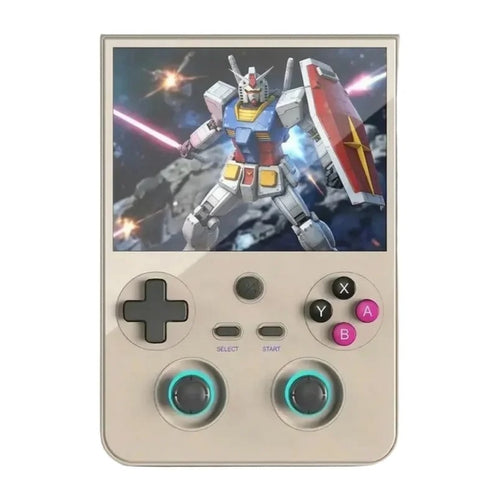
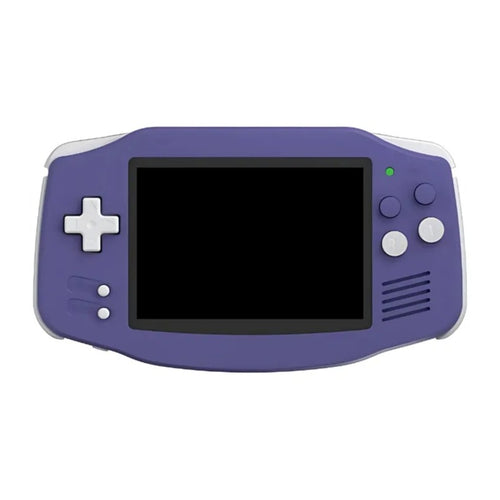
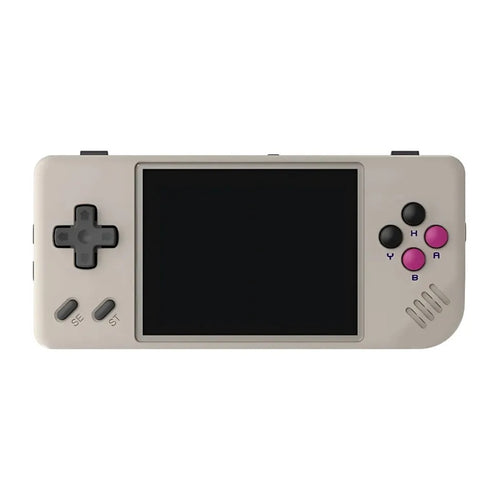
Compact Linux machines are designed first for 2D retro; the Nintendo 64 is a bonus there, with results varying from one game to the next. If it is not your absolute priority, the Anbernic RG35XX H, the Anbernic RG 40XXV, the Anbernic RG CubeXX and the TRIMUI Brick remain excellent all-rounders. The TRIMUI Smart Pro and the TRIMUI Smart Pro S, with their 4.96" 720p screen and a beefier platform, are the most ambitious of the group: the Smart Pro S spec sheet in fact explicitly mentions the N64.
Versatility: the good Android compromise
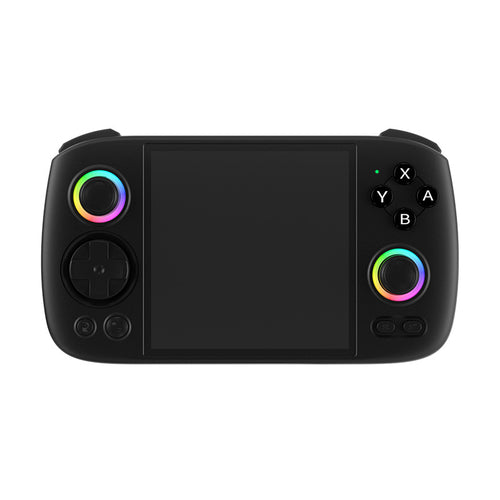
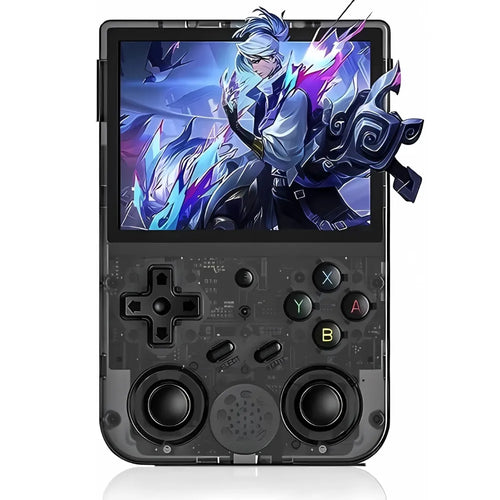
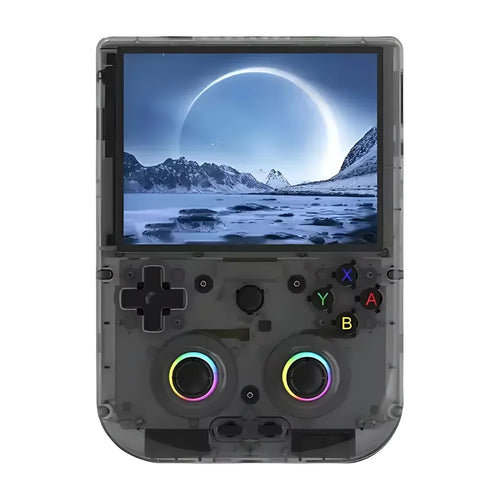
To approach the Nintendo 64 with peace of mind, an Android console is the safest choice. The Retroid Pocket 4 Pro combines a 4.7" screen, 8 GB of memory, active cooling, Hall effect sticks and analogue triggers: a very balanced base. The Anbernic RG556 and the Anbernic RG476H, both on a Unisoc T820 with 8 GB of memory, offer comfortable headroom, the first with a 1080p AMOLED panel, the second with a 120 Hz LTPS screen. The Anbernic RG Slide takes that platform into an original sliding format, and the Anbernic RG DS offers a dual-screen approach under Android 14.
High-end: maximum headroom
If you want every chance on your side, particularly to raise the render resolution, aim for the most powerful models. The Anbernic RG557 carries a MediaTek Dimensity 8300 and 12 GB of memory, the Anbernic RG477M the same Dimensity 8300 with a 4.7" LTPS screen in 4:3 format at 1280x960, ideal for respecting the original framing. The Anbernic RG 477V takes that 4:3 format at 120 Hz under Android 14. On the Retroid side, the Retroid Pocket 5 and the Retroid Pocket Flip 2 share a Snapdragon 865 with a 5.5" AMOLED screen, the latter in clamshell format, while the Retroid Pocket 6 and its Snapdragon 8 Gen 2 make up the most powerful proposition in this collection.
Comparison table
| Model | System | Display | Usage profile |
|---|---|---|---|
| Anbernic RG35XX H | Linux | IPS 3.5" 640x480 (4:3) | Entry level, N64 as a bonus |
| TRIMUI Smart Pro S | Linux | IPS 4.96" 720p (16:9) | Ambitious Linux, large screen |
| Retroid Pocket 4 Pro | Android | IPS 4.7" 1334x750 | Versatile compromise, analogue triggers |
| Anbernic RG556 | Android 13 | AMOLED 5.48" 1080p | Large screen, USB-C video output |
| Anbernic RG477M | Android | LTPS 4.7" 1280x960 (4:3) | High-end in the original format |
| Anbernic RG557 | Android | AMOLED 5.48" | Maximum power and memory |
| Retroid Pocket 5 | Android | AMOLED 5.5" | Balanced high-end |
| Retroid Pocket 6 | Android | AMOLED 120 Hz | Maximum headroom, high-resolution rendering |
Frequently asked questions
Are the consoles sold with Nintendo 64 games?
No. These are emulation devices sold without Nintendo licensed games. To stay within a legal framework, you must use backups of games you physically own, or royalty-free content and homebrew. We neither supply nor recommend any source of commercial ROMs. If a model is offered with a microSD card, ask the manufacturer about its exact contents.
Do all Nintendo 64 games work?
No, and it is important to know that before buying. The N64 remains one of the most imperfect systems to emulate: most of the great classics run well, but some titles show graphical glitches, slowdowns or require changing emulator or plugin. If a specific game is your only motivation, look into its compatibility status before choosing your machine.
How are the C buttons and the Z trigger handled?
They are remapped onto the console's controls. On models with two sticks, the right stick naturally takes over the role of the four C buttons, which is the configuration closest to the original. On consoles with a single stick, the C buttons are assigned to the face buttons or to a combination. The Z trigger is generally mapped to L2 or R2 depending on the game.
How do I transfer my games to the console?
You copy your files to the microSD card, into the corresponding system folder. On Linux consoles, remove the card and connect it to a computer with a reader. On Android models, a simple USB cable is usually enough, and Wi-Fi transfer is often possible. A good quality microSD card avoids a lot of read problems and long loading times.
Can I play on a television?
On some models only, and this should be checked before buying. Several Android consoles in the selection offer video output over USB-C: the spec sheets of the Anbernic RG556 and the Anbernic RG476H mention a 1080p output. N64 emulators benefit from being played on a big screen when the machine has the power to raise the render resolution. Check the spec sheet of the model you have in mind.
Linux or Android for the Nintendo 64?
For this particular system, Android has a real advantage: more power available, more choice of emulators and settings, and the ability to try another solution when a game misbehaves. Linux remains unbeatable for simplicity, instant boot and battery life, but with less latitude to work around the difficult cases specific to the N64.
The Nintendo 64 is rarely the only system people are after. Also explore our retro handheld consoles, the Android consoles that offer the best headroom on 3D, or the Retroid Pocket range. The comparison tool helps you decide between two similar models.