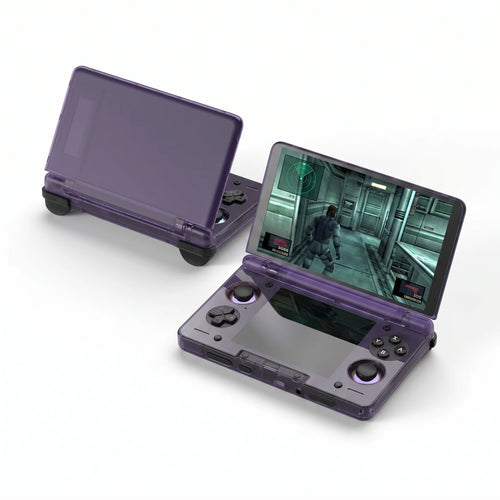
GameCube Consoles
Looking for a handheld console for GameCube emulation, to replay Zelda The Wind Waker or Metroid Prime on the go, calls for a different approach from classic retro systems. The GameCube is by far the most demanding system featured on this site: it requires a recent Android chip, comfortable memory and often active cooling. This page honestly explains what is realistic, what is not, and which model in our selection to aim for.
Why emulate the GameCube on a handheld
The GameCube produced a short but dense catalogue, and one that has aged remarkably well. The Legend of Zelda: The Wind Waker and its cel-shaded look, Metroid Prime, Super Mario Sunshine, Luigi's Mansion, Mario Kart: Double Dash, Super Smash Bros. Melee, F-Zero GX, Resident Evil 4 or Paper Mario: The Thousand-Year Door still rank among the best games of their kind.
Going handheld has an extra appeal here: the original GameCube never had a portable version, and its controller remains hard to replace. A modern Android console also lets you display these games at a higher resolution than the original, with a far crisper image, provided you have the necessary power.
What you need for good GameCube emulation
Let us say it plainly: the GameCube is much heavier to emulate than the Super Nintendo, the Mega Drive or even the Nintendo 64. It is a 128-bit console whose emulation demands a modern chip. In practice, that means two things.
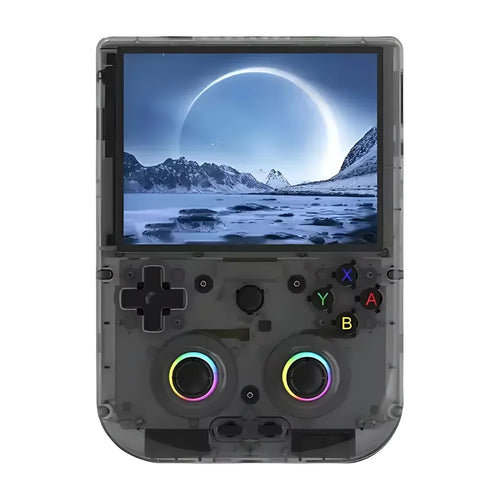
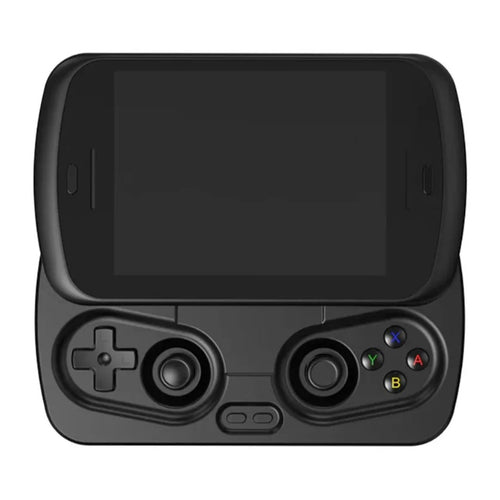
First, the entry-level Linux consoles in this collection are not GameCube machines. The Anbernic RG 40XXV, the TRIMUI Smart Pro or the TRIMUI Smart Pro S are excellent retro consoles for everything that came before this generation, but if your main goal is the GameCube, you need to look at Android.
Second, even on a good Android machine, compatibility is not total. Behaviour varies from one game to the next: some titles run very well, others need tweaking, and a few remain heavy or unstable. That is normal and inherent to emulating a system of this generation.
The points to check before buying:
- Chip and memory. Aim for the most recent models with generous RAM. In this selection, consoles with a Snapdragon 8 Gen 2, a MediaTek Dimensity 8300 or a Snapdragon 865 are the top of the range.
- Cooling. GameCube emulation generates heat. Active cooling, present on several models in this collection, helps hold performance over time rather than for a few minutes.
- The C stick. The GameCube controller has a second, yellow stick, essential for the camera in many games. So favour a console with two analogue sticks, ideally Hall effect ones to avoid drift.
- Analogue triggers. The GameCube's L and R have a progressive travel with a click at the end, used by several games. Analogue triggers convey that nuance far better than simple buttons.
- The aspect ratio. The GameCube outputs natively in 4:3, with a 16:9 mode on part of the catalogue. Both 4:3 and 16:9 screens therefore have their own logic here.
Which console to choose from our selection
Getting into GameCube emulation
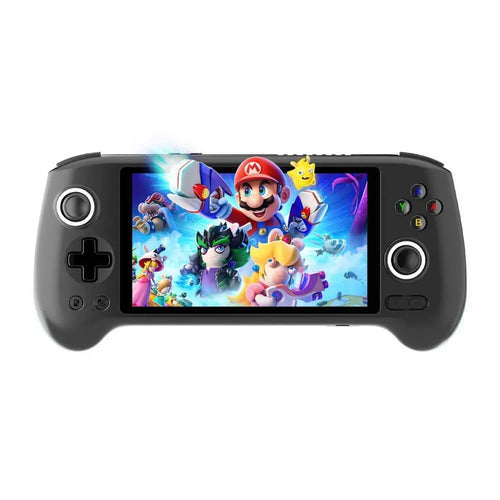
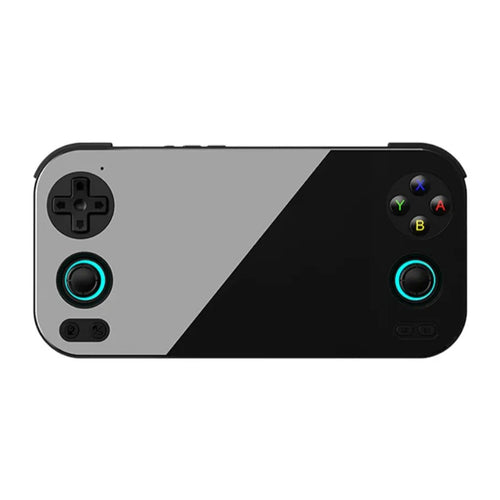
The first real step up sits around Android consoles with a Unisoc T820 and 8 GB of memory. The Anbernic RG556, whose spec sheet explicitly mentions GameCube emulation, combines a 5.48" 1080p AMOLED panel, active cooling and Hall effect joysticks. The Anbernic RG476H and the Anbernic RG Slide are built on the same platform, the first with a 4.7" 120 Hz LTPS screen, the second in a sliding format. The Anbernic RG406V, more compact with its 4" 960x720 screen, targets fans of the 4:3 format instead.
Versatility: the best balance
The Retroid Pocket 4 Pro is a very coherent choice: a Cortex-A78 core chip, 8 GB of memory, active cooling, Hall effect sticks and analogue triggers, all in a compact format with a 4.7" screen. The Retroid Pocket 5 moves up a level with a Snapdragon 865, 8 GB of memory and a 5.5" AMOLED screen; its spec sheet in fact directly cites the PS2, the GameCube and the PSP. The Retroid Pocket Flip 2 takes that configuration into a clamshell chassis, handy for carrying the console without having to protect the screen.
High-end: comfortable headroom
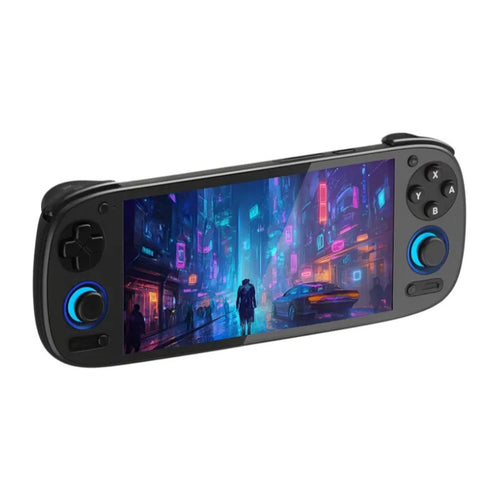
To take on the heaviest games or raise the render resolution, aim for the top of the range. The Anbernic RG557 combines a MediaTek Dimensity 8300 with 12 GB of LPDDR5X memory. The Anbernic RG477M takes that Dimensity 8300 with a 4.7" LTPS screen in 4:3 format at 1280x960 and a metal chassis, and the Anbernic RG 477V offers the same 4:3 format at 120 Hz under Android 14, with a fan and a heat pipe. The Retroid Pocket 6 and its Snapdragon 8 Gen 2 paired with a 120 Hz AMOLED screen represent the power benchmark among the retro consoles in this collection. Finally, the AYN Thor plays in another category: designed for demanding modern games, with Hall effect joysticks, active cooling and output to an external screen, it is the most ambitious machine in the selection.
Comparison table
| Model | System | Display | Usage profile |
|---|---|---|---|
| Anbernic RG406V | Android 13 | IPS 4" 960x720 (4:3) | Compact, entry into heavy emulation |
| Anbernic RG556 | Android 13 | AMOLED 5.48" 1080p | Large screen, USB-C video output |
| Retroid Pocket 4 Pro | Android | IPS 4.7" 1334x750 | Balance of size and power |
| Retroid Pocket 5 | Android | AMOLED 5.5" | Versatile high-end |
| Retroid Pocket Flip 2 | Android | AMOLED 5.5" 1080p | Clamshell format, protected screen |
| Anbernic RG477M | Android | LTPS 4.7" 1280x960 (4:3) | High-end in 4:3 format |
| Retroid Pocket 6 | Android | AMOLED 120 Hz | Maximum power in retro |
| AYN Thor | - | - | Modern games and demanding emulation |
Frequently asked questions
Are the consoles sold with GameCube games?
No. These are emulation devices sold without Nintendo licensed games. To stay within a legal framework, you must use copies of games you physically own, or royalty-free content and homebrew. We neither supply nor recommend any source of commercial ROMs. If a model is offered with a microSD card, ask the manufacturer about its exact contents.
Do all GameCube games work?
No, and that is the most important point on this page. Even on a recent Android console, GameCube compatibility varies by title: some run very well, others need tweaking, a few remain heavy. The more powerful the machine, the higher the proportion of comfortably playable games. If a specific game is driving your purchase, check its compatibility status before choosing your model.
Can a Linux console run the GameCube?
That is not their territory. The compact Linux consoles in the shop are built for 2D systems and earlier generations, where they are excellent and very easy on the battery. For the GameCube, you need the power and software flexibility of Android. We would rather say so clearly than let you discover the limit after buying.
How do I transfer my games to the console?
GameCube disc images are large, so plan for a microSD card with good capacity and good quality. On Android consoles, you can copy your files by USB cable from a computer, with a card reader, or over Wi-Fi depending on the applications installed. Store your files in a dedicated folder to make detection by the emulator easier.
What battery life should you expect in GameCube emulation?
Less than in 2D retro, inevitably: it is the most demanding use, and active cooling consumes power too. The Android models in the selection carry high-capacity batteries, but real battery life depends on the game, the brightness and the emulator settings. Lowering the render resolution is the most effective lever for gaining playing time.
Can I connect the console to a television?
On several models, yes, via the USB-C video output: the spec sheets of the Anbernic RG556 and the Anbernic RG476H mention a 1080p output, and the AYN Thor is presented as usable on an external screen. That is a particularly relevant use for the GameCube, whose games lend themselves well to the big screen. Check the spec sheet of the model you are interested in.
If the GameCube interests you, neighbouring systems probably do too. Browse our Android consoles, the only ones genuinely suited to heavy emulation, the Retroid Pocket range heavily represented here, or all of our retro handheld consoles. The comparison tool will help you decide between two similar models.