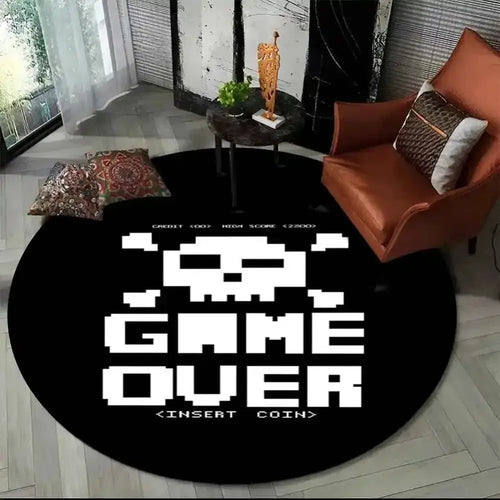
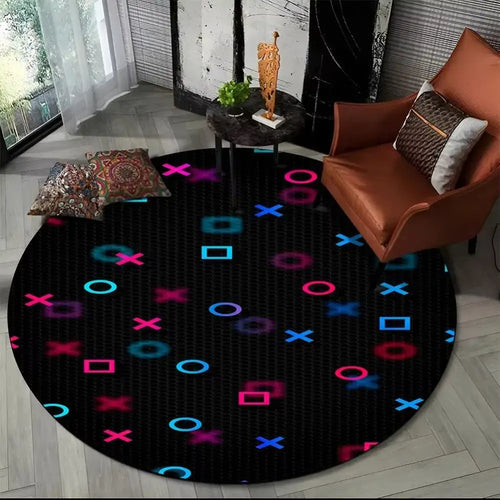
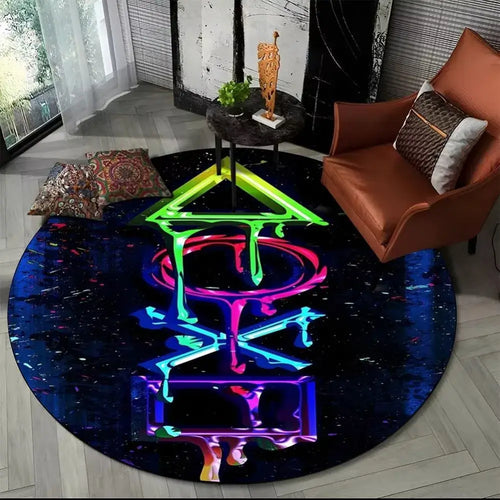
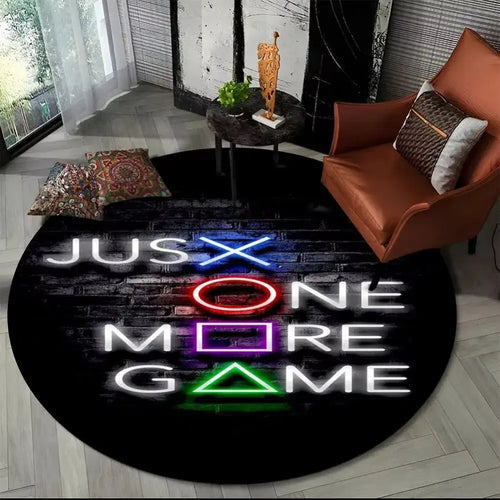
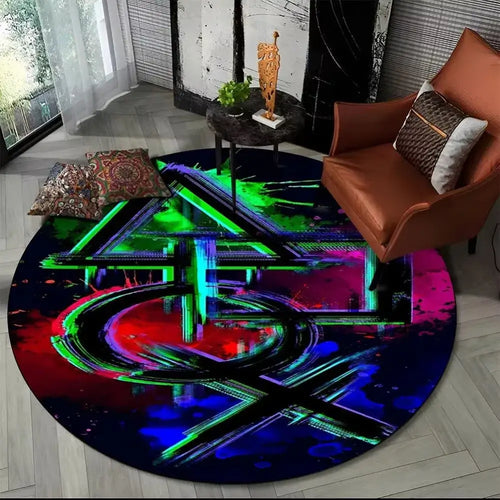
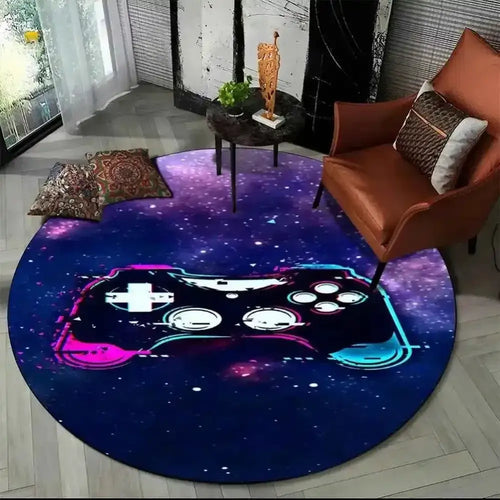
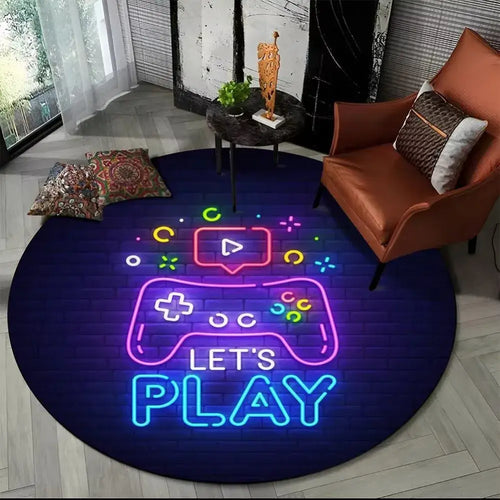
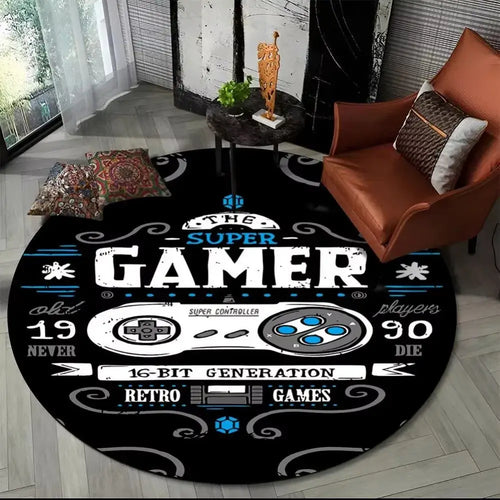
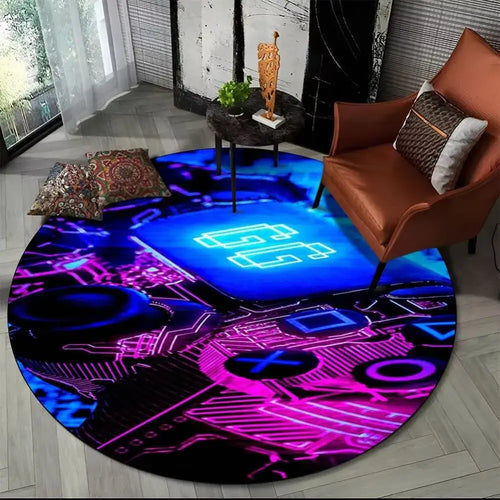
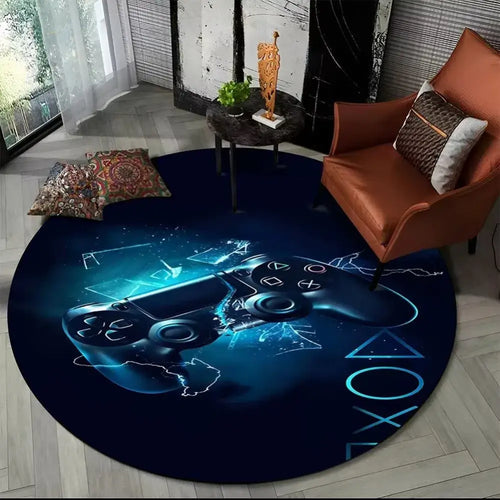
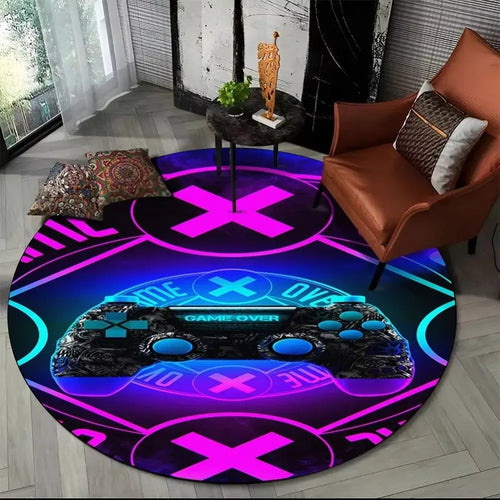
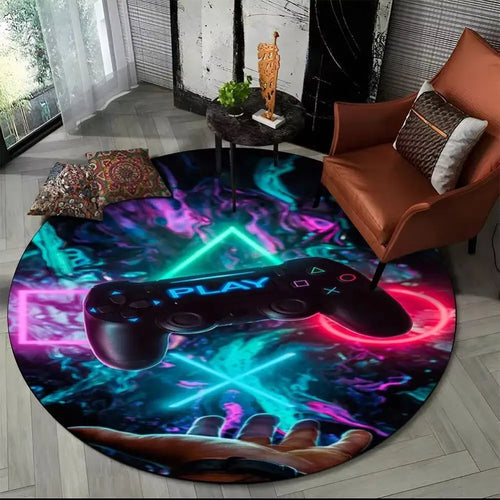
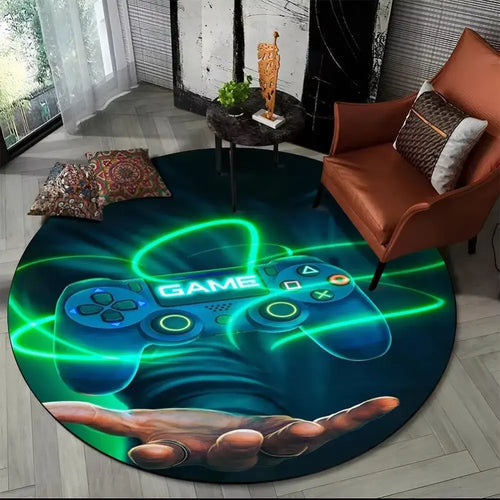
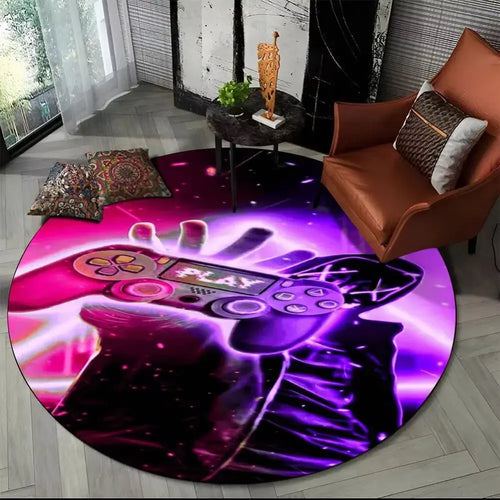
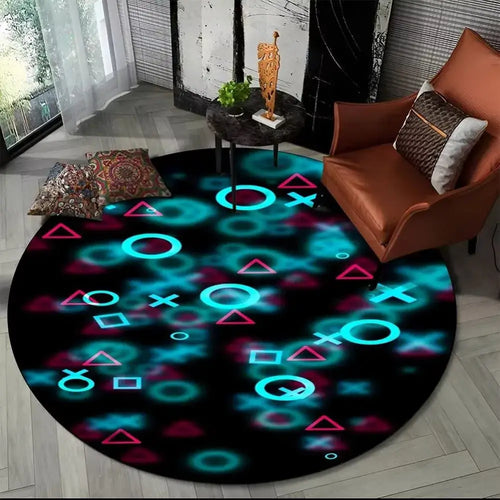
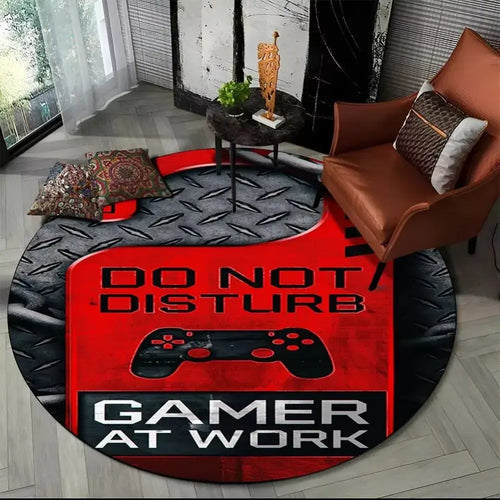
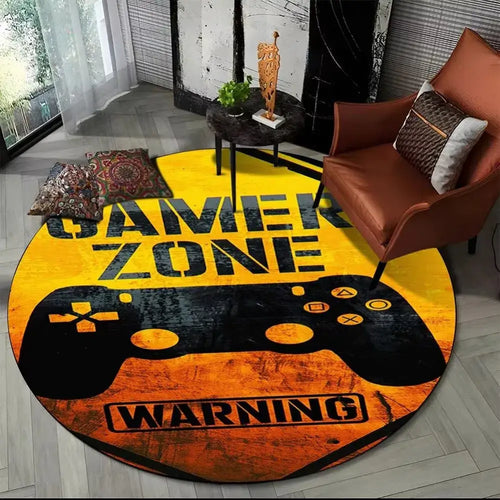
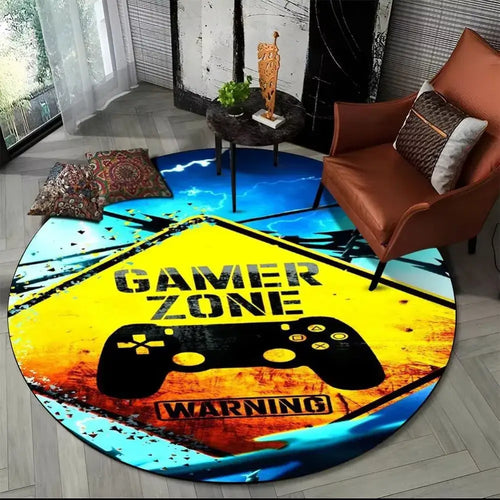
Gaming Floor Mats & Chair Mats
Add comfort and style to your setup with our gaming floor mats: sturdy, non-slip and available in varied designs, perfect for elevating your play space. A gaming floor mat first fulfils a very concrete mission: taking the back and forth of the chair casters, protecting hardwood or laminate from scratches, and softening rolling noise. The PopMyPad collection interprets this practical format in round, colourful versions designed to blend visually with the rest of the setup.
Choosing the right floor mat
Actually protecting the floor
A gaming chair concentrates sixty to a hundred kilos on five casters of a few square centimetres each. On floating hardwood, laminate or vinyl, that pressure leaves rolling marks within months, especially along the desk-to-door line you travel dozens of times a day. The mat spreads the load, absorbs the micro-debris stuck in the casters that is the real cause of scratches, and limits the noise carried to the floor below.
Formats and diameters
- Round: the most common format, between 100 and 140 cm in diameter. It follows the area covered by a swivel chair.
- Rectangular: suited to corner desks or desks against a wall, where movement is sideways.
- Large size: beyond 140 cm, you also cover the walkway and the footrest.
A good benchmark: sit down, roll back as if to stand up, and measure the distance travelled by the chair base. Add twenty centimetres of margin. That is your minimum diameter.
Surface, thickness and finish
The surface determines how smoothly the casters roll. A fine-weave fabric offers a smooth contact on which casters glide without catching. A coarse weave grips more: it stabilises the chair but takes more effort. Hard surfaces, in polycarbonate or PVC, are very fast and waterproof, but cold underfoot.
Thickness reads differently from that of a desk mat. At 2 mm, the mat stays very flat and gets in no door's way, but cushions little. At 3 mm, you gain real acoustic padding and a pleasant contact underfoot. At 4 mm, cushioning is at its maximum, with a trade-off: the casters sink in slightly and the chair takes more push.
The non-slip rubber base is the critical point in this category. A floor mat that slides under the chair becomes a fall risk and ripples with every rotation. The rubberised backing pins the mat to a hard floor; on thick carpet, grip is weaker and a heavy model is the way to go. Stitched edges, sewn all the way around, stop the perimeter from fraying under repeated caster traffic and from curling up into a lip you trip over.
And on the mouse pad side
Two criteria concern only the desk surface. Sensor compatibility: modern fabrics work with an optical sensor as well as a laser, only very glossy surfaces sometimes causing trouble. RGB backlighting: an LED strip powered by USB cable lights the outline, with several modes and zones. These features belong to the mouse pads section, not to a floor mat, which is a passive accessory.
Which size for which use
The reasoning differs with the space available. On a compact setup, in a bedroom or a corner of the living room, a 100 cm round mat is enough to cover the pivot zone without taking over the room. It protects the square travelled by the casters during a session and stores away easily.
In a dedicated space, with a deep desk and a high-back chair, you need to think bigger. A player who rolls back between two games or uses a footrest easily covers 130 to 150 cm of travel. An undersized mat lets the rear casters drop back onto the floor, with an unpleasant bump.
Measure before buying. Note the clear depth between the edge of the desk and the wall or furniture behind you, then the width available without blocking a door or a radiator. Check the clearance under doors, as a thick mat can rub, and mark out the circle with tape: a 140 cm round takes up far more room than you would imagine.
Our selection
The round formats
This is the heart of the range. The round gaming floor mat with durable geek design, the round design and style model and the round performance and geek style mat share the same circular coverage logic.
Everyday comfort
For long sessions, the comfortable round gaming floor mat and the round geek-look mat combining comfort and durability put the emphasis on contact with the floor.
Durability and heavy use
The ultra-durable gaming floor mat, the essential hard-wearing model and the rugged design target heavily used setups.
Easy care and colour
The washable gaming floor mat makes cleaning easier, while the colourful round mat and the hard-wearing colourful model bring the graphic touch.
Comparison table
| Model | Universe | Format | RGB | Surface |
|---|---|---|---|---|
| Round gaming floor mat with durable geek design | - | Round | Not stated | - |
| Comfortable round gaming floor mat | - | Round | Not stated | - |
| Ultra-durable gaming floor mat | - | Not stated | Not stated | - |
| Washable gaming floor mat | - | Not stated | Not stated | Washable |
| Colourful round gaming mat | - | Round | Not stated | - |
| Round gaming floor mat for performance and geek style | - | Round | Not stated | - |
Frequently asked questions
How do I clean a gaming floor mat?
Vacuum first on low power to remove dust and crumbs, the main culprits behind scratches under the casters. Treat stains locally with a sponge, lukewarm water and mild soap, then rinse with a damp cloth so no sticky residue is left. Dry flat, in open air, without a tumble dryer or heat source, which deform the rubber base.
How do I get the creases out of a mat delivered rolled up?
Unroll it and leave it flat for twenty-four to forty-eight hours, decorative side up. The weight of the chair often speeds up the process. For edges that lift, put books on them overnight. Never an iron or a hairdryer: direct heat marks the surface and can unstick the backing.
Does an RGB mat use much power?
No, and the question concerns desk mats rather than floor mats. The lit outline runs on USB-powered LEDs, a few watts at most, the equivalent of a backlit keyboard. The impact on your bill is negligible. The only constraint is practical: a USB port taken up and a cable to route tidily.
What is the difference between an XXL mouse pad and a desk mat?
The XXL mouse pad, around 900 x 400 mm, is sized for the gaming gesture: it takes keyboard, mouse and a comfortable margin for sweeping. The desk mat covers the whole desktop, including the depth in front of the screen, and also serves as a writing surface. Neither replaces a floor mat, whose function is something else entirely.
How long does a floor mat last?
Longer than a desk mat, because wear is spread over a large surface. Expect several years with daily use, the most heavily used area being the chair's roll-back corridor. Stitched edges and how well the rubberised backing holds up determine most of the lifespan, and regular vacuuming avoids abrasion from particles.
Going further
To complete the protection of your setup, the mouse pads and XXL mouse pads sections cover the desk surface. For peripherals and finishing touches, explore the gaming accessories.