Description complète
THEQUICKSHOT II: the joystick of the 1980s, now USB and microswitched
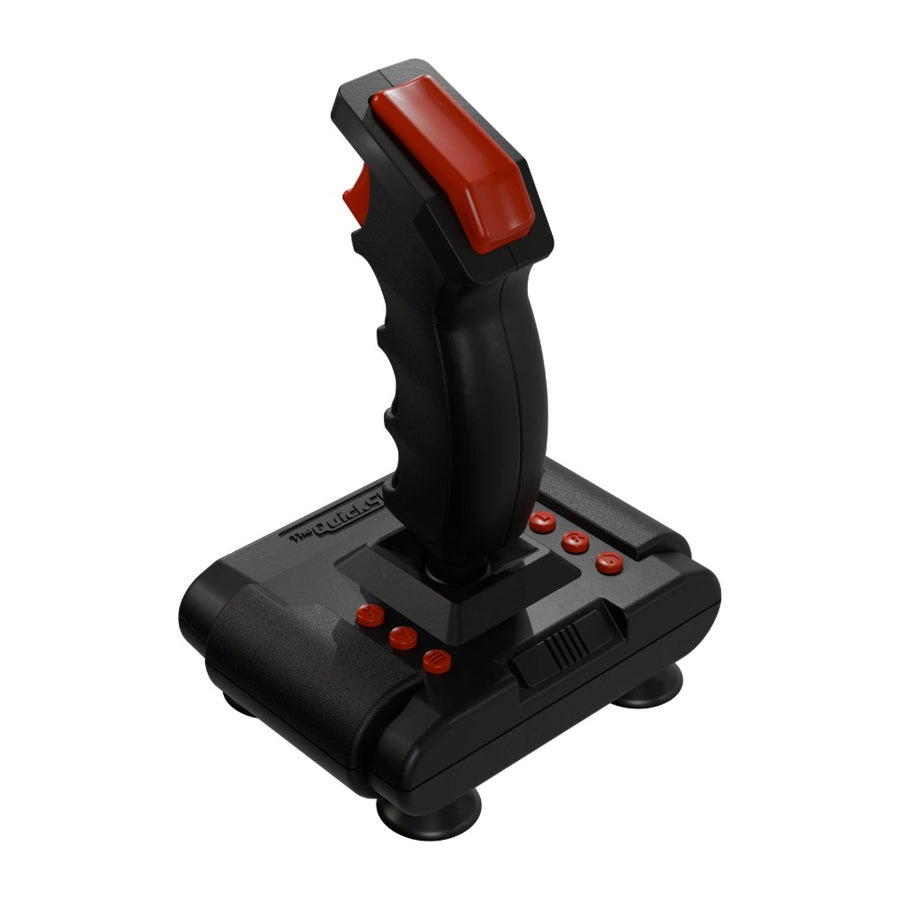
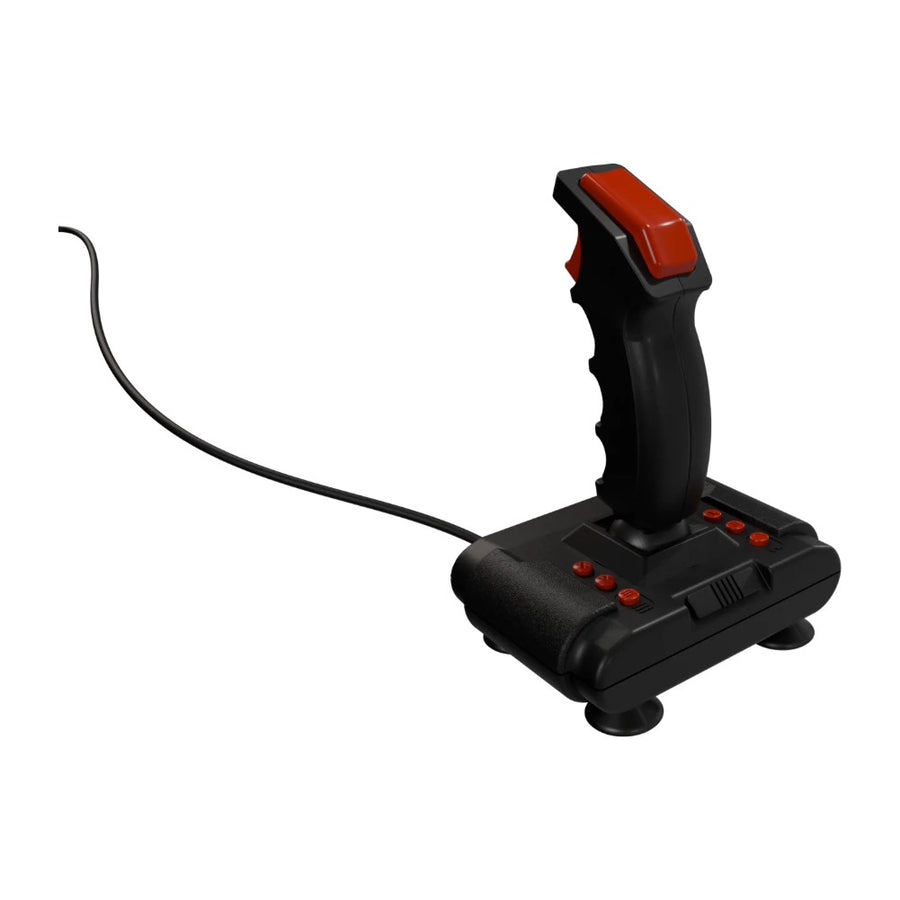
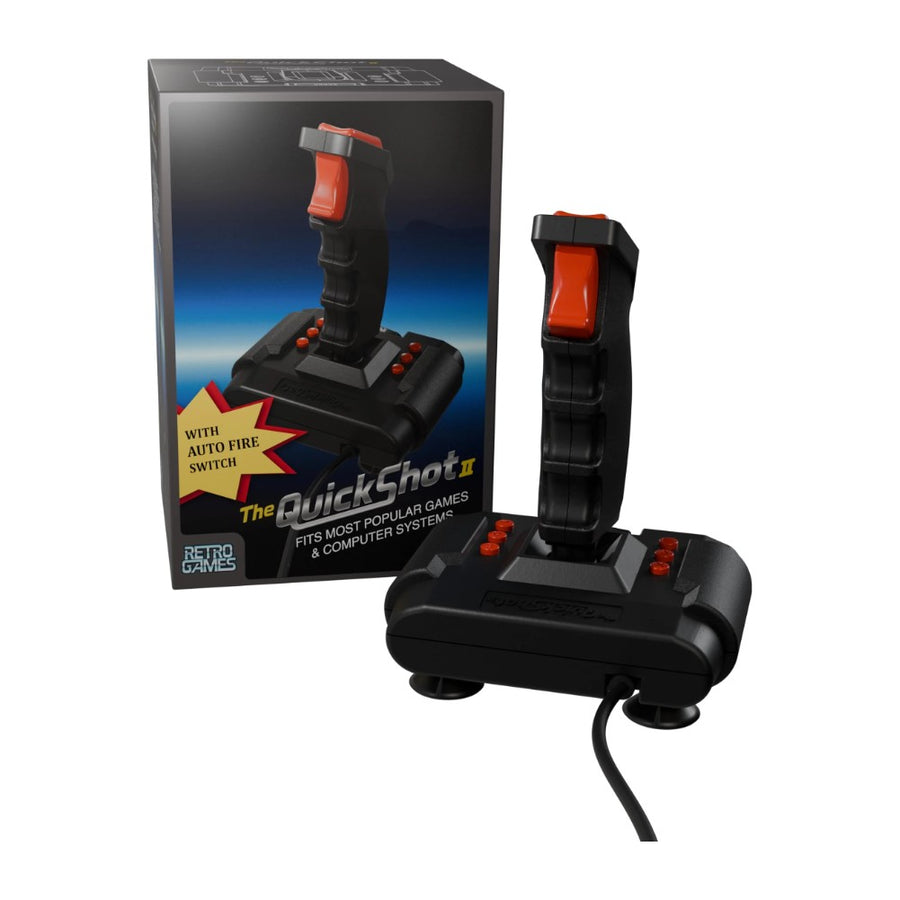
THEQUICKSHOT II is Retro Games' reissue of the Quickshot II joystick from the early 1980s. The silhouette is the same, black with red buttons, but the inside has changed: all-microswitch construction, a floating ball joint for eight directions, eight buttons including two fire buttons, an auto-fire switch and a 1.8 m USB-A cable. It is designed for Retro Games machines: THEC64, The Spectrum, THEA500 Mini.
What it does
- 8 buttons: two fire buttons on the stick, six action and function buttons on the base.
- All-microswitch: microswitches for the directions as well as for the buttons.
- Floating ball joint: eight directions of movement.
- Auto-fire: a dedicated switch for rapid fire.
- Stabilising suction cups: the base stays put on the table.
- 1.8 m USB-A cable: plug it straight in, no installation.
What it doesn't do
- No 9-pin joystick port: it plugs into neither an original Commodore 64 nor an original Amiga.
- Wired only: no wireless connection.
- On THEC64, THEC64 Mini and THEVIC20, a compatibility mode must first be enabled (X, Y, L and R held for three seconds).
- Beyond Retro Games machines, the manufacturer advertises compatibility with “most games and systems” without publishing a list: nothing is guaranteed on PC, Mac or console.
- This is not an arcade stick: it is a desktop joystick with a handle, designed for retro computer games.
Compatibility
Confirmed by the manufacturer: THEC64, THEC64 Mini and THEVIC20, with the compatibility mode enabled. Advertised at launch: The Spectrum and THEA500 Mini. Not compatible with original computers using a 9-pin joystick port.
Getting started
Plug the USB-A cable into a USB port on the machine. On THEC64, THEC64 Mini or THEVIC20, hold X, Y, L and R down for three seconds to switch to compatibility mode; this setting is only needed on that range. The suction cups attach to a smooth surface.
In the box
- 1 THEQUICKSHOT II joystick with 1.8 m USB-A cable
See also: our retro controllers and official and legal retro gaming.
THEQUICKSHOT II — USB joystick with 8 buttons, microswitches and auto-fire
The Quickshot II joystick reissued by Retro Games: 8 buttons, microswitches, auto-fire and a 1.8 m USB cable.
Ce qu’il y a dedans
- USB-A (1.8 m cable)
En stock
📦Delivery in 10 to 18 days · ships within 3 to 5 days
ℹÀ partir de 150 €, la livraison s’effectue en Point Relais.
- 🇫🇷SAV français
réponse sous 1 jour ouvré - 🛡Garantie légale
2 ans - ↩14 jours
pour changer d’avis - 🔒Paiement sécurisé
CB · PayPal · Klarna
The period silhouette, today's components
The Quickshot II accompanied a generation of players on 8-bit computers. Retro Games keeps its shape and its colours, black and red, but replaces the inside: microswitches for the directions and the buttons, a floating ball joint and an auto-fire switch. The suction cups on the base keep it in place on the table.
Designed for Retro Games machines
THEQUICKSHOT II is first and foremost the joystick for the Retro Games reissues. On THEC64, THEC64 Mini and THEVIC20, a compatibility mode is enabled by holding four buttons for three seconds. The Spectrum and THEA500 Mini are advertised as compatible at launch. A 1.8-metre cable leaves enough slack to reach the sofa.
What it does not replace
It does not plug into an original Commodore 64 or Amiga: there is no 9-pin port. It is not wireless, and the manufacturer publishes no PC or console compatibility list. It is a desktop joystick with a handle, not an arcade stick: for fighting games, a stick with a lever and flat buttons will suit better.
What this controller can do
Verified manufacturer specifications · vérifié le
Ce qu’elle fait bien
- 8 buttons including 2 fire buttons
- All-microswitch construction
- Auto-fire
- Stabilising suction cups
- 1.8 m USB-A cable
Ce qu’elle ne fait pas
- No 9-pin port for an original C64 or Amiga
- Wired only
- Compatibility mode to enable on THEC64
- PC compatibility not documented
Voir toute la fiche technique+
Contrôle
- Croix directionnelle
- 8-direction stick on a ball joint, microswitches
Connectique
- USB-A (1.8 m cable)
Frequently Asked Questions
🖥️ Which machines does it work with?
The manufacturer confirms THEC64, THEC64 Mini and THEVIC20, with the compatibility mode. The Spectrum and THEA500 Mini are advertised at launch. Beyond that, Retro Games refers to “most systems” without a list.
⚙️ Is a setting needed on THEC64?
Yes: hold X, Y, L and R down for three seconds to enable the compatibility mode. This setting only applies to the THEC64 range.
🔫 How many buttons does it have?
Eight: two fire buttons on the stick and six action and function buttons on the base, plus an auto-fire switch.
🕹️ Does it plug into an original Commodore 64 or Amiga?
No. It connects over USB and has no 9-pin joystick port.
💻 Does it work on a PC?
The manufacturer publishes no PC compatibility list. It plugs in over USB, but its operation on a computer or an emulator is not guaranteed.
📡 Is it wireless?
No, it is wired, with a 1.8-metre USB-A cable.
🚚 What are the delivery times?
Delivery in 10 to 18 days, ships within 3 to 5 days.
🛡️ What guarantee applies?
2-year legal guarantee of conformity. 14-day returns.
Why buy here rather than on a marketplace
It is a fair question. Here is the answer, straight.
Every listing is checked before publication: platforms actually supported, stick technology, connectivity, what the controller does not do. Many models never make it into the catalogue.
A question, a pairing problem, a return: you write, a human replies within 1 business day. In French.
The 2-year legal warranty of conformity is handled by us — not by a form on the other side of the world. And 14 days to change your mind, with no need to justify yourself.
We do not claim to be the cheapest. We claim that you will know exactly what you are buying before you pay.
Read this before choosing
Our guides to controllers and what they can drive.

Pixel art: create your own designs for a Divoom display
Grid size, number of colours, outlines, animation: the guide to getting started in pixel art and displaying your own creations on a Divoom display.
2 min de lecture · publié le

Divoom pixel art speakers: which one should you choose?
Astrotoo, Ditoo-Pro, FlowToo, Tiivoo-2, Timebox-Evo, MiniToo, Fairy-OK: the seven Divoom speakers compared, by use and budget.
2 min de lecture · publié le

Times Frame or Times Frame Pure: which Divoom floating photo frame should you choose?
64 or 32 GB, three colours or just one, a dial or not: the real differences between the Times Frame and Times Frame Pure…
1 min de lecture · publié le