Game Boy Color Consoles – Flawless Game Boy Color emulation
Pokémon Gold, Silver and Crystal, The Legend of Zelda: Link's Awakening DX, Oracle of Seasons and Oracle of Ages, Wario Land 3, Metal Gear Solid, Shantae … This selection brings together the Game Boy Color emulation handhelds available from us. Whether you are looking for a console to replay Pokémon on the go, rediscover the colourised classics of the late 90s or simply want an affordable portable retro device, you will find Anbernic, Miyoo and Retroid Pocket models suited to this system here.
Why emulate the Game Boy Color on a handheld
The Game Boy Color had a short career, from 1998 to 2001, but one of rare density. It is the console of the second Pokémon generations, of two Zelda titles crafted by Capcom, of the best Wario Land, and of a few technical feats that have stayed famous, such as Konami's Metal Gear Solid. Many of those titles have never been comfortably playable since.
The original hardware indeed poses the same problems as the Game Boy: no backlight at all, which makes the screen almost unreadable as soon as the light drops, batteries to replace, and above all cartridges whose internal save battery is now reaching the end of its life. On the second-generation Pokémon games, that battery drives the internal clock: when it dies, the day/night cycle and every event depending on it stop working.
A modern retro handheld solves all of that: bright IPS display, USB-C charging, instant save states whenever you want, rewind, and your entire library on a single microSD card. You also get the ability to apply filters that reproduce the look of the original panel or, on the contrary, show crisp, vivid colours.
What you need for good Game Boy Color emulation
The Game Boy Color is one of the easiest systems to emulate in existence. Absolutely every retro handheld sold today, including the most affordable Linux models, runs it at full speed without the slightest effort. Power is therefore never a criterion here. What matters is comfort.
- The aspect ratio. Like the Game Boy, the GBC displays 160×144, close to 10:9. On a 4:3 screen, the image is tall and fills nearly the whole panel: the best suited format. On a 16:9 screen, it is necessarily surrounded by wide black bars on the sides. On a square screen, it is centred with excellent use of the surface.
- The quality of the panel. The GBC is a colour system: colour accuracy and contrast matter more than resolution. A well-laminated IPS panel makes all the difference, and an AMOLED screen gives deep blacks that flatter darker games.
- The buttons. The GBC only uses the D-pad, A, B, Start and Select. No joystick, no triggers. The quality of the D-pad is therefore the most important point: it is your only control, and the console's Zelda games demand precision.
- Battery life. On 8-bit, the processor is barely taxed. The model, the screen size and the battery capacity determine how long a session lasts, not the game.
- The operating system. Linux boots in a few seconds straight into the game list, which is perfectly sufficient for the GBC. Android is only of interest if you are also aiming at far heavier systems.
Which console to choose from our selection
For a small budget and pure retro use
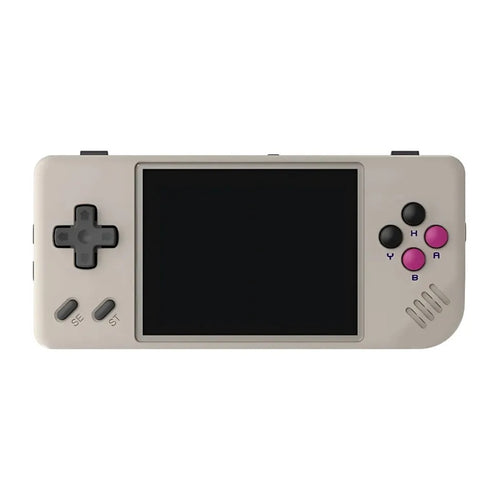
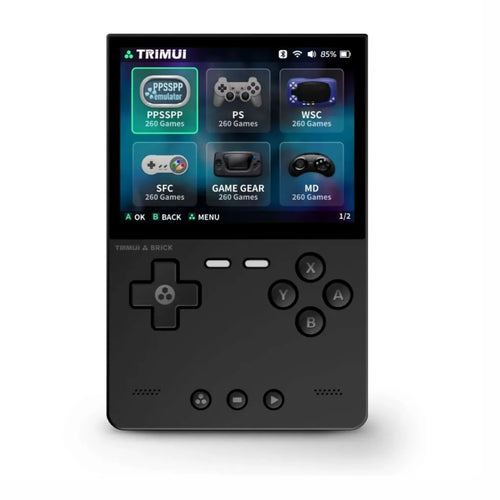
This is the most common case, and the least expensive. The MIYOO Mini Plus remains a benchmark in the pocket format, with a 3.5" IPS display at 640×480 and a 3000 mAh battery rated for 5 to 6 hours of continuous play. The Anbernic RG35XX Pro offers the same diagonal in a vertical chassis inspired by period consoles, with a laminated screen and an H700 chip. Both models cover the entire Game Boy Color library with no reservations whatsoever.
For everyday comfort
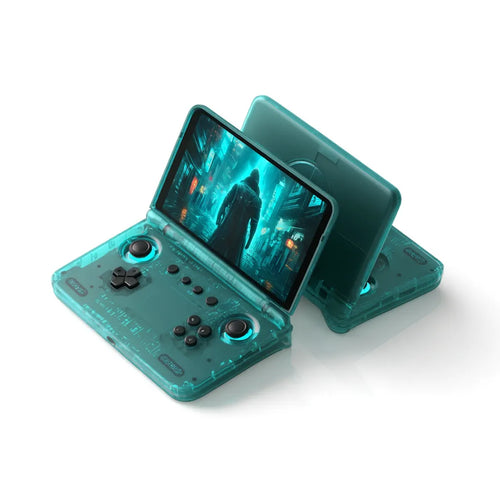
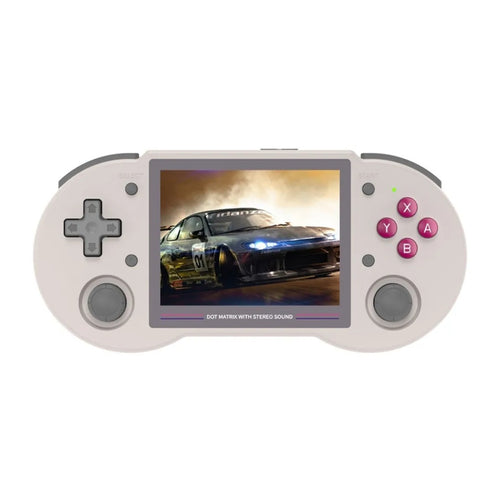
If you play for long stretches, ergonomics come first. The Anbernic RG35XX H takes the RG35XX Pro's base into a horizontal, controller-style format that is easier on the hands. The Anbernic RG40XX H moves up to a 4" IPS display at 640×480 with a 3200 mAh battery rated up to 6 hours. And the Anbernic RG35XXSP, with its clamshell format directly inspired by the Game Boy Advance SP, protects its screen when closed: the model closest to the original feel.
For high-end and versatility
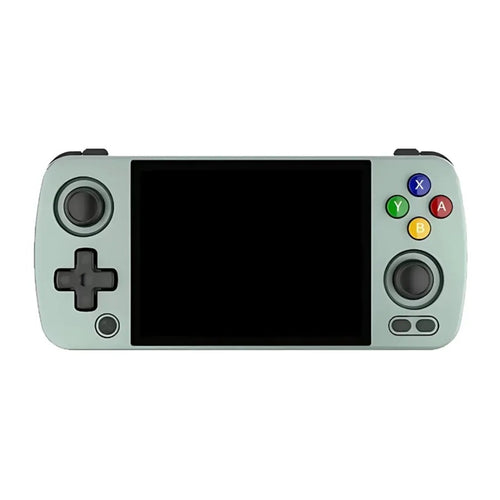
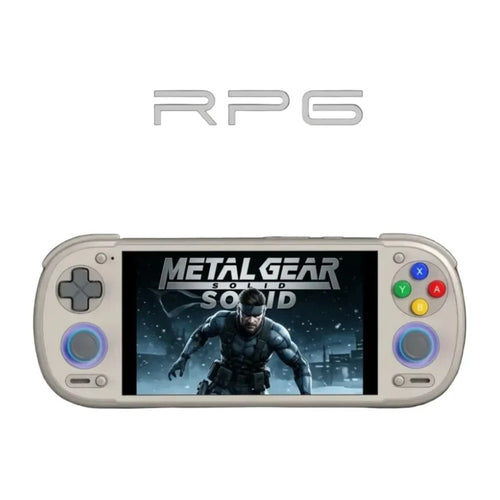
Buying a high-end console solely for the Game Boy Color would make no sense: these machines are designed for far heavier systems. They remain relevant if the GBC is only part of your programme. The Anbernic RG 477V combines Android 14, a 4.7" LTPS display at 120 Hz in 4:3 format and active cooling: that 4:3 ratio is precisely ideal for 2D retro. The Retroid Pocket 6, with its Snapdragon 8 Gen 2 and its 120 Hz AMOLED screen, represents the peak of the selection.
Comparison table
| Console | System | Display | Aspect ratio | Usage profile |
|---|---|---|---|---|
| MIYOO Mini Plus | Linux | IPS 3.5" 640×480 | 4:3 | Pocket format, small budget |
| Anbernic RG35XX Pro | Linux | IPS 3.5" 640×480 | 4:3 | Classic vertical format |
| Anbernic RG35XX H | Linux | IPS 3.5" 640×480 | 4:3 | Controller format, comfort |
| Anbernic RG35XXSP | Linux | IPS 3.5" | 4:3 | Clamshell, protected screen |
| Anbernic RG40XX H | Linux | IPS 4" 640×480 | 4:3 | Larger screen, 3200 mAh |
| Anbernic RG 477V | Android 14 | LTPS 4.7" 120 Hz | 4:3 | Versatile, retro format |
| Retroid Pocket 6 | Android | AMOLED 120 Hz | – | High-end, all systems |
Frequently asked questions
Do the consoles come with Game Boy Color games?
No. These are emulation devices sold without Nintendo games, and no licensed title is supplied by us. You must use backups of cartridges you legally own, or homebrew and royalty-free content. The homebrew scene is still active on Game Boy Color and regularly releases perfectly legal original games.
Is it legal to use Game Boy Color ROMs?
The emulator itself is legal. Under French law, private copying requires that you own the original and that the copy be made by you, for your personal use. Downloading the ROM of a game you never bought remains an infringement, even if the title has not been sold for twenty years. We neither supply nor recommend any source of ROMs.
How do I put my games on the console?
The standard method is to remove the microSD card, connect it to a computer with a card reader, then copy your files into the system folder, usually named GBC. On models with Wi-Fi, wireless transfer over the local network is often available. Game Boy Color files weigh a few hundred kilobytes: card capacity is never an issue.
What battery life can you expect?
On an 8-bit system, the processor works very little: the model, the screen diagonal, its brightness and the battery capacity determine battery life. Manufacturers state figures in the region of five to eight hours of retro use depending on the model. Small Linux consoles generally last longer than large Android models.
Is it suitable for a child?
Compact Linux consoles are particularly well suited: they boot straight into the game list, with no browser, no store and no forced connection. An adult prepares the microSD card once and for all. Android models are more open and require parental configuration. Finally, check the size of the console, as the most compact models have small buttons.
Linux or Android for the Game Boy Color?
For this system, Linux is the most rational choice: cheaper, near-instant boot, an interface entirely dedicated to retro and better battery life. Android only brings a real gain if you also want to emulate demanding 3D consoles, install applications or use the newest emulators. For the GBC alone, the extra power will go unnoticed.
To continue your search, browse all our retro handheld consoles, the range of Anbernic consoles widely represented on this system, or our cases and sleeves to carry your console safely.