Super Nintendo Consoles
Looking for a handheld console for Super Nintendo emulation means looking for something very specific: a 4:3 screen, a reliable D-pad, four face buttons and two shoulder buttons. Nothing more. The SNES is among the simplest systems to emulate, and that changes everything: even the entry-level models in this selection reproduce Nintendo's 16-bit machine faithfully. This page helps you choose the machine suited to your use and your budget.
Why emulate the Super Nintendo on a handheld
The Super Nintendo produced a library that has not aged a day, because it rests on hand-drawn pixel art rather than ageing 3D. Super Mario World, The Legend of Zelda: A Link to the Past, Super Metroid, Chrono Trigger, Final Fantasy VI, Donkey Kong Country, Super Mario Kart, Street Fighter II Turbo, Secret of Mana or Super Castlevania IV read just as well today as they did in 1993.
The handheld format suits them particularly well: these are games designed for split sessions. Emulation adds two comforts, the save state, which lets you interrupt a game at any moment, and rewind, valuable in the demanding passages of the platformers of the era.
What you need for good Super Nintendo emulation
Let us be direct: the Super Nintendo is an undemanding system. The processors in current retro consoles, including the Allwinner H700 or A133 chips of entry-level Linux models, have ample headroom. The question is therefore not raw power, but comfort. Here is what really matters:
- The screen format. The SNES outputs in 4:3. On a 16:9 screen, the image is either surrounded by black bars at the sides or stretched. A 4:3 (or square) screen makes better use of the panel. It is a real criterion for anyone playing exclusively in 2D.
- The D-pad. It is the main control on SNES. A D-pad that is too soft or too domed spoils fighting and platform games far more than a slightly underpowered processor.
- The buttons. You need four face buttons in a diamond layout plus L and R. Every console in this selection has them; analogue sticks, on the other hand, serve no purpose on this system.
- Display filters. Most interfaces offer scaling filters and scanlines, useful when the screen resolution is not an exact multiple of the original one.
- Some games with an add-on chip (titles using the Super FX such as Star Fox or Yoshi's Island, or the SA-1) are heavier to emulate than average. They generally run very well, but they are the ones to test first if you notice slowdown.
Which console to choose from our selection
Small budget: the essentials of 16-bit
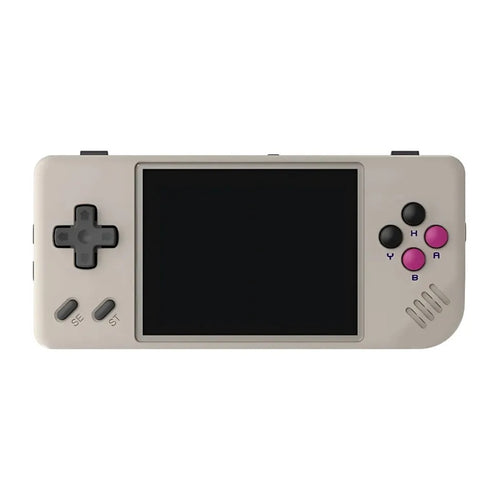
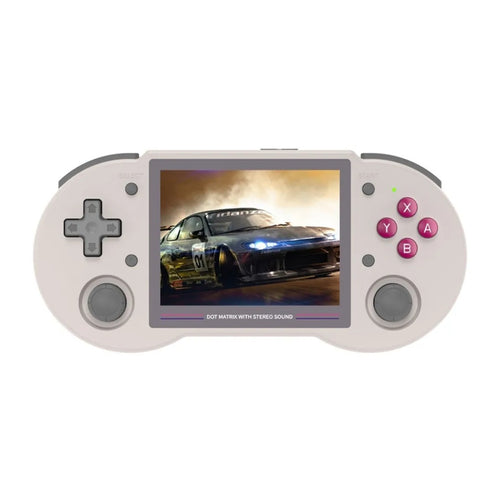
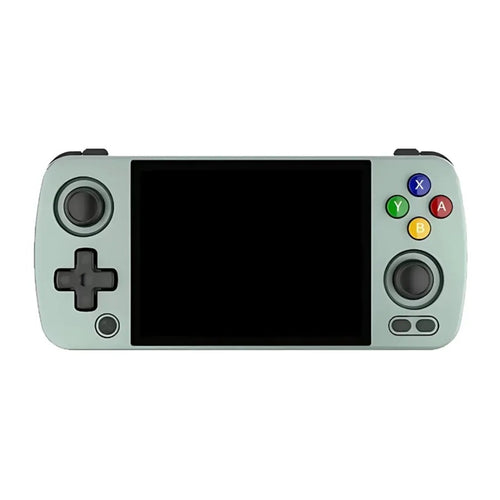
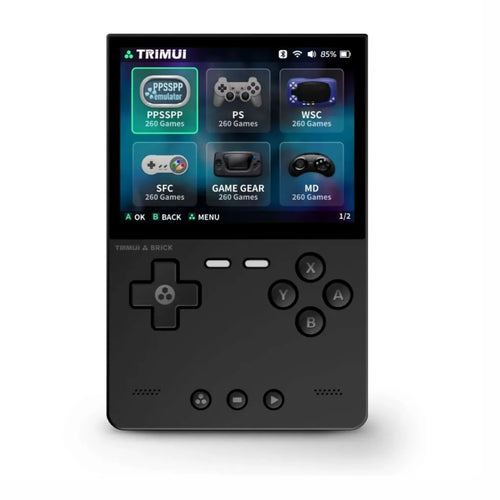
To play the SNES and systems of the same generation, compact Linux machines offer the best enjoyment-to-price ratio. The MIYOO Mini Plus and its 3.5" IPS screen at 640x480 is one of the most popular of its kind; its spec sheet indicates explicit SFC support and a 3000 mAh battery rated for 5 to 6 hours. The Anbernic RG35XX Pro uses the same 4:3 screen format with an H700 chip and an old-school vertical design. The Anbernic RG35XX H offers the same base in a horizontal chassis with grips, more comfortable for long sessions. The TRIMUI Brick, finally, relies on a particularly dense 3.2" 4:3 screen at 1024x768, designed for 2D retro.
Versatility: the SNES and much more
If you want the Super Nintendo but also more recent systems, move up a level. The Anbernic RG 40XXV and the Anbernic RG40XX H move to a 4" 4:3 screen with battery life rated up to 6 hours. The Anbernic RG CubeXX and its square 3.95" screen is an original choice that makes excellent use of 4:3 games. The TRIMUI Smart Pro and the TRIMUI Smart Pro S adopt a 4.96" 720p screen in 16:9 format: less optimal for the SNES alone, but excellent as soon as you widen your library.
High-end: Android and maximum comfort
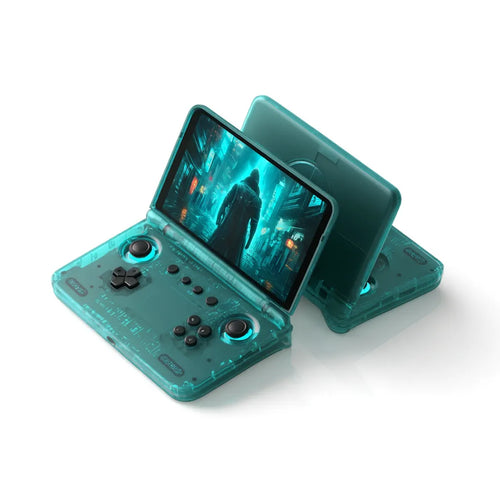
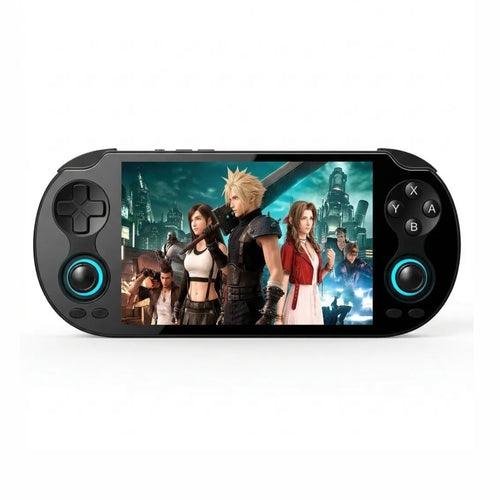
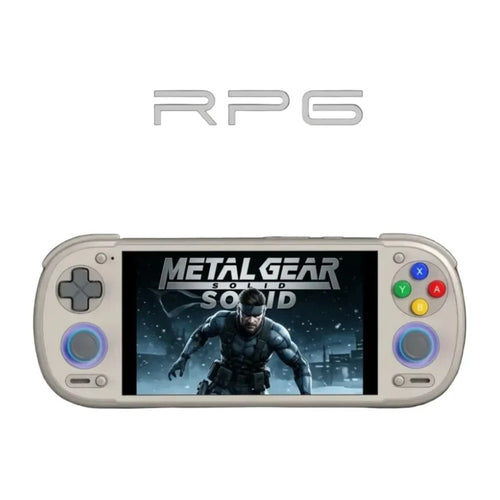
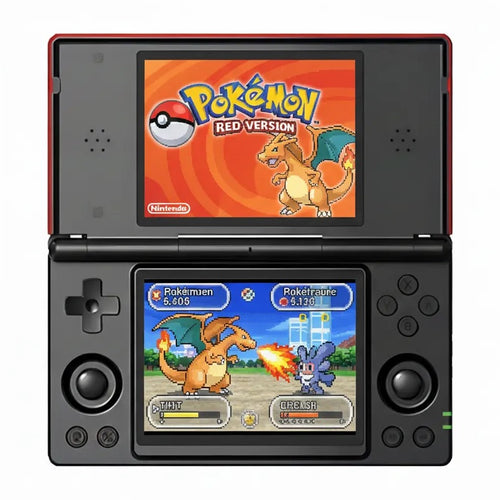
Android consoles are not necessary for the SNES, but they bring a better screen, a richer interface and access to heavy systems. The Anbernic RG 477V combines a 4.7" 120 Hz LTPS screen in 4:3 format with Android 14: the best compromise in the selection for anyone wanting high-end without sacrificing the original aspect ratio. The Anbernic RG556 relies on a 5.48" 1080p AMOLED panel and a USB-C video output. The Retroid Pocket 4 Pro offers a 4.7" screen and active cooling, while the Retroid Pocket 6 and its 120 Hz AMOLED panel target players who want a single machine for everything. Finally, some distinctive formats: the Anbernic RG Slide with a sliding keyboard, the clamshell Retroid Pocket Flip 2, the dual-screen Anbernic RG DS and the Anbernic RG VITA in a format inspired by Sony consoles.
Comparison table
| Model | System | Display | Usage profile |
|---|---|---|---|
| MIYOO Mini Plus | Linux | IPS 3.5" 640x480 (4:3) | Small budget, ultra-compact, pure 2D |
| Anbernic RG35XX Pro | Linux | IPS 3.5" 640x480 (4:3) | Entry level, vertical format |
| TRIMUI Brick | Linux | IPS 3.2" 1024x768 (4:3) | Very dense screen, 2D retro |
| Anbernic RG40XX H | Linux | IPS 4" 640x480 (4:3) | Versatile, horizontal format |
| Anbernic RG CubeXX | 64-bit Linux | IPS 3.95" square | Original format suited to 4:3 |
| TRIMUI Smart Pro | Linux | IPS 4.96" 1280x720 (16:9) | Large screen, wide library |
| Anbernic RG 477V | Android 14 | LTPS 4.7" 120 Hz (4:3) | High-end in 4:3 format |
| Retroid Pocket 6 | Android | AMOLED 120 Hz | Versatile high-end |
Frequently asked questions
Are the consoles sold with Super Nintendo games?
Our consoles are emulation devices sold without Nintendo licensed games. To stay within a legal framework, you must use backups of games you physically own, or royalty-free content and homebrew, which is widely available and often excellent. We neither supply nor recommend any source of commercial ROMs. Some consoles are offered with a microSD card: ask the manufacturer about its exact contents.
Do all Super Nintendo games work?
SNES compatibility is excellent today, and the vast majority of the catalogue runs without problems on the machines in this selection. The exceptions mainly concern games with an add-on chip, such as the Super FX titles, which are more demanding than average. They generally run well, but they are the first to test if you encounter slowdown on an entry-level model.
How do I transfer my games to the console?
The principle is the same everywhere: you copy your files to the microSD card, into the folder matching the system. On Linux consoles, simply remove the card and connect it to a computer with a reader. On Android models, you can often go through a USB cable, or even Wi-Fi. Plan for a quality microSD card: it determines the stability of the whole thing.
What battery life should you expect?
It depends on the model, the brightness and the system emulated. Compact Linux consoles generally state several hours of play in 2D: the MIYOO Mini Plus indicates 5 to 6 hours with its 3000 mAh battery, the Anbernic RG40XX H up to 6 hours with 3200 mAh. Android models have larger batteries but consume more. SNES emulation remains, in any case, one of the least demanding uses.
Can I connect my console to a television?
That depends on the model and is worth checking before buying. Several Android consoles in the selection offer video output over USB-C: the spec sheets of the Anbernic RG556 and the Anbernic RG476H explicitly mention a 1080p output. The small Linux consoles do not all have that option. Check the product page of the model you are interested in for confirmation.
Linux or Android, which to choose for the SNES?
For the Super Nintendo alone, Linux is amply sufficient and has real advantages: near-instant boot, a game-focused interface, often better battery life, a lower price. Android becomes interesting if you also want more recent systems, applications, game streaming services or a wider choice of emulators. It is a trade-off between simplicity and versatility, not a question of SNES quality.
The Super Nintendo often serves as a gateway to the rest of retro gaming. Browse all our retro handheld consoles, the simple and effective models in the Linux retro consoles range, or the Anbernic consoles, heavily represented here. Also think about the microSD card: it makes the difference between a pleasant console and a temperamental one.