Game Boy Consoles
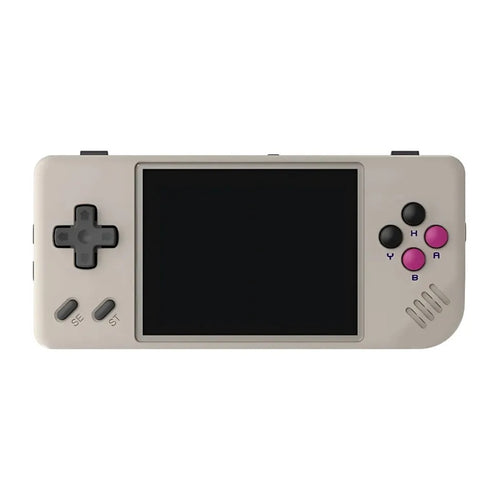
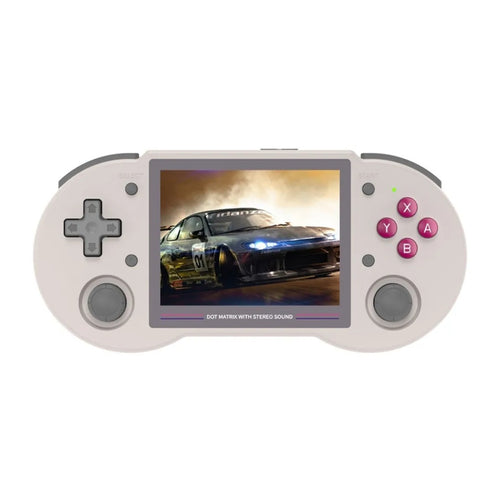
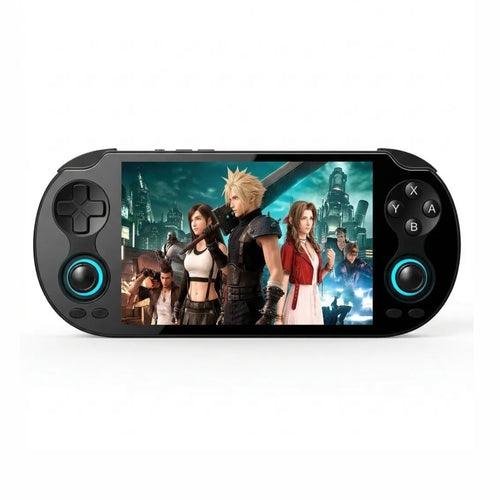
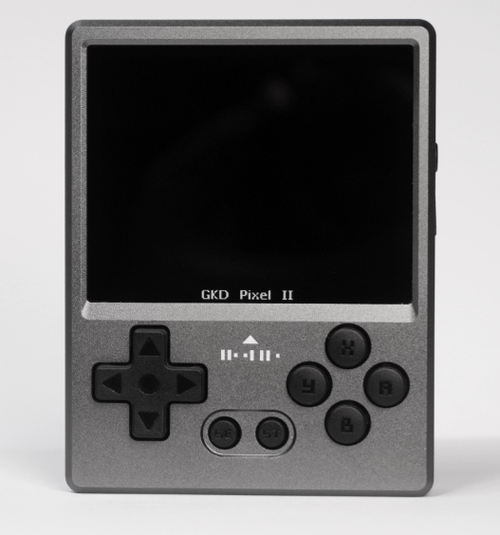
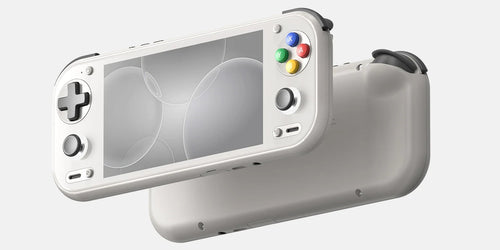
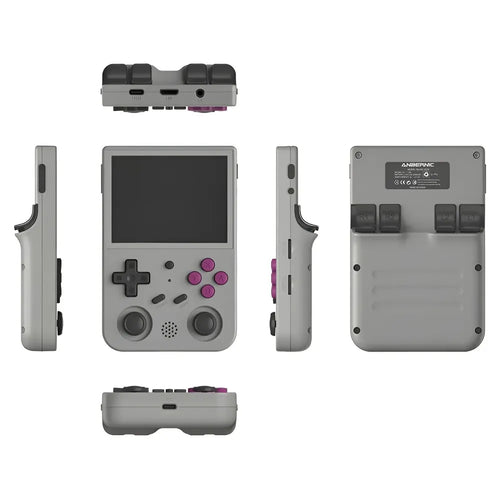
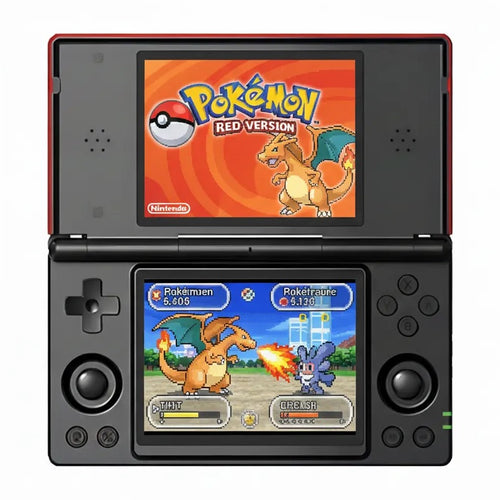
Pokémon Red, Blue and Yellow, Super Mario Land, The Legend of Zelda: Link's Awakening, Tetris, Kirby's Dream Land, Metroid II … This selection brings together the most relevant Game Boy emulation handhelds in our catalogue. Whether you are looking for a console to play Pokémon on the go, rediscover the monochrome classics of your childhood or build a do-it-all machine, you will find Anbernic, Miyoo, TrimUI and Retroid Pocket models suited to this system, from pocket format to high-end Android console.
Why emulate the Game Boy on a handheld
The Game Boy came out in 1989 and its library remains one of the richest ever produced on an 8-bit platform. The problem is simple: a period console in good condition is becoming rare, the original screen has no backlight, and cartridges trade for more and more, particularly the Pokémon entries whose save battery always ends up dying.
A modern retro handheld solves all of this at once. You get a backlit IPS display, a USB-C rechargeable battery, instant saving at any point in the game, quick rewind when a jump goes wrong, and the ability to carry your whole library on a microSD card. It is the most comfortable way to replay Super Mario Land 2, Wario Land, Donkey Kong '94 or Kirby's Dream Land 2 today, with no desk lamp aimed at the screen.
The other benefit is versatility: no console on this page is limited to the Game Boy. All of them handle other 8 and 16-bit systems, and the most powerful go much further.
What you need for good Game Boy emulation
Let us be clear: the Game Boy is one of the least demanding systems there is. Every retro handheld sold today, including entry-level Linux models, runs it at full speed. The question is therefore never "does it run", but "is it pleasant to play".
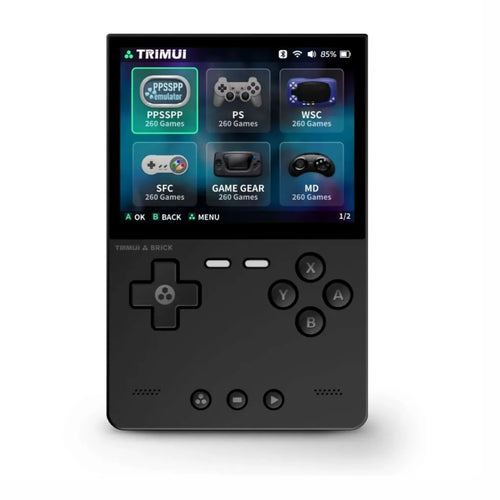
- The screen ratio. The Game Boy displays an image at 160×144, very close to a 10:9 format. On a 4:3 screen (the case with the Anbernic RG35XX, RG40XX or the TrimUI Brick), the image stays tall and takes up almost the whole panel. On a 16:9 screen, it is necessarily flanked by two large black bars. That is geometry, not a fault — but it is the first thing to look at if you mainly play 8-bit.
- The size of the panel. A 2.8 to 3.5" screen gives a dense, crisp image for 8-bit. A 5" screen enlarges the pixels: spectacular, but some prefer the fineness of a small panel. The filters in modern interfaces (LCD grid, original green tint) soften that look.
- The buttons. The Game Boy only used the D-pad, A, B, Start and Select: no joystick or triggers needed. On the other hand, the quality of the D-pad matters enormously here, as it is the only control you will use.
- Battery life. On 8-bit, the processor is barely taxed: the model and its battery determine real battery life, not the game.
- The operating system. Linux boots in a few seconds into the game list, which is ideal for 8-bit. Android adds Wi-Fi, the Play Store and the newest emulators, at the cost of a longer boot and more involved configuration.
Which console to choose from our selection
For a small budget and pure 8-bit use
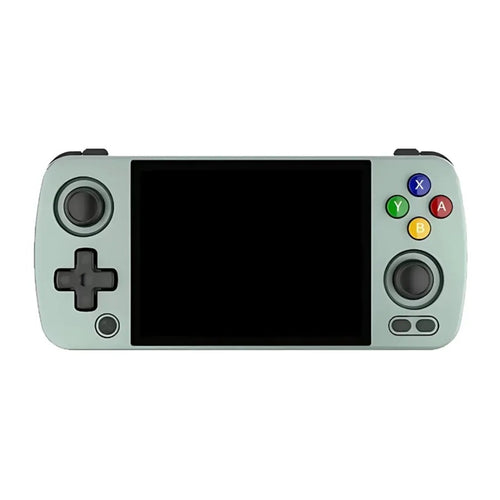
To replay the Game Boy classics without complicating your life, compact Linux consoles are the most logical choice. The MIYOO Mini Plus remains a benchmark in the pocket format: 3.5" IPS screen at 640×480, 3000 mAh battery rated for 5 to 6 hours. The TrimUI Brick plays the image density card with a 3.2" 4:3 IPS panel at 1024×768. The Miyoo A30, inspired by the Game Boy Micro format, is the most discreet and still packs an analogue joystick.
For everyday playing comfort
A step up, the screen grows and the ergonomics move closer to a controller. The Anbernic RG35XX Pro keeps the historic vertical format with a laminated 3.5" IPS screen at 640×480. The Anbernic RG35XX H takes the same base into a horizontal controller-style format. The Anbernic RG40XX H pushes the screen to 4" with 3200 mAh rated up to 6 hours, and the Anbernic RG 40XXV offers that same 4" screen in a vertical silhouette with RGB lighting.
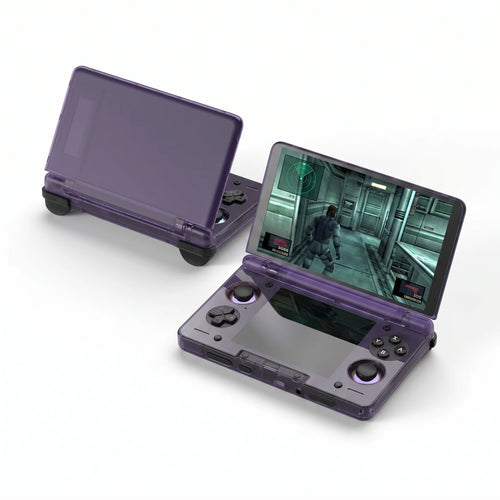
A special case much in demand on this system: the Anbernic RG35XXSP, whose clamshell format captures the spirit of the Game Boy Advance SP, with a 3.5" IPS screen, Wi-Fi, Bluetooth and battery life rated up to 8 hours. It is the model that best reproduces the original feel, protected screen included.
For versatility and the high end
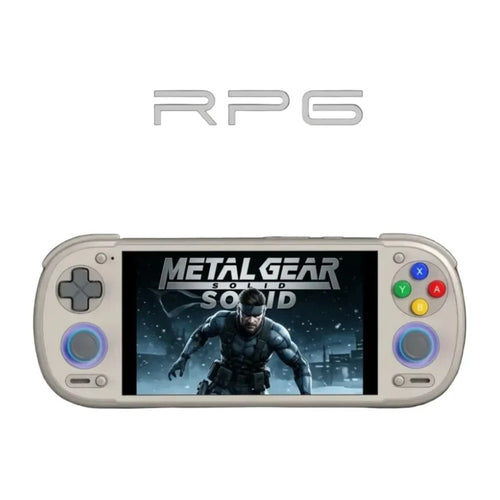
If the Game Boy is only part of your programme, aim for a console able to go further. The TrimUI Smart Pro and the TRIMUI Smart Pro S offer a large 4.96" IPS screen at 720p under Linux with 5000 mAh; the S version adds a newer processor, Wi-Fi 6 and Bluetooth 5.4. The Anbernic RG VITA moves up to a large 5" touchscreen and Hall effect joysticks. Finally, the Retroid Pocket 6, on Android with a Snapdragon 8 Gen 2, a 120 Hz AMOLED screen and active cooling, obviously swallows the Game Boy: its appeal lies mainly in far heavier systems.
Comparison table
| Console | System | Display | Aspect ratio | Usage profile |
|---|---|---|---|---|
| MIYOO Mini Plus | Linux | IPS 3.5" 640×480 | 4:3 | Pocket format, 8-bit |
| TrimUI Brick | Linux | IPS 3.2" 1024×768 | 4:3 | Very dense image, ultra-compact |
| Anbernic RG35XX Pro | Linux | IPS 3.5" 640×480 | 4:3 | Classic vertical format |
| Anbernic RG35XXSP | Linux | IPS 3.5" | 4:3 | Clamshell, Game Boy SP spirit |
| Anbernic RG40XX H | Linux | IPS 4" 640×480 | 4:3 | Controller format, larger screen |
| TrimUI Smart Pro | Linux | IPS 4.96" 1280×720 | 16:9 | Large screen, versatility |
| Anbernic RG VITA | Android / Linux | IPS touch 5" | 16:9 | Large format, Hall joysticks |
| Retroid Pocket 6 | Android | AMOLED 120 Hz | – | High-end, all systems |
Frequently asked questions
Are the consoles sold with Game Boy games?
Our consoles are emulation devices sold without Nintendo games: no licensed title is supplied by us. You must use your own backups of cartridges you legally own, or homebrew and royalty-free games, of which the Game Boy scene is particularly rich and still active today.
Is it legal to use ROMs on these consoles?
The emulator itself is perfectly legal. Under French law, private copying requires that you own the original and that the copy be made by you, for your personal use. Downloading the ROM of a game you do not own remains an infringement, even if the game is no longer sold. We neither supply nor recommend any source of ROMs.
How do I transfer my games to the console?
The principle is the same on nearly every model: you remove the microSD card, connect it to a computer with a card reader, then copy your files into the system folder, usually named GB or GameBoy. On models with Wi-Fi, wireless transfer over the local network is often possible. As Game Boy files are tiny, capacity is never the limiting factor.
What battery life can you expect on Game Boy games?
An 8-bit game barely taxes the processor: the model, its screen size and its battery capacity determine battery life. Manufacturers state figures in the region of five to eight hours of retro use depending on the model. Large bright screens and Android consoles consume more; small Linux models generally last longer.
Is it suitable for a child?
Yes, with one reservation. Compact Linux consoles are ideal: they boot straight into the game list, with no browser, no store and no forced connection. An adult prepares the microSD card once, and the child just plays. Android models, being more open, require parental configuration. Also watch out for very compact models, whose buttons stay small for young hands.
Linux or Android for the Game Boy?
For the Game Boy alone, Linux is the most coherent choice: boot in a few seconds, an interface entirely dedicated to retro, better battery life and a gentler price. Android only brings a real benefit if you are also aiming at heavy systems, game streaming, applications or the newest emulators. Many players in fact own both: a small Linux console for 8-bit, an Android one for everything else.
To widen your search, browse our entire catalogue of retro handheld consoles, compare the simplest models in our Linux retro consoles, and remember to add a suitable microSD card to host your library. If you are hesitating between several references, our comparison tool will help you decide.