Connecting your console
Connecting a retro console to a recent TV takes two things: the right video output and a compliant power supply. This selection brings together composite and component AV cables, replacement power bricks and the HDMI converters that make a PS2, a Wii, a GameCube or an Xbox 360 usable again on a current flat screen.
64 items
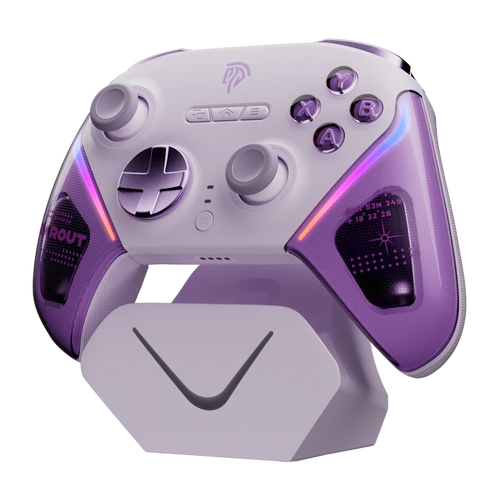
EasySMX
EasySMX D10 Purple controller: TMR sticks, dock, 1000Hz Available
80,99€
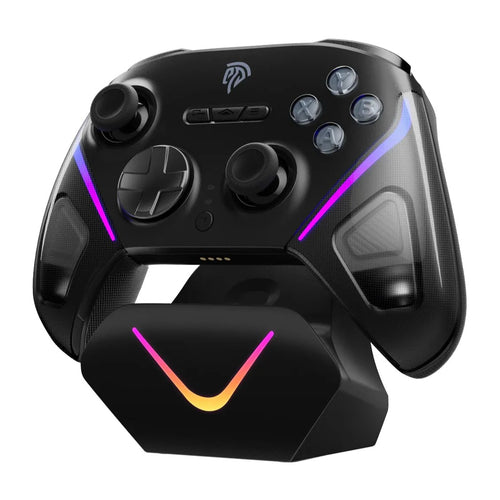
EasySMX
EasySMX D10 Black Multi-platform Gaming Controller Available
80,99€
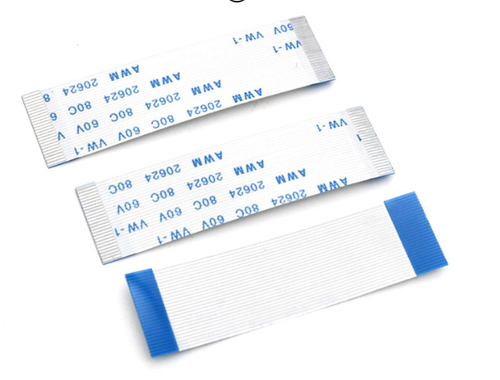
Fun-Esports
FFC/FPC Ribbon Cable 0.5 mm 24-Pin — Lengths 25 to 600 mmAvailable
12,99€
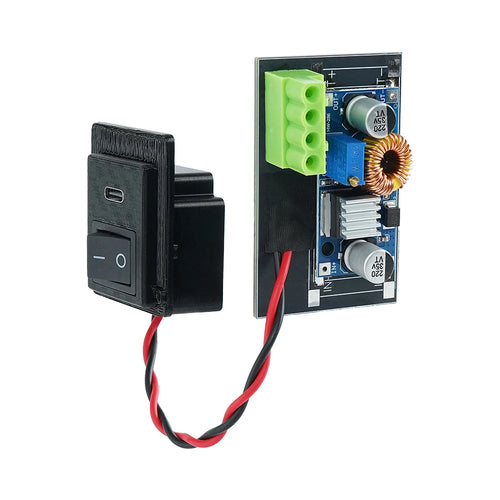
Fun-Esports
USB-C power board for PS2 Fat SCPH-3xxxx and 5xxxx — replaces the internal unitAvailable
81,99€
Fun-Esports
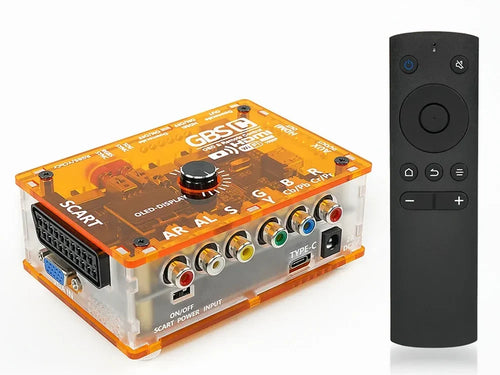
GBS-Control Mini RGB SCART and YPbPr to HDMI converter — retro scalerAvailable
123,99€
Fun-Esports
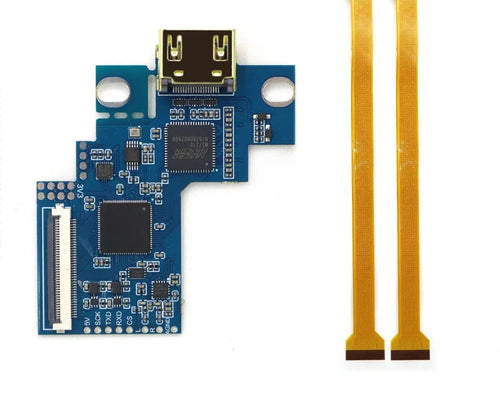
PSone internal HDMI kit — Hispeedido, 480p and 1080p outputAvailable
98,99€
Fun-Esports
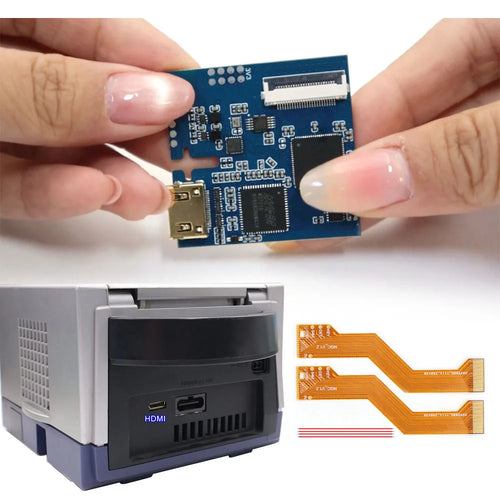
Hispeedido internal HDMI kit for GameCube — digital video outputAvailable
98,99€
Fun-Esports
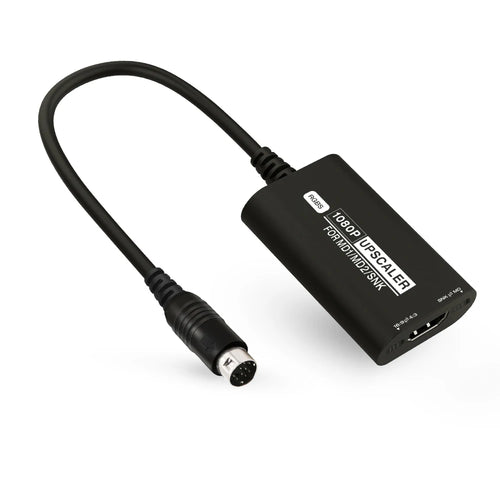
HDMI converter for Mega Drive 1, 2 and Neo Geo — RGBS to 1080p, 4:3 or 16:9Available
81,99€
Fun-Esports
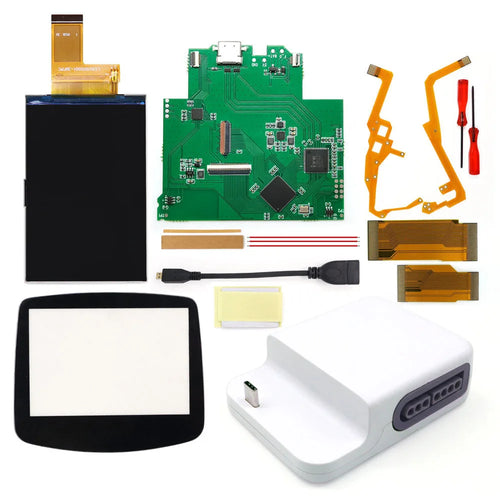
Game Boy Advance IPS V5 screen and Bluetooth HDMI dock — Hispeedido 720×480Available
146,99€
Fun-Esports
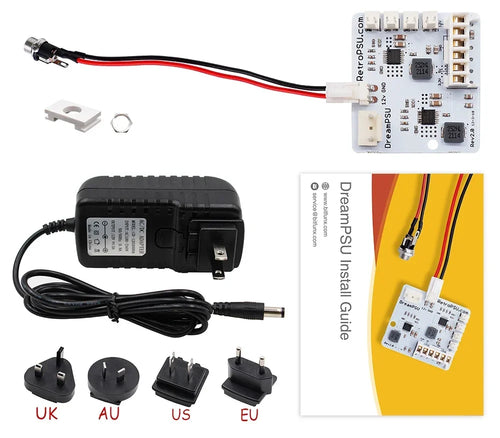
12 V internal power supply for Dreamcast — DreamPSU Rev 2.0 BitFunxAvailable
56,99€
Fun-Esports
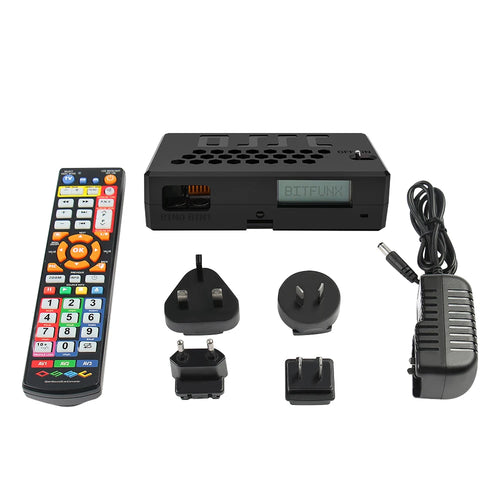
OSSC V1.8 and composite/S-Video add-on board — lag-free HDMI conversionAvailable
93,99€
Fun-Esports
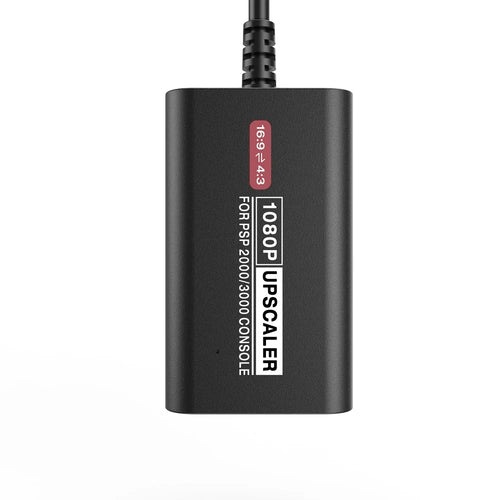
HDMI adapter for PSP-2000 and PSP-3000 — display on a TVAvailable
63,99€
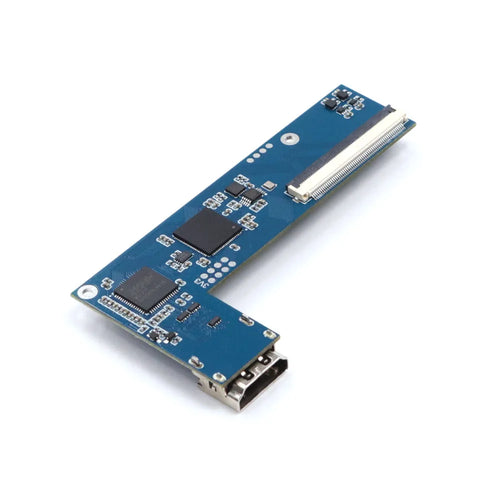
Fun-Esports
PS2 Slim internal HDMI kit — 480p and 1080p, GH-032 to GH-062 boardsAvailable
99,99€
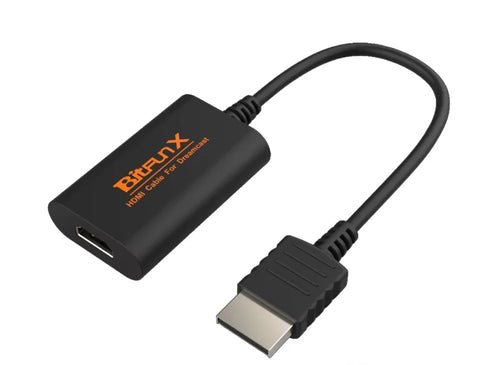
Fun-Esports
HDMI adapter for Dreamcast — BitFunx HD-Link, direct connectionAvailable
57,99€
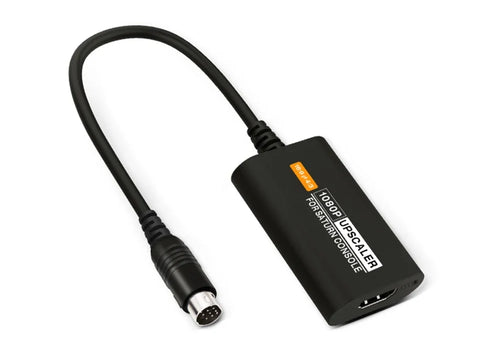
Fun-Esports
HDMI converter for Saturn — S-Video input, 4:3 or 16:9 formatAvailable
57,99€
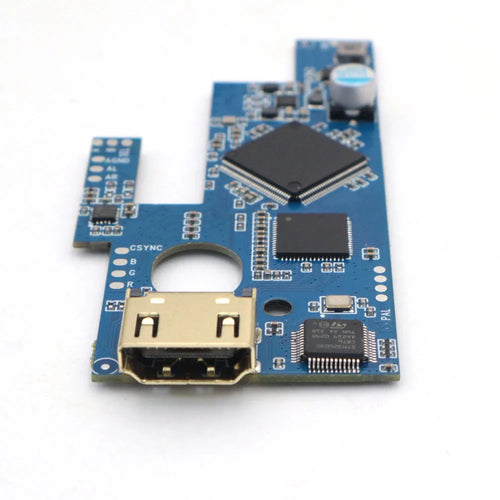
Fun-Esports
Hispeedido internal HDMI kit for Mega Drive 2 — 1080p, OSD menu, 16:9 and 4:3Available
98,99€
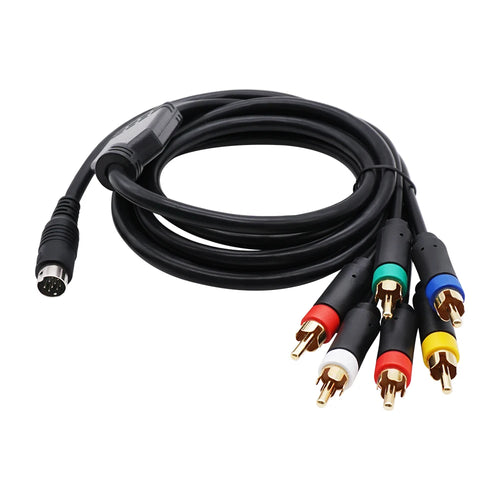
Fun-Esports
RGB (RGBS) cable for Mega Drive 2 — 9-pin mini-DIN connector, 1.8 mAvailable
35,99€
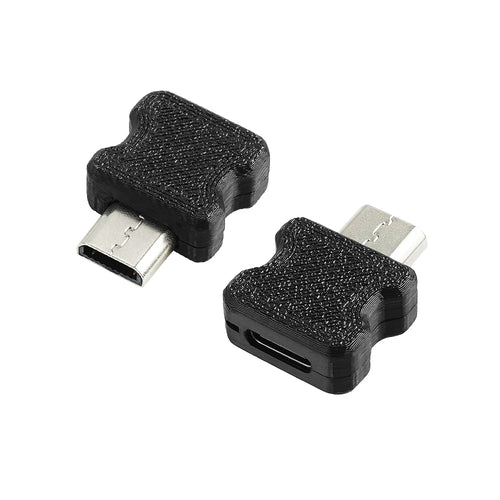
Fun-Esports
USB-C charging adapter for GBA SP, DS Lite, 3DS, PSP Go and PS Vita — TicKnotAvailable
43,99€
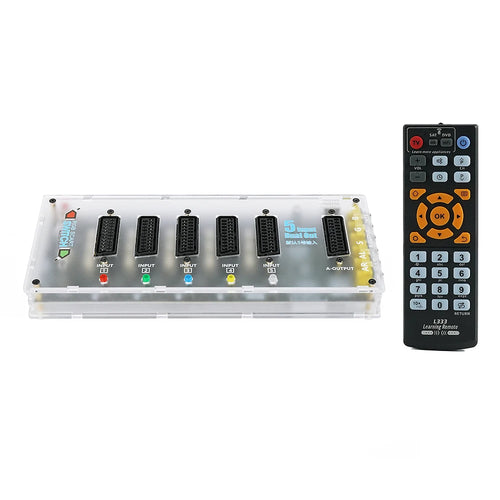
Fun-Esports
5-in-1 RGB SCART switch — SCART, RGBS over RCA and Saturn mini-DINAvailable
128,99€
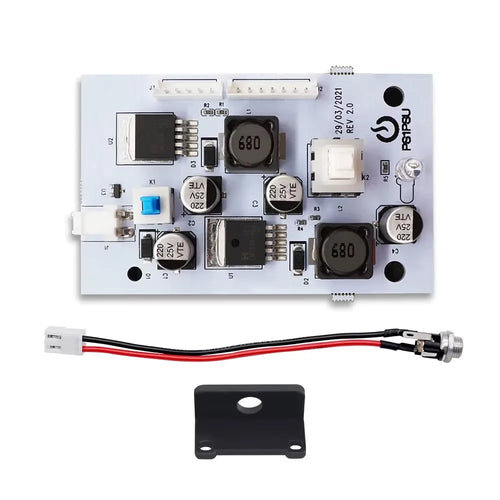
Fun-Esports
12 V power supply board for PS1 — replacement for the internal unit, Rev 2.0Available
47,99€
Fun-Esports
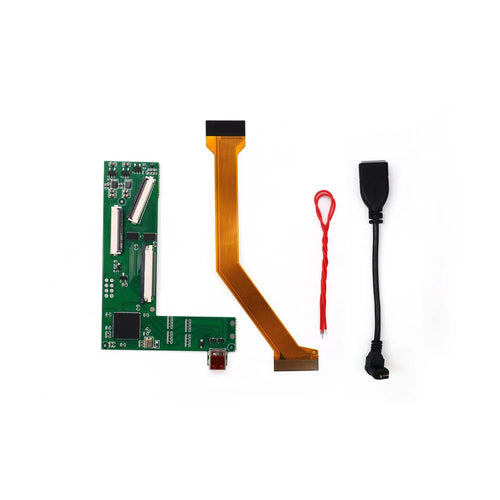
Game Boy Advance SP internal HDMI kit — Hispeedido, for IPS V2 screenAvailable
81,99€
Fun-Esports
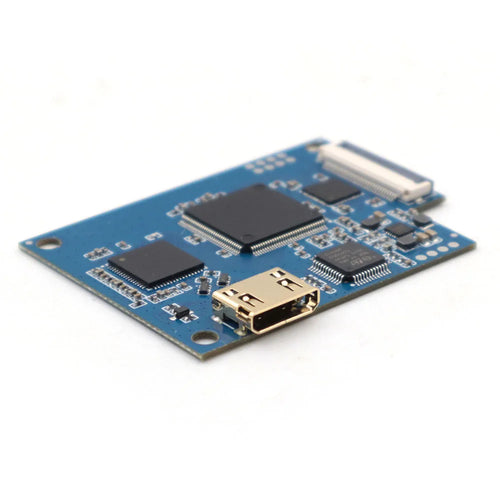
Internal HDMI kit for Dreamcast — digital output up to 1080pAvailable
86,99€
Fun-Esports
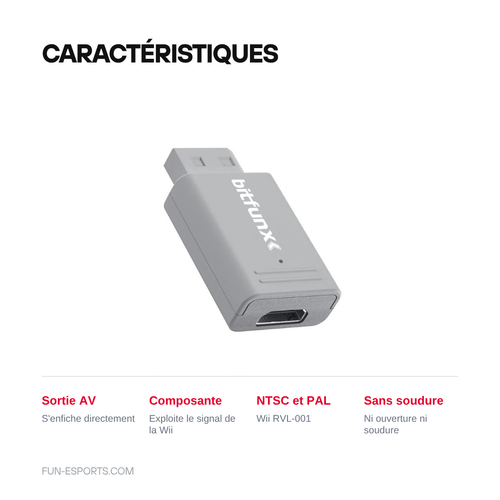
HDMI adapter for Wii — plugs directly into the AV outputAvailable
43,99€
Fun-Esports
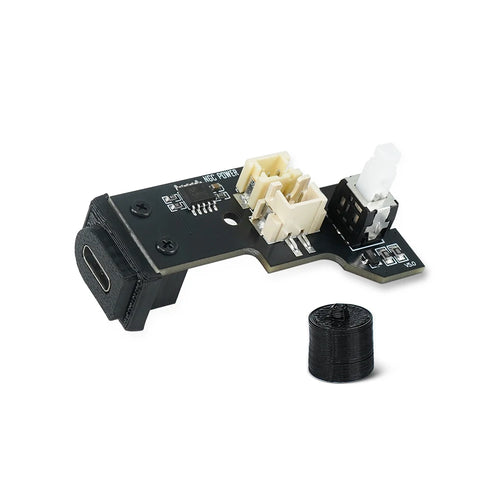
USB-C or DC power board for GameCube DOL-001 and DOL-101Available
50,99€
How to choose between an original cable, an adapter and an HDMI converter
Questions fréquentes
My TV no longer has a yellow composite input, what can I do?
You need an AV-to-HDMI converter placed between the console and the TV, such as the RetroScaler2x or a BitFunx model dedicated to the PS2 and PS3. The original AV cable plugs into the box, which outputs HDMI. Some models draw their power from a simple USB port.
Can I use any power brick for my console?
No. Each console calls for a precise voltage, current and polarity: an Xbox 360 Slim brick delivers 12 V for 135 W, a PS2 Slim 70000-series brick suits only that series. A badly chosen brick can damage the motherboard. Always take the reference listed for your model.
Composite or component, what difference does it make to the picture?
Composite mixes luminance and chrominance on a single yellow RCA wire, which produces blur and colours that bleed. YPbPr component splits the signal across three video wires and accepts 480p on the PS2 and PS3. On the same screen, the difference shows up immediately on text and gradients.