Game Boy Advance Consoles
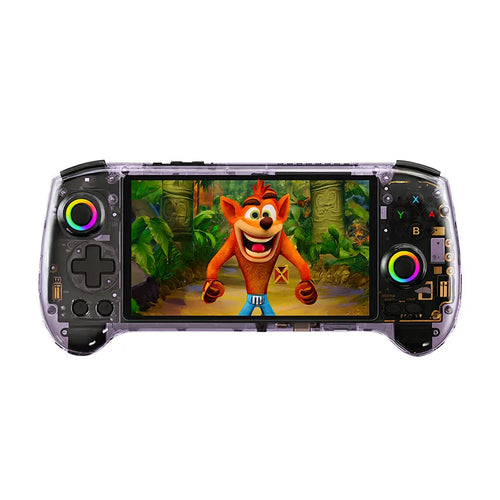
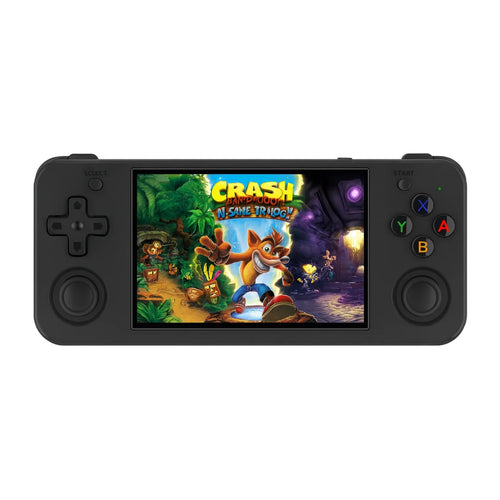
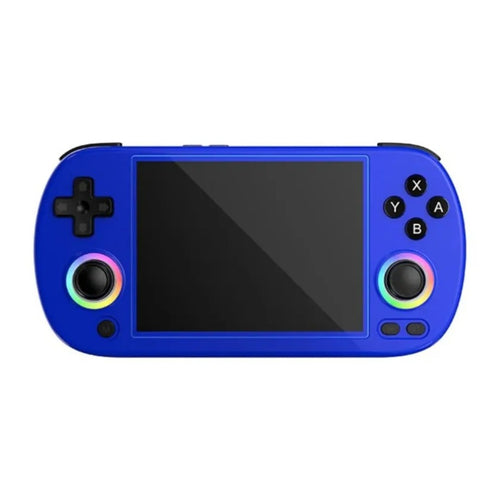
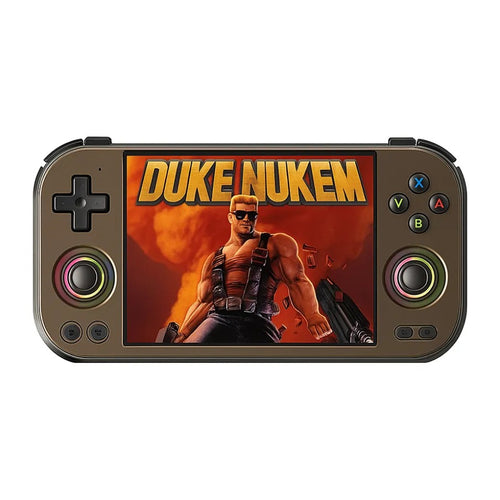
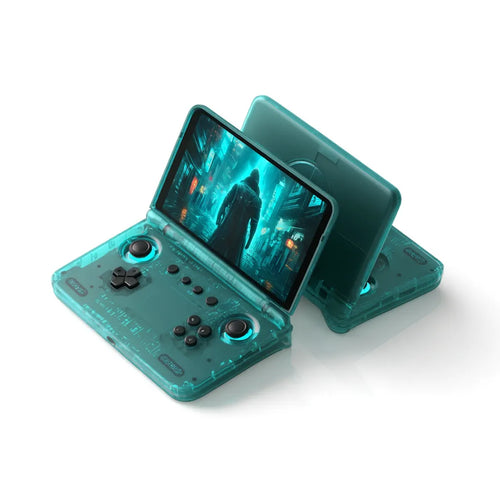
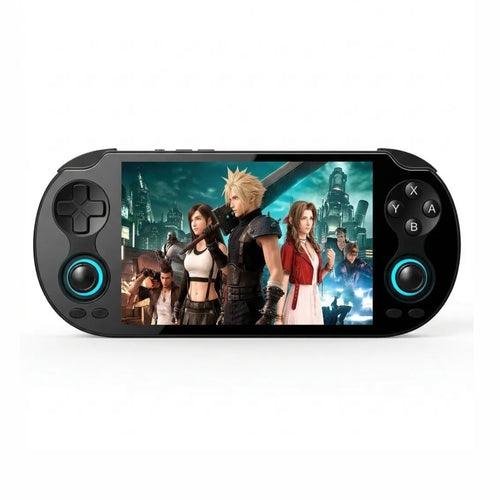
Pokémon Ruby, Sapphire and Emerald, Mario & Luigi: Superstar Saga, The Legend of Zelda: The Minish Cap, Metroid Fusion, Advance Wars, Final Fantasy Tactics Advance … This selection gathers the Game Boy Advance emulation handhelds in our catalogue. If you are looking for a console to play Pokémon on the go, replay Nintendo's great 32-bit RPGs or rediscover the GBA library on a modern screen, you will find Anbernic, Miyoo, TrimUI and Retroid Pocket models here, from the pocket-sized Linux format to the high-end Android console.
Why emulate the Game Boy Advance on a handheld
The Game Boy Advance concentrates one of the densest libraries in Nintendo's history: the RPGs (Golden Sun, Fire Emblem, Mother 3), 2D platformers at their peak (Castlevania: Aria of Sorrow, Metroid: Zero Mission), the 16-bit ports and of course the third-generation Pokémon games, still among the most played today.
The problem with period hardware is well known. The original GBA was not backlit, the SP AGS-001 was poorly lit, and the corrected models resell for a lot. Pokémon cartridges also suffer from an internal battery driving the berry clock, which eventually dies and breaks time-based events. A modern retro handheld resets everything: bright IPS screen, USB-C charging, save states, rewind, and your whole library on a microSD card.
Another decisive advantage on this particular system: modern interfaces let you apply filters that correct the very washed-out colour intended by the original GBA screens, or on the contrary reproduce it faithfully. You choose the look you prefer, which was not possible on 2001 hardware.
What you need for good Game Boy Advance emulation
The GBA is an undemanding system. It runs at full speed on practically any current retro handheld, including the most affordable Linux models on this page. As with the Game Boy, the real subject is not power but comfort.
- The aspect ratio. The GBA displays 240×160, which is a 3:2 format. No handheld screen matches that ratio exactly. On a 4:3 panel, the image takes up almost the full width with thin bars top and bottom. On a 16:9 panel, it is framed left and right. On a square screen, it is logically centred. It is a trade-off, not a fault.
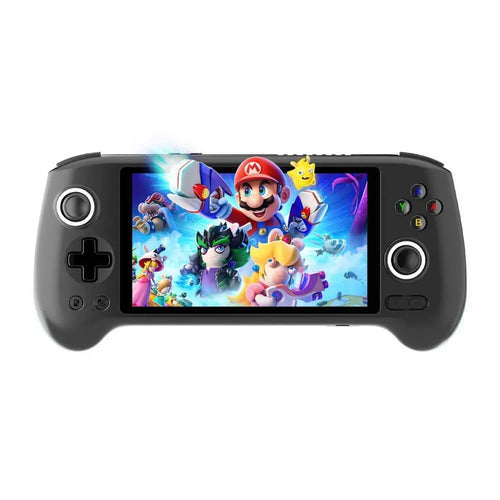
- The L and R triggers. Unlike the Game Boy, the GBA uses two shoulder buttons, essential in Metroid Fusion, Advance Wars or the Castlevania games. Every console in this selection has them, but check how comfortable they are if you play for long stretches: horizontal controller-style formats are generally more pleasant on that point than vertical ones.
- The quality of the D-pad. The GBA remains an entirely digital system: no game requires an analogue joystick. The precision of the D-pad therefore takes priority over everything else.
- Sound. The GBA uses a lot of digital audio channels. A decent speaker or a clean headphone output genuinely changes the experience on the soundtracks of Golden Sun or Mother 3.
- The operating system. Linux boots in a few seconds straight into the game list, which is more than enough for the GBA. Android only brings a benefit if you are also aiming at heavy systems, Wi-Fi, applications and the newest emulators.
Which console to choose from our selection
For a small budget
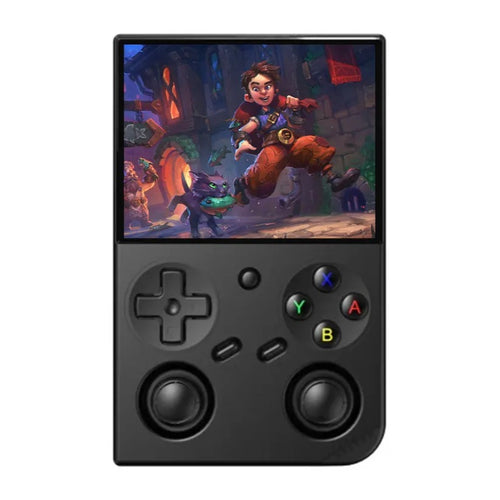
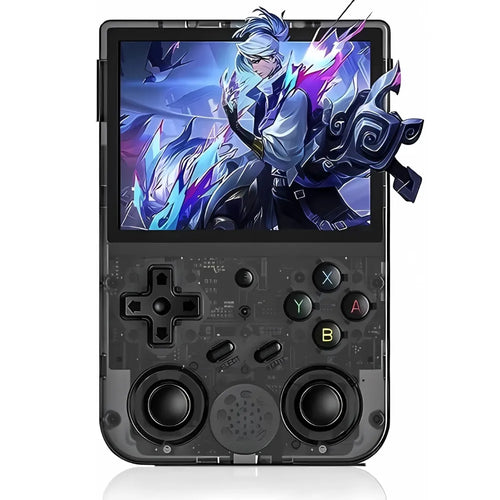
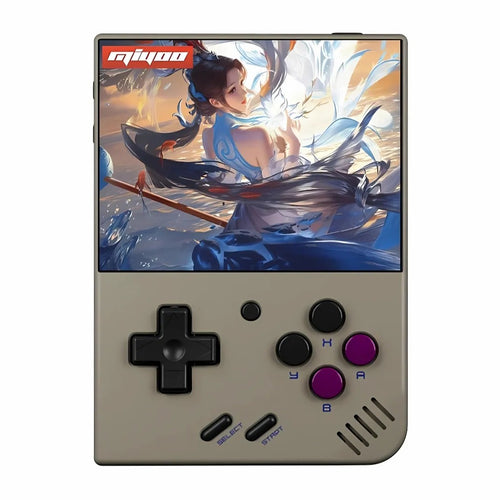
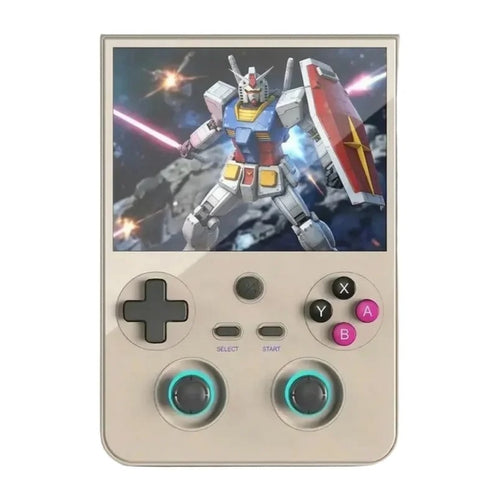
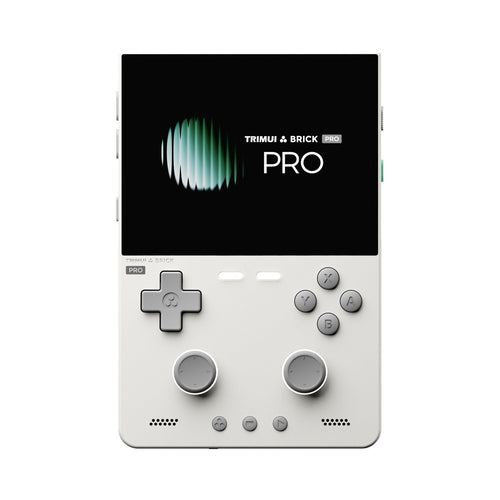
Compact Linux consoles cover the GBA perfectly. The Anbernic RG35XX Pro offers a laminated 3.5" IPS screen at 640×480 in vertical format. The MIYOO Mini Plus targets the pocket format with the same resolution and a 3000 mAh battery. The Anbernic RG28XX takes compactness to the extreme with its 2.8" screen under 64-bit Linux, while the Anbernic RG353PS relies on a proven RK3566 base.
For comfort and versatility
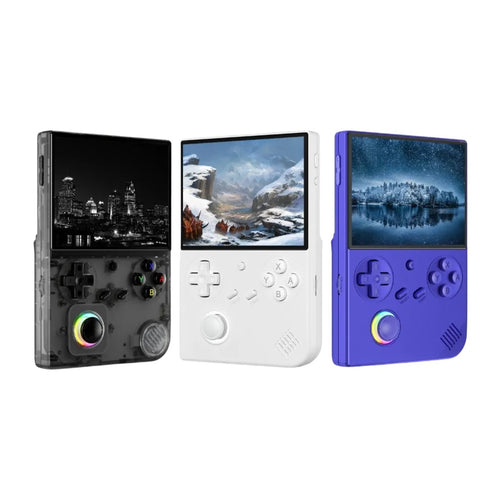
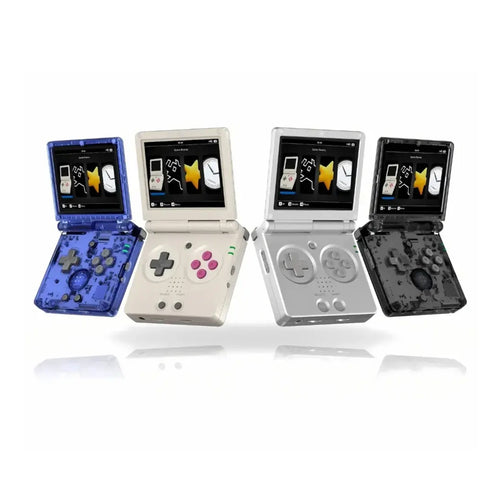
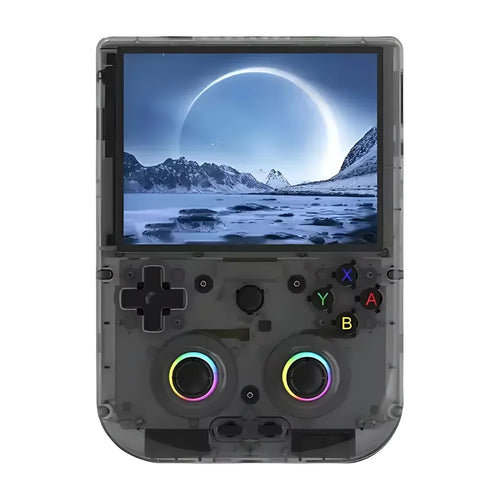
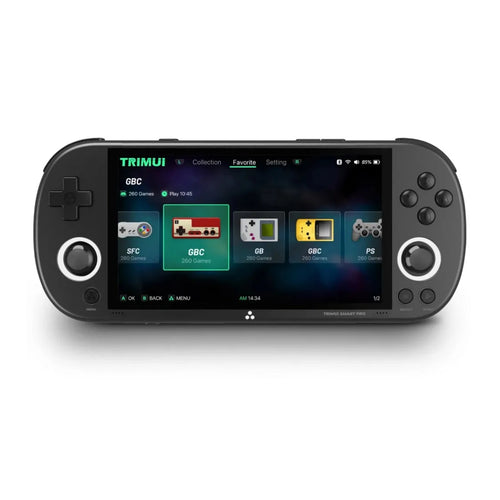
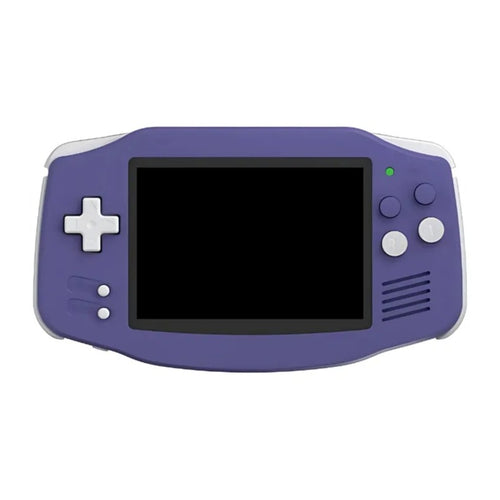
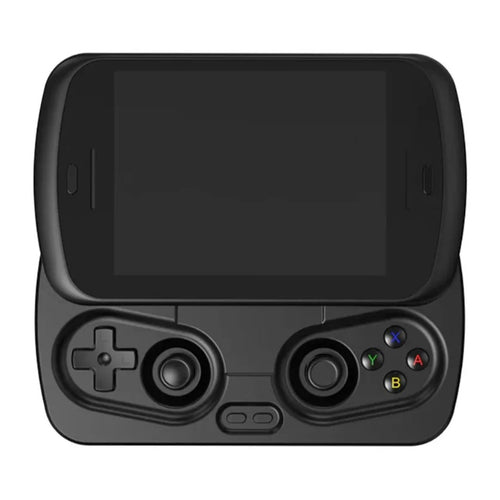
The Anbernic RG35XX H and the Anbernic RG 40XXV respectively offer a controller format and a vertical format with a 4" screen. The Anbernic RG35XXSP is the obvious choice for the nostalgic: its clamshell format takes that of the Game Boy Advance SP directly, with Wi-Fi, Bluetooth and battery life rated up to 8 hours. The Anbernic RG CubeXX and its square 3.95" IPS screen make an original alternative, and the TrimUI Smart Pro brings a large 4.96" 720p screen under Linux.
For the high end and emulation beyond the GBA
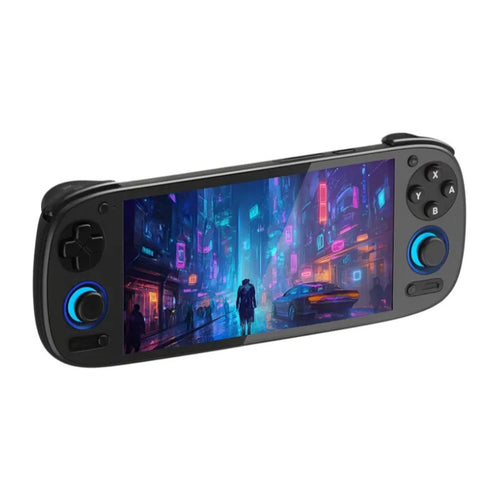
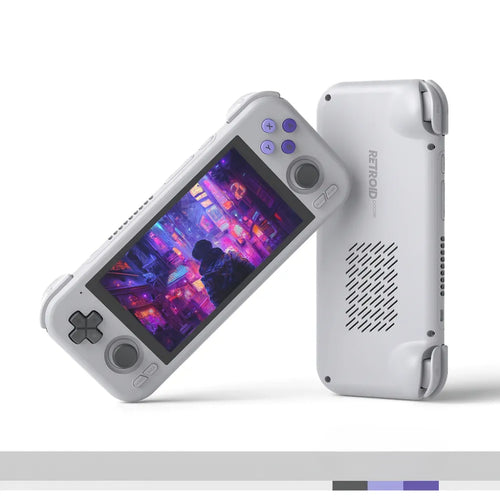
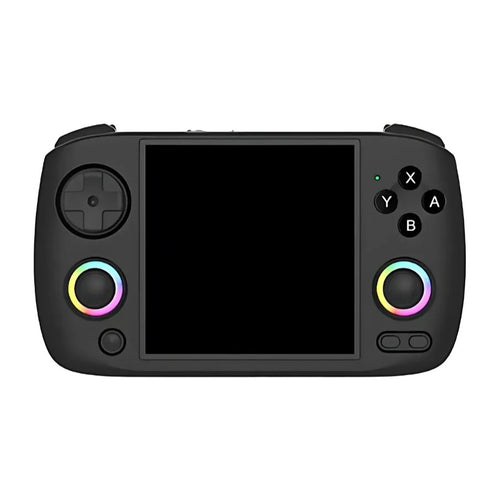
If you want a machine that handles the GBA effortlessly and takes on far heavier systems, head for Android. The Anbernic RG556 combines a 5.48" AMOLED screen at 1080×1920, a Unisoc T820 and 8 GB of RAM. The Anbernic RG476H and the Anbernic RG Slide take that base around a 4.7" 120 Hz LTPS screen. The Retroid Pocket 5 and the Retroid Pocket Flip 2 rely on the Snapdragon 865 and a 5.5" AMOLED, the latter in clamshell format. At the top, the Retroid Pocket 6 carries a Snapdragon 8 Gen 2 with active cooling. Finally, the Anbernic RG DS and its dual 4" touchscreen under Android 14 will appeal to those who also want to cover dual-screen systems.
Comparison table
| Console | System | Display | Aspect ratio | Usage profile |
|---|---|---|---|---|
| Anbernic RG28XX | 64-bit Linux | IPS 2.8" 640×480 | 4:3 | Ultra-compact, small budget |
| Anbernic RG35XX Pro | Linux | IPS 3.5" 640×480 | 4:3 | Classic vertical format |
| Anbernic RG35XXSP | Linux | IPS 3.5" | 4:3 | Clamshell, Game Boy SP spirit |
| Anbernic RG CubeXX | 64-bit Linux | IPS 3.95" square | 1:1 | Unusual format, 2D retro |
| TrimUI Smart Pro | Linux | IPS 4.96" 1280×720 | 16:9 | Large screen, versatility |
| Anbernic RG556 | Android 13 | AMOLED 5.48" 1080×1920 | 16:9 | Versatile Android |
| Anbernic RG DS | Android 14 | Dual 4" IPS touchscreen | – | Dual screen |
| Retroid Pocket 6 | Android | AMOLED 120 Hz | – | High-end, all systems |
Frequently asked questions
Do the consoles come with Game Boy Advance games?
No. These are emulation devices sold without Nintendo games, and no licensed title is supplied by us. You must use backups of cartridges you legally own, or homebrew and royalty-free content. The GBA homebrew scene is in fact very active and offers many perfectly legal original games.
Is using GBA ROMs legal?
The emulator is legal; the ROM depends on where it comes from. Under French law, private copying requires that you own the original and that the copy be made by you, for your personal use. Downloading the ROM of a game you never bought remains an infringement, even for a title withdrawn from sale. We neither supply nor recommend any source of ROMs.
How do I transfer my games to the console?
On Linux models, remove the microSD card, connect it to a computer with a card reader and copy your files into the GBA folder. On Android consoles, you can connect the console by USB, go over Wi-Fi on the local network or use the microSD card directly. GBA files weigh a few megabytes, so capacity is never an issue.
What battery life on GBA games?
A 32-bit game like those on the GBA taxes the processor little: battery life depends mainly on the model, the size and brightness of the screen and the battery capacity. Manufacturers state figures in the region of five to eight hours of retro use depending on the model. Android consoles with large AMOLED screens consume considerably more than small Linux models.
Is it a good choice for a child?
Compact Linux consoles lend themselves very well: they boot into the game list, with no browser, no store and no forced connection. An adult prepares the microSD card once and for all. Android consoles, being more open, require parental configuration beforehand. Also check the size of the console: the most compact models have small buttons.
Should you choose Linux or Android for the GBA?
For the GBA alone, Linux is more than enough and costs less, with near-instant boot and better battery life. Android becomes relevant if you also want heavy 3D systems, streaming, applications and the newest emulators, at the cost of a longer setup. Many players end up owning both, each for its own use.
To go further, explore all our retro handheld consoles, the complete range of Anbernic consoles or the Android consoles if you are aiming at heavier systems. Also consider a reliable microSD card for your library.