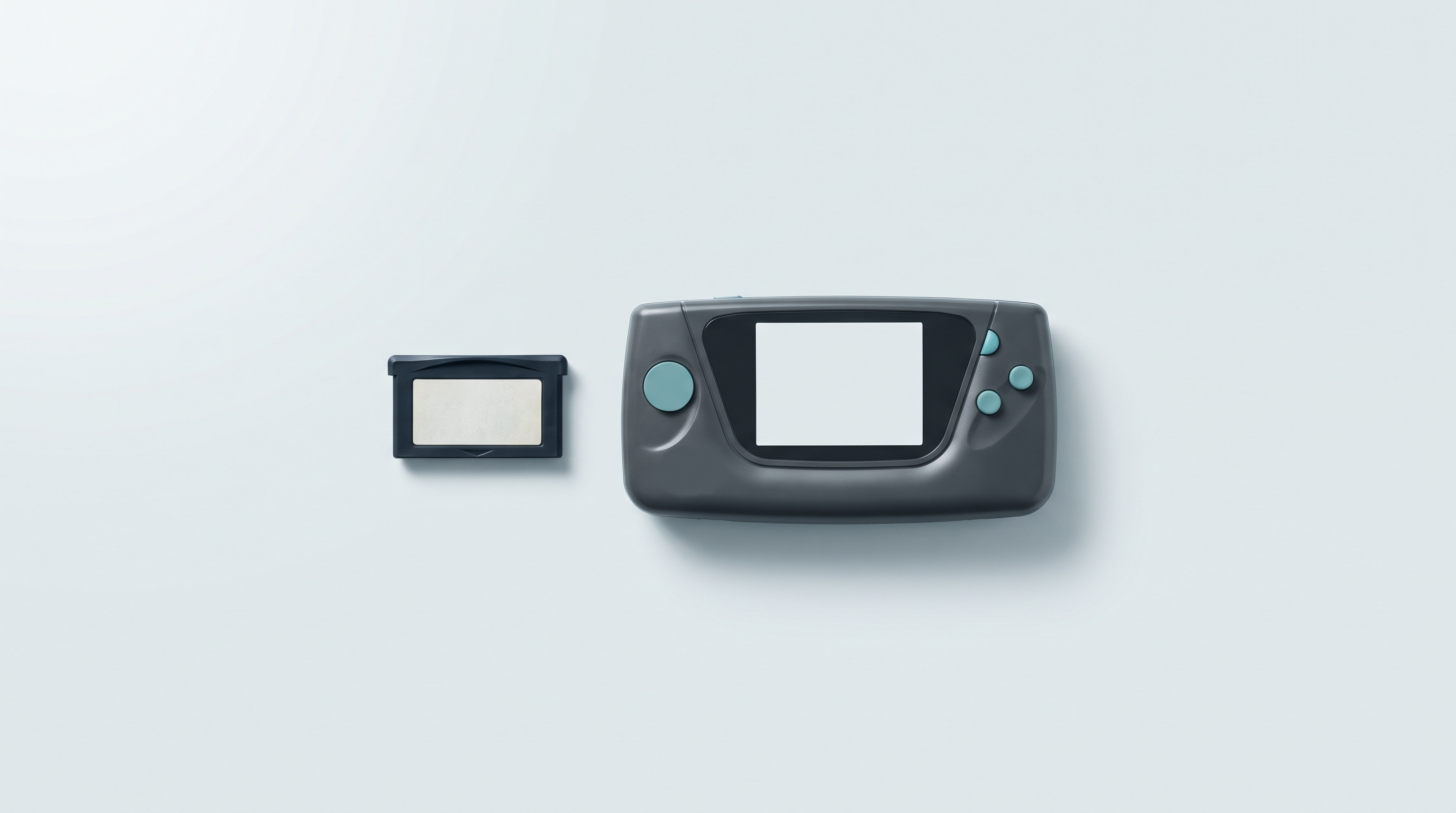
The Game Boy Advance is the easiest system to emulate in the entire retro catalogue. Every single handheld console sold today, even the most modest one under €100, runs the entire GBA library at full speed, without any settings at all.
Which completely changes the nature of the question. On PS2 or GameCube, you choose a device for its power. For the GBA, power settles nothing: form factor, screen and battery life decide everything. And on the software side, two or three settings radically transform the picture — most players never turn them on.
🥇 1. mGBA: the benchmark, everywhere
mGBA has been the reference GBA emulator for ten years, and there is no serious debate on that point. Written from scratch by its developer, it aims for both speed and accuracy — a rare combination.
- Where to find it: as a core in RetroArch (so preinstalled on almost every open-source firmware: muOS, Knulli, ROCKNIX, CrossMix-OS), or as a standalone app on Android.
- What it brings: near-total compatibility, cheat code support, save states, and above all support for Game Boy and Game Boy Color games in the same emulator. A single library for all three generations.
- The detail that matters: mGBA includes a BIOS simulation. So you don't need any proprietary file to get started.
🪶 2. gpSP: the lightweight one, for small chips
gpSP is a veteran — it was originally designed to run on the PSP, which is to say on a shoestring. That frugality makes it an excellent fallback option today.
- Who it's for: the most modest Linux consoles, or simply to gain battery life. gpSP uses noticeably less power than mGBA — over a session of several hours, it shows on the battery.
- The trade-off: its compatibility and accuracy lag behind. A few games with exotic special effects don't run well. If a title glitches under gpSP, switch back to mGBA: the problem will go away.
🍕 3. Pizza Boy GBA: the polished standalone on Android
On an Android console, if you don't want to go through RetroArch and its austere interface, Pizza Boy GBA is the obvious choice.
- Its strengths: a modern, clear interface, instant start-up, a steady 60 frames per second even on older hardware, and fast-forward and slow-motion functions that are very handy for RPGs.
- Good to know: the free version is funded by ads; the paid version removes them and adds extra save slots.
- Compared with mGBA: slightly less accurate in edge cases, but you won't notice while playing.
🎨 The three settings nobody turns on (and that change everything)
1. Colour correction. This is the most important setting in this article. The original Game Boy Advance screen was not backlit and displayed very dull colours. Artists at the time compensated by deliberately pushing the saturation. The result: shown raw on a modern IPS screen, GBA games look fluorescent and harsh. Turn on the GBA colour correction filter (available in mGBA and in RetroArch): you get back exactly the shades the creators had in mind.
On an original Game Boy Advance, the issue is solved differently: we explain in a dedicated article what an IPS screen really changes on a Game Boy, from backlighting to colour rendering.
2. Integer scaling. The GBA displays 240 × 160 pixels. If your emulator stretches this image to “full screen”, every pixel is distorted and the image becomes blurry or uneven. Turn on the integer scaling option: the image is enlarged by a whole-number factor (×2, ×3, ×4) and stays perfectly sharp.
3. Keeping the 3:2 aspect ratio. The GBA is 3:2, a format that almost no retro handheld console uses — most are 4:3. So you will have thin black bars at the top and bottom. That's normal, and it's what you want. Resist the temptation to stretch to full screen, which squashes the sprites.
These three settings are in the same menus as those described in our guide RetroArch: the settings that change everything.
🕹️ The hardware: choose by form factor, not by chip
Since all these devices run the GBA perfectly, here is how to actually decide.
| If you're looking for… | The model | Why |
|---|---|---|
| Clamshell nostalgia | Anbernic RG35XXSP | Directly echoes the clamshell silhouette of the GBA SP. Screen protected when closed, slips in anywhere. |
| The original horizontal form factor | Anbernic RG35XX H | The horizontal grip of the original GBA, with sticks added for other systems. |
| As compact as possible | Miyoo Mini Plus or RG28XX | Fit in a jacket pocket. Perfect for the short sessions the GBA lends itself to. |
| The best price-to-screen ratio | Anbernic RG35XX Pro | The entry point of the catalogue, more than enough for all 8-bit and 16-bit systems plus the GBA. |
| A device that goes well beyond | Retroid Pocket 5 | If the GBA is only part of your library and you are also aiming for PS2, GameCube and PSP. |
❓ Frequently asked questions
Do you need a BIOS file to emulate the GBA?
No. mGBA and Pizza Boy include a BIOS simulation that is good enough for the vast majority of games. The real BIOS improves a few intro sequences and a handful of titles, but it is protected by copyright: each player has to extract it from their own console.
Can you play Game Boy and Game Boy Color games with the same emulator?
Yes. mGBA handles all three generations. Our dedicated article on Game Boy emulators covers the specifics of these two systems.
Why doesn't my Pokémon Ruby save keep the time?
Some GBA games had an internal clock powered by a battery in the cartridge (Pokémon berries, daily events). In emulation, this clock is simulated and sometimes has to be enabled explicitly in the core options.
What about trading Pokémon over a link cable?
mGBA can emulate the link between two instances on a computer. On a handheld console, this feature is rarely exposed in the interface. It is currently the only serious limitation of GBA emulation.
Does the GBA use a lot of battery?
No, it is actually one of the most economical systems. On an entry-level Linux console, you can easily count on 6 to 8 hours of battery life on GBA, compared with 3 to 4 on heavier systems.
✅ Conclusion
For the Game Boy Advance, the software answer is simple: mGBA, and nothing else in 95% of cases. The real work lies elsewhere — turning on colour correction, keeping the original aspect ratio, and above all choosing a device whose shape makes you want to take it out of your pocket. A retro console that stays in a drawer is useless, whatever its spec sheet.
The Fun-Esports tip: GBA cartridges weigh between 4 and 32 MB. The system's entire library fits easily on a 32 GB card. No need to overspend on storage if the GBA is your main use — keep the budget for the screen. Reminder: our consoles are supplied without games; you install the open-source firmware of your choice and your own backup copies.
To make these copies from your own cartridges, the steps are described in our guide to copying your Game Boy and Game Boy Advance cartridges step by step. This is a personal backup of games you already own, not a way to obtain games.
🚀 SEE THE CONSOLES FOR THE GAME BOY ADVANCE
See compatible consoles
Browse our full selection of handheld consoles that emulate the Game Boy Advance: 20 models compared on form factor (clamshell, horizontal, compact), screen size, battery life and operating system.