Description complète
USB-C microSD reader: prepare your retro console's card from your computer
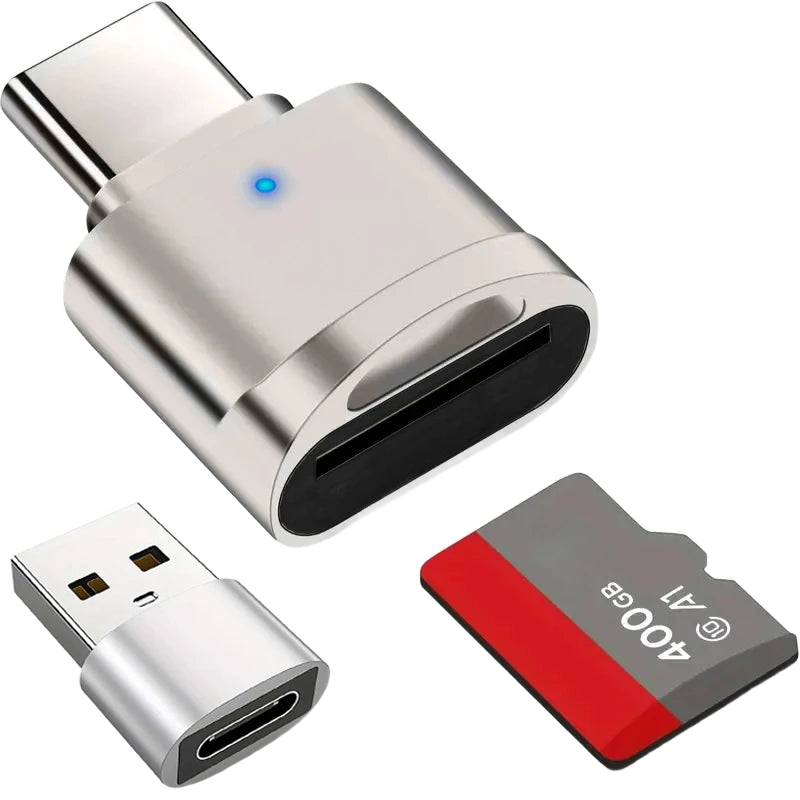
On a retro handheld console, everything happens on the microSD card: it holds the system, the saves and the files. But you still need to be able to plug it in. This USB-C reader connects directly to the port of a recent laptop or a Mac, and the included USB-A adapter makes it usable on an older desktop tower. Zinc alloy housing, keyring size.
What it does
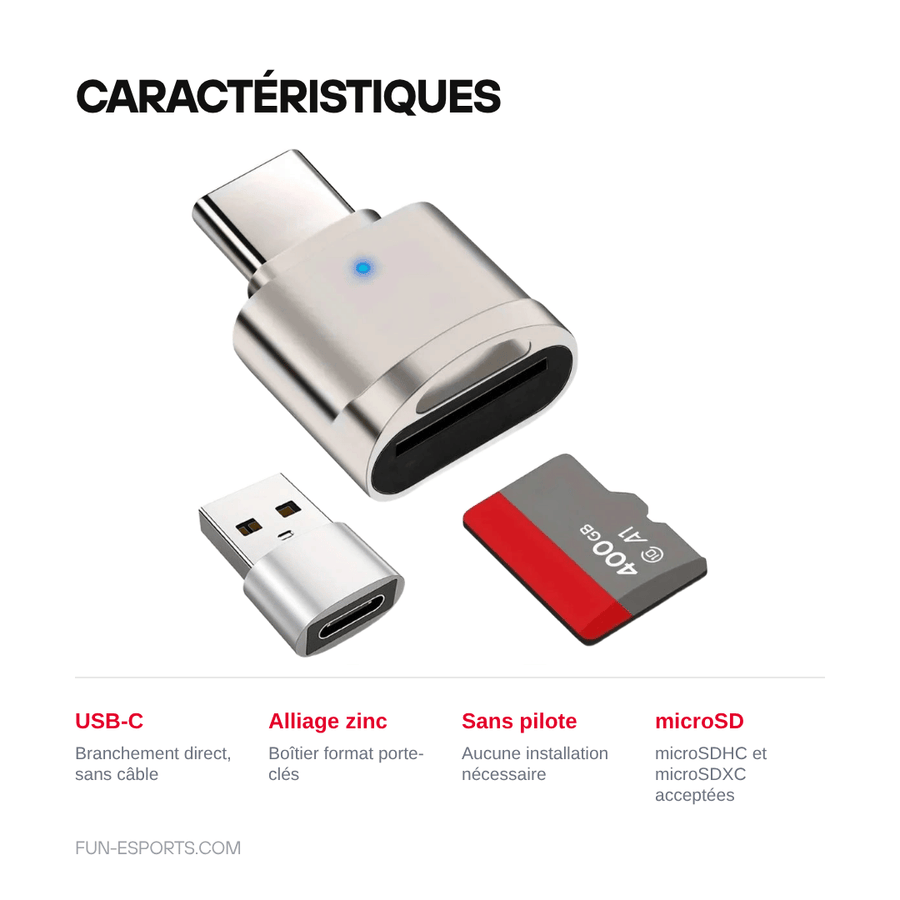
- Direct USB-C connection: no cable, no external power, the reader slides into the port and the card appears as a removable drive.
- USB-A adapter included: the same reader works on a desktop PC or a computer without a USB-C port.
- Zinc alloy shell: one-piece metal housing, stiffer than a moulded plastic reader, made to knock around in a workshop kit.
- No driver to install: recognised as a mass storage device, you copy files by drag and drop.
What it doesn't do
- Reads microSD cards (also called “TF”) only. No full-size SD, no CompactFlash, no Memory Stick, no dual-slot reader.
- The manufacturer does not state any maximum transfer rate or UHS-II support: think of it as a handy backup reader, not a professional transfer reader.
- It does not repair a faulty card and does not format anything by itself: formatting and checking are done from your computer.
- It does not install any firmware, system or games: it is a reader, nothing more. Supplied without games, in compliance with the law.
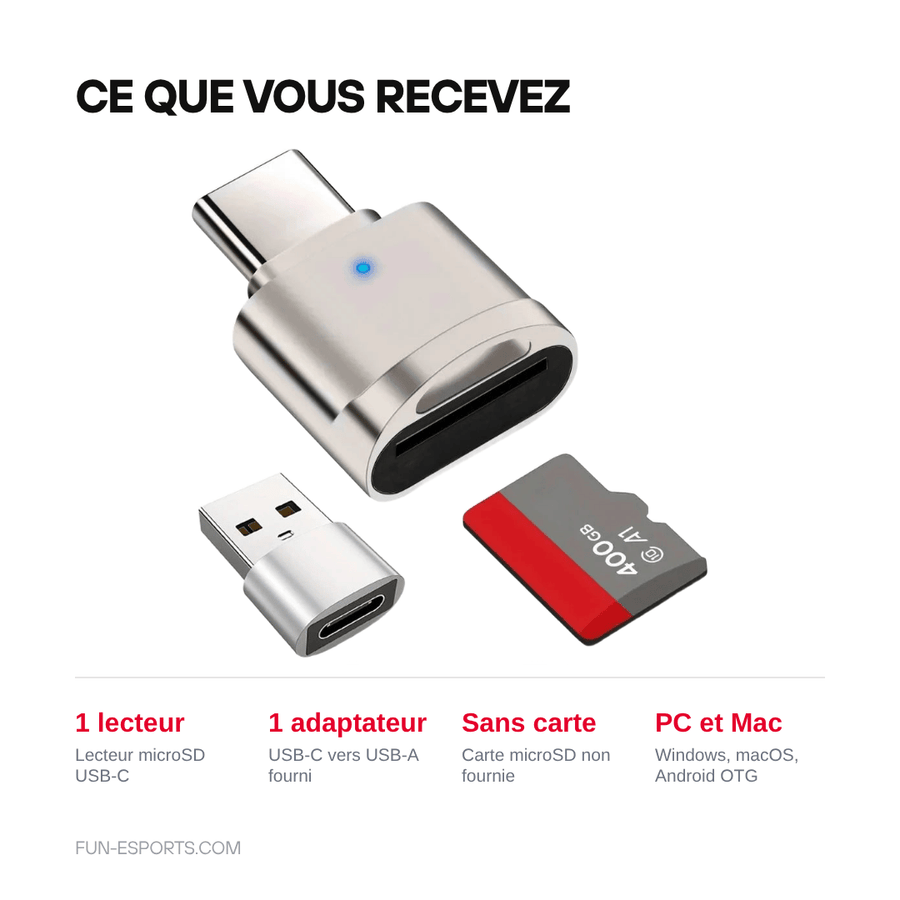
- The microSD card is not included.
Compatibility
Any computer with a USB-C port — Windows laptop, MacBook, tablet — and, via the included adapter, any USB-A port. It also works on an Android smartphone that supports USB OTG. Cards: microSD, microSDHC and microSDXC. It is used to prepare the card of retro handheld consoles (Anbernic, Miyoo, TrimUI, Retroid, Powkiddy) from your computer: the console itself does not plug into this reader. The maximum supported capacity and transfer rate are not documented by the manufacturer.
Skill level required
None. No soldering, no disassembly, no tools. Plug in the reader, insert the card, copy. If you are preparing a system card for a retro console, simply have a formatting utility and the image provided by the console manufacturer ready.
In the box
- 1 microSD card reader with USB-C connector, zinc alloy housing
- 1 USB-C to USB-A adapter
Read before ordering: Gaming accessories
Delivery in 10 to 18 days · ships within 3 to 5 days · 2-year legal guarantee of conformity · 14-day returns.
USB-C microSD card reader — USB-A adapter included, zinc body
Zinc alloy USB-C microSD reader, USB-A adapter included — to prepare your console's card from your computer.
En stock
📦Ships within 3 to 5 business days · Delivery in 10 to 18 business days · 2-year legal guarantee of conformity · 14-day returns.
ℹÀ partir de 150 €, la livraison s’effectue en Point Relais.
- 🇫🇷SAV français
réponse sous 1 jour ouvré - 🛡Garantie légale
2 ans - ↩14 jours
pour changer d’avis - 🔒Paiement sécurisé
CB · PayPal · Klarna
The card, the centrepiece of a retro console
On a modern retro handheld, the microSD card is not an accessory: it is the system, the saves and the library brought together on a few square millimetres. Every firmware update, every new theme, every save you want to recover means a round trip between the console and the computer. Without a reader to hand, that round trip simply doesn't happen.
A metal reader, not a plastic gadget
This model sits in a one-piece zinc alloy shell, keyring-sized, with a USB-C connector on one side and the USB-A adapter that slots onto it on the other. The metal doesn't bend when the reader spends a week at the bottom of a toolbox. There is nothing to install: the card appears as a removable drive, on Windows and macOS alike.
What we don't promise you
The manufacturer publishes no maximum transfer rate, no maximum supported capacity and no UHS-II certification: we won't make them up. It is a handy backup reader, reliable for copying a system image or recovering saves, not a professional transfer tool. It only reads the microSD format, and the card is not included. If these three points suit you, it does exactly its job.
What this accessory brings
Verified manufacturer specifications · vérifié le
Ce qu’il fait bien
- Direct USB-C connection, no cable or power supply
- USB-A adapter included for older computers
- Zinc alloy housing, keyring size
- No driver to install
Ce qu’il ne fait pas
- microSD (TF) cards only: no full-size SD, CompactFlash or Memory Stick
- No transfer rate or UHS-II support stated by the manufacturer
- Maximum supported capacity not documented
- microSD card not included
Voir toute la fiche technique+
Matière et format
- Type d’accessoire
- microSD card reader
Compatible avec
- microSD cards
- microSDHC cards
- microSDXC cards
- USB-C port
- USB-A port (adapter included)
- Windows
- macOS
- Android with USB OTG support
Dans la boîte
- 1 USB-C microSD card reader, zinc alloy housing
- 1 USB-C to USB-A adapter
Frequently Asked Questions
🔌 Which ports can I plug it into?
Directly into a USB-C port, and into a USB-A port with the included adapter. No external power supply is needed.
💾 Which types of card does it accept?
Only microSD cards, also called TF: microSD, microSDHC and microSDXC. It does not accept full-size SD, CompactFlash or Memory Stick.
📦 What is in the box?
A microSD card reader with a USB-C connector and zinc alloy housing, and a USB-C to USB-A adapter. The microSD card is not included.
🧰 Do I need to install a driver?
No. The reader is recognised as a mass storage device: the card appears as a removable drive and you copy files by drag and drop.
🎮 Can I use it to prepare my retro console's card?
Yes, that is its main use for us: take the card out of the console, plug it into the computer, copy or replace the files. The console does not plug into this reader.
⚡ What transfer rate does it reach?
The manufacturer does not publish any maximum transfer rate or UHS-II compatibility. If you regularly transfer several tens of gigabytes, a reader with documented performance will be better suited.
🚚 What are the delivery times?
Delivery in 10 to 18 days, ships within 3 to 5 days.
🛡️ Which guarantee applies?
2-year legal guarantee of conformity. 14-day returns. French customer service, reply within 1 business day.
Why buy here rather than on a marketplace
It is a fair question. Here is the answer, straight.
Every listing is checked before publication: real compatibility, material, dimensions, box contents. Many models never make it into the catalogue.
A question about compatibility, a fit problem, a return: you write, a human replies within 1 business day. In French.
The 2-year legal warranty of conformity is handled by us — not by a form on the other side of the world. And 14 days to change your mind, with no need to justify yourself.
We do not claim to be the cheapest. We claim that you will know exactly what you are buying before you pay.
Read this before choosing
Our guides to accessories: compatibility, protection, transport.

Pixel art: create your own designs for a Divoom display
Grid size, number of colours, outlines, animation: the guide to getting started in pixel art and displaying your own creations on a Divoom display.
2 min de lecture · publié le

Divoom pixel art speakers: which one should you choose?
Astrotoo, Ditoo-Pro, FlowToo, Tiivoo-2, Timebox-Evo, MiniToo, Fairy-OK: the seven Divoom speakers compared, by use and budget.
2 min de lecture · publié le

Times Frame or Times Frame Pure: which Divoom floating photo frame should you choose?
64 or 32 GB, three colours or just one, a dial or not: the real differences between the Times Frame and Times Frame Pure…
1 min de lecture · publié le