

Description complète
4-port USB hub: room for controllers, adapters and flash drives
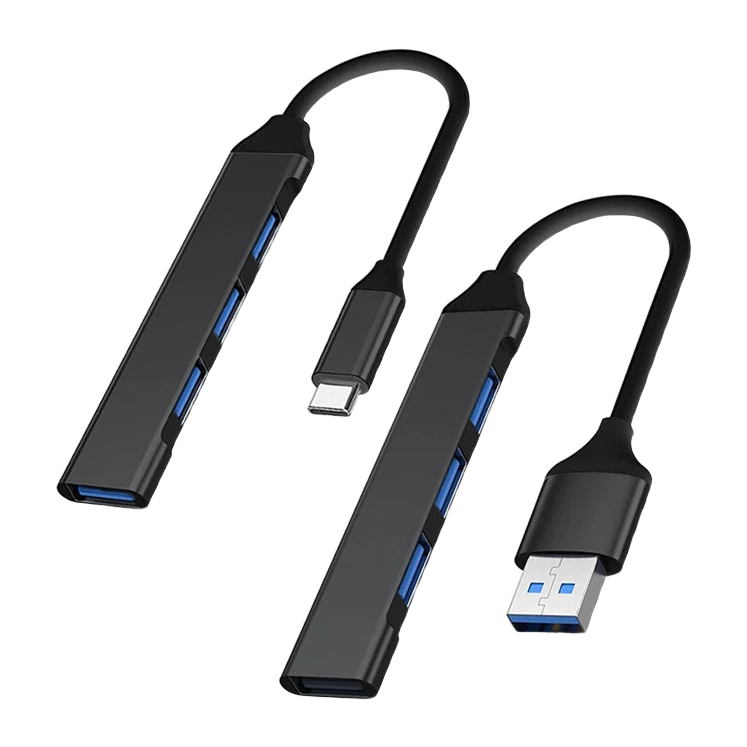
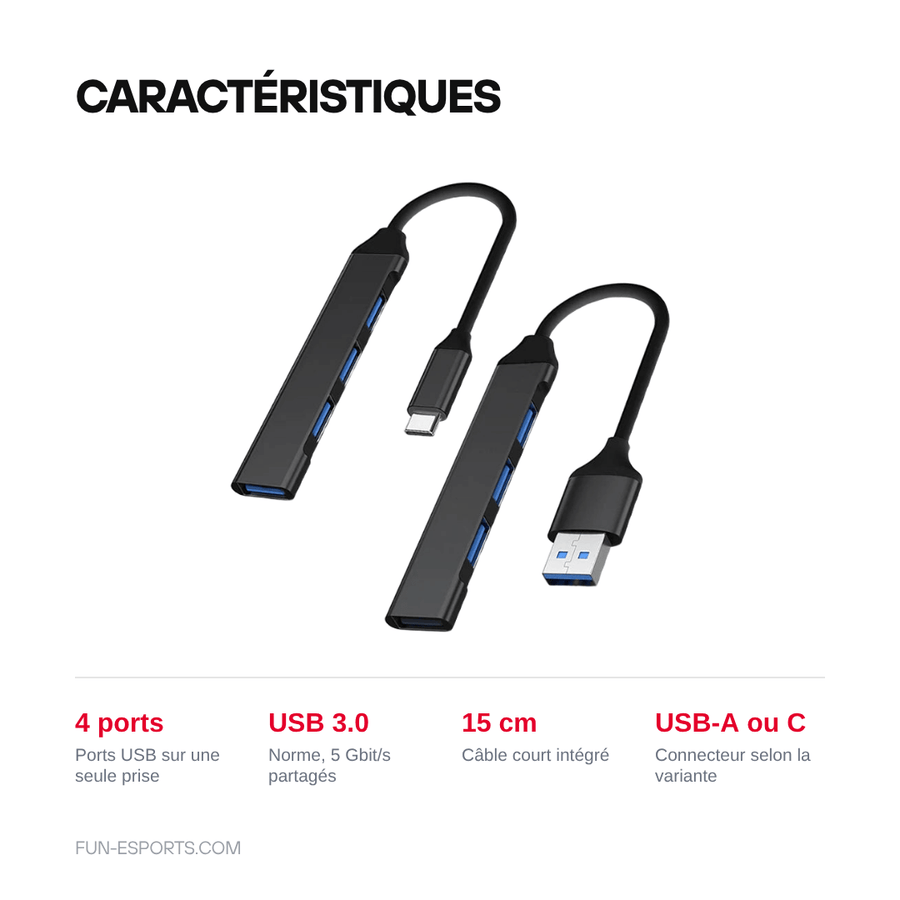
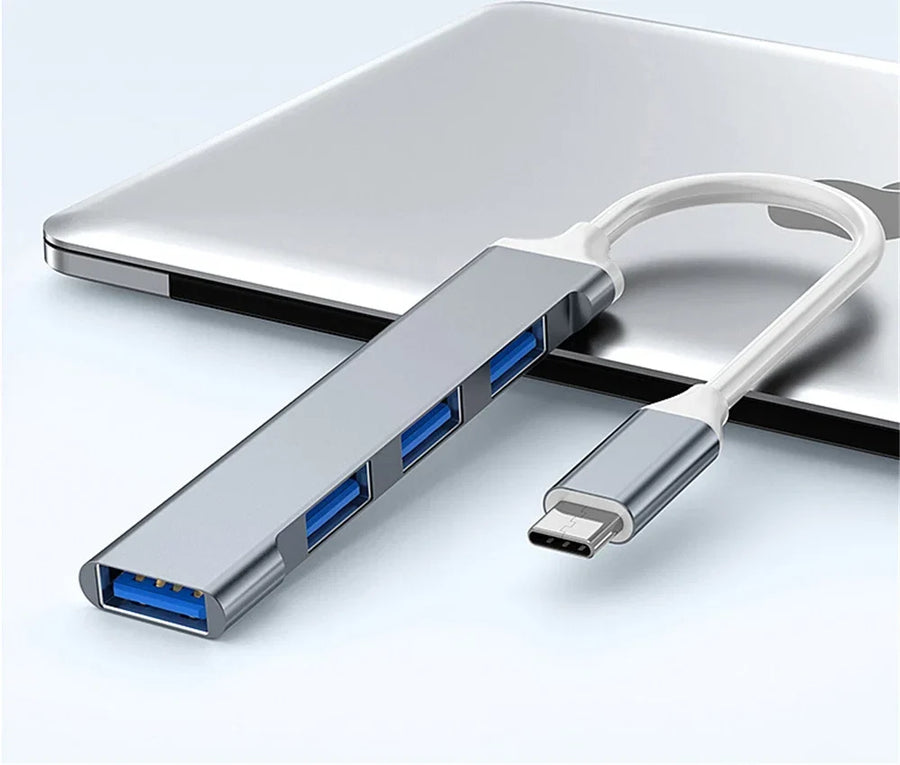
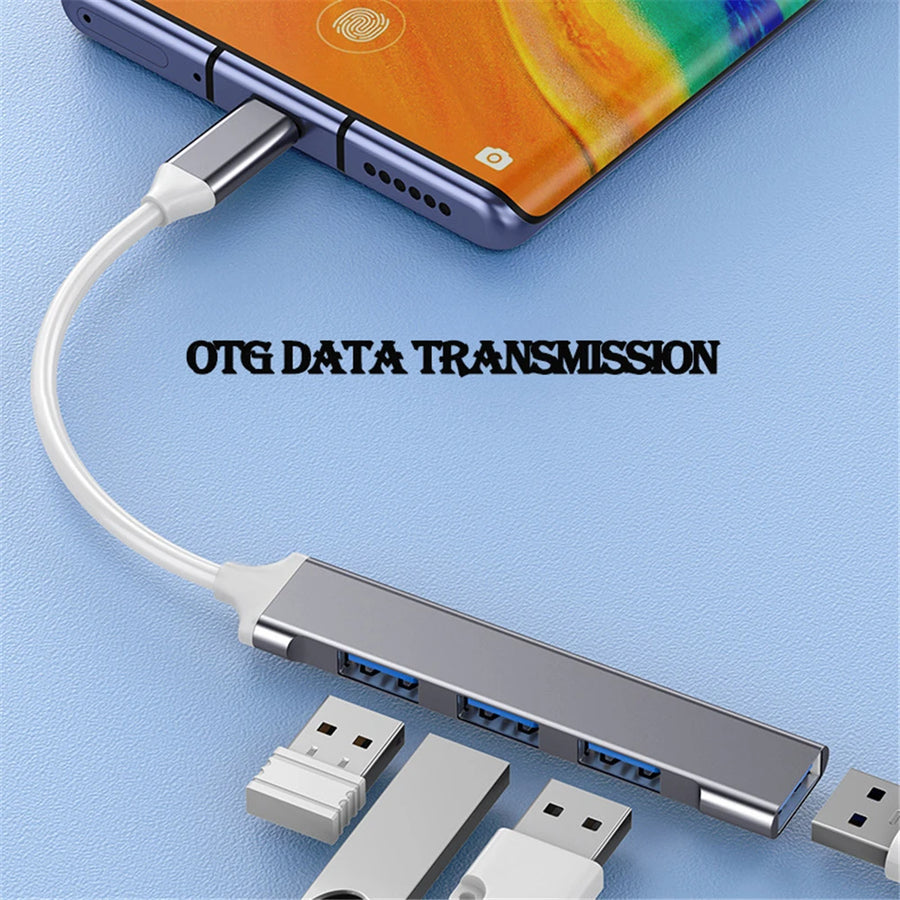
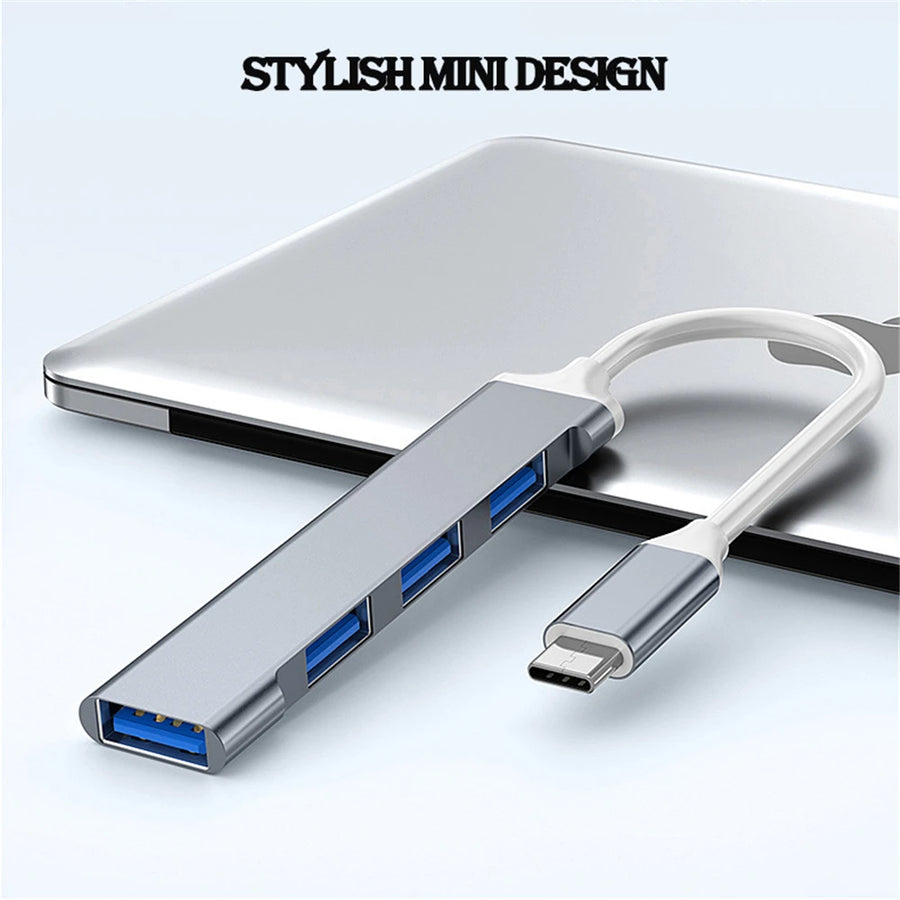
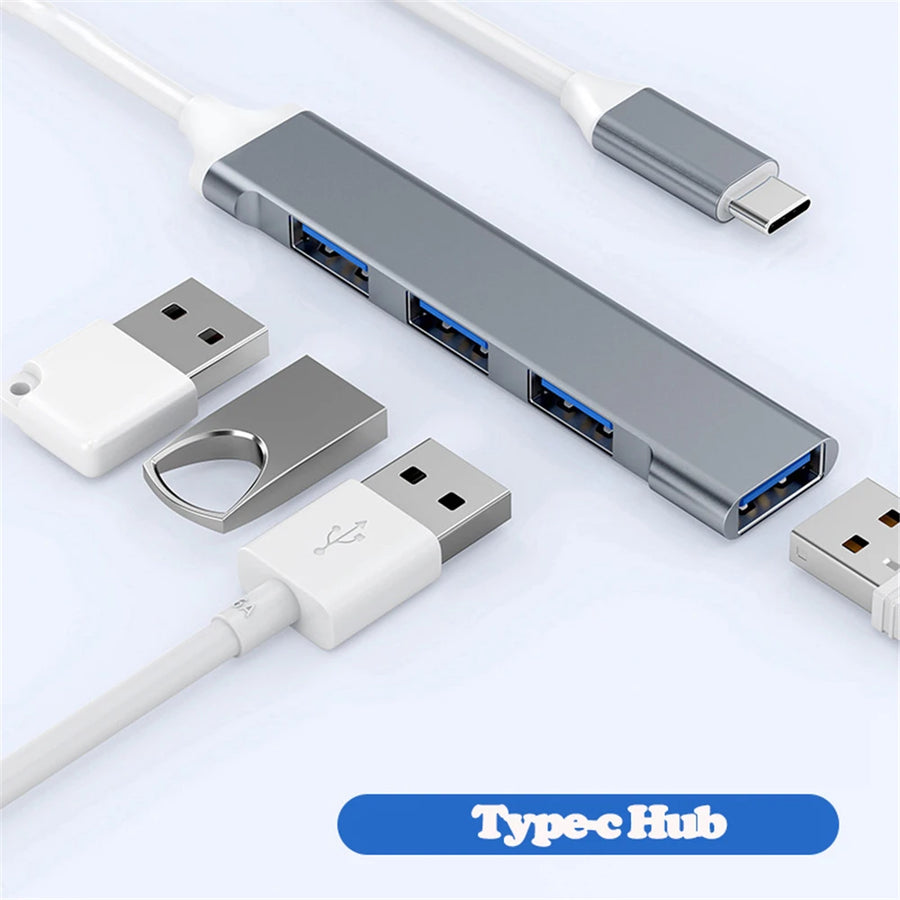
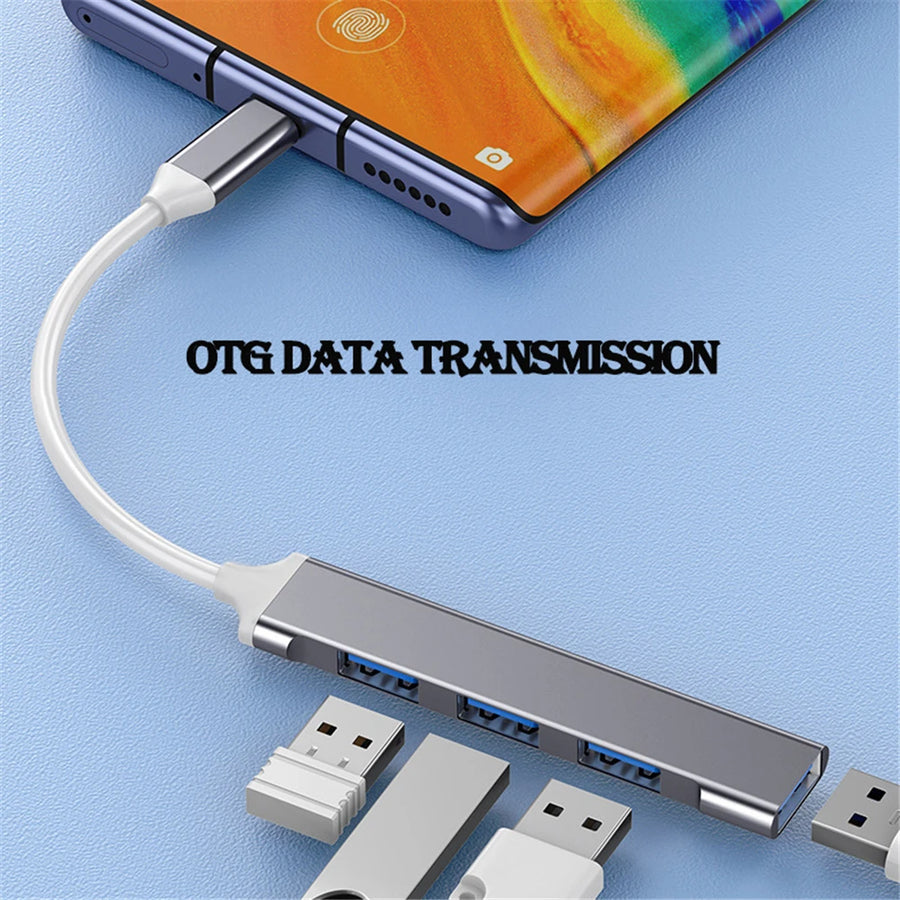
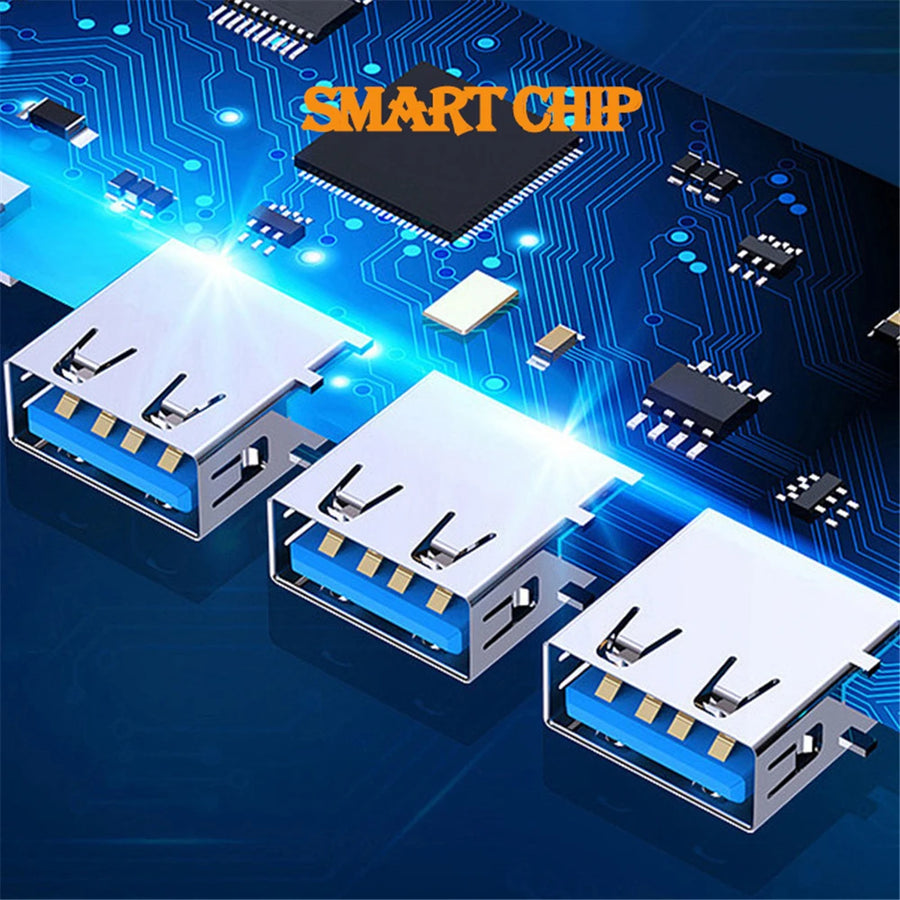
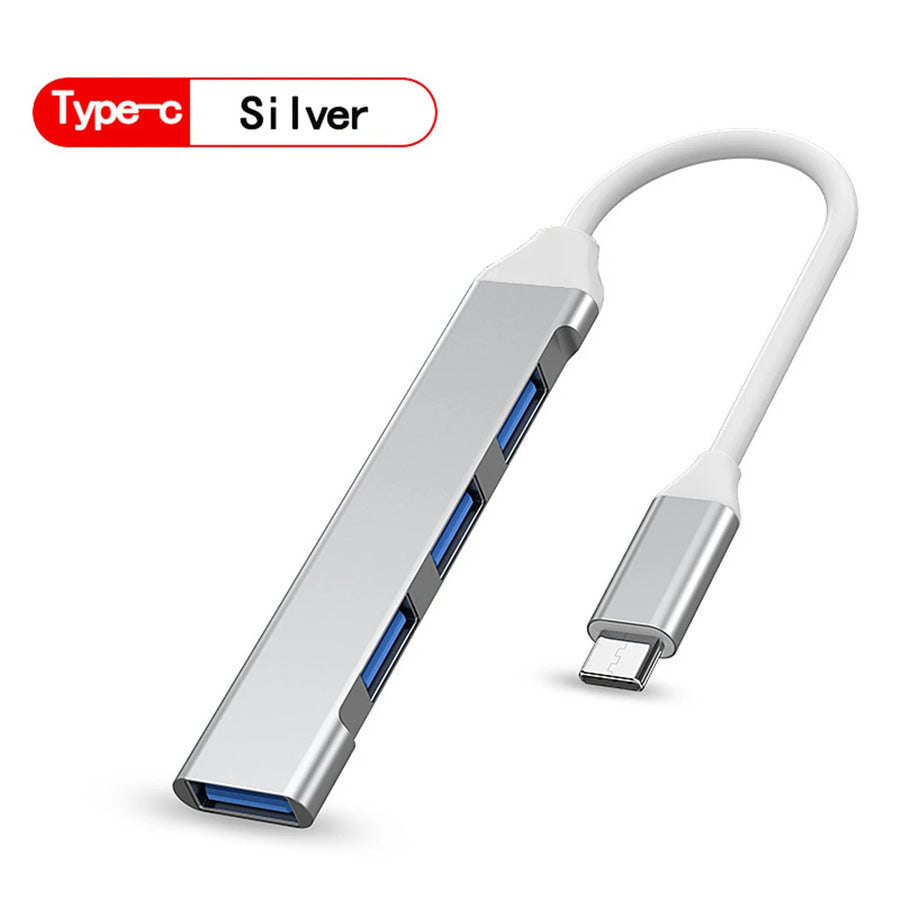
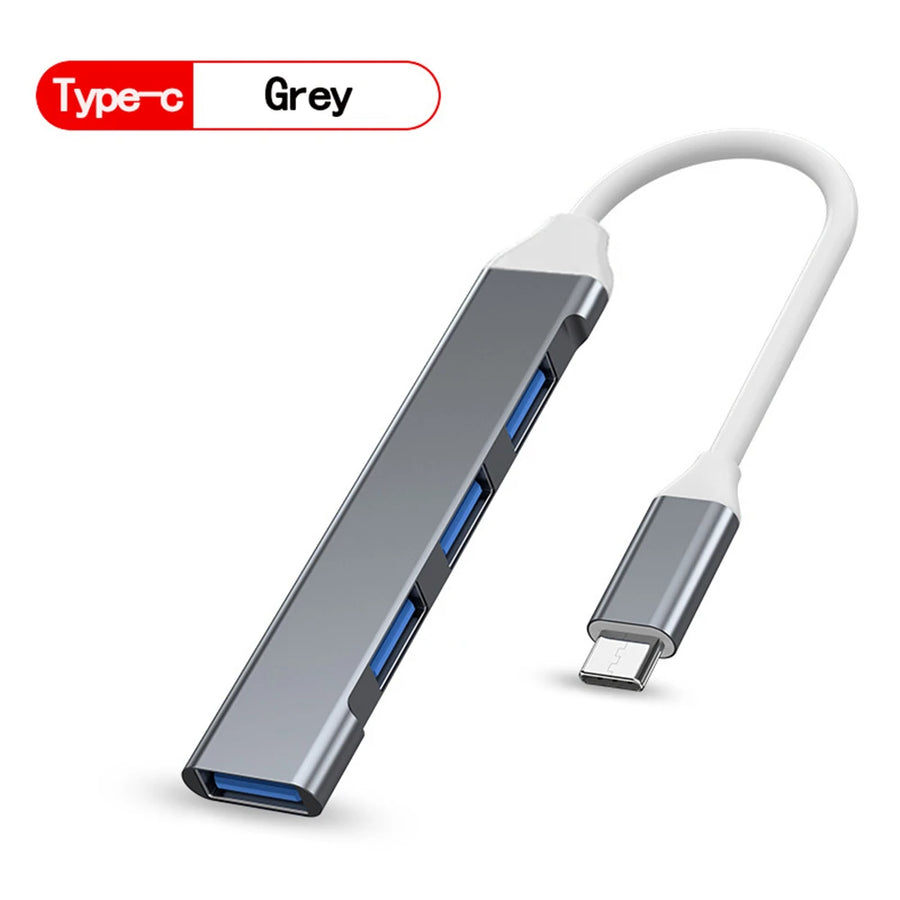
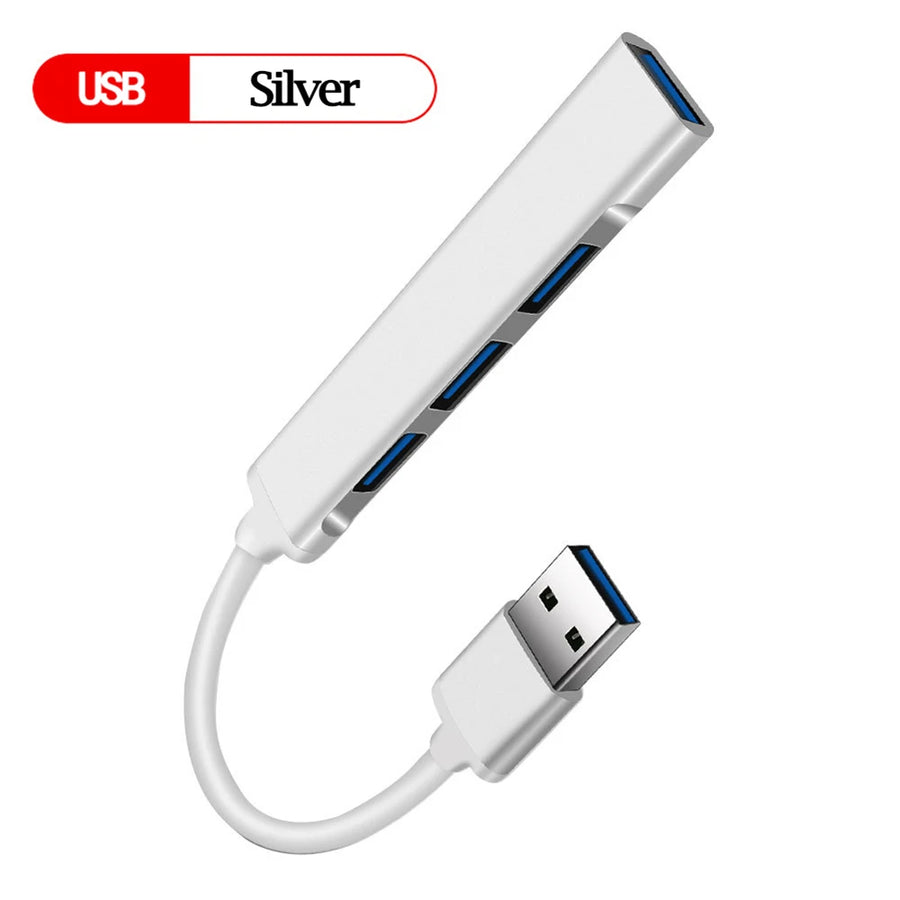
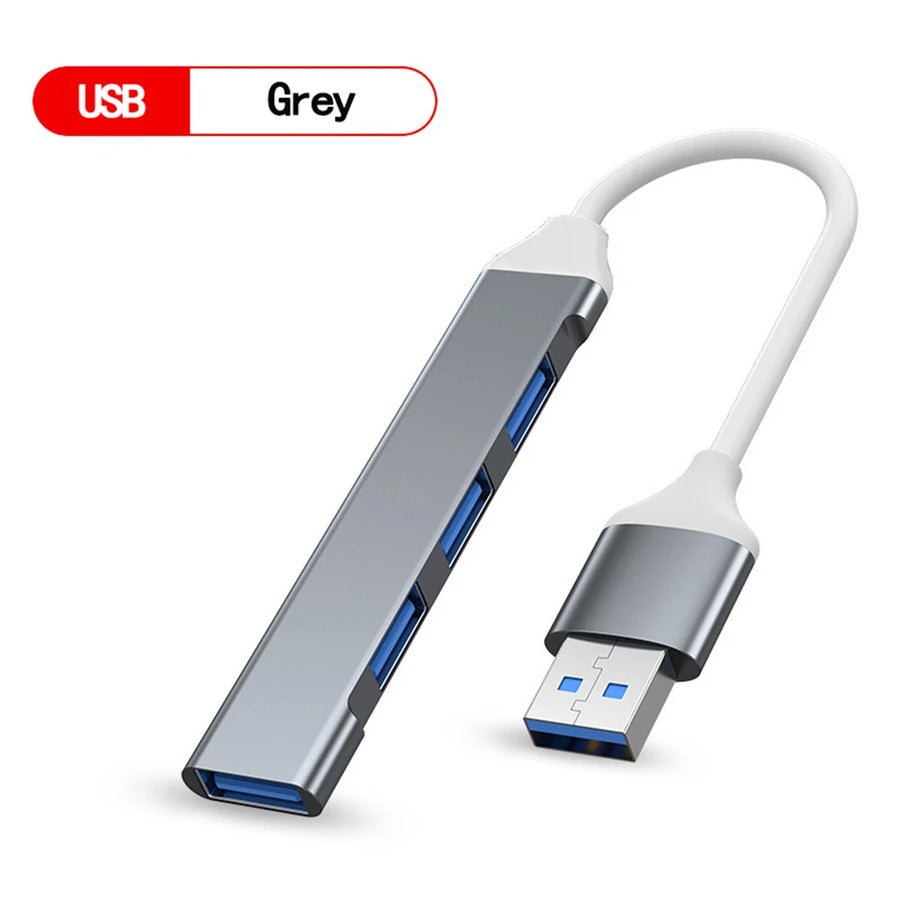
A retro gaming setup always ends up running out of sockets: the USB controller, the adapter for the old console, the flash drive that carries your saves and the microSD card reader all turn up at the same time. This hub turns a single port into four, with a short 15 cm cable and the connector of your choice, USB-A or USB-C.
What it does
- Four extra ports: controller, adapter, flash drive and card reader plugged in at the same time, without unplugging one to use another.
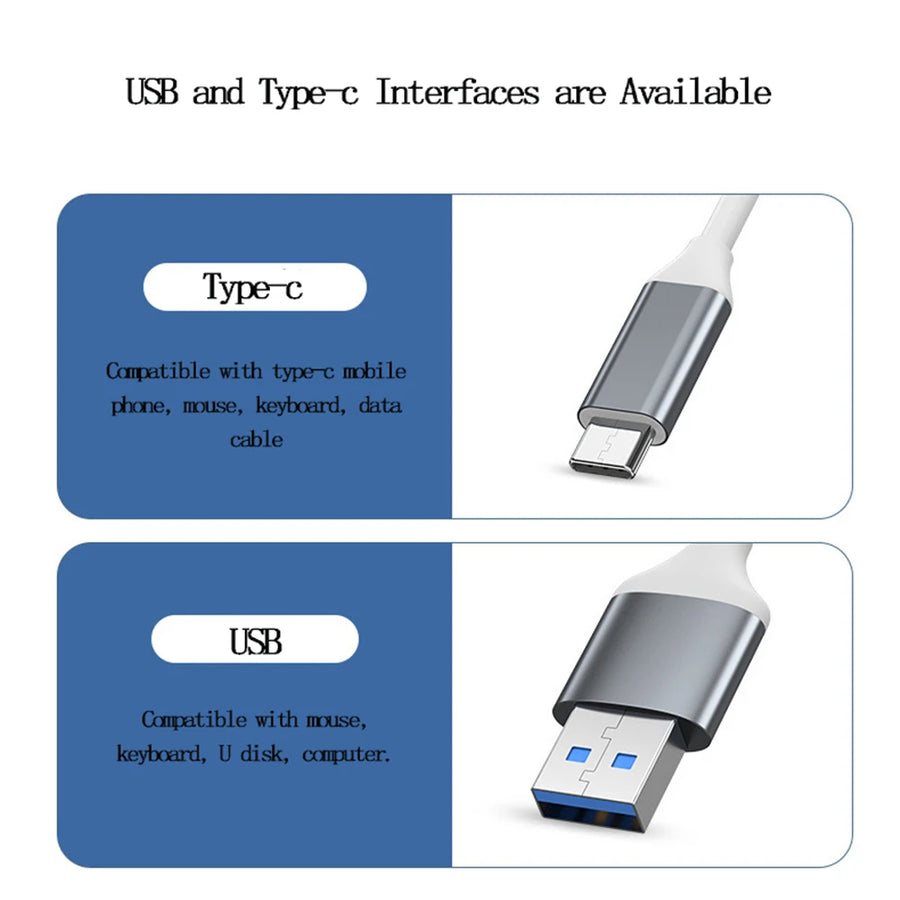
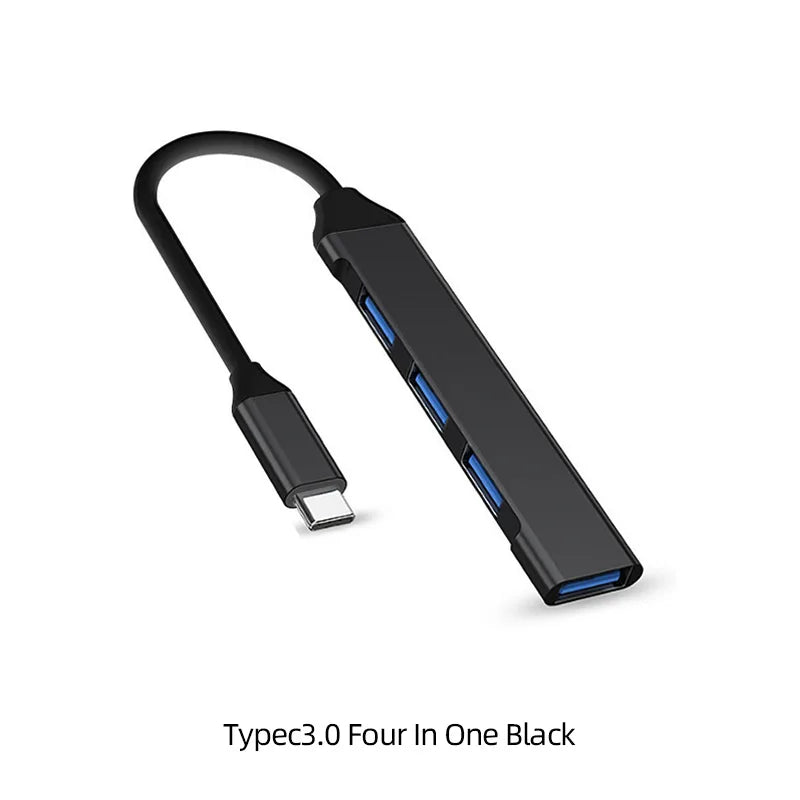
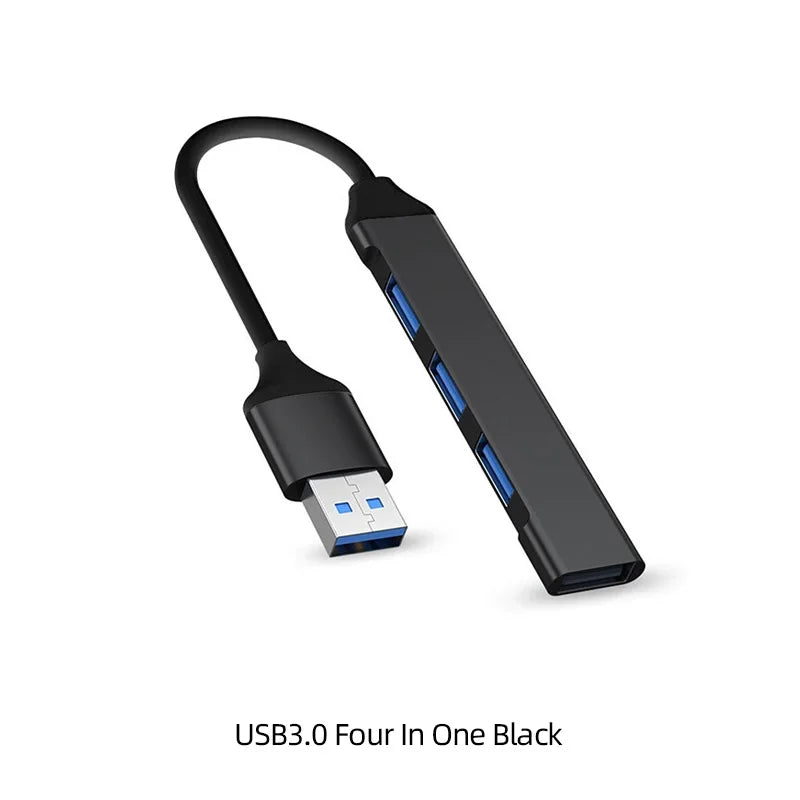
- Two connectors to choose from: USB-A version for a desktop PC or an older laptop, USB-C version for a recent laptop, a tablet or a mini PC.
- 15 cm cable: long enough to reach out from behind a tower or around a case, short enough not to loop across your desk.
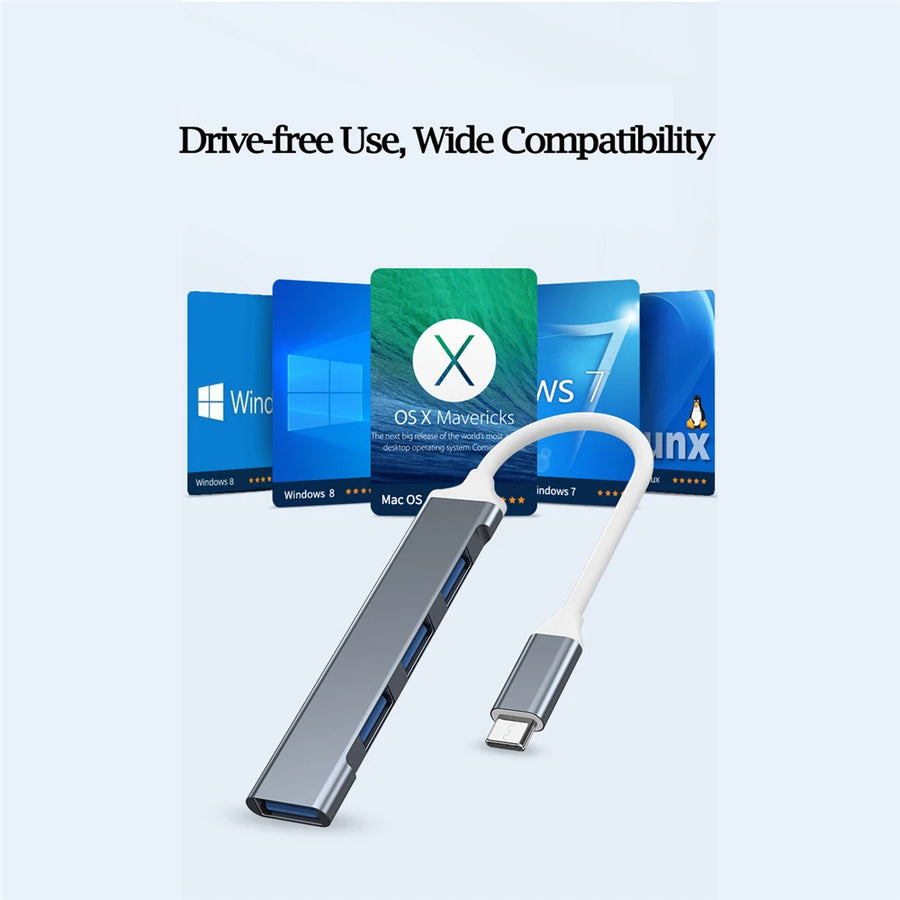
- No driver to install: the USB hub is a standard device, recognised directly by Windows, macOS and Linux.
What it doesn't do
- It has no external power supply: it shares the power provided by the host port. A 3.5-inch hard drive or fast phone charging exceeds what it can deliver.
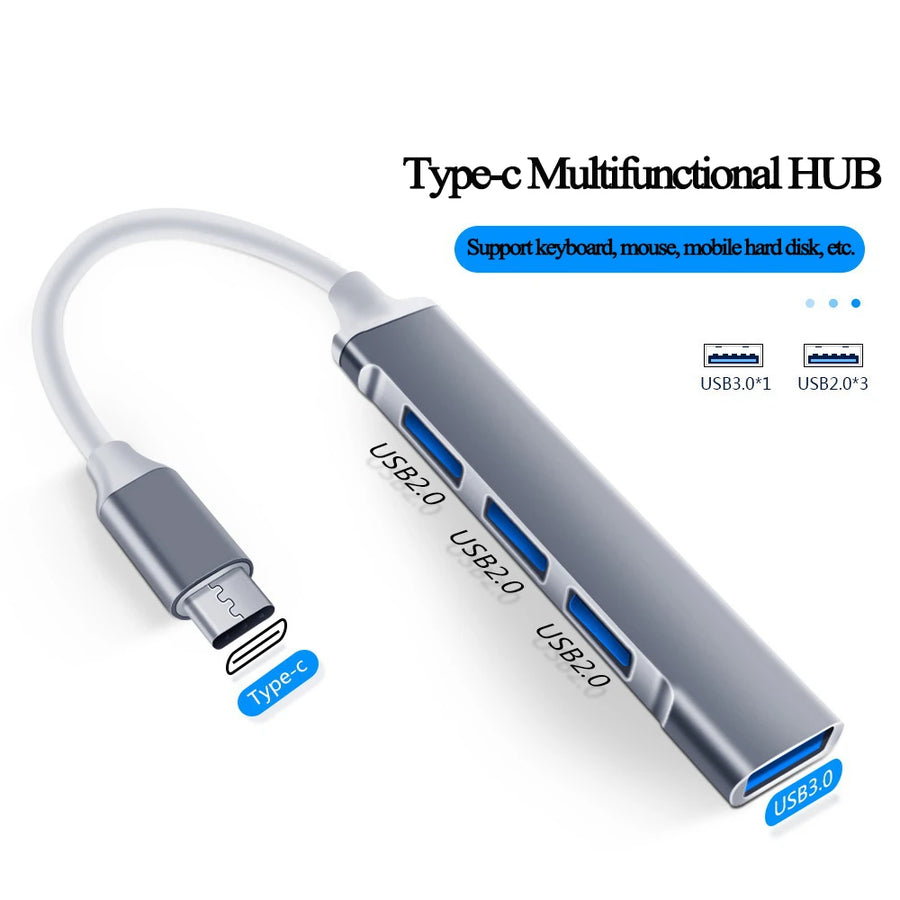
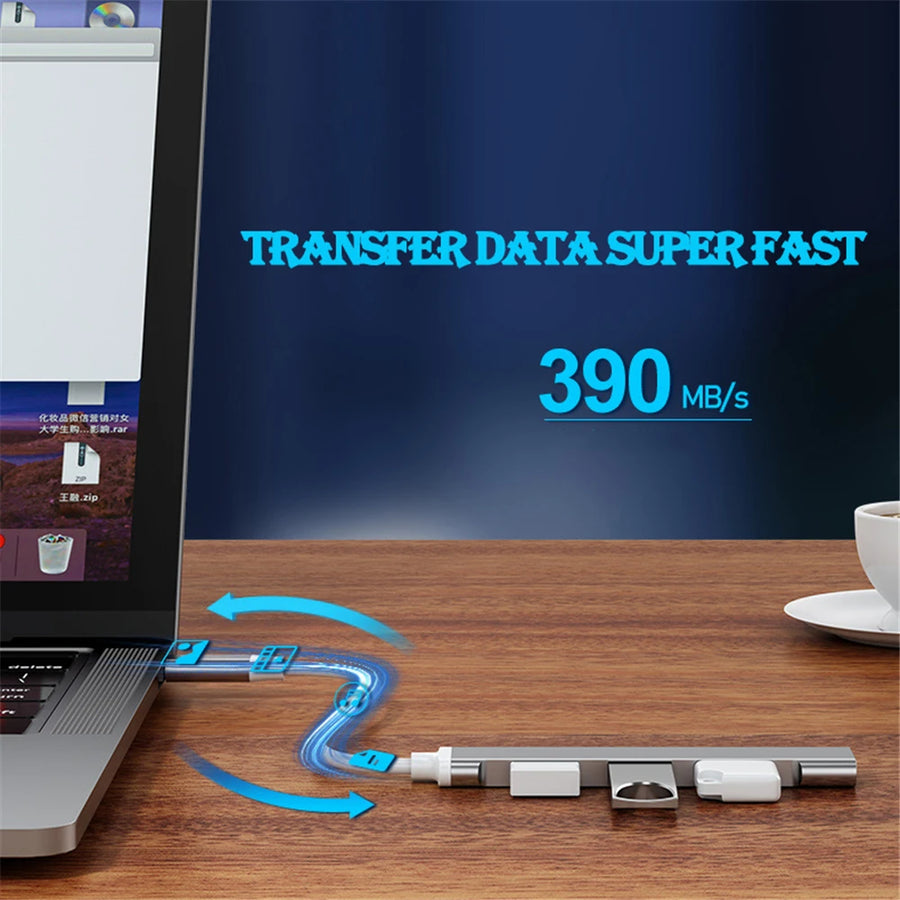
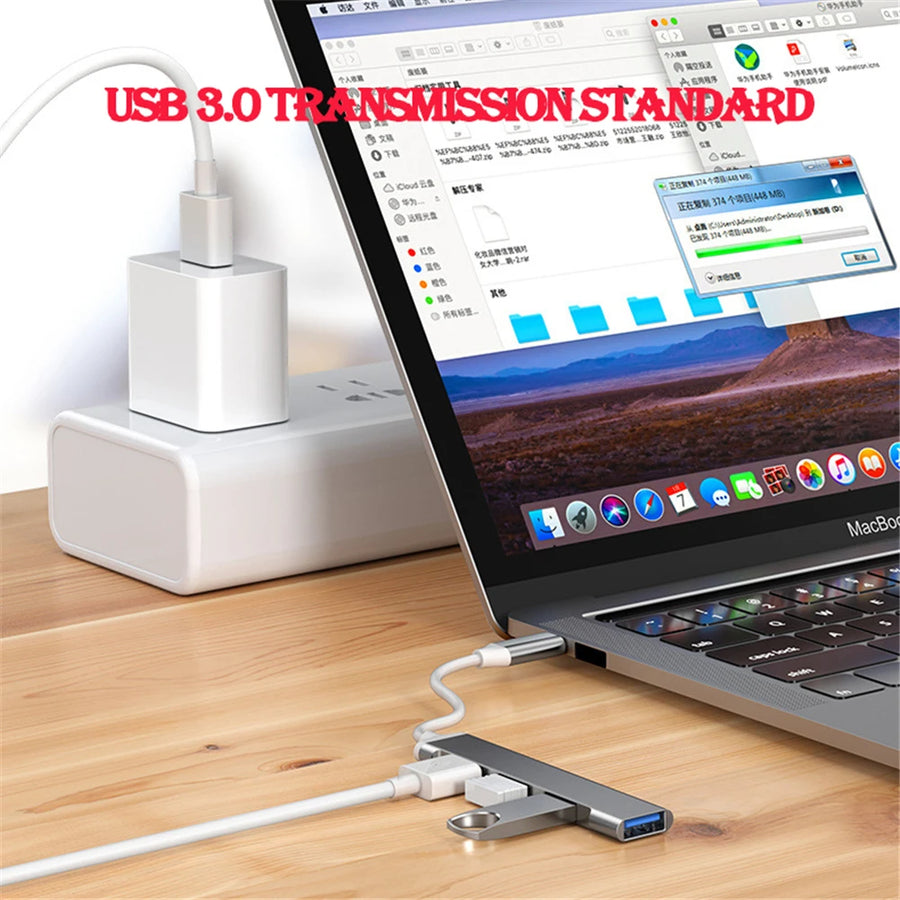
- The data rate stated by the manufacturer (USB 3.0 standard, 5 Gbps) is shared between the ports: four simultaneous transfers do not go four times faster.
- It is not a docking station: no HDMI output, no Ethernet, no built-in card reader, no audio jack.
- No switch or indicator light per port: you cannot turn off a device individually.
- The manufacturer does not publish a port-by-port breakdown of the USB 3.0 and 2.0 standards. Treat it as a hub for everyday use, not as a hub for transferring large volumes of data.
Compatibility
Any computer with a free USB-A or USB-C port: Windows PC, Mac, Linux machine, Raspberry Pi, emulation mini PC. On the device side: USB controllers, retro controller adapters, keyboards, mice, USB flash drives, microSD card readers. It is not designed to be plugged into the USB port of a home console or a retro handheld console: these machines often accept only one device and do not supply enough power for four. Choose the variant that matches your machine's socket, USB-A or USB-C: the connector is not interchangeable.
Skill level required
None. No soldering, no disassembly, no tools. Plug in the hub, wait two seconds for the system to recognise it, then plug in your devices.
In the box
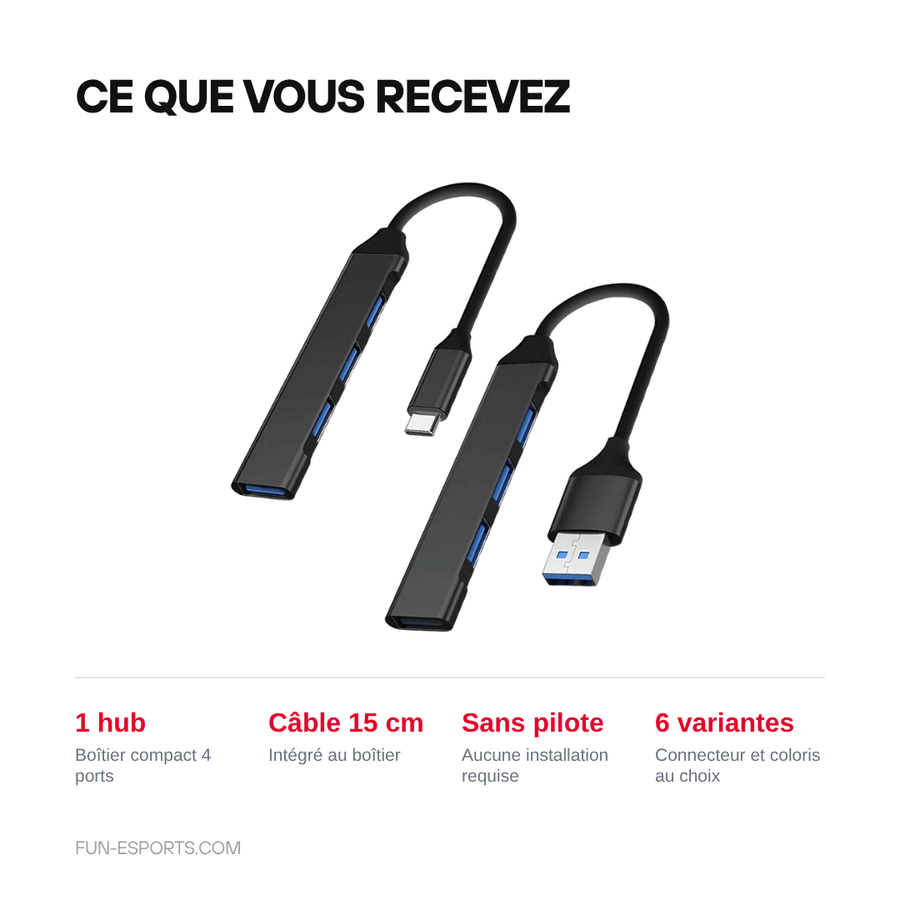
- 1 4-port USB hub, built-in 15 cm cable
- USB-A or USB-C connector depending on the chosen variant
Product page checked on 19 August 2026. Delivery in 10 to 18 days · ships within 3 to 5 days · 2-year legal guarantee · 14-day returns.
Read before ordering: Player setup
4-port USB hub, USB-A or USB-C — USB 3.0 standard, 15 cm cable
Four extra USB ports for your controllers, adapters and flash drives — choice of USB-A or USB-C.
En stock
📦Ships within 3 to 5 business days · Delivery in 10 to 18 business days · 2-year legal guarantee · 14-day returns.
ℹÀ partir de 150 €, la livraison s’effectue en Point Relais.
- 🇫🇷SAV français
réponse sous 1 jour ouvré - 🛡Garantie légale
2 ans - ↩14 jours
pour changer d’avis - 🔒Paiement sécurisé
CB · PayPal · Klarna
The overflowing gaming setup
A retro corner on a desk starts with a USB controller and ends with six cables. The adapter for the original controller, the flash drive that carries your saves, the microSD card reader for the handheld console, the keyboard when the emulator needs configuring. On a laptop with two ports, you spend your time unplugging one thing to plug in another. A hub solves that problem and nothing else: it adds sockets.
One hub, two connectors
The same base comes in two versions: USB-A plug for a tower, an old laptop or an emulation mini PC, USB-C plug for a recent machine or a tablet. The cable is 15 cm long: enough to reach out from behind a tower, too short to tangle around everything else. The hub is recognised without a driver by Windows, macOS and Linux. Choose the variant that matches your machine's socket, the connector is not interchangeable.
What we tell you before you buy
This hub has no external power supply: it redistributes the power from the port it is plugged into. It runs controllers, USB flash drives, a keyboard or a card reader perfectly well, but a 3.5-inch hard drive or fast phone charging exceeds what it can supply. The stated data rate is shared between the four ports, not multiplied. And it is not a docking station: no HDMI, no Ethernet, no audio jack.
What this accessory brings
Verified manufacturer specifications · vérifié le
Ce qu’il fait bien
- Four USB ports from a single socket
- Choice of connector: USB-A or USB-C
- Short 15 cm cable, no loops on your desk
- No driver to install
- Compact housing, easy to carry in a bag
Ce qu’il ne fait pas
- No external power: not suitable for a 3.5-inch hard drive or fast charging
- The stated data rate (USB 3.0, 5 Gbps) is shared between the four ports
- No HDMI, no Ethernet, no built-in card reader: it is not a docking station
- No switch or indicator light per port
- The manufacturer does not publish a port-by-port breakdown of the 3.0 and 2.0 standards
Voir toute la fiche technique+
Matière et format
- Type d’accessoire
- 4-port USB hub
Compatible avec
- Windows PC
- Mac
- Linux and Raspberry Pi
- Emulation mini PC
- USB controllers and adapters
- USB keyboard and mouse
- USB flash drives and card readers
Dans la boîte
- 1 4-port USB hub
- Built-in 15 cm cable
- USB-A or USB-C connector depending on variant
Frequently Asked Questions
🔌 Which version should I choose, USB-A or USB-C?
Look at the free socket on your machine. USB-A is the classic rectangular connector found on towers and older laptops, USB-C is the small oval connector on recent machines. The connector is not interchangeable: choose the matching variant.
⚡ Does it need an external power supply?
No, and there is no socket to add one. The hub redistributes the power from the port it is plugged into, which is fine for controllers, USB flash drives, keyboards and card readers.
🎮 Can I plug in several controllers at the same time?
Yes, that is the typical use: four USB controllers or wireless receivers draw little power and run without any problem on the four ports.
💾 Can I plug an external hard drive into it?
An SSD or a low-power 2.5-inch drive generally works on its own on the hub. A 3.5-inch drive with its own power supply, yes; a USB-powered 3.5-inch drive, no.
📏 How long is the cable?
15 cm, built into the housing. It is designed to stay close to the machine, not to bring the ports out to the edge of the desk.
🖥️ Do I need to install a driver?
No. A USB hub is a standard device, recognised directly by Windows, macOS, Linux and emulation mini PCs.
🚚 What are the delivery times?
Delivery in 10 to 18 days, ships within 3 to 5 days.
🛡️ Which guarantee applies?
2-year legal guarantee of conformity. 14-day returns. French customer service, reply within 1 business day.
Why buy here rather than on a marketplace
It is a fair question. Here is the answer, straight.
Every listing is checked before publication: real compatibility, material, dimensions, box contents. Many models never make it into the catalogue.
A question about compatibility, a fit problem, a return: you write, a human replies within 1 business day. In French.
The 2-year legal warranty of conformity is handled by us — not by a form on the other side of the world. And 14 days to change your mind, with no need to justify yourself.
We do not claim to be the cheapest. We claim that you will know exactly what you are buying before you pay.
Read this before choosing
Our guides to accessories: compatibility, protection, transport.

Pixel art: create your own designs for a Divoom display
Grid size, number of colours, outlines, animation: the guide to getting started in pixel art and displaying your own creations on a Divoom display.
2 min de lecture · publié le

Divoom pixel art speakers: which one should you choose?
Astrotoo, Ditoo-Pro, FlowToo, Tiivoo-2, Timebox-Evo, MiniToo, Fairy-OK: the seven Divoom speakers compared, by use and budget.
2 min de lecture · publié le

Times Frame or Times Frame Pure: which Divoom floating photo frame should you choose?
64 or 32 GB, three colours or just one, a dial or not: the real differences between the Times Frame and Times Frame Pure…
1 min de lecture · publié le