Description complète
GuliKit RG01 joysticks for ROG Ally X: putting an end to drift
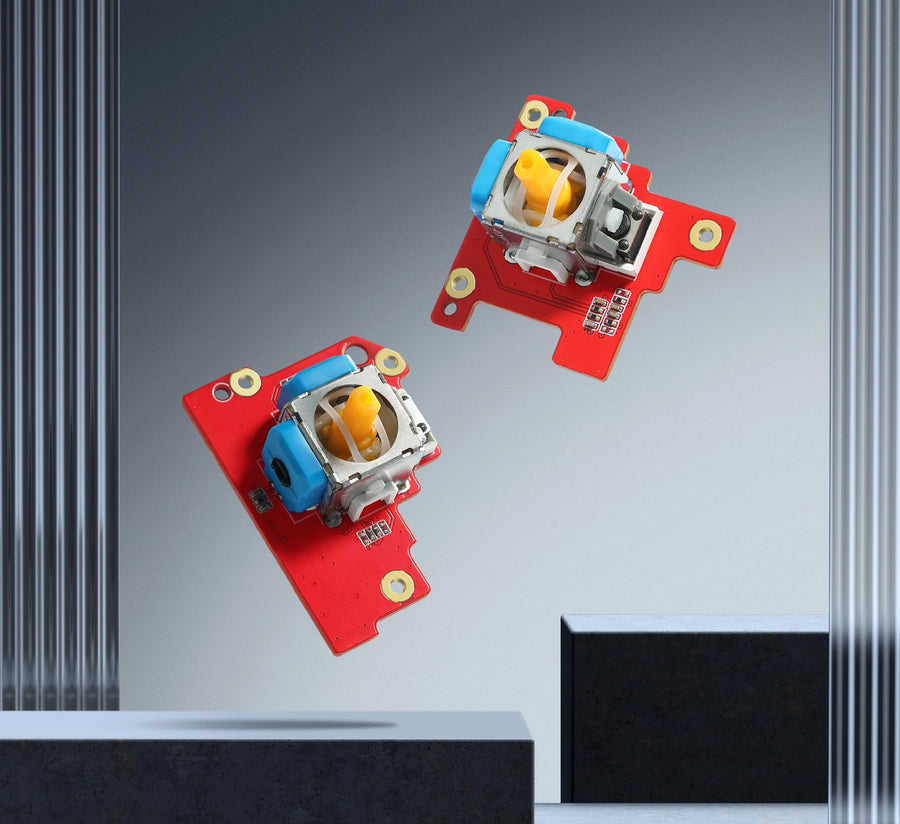
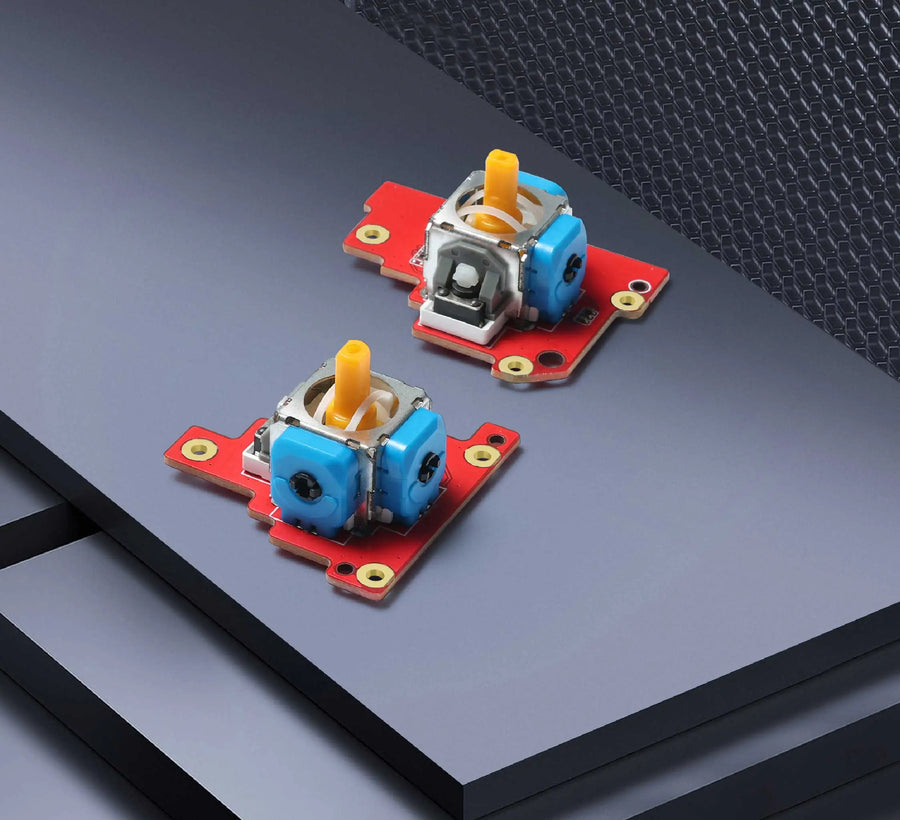
A drifting joystick makes the camera or the character move on its own. On the ROG Ally X, this GuliKit module replaces both original sticks with Hall effect joysticks: the position is read by a magnetic sensor, with no carbon track that wears out through friction. Installation is done without soldering, in the original format and with the original connector.
What it does
- Hall effect magnetic reading: no rubbing contact in the sensor, so none of the wear behind classic drift.
- Direct replacement: same dimensions and same connectors as the original modules, no soldering.
- A complete pair: left and right joysticks replaced in a single job.
What it doesn't do
- It is not suitable for the original ROG Ally (2023), nor for the 2025 ROG Xbox Ally models.
- It does not remove the need for calibration: without calibration in Armoury Crate, the centre may be misread.
- Without a dead zone, it is normal for the stick not to return exactly to the zero point every time it is released.
- It does not fix a trigger, button or software problem.
Compatibility
ROG Ally X only. Not compatible with the original ROG Ally (2023) or with the ROG Xbox Ally and ROG Xbox Ally X released in 2025, which have their own modules. Opening the console may end the manufacturer's commercial warranty.
Skill level required
Intermediate level, no soldering. You need to remove the back shell, disconnect the battery, unplug and unscrew each original module, then install the new ones. Before closing, run the joystick calibration in Armoury Crate (Settings, then Calibration) and follow the on-screen instructions. Have a precision Phillips screwdriver and a plastic opening tool ready.
In the box
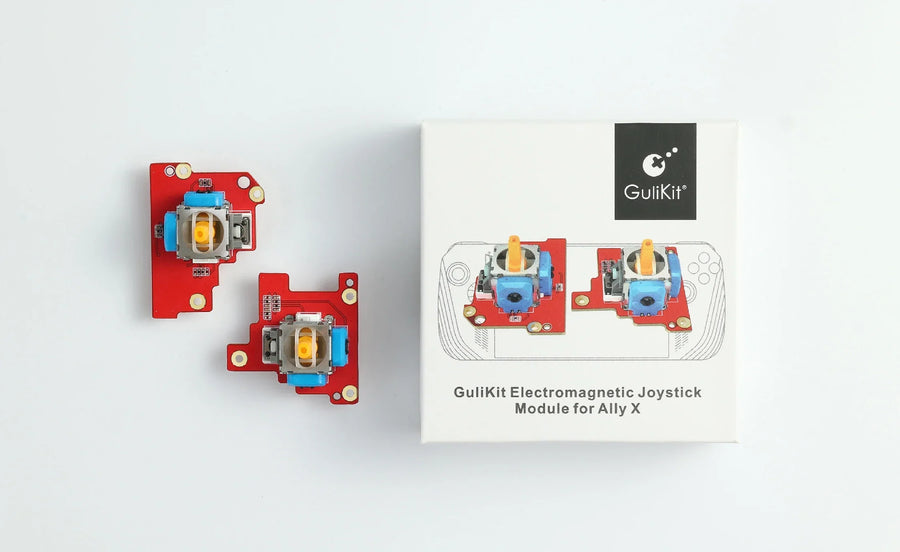
- 1 pair of GuliKit RG01 joystick modules (left and right).
Delivery in 10 to 18 days · dispatched within 3 to 5 days · 2-year legal guarantee · 14-day returns.
ROG Ally X GuliKit RG01 joysticks — Hall effect, anti-drift
Pair of Hall effect joysticks for ROG Ally X, installed without soldering to eliminate drift.
En stock
📦Dispatched within 3 to 5 business days · Delivery in 10 to 18 business days · 2-year legal guarantee · 14-day returns.
ℹÀ partir de 150 €, la livraison s’effectue en Point Relais.
- 🇫🇷SAV français
réponse sous 1 jour ouvré - 🛡Garantie légale
2 ans - ↩14 jours
pour changer d’avis - 🔒Paiement sécurisé
CB · PayPal · Klarna
The job: restoring the ROG Ally X's precision
When the character walks on its own or the camera slides, the joystick is drifting. You open the back of the ROG Ally X, disconnect the battery, replace both modules and calibrate before closing. No soldering: it is a screwdriver job, within reach of a careful hobbyist.
The part: a GuliKit Hall effect module
GuliKit has made a name for itself with its magnetic joysticks for handheld consoles and controllers. The RG01 reads the stick position via the Hall effect, with no carbon track to wear out, and uses the dimensions and connectors of the ROG Ally X's original modules. It does not fit the 2023 ROG Ally.
Before opening: calibration and model
Check that your console is indeed a ROG Ally X. Have a precision Phillips screwdriver and a plastic opening tool ready, and keep Armoury Crate at hand: calibration is done before screwing the back on again. A question about installation? Our customer service replies within 1 business day.
What this accessory brings
Verified manufacturer specifications · vérifié le
Ce qu’il fait bien
- Hall effect sensor, no carbon track to wear out
- Direct replacement in the original format
- No-solder installation
- Complete left and right pair
Ce qu’il ne fait pas
- ROG Ally X only, not the original ROG Ally
- Calibration in Armoury Crate required
- Imperfect return to centre possible without a dead zone
Voir toute la fiche technique+
Matière et format
- Type d’accessoire
- Replacement joystick
Compatible avec
- ROG Ally X
Dans la boîte
- 1 pair of GuliKit RG01 joystick modules (left and right)
Frequently Asked Questions
🔧 Do I need to solder to install these joysticks?
No. The modules use the original format and connector: you unplug the old one, plug in the new one and screw it back in.
🎮 Is it compatible with my ROG Ally?
Only with the ROG Ally X. The original ROG Ally (2023) and the 2025 ROG Xbox Ally models use other modules.
🧲 What does the Hall effect bring?
The stick position is measured by a magnetic sensor, with no carbon track rubbed by a wiper. It is the wear of this track that causes drift in classic joysticks.
🎯 Do I need to calibrate after installation?
Yes. Before closing the console, open Armoury Crate, Calibration section, select each joystick and follow the instructions. Without a dead zone, a slight deviation when returning to centre remains normal.
📦 What is in the box?
A pair of GuliKit RG01 joystick modules: one left, one right. No tools.
🧰 What tools do I need?
A precision Phillips screwdriver and a plastic opening tool for the back shell. Fine tweezers help with handling the ribbon cables.
🚚 What are the delivery times?
Delivery in 10 to 18 days, dispatched within 3 to 5 days.
🛡️ What guarantee applies?
2-year legal guarantee of conformity. 14-day returns. Our customer service replies within 1 business day.
Why buy here rather than on a marketplace
It is a fair question. Here is the answer, straight.
Every listing is checked before publication: real compatibility, material, dimensions, box contents. Many models never make it into the catalogue.
A question about compatibility, a fit problem, a return: you write, a human replies within 1 business day. In French.
The 2-year legal warranty of conformity is handled by us — not by a form on the other side of the world. And 14 days to change your mind, with no need to justify yourself.
We do not claim to be the cheapest. We claim that you will know exactly what you are buying before you pay.
Read this before choosing
Our guides to accessories: compatibility, protection, transport.

Pixel art: create your own designs for a Divoom display
Grid size, number of colours, outlines, animation: the guide to getting started in pixel art and displaying your own creations on a Divoom display.
2 min de lecture · publié le

Divoom pixel art speakers: which one should you choose?
Astrotoo, Ditoo-Pro, FlowToo, Tiivoo-2, Timebox-Evo, MiniToo, Fairy-OK: the seven Divoom speakers compared, by use and budget.
2 min de lecture · publié le

Times Frame or Times Frame Pure: which Divoom floating photo frame should you choose?
64 or 32 GB, three colours or just one, a dial or not: the real differences between the Times Frame and Times Frame Pure…
1 min de lecture · publié le