Full description
GameCube Controller – Comfort and Performance
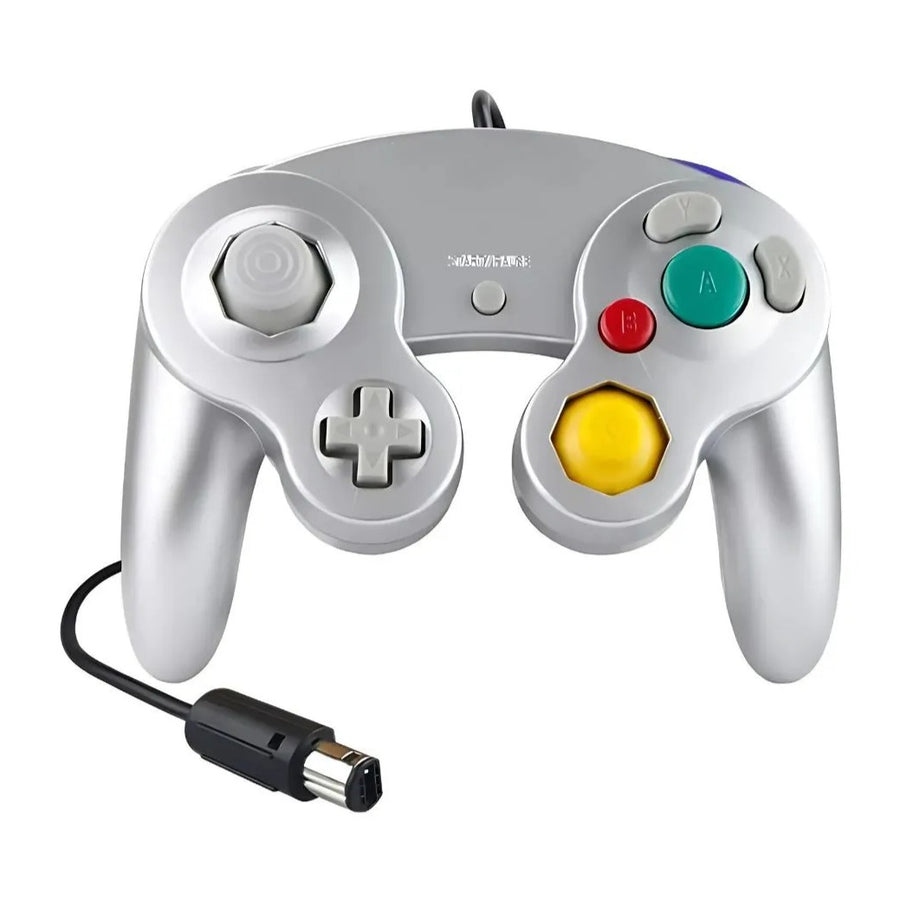
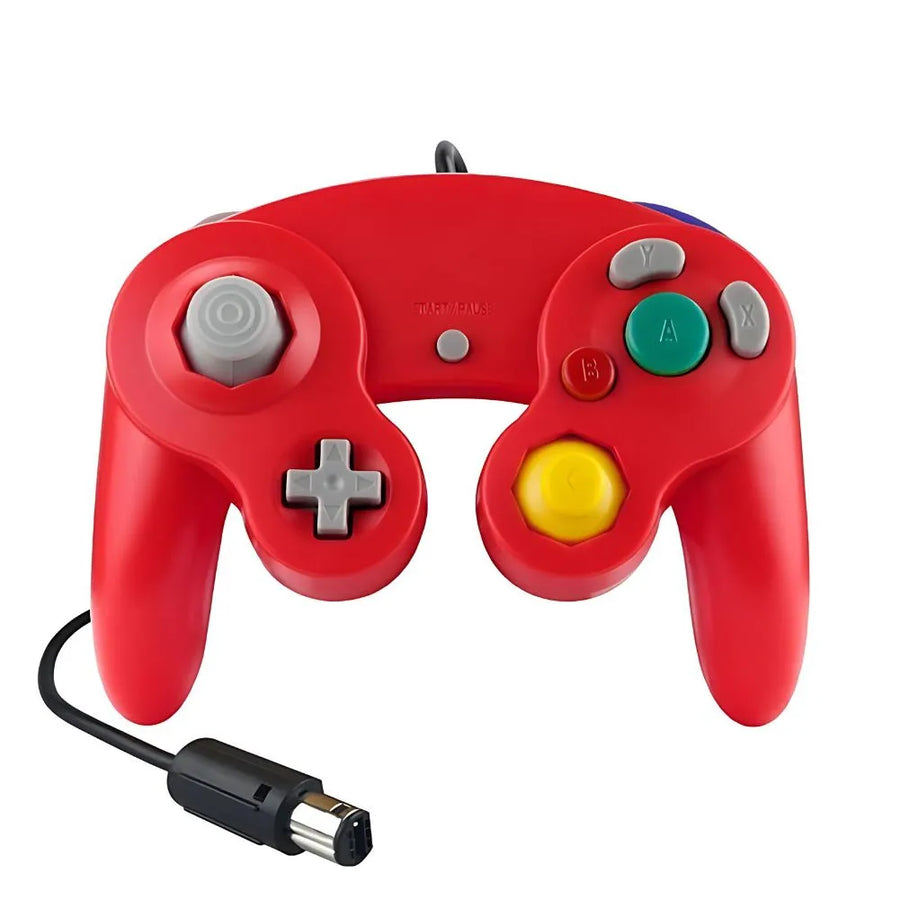
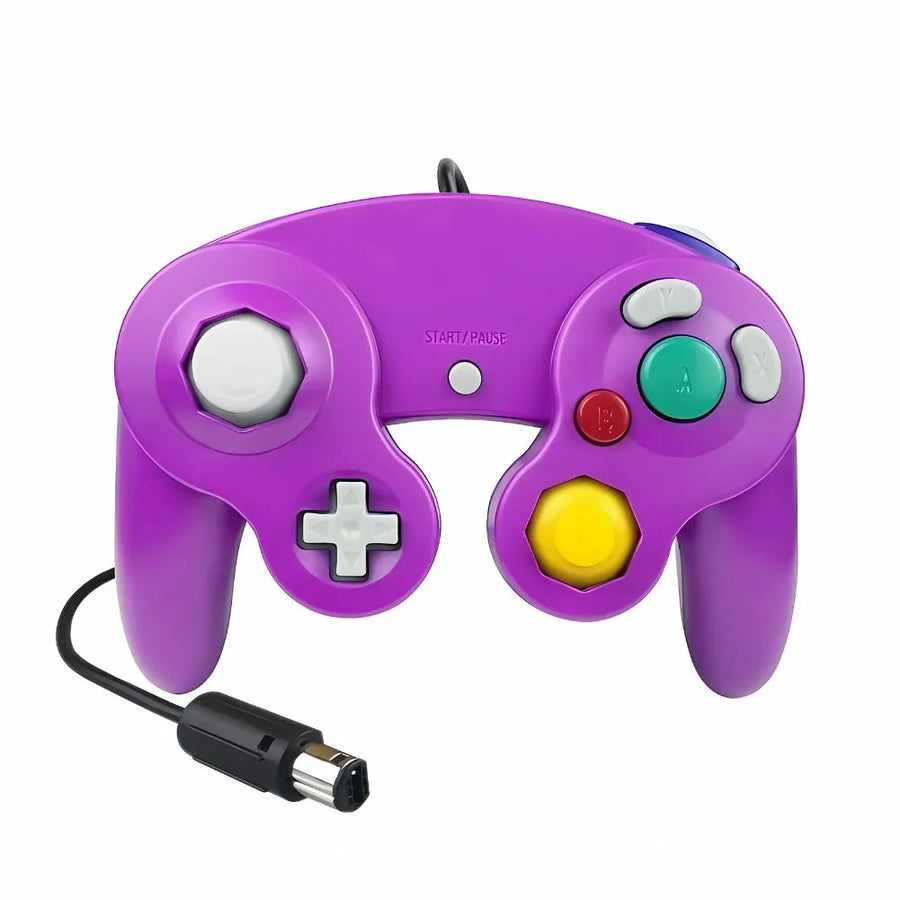
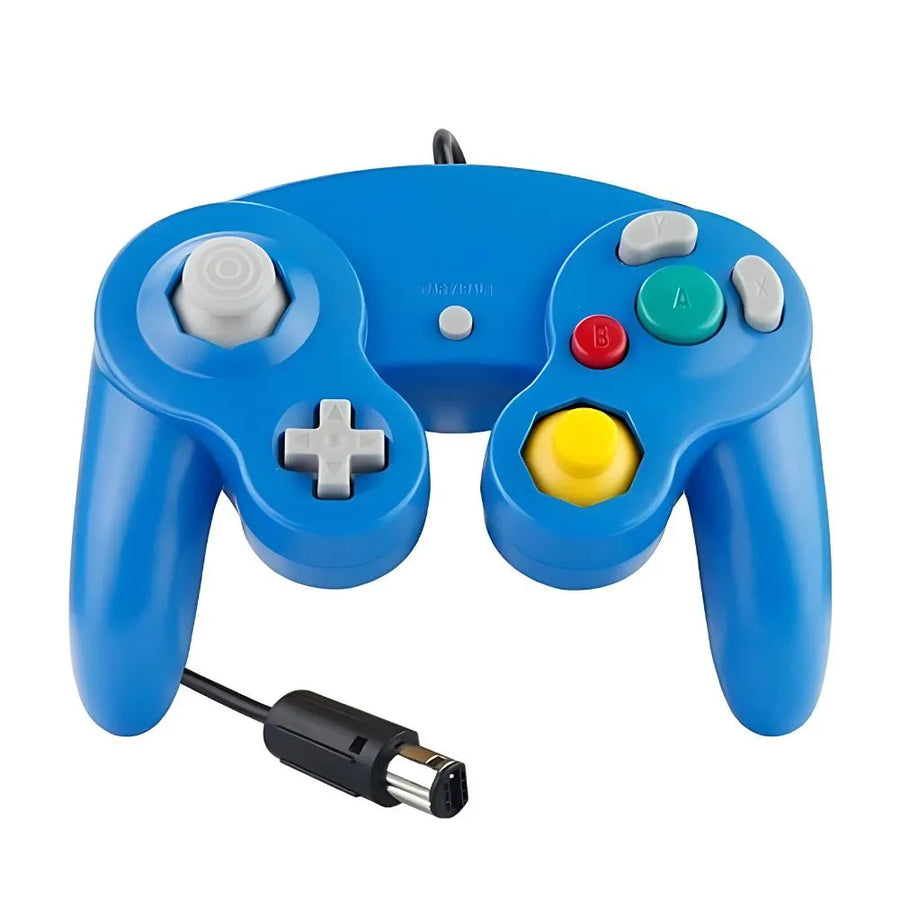
Dive into the world of the GameCube controller , an ideal choice for Nintendo fans. With an ergonomic design built for long gaming sessions, it combines style and functionality. Enjoy exceptional precision thanks to its responsive linear buttons, and experience your games with total immersion thanks to the integrated vibration.
Key features of the GameCube controller
- Ergonomic design : Optimal comfort for extended gaming sessions.
- Maximum precision : Linear buttons for responsive and precise control.
- Immersive vibration : Feel every movement for a captivating experience.
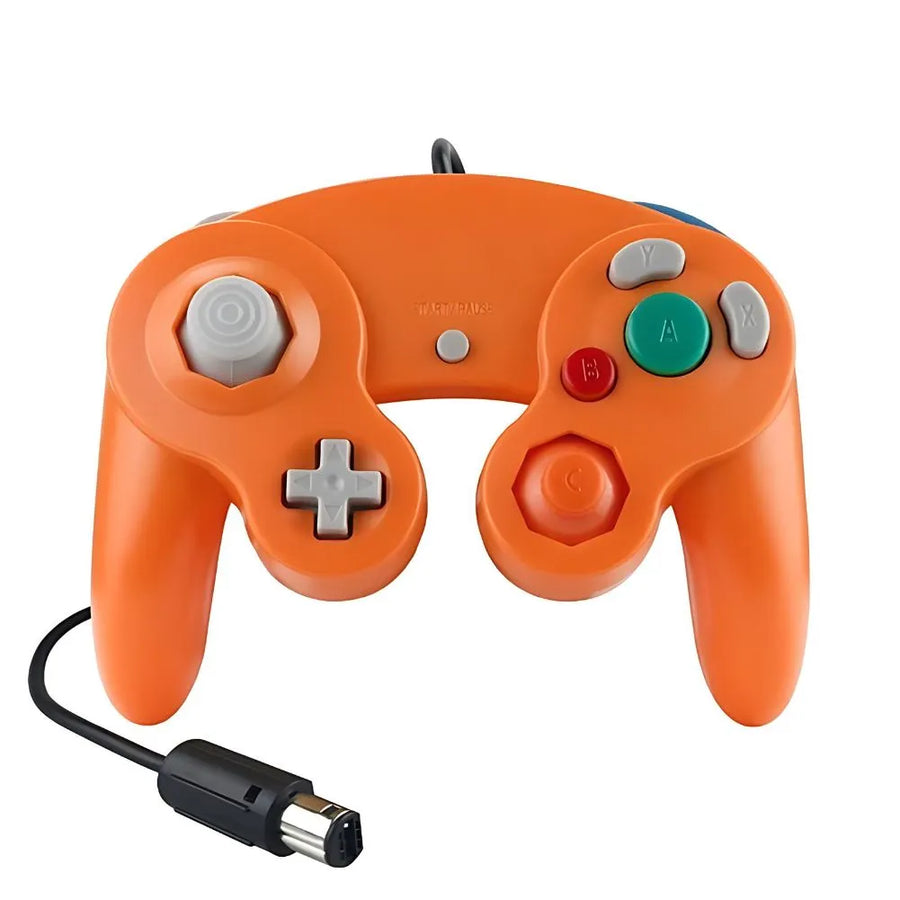
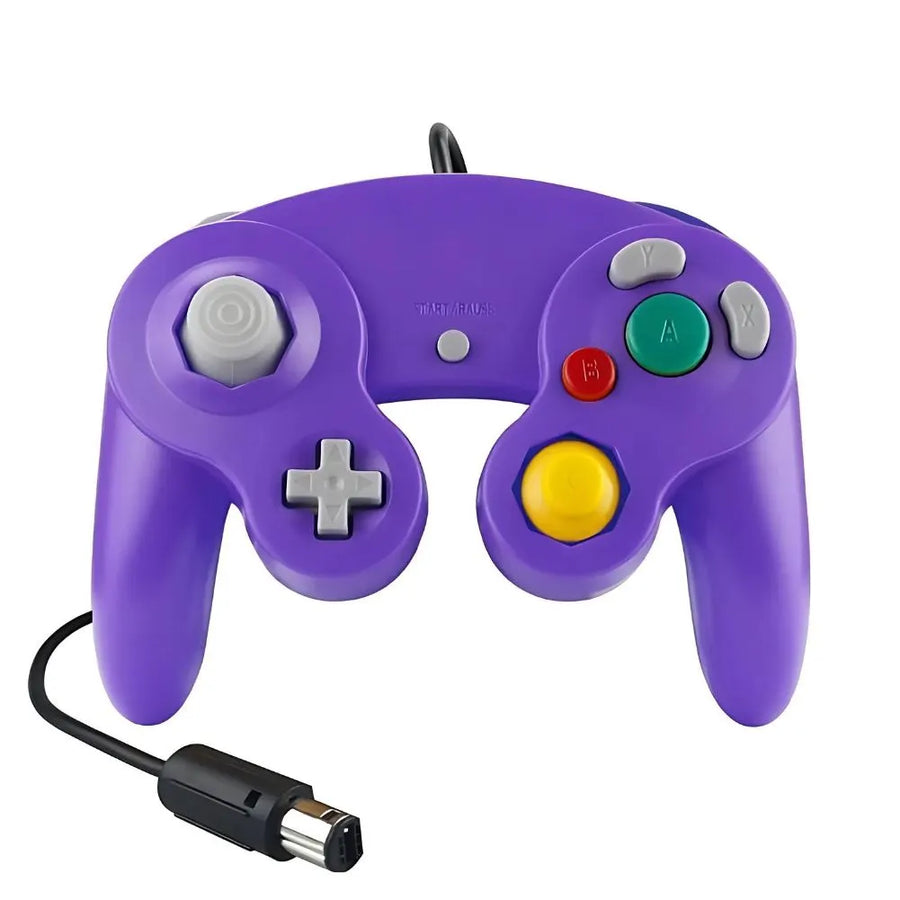
- Variety of colours : Available in red, blue, white and yellow to personalise your setup.
Why choose the GameCube controller?
The GameCube controller is designed to meet the needs of demanding gamers. Whether you're a nostalgic fan or a performance-driven player, its ergonomic design, precision, and haptic feedback make it an essential accessory. With its color options, it perfectly matches your taste while adding a unique touch of style.
Technical specifications
- Compatibility : Nintendo GameCube
- Button type : Linear for optimal responsiveness
- Vibration : Integrated for total immersion
- Available colors : Red, blue, white, yellow
Box contents
- 1 x GameCube controller
- 1 x bubble wrap protective bag
Usage tips
- Maintenance : Clean the controller with a soft cloth to preserve its durability.
- Storage : Use the protective bag provided for secure storage.
- Optimal use : Connect the controller correctly to your console to avoid any interruptions.
Discover our collection of Gaming Controllers to complete your setup and find the perfect accessory!
GameCube Controller - Exceptional Comfort and Responsiveness
Wired controller with a GameCube connector, six opaque colors, for the GameCube console and the Wii fitted with controller ports.
What’s inside
- Câble fixe à connecteur manette GameCube
In stock
📦Delivery in 10 to 18 days · dispatched within 3 to 5 days.
ℹÀ partir de 150 €, la livraison s’effectue en Point Relais.
- 🇫🇷French customer service
reply within 1 business day - 🛡Legal warranty
2 years - ↩14 days
to change your mind - 🔒Secure payment
Card · PayPal · Klarna

What it's really for
Replacing a worn-out GameCube controller, or adding a second, a third, a fourth to play together on the sofa. It carries over the original layout: main stick, C-stick, D-pad, A, B, X, Y buttons, L and R triggers, Z button. It's wired, so no battery to change, no pairing to redo, no controller shutting down in the middle of a session. It's a third-party controller sold unbranded: the price is low, the finish isn't that of an original controller.

How you actually connect it
The cable ends in a GameCube controller connector. It goes straight into the four front ports of a GameCube console, and into the controller ports of an early-series Wii: the white model that stands vertically, with a flap on top. The Wii Family Edition and the Wii mini no longer have those ports. For a PC, a Switch or an emulator, you need a GameCube controller to USB adapter, which is not supplied; recognition then depends on the driver and the game.

What it isn't
This is not a Nintendo licensed controller. It is not a wireless controller: it doesn't replace a WaveBird. It has no HD haptic feedback like a modern controller, only vibration. It doesn't connect over USB, so it won't work as is on PC, on Switch or on a smartphone. And the listing doesn't specify whether the L and R triggers are analog: if that point is decisive for you, for example for Super Smash Bros. Melee or Luigi's Mansion, assume that they are not.
What this controller can do
Verified manufacturer specifications · vérifié le
Ce qu’elle fait bien
- Se branche directement sur un port manette GameCube : console GameCube et Wii des premières séries
- Manette filaire : rien à recharger, rien à appairer, aucune pile
- Vibration intégrée annoncée par le fabricant
- Six coloris opaques : orange, rouge, violet, violet V2, bleu, gris
- Pochette de rangement à bulles fournie
Ce qu’elle ne fait pas
- Manette tierce sans marque : ce n'est pas un produit Nintendo ni un produit sous licence
- Aucune prise USB : sur PC, sur Switch ou avec un émulateur, il faut un adaptateur manettes GameCube vers USB, non fourni
- La Wii Family Edition et la Wii mini n'ont pas de port manette GameCube : la manette ne s'y branche pas
- Vibration simple : la description d'origine parlait de retour haptique, c'est un abus de langage
- Les gâchettes L et R ne sont pas annoncées comme analogiques
- Le port manette GameCube ne transporte pas de données de mouvement : aucun gyroscope exploitable
Voir toute la fiche technique+
Contrôle
- Sticks
- Classic analog sticks
- Retour haptique
- Vibration intégrée — pas de retour haptique HD
Connectique
- Câble fixe à connecteur manette GameCube
Informations et sécurité
Consignes d'utilisation et informations légales du produit
Origine, responsable et contact
- Produit et emballage d'origine fabricant : les inscriptions peuvent être en chinois ou en anglais. Les caractéristiques du produit sont décrites en français sur cette page.
- Utilisez ce produit uniquement pour l'usage décrit sur cette page, en suivant les consignes ci-dessous.
- Responsable de la mise sur le marché dans l'UE : JMR-Service (Fun-Esports). Pour ses coordonnées complètes, reportez-vous à nos CGV.
- Un problème de sécurité (surchauffe, odeur de brûlé, pièce cassée) ? Arrêtez d'utiliser le produit et écrivez-nous à contact@fun-esports.com.
- Garantie, retours et rétractation : voir notre page Garantie et retours.
Frequently Asked Questions
Which consoles does this controller plug into?
Any device with a GameCube controller port: the GameCube console and early-series Wii units. The cable is not USB, it ends in the original GameCube connector.
Does it work on every Wii?
No. Only early-series Wii units, the ones that stand vertically with a flap on top, have four GameCube controller ports. The Wii Family Edition and the Wii mini don't have any: the controller can't be plugged into them.
Can I use it on PC, on Switch or with an emulator?
Not directly. You need a GameCube controller to USB adapter, which is not supplied with this controller. Once the adapter is in place, recognition depends on the installed driver and on the game.
Are the L and R triggers analog?
The manufacturer's description doesn't say. It mentions "linear buttons", which doesn't settle the question. On third-party GameCube controllers, the triggers are often digital, meaning all or nothing. If analog travel is essential to you, treat it as not guaranteed here.
Vibration or haptic feedback?
Vibration. These are two different things: vibration spins an off-balance motor, whereas the HD haptic feedback of modern controllers reproduces textures and fine impacts. This controller has vibration, not haptic feedback.
Is this an official Nintendo controller?
No. It's an unbranded third-party controller, compatible with the GameCube port. It is neither made nor licensed by Nintendo, and it doesn't feel identical to an original controller.
Why buy here rather than on a marketplace
It is a fair question. Here is the answer, straight.
Every listing is checked before publication: platforms actually supported, stick technology, connectivity, what the controller does not do. Many models never make it into the catalogue.
A question, a pairing problem, a return: you write, a human replies within 1 business day. In French.
The 2-year legal warranty of conformity is handled by us — not by a form on the other side of the world. And 14 days to change your mind, with no need to justify yourself.
We do not claim to be the cheapest. We claim that you will know exactly what you are buying before you pay.
Read this before choosing
Our guides to controllers and what they can drive.

Manette pour smartphone : bien choisir pour le rétro et les jeux mobiles
Trois formats de manettes pour téléphone, et les critères qui départagent : port USB-C, version d'iOS ou d'Android, longueur du téléphone avec sa coque,…
9 min de lecture · publié le

Quelle manette 8BitDo choisir selon votre console et votre usage
Récepteur pour console d'origine, SN30 Pro ou Pro 3 sur Switch, Ultimate 2C ou Ultimate 2 sur PC : le tableau usage par usage…
11 min de lecture · publié le

Leverless ou stick arcade en 2026 : faut-il passer à la hitbox ?
Vous hésitez à passer au leverless ? Fonctionnement, modes SOCD et règles de tournoi en 2026, jeux concernés, temps d'adaptation, switchs et cartes GP2040-CE,…
9 min de lecture · publié le