








Description complète
Game Boy buttons: crisp presses again on a thirty-year-old console
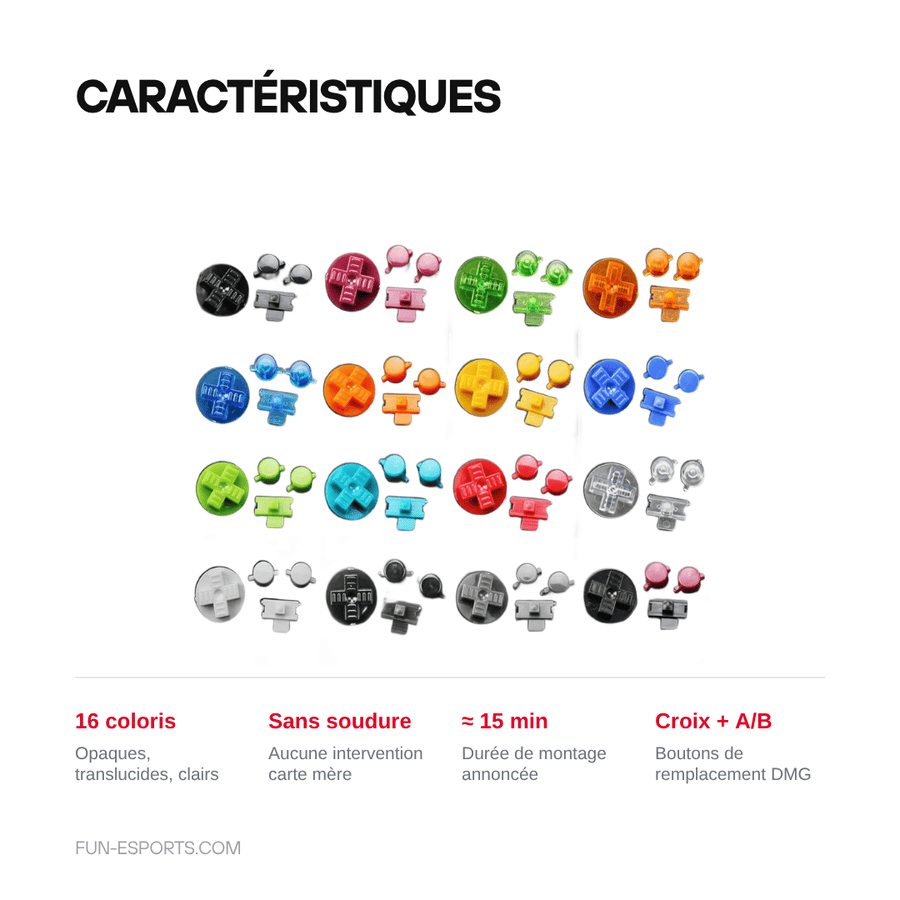
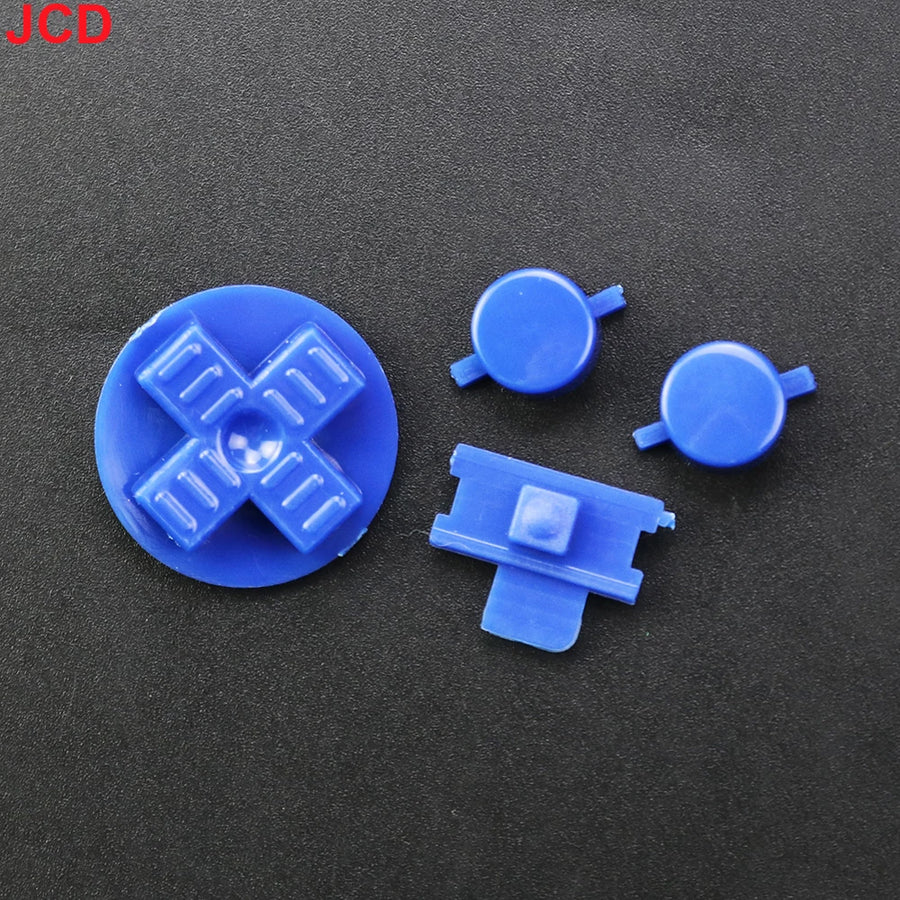
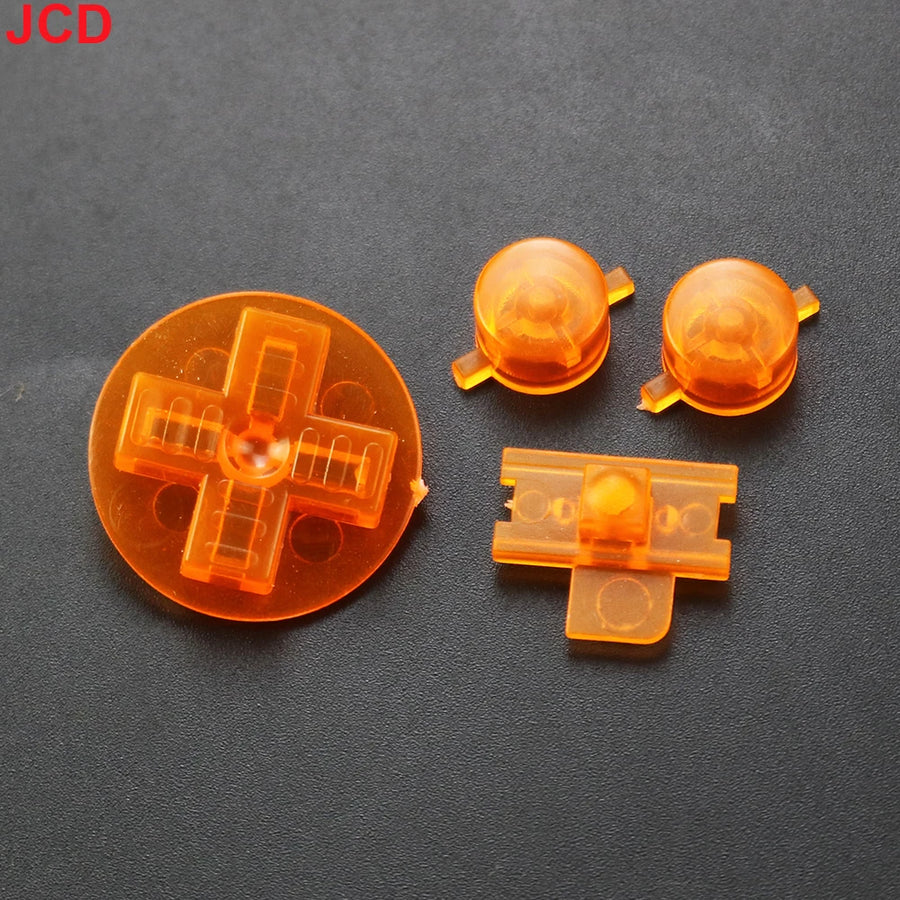
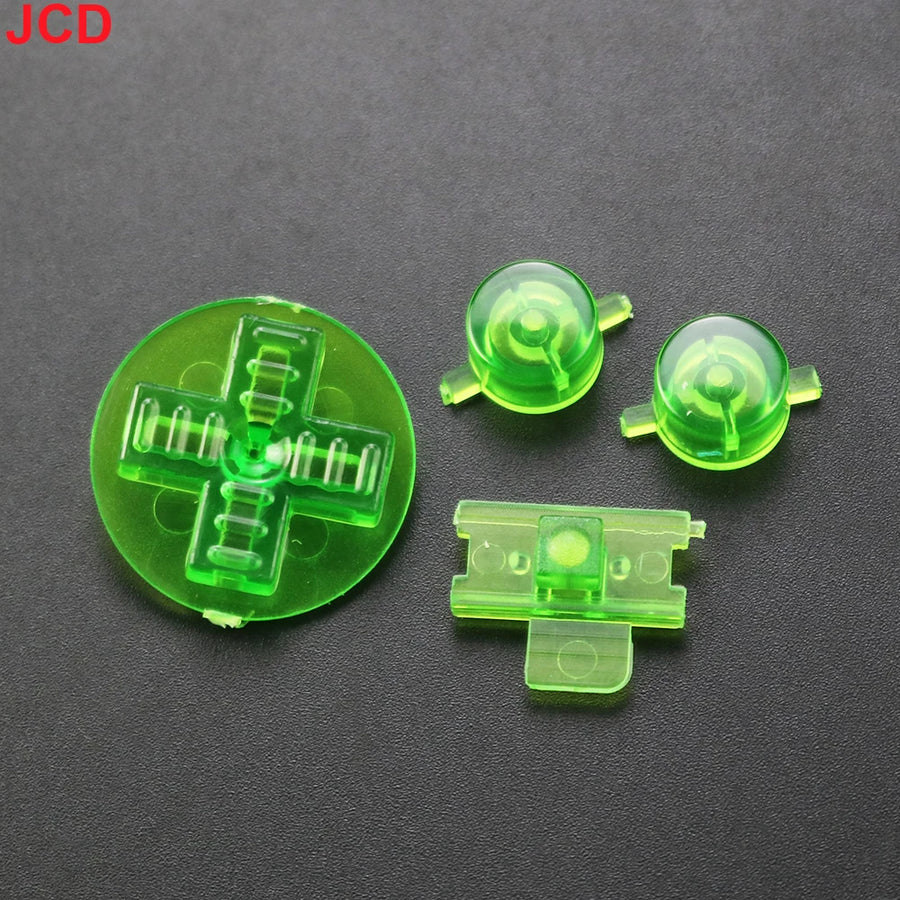
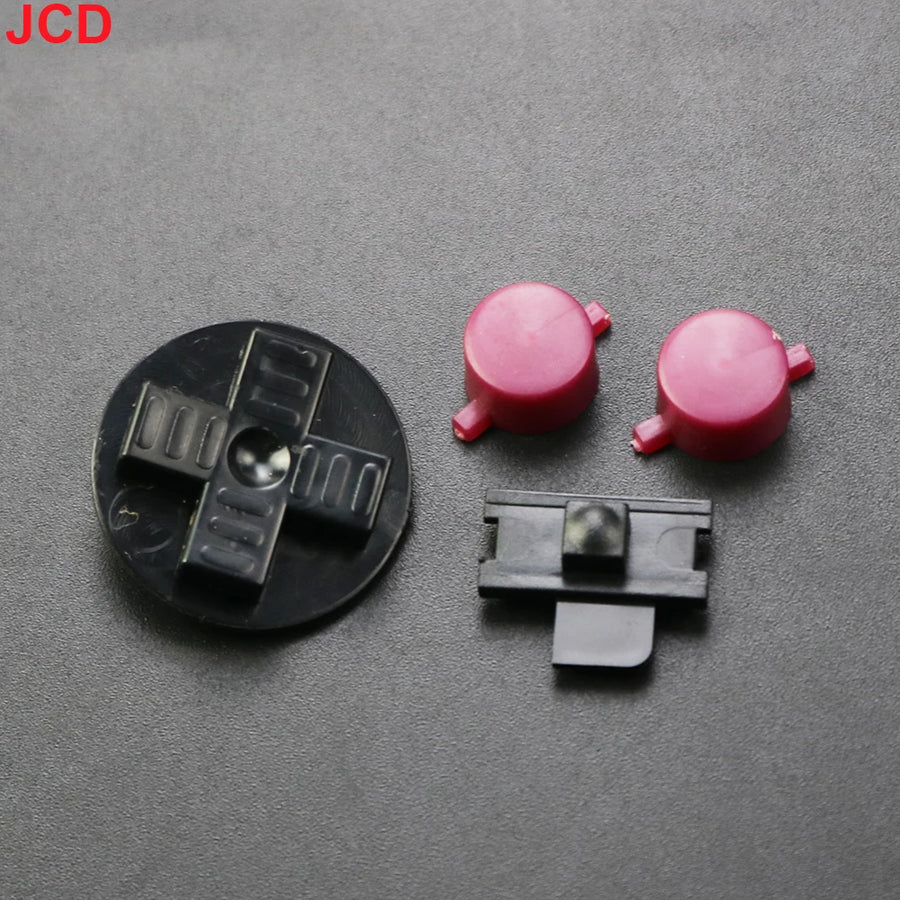
On a Game Boy that has seen a lot of use, it's almost never the components that give out first: it's the buttons and the D-pad. Plastic worn smooth, rounded edges, diagonals that catch. This kit replaces the front parts with a new set, available in 16 colours — a chance to personalise the machine along the way.
What it does
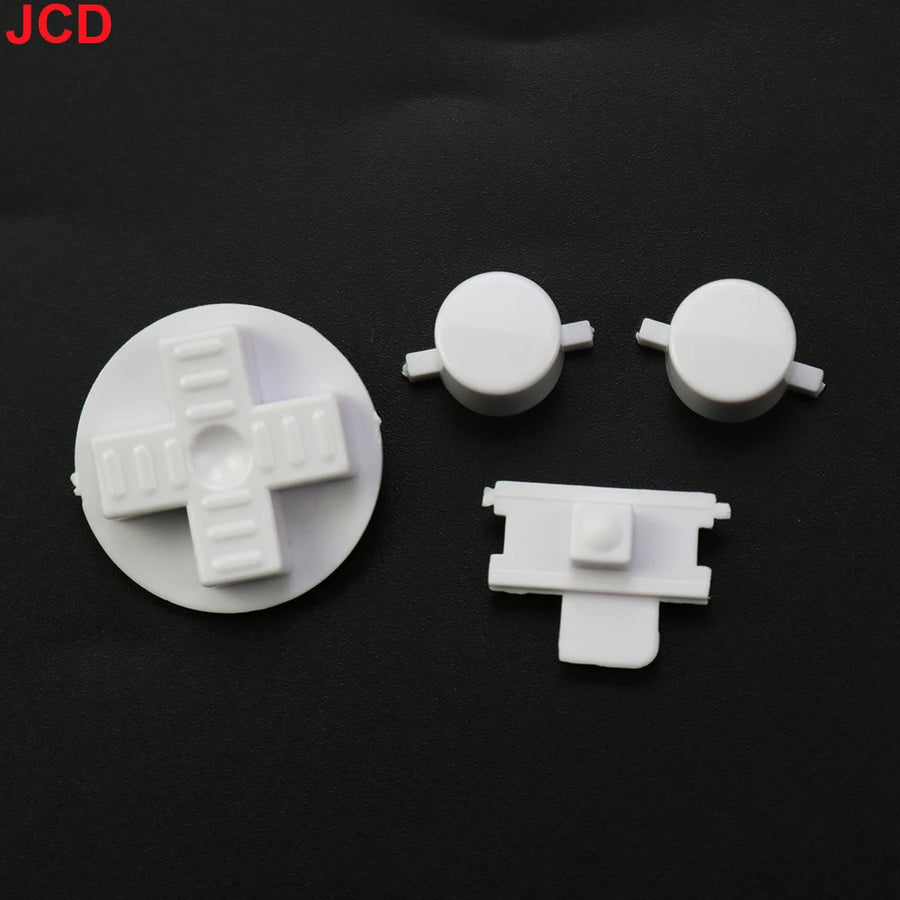
- Complete set: D-pad and A/B buttons replaced in one go, so the front stays matched.
- No-solder installation: the buttons sit in the front shell, no work on the motherboard.
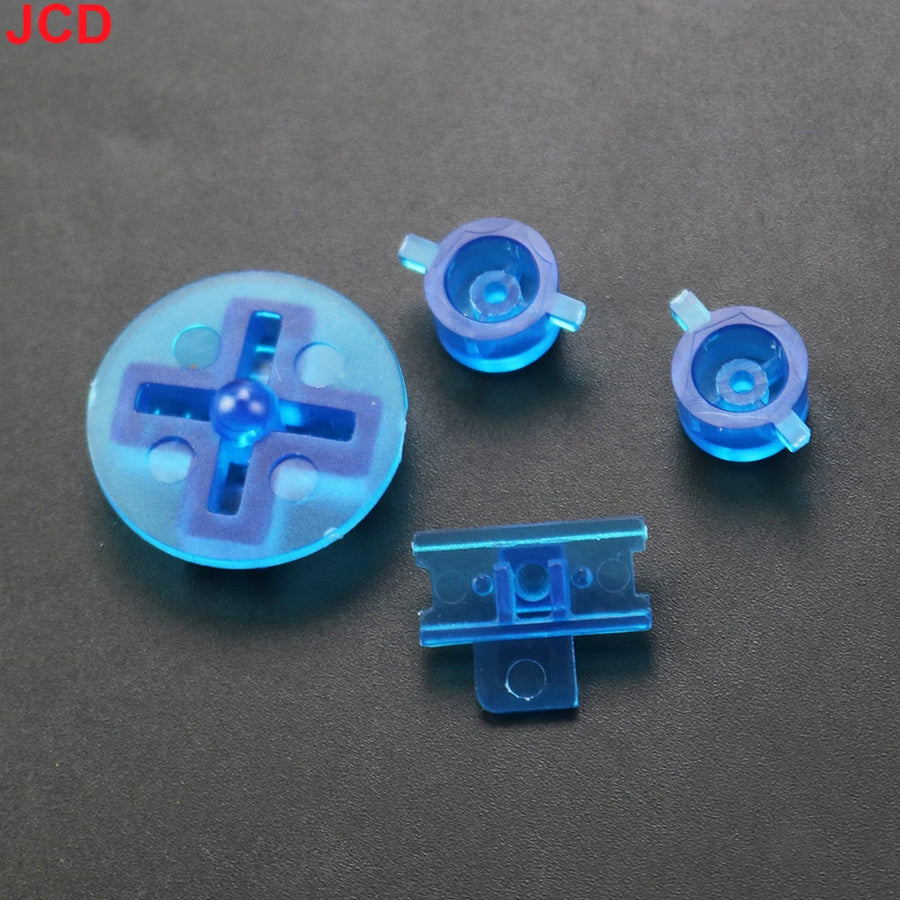
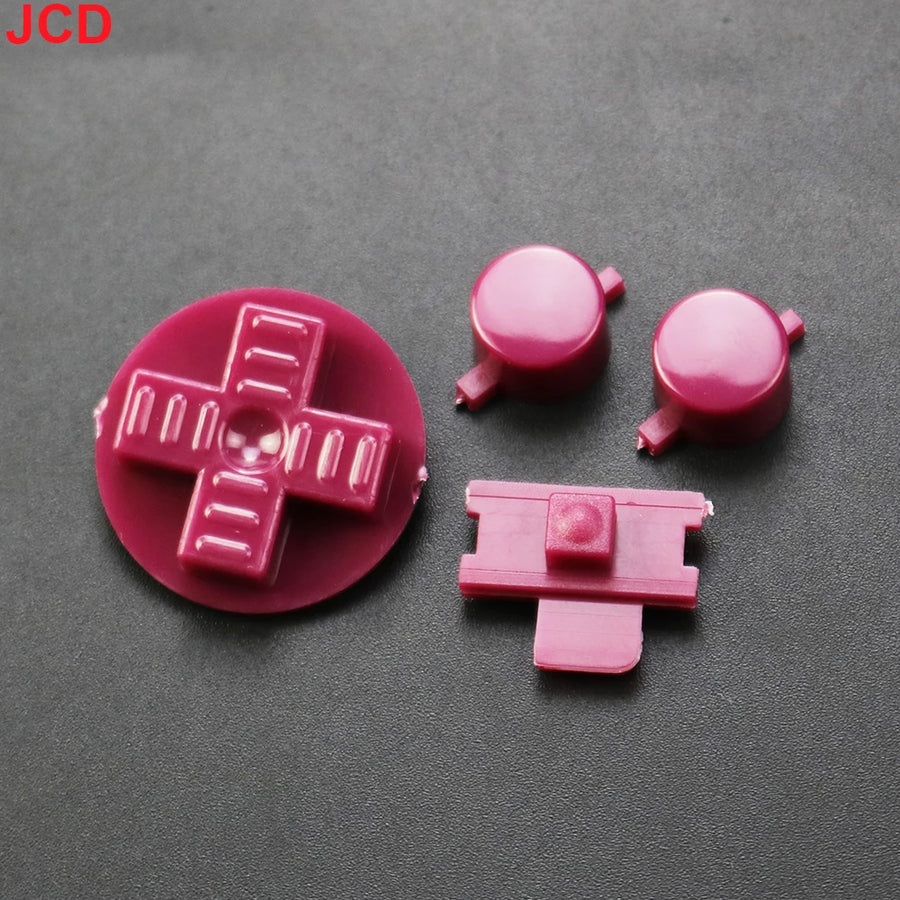
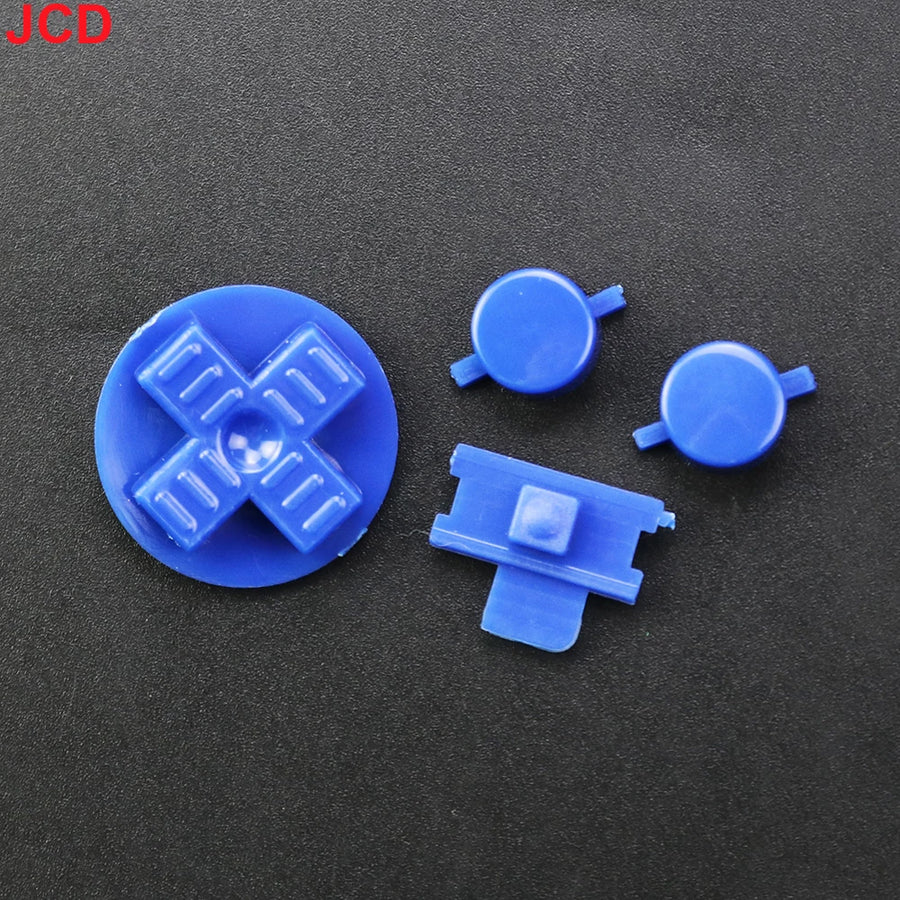
- 16 colours: opaque, translucent or transparent, to stay true to the original or go for a custom build.
What it doesn't do
- It doesn't replace the conductive rubber pads under the buttons. If presses are still unreliable after installation, that's where to look: they are separate parts, to be ordered separately.
- It doesn't fix a dirty contact or a damaged trace on the front circuit board.
- Start and Select are not listed in the kit by the supplier: assume you will receive the D-pad and the two action buttons.
- The original listing also mentions Game Boy Pocket, Color, Light and Game Boy Advance. Button shapes vary from one model to another and we do not confirm these compatibilities.
Compatibility
Kit designed for the original Game Boy (DMG model), the one with the green screen. The other machines in the family — Pocket, Color, Light, Advance and Advance SP — use buttons with different shapes: they are not covered by this listing. Check your model before ordering.
Skill level required
No soldering, no cutting. You need to open the console's shell, which is closed with tri-wing screws: a screwdriver of this type is essential, a Phillips won't fit. Once the front shell is removed, the buttons come out and go back in by hand. Allow about fifteen minutes, reassembly included. Beginner level, provided you have the right screwdriver.
In the box
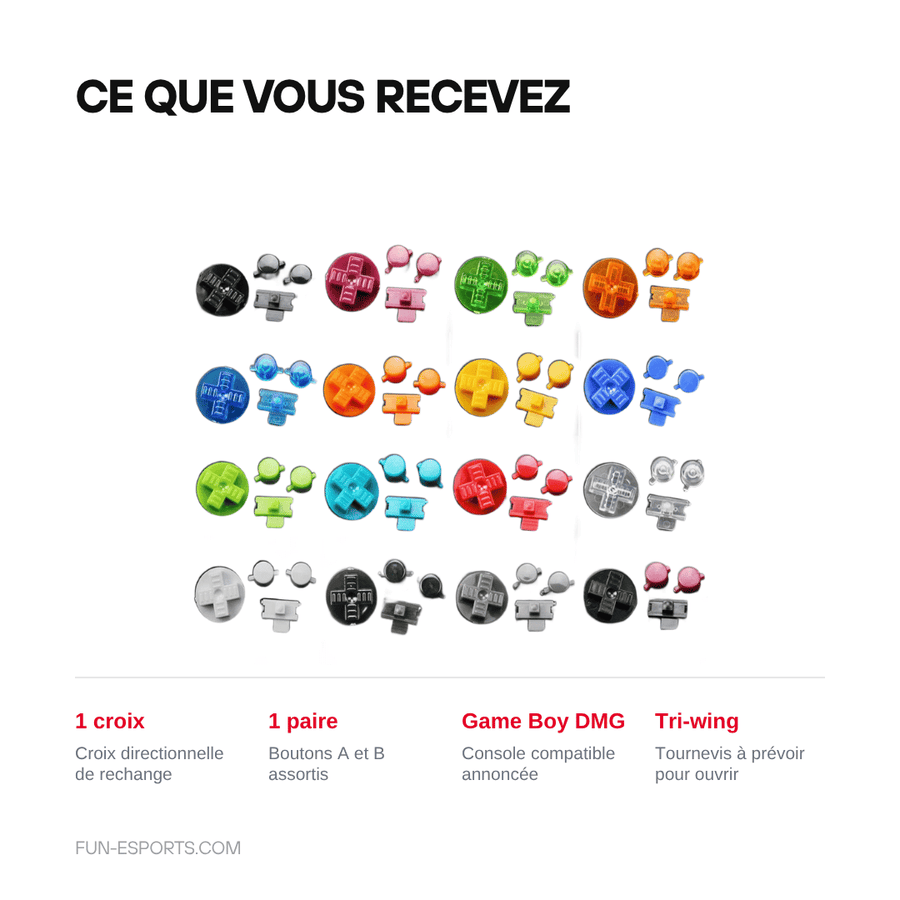
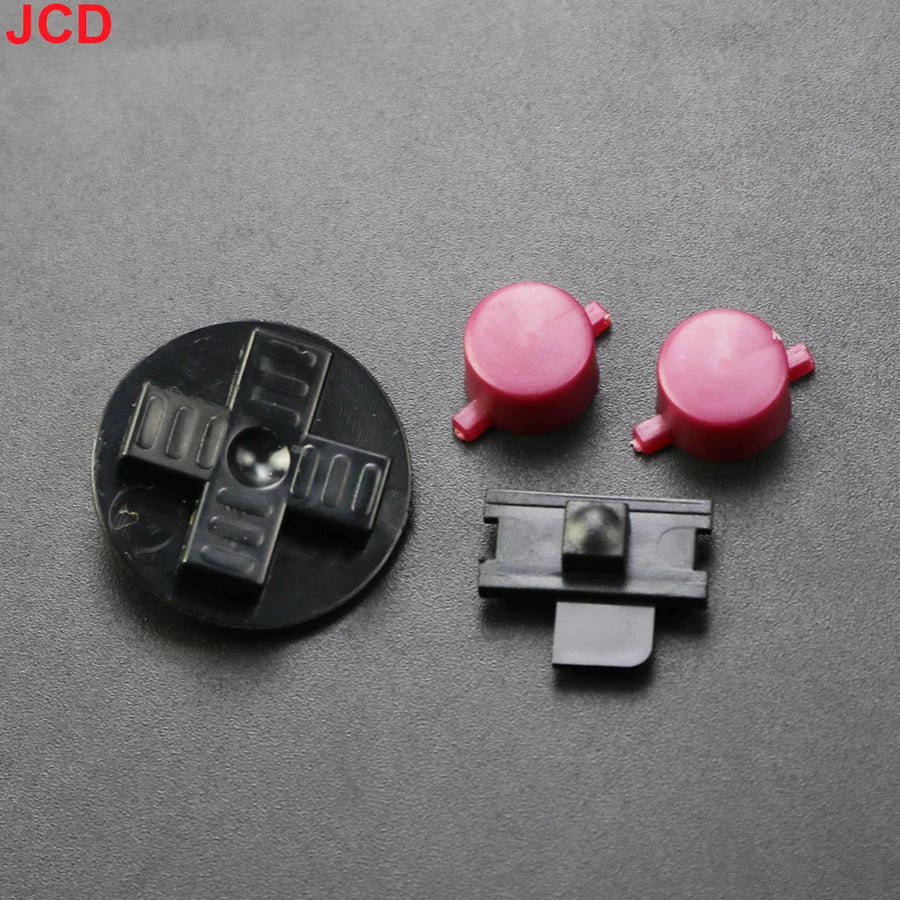
- 1 D-pad, in the chosen colour
- 1 pair of A and B buttons, in the same colour
Read before ordering: Retro peripherals
Delivery in 10 to 18 days · ships within 3 to 5 days · 2-year legal guarantee of conformity · 14-day returns.
Game Boy A/B buttons and D-pad — replacement kit
New D-pad and A/B buttons for the original Game Boy — 16 colours, no-solder installation.
En stock
📦Ships within 3 to 5 business days · Delivery in 10 to 18 business days · 2-year legal guarantee of conformity · 14-day returns.
ℹÀ partir de 150 €, la livraison s’effectue en Point Relais.
- 🇫🇷SAV français
réponse sous 1 jour ouvré - 🛡Garantie légale
2 ans - ↩14 jours
pour changer d’avis - 🔒Paiement sécurisé
CB · PayPal · Klarna
The job: fifteen minutes, a console that responds
An original Game Boy was rarely put away with care. The D-pad is the first thing to wear: the edges round off, the diagonals go mushy, every other press goes astray. Replacing the D-pad and the A and B buttons gives the machine back a feel that no amount of cleaning can restore. It's the most rewarding restoration for the time spent, before you even think about the screen or the battery.
The part: three pieces, sixteen shades
The kit sticks to what you see and touch: the D-pad and the two action buttons. Sixteen shades are available, from opaque colours close to the original to transparent and translucent ones for a showier build. No electronic components are involved, so there is nothing that can fail over time. By ordering two kits, you can choose a different colour for the D-pad and for the buttons.
What we tell you before you order
One thing must be clear before you buy: these buttons do not replace the conductive rubber pads underneath them. If a press only registers half the time, the culprit is usually that membrane, or a dirty contact — not the button itself. The kit is for the original Game Boy, DMG model: the other machines in the family use buttons with different shapes. Listing verified on 19 August 2026, 2-year legal guarantee of conformity, 14-day returns.
What this accessory brings
Verified manufacturer specifications · vérifié le
Ce qu’il fait bien
- D-pad and A/B buttons replaced in one go
- No-solder installation, no work on the motherboard
- 16 colours: opaque, translucent or transparent
- Installation in about fifteen minutes
Ce qu’il ne fait pas
- Does not include the conductive rubber pads under the buttons
- Start and Select are not listed in the kit
- Compatibility limited to the original Game Boy (DMG): Pocket, Color, Light and Advance not covered
- A tri-wing screwdriver is required to open the console
Voir toute la fiche technique+
Matière et format
- Type d’accessoire
- Replacement buttons
Compatible avec
- Original Game Boy (DMG)
Dans la boîte
- 1 D-pad
- 1 pair of A and B buttons
Frequently Asked Questions
🔧 Do I need to solder to install these buttons?
No. The buttons sit in the console's front shell, with no work on the motherboard or the circuit board.
🎮 Which consoles are actually compatible?
The original Game Boy, DMG model. The Game Boy Pocket, Color, Light, Advance and Advance SP use buttons with different shapes: we do not list them as compatible.
🧰 What tools do I need?
A tri-wing screwdriver to open the shell — it's the console's screw type, a Phillips won't do. A plastic spudger helps separate the two halves of the shell without marking the plastic.
📦 What's in the box?
One D-pad and one pair of A and B buttons, in the chosen colour. Start and Select are not listed in the kit.
🧼 My presses are still unreliable after the replacement, why?
Because the problem rarely comes from the button itself. The conductive rubber pads underneath wear out over the years, and the circuit contacts get dirty. These are parts and cleaning to deal with separately.
⏱️ How long does installation take?
About fifteen minutes, reassembly included. Beginner level as long as you have the right screwdriver.
🚚 What are the delivery times?
Delivery in 10 to 18 days, ships within 3 to 5 days.
🛡️ What guarantee applies?
2-year legal guarantee of conformity. 14-day returns. French customer service, reply within 1 business day.
Why buy here rather than on a marketplace
It is a fair question. Here is the answer, straight.
Every listing is checked before publication: real compatibility, material, dimensions, box contents. Many models never make it into the catalogue.
A question about compatibility, a fit problem, a return: you write, a human replies within 1 business day. In French.
The 2-year legal warranty of conformity is handled by us — not by a form on the other side of the world. And 14 days to change your mind, with no need to justify yourself.
We do not claim to be the cheapest. We claim that you will know exactly what you are buying before you pay.
Read this before choosing
Our guides to accessories: compatibility, protection, transport.

Pixel art: create your own designs for a Divoom display
Grid size, number of colours, outlines, animation: the guide to getting started in pixel art and displaying your own creations on a Divoom display.
2 min de lecture · publié le

Divoom pixel art speakers: which one should you choose?
Astrotoo, Ditoo-Pro, FlowToo, Tiivoo-2, Timebox-Evo, MiniToo, Fairy-OK: the seven Divoom speakers compared, by use and budget.
2 min de lecture · publié le

Times Frame or Times Frame Pure: which Divoom floating photo frame should you choose?
64 or 32 GB, three colours or just one, a dial or not: the real differences between the Times Frame and Times Frame Pure…
1 min de lecture · publié le