Description complète
2.9-inch IPS screen for Game Boy Advance: a readable image without hunting for light
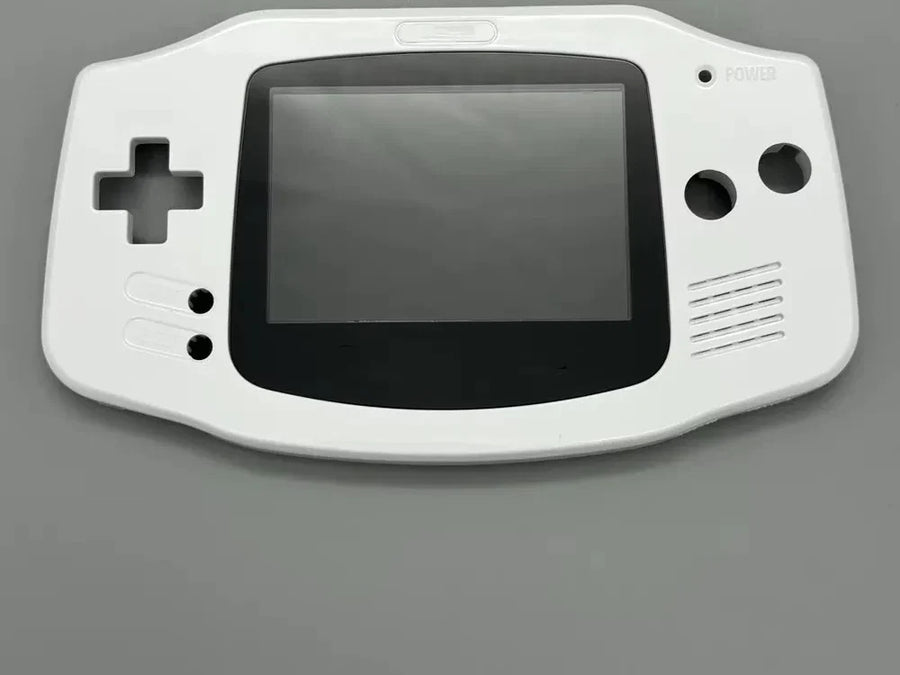
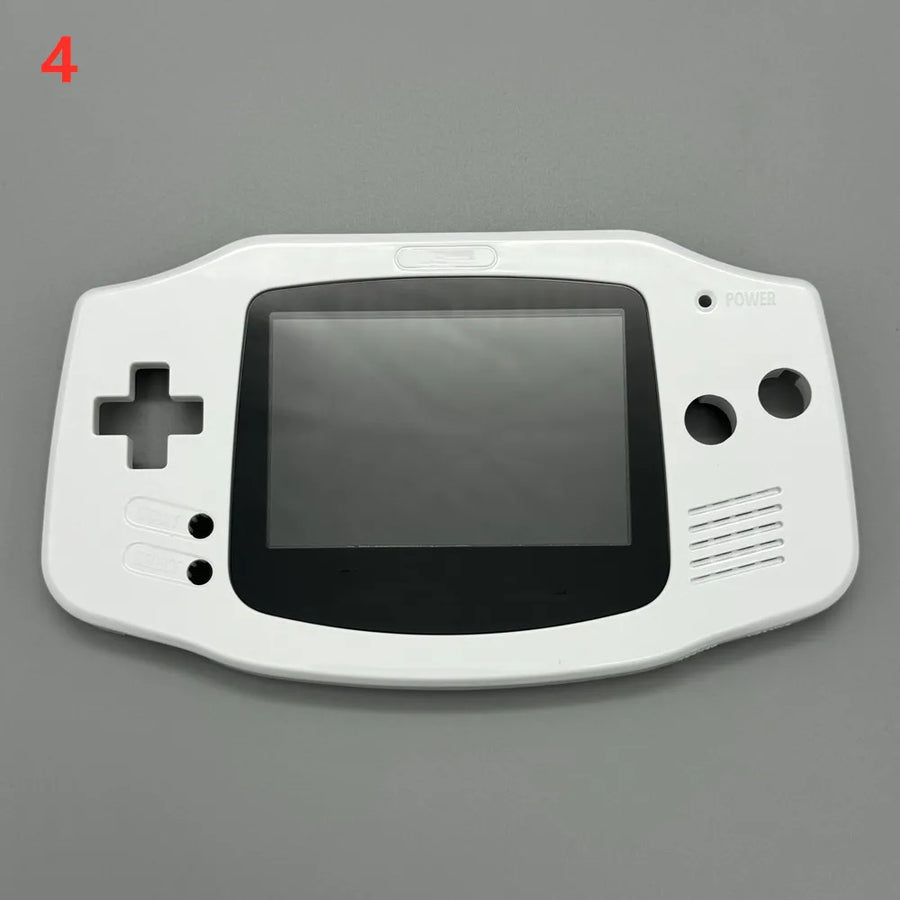
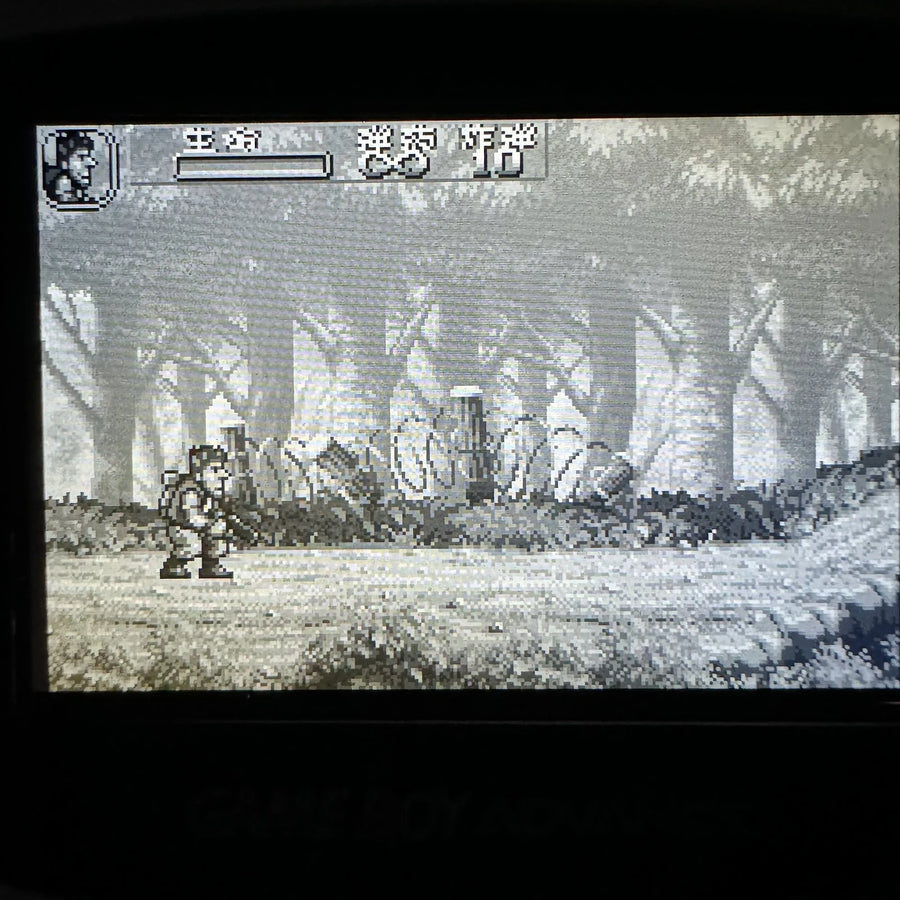
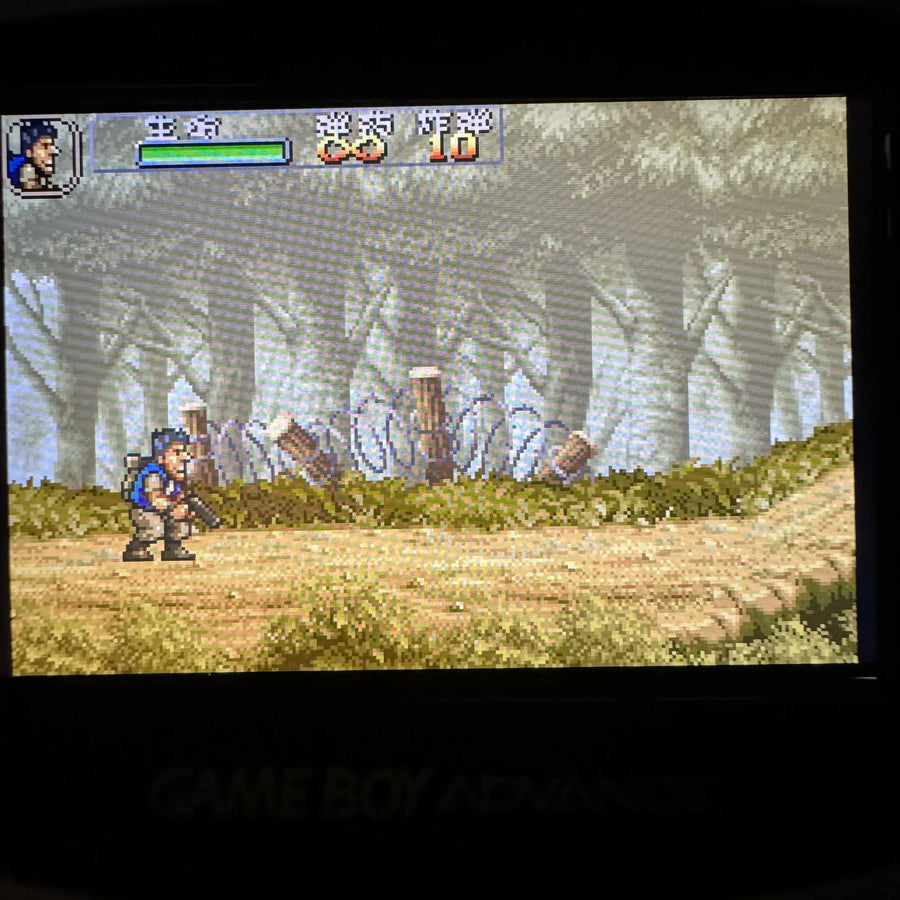
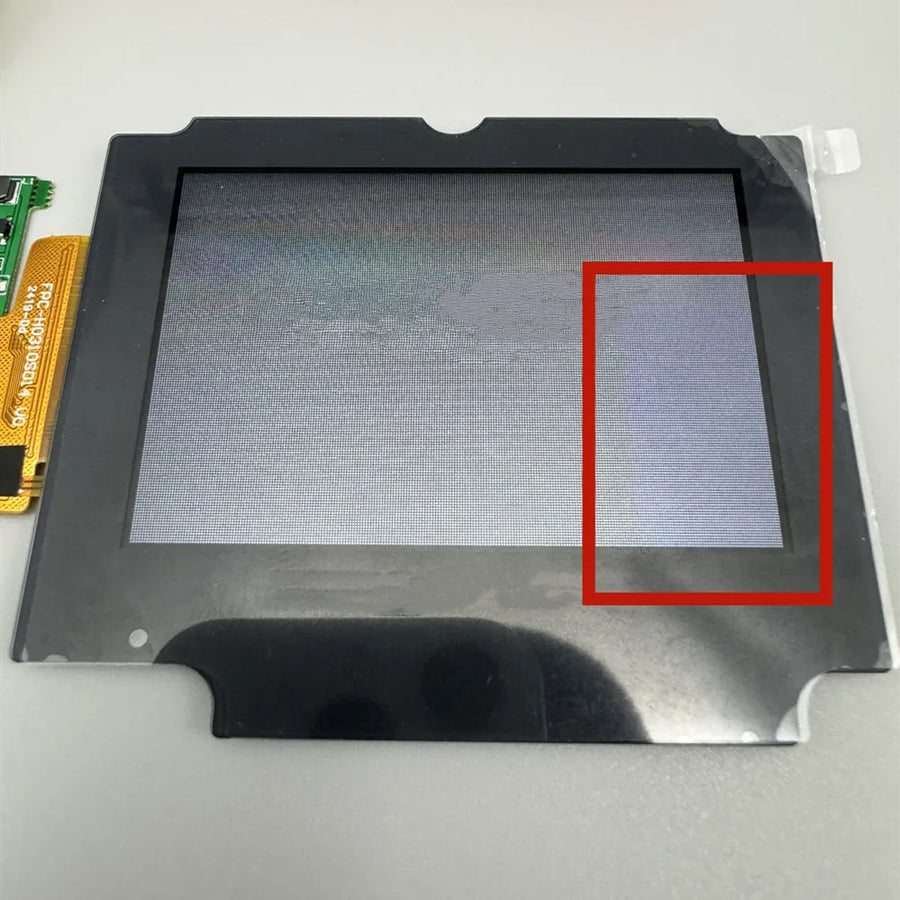
The original Game Boy Advance came out with a reflective panel and no backlight: you need a well-placed lamp to make anything out, and the image still looks washed out. This 2.9-inch IPS screen kit replaces the original panel with a backlit panel in the same size, in an AGB-001 console that keeps its period look.
What it does
- IPS backlight: stable colours and decent contrast whatever the viewing angle, where the original panel depends on ambient lighting.
- 2.9-inch size: the same diagonal as the original screen, so the image fills the shell window with no added black border.
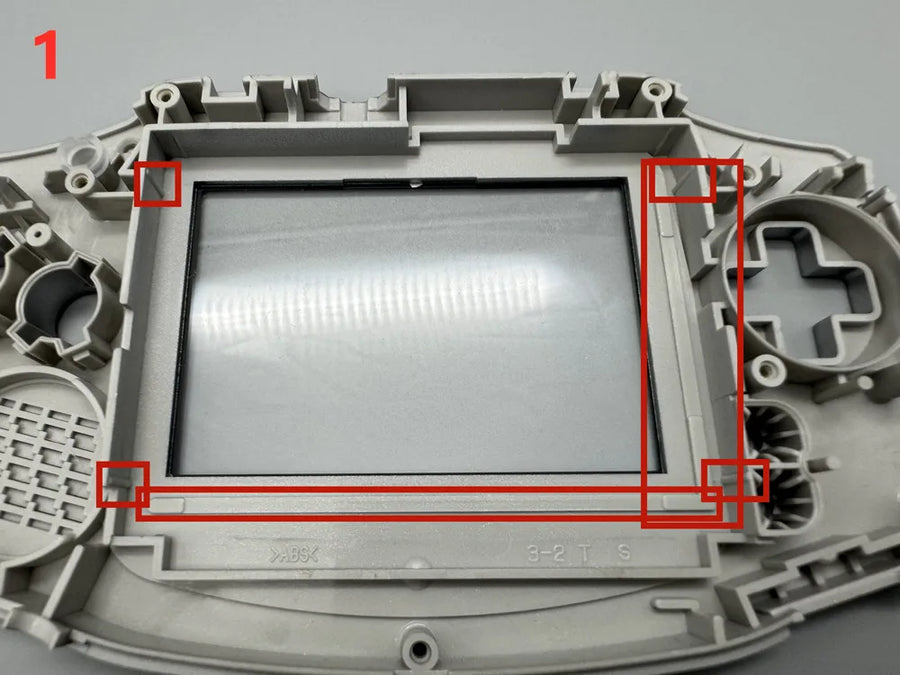
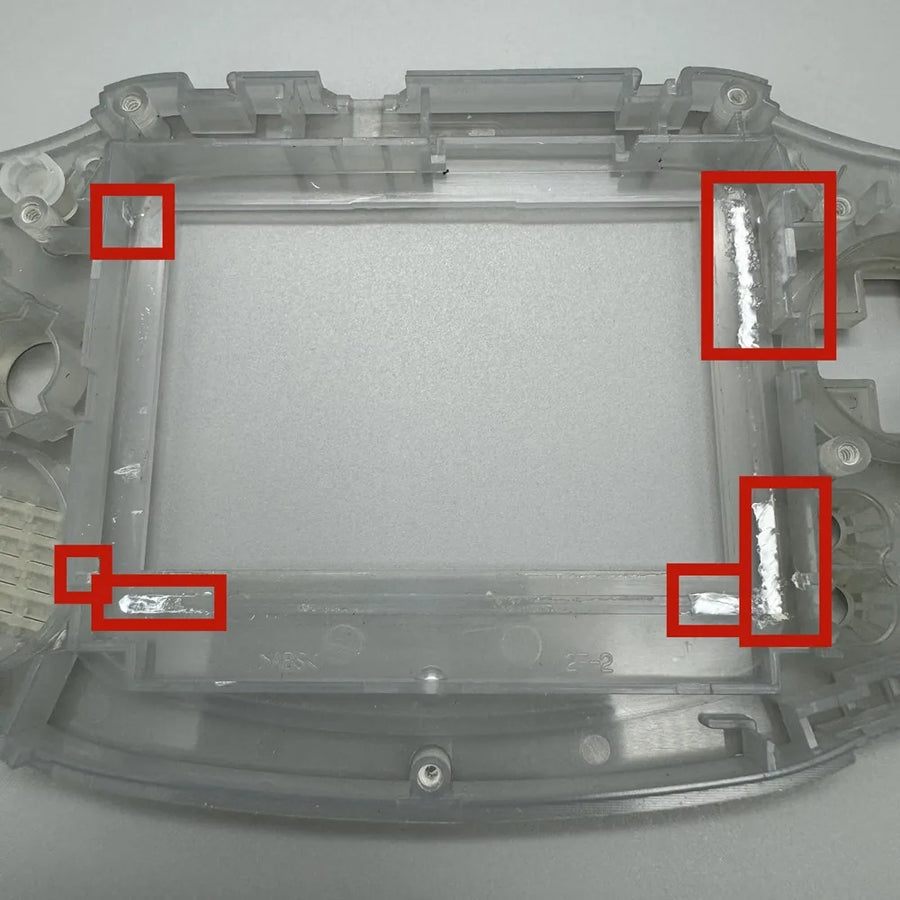
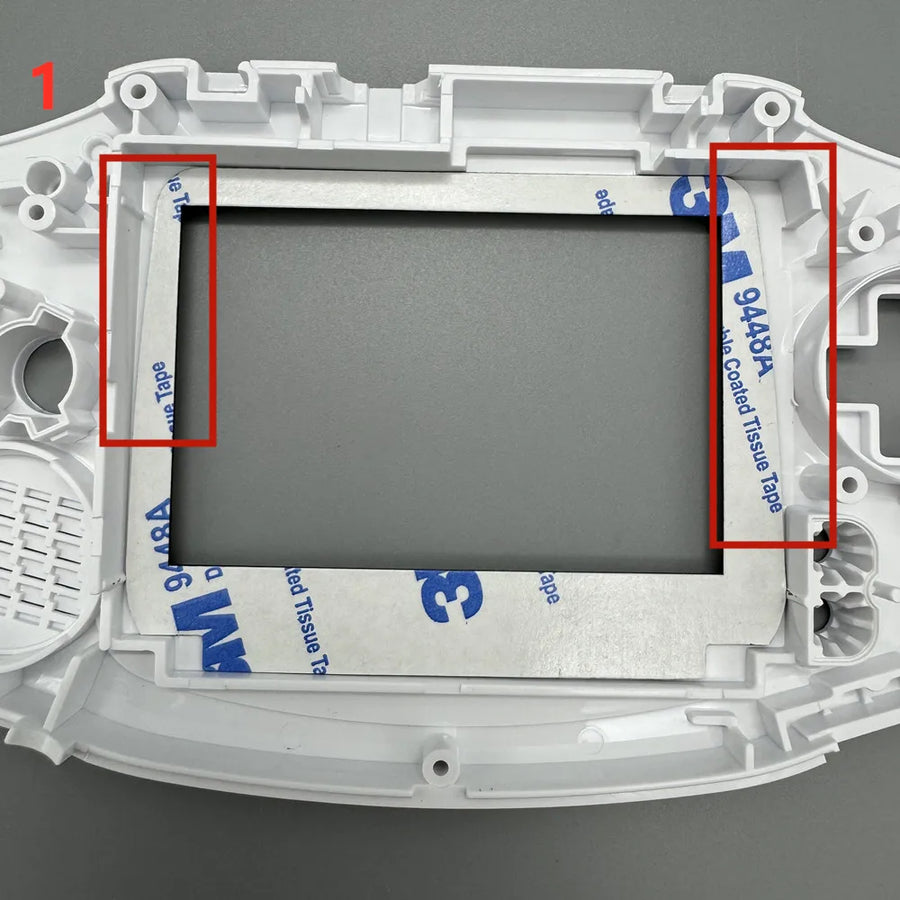
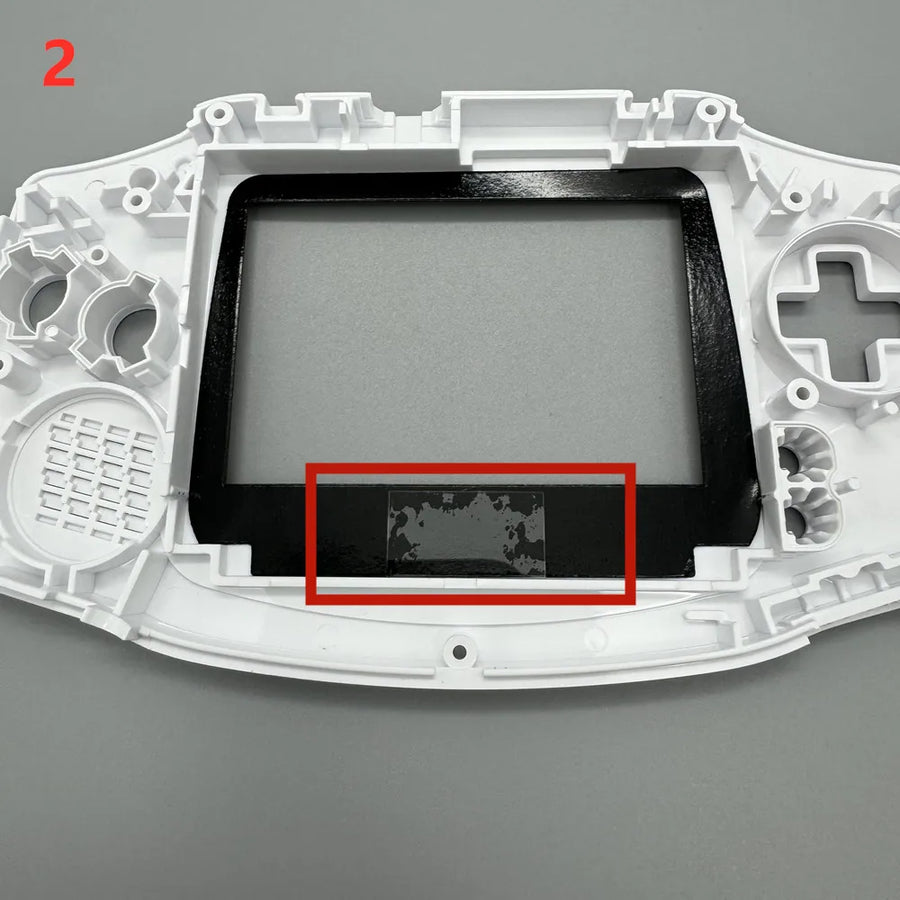
- Stated to fit without cutting: the manufacturer states that the kit fits in the original shell, without a file or craft knife, and without any soldering.
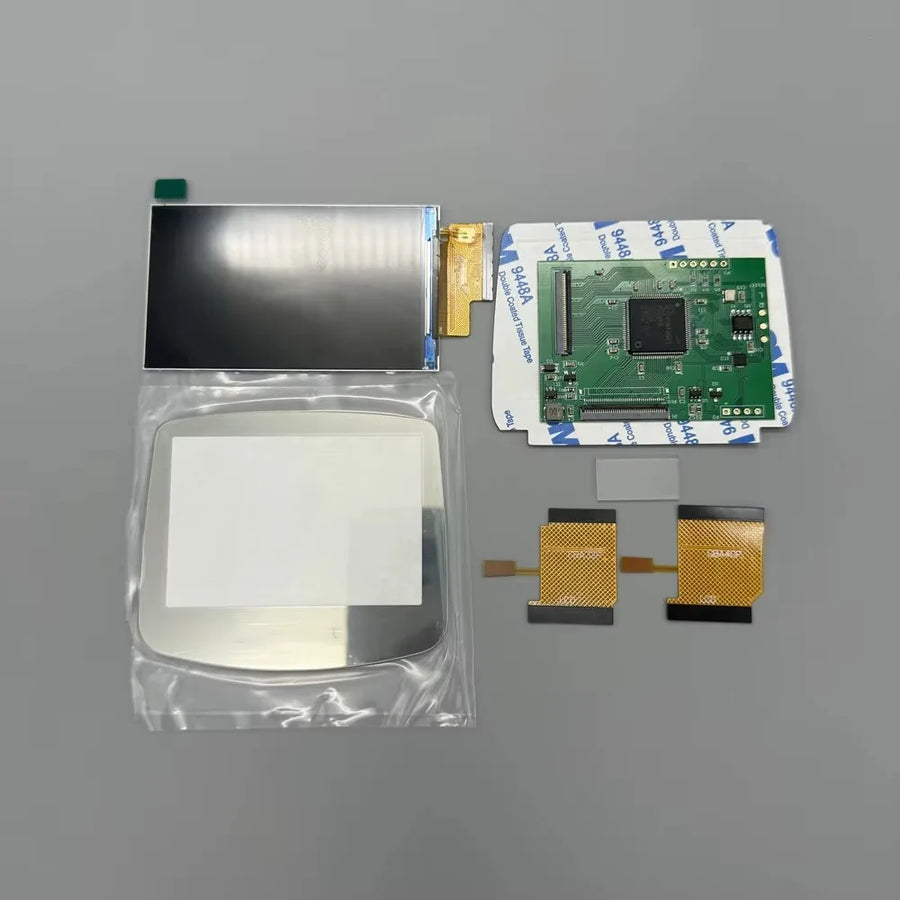
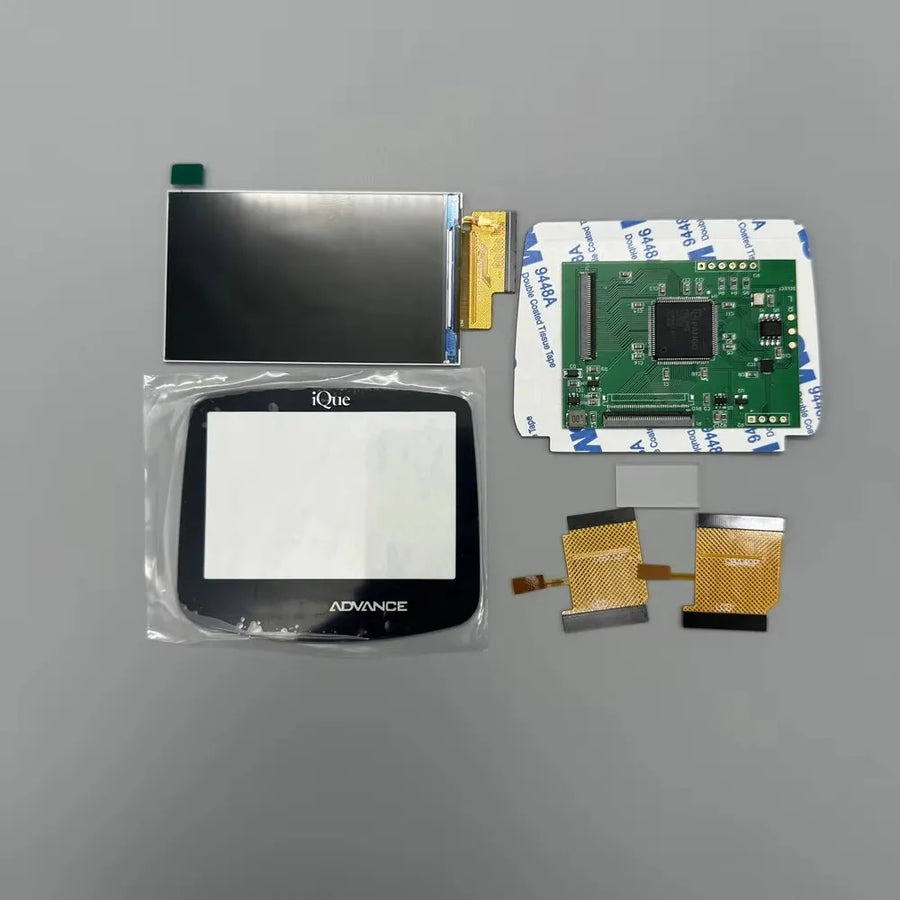
- Choice of front lens: several lens colours, or a version without a lens if you are reusing your own.
What it doesn't do
- Not suitable for the Game Boy Advance SP, the Game Boy Color or the Game Boy Micro: this kit is designed for the first-generation GBA (AGB-001) only.
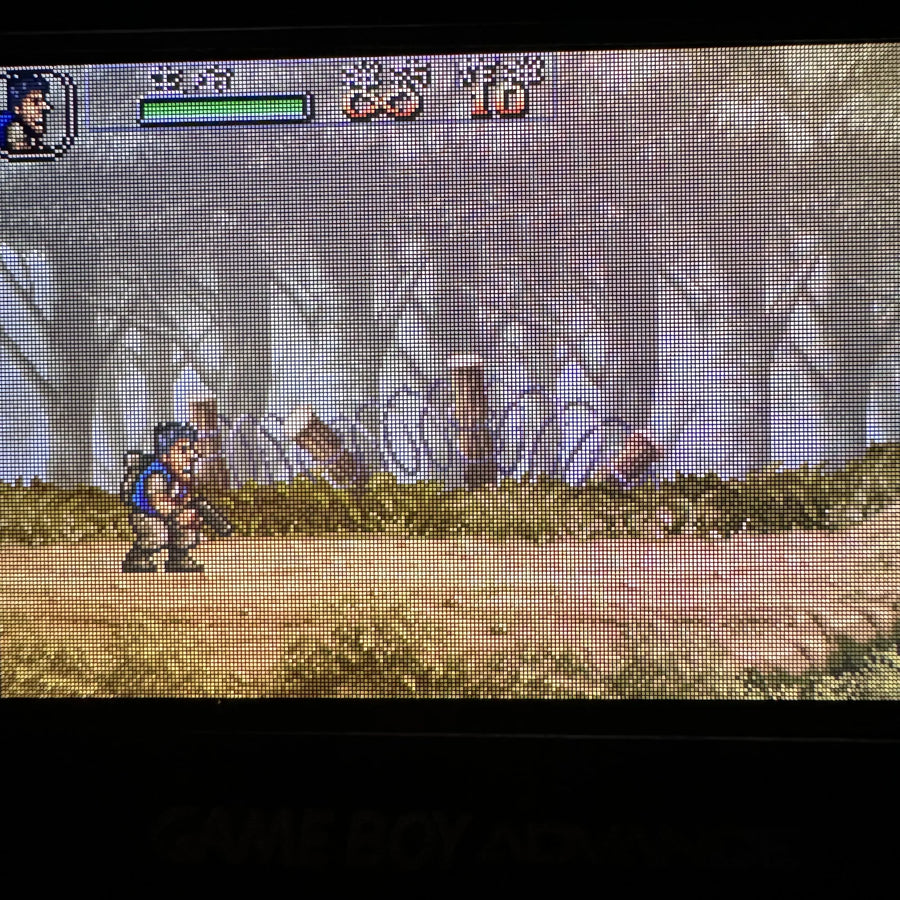
- Does not increase the resolution of games: the console still outputs 240 × 160 pixels; the screen simply displays it better.
- Does not repair a faulty console: a dead motherboard, no sound or a worn cartridge slot will stay that way after the operation.
- Does not include a shell, buttons, battery or tools.
- The exact circuit board revision is the one stated by the manufacturer; we have not checked it with the part in hand.
Compatibility
Game Boy Advance model AGB-001, the horizontal console from 2001. Not covered: Game Boy Advance SP (AGS-001 and AGS-101), Game Boy Micro, Game Boy Color, classic Game Boy, or modern emulation handhelds. If your shell has already been modified or cut for another kit, the fit is not guaranteed.
Skill level required
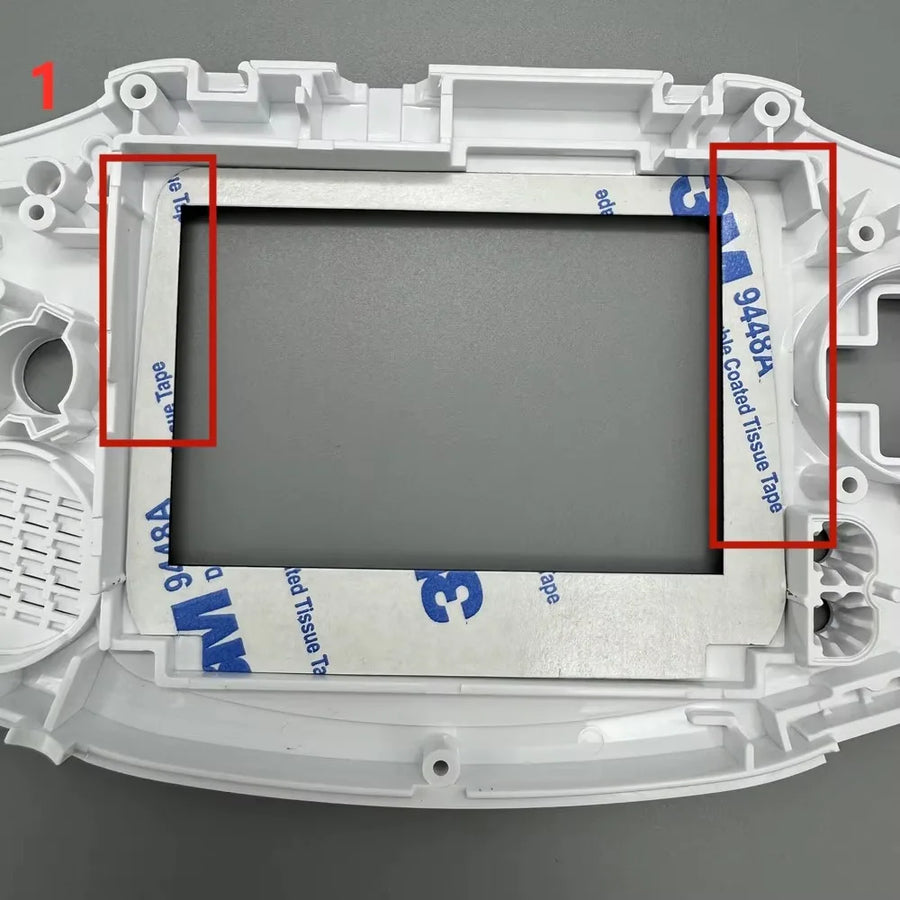
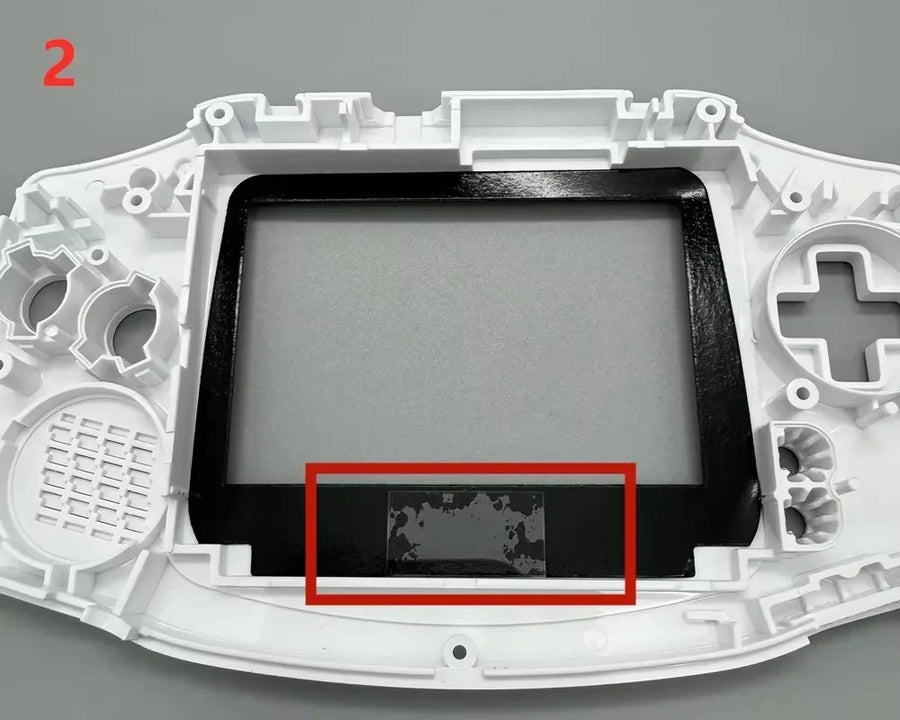
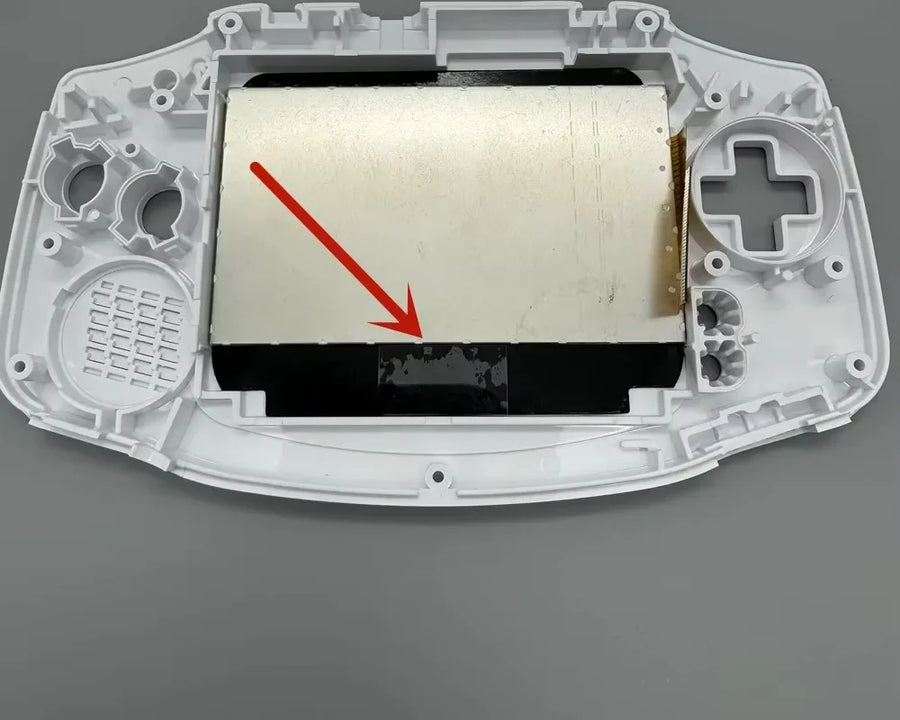
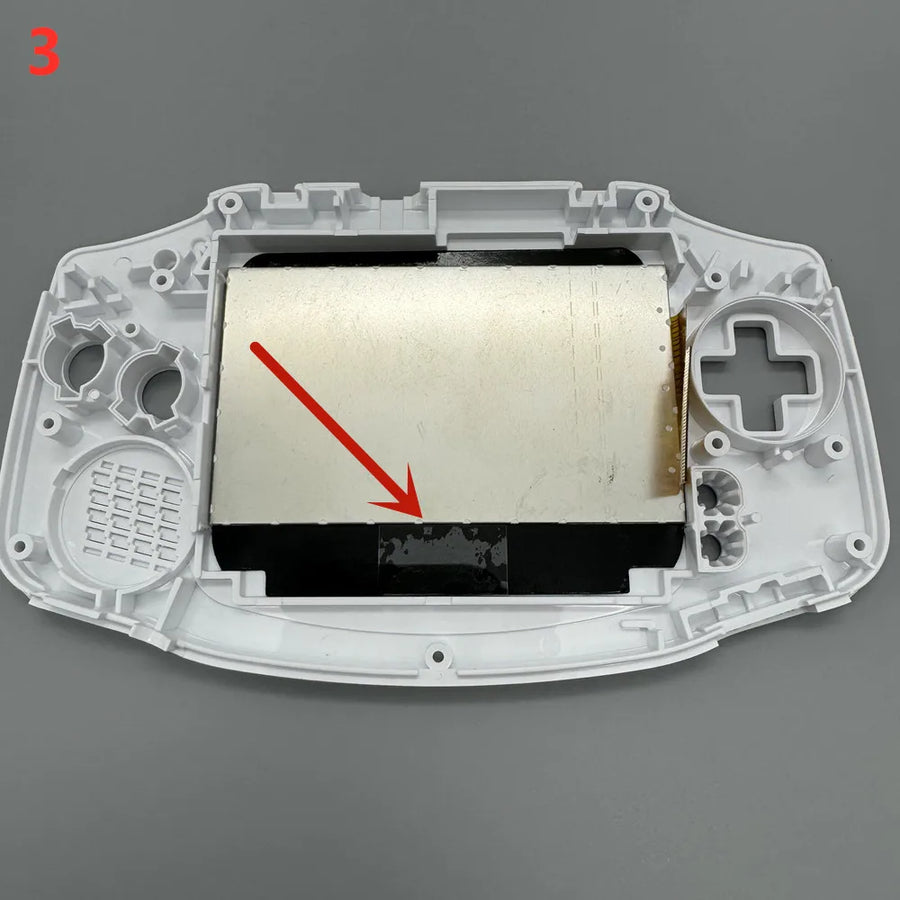
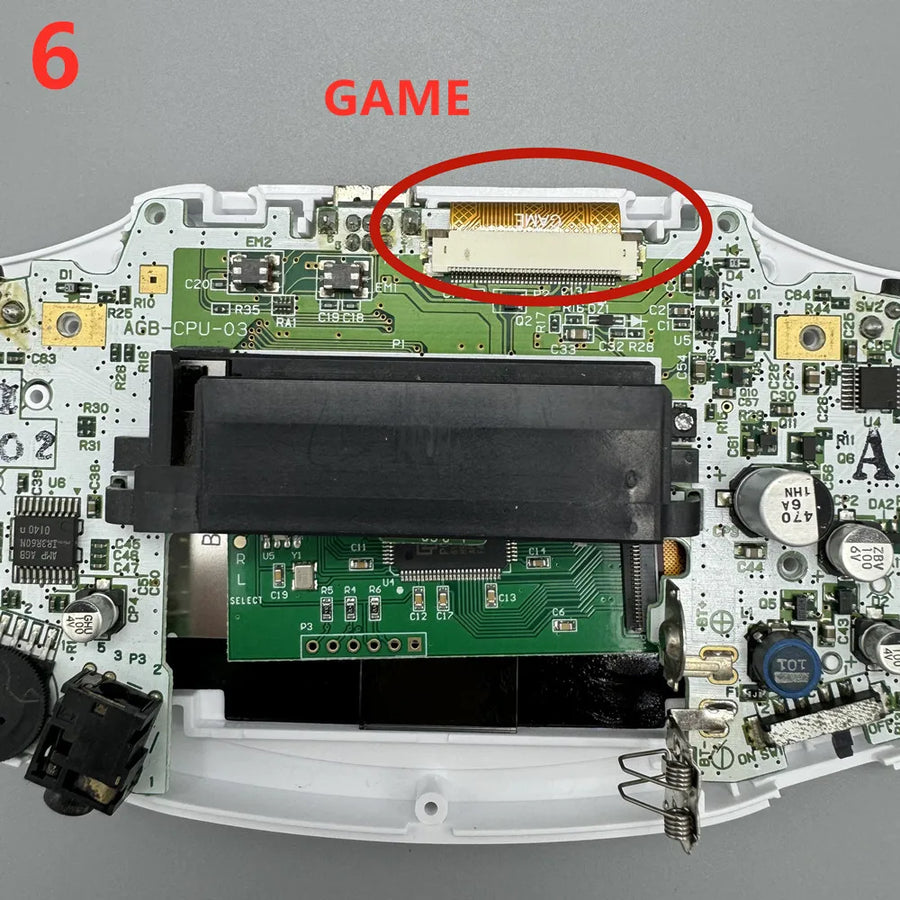
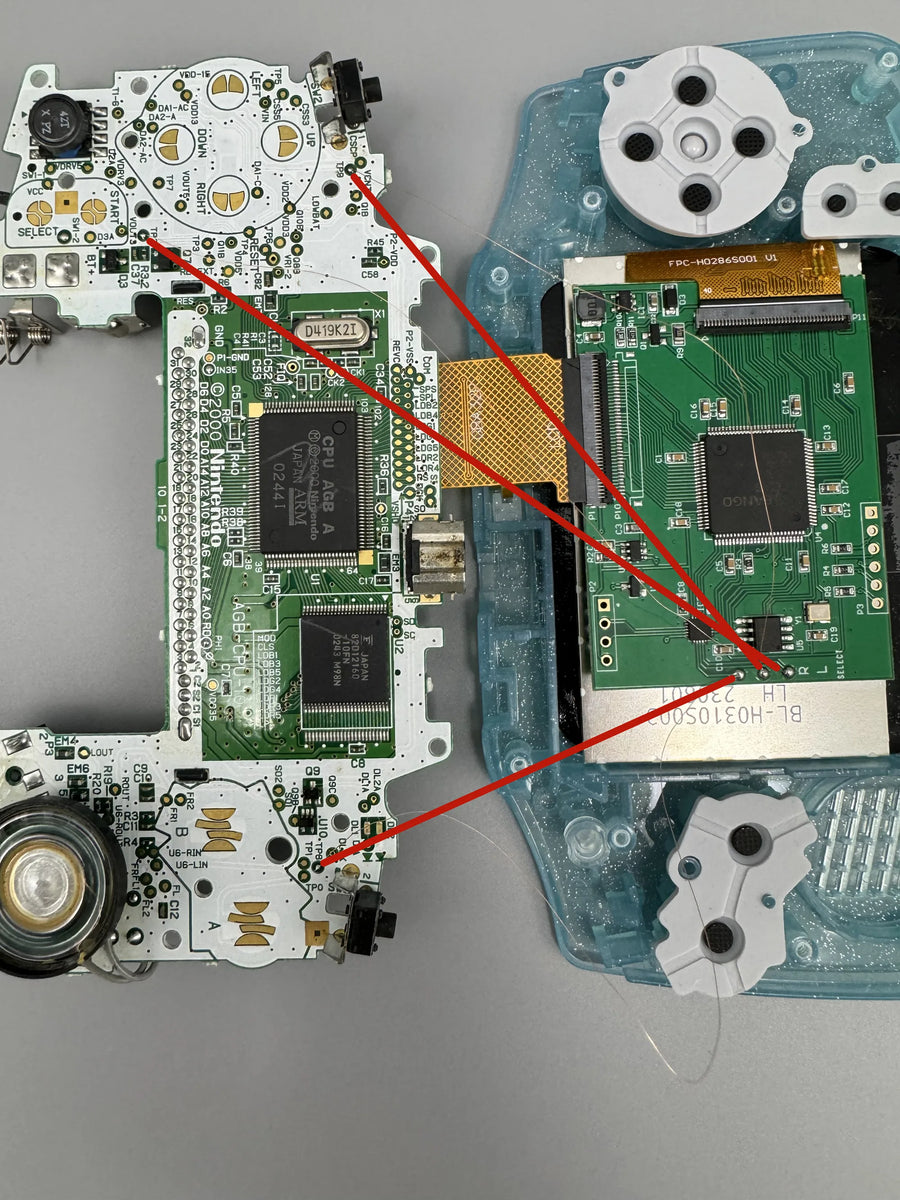
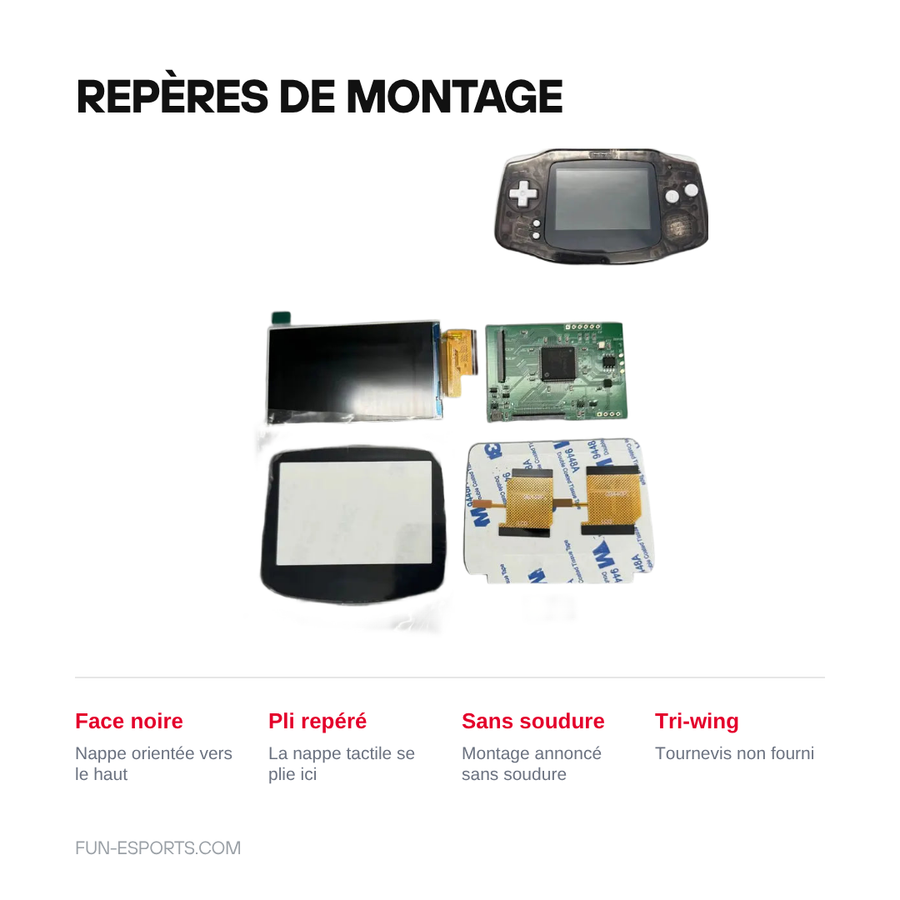
Full disassembly of the console: opening the shell, removing the motherboard, taking out the original panel, fitting the kit and its ribbon cable. The manufacturer states that no soldering is required, but you need a tri-wing screwdriver (not supplied), a thin plastic spudger and patience with the ribbon cable. Think of it as a job for a careful DIYer, not blind plug-and-play. If you have never opened a console before, get someone to help you.
In the box
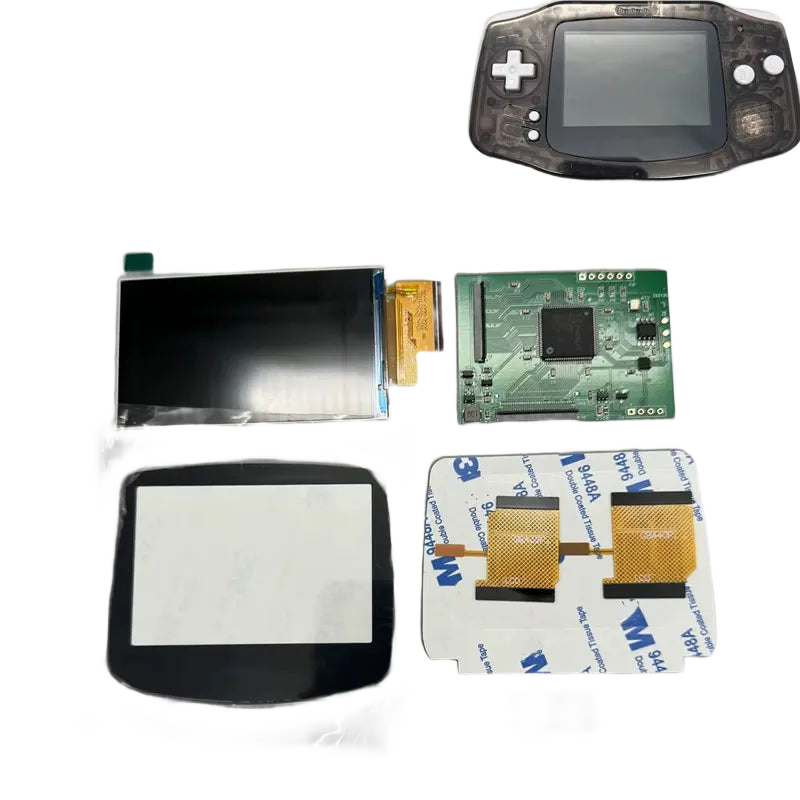
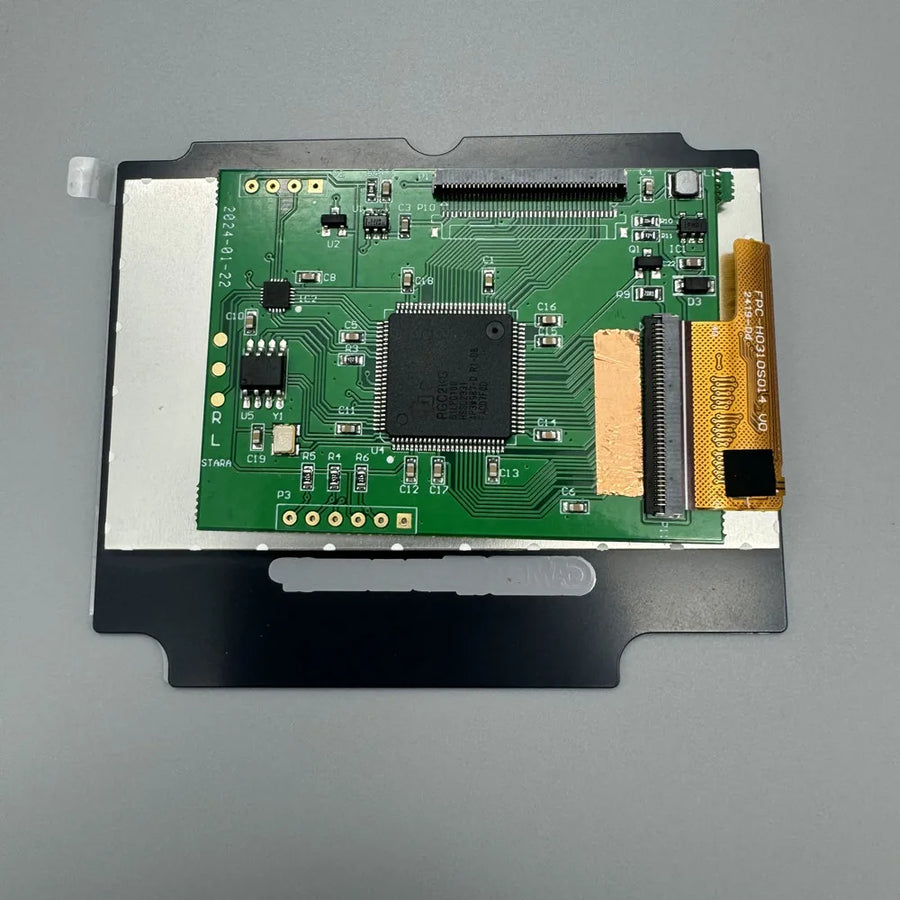
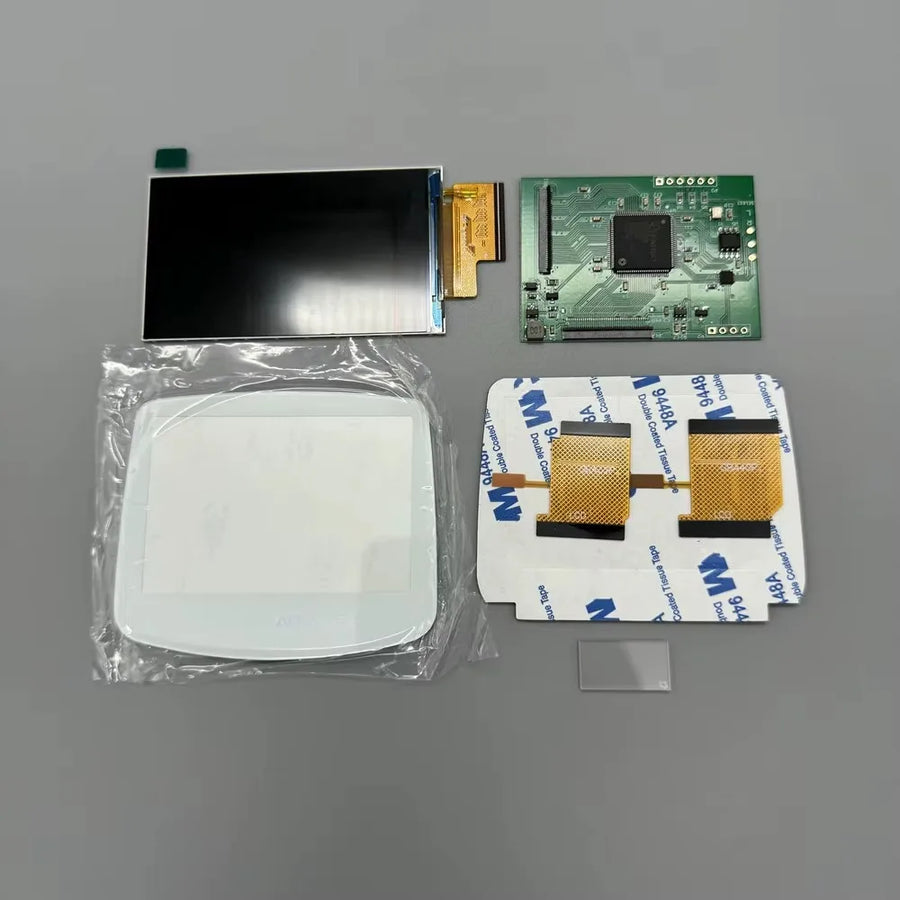
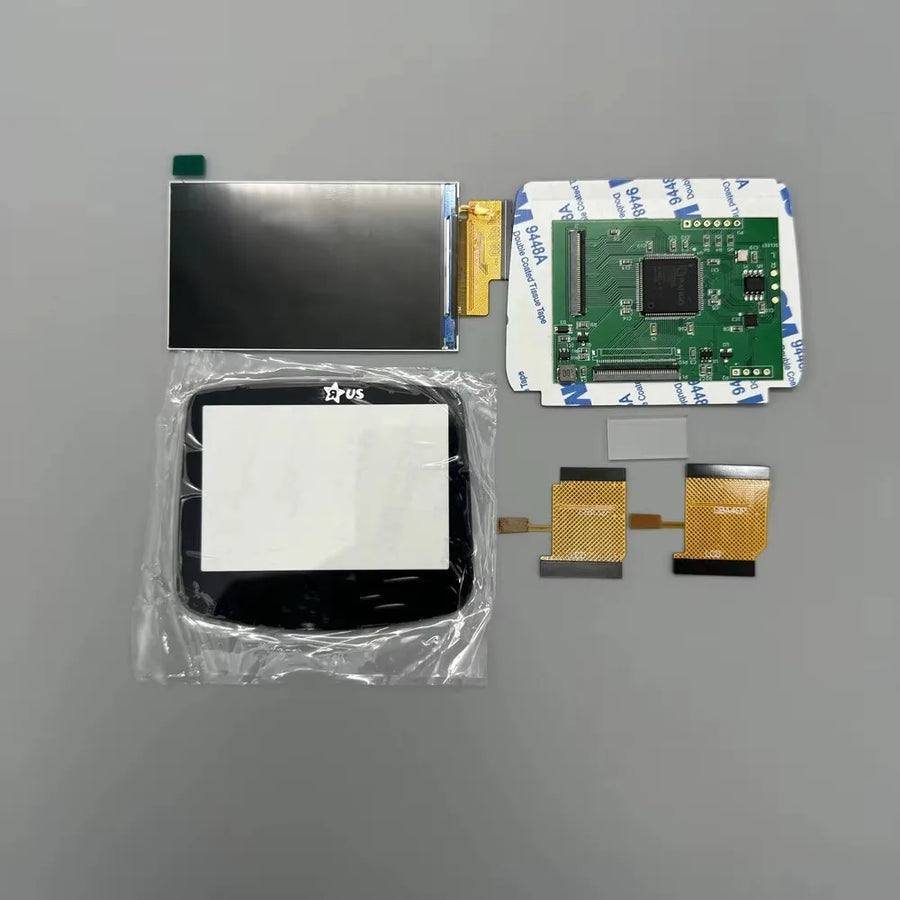
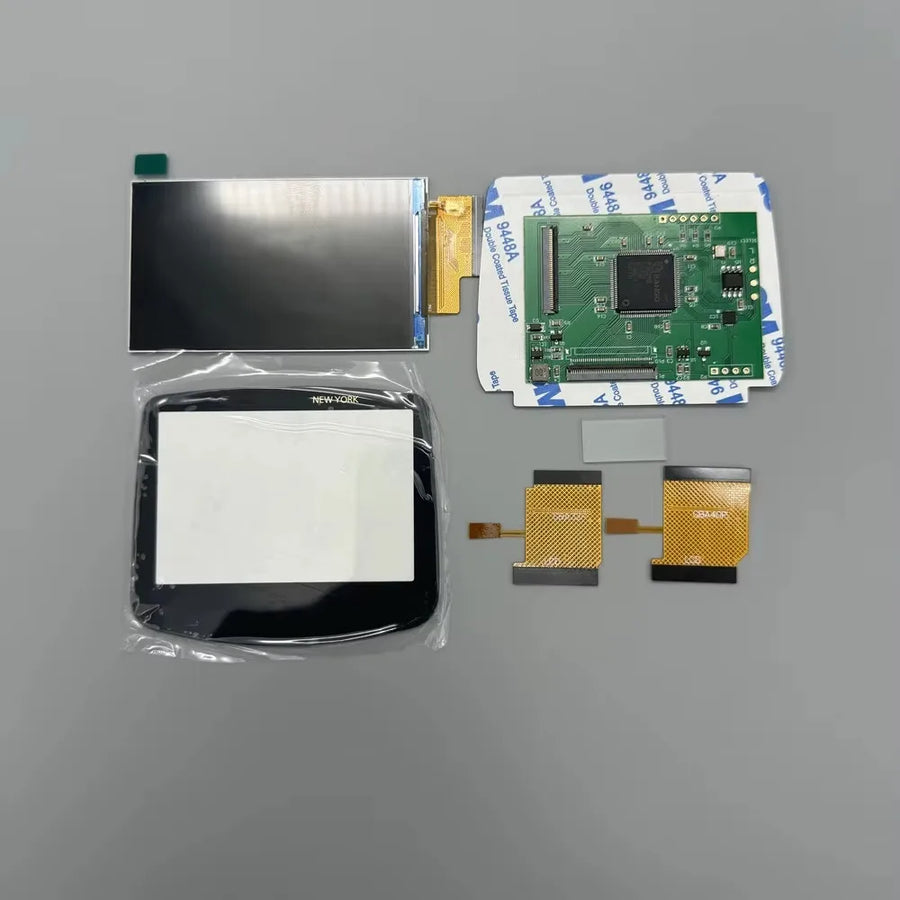
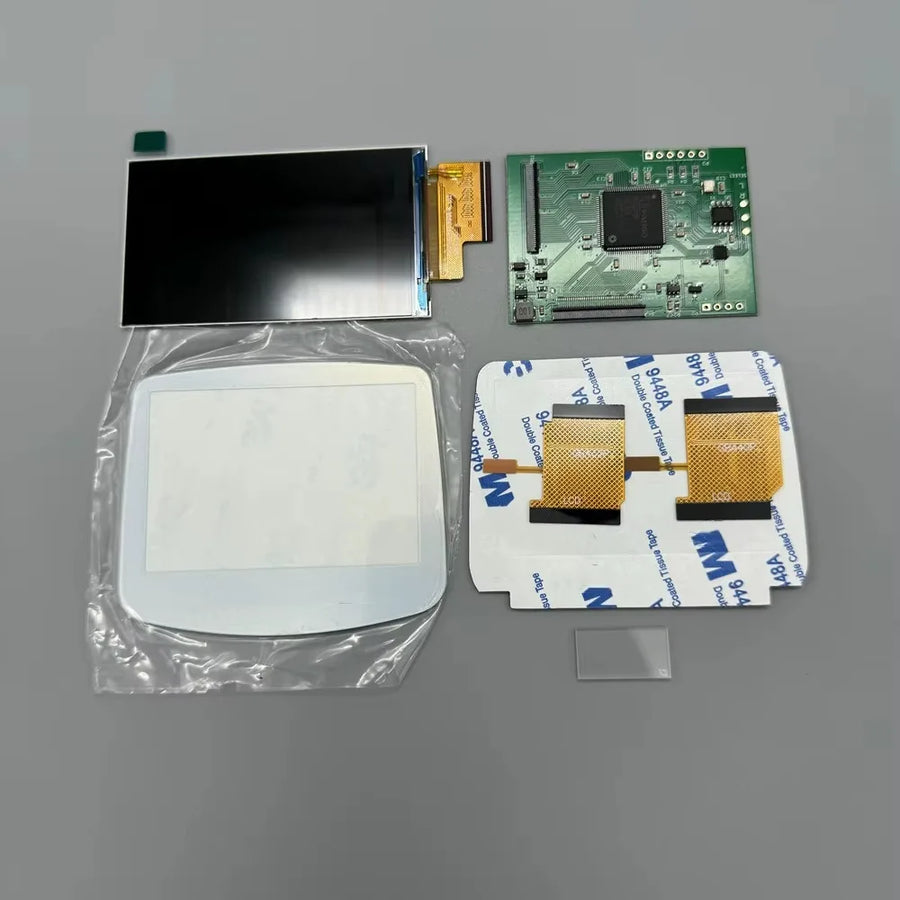
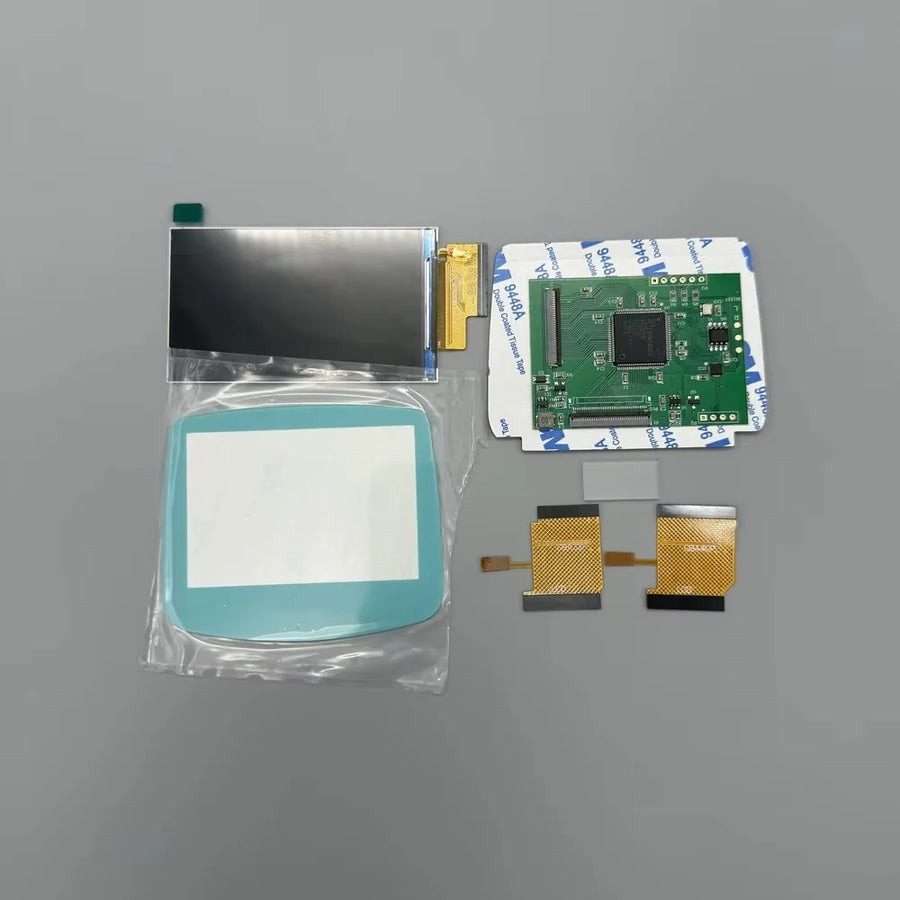
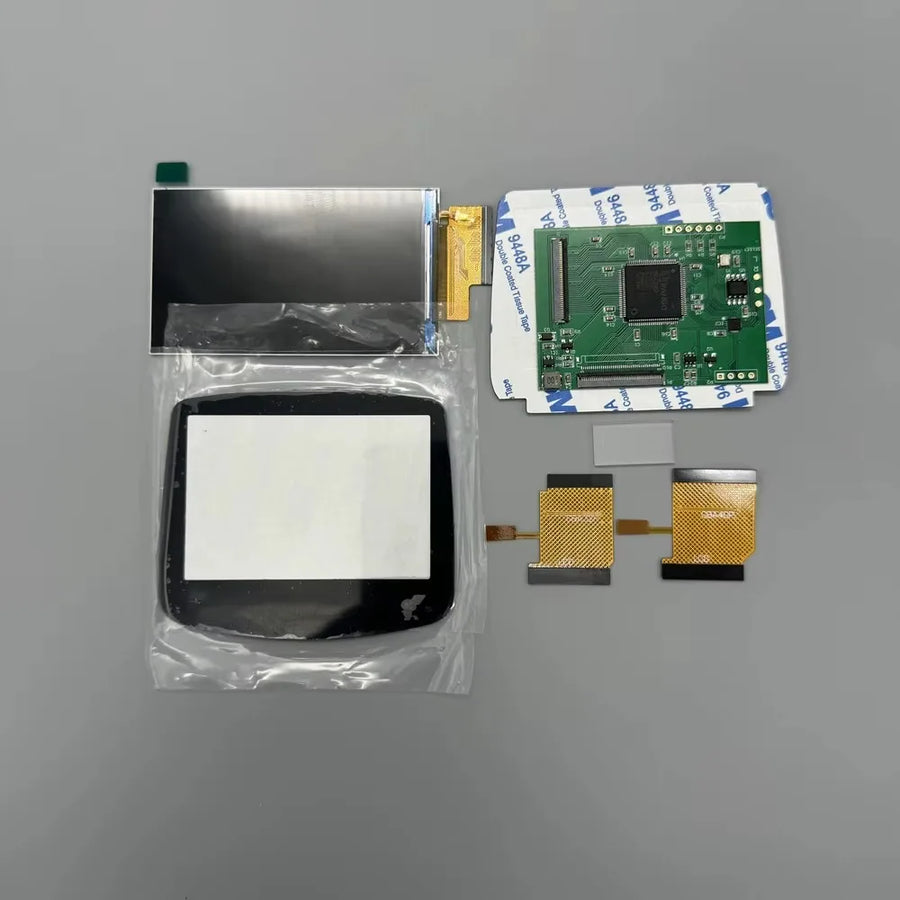
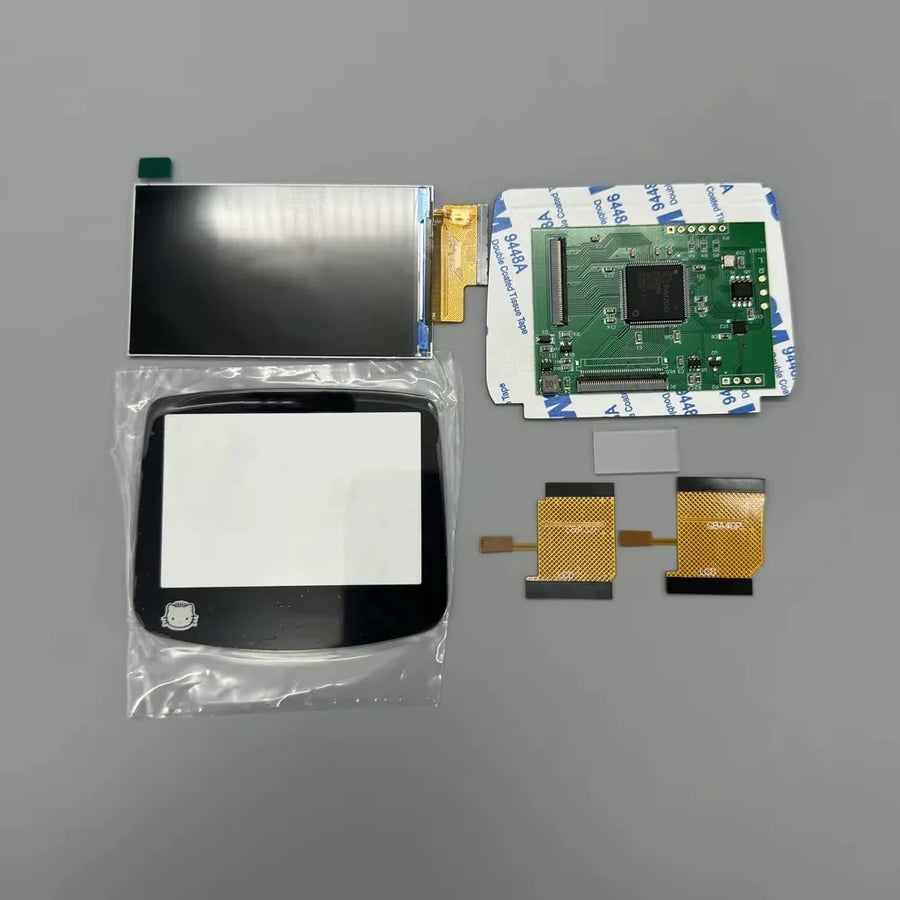
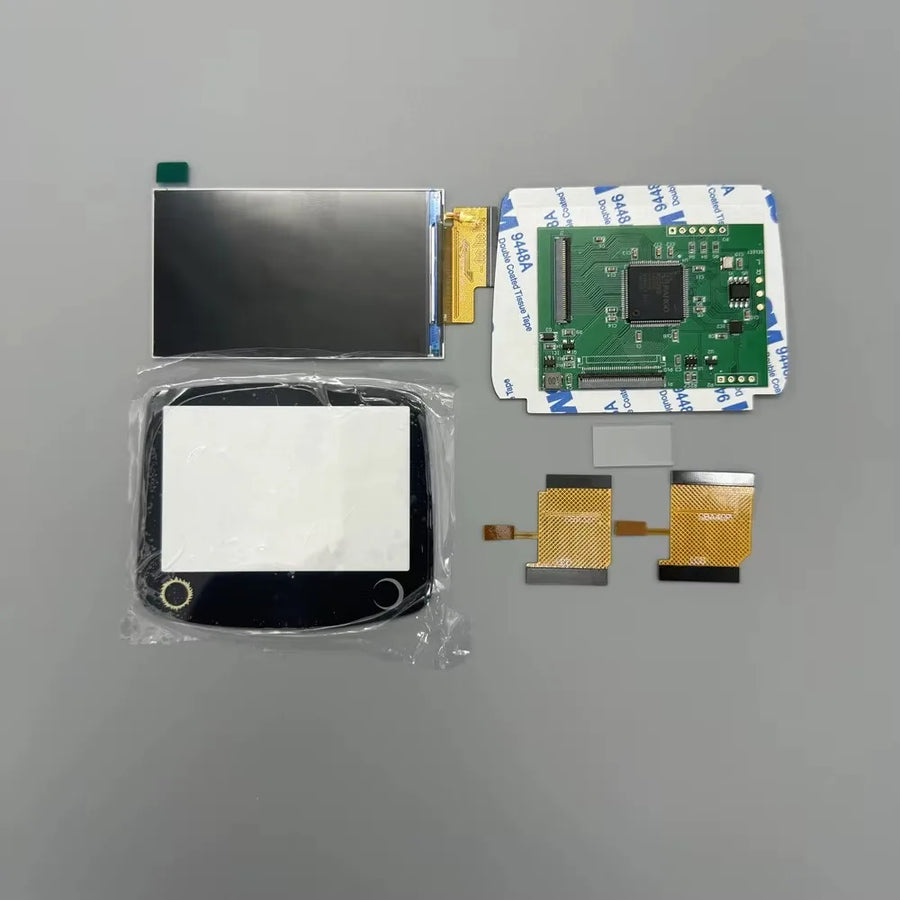
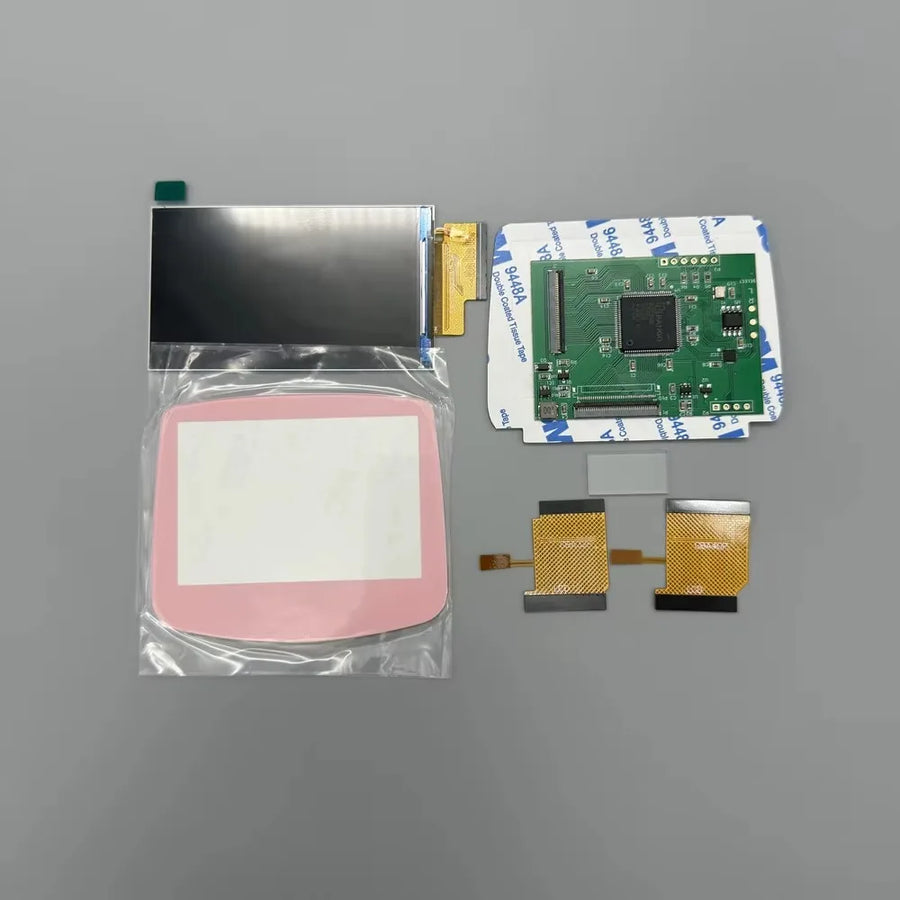
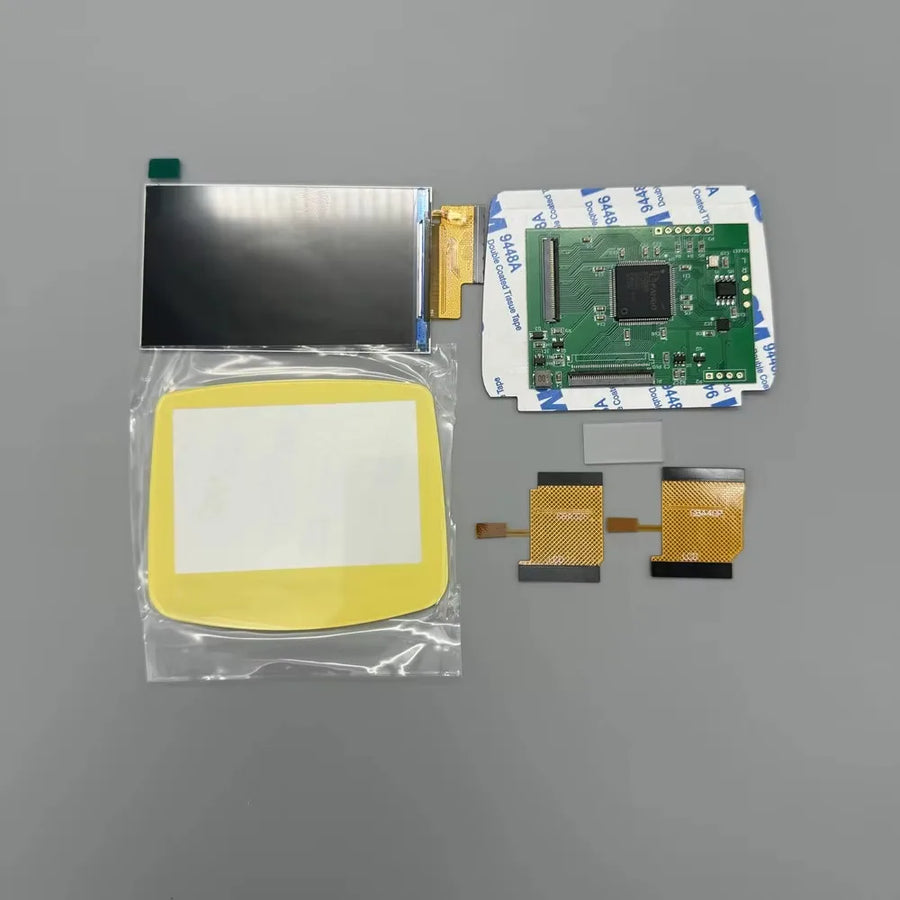
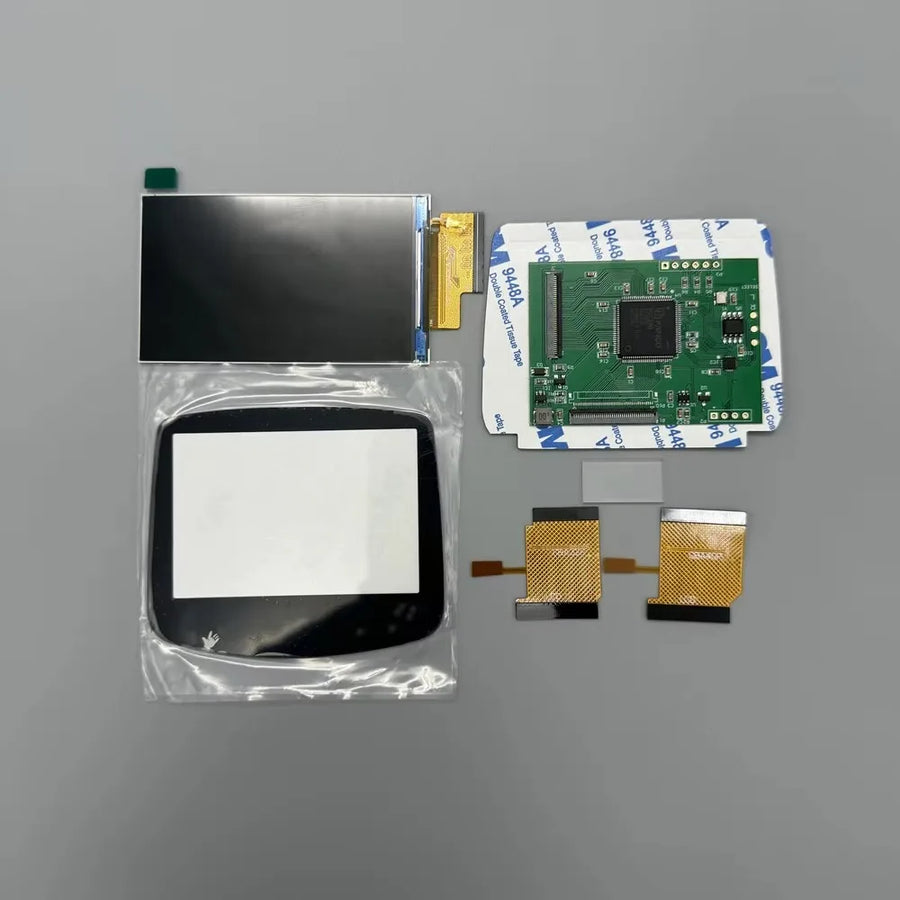
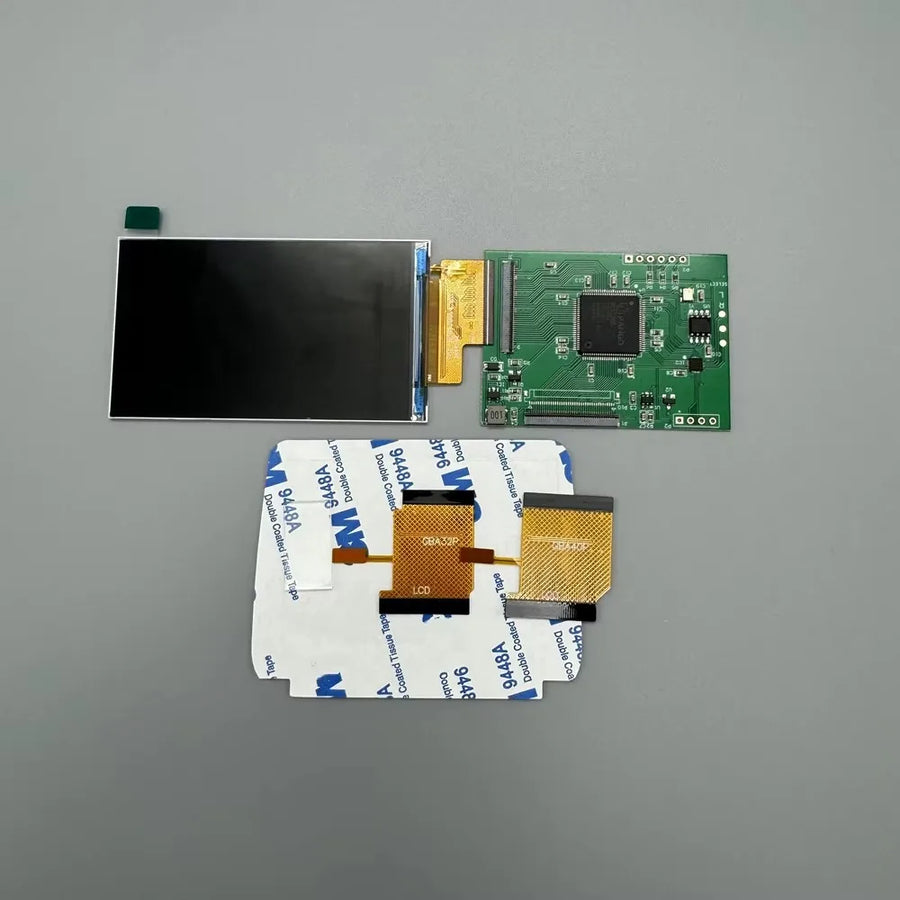
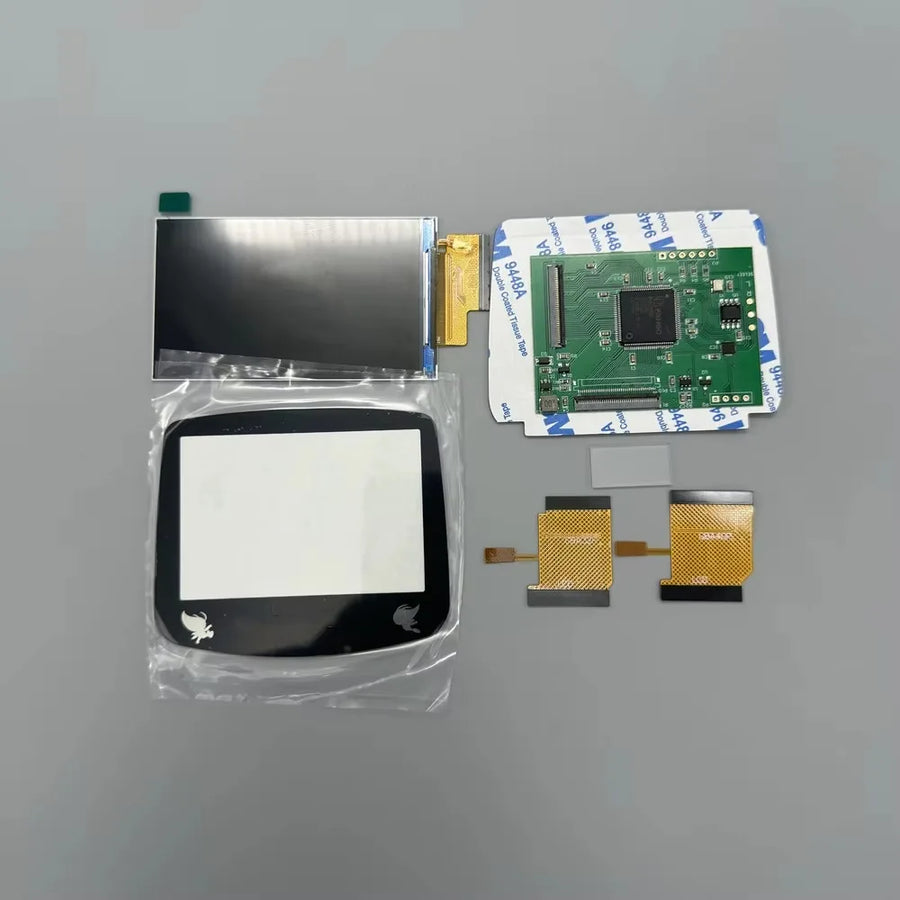
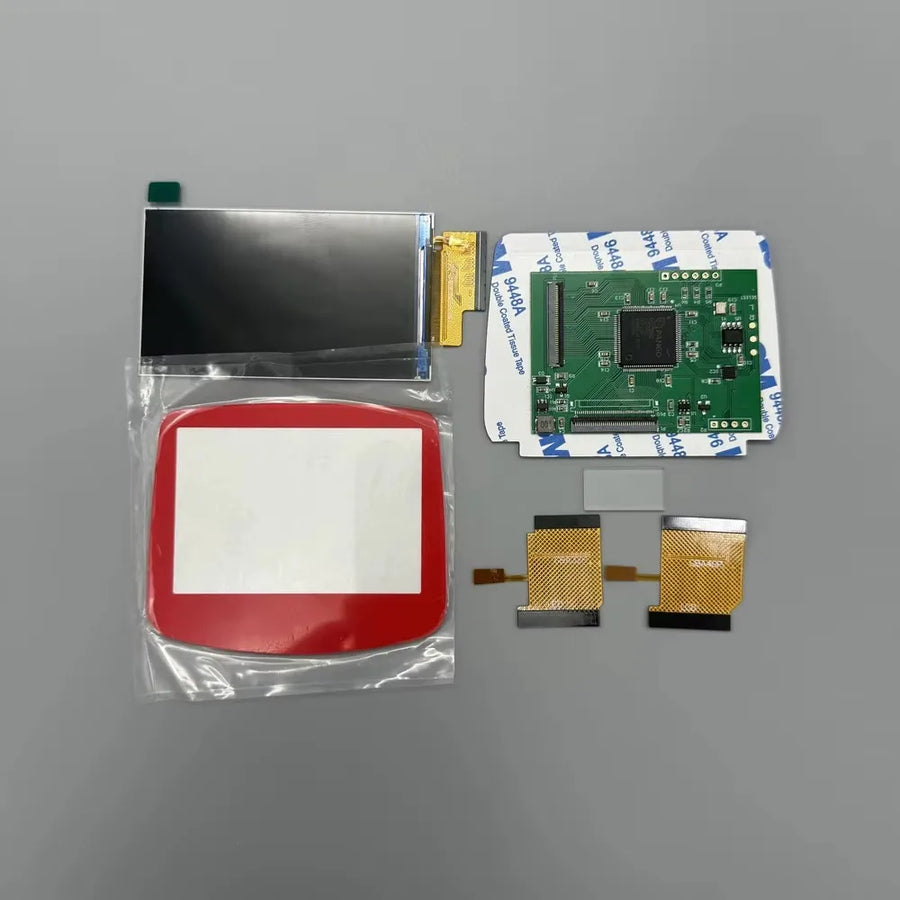
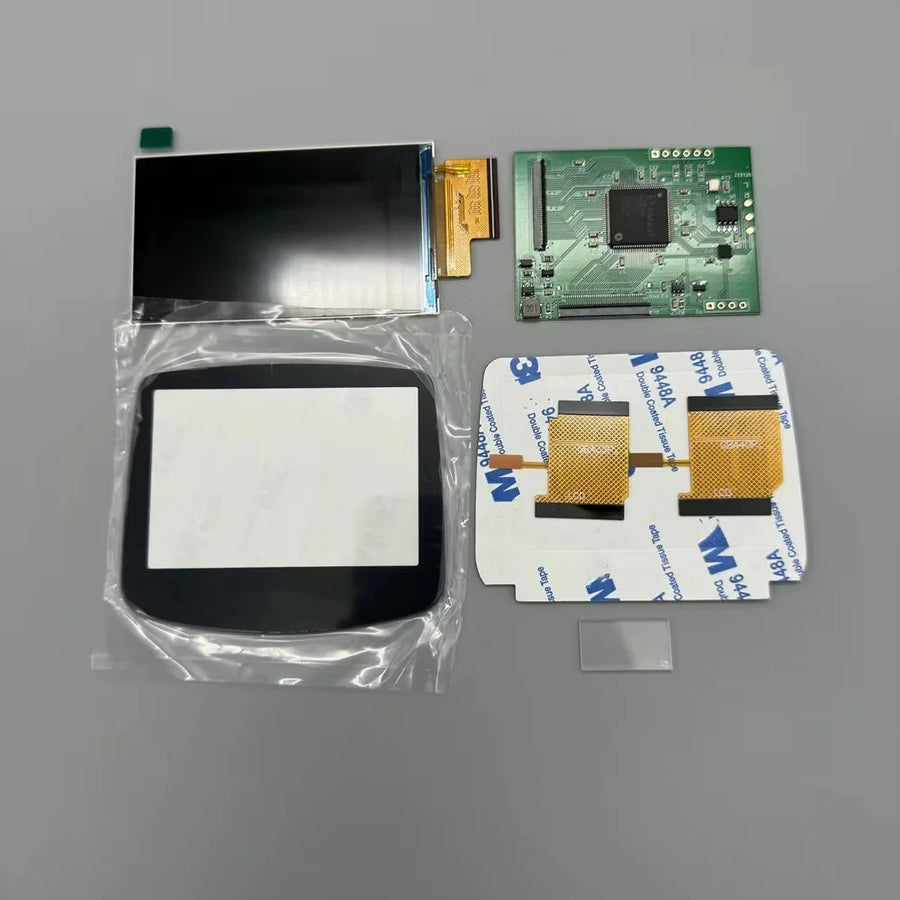
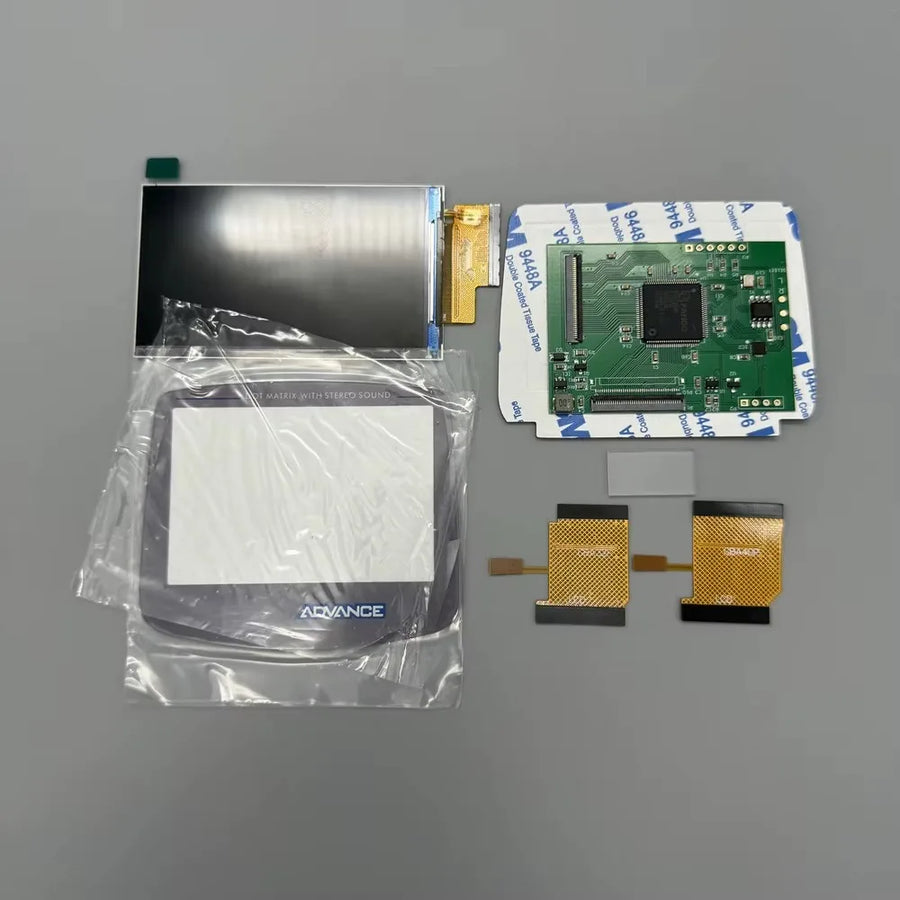
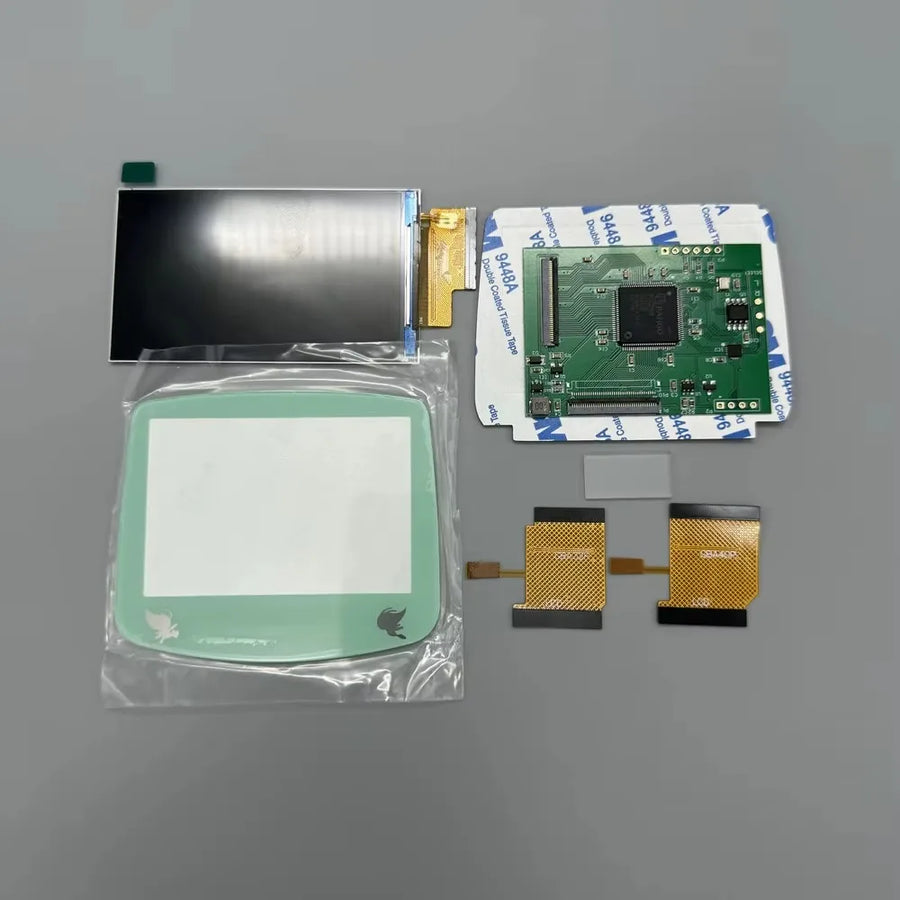
- 1 IPS panel, 2.9 inches, mounted on its circuit board.
- 1 connection ribbon cable.
- 1 front lens in the chosen colour — except with the "no lens" variant.
Delivery in 10 to 18 days · ships within 3 to 5 days · 2-year legal guarantee · 14-day returns.
Read before ordering: the full Fun-Esports catalogue
2.9-inch IPS screen kit for Game Boy Advance — no soldering
Backlit 2.9-inch IPS panel for Game Boy Advance AGB-001, fitted without cutting the shell.
En stock
📦Ships within 3 to 5 business days · Delivery in 10 to 18 business days · 2-year legal guarantee · 14-day returns.
ℹÀ partir de 150 €, la livraison s’effectue en Point Relais.
- 🇫🇷SAV français
réponse sous 1 jour ouvré - 🛡Garantie légale
2 ans - ↩14 jours
pour changer d’avis - 🔒Paiement sécurisé
CB · PayPal · Klarna
The idea: making the GBA readable
In 2001, the Game Boy Advance arrived with a reflective panel that emits no light at all. People played by an open window, or with a lamp clipped onto the console. Replacing this panel with a backlit IPS panel is the first mod most owners make: the console keeps its period casing, but the screen becomes usable anywhere again, including on the sofa in the evening.
The part: 2.9 inches, no cutting
Many IPS kits require you to file the shell window to fit a larger panel. This one keeps the original diagonal, 2.9 inches, and fits in an unmodified shell; the manufacturer also states that no soldering is required. The front lens is supplied and can be chosen from several colours, or left out of the kit if you prefer to keep your own.
The limit: what you need to know first
An IPS screen is not a refurbishment. Games stay at 240 x 160 pixels, a tired motherboard stays tired, and nothing here applies to the GBA SP or the Game Boy Color. The job requires opening the console with a tri-wing screwdriver, handling a thin ribbon cable and putting everything back together neatly. Listing verified on 19 August 2026: we describe what the manufacturer states, without having fitted it ourselves.
What this accessory brings
Verified manufacturer specifications · vérifié le
Ce qu’il fait bien
- Backlit IPS panel in place of the original reflective screen
- 2.9-inch diagonal identical to the original screen
- Stated to fit without shell cutting and without soldering
- Front lens available in several colours
Ce qu’il ne fait pas
- For Game Boy Advance AGB-001 only: not GBA SP, Game Boy Color or Game Boy Micro
- Does not increase the resolution of games, which stays at 240 x 160 pixels
- Does not repair a faulty motherboard, sound or cartridge slot
- No shell, buttons, battery or tools supplied
- Full disassembly of the console required, tri-wing screwdriver not supplied
- Circuit board revision as stated by the manufacturer, not checked with the part in hand
Voir toute la fiche technique+
Matière et format
- Type d’accessoire
- IPS replacement screen
Compatible avec
- Game Boy Advance (AGB-001)
Dans la boîte
- 1 IPS panel, 2.9 inches, mounted on its circuit board
- 1 connection ribbon cable
- 1 front lens in the chosen colour (except no lens variant)
Frequently Asked Questions
🔧 Do I need to solder to install this screen?
No: the manufacturer states that the kit requires no soldering; the panel connects to the motherboard via its ribbon cable. You do, however, need to fully disassemble the console.
🎮 Which consoles is it compatible with?
Only the Game Boy Advance AGB-001, the horizontal model from 2001. Not the Game Boy Advance SP (AGS-001 and AGS-101), Game Boy Micro, Game Boy Color or classic Game Boy.
✂️ Do I need to cut the shell?
No. The kit keeps the original 2.9-inch diagonal and fits in an unmodified shell, without a file or craft knife. A shell already trimmed for another kit may not fit properly, however.
📺 Will the game image be sharper?
No. The Game Boy Advance displays 240 x 160 pixels and that doesn't change. The IPS screen improves brightness, contrast and viewing angles, not resolution.
📦 What's in the box?
The 2.9-inch IPS panel mounted on its circuit board, its connection ribbon cable and a front lens in the chosen colour. The "no lens" variant is supplied without this lens. No shell, buttons or tools.
🧰 What tools do I need?
A tri-wing screwdriver to open the shell, a Phillips screwdriver for the motherboard and a thin plastic spudger. These tools are not supplied with the kit.
🚚 What are the delivery times?
Delivery in 10 to 18 days, ships within 3 to 5 days. Customer service replies within 1 business day.
🛡️ Which guarantee applies?
2-year legal guarantee of conformity. 14-day returns from receipt. A panel damaged during installation is not covered.
Why buy here rather than on a marketplace
It is a fair question. Here is the answer, straight.
Every listing is checked before publication: real compatibility, material, dimensions, box contents. Many models never make it into the catalogue.
A question about compatibility, a fit problem, a return: you write, a human replies within 1 business day. In French.
The 2-year legal warranty of conformity is handled by us — not by a form on the other side of the world. And 14 days to change your mind, with no need to justify yourself.
We do not claim to be the cheapest. We claim that you will know exactly what you are buying before you pay.
Read this before choosing
Our guides to accessories: compatibility, protection, transport.

Pixel art: create your own designs for a Divoom display
Grid size, number of colours, outlines, animation: the guide to getting started in pixel art and displaying your own creations on a Divoom display.
2 min de lecture · publié le

Divoom pixel art speakers: which one should you choose?
Astrotoo, Ditoo-Pro, FlowToo, Tiivoo-2, Timebox-Evo, MiniToo, Fairy-OK: the seven Divoom speakers compared, by use and budget.
2 min de lecture · publié le

Times Frame or Times Frame Pure: which Divoom floating photo frame should you choose?
64 or 32 GB, three colours or just one, a dial or not: the real differences between the Times Frame and Times Frame Pure…
1 min de lecture · publié le