Description complète
Game Boy Advance link cable: the original multiplayer, reconnected
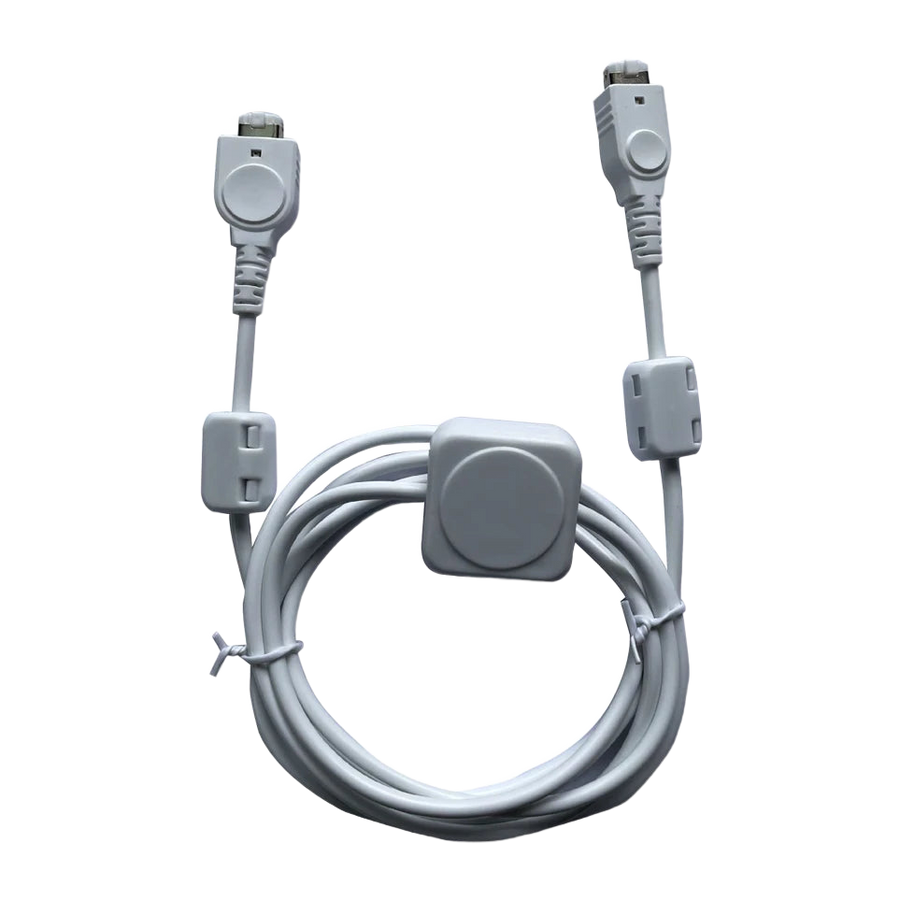
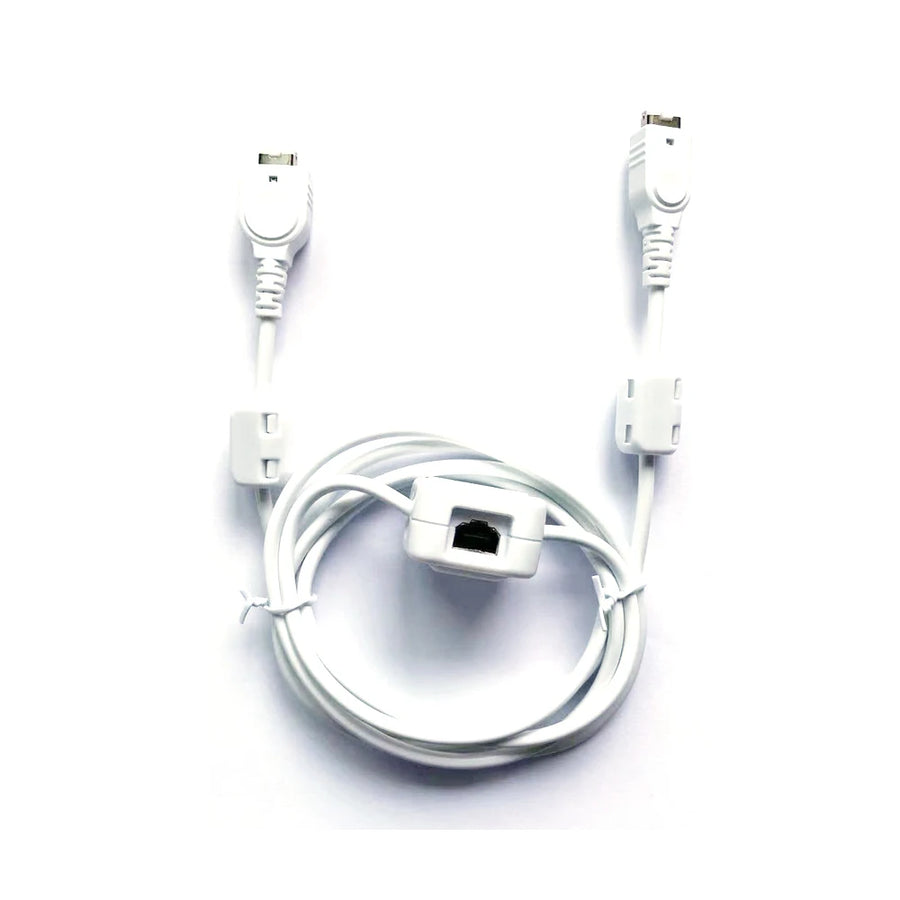
On the Game Boy Advance, two-player mode does not use Wi-Fi or infrared: it uses a link cable plugged in between the two consoles. Without it, the races, battles and trades built into the games of the time remain out of reach. This cable restores that connection between two GBA or two GBA SP consoles, with no setup or driver.
What it does
- Two-player link: connects two consoles via their link port for the multiplayer modes offered by the games.
- Direct connection: plug in, start the game's multiplayer mode, nothing to configure.
- Original port format: connectors designed for the link port of the Game Boy Advance and the Game Boy Advance SP.
What it doesn't do
- Two players, no more. Three- or four-player games require that many consoles and additional cables, depending on what the game supports.
- Does not connect a Game Boy Advance to a GameCube: that link uses a different cable.
- Does not link Game Boy and Game Boy Color games played on a GBA: their link mode uses a connector of a different format.
- Not compatible with the Game Boy Micro, DS or DS Lite, whose port has a different format.
- Does not charge the console or transfer anything to a computer: it is a link cable between two machines, nothing else.
- Does not make a single-player game multiplayer: it all depends on what the cartridge offers.
Compatibility
Game Boy Advance (AGB) and Game Boy Advance SP (AGS), which share the same link port. Not covered: Game Boy Micro, DS and DS Lite, Game Boy and Game Boy Color, link to a home console, retro emulation consoles such as Anbernic or Miyoo. On the software side, only games that advertise a link mode or a multiplayer mode make use of it; "single cartridge" mode only exists if the game explicitly supports it.
Skill level required
None. No soldering, no disassembly, no tools. With the consoles switched off, plug one end into each console's link port, switch them back on, then choose the multiplayer mode in the game's menu. If the link is not detected, it is almost always a connector that is not fully inserted or a dirty port — a puff of compressed air into the port solves most cases.
In the box
- 1 two-player link cable for Game Boy Advance
Supplied without games, in compliance with the law.
Read before ordering: Retro accessories
Delivery in 10 to 18 days · ships within 3 to 5 days · 2-year legal guarantee · 14-day returns.
2-Player Game Boy Advance Link Cable — GBA-to-GBA Connection
The cable that brings back two-player mode between two Game Boy Advance consoles.
En stock
📦Ships within 3 to 5 business days · Delivery in 10 to 18 business days · 2-year legal guarantee · 14-day returns.
ℹÀ partir de 150 €, la livraison s’effectue en Point Relais.
- 🇫🇷SAV français
réponse sous 1 jour ouvré - 🛡Garantie légale
2 ans - ↩14 jours
pour changer d’avis - 🔒Paiement sécurisé
CB · PayPal · Klarna
Multiplayer before Wi-Fi
On the Game Boy Advance, playing together meant sitting side by side and running a cable between the two consoles. Nothing happened without it: no split-screen racing, no battles, no data trading between two cartridges. That is the ritual this cable restores, exactly as it was, on an original console as well as on a GBA SP.
What it changes on your console
One end in each console's link port, and multiplayer modes that have lain dormant for twenty years become accessible again. No driver, no pairing, no setup: detection happens when you start the game's multiplayer mode. The cartridges you already own get back half of their content, the half that single-player mode never shows.
The limits, stated before you buy
This cable connects two consoles, not three or four, and only Game Boy Advance or GBA SP consoles: the Game Boy Micro, DS and DS Lite have a port of a different format. Nor does it connect a GBA to a home console, and it does not make a game multiplayer if it never was. If your game does not advertise a link mode, this cable will not change that.
What this accessory brings
Verified manufacturer specifications · vérifié le
Ce qu’il fait bien
- Connects two Game Boy Advance or GBA SP consoles via their link port
- Direct connection: no driver, no pairing, no setup
- Connectors in the original link port format
- No disassembly or soldering
Ce qu’il ne fait pas
- Two players only: does not handle three- or four-player games
- Not compatible with Game Boy Micro, DS and DS Lite: port of a different format
- Does not connect a GBA to a home console: that takes a different cable
- Does not link Game Boy and Game Boy Color games played on a GBA
- Does not charge the console or transfer anything to a computer
- No effect on a game that has no link mode
Voir toute la fiche technique+
Matière et format
- Type d’accessoire
- Link cable
Compatible avec
- Game Boy Advance
- Game Boy Advance SP
Dans la boîte
- 1 two-player link cable for Game Boy Advance
Frequently Asked Questions
🎮 Which consoles does this cable connect?
Two Game Boy Advance consoles, two Game Boy Advance SP consoles, or one of each: both models share the same link port.
🔌 Do I need any setup or a driver?
No. With the consoles switched off, plug one end into each link port, switch them back on and select the multiplayer mode in the game's menu.
👥 Can three or four people play?
Not with this cable alone: it connects two consoles. Three- or four-player games require additional consoles and cables, and a game that supports that number of players.
💾 Do I need a copy of the game for each console?
Generally, yes. Some games offer a single-cartridge mode that sends a cut-down version to the second console, but only when the game supports it.
🚫 Is it compatible with the Game Boy Micro, DS or DS Lite?
No. The port on these models has a different format: the cable does not plug into it.
🕹️ Can I connect a Game Boy Advance to a home console?
No. That link requires a different type of cable, not this one.
🚚 What are the delivery times?
Delivery in 10 to 18 days, ships within 3 to 5 days.
🛡️ Which guarantee applies?
2-year legal guarantee of conformity. 14-day returns. French customer service, reply within 1 business day.
Why buy here rather than on a marketplace
It is a fair question. Here is the answer, straight.
Every listing is checked before publication: real compatibility, material, dimensions, box contents. Many models never make it into the catalogue.
A question about compatibility, a fit problem, a return: you write, a human replies within 1 business day. In French.
The 2-year legal warranty of conformity is handled by us — not by a form on the other side of the world. And 14 days to change your mind, with no need to justify yourself.
We do not claim to be the cheapest. We claim that you will know exactly what you are buying before you pay.
Read this before choosing
Our guides to accessories: compatibility, protection, transport.

Pixel art: create your own designs for a Divoom display
Grid size, number of colours, outlines, animation: the guide to getting started in pixel art and displaying your own creations on a Divoom display.
2 min de lecture · publié le

Divoom pixel art speakers: which one should you choose?
Astrotoo, Ditoo-Pro, FlowToo, Tiivoo-2, Timebox-Evo, MiniToo, Fairy-OK: the seven Divoom speakers compared, by use and budget.
2 min de lecture · publié le

Times Frame or Times Frame Pure: which Divoom floating photo frame should you choose?
64 or 32 GB, three colours or just one, a dial or not: the real differences between the Times Frame and Times Frame Pure…
1 min de lecture · publié le