
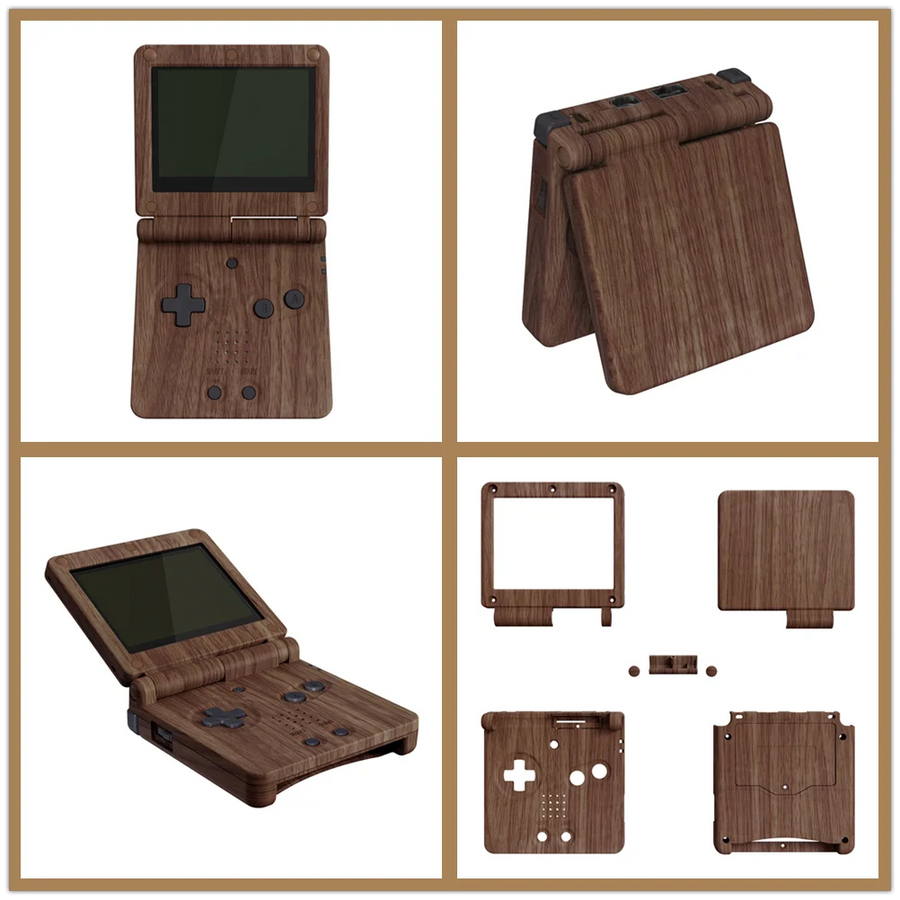
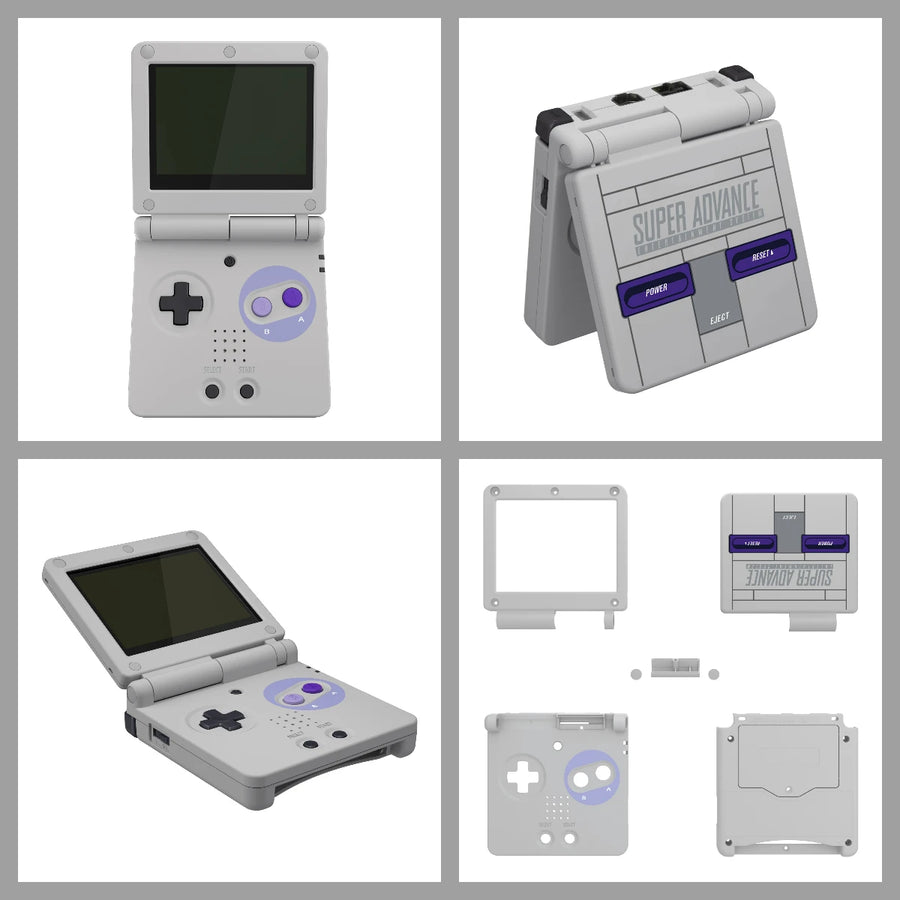
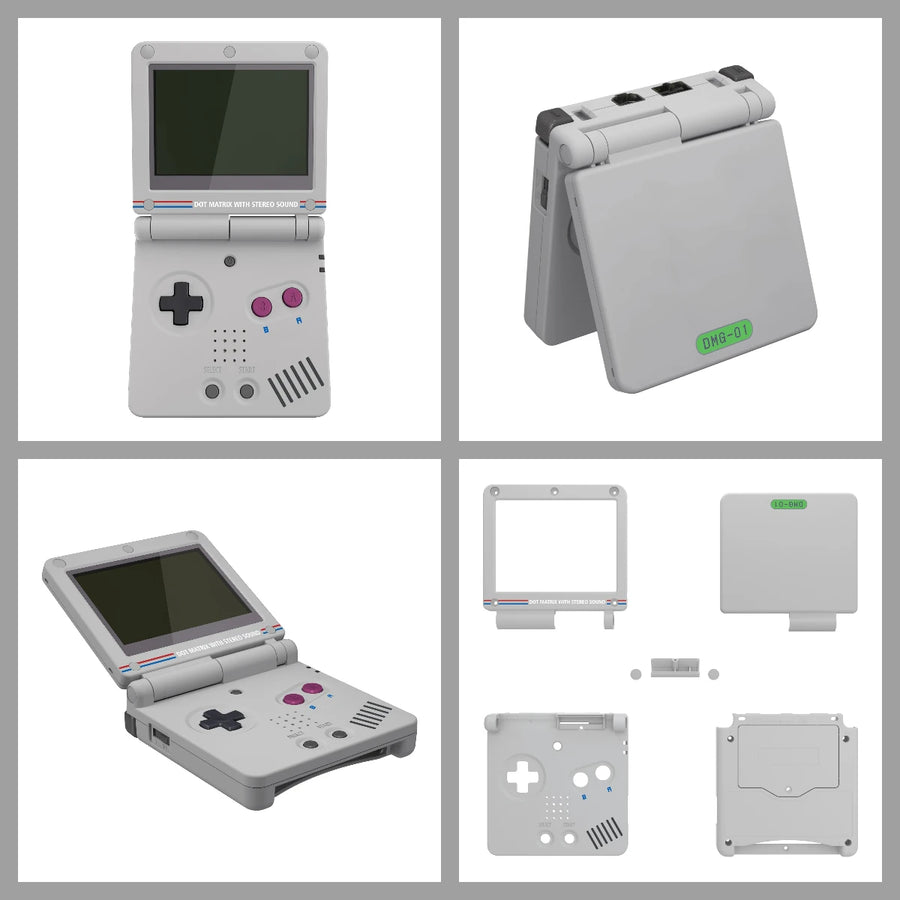
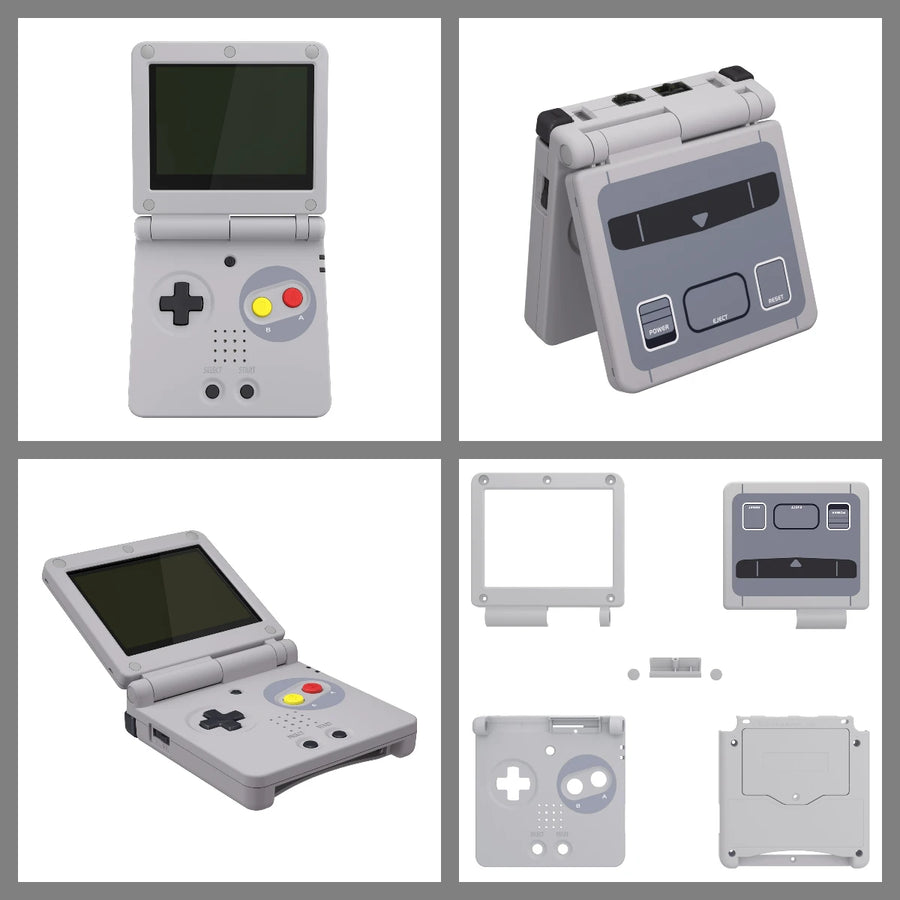
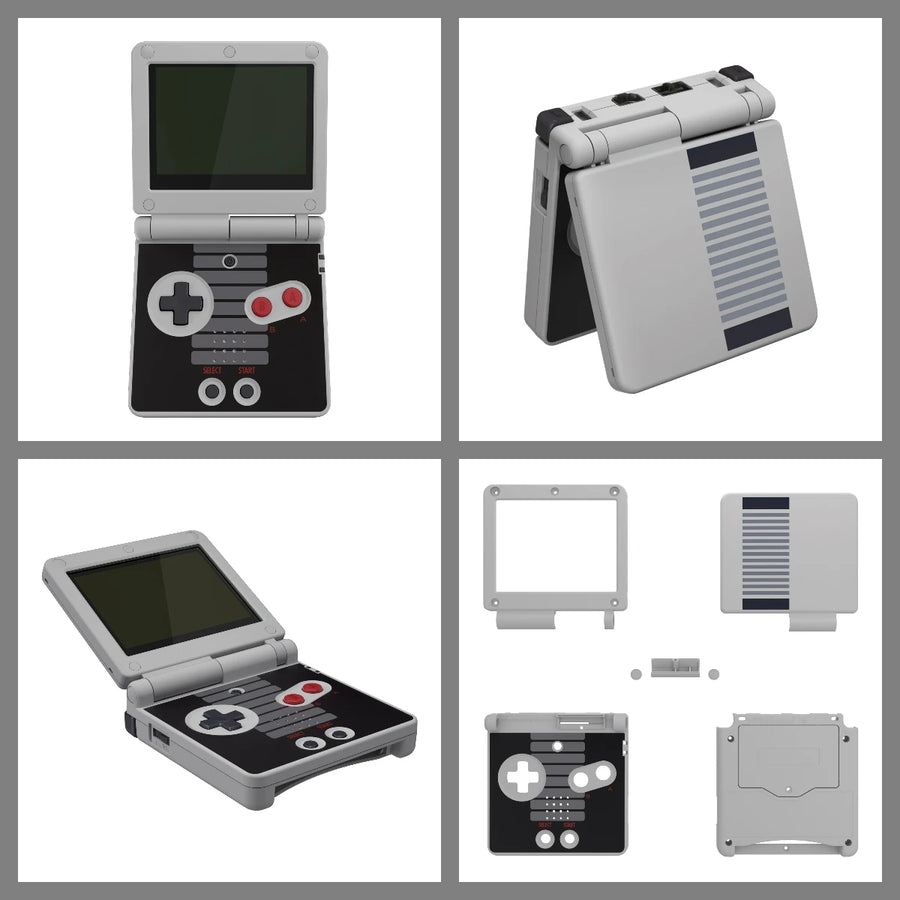
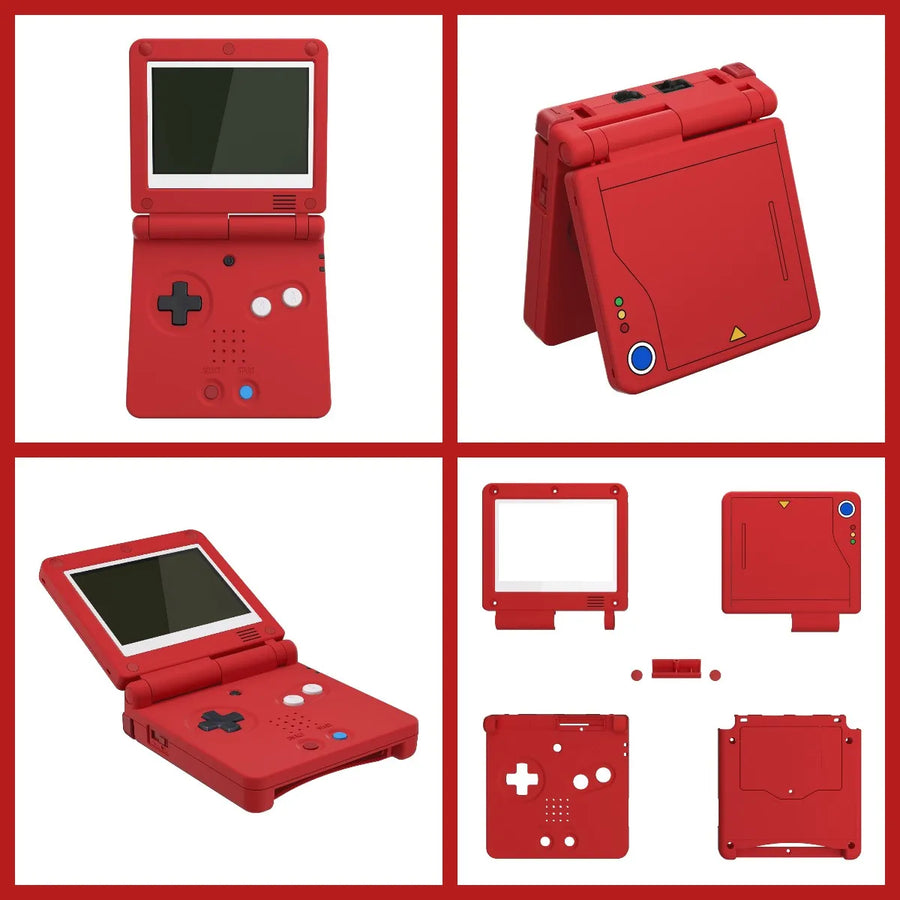
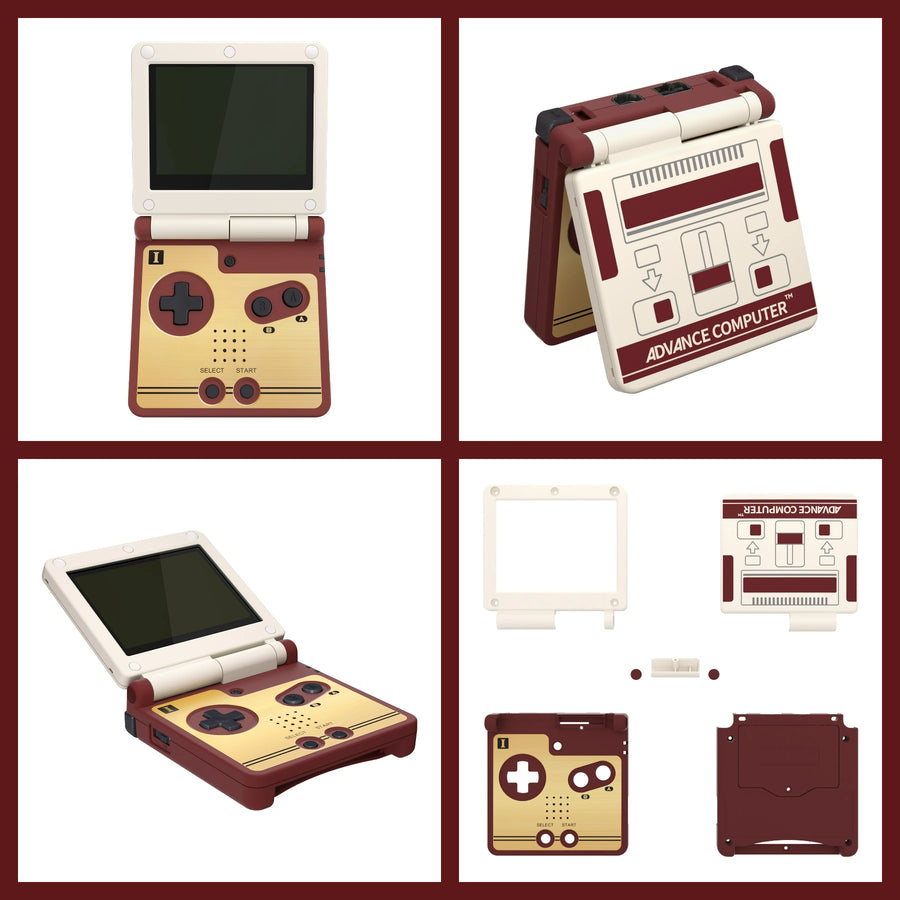
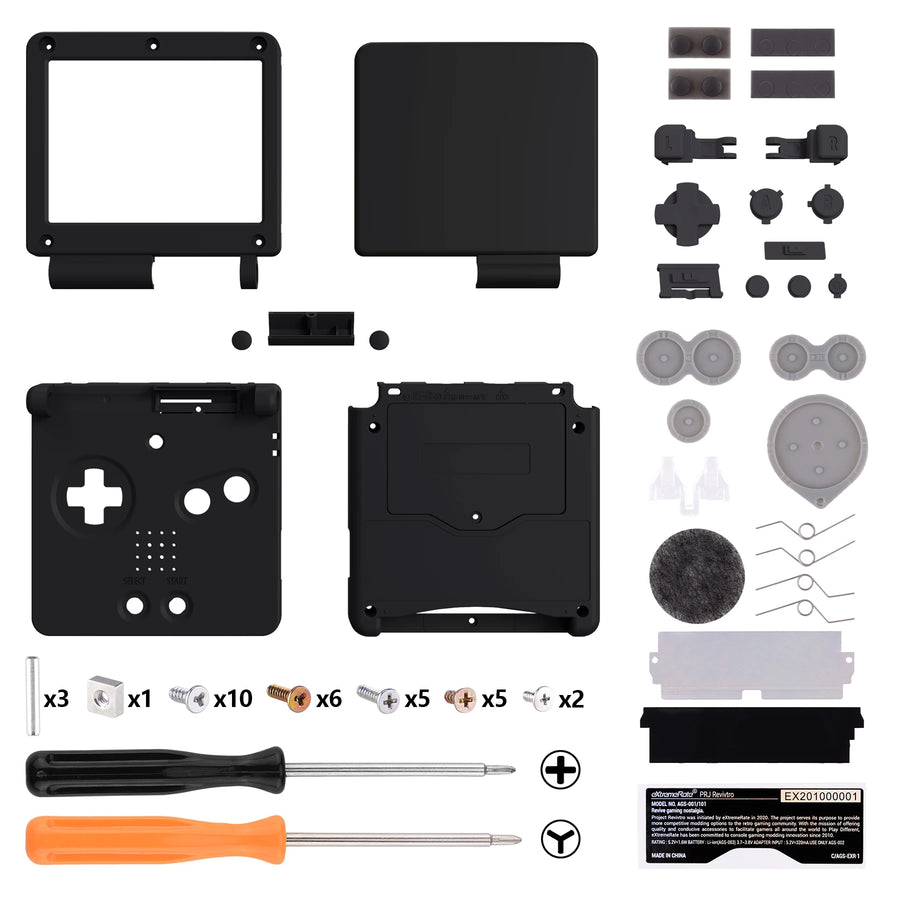
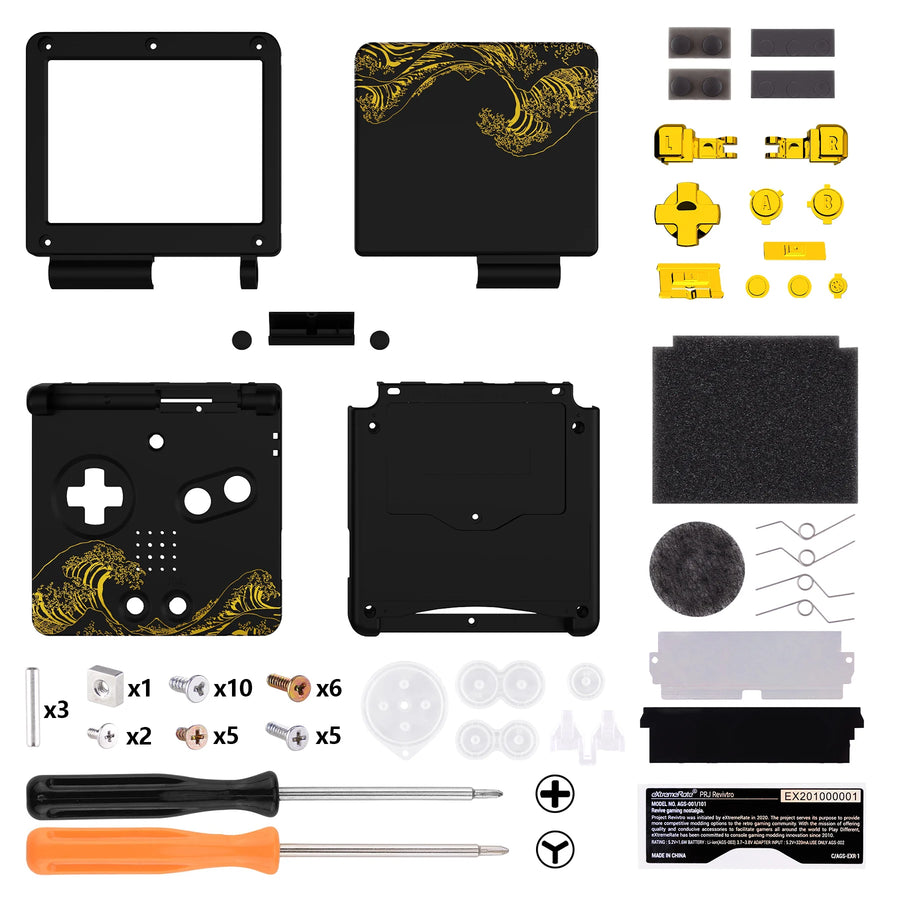
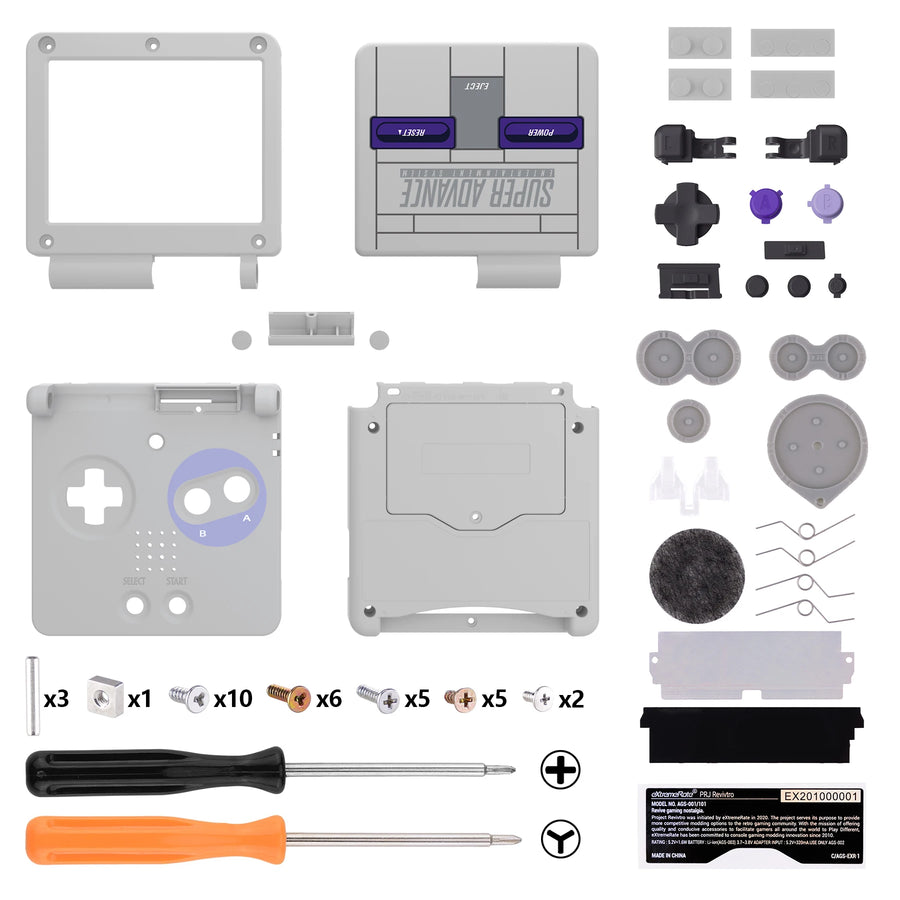
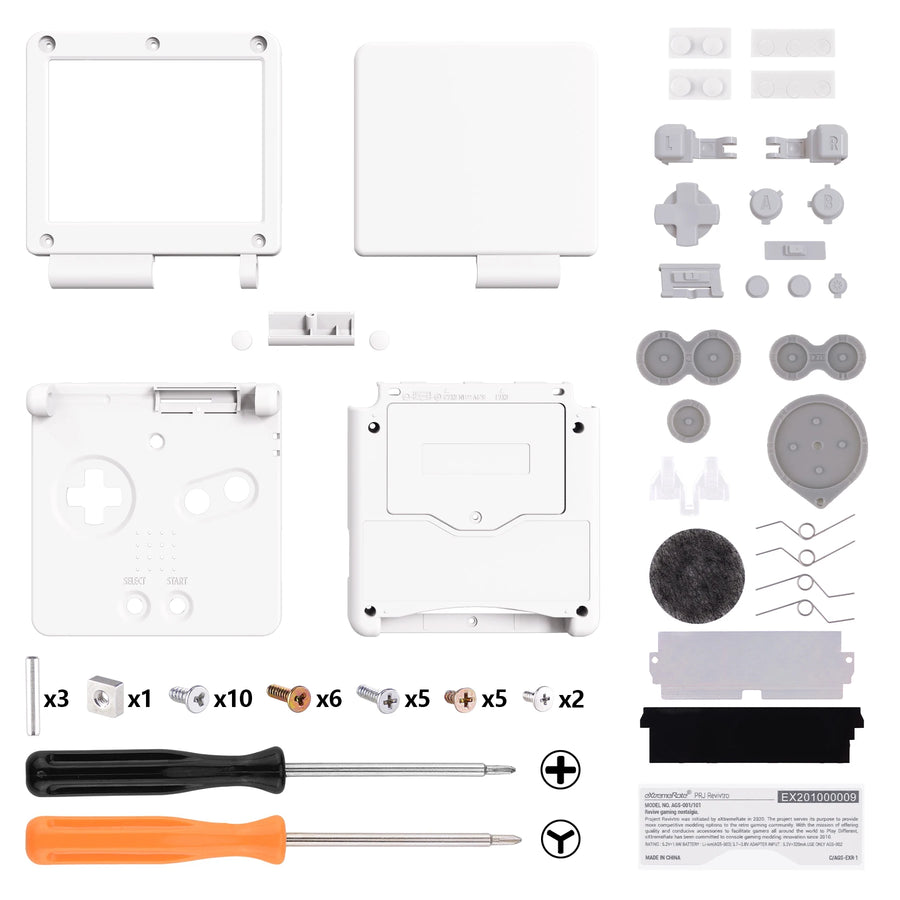
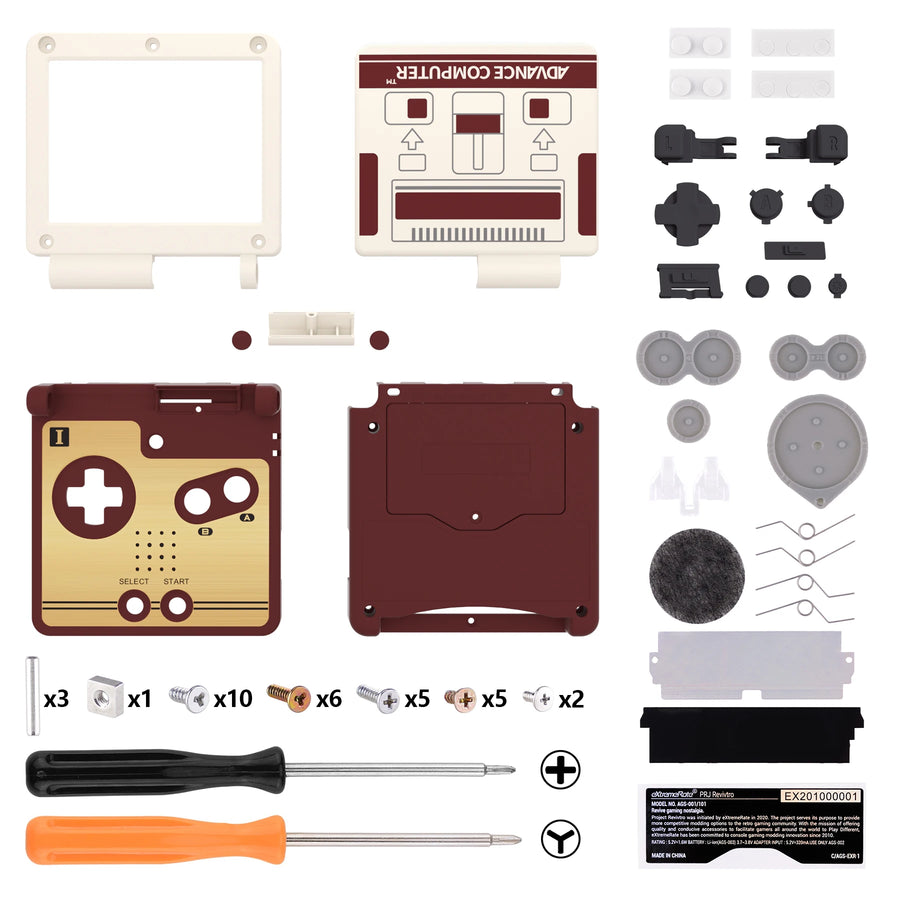
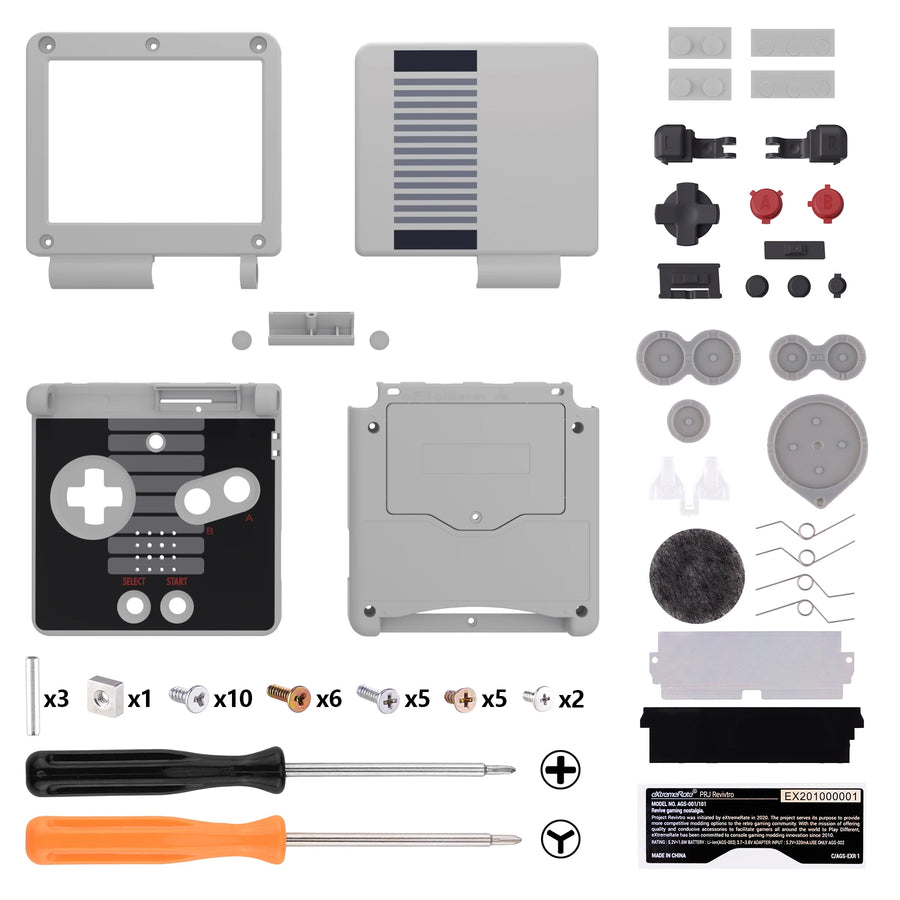
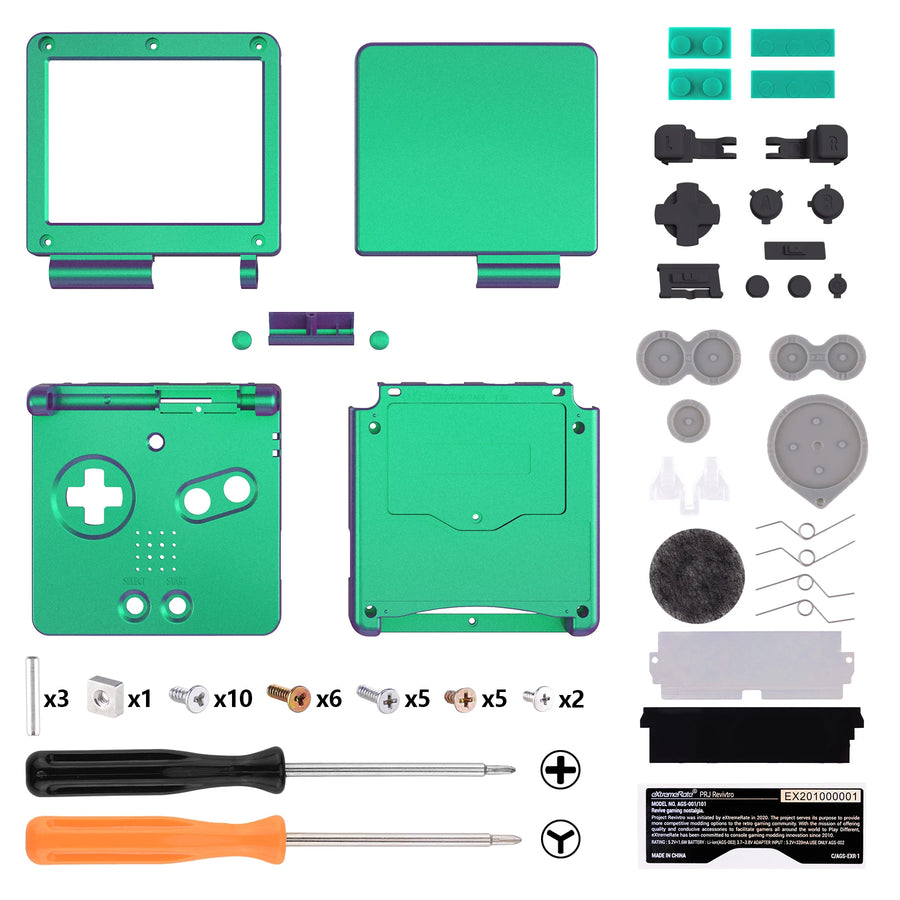
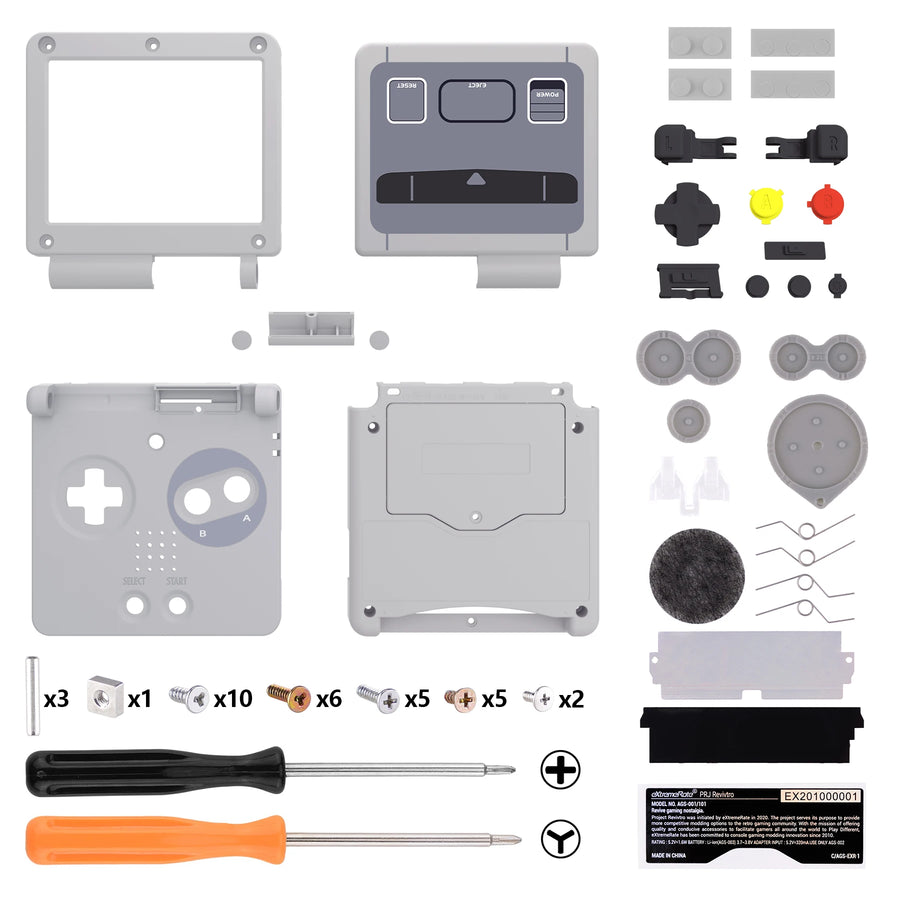
Description complète
eXtremeRate IPS-ready GBA SP shell: the IPS mod without touching a Dremel
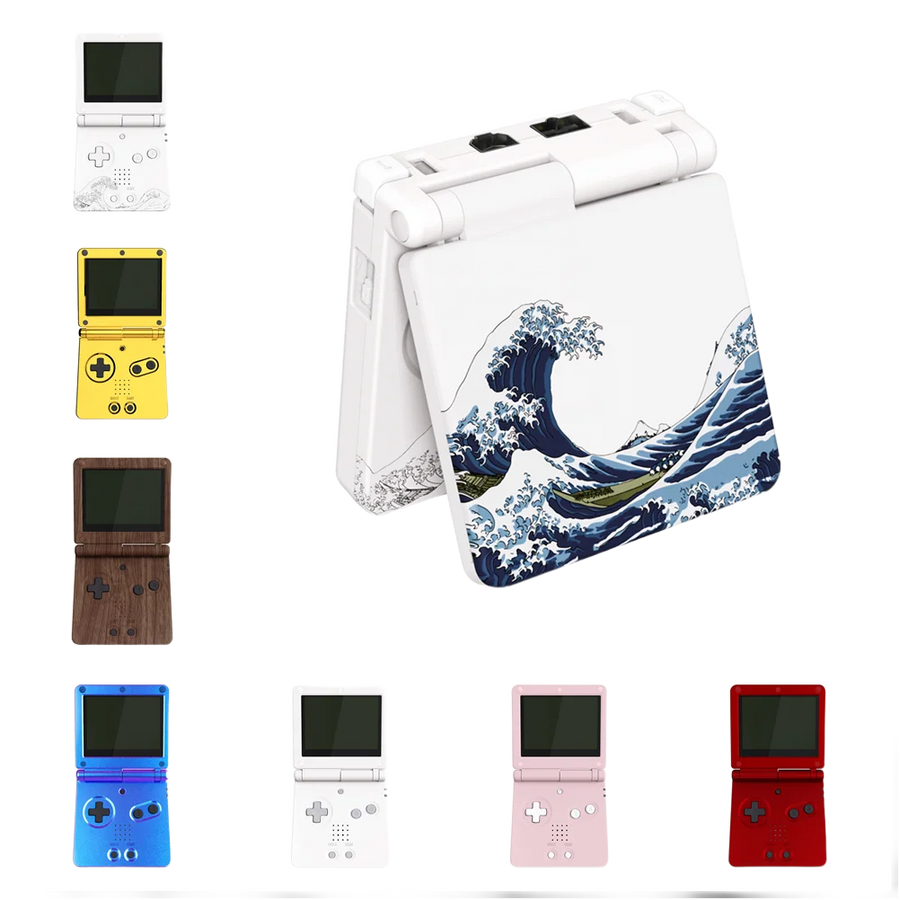
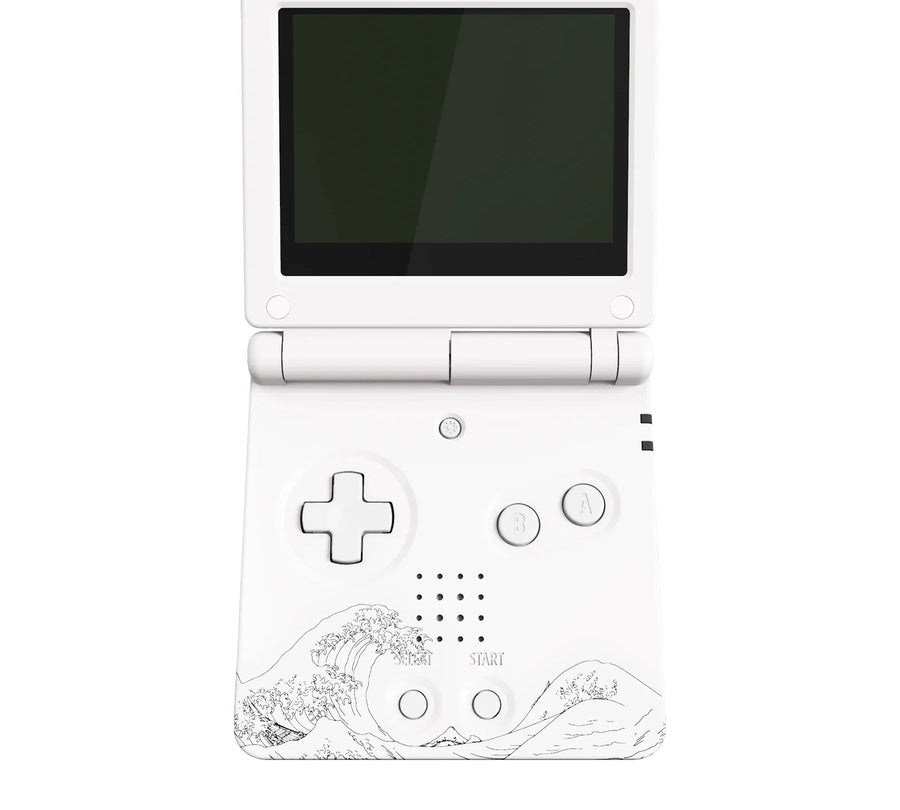
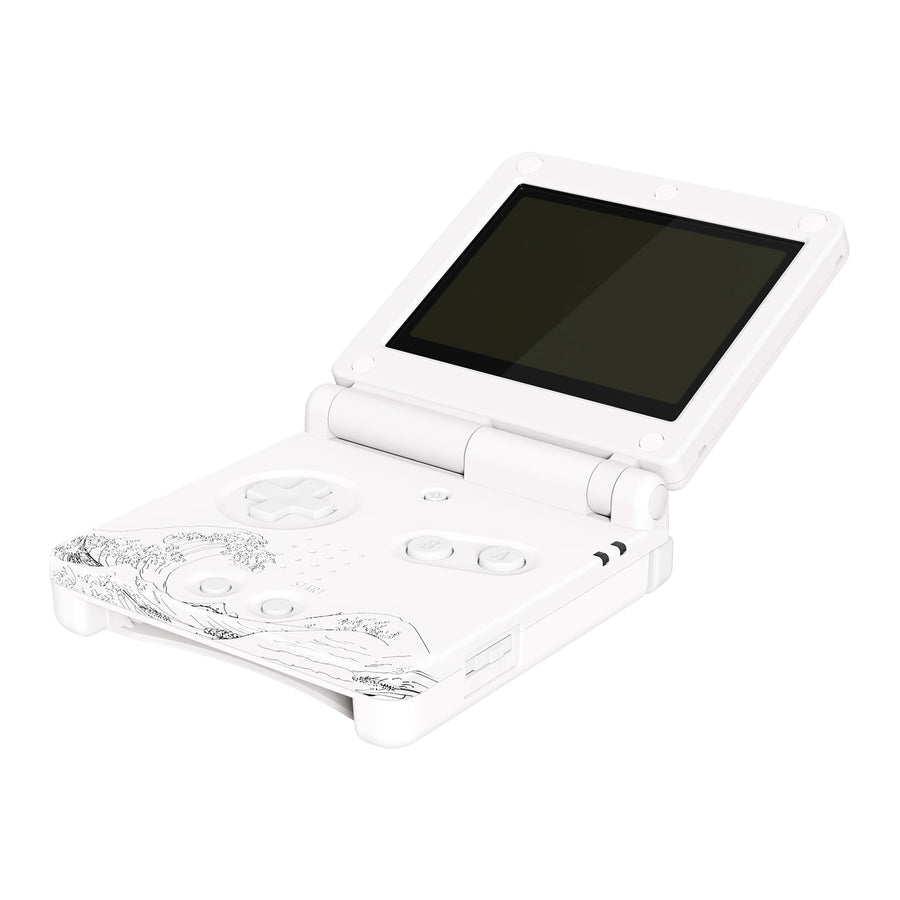
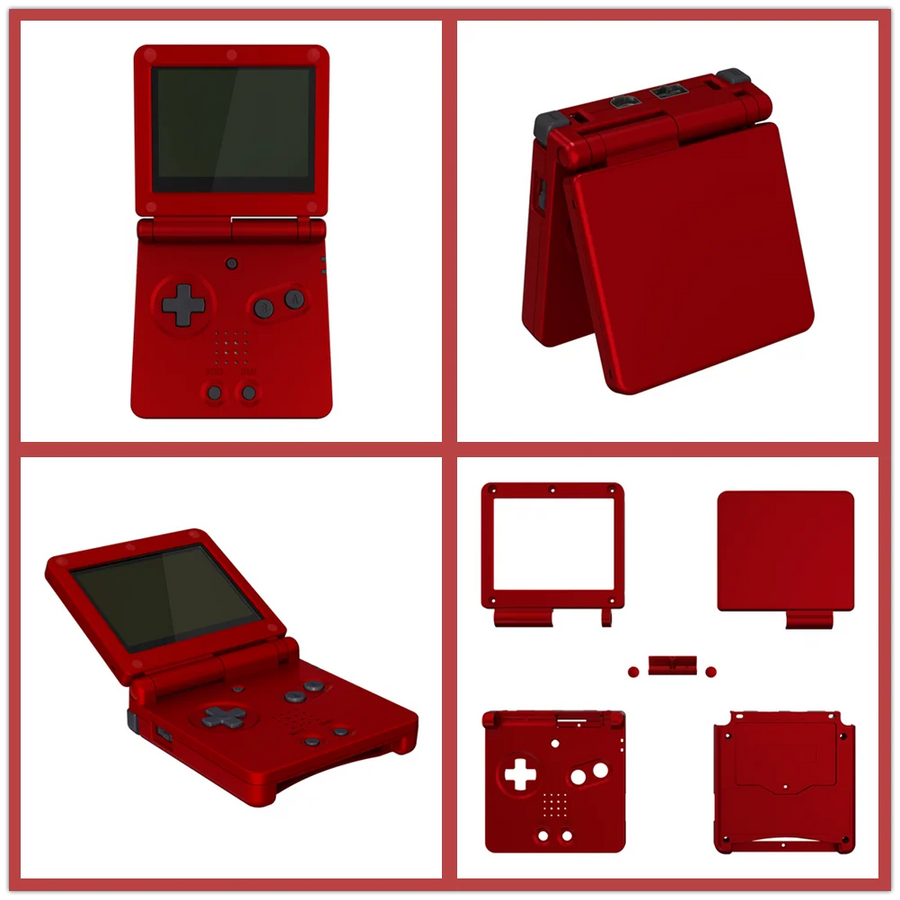
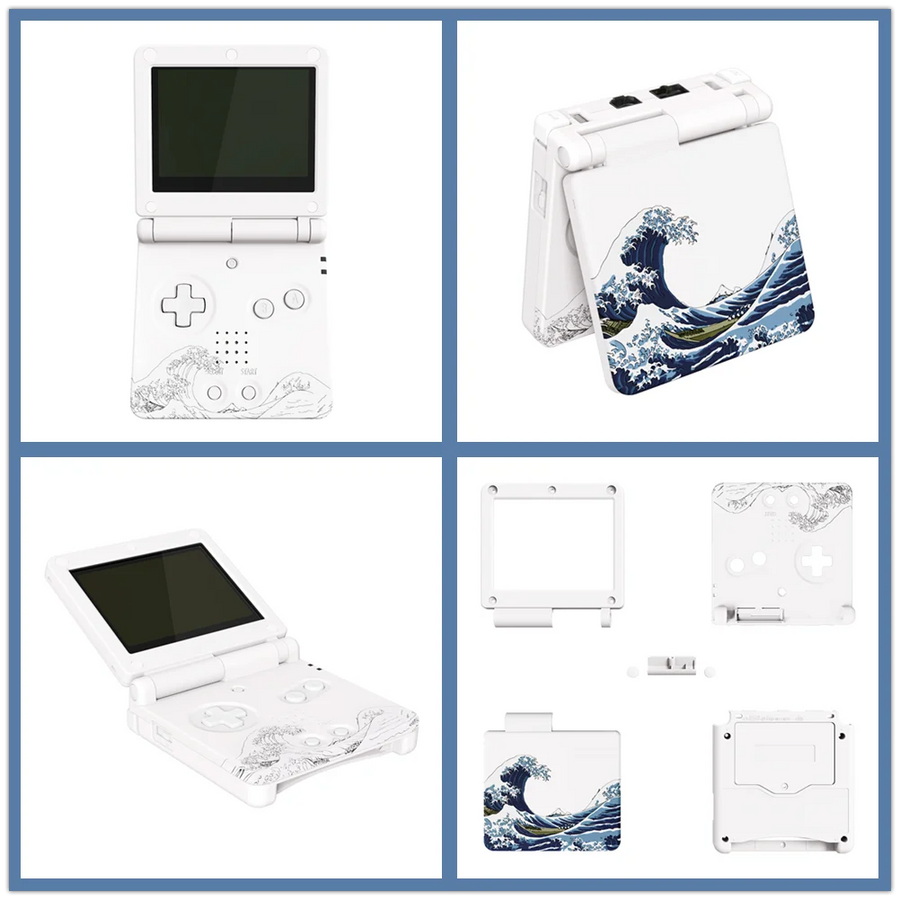
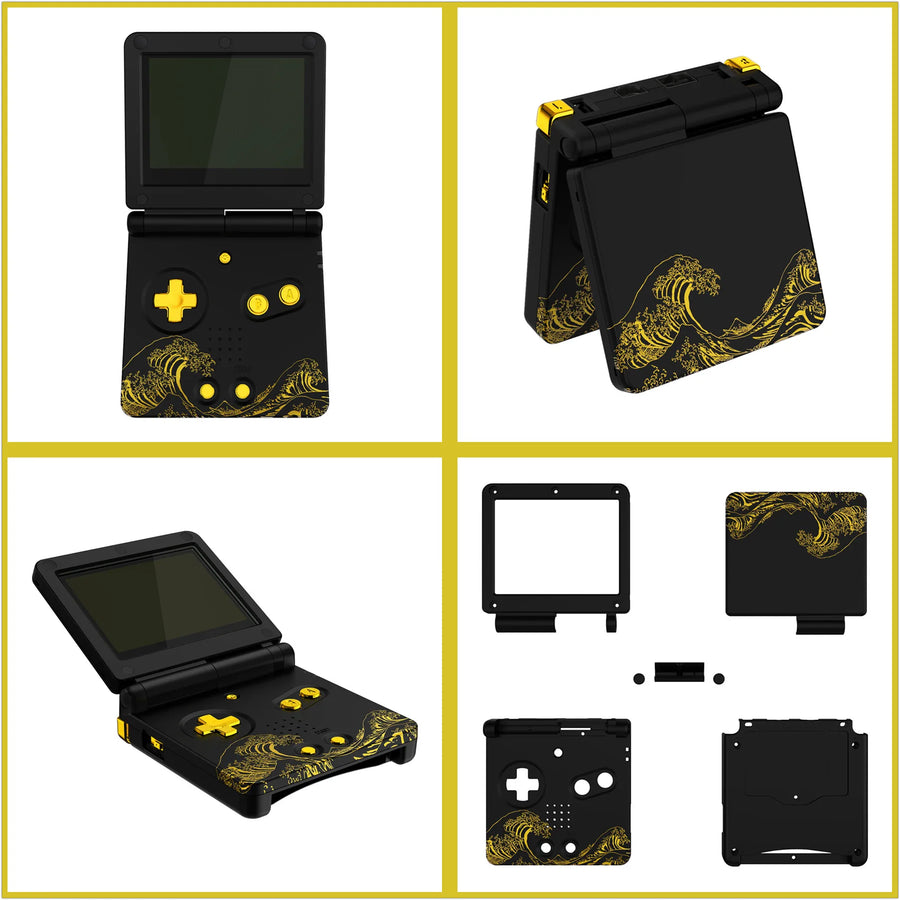
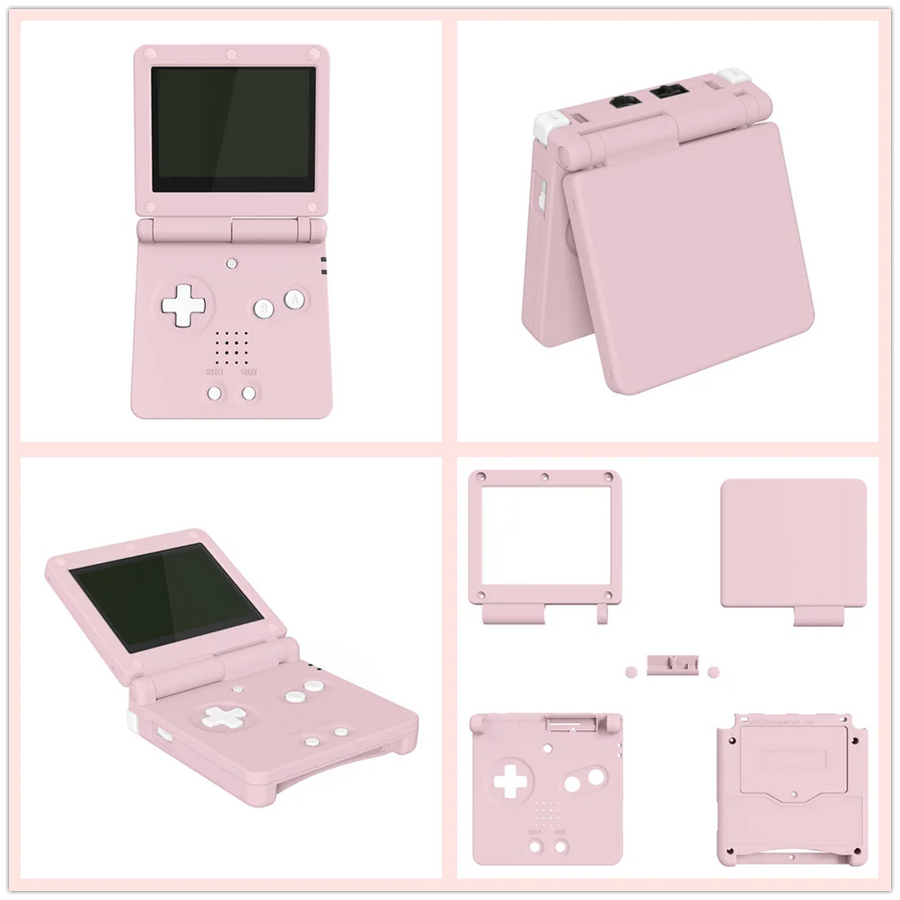
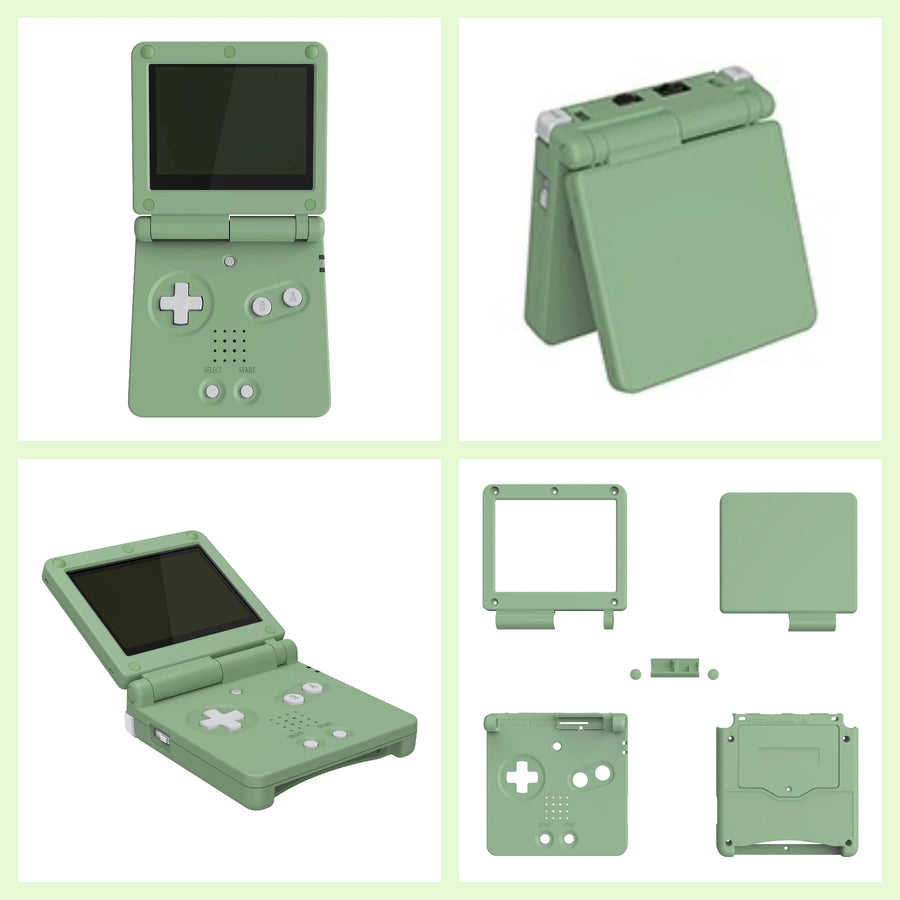
The weak spot of the IPS mod on the Game Boy Advance SP is the cutting: you have to enlarge the screen window by hand, and a slip shows forever. This eXtremeRate shell is moulded to IPS dimensions: no cutting required. It also accepts the original LCD screen if you're not modding.
What it does
- Zero cutting: the window is already sized for an IPS screen. No file, no Dremel, no uneven edges.
- Dual compatibility: works with an IPS screen as well as with the original panel.
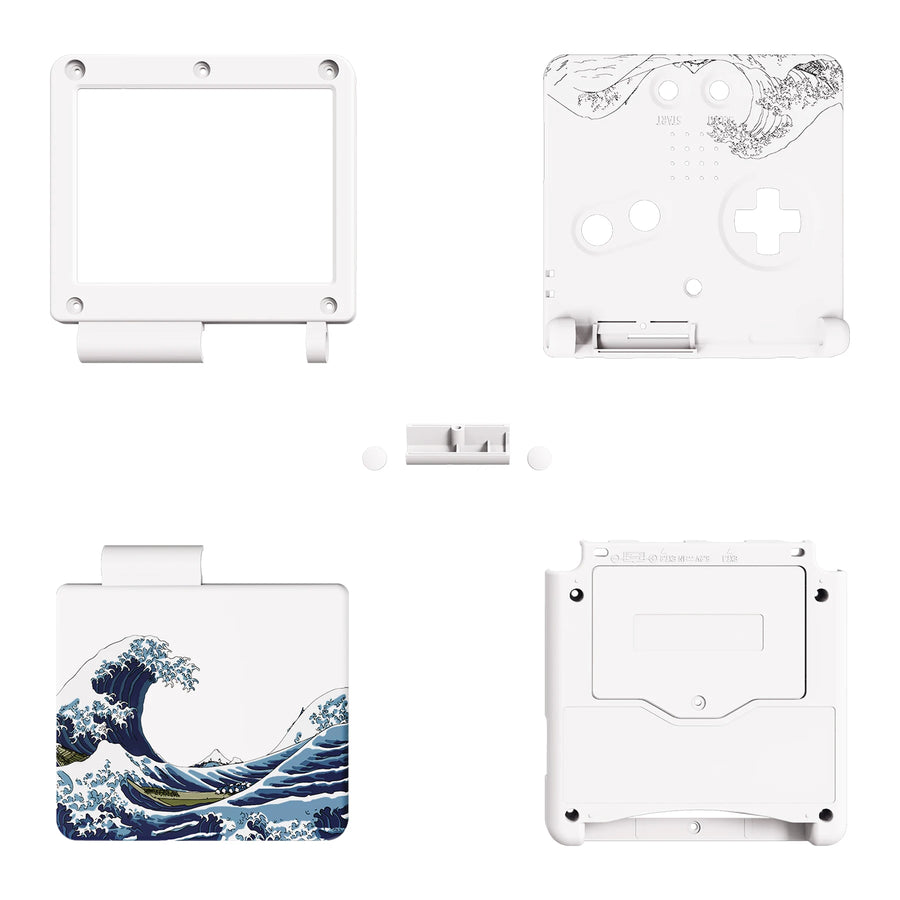
- Complete kit: shells, hinge, screen lens and screws.
What it doesn't do
- The IPS screen is not included. The shell makes it easy to fit, but does not replace it.
- No electronics supplied: motherboard, battery and speaker must be transferred from your console.
- The SP's hinge is the trickiest part of the disassembly: take your time, the screen ribbon cable runs through it.
Compatibility
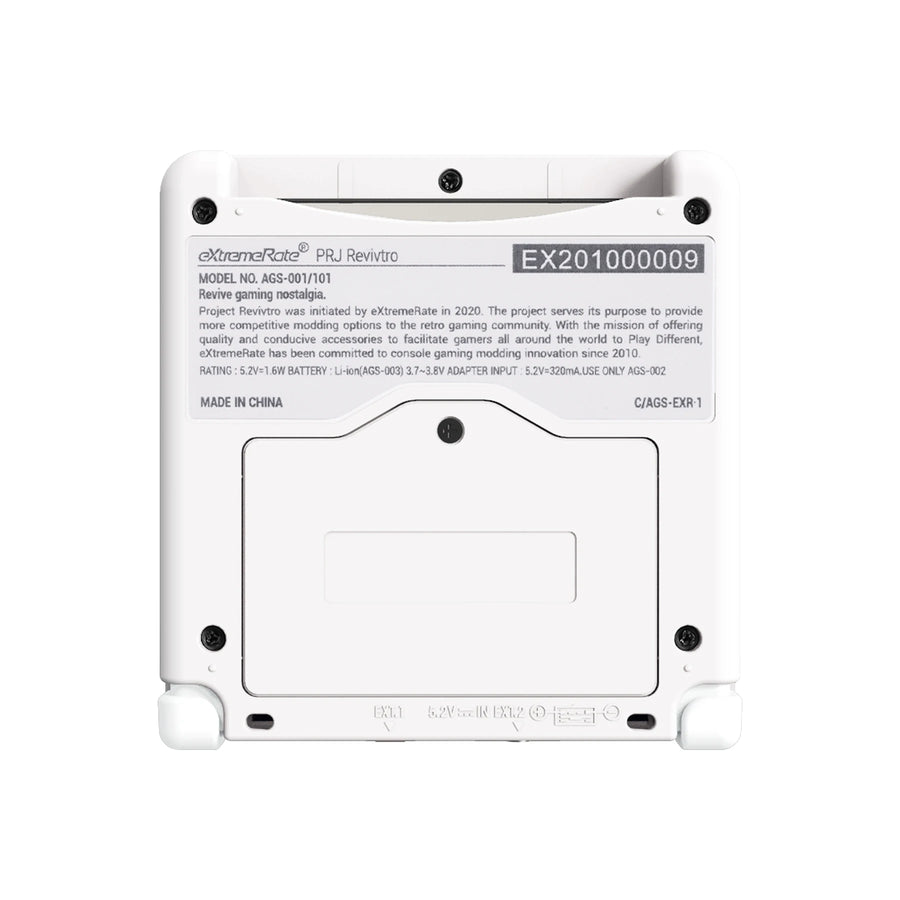
Game Boy Advance SP (AGS-001 and AGS-101). Not suitable for the original Game Boy Advance or the Micro.
Skill level required
No soldering for the shell alone. 3.8 mm tri-wing and Phillips screwdrivers required. Allow 45 minutes: the SP comes apart in several stages and the screen ribbon cable runs through the hinge.
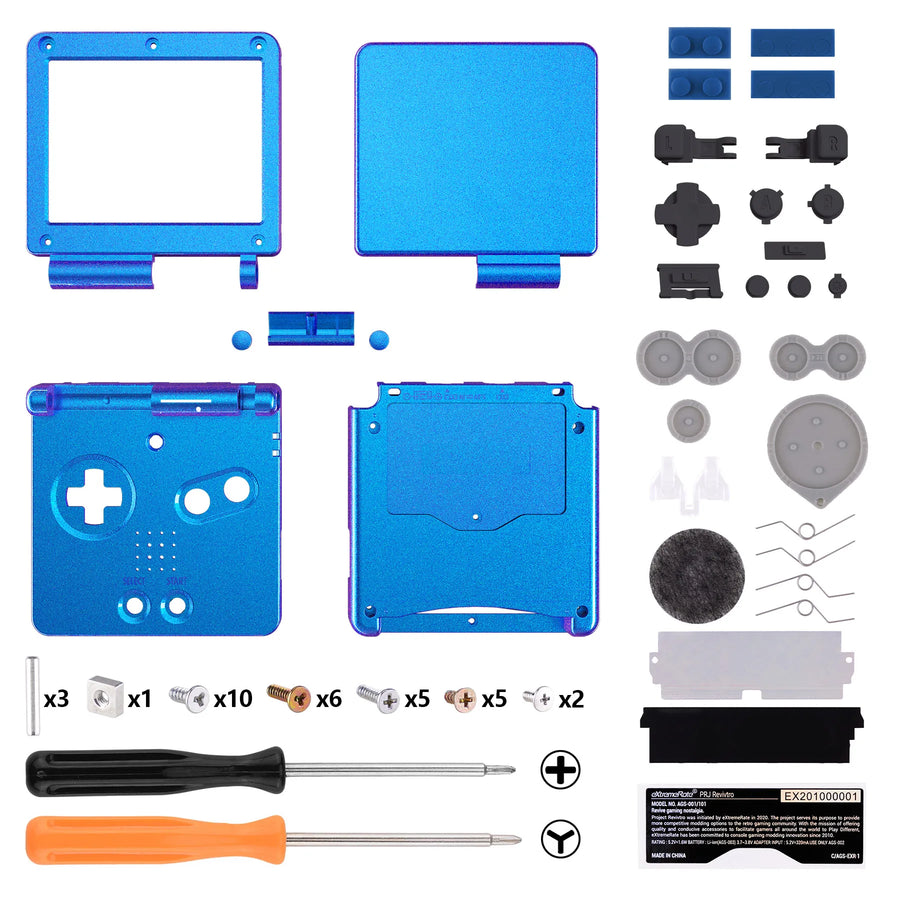
In the box
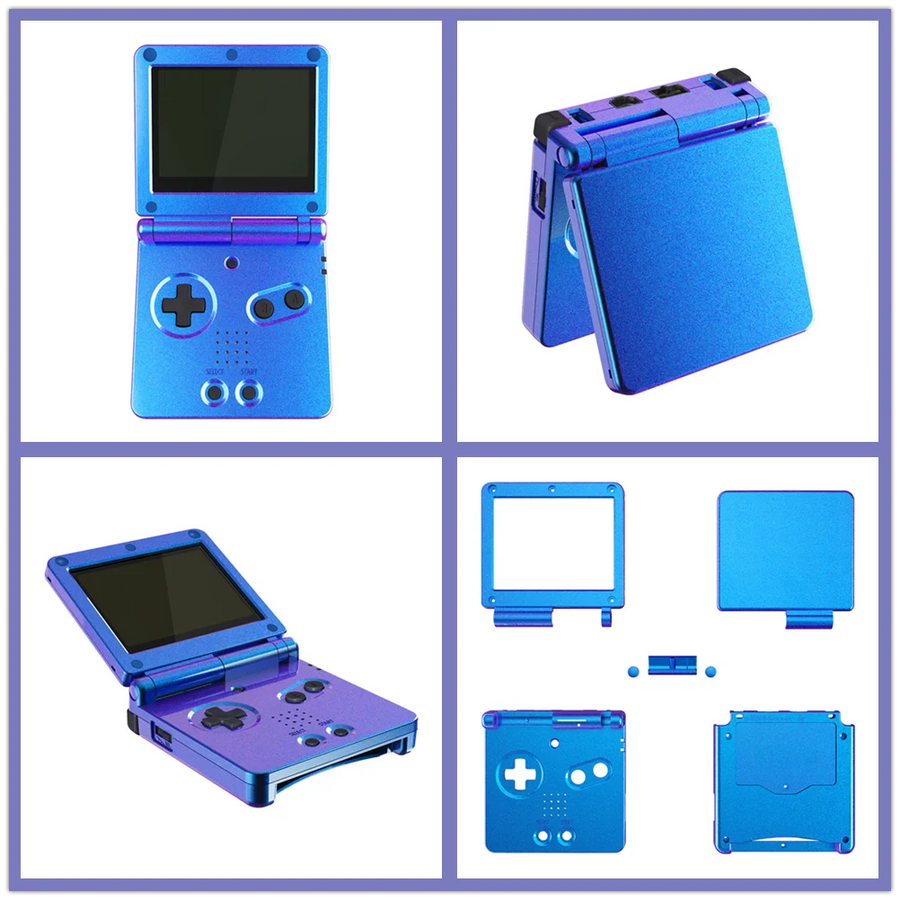
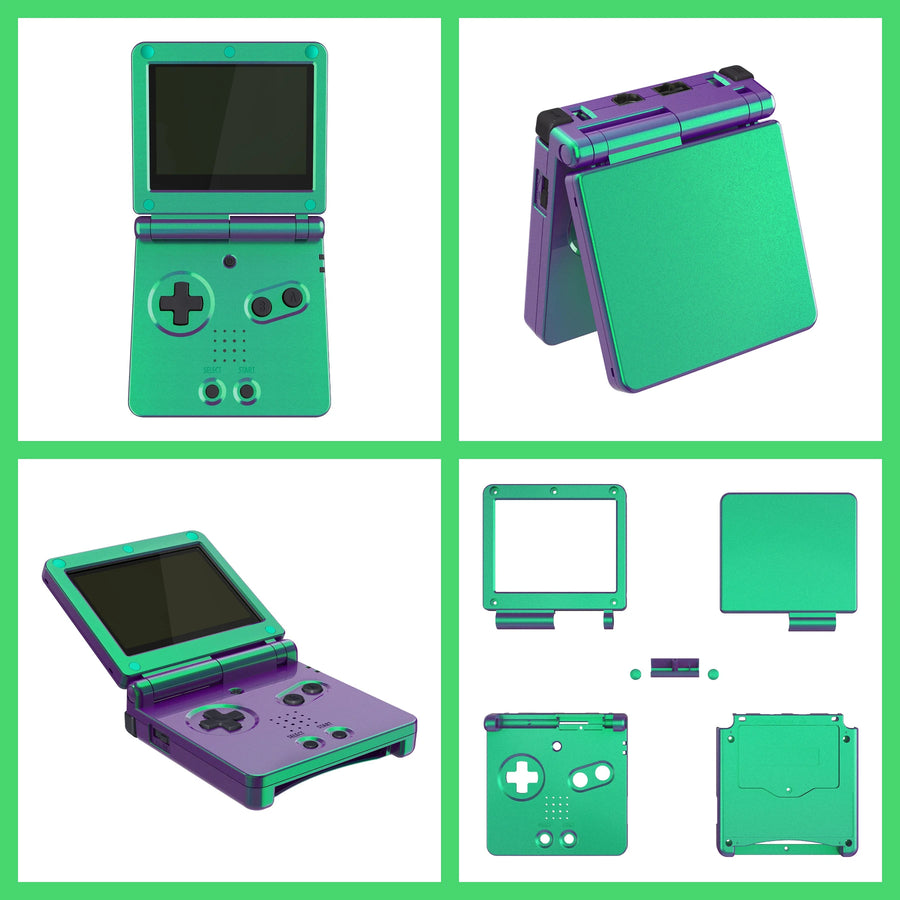
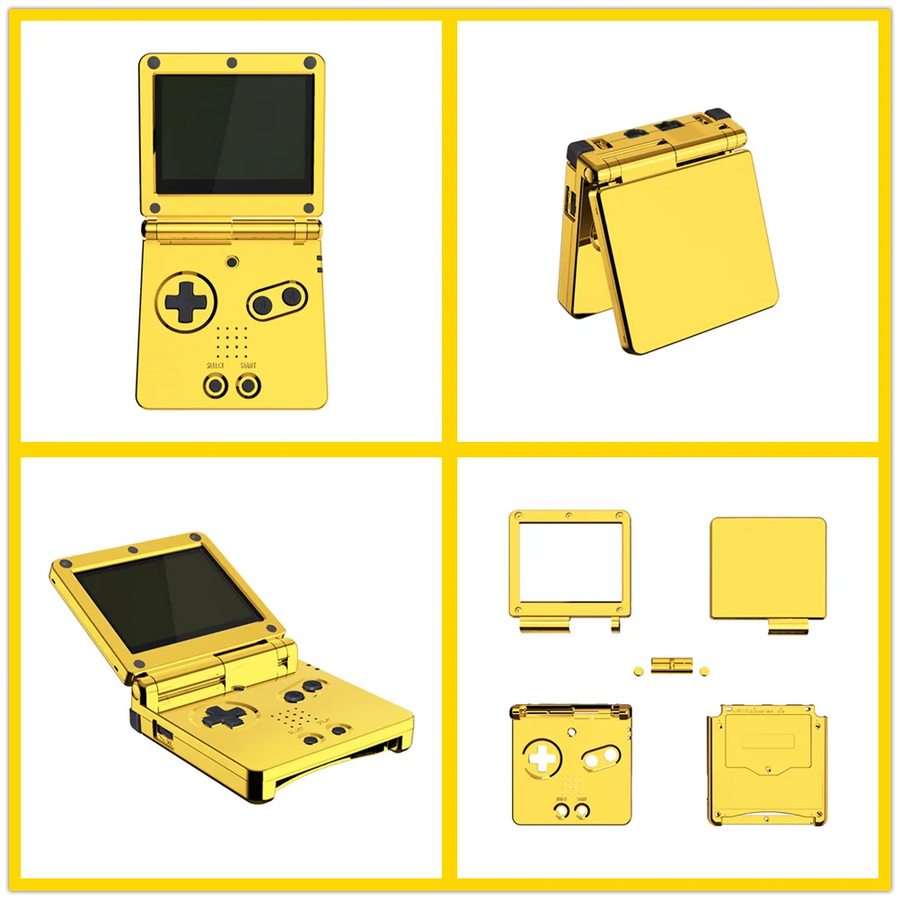
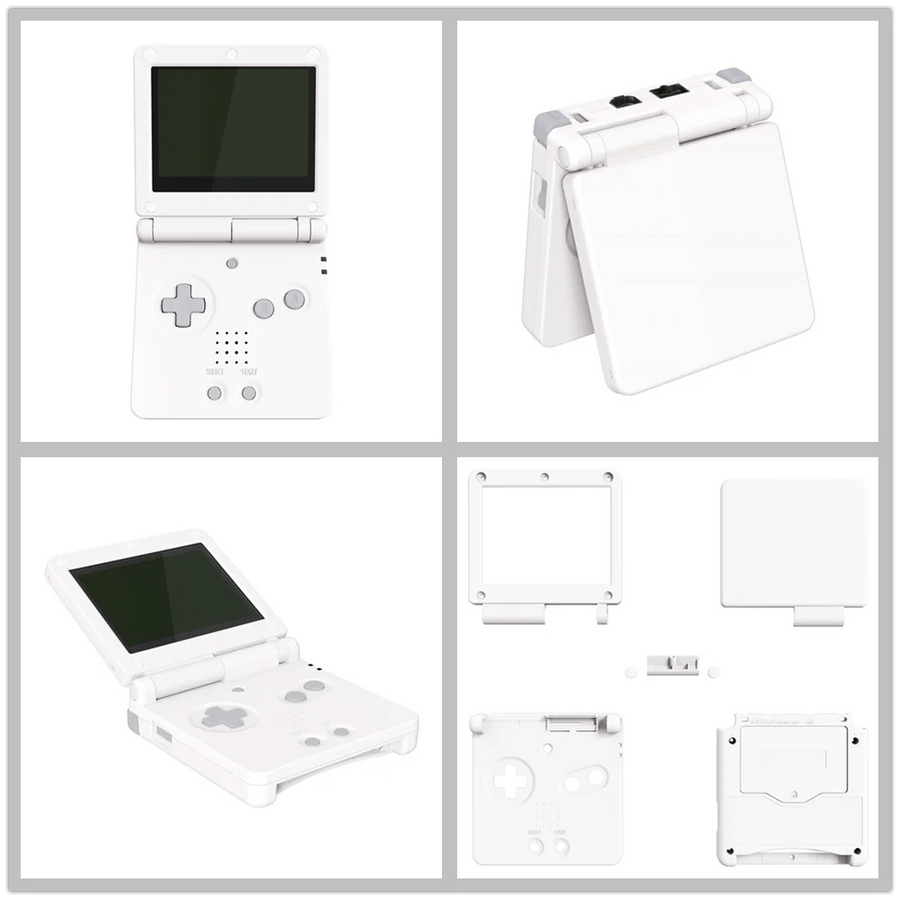
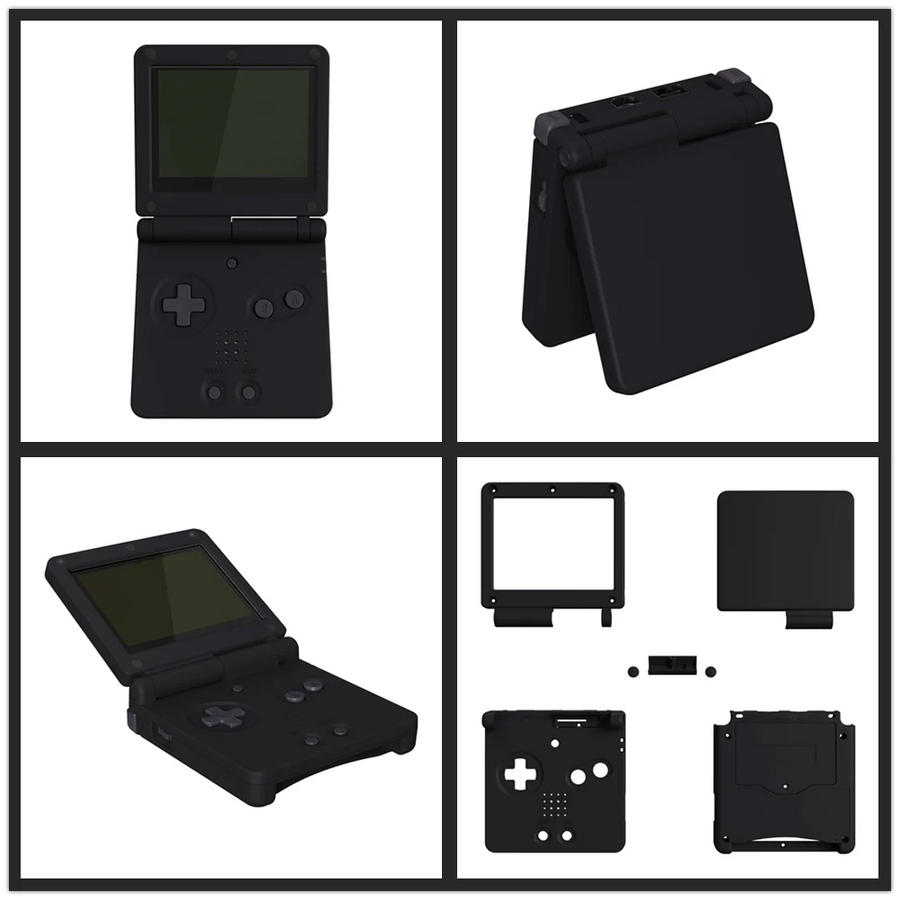
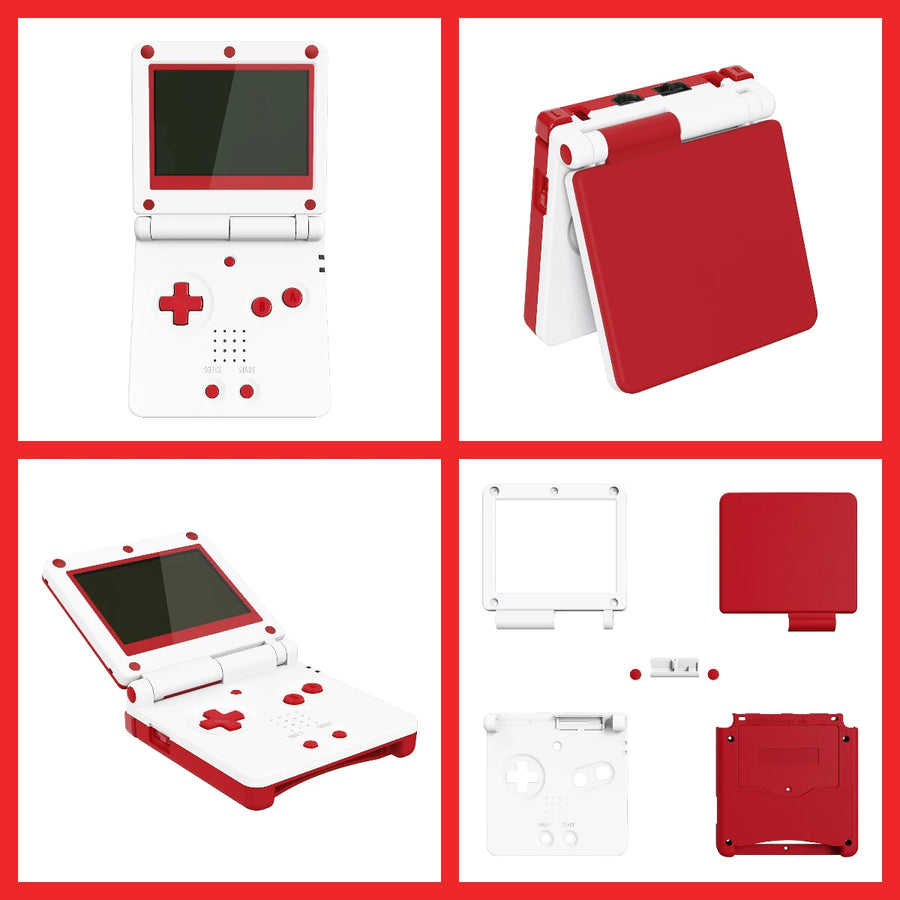
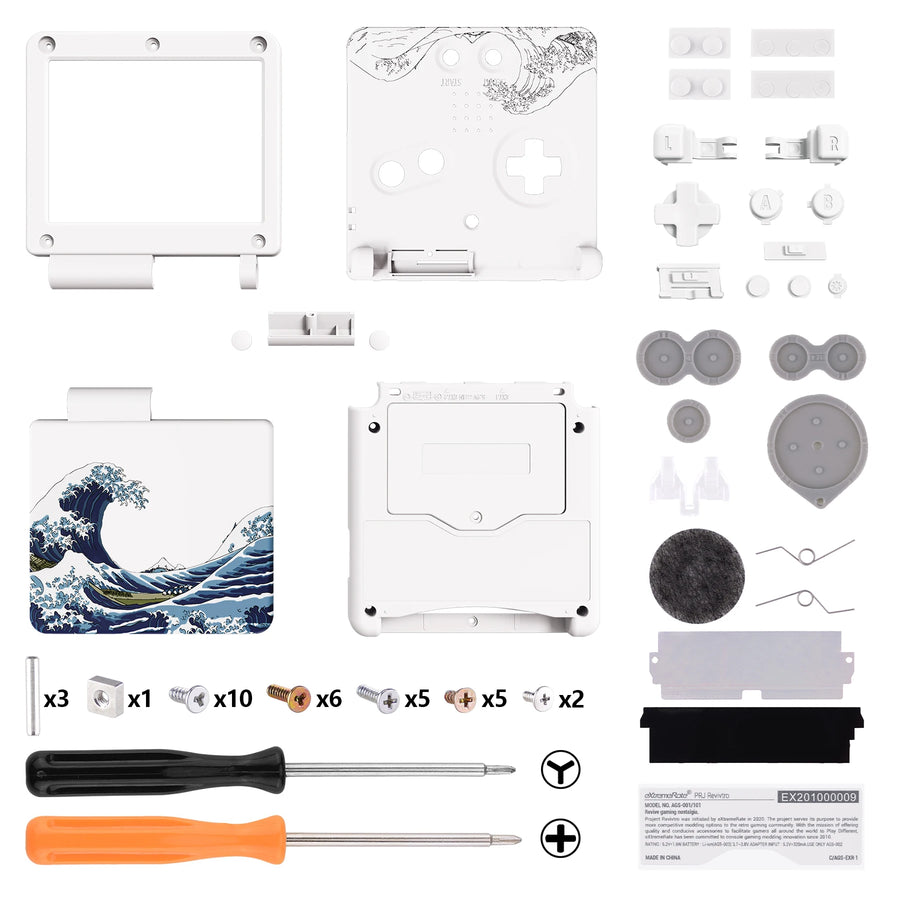
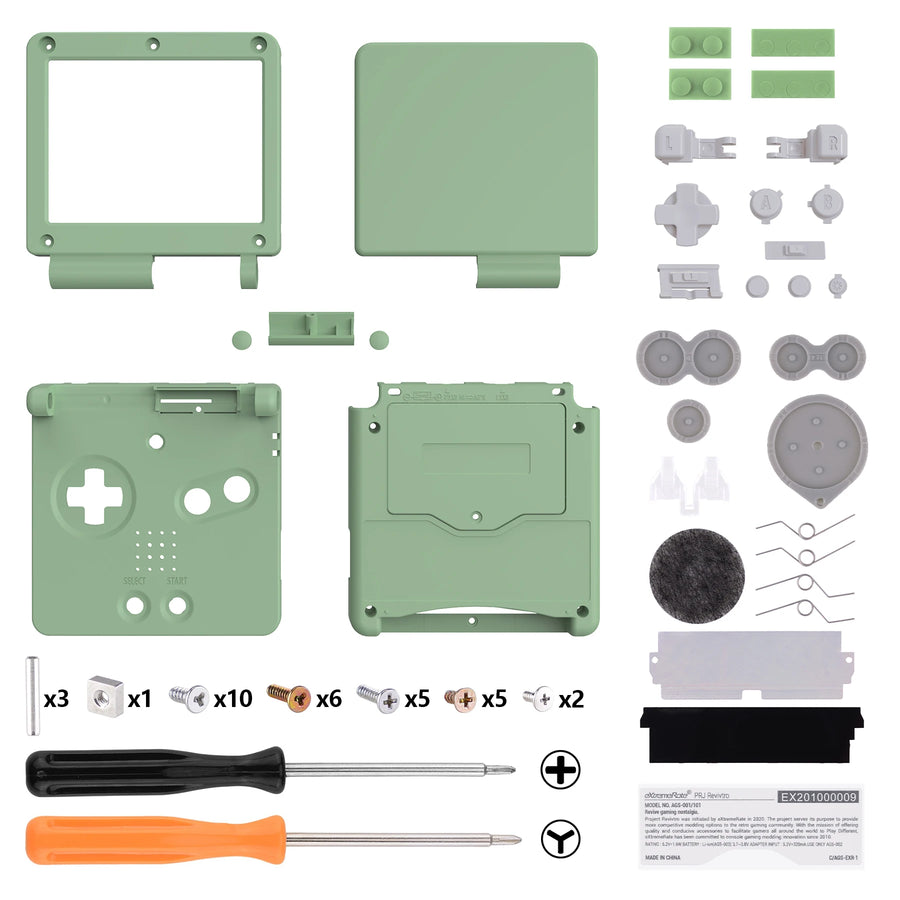
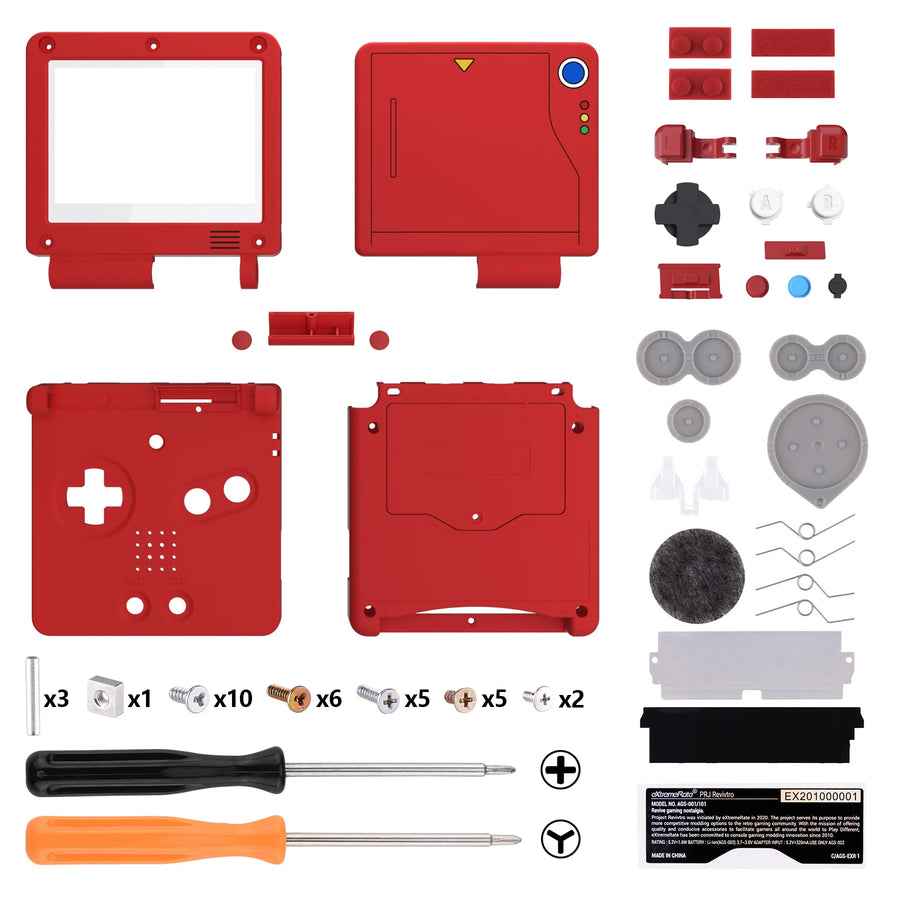
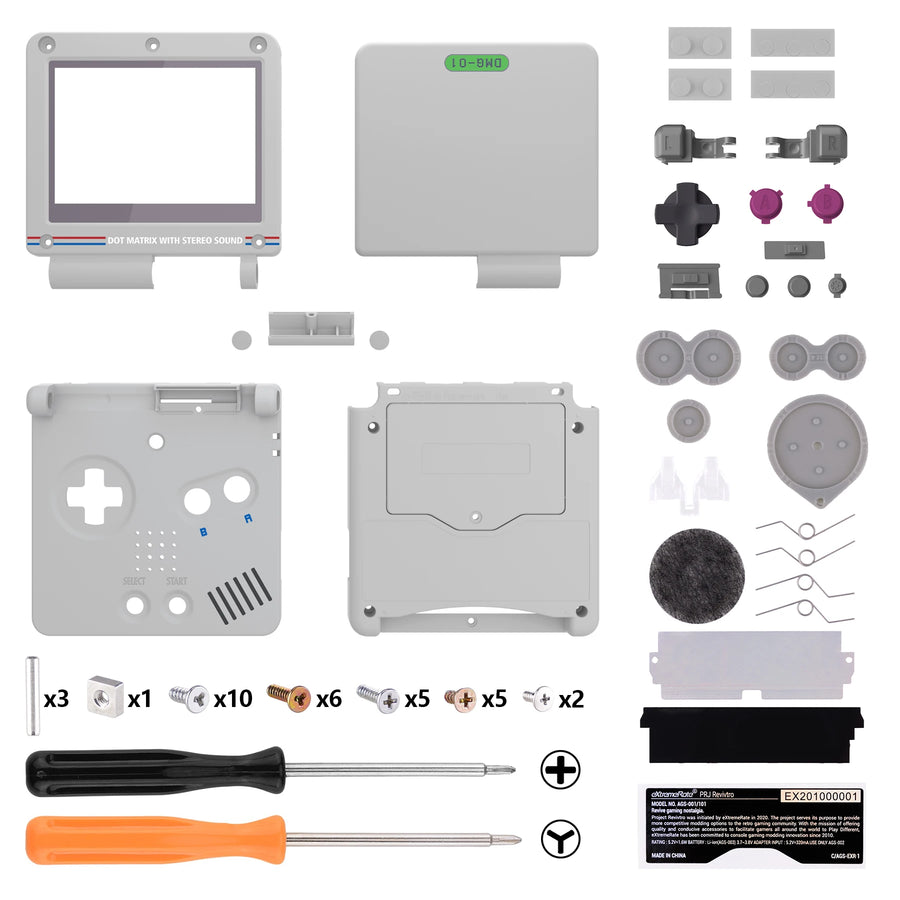
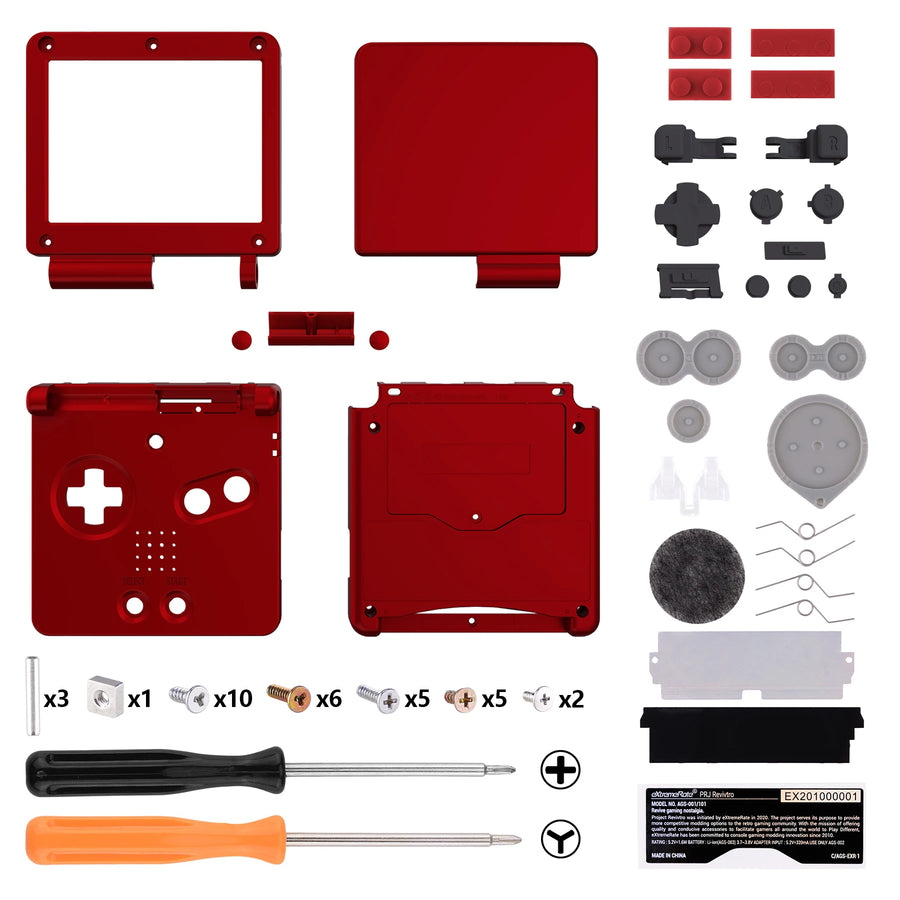
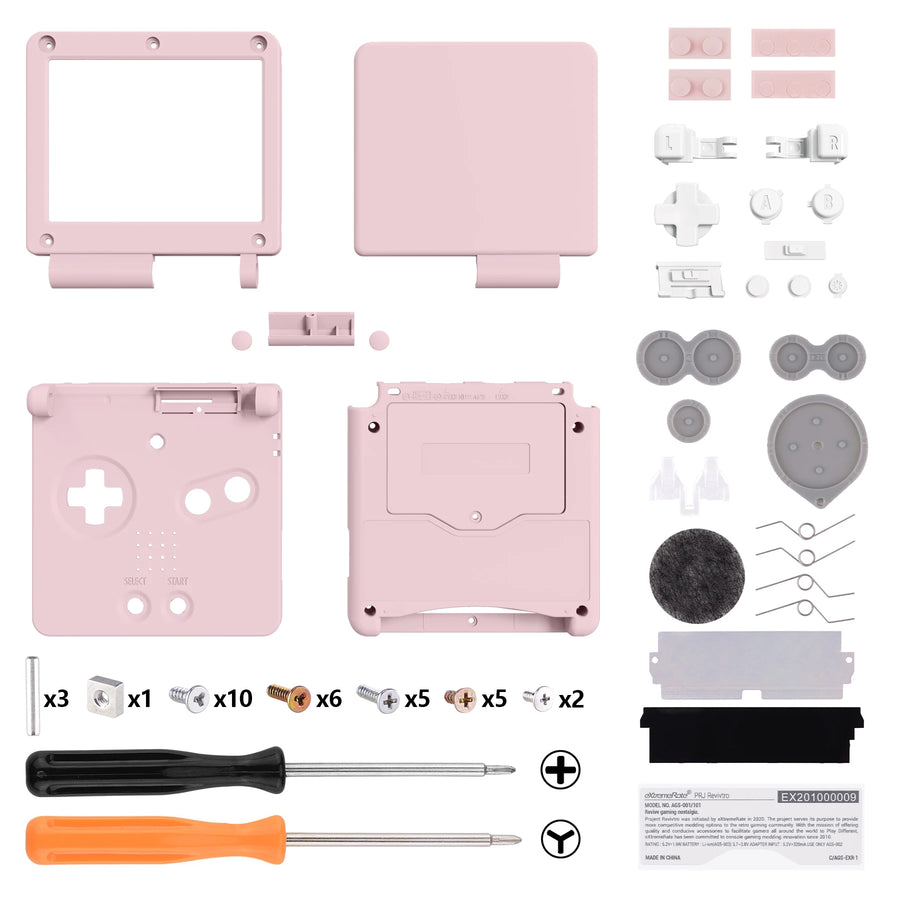
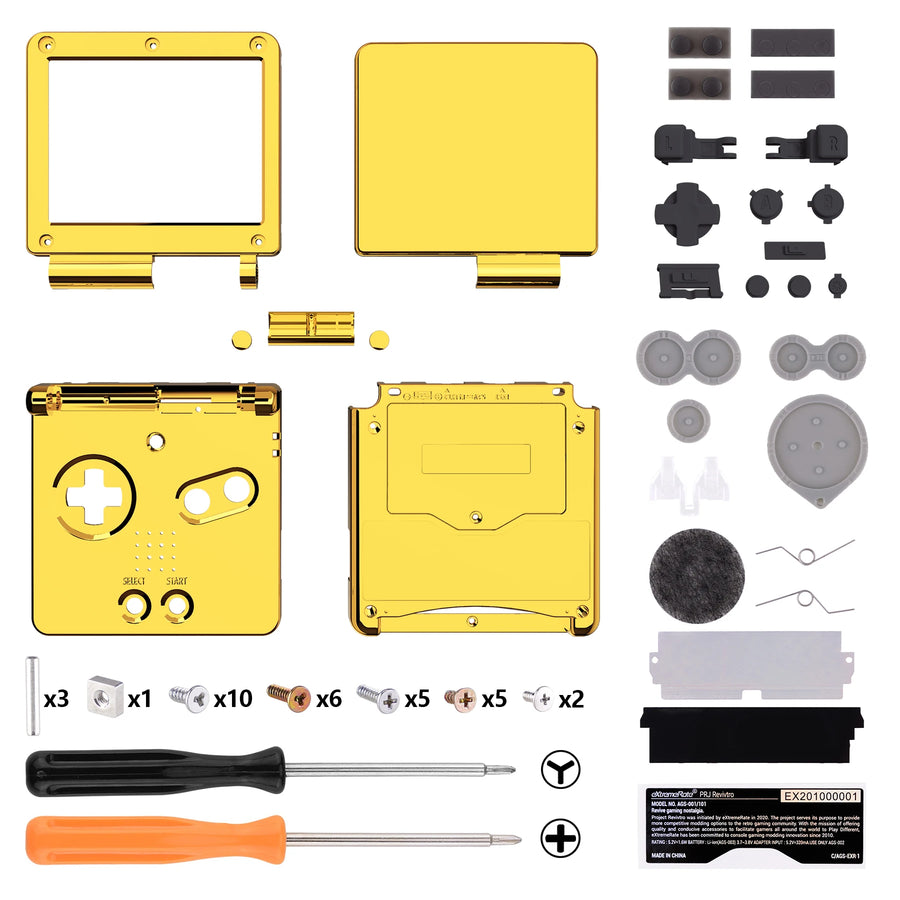
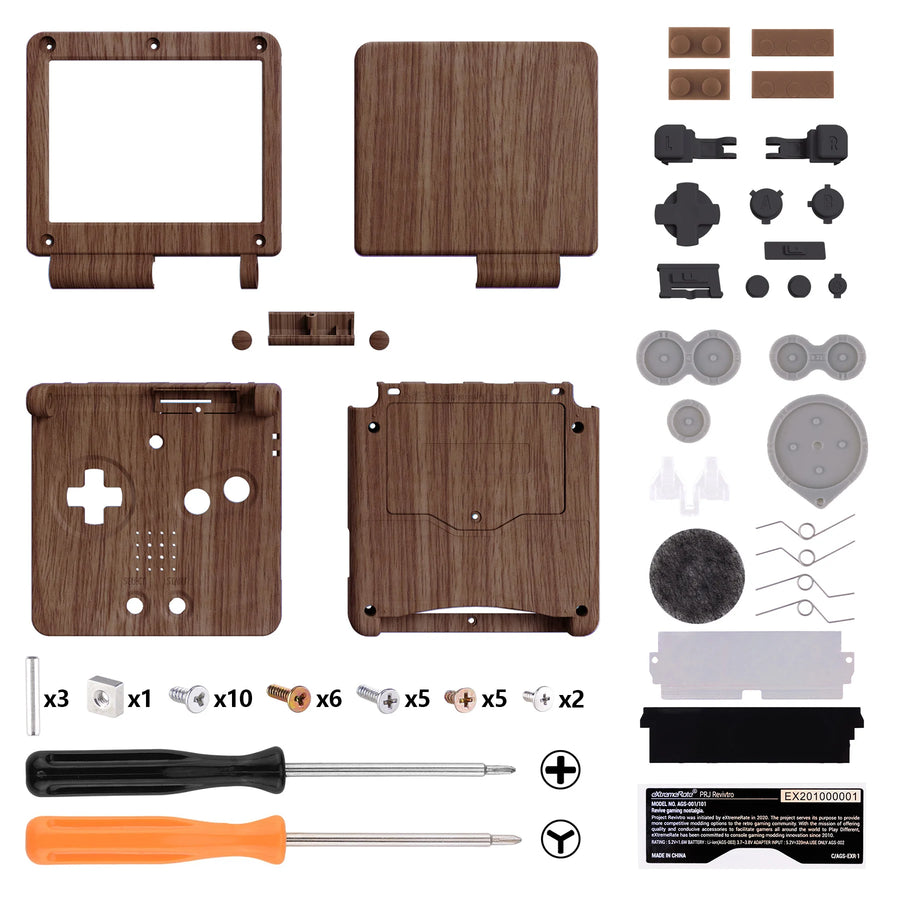
- Full GBA SP shell: lid, front shell, back shell
- Screen lens
- Screws
Delivery in 10 to 18 days · ships within 3 to 5 days · 2-year legal guarantee of conformity · 14-day returns.
Game Boy Advance SP IPS-ready full shell — eXtremeRate, no cutting
Moulded to IPS dimensions: the screen mod without any cutting.
En stock
📦Ships within 3 to 5 business days · Delivery in 10 to 18 business days
ℹÀ partir de 150 €, la livraison s’effectue en Point Relais.
- 🇫🇷SAV français
réponse sous 1 jour ouvré - 🛡Garantie légale
2 ans - ↩14 jours
pour changer d’avis - 🔒Paiement sécurisé
CB · PayPal · Klarna
Cutting is the step that goes wrong
On a Game Boy Advance SP, fitting an IPS screen means enlarging the shell's window by hand. It's the step that goes wrong most often: a wavy edge, a torn corner, and the mod shows forever. This shell is moulded to IPS dimensions. The problem simply no longer arises.
It also works if you're not modding
That's what sets it apart: it accepts the original LCD screen as well as an IPS one. So you can refurbish the outside of an SP today and decide to fit an IPS screen later on without buying another shell. Screen lens and screws are included.
The hinge, the tricky part
The SP comes apart in several stages, and the screen ribbon cable runs through the hinge: that's where you need to slow down. Allow 45 minutes, a 3.8 mm tri-wing screwdriver and a Phillips screwdriver. No electronics are supplied; you reuse the ones from the console.
What this accessory brings
Verified manufacturer specifications · vérifié le
Ce qu’il fait bien
- No cutting: moulded to IPS dimensions
- Also accepts the original LCD screen
- Lens and screws included
- Established manufacturer, precise fit
Ce qu’il ne fait pas
- IPS screen not included
- No electronics supplied
- Tricky disassembly around the hinge
Voir toute la fiche technique+
Matière et format
- Type d’accessoire
- Full shell
Compatible avec
- Game Boy Advance SP AGS-001
- Game Boy Advance SP AGS-101
Dans la boîte
- Full GBA SP shell (lid, front, back)
- Screen lens
- Screws
Frequently Asked Questions
🔧 Do I need to solder?
Not for the shell. Depending on the IPS kit chosen, fitting the screen may require soldering.
🎮 Which SP models?
Game Boy Advance SP AGS-001 and AGS-101. Not suitable for the original Game Boy Advance or the Micro.
✂️ Do I need to cut the shell for the IPS screen?
No. The window is moulded to the dimensions of an IPS screen: no cutting.
📺 Can I keep my original screen?
Yes. It accepts the original LCD screen as well as an IPS one, with no visible cut-out either way.
📦 What's in the box?
The full shell (lid, front, back), the screen lens and the screws. No electronics.
🧰 What tools do I need?
A 3.8 mm tri-wing screwdriver and a precision Phillips screwdriver, available in our catalogue.
⏱️ How long does fitting take?
About 45 minutes. The hinge is the delicate step: the screen ribbon cable runs through it.
🛡️ What guarantee applies?
2-year legal guarantee of conformity. 14-day returns. Delivery in 10 to 18 days.
Why buy here rather than on a marketplace
It is a fair question. Here is the answer, straight.
Every listing is checked before publication: real compatibility, material, dimensions, box contents. Many models never make it into the catalogue.
A question about compatibility, a fit problem, a return: you write, a human replies within 1 business day. In French.
The 2-year legal warranty of conformity is handled by us — not by a form on the other side of the world. And 14 days to change your mind, with no need to justify yourself.
We do not claim to be the cheapest. We claim that you will know exactly what you are buying before you pay.
Read this before choosing
Our guides to accessories: compatibility, protection, transport.

Pixel art: create your own designs for a Divoom display
Grid size, number of colours, outlines, animation: the guide to getting started in pixel art and displaying your own creations on a Divoom display.
2 min de lecture · publié le

Divoom pixel art speakers: which one should you choose?
Astrotoo, Ditoo-Pro, FlowToo, Tiivoo-2, Timebox-Evo, MiniToo, Fairy-OK: the seven Divoom speakers compared, by use and budget.
2 min de lecture · publié le

Times Frame or Times Frame Pure: which Divoom floating photo frame should you choose?
64 or 32 GB, three colours or just one, a dial or not: the real differences between the Times Frame and Times Frame Pure…
1 min de lecture · publié le