
Full description
DS5Dongle adapter: the DualSense wireless on PC, with nothing lost
Connected to a PC over standard Bluetooth, the DualSense controller loses some of its features: haptic feedback, the speaker and the headset jack stop working. Plugged into the PC over USB, the DS5Dongle adapter links the controller wirelessly while keeping these features, with an active 3.5 mm audio jack and settings through a web interface.
What it does
- Haptic feedback: the DualSense's fine vibrations stay active wirelessly.
- Controller audio: built-in speaker and the controller's 3.5 mm headset jack.
- Web configuration: the adapter's settings are adjusted from a browser.
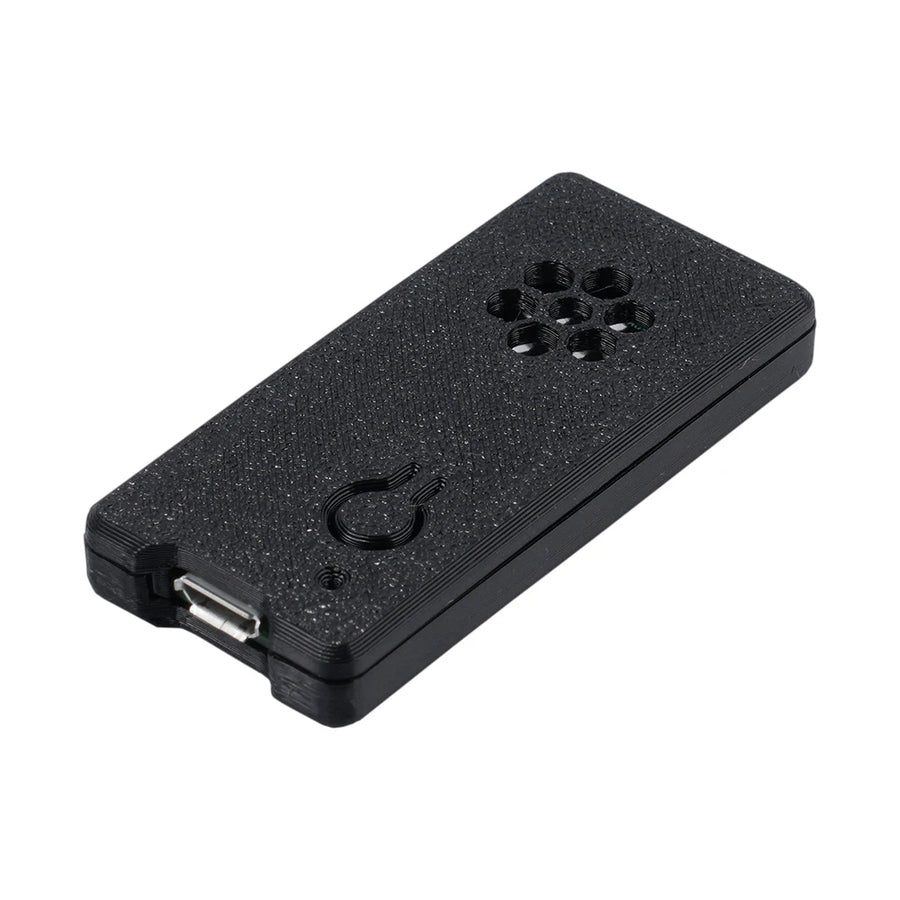
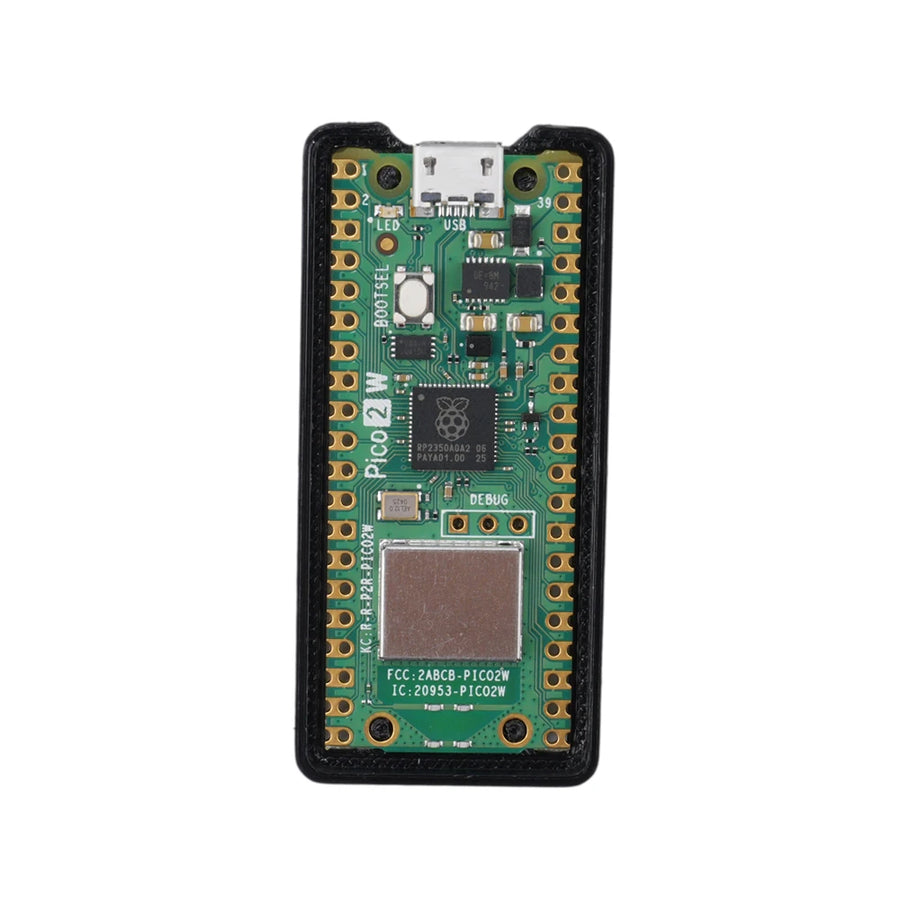
- USB connection: the adapter plugs into a USB port on the PC.
What it doesn't do
- The DualSense controller is not included.
- The stated platform is PC: this is not an adapter for other consoles.
- It serves no purpose on PS5, where the controller already connects directly.
- Haptic and audio features depend on support in each game.
Compatibility
DualSense controller, on PC. Platform stated by the manufacturer: PC only.
Skill level
None: plug the adapter into a USB port on the PC, pair the controller, then adjust the settings from the web interface if needed. Beginner level.
In the box
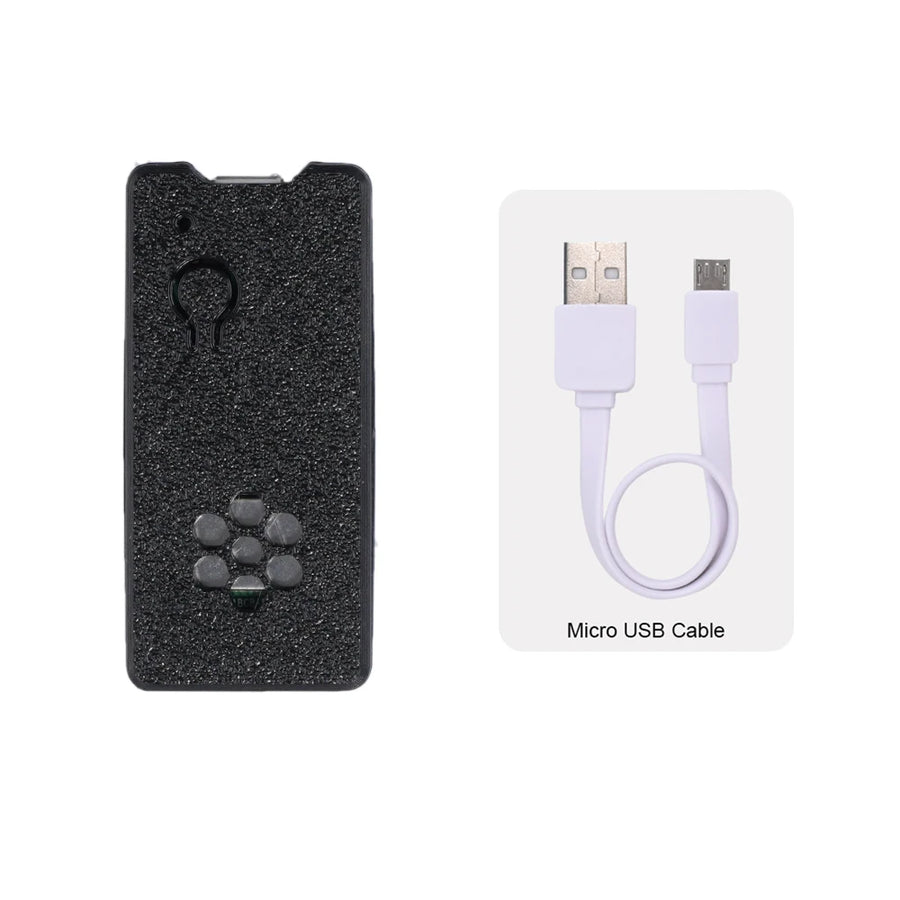
- 1 DS5Dongle adapter.
DualSense controller not included.
Delivered in 10 to 18 days · shipped within 3 to 5 days · 2-year legal guarantee · returns within 14 days.
DS5Dongle wireless adapter for PS5 controller on PC — haptic feedback and 3.5 mm audio jack
The DualSense controller wireless on PC, with its haptic vibrations and headset jack.
★★★★★ 5.0 · 1 verified reviews
In stock
📦Shipped within 3 to 5 business days · Delivered in 10 to 18 business days · 2-year legal guarantee · returns within 14 days.
- 🇫🇷French customer service
reply within 1 business day - 🛡Legal warranty
2 years - ↩14 days
to change your mind - 🔒Secure payment
Card · PayPal · Klarna
The move: play wireless without losing the vibrations
On PC, a DualSense over standard Bluetooth works like an ordinary controller: haptic vibrations, the speaker and the headset jack stay silent. With the DS5Dongle adapter, the controller keeps these features with no cable between the armchair and the computer.
The part: a dongle designed for the DualSense
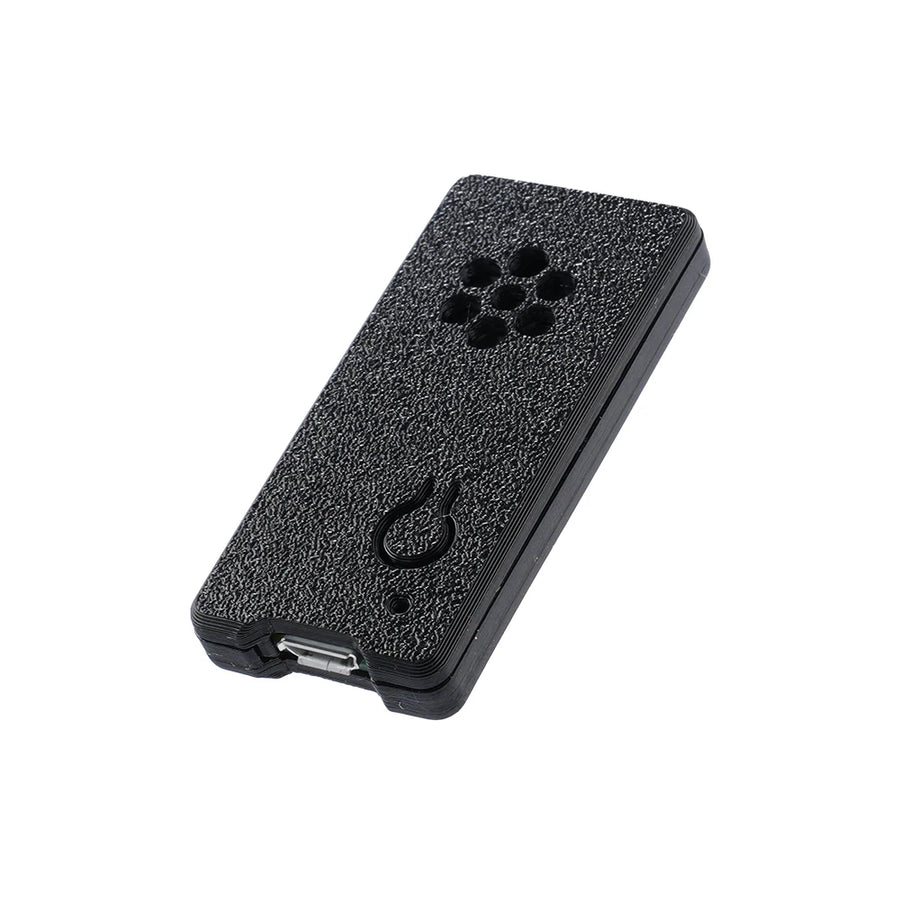
The DS5Dongle plugs into the PC over USB and links the controller wirelessly. It carries haptic feedback, the speaker sound and the controller's 3.5 mm audio jack. Settings are adjusted from a web interface.
The support: check before you play
Haptic and audio features depend on each game: a game that doesn't support them won't use them, even with the adapter. A question about your setup? Our customer service replies within one business day.
What this accessory brings
Verified manufacturer specifications · verified on
What it does well
- DualSense haptic feedback, wirelessly
- Controller speaker and 3.5 mm audio jack
- Configuration via web interface
What it doesn’t do
- DualSense controller not included
- Stated platform: PC only
- No use on PS5, where the controller connects directly
See full specifications+
Material and size
- Accessory type
- Wireless USB adapter
Compatible with
- DualSense controller
- PC
In the box
- 1 DS5Dongle adapter
What buyers say about it
Reviews collected after purchase
Satisfait
Je recommande vous etes les meilleures
All reviews and the review form
Information and safety
Instructions for use and legal information about the product
Origin, responsible person and contact
- Product and packaging as supplied by the manufacturer: markings may be in Chinese or English. The product's characteristics are described on this page.
- Use this product only for the purpose described on this page and follow the instructions below.
- Person responsible for placing this product on the EU market: JMR-Service (Fun-Esports). See our Terms of Sale for full contact details.
- A safety problem (overheating, burning smell, broken part)? Stop using the product and write to us at contact@fun-esports.com.
- Warranty, returns and withdrawal: see our Warranty and returns page.
Frequently Asked Questions
🎮 Why an adapter if the DualSense already has Bluetooth?
Over standard Bluetooth on PC, the DualSense loses some of its features, including haptic feedback and audio. The adapter keeps them, wirelessly.
💻 Which platforms does it work on?
Stated platform: PC.
🎧 Can I plug a headset into the controller?
Yes: the controller's 3.5 mm audio jack stays active through the adapter.
⚙️ How is it configured?
From a web interface, in a browser.
🕹️ Does it work on PS5?
It serves no purpose on PS5: the controller connects to it directly, with all its features.
📦 Is the controller included?
No, only the adapter is supplied.
🚚 What are the delivery times?
Delivered in 10 to 18 days, shipped within 3 to 5 days.
🛡️ What guarantee applies?
2-year legal guarantee of conformity. Returns within 14 days. Our customer service replies within 1 business day.
Why buy here rather than on a marketplace
It is a fair question. Here is the answer, straight.
Every listing is checked before publication: real compatibility, material, dimensions, box contents. Many models never make it into the catalogue.
A question about compatibility, a fit problem, a return: you write, a human replies within 1 business day. In French.
The 2-year legal warranty of conformity is handled by us — not by a form on the other side of the world. And 14 days to change your mind, with no need to justify yourself.
We do not claim to be the cheapest. We claim that you will know exactly what you are buying before you pay.
Read this before choosing
Our guides to accessories: compatibility, protection, transport.

Manette pour smartphone : bien choisir pour le rétro et les jeux mobiles
Trois formats de manettes pour téléphone, et les critères qui départagent : port USB-C, version d'iOS ou d'Android, longueur du téléphone avec sa coque,…
9 min read · published on

Quelle manette 8BitDo choisir selon votre console et votre usage
Récepteur pour console d'origine, SN30 Pro ou Pro 3 sur Switch, Ultimate 2C ou Ultimate 2 sur PC : le tableau usage par usage…
11 min read · published on

Leverless ou stick arcade en 2026 : faut-il passer à la hitbox ?
Vous hésitez à passer au leverless ? Fonctionnement, modes SOCD et règles de tournoi en 2026, jeux concernés, temps d'adaptation, switchs et cartes GP2040-CE,…
9 min read · published on