Description complète
Divoom Pixoo-64 II: 4,096 pixels for your desk or your wall
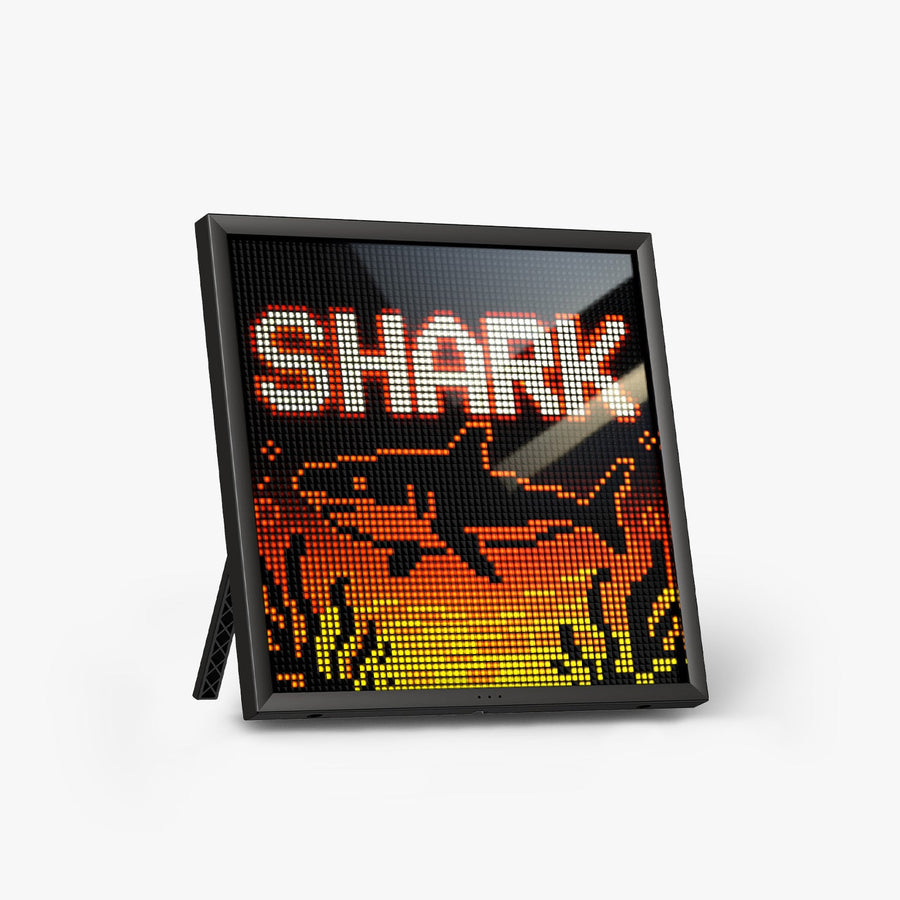
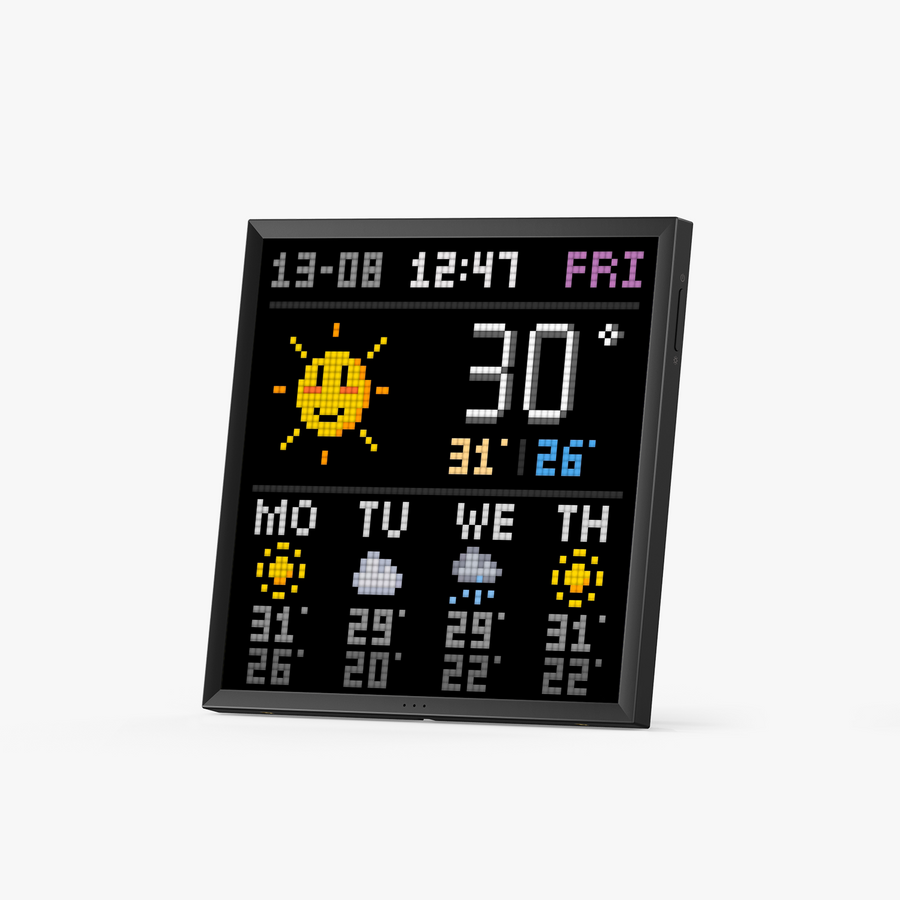
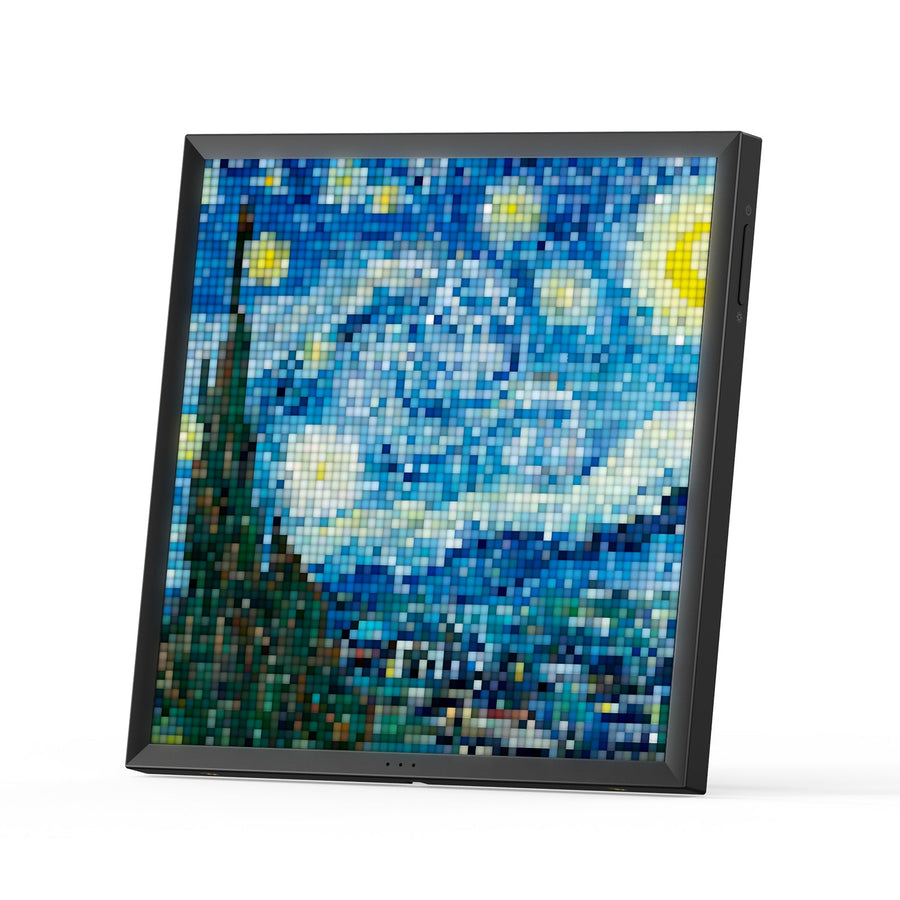
The Pixoo-64 II is the largest screen in the Pixoo range: a 64×64 LED panel, meaning 4,096 individually controlled pixels. Use it to show your own pixel art, animations, a clock, the weather or a live follower counter. It connects over dual-band Wi-Fi for continuous data and over Bluetooth to send your creations quickly. It is a reprogrammable decor piece, not a video screen.
What it does
- 64×64 LED panel: four times as many pixels as the Pixoo-Max and sixteen times as many as the Pixoo 16×16, so a detailed sprite or animation stays readable from a distance.
- 2.4 and 5 GHz Wi-Fi: live widgets (follower counter, weather, stock prices, calendar, notifications) stay up to date 24/7 without a phone nearby.
- Bluetooth: to quickly send a drawing or an animation from the app.
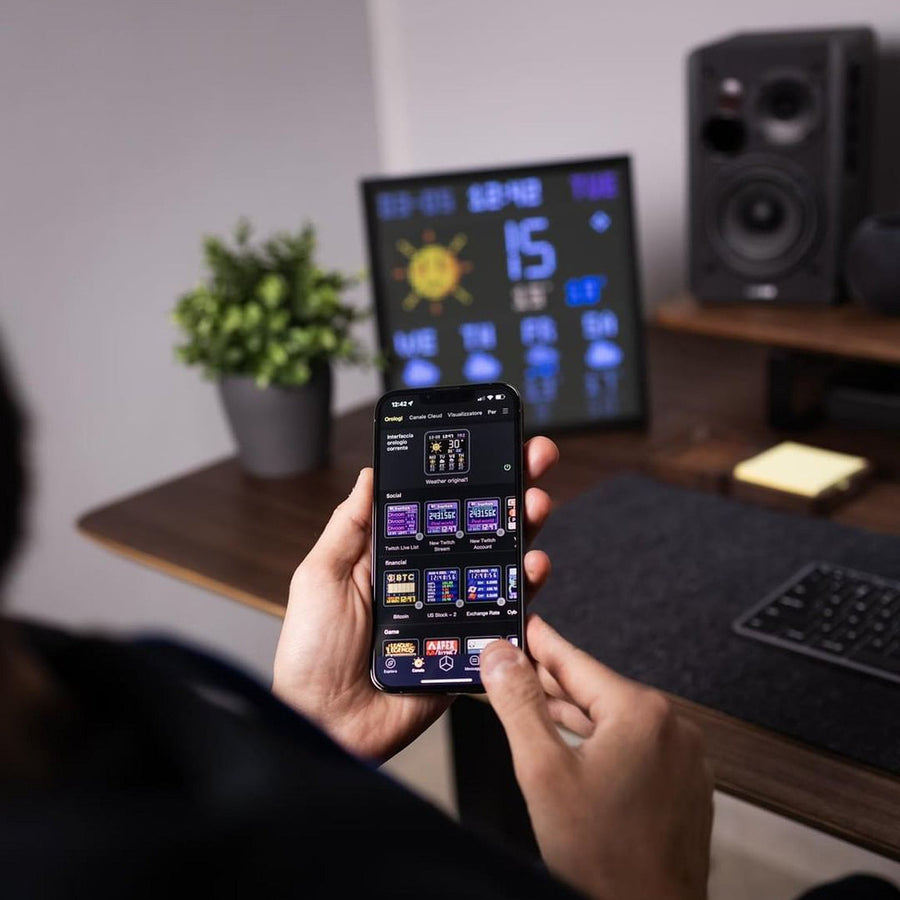
- Community gallery: the Divoom app gives access to millions of user creations, on top of your own drawings.
- Desk or wall: it stands on its base or mounts on the wall.
What it doesn't do
- It is not a video screen: 64×64 pixels means pixel art and short text, not sharp photos or films.
- It does not work without the Divoom app to change what is displayed.
- It is not a portable device: it runs plugged in.
- Counters and weather require an active Wi-Fi connection.
- No licensed artwork is supplied: no game characters, no logos.
Compatibility
Controlled from an iOS or Android smartphone with the free Divoom app. 2.4 GHz or 5 GHz Wi-Fi for live widgets, Bluetooth for sending creations. No computer or console needed.
Skill level required
None. Plug it in, install the app, pick or draw something. No tools, no assembly.
In the box
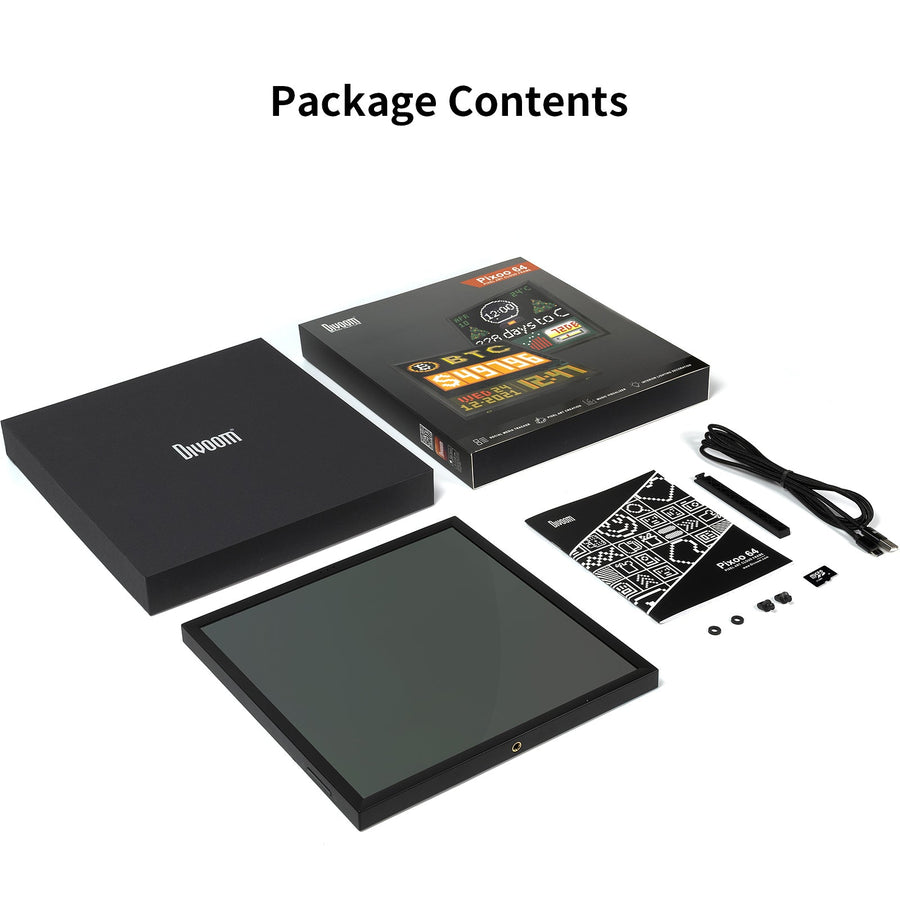
- 1 Divoom Pixoo-64 II display
- The power and mounting accessories provided by Divoom
The full range: Divoom — pixel art displays and speakers
Delivery in 10 to 18 days · shipped within 3 to 5 days · 2-year legal warranty · 14-day returns.
Divoom Pixoo-64 II Pixel Art Display — 64×64 LED, Wi-Fi and Bluetooth
The largest panel in the Pixoo range: 4,096 pixels controlled from the Divoom app, on your desk or on the wall.
En stock
📦Shipped within 3 to 5 business days · Delivery in 10 to 18 business days · 2-year legal warranty · 14-day returns.
ℹÀ partir de 150 €, la livraison s’effectue en Point Relais.
- 🇫🇷SAV français
réponse sous 1 jour ouvré - 🛡Garantie légale
2 ans - ↩14 jours
pour changer d’avis - 🔒Paiement sécurisé
CB · PayPal · Klarna
Pixel art, large format
On a 16×16 screen, you display an icon. On 64×64, you display a scene: a detailed character, an animated background, a clock and the weather all at once. That is the difference between an indicator light and a real pixel canvas. The Pixoo-64 II has the finest panel in the Pixoo range, and it is the one that does justice to the community's most elaborate creations.
Data that stays up to date
Dual-band Wi-Fi is what sets this model apart: your YouTube or Twitch follower counter, the weather, a stock price or your calendar update continuously, without your phone having to be in the room. Bluetooth is only used to quickly send a creation. For a streamer, it is a dashboard that doubles as decor.
What to know before you order
The Pixoo-64 II depends on the Divoom app: it decides what is displayed. It runs plugged in and replaces neither a computer monitor nor a photo frame: 4,096 pixels is a lot for pixel art, very little for a photo. Finally, no licensed game artwork is supplied with the device.
Ce que cet objet apporte
Caractéristiques annoncées par le fabricant · vérifié le
Ce qu’il fait bien
- 64×64 LED panel, the largest in the Pixoo range
- Dual-band Wi-Fi for live widgets
- Follower counter, weather, stocks, calendar, notifications
- Community gallery in the Divoom app
- Stands on a desk or mounts on the wall
Ce qu’il ne fait pas
- Pixel art and short text: no sharp photos or video
- Divoom app required
- Runs plugged in
- Live widgets: Wi-Fi required
- No licensed artwork supplied
Voir toute la fiche technique+
Matière et format
- Type d’accessoire
- LED pixel art display
Compatible avec
- iOS or Android smartphone via the Divoom app
- 2.4 GHz and 5 GHz Wi-Fi
- Bluetooth
Dans la boîte
- 1 Divoom Pixoo-64 II display
- Power and mounting accessories provided by Divoom
Questions fréquentes
🔢 How does it differ from the Pixoo-Max and the Pixoo?
Resolution: 64×64 pixels here, versus 32×32 for the Pixoo-Max and 16×16 for the Pixoo. The Pixoo-64 II also adds dual-band Wi-Fi for live widgets.
📶 Is Wi-Fi required?
For live data (follower counter, weather, stocks, calendar), yes. To display a drawing sent over Bluetooth, no.
📺 Can it display photos or videos?
Not sharply: 64×64 pixels suits pixel art, animations and short text. For photos, take a look at the Times Frame instead.
🧱 How do I set it up?
It stands on its base or mounts on the wall. No special tools, no assembly.
📱 Do I need the Divoom app?
Yes, to customize the display: the Divoom app is free on iOS and Android. Its usability and updates depend on Divoom, not on us.
🖼️ Are game or character images included?
No. We do not supply any licensed artwork. The app's gallery is fed by its community; what you display is a matter of your private use.
🚚 What are the delivery times?
Delivery in 10 to 18 days, shipped within 3 to 5 days.
🛡️ What warranty applies?
2-year legal warranty of conformity. Returns within 14 days. French customer service, reply within 1 business day.
Pourquoi acheter ici plutôt que sur une marketplace
La question est légitime. Voici la réponse, sans détour.
Chaque fiche dit clairement ce que l’objet sait faire et là où il s’arrête, avec les caractéristiques du fabricant. Aucun visuel sous licence n’est ajouté aux photos.
Une question sur l’application, un réglage, un retour : vous écrivez, un humain répond sous 1 jour ouvré. En français.
La garantie légale de conformité de 2 ans, c'est nous qui l'assurons — pas un formulaire à l'autre bout du monde. Et 14 jours pour changer d'avis, sans avoir à vous justifier.
Nous ne prétendons pas être les moins chers. Nous prétendons que vous saurez exactement ce que vous achetez avant de payer.
À lire aussi
Nos guides d’achat, sans jargon.

Pixel art: create your own designs for a Divoom display
Grid size, number of colours, outlines, animation: the guide to getting started in pixel art and displaying your own creations on a Divoom display.
2 min de lecture · publié le

Divoom pixel art speakers: which one should you choose?
Astrotoo, Ditoo-Pro, FlowToo, Tiivoo-2, Timebox-Evo, MiniToo, Fairy-OK: the seven Divoom speakers compared, by use and budget.
2 min de lecture · publié le

Times Frame or Times Frame Pure: which Divoom floating photo frame should you choose?
64 or 32 GB, three colours or just one, a dial or not: the real differences between the Times Frame and Times Frame Pure…
1 min de lecture · publié le