Description complète
Divoom Pixoo: a small pixel screen controlled from your phone
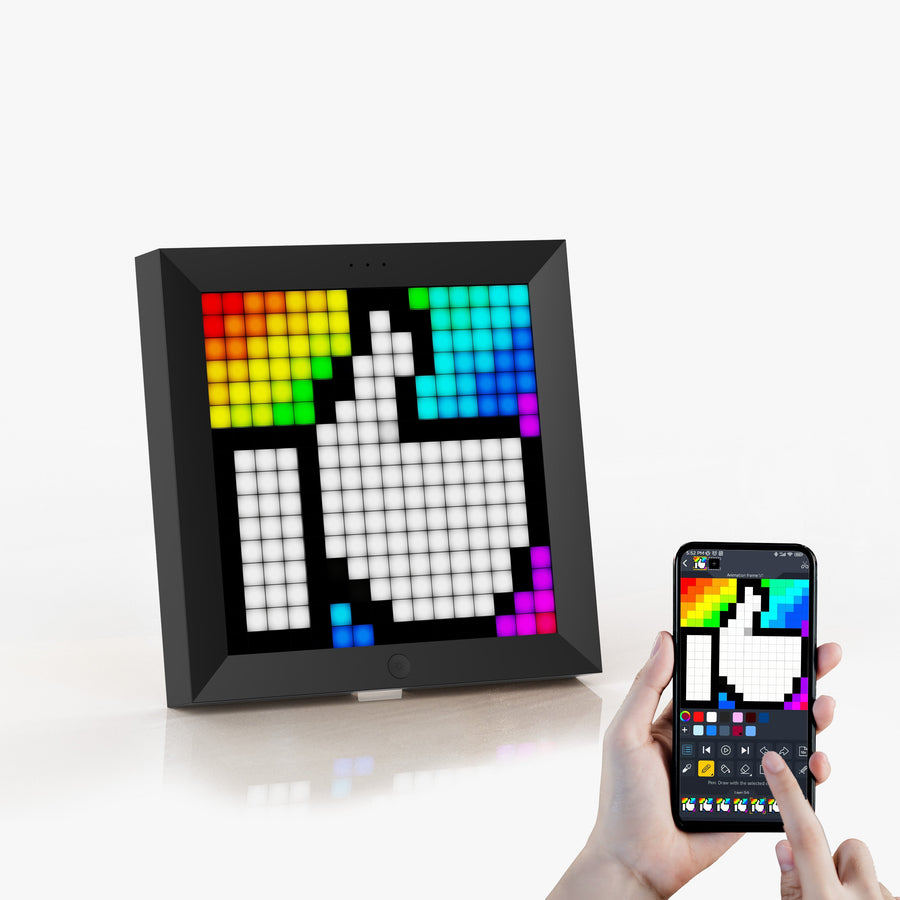
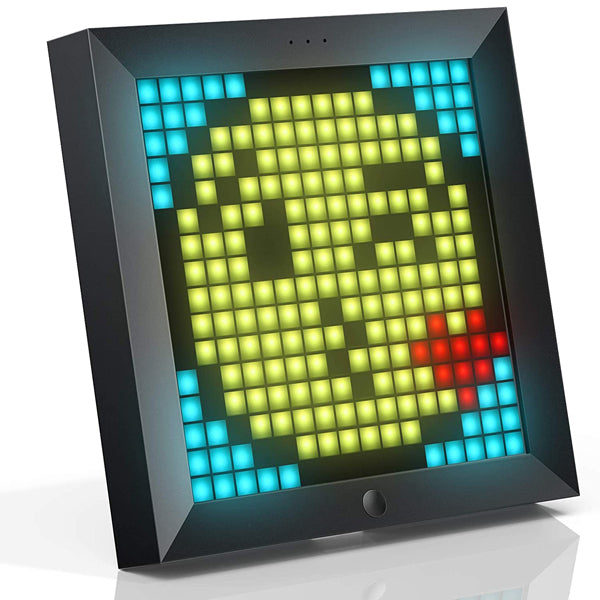
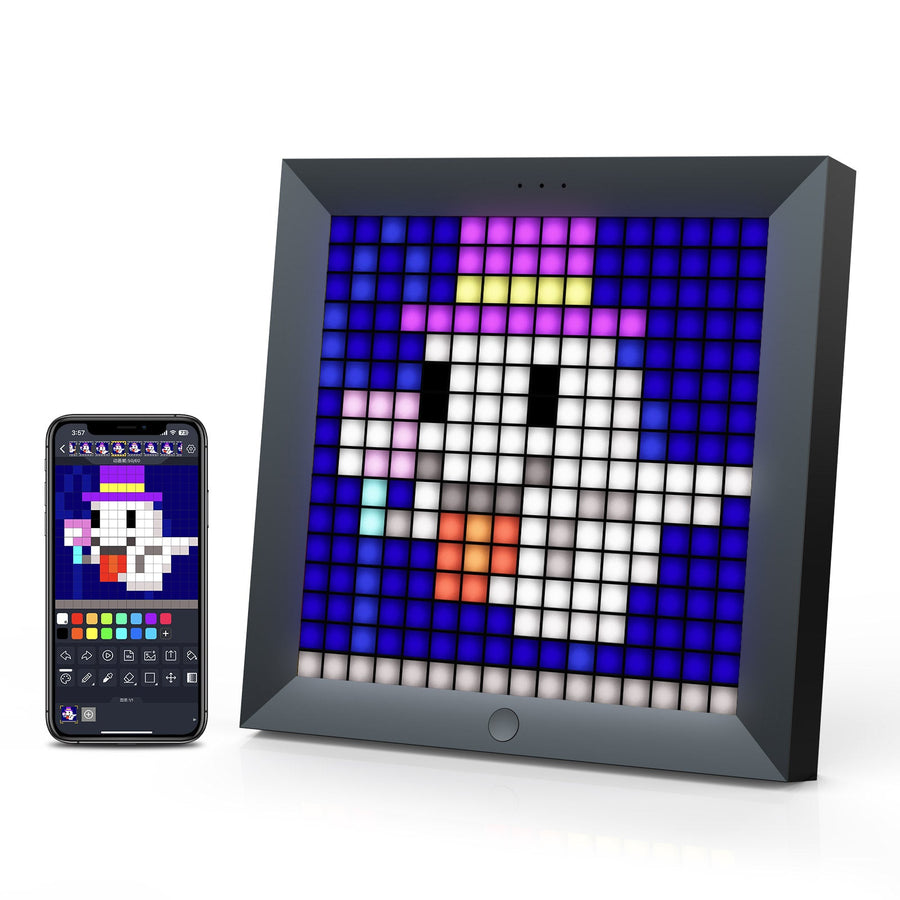
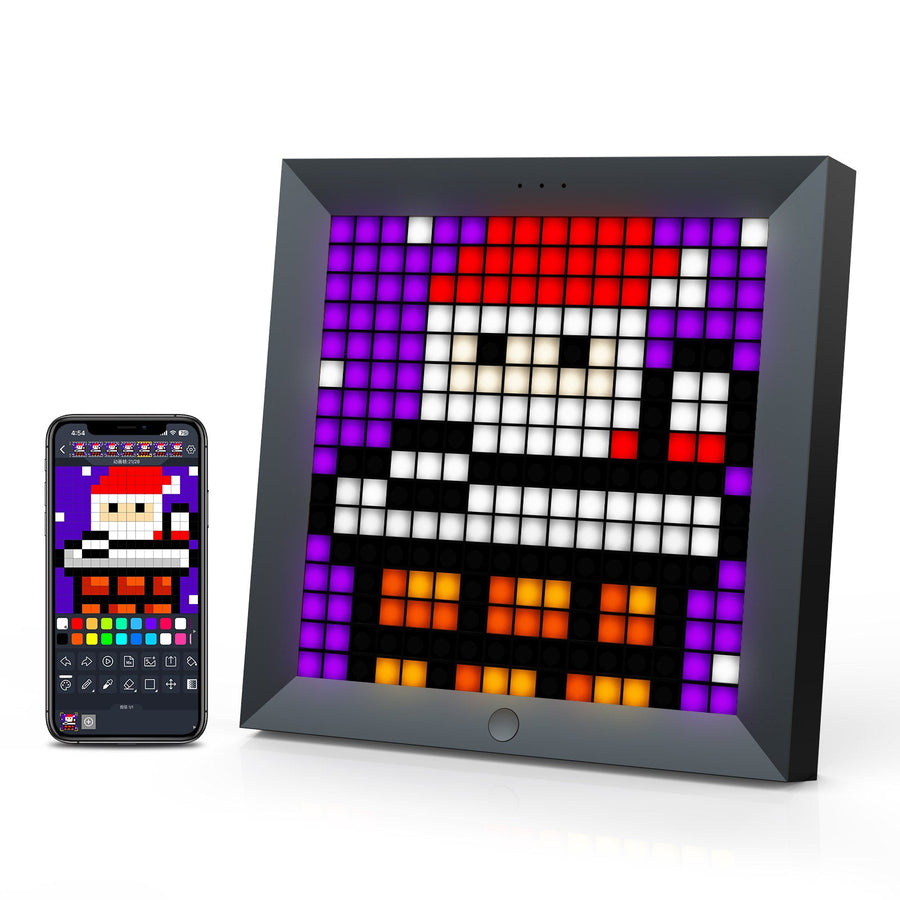
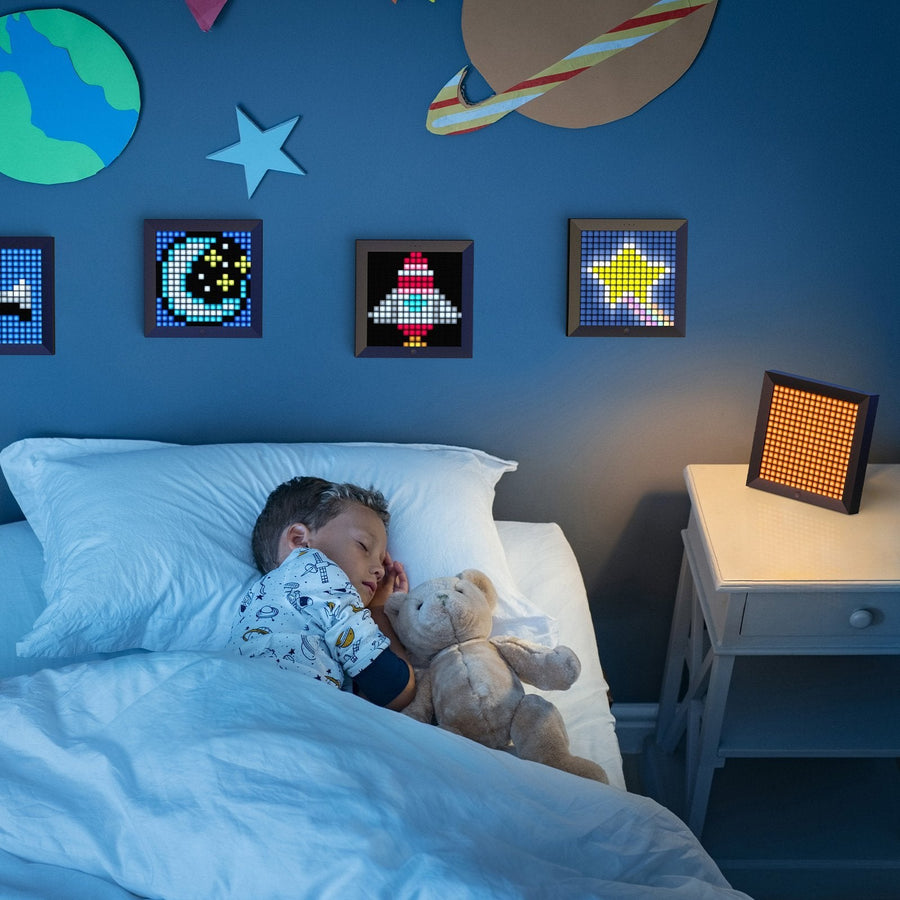
The Pixoo is the compact format of the range: a 16×16 LED grid, meaning 256 pixels. Enough for an icon, a clock, a short scrolling text or a music visualizer that reacts to sound. It is controlled over Bluetooth from the free Divoom app, where you draw your own designs or pick from the community's creations.
What it does
- 16×16 grid: 256 individually adjustable pixels for icons, short animations and simple pixel art.
- Clock and weather: clock faces, time, weather and temperature.
- Music visualizer: the display moves to the rhythm of the music playing around it.
- Everyday tools: countdown, sound level meter, scoreboard, social media notifications.
What it doesn't do
- 16×16 pixels means an icon or a few letters at a time: no detailed images or long text.
- No Wi-Fi: the Pixoo is controlled over Bluetooth from your phone.
- It does not work without the Divoom app to change what is displayed.
- No licensed artwork is supplied: no game characters, no logos.
Compatibility
Controlled over Bluetooth from an iOS or Android smartphone with the free Divoom app. No computer or console needed.
Skill level required
None. Switch it on, pair it with the app, start drawing.
In the box
- 1 Divoom Pixoo 16×16 display
- The accessories supplied by Divoom
The full range: Divoom — pixel art displays and speakers
Delivery in 10 to 18 days · shipped within 3 to 5 days · 2-year legal warranty · 14-day returns.
Divoom Pixoo Pixel Art Display — 16×16 LED, Clock and Music Visualizer
The entry-level format of the Pixoo range: 256 pixels for an icon, a clock or a short animation.
En stock
📦Shipped within 3 to 5 business days · Delivery in 10 to 18 business days · 2-year legal warranty · 14-day returns.
ℹÀ partir de 150 €, la livraison s’effectue en Point Relais.
- 🇫🇷SAV français
réponse sous 1 jour ouvré - 🛡Garantie légale
2 ans - ↩14 jours
pour changer d’avis - 🔒Paiement sécurisé
CB · PayPal · Klarna
Pixel art at sprite size
A 16 by 16 grid is the size of a sprite on 8-bit consoles. The constraint is the same one the artists of the era faced: every pixel counts. Put an icon on it, a character of your own creation, a clock or a heart beating to the rhythm of the music. Placed next to a screen or on a shelf, it is the detail that gives a gaming corner its character.
A device that changes with you
Everything goes through the Divoom app: draw pixel by pixel, set up a short text, choose a clock face or pick from the community's creations. The Pixoo also works as a countdown, a sound level meter or a scoreboard for a game night. Nothing to take apart, nothing to rewire.
16×16, 32×32 or 64×64?
The Pixoo is the entry-level model: perfect for an icon or a clock, too small for long text or a detailed scene. If you want animations that are readable from across the room, the 32×32 Pixoo-Max has four times as many pixels; the Pixoo-64 II has sixteen times as many, plus Wi-Fi.
What this item brings
Manufacturer's stated specifications · vérifié le
Ce qu’il fait bien
- Compact 16×16 LED grid
- Clock, weather, countdown, scoreboard
- Responsive music visualizer
- Community gallery in the Divoom app
Ce qu’il ne fait pas
- One icon or a few letters at a time
- Bluetooth only, no Wi-Fi
- Divoom app required
- No licensed artwork supplied
Voir toute la fiche technique+
Matière et format
- Type d’accessoire
- LED pixel art display
Compatible avec
- iOS or Android smartphone via the Divoom app
- Bluetooth
Dans la boîte
- 1 Divoom Pixoo 16×16 display
- Accessories supplied by Divoom
Frequently asked questions
🔢 What can you display at 16×16?
An icon, a simple character, a clock, a short scrolling text or a music visualizer. No detailed images.
📶 Does the Pixoo have Wi-Fi?
No, it is controlled over Bluetooth from the app. For live widgets over Wi-Fi, see the Pixoo-64 II.
🎵 Does the music visualizer react to my music?
Yes, the display moves to the rhythm of the music playing around it.
🎁 Is it a good first pixel art gift?
Yes, it is the most accessible format in the Pixoo range. If the person wants to display text or detailed animations, go for the Pixoo-Max instead.
📱 Do I need the Divoom app?
Yes, to customize the display: the Divoom app is free on iOS and Android. Its usability and updates depend on Divoom, not on us.
🖼️ Are game or character images included?
No. We do not supply any licensed artwork. The app's gallery is fed by its community; what you display is a matter of your private use.
🚚 What are the delivery times?
Delivery in 10 to 18 days, shipped within 3 to 5 days.
🛡️ What warranty applies?
2-year legal warranty of conformity. Returns within 14 days. French customer service, reply within 1 business day.
Why buy here rather than on a marketplace
It's a fair question. Here's the straight answer.
Every listing states clearly what the item can do and where it stops, with the manufacturer's specifications. No licensed artwork is added to the photos.
A question about the app, a setting, a return: you write, a human replies within 1 business day.
We handle the 2-year legal warranty of conformity ourselves — not a form on the other side of the world. And 14 days to change your mind, no questions asked.
We don't claim to be the cheapest. We claim you'll know exactly what you're buying before you pay.
Also worth reading
Our buying guides, jargon-free.

Pixel art: create your own designs for a Divoom display
Grid size, number of colours, outlines, animation: the guide to getting started in pixel art and displaying your own creations on a Divoom display.
2 min de lecture · publié le

Divoom pixel art speakers: which one should you choose?
Astrotoo, Ditoo-Pro, FlowToo, Tiivoo-2, Timebox-Evo, MiniToo, Fairy-OK: the seven Divoom speakers compared, by use and budget.
2 min de lecture · publié le

Times Frame or Times Frame Pure: which Divoom floating photo frame should you choose?
64 or 32 GB, three colours or just one, a dial or not: the real differences between the Times Frame and Times Frame Pure…
1 min de lecture · publié le