Description complète
PS2 to HDMI converter: your console connected to a modern TV
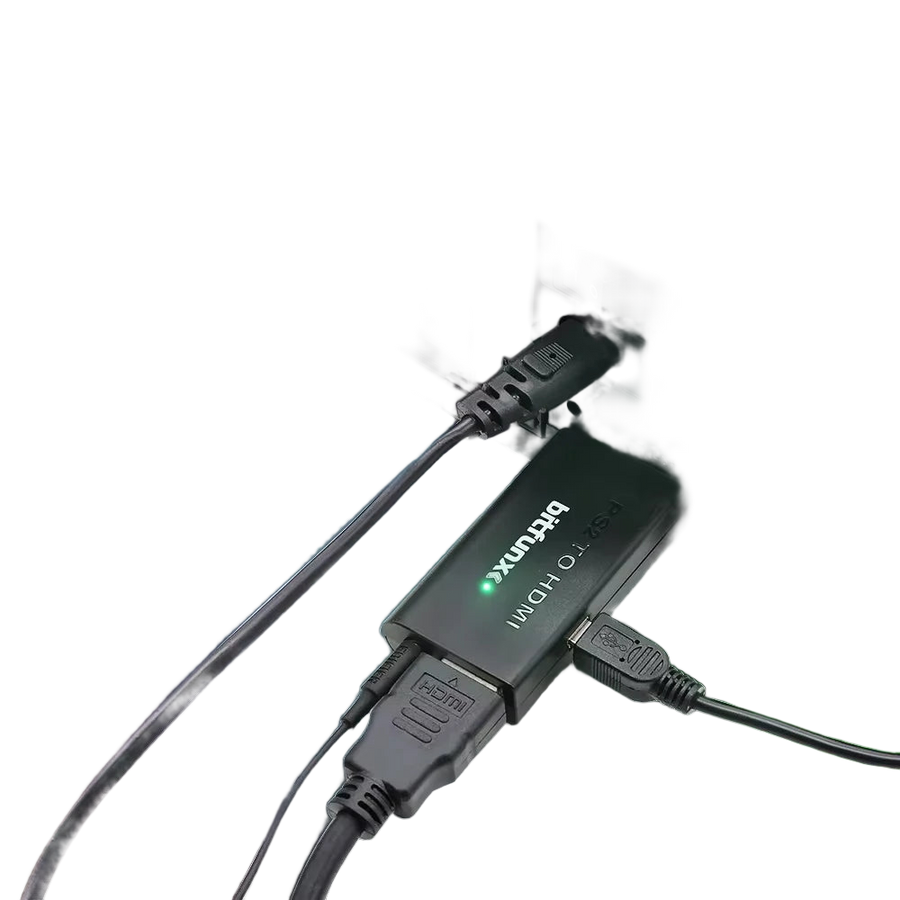
TVs sold today no longer have a SCART socket or component inputs. A PlayStation 2 taken out of the cupboard is left with nothing to plug into. This BitFunx unit attaches to the console's AV Multi Out port, converts the analogue YPbPr signal to HDMI and carries picture and sound over a single cable.
What it does
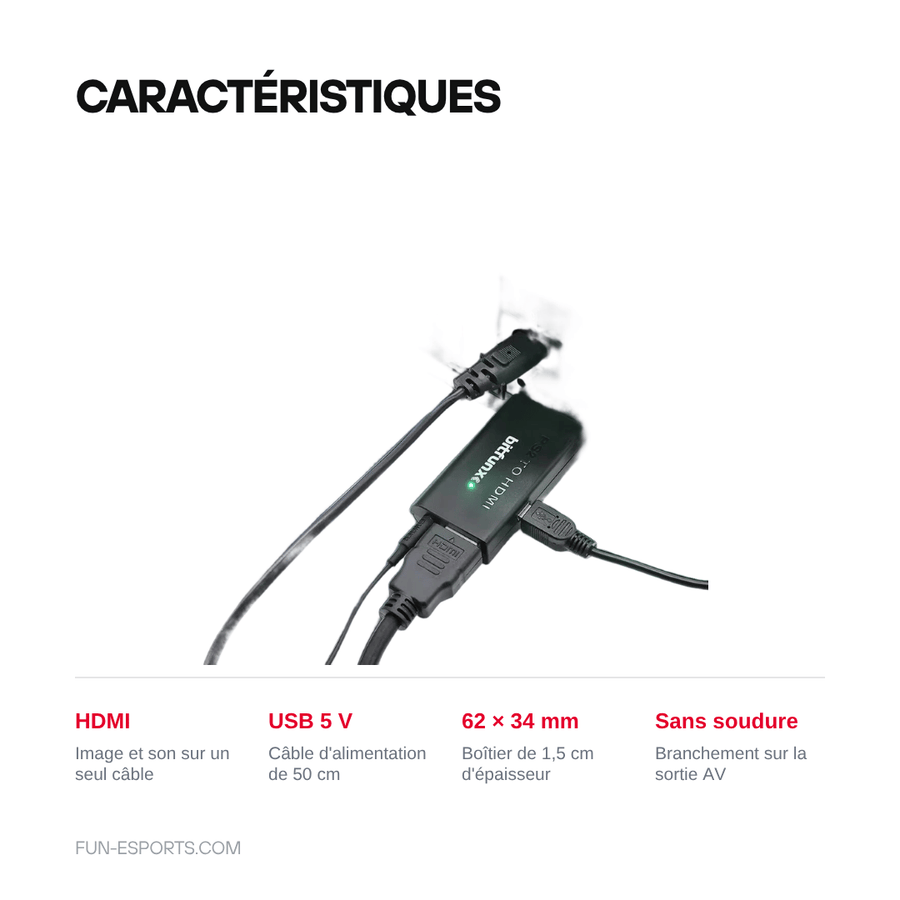
- Direct connection: the unit plugs straight into the AV Multi Out port of the PS2 Fat, PS2 Slim and PS3, with no intermediate adapter.
- Picture and sound over one cable: audio is embedded in the HDMI stream, so there are no more red and white leads to connect separately.
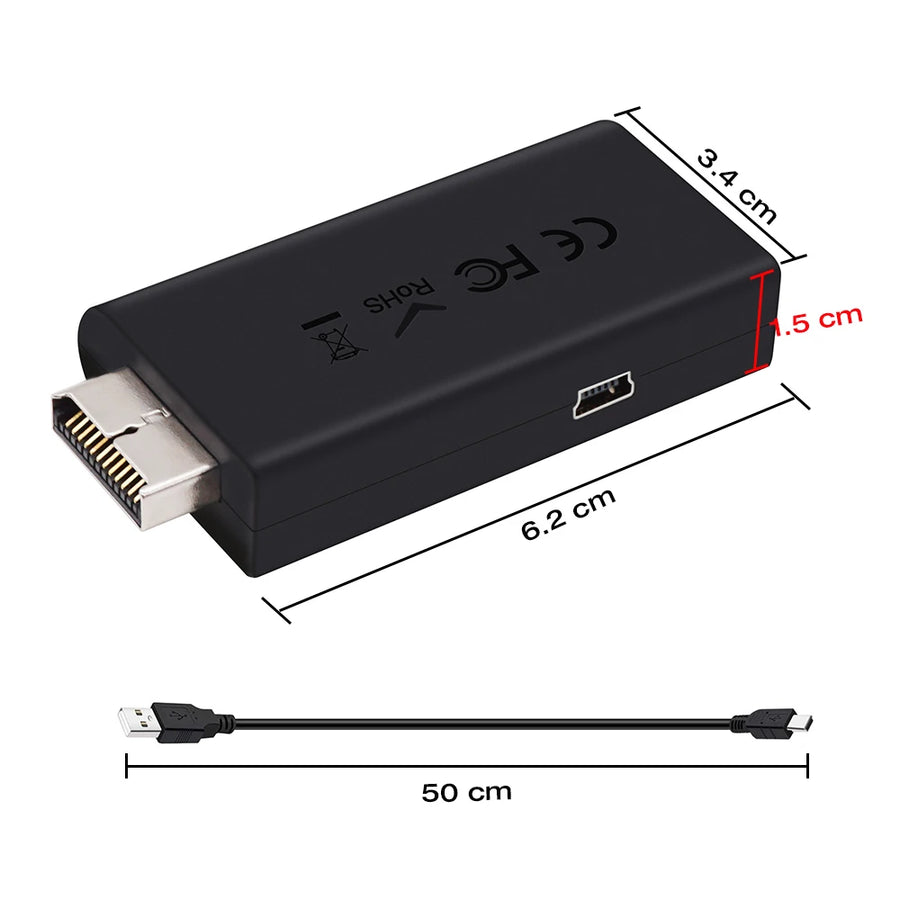
- USB power: a 50 cm USB cable is supplied, to plug into a USB port on the TV or into a 5 V charger.
- Pocket size: 6.2 × 3.4 × 1.5 cm plastic unit that stays behind the TV or travels with the console.
What it doesn't do
- It is not an upscaler. The unit carries the original signal (480i or 480p depending on the game): it does not redraw the picture, does not perform high-quality deinterlacing and does not add resolution that isn't in the signal. For advanced image processing you need a dedicated scaler, in a different price bracket.
- It only accepts component YPbPr input. If the console is set to RGB or composite, the screen stays black: the setting has to be changed in the console's settings or in the game menu.
- It does not work with the PlayStation 1, which shares the same connector but does not output YPbPr.
- No HDMI cable is supplied in the box.
- The supplier does not provide any conversion latency figure. A slight delay is possible in rhythm games or fast-paced shooters.
Compatibility
PlayStation 2 Fat, PlayStation 2 Slim and PlayStation 3, provided the console's video output is set to component YPbPr. The PS3 already has a built-in HDMI output: this unit is only useful if that output no longer works, and Blu-ray disc playback remains subject to the disc's copy protection over an analogue chain. Not suitable for the PlayStation 1 or for consoles from other manufacturers.
Skill level required
None. No soldering, no disassembly, no cutting: the unit plugs into the console, you run an HDMI cable to the TV and power everything via USB. The only technical step is setting the video output to YPbPr in the console menu before first use. You will need an HDMI cable, as it is not in the box.
In the box
- 1 BitFunx PS2 to HDMI converter (black unit)
- 1 50 cm USB power cable
Read before ordering: Retro peripherals
PS2 and PS3 to HDMI converter — BitFunx, USB-powered
BitFunx converter to connect a PS2 or PS3 to an HDMI TV — USB power cable supplied.
En stock
📦Ships within 3 to 5 business days · Delivery in 10 to 18 business days · 2-year legal guarantee of conformity · 14-day returns.
ℹÀ partir de 150 €, la livraison s’effectue en Point Relais.
- 🇫🇷SAV français
réponse sous 1 jour ouvré - 🛡Garantie légale
2 ans - ↩14 jours
pour changer d’avis - 🔒Paiement sécurisé
CB · PayPal · Klarna
A PS2 with nowhere to plug it in
The PlayStation 2 sold more than 155 million units: almost everyone has one in the attic. The problem isn't the console, it's the TV. Models sold over the last ten years or so have dropped SCART, then component inputs, and now only offer HDMI. The console still works perfectly, but it has nowhere left to plug in. That is exactly the gap this unit fills.
A single cable between the console and the screen
The BitFunx unit attaches to the console's AV Multi Out port and converts the analogue YPbPr signal to HDMI. Picture and sound travel together: no more red and white leads to dig out from behind the furniture. Power comes via USB, with the supplied 50 cm cable, from a TV port or a 5 V charger. Nothing to take apart, nothing to solder: setup takes a minute, console settings included.
What you need to know before ordering
This unit converts, it does not enhance. The signal remains the console's own, at 480i or 480p depending on the game: don't count on it for a high-definition picture, that is the job of a scaler in a completely different price bracket. You also need to set the video output to component YPbPr in the console menu, otherwise the screen stays black. Finally, the HDMI cable is not in the box, and the PlayStation 1 is not compatible. We would rather tell you here than through a return.
What this accessory brings
Verified manufacturer specifications · vérifié le
Ce qu’il fait bien
- Plugs straight into the AV Multi Out port of the PS2 Fat, PS2 Slim and PS3.
- Picture and sound over a single HDMI cable: no more red and white audio leads.
- USB power, 50 cm cable supplied, from a TV port or a 5 V charger.
- 6.2 × 3.4 × 1.5 cm plastic unit, small enough to stay plugged in permanently.
- No soldering or disassembly: connection takes a minute.
Ce qu’il ne fait pas
- It is not an upscaler: the signal stays at 480i or 480p depending on the game, with no scaling or high-quality deinterlacing.
- Only accepts component YPbPr input. The console's video output must be set accordingly, otherwise the screen stays black.
- Not compatible with the PlayStation 1, which shares the connector but does not output YPbPr.
- The HDMI cable is not supplied.
- No conversion latency figure is provided by the manufacturer.
- The PS3 already has an HDMI output: this is only useful for consoles whose HDMI output no longer works.
- The exact function of the unit's push button is not documented by the supplier.
Voir toute la fiche technique+
Matière et format
- Type d’accessoire
- Video converter
Compatible avec
- PlayStation 2 Fat
- PlayStation 2 Slim
- PlayStation 3
Dans la boîte
- 1 BitFunx PS2 to HDMI converter
- 1 50 cm USB power cable
Frequently Asked Questions
🔌 How does this converter connect?
It plugs straight into the console's AV Multi Out port, in place of the original cable. You then connect the unit to the TV with an HDMI cable and power it with the supplied USB cable, from a USB port on the TV or a 5 V charger.
🎮 Which consoles is it compatible with?
PlayStation 2 Fat, PlayStation 2 Slim and PlayStation 3. The PlayStation 1 uses the same connector but does not output component YPbPr: it is not covered. Consoles from other manufacturers are not covered either.
⚙️ Do I need to change any settings on the console?
Yes, and this is the step not to miss. The video output must be set to component YPbPr in the console's settings or in the game menu. If it is set to RGB or composite, the picture stays black.
📺 Does the picture become HD?
No. The unit converts the original signal, it does not recalculate it. You get 480i or 480p depending on the game, carried over HDMI. It is a converter, not an upscaler.
🔊 Does the sound also go through HDMI?
Yes. Audio is embedded in the HDMI stream, so there are no more red and white leads to connect separately to the TV.
📦 What's in the box?
The BitFunx converter and its 50 cm USB power cable. The HDMI cable is not supplied: make sure you have one.
🚚 What are the delivery times?
Delivery in 10 to 18 days, ships within 3 to 5 days.
🛡️ Which guarantee applies?
2-year legal guarantee of conformity. 14-day returns. French customer service, reply within 1 business day.
Why buy here rather than on a marketplace
It is a fair question. Here is the answer, straight.
Every listing is checked before publication: real compatibility, material, dimensions, box contents. Many models never make it into the catalogue.
A question about compatibility, a fit problem, a return: you write, a human replies within 1 business day. In French.
The 2-year legal warranty of conformity is handled by us — not by a form on the other side of the world. And 14 days to change your mind, with no need to justify yourself.
We do not claim to be the cheapest. We claim that you will know exactly what you are buying before you pay.
Read this before choosing
Our guides to accessories: compatibility, protection, transport.

Pixel art: create your own designs for a Divoom display
Grid size, number of colours, outlines, animation: the guide to getting started in pixel art and displaying your own creations on a Divoom display.
2 min de lecture · publié le

Divoom pixel art speakers: which one should you choose?
Astrotoo, Ditoo-Pro, FlowToo, Tiivoo-2, Timebox-Evo, MiniToo, Fairy-OK: the seven Divoom speakers compared, by use and budget.
2 min de lecture · publié le

Times Frame or Times Frame Pure: which Divoom floating photo frame should you choose?
64 or 32 GB, three colours or just one, a dial or not: the real differences between the Times Frame and Times Frame Pure…
1 min de lecture · publié le