
Description complète
Dreamcast VGA to HDMI converter: your Dreamcast on a modern TV
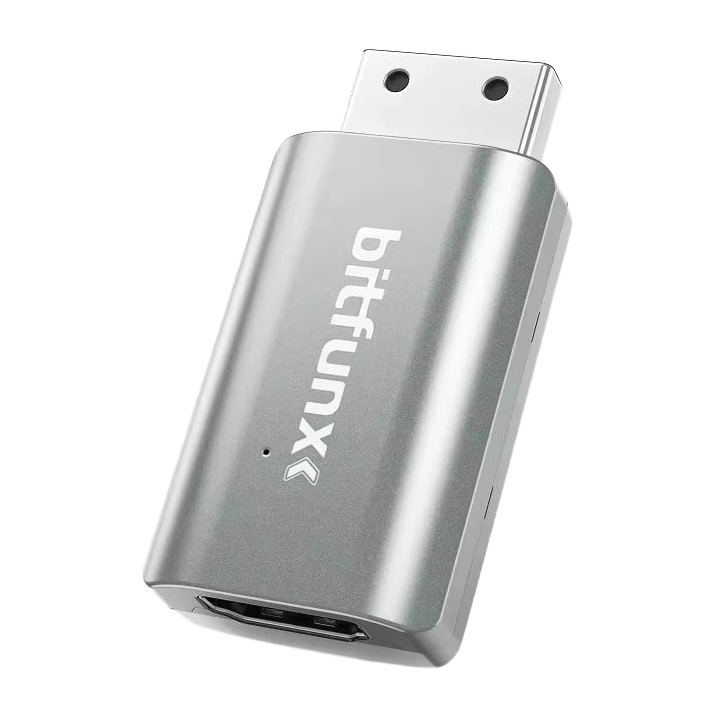
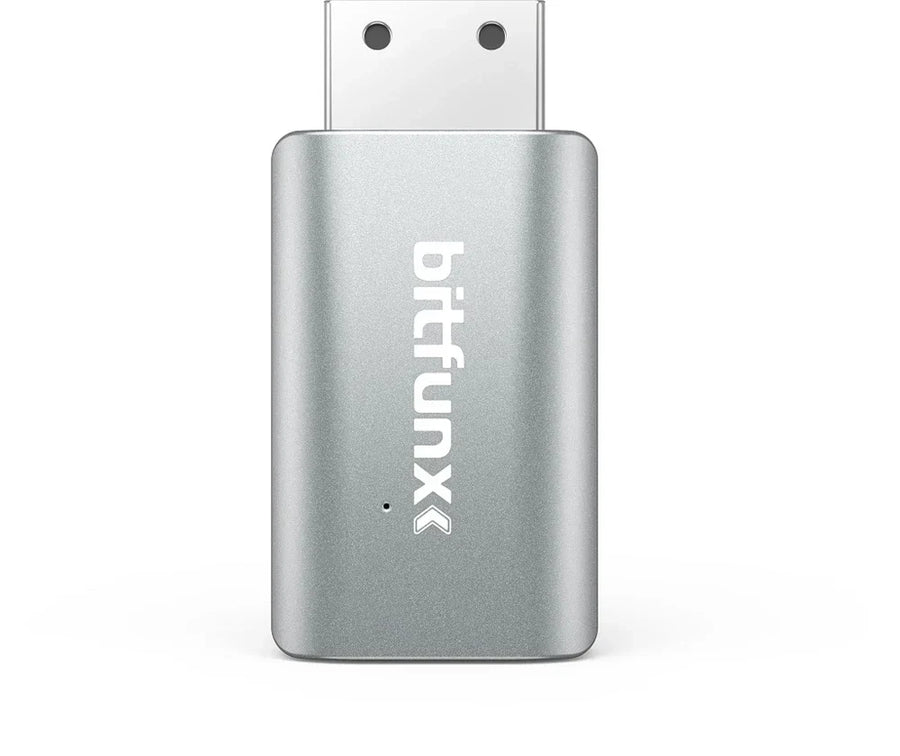
A Dreamcast connected via composite to a flat screen means a blurry picture and controller lag. This adapter uses the console's VGA output — its best signal, 480p progressive — and converts it to HDMI for any recent TV or monitor. Metal casing, made by BitFunx, who specialise in exactly this.
What it does
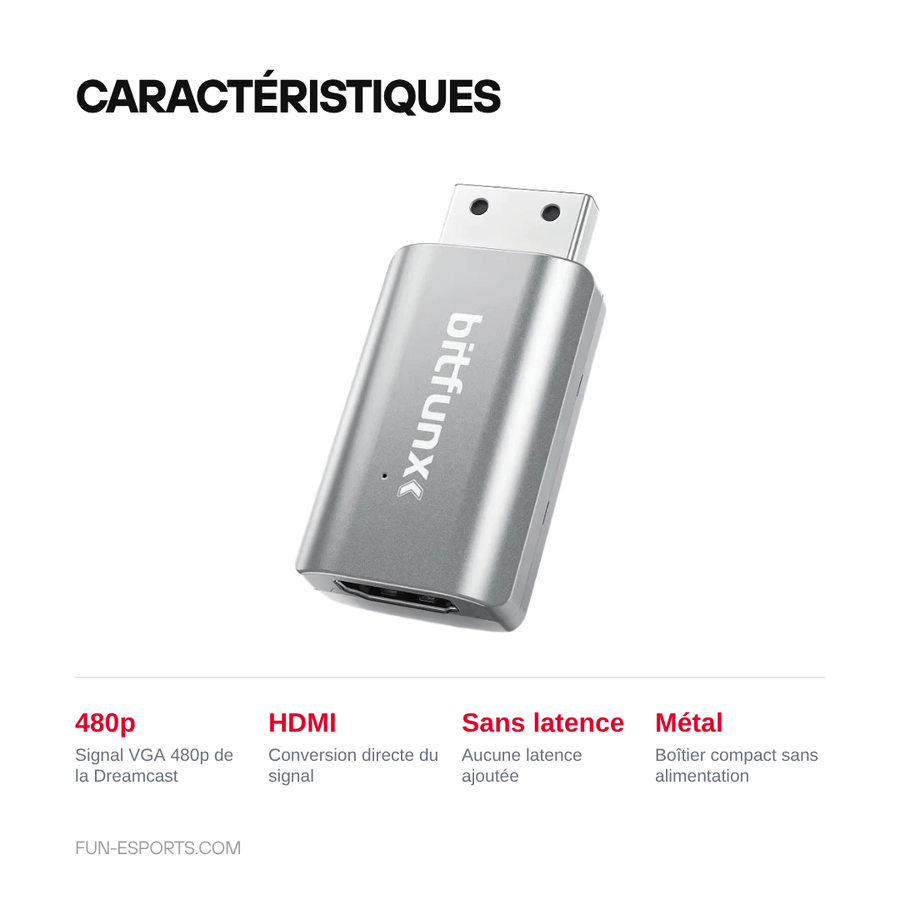
- Original VGA signal: takes the Dreamcast's 480p progressive output, far above composite or S-Video.
- No added latency: direct conversion, with no intermediate image processing.
- Compact format, metal casing: plugs straight into the back of the console, no bulky box or external power supply.
- All revisions: compatible with every version of the console.
What it doesn't do
- It's not an upscaler. The Dreamcast outputs 480p and the adapter carries that signal — it doesn't improve or resize it. For scaling, you need a scaler such as the RetroScaler2x or OSSC.
- Some games refuse VGA mode. Part of the Dreamcast library is designed for 240p only and displays a warning screen. These titles require a VGA box fitted with a forcing switch.
- No cable is included: bring your own HDMI cable.
Compatibility
Sega Dreamcast, all regions and all revisions. Plugs into the console's AV port; audio and video both go over HDMI. On the TV side, a standard HDMI input is all you need. The connector is specific to the Dreamcast: it won't fit any other console.
Skill level required
None. It's an external adapter: just plug it in, nothing to open, nothing to solder, no power supply needed. If you're looking to modify the inside of the console, have a look at our Workshop & Modding section instead.
In the box
- 1 BitFunx Mini DC adapter, VGA to HDMI, metal casing
- No cable — the manufacturer's listing states this explicitly
Delivery in 10 to 18 days · ships within 3 to 5 days · 2-year legal guarantee · 14-day returns.
Dreamcast VGA to HDMI converter — BitFunx Mini DC
The Dreamcast's best signal, over HDMI, with no added latency.
En stock
📦Ships within 3 to 5 business days · Delivery in 10 to 18 business days
ℹÀ partir de 150 €, la livraison s’effectue en Point Relais.
- 🇫🇷SAV français
réponse sous 1 jour ouvré - 🛡Garantie légale
2 ans - ↩14 jours
pour changer d’avis - 🔒Paiement sécurisé
CB · PayPal · Klarna
The signal the Dreamcast could already output
As early as 1998, the Dreamcast offered a 480p progressive VGA output, at a time when TVs had no use for it. Twenty-eight years later, it's exactly what your screen is waiting for. This adapter simply makes accessible a signal that has existed since day one — which is what explains the sharpness, with no image processing at all.
BitFunx, retro video specialists
BitFunx does nothing else: HDMI converters for Nintendo 64, PlayStation 2 and Dreamcast, OSSC scalers, memory cards. Their official store shows 97.8% positive reviews across more than forty products. We buy directly from the manufacturer, with no middleman reseller.
What you need to know before ordering
Part of the Dreamcast library doesn't accept VGA mode and will display a warning message. We'd rather tell you before you buy than after: this is the real limitation of this solution, and it can be worked around with a VGA box with a switch. Our French-speaking customer service replies within one business day.
What this accessory brings
Verified manufacturer specifications · vérifié le
Ce qu’il fait bien
- Uses the Dreamcast's 480p progressive VGA output
- No added latency: direct conversion
- Compact metal casing, no external power supply
- Compatible with all console revisions
Ce qu’il ne fait pas
- It's not an upscaler: the signal stays at 480p
- Some Dreamcast games refuse VGA mode
- No HDMI cable included
Voir toute la fiche technique+
Matière et format
- Matériau
- Metal
- Type d’accessoire
- Video converter
Compatible avec
- Sega Dreamcast
Dans la boîte
- 1 BitFunx Mini DC VGA to HDMI adapter (metal casing)
- No HDMI cable
Frequently Asked Questions
🔌 Do I need to open or modify the console?
No. It's an external adapter that plugs into the Dreamcast's AV port. No disassembly, no soldering, no power supply needed.
📺 What picture quality do you get?
480p progressive, the best signal the Dreamcast can produce. Clearly above composite and S-Video. The adapter carries this signal without altering it.
🎮 Do all Dreamcast games work?
No. Part of the library is designed for 240p only and displays a warning screen in VGA mode. These titles require a VGA box fitted with a forcing switch.
🔍 Does it improve the resolution?
No, it's not an upscaler. For scaling to 720p or 1080p, you need a dedicated scaler such as the RetroScaler2x or the OSSC.
🔊 How does the sound come out?
Through the HDMI cable, together with the picture. No separate audio connection is needed.
📦 What's in the box?
The BitFunx Mini DC adapter, in a metal casing. No cable is included: bring your own HDMI cable.
🚚 What are the delivery times?
Delivery in 10 to 18 days, ships within 3 to 5 days.
🛡️ What warranty applies?
2-year legal guarantee of conformity. 14-day returns. French customer service, reply within 1 business day.
Why buy here rather than on a marketplace
It is a fair question. Here is the answer, straight.
Every listing is checked before publication: real compatibility, material, dimensions, box contents. Many models never make it into the catalogue.
A question about compatibility, a fit problem, a return: you write, a human replies within 1 business day. In French.
The 2-year legal warranty of conformity is handled by us — not by a form on the other side of the world. And 14 days to change your mind, with no need to justify yourself.
We do not claim to be the cheapest. We claim that you will know exactly what you are buying before you pay.
Read this before choosing
Our guides to accessories: compatibility, protection, transport.

Pixel art: create your own designs for a Divoom display
Grid size, number of colours, outlines, animation: the guide to getting started in pixel art and displaying your own creations on a Divoom display.
2 min de lecture · publié le

Divoom pixel art speakers: which one should you choose?
Astrotoo, Ditoo-Pro, FlowToo, Tiivoo-2, Timebox-Evo, MiniToo, Fairy-OK: the seven Divoom speakers compared, by use and budget.
2 min de lecture · publié le

Times Frame or Times Frame Pure: which Divoom floating photo frame should you choose?
64 or 32 GB, three colours or just one, a dial or not: the real differences between the Times Frame and Times Frame Pure…
1 min de lecture · publié le