Description complète
4-port USB hub: one host port becomes four
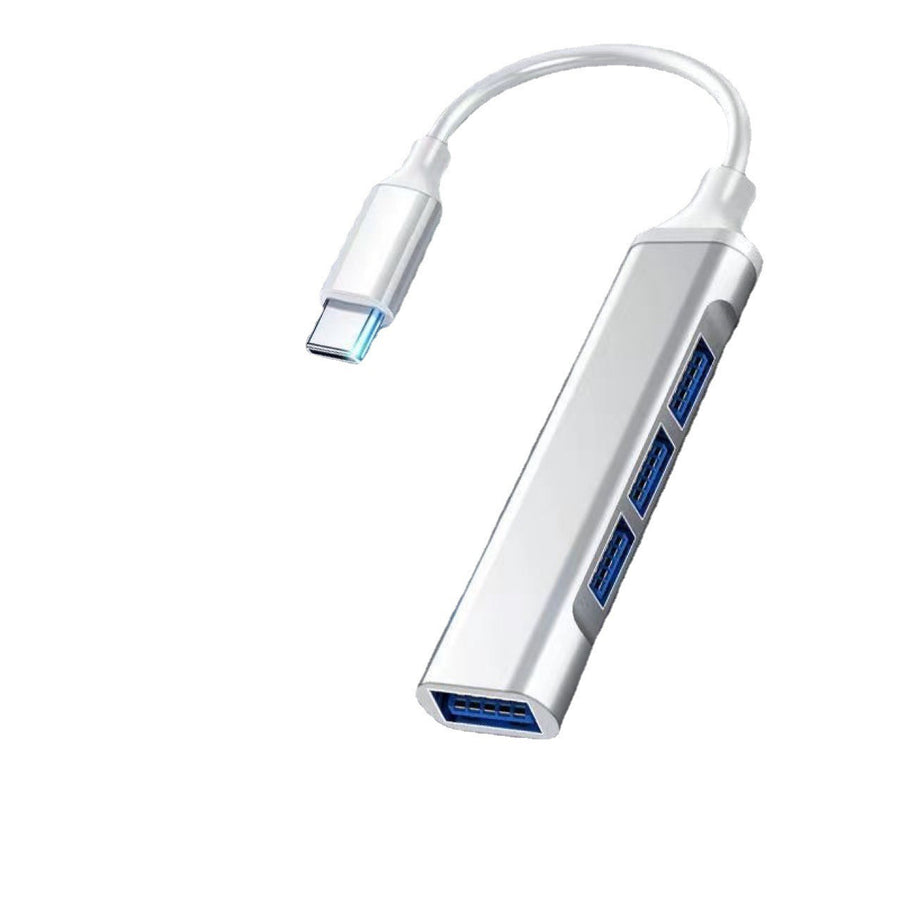
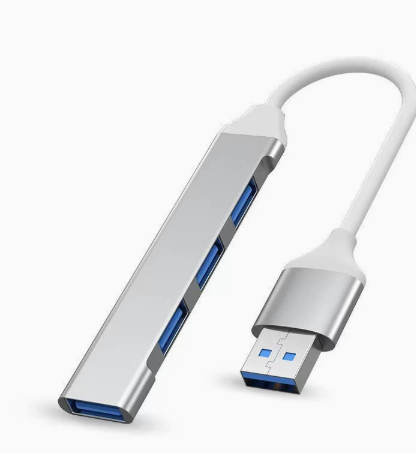
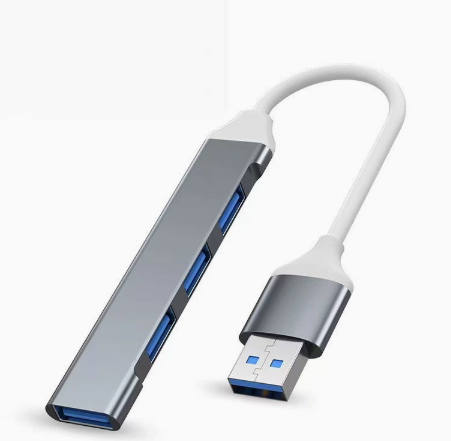
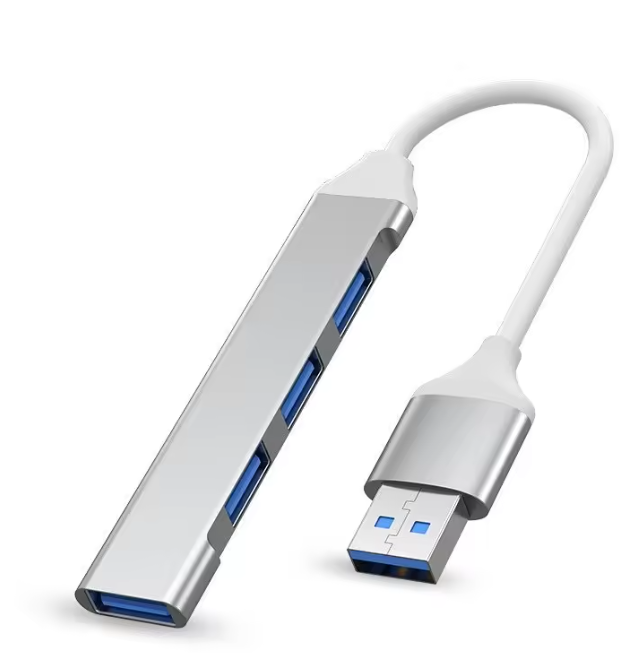
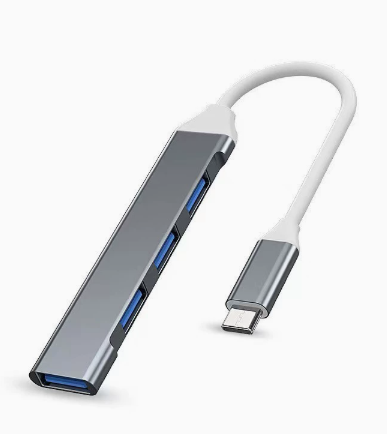
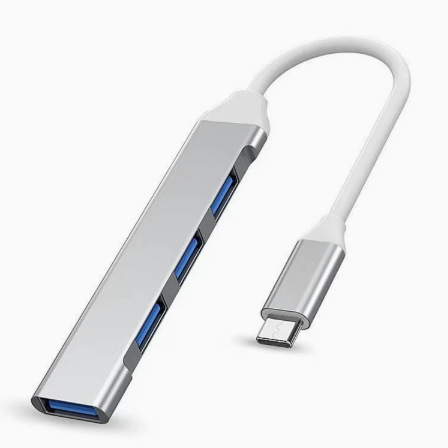
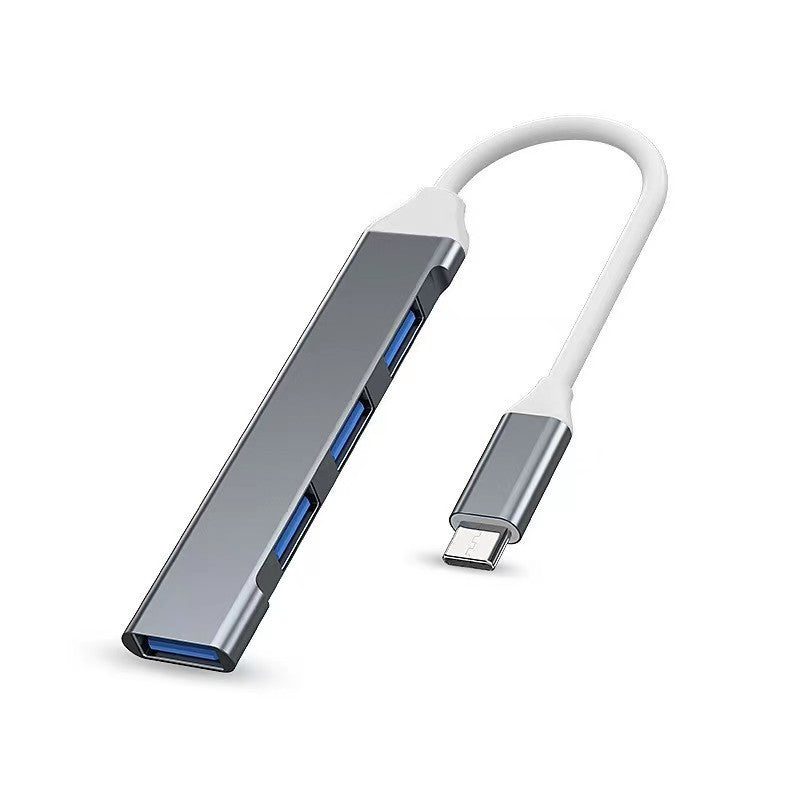
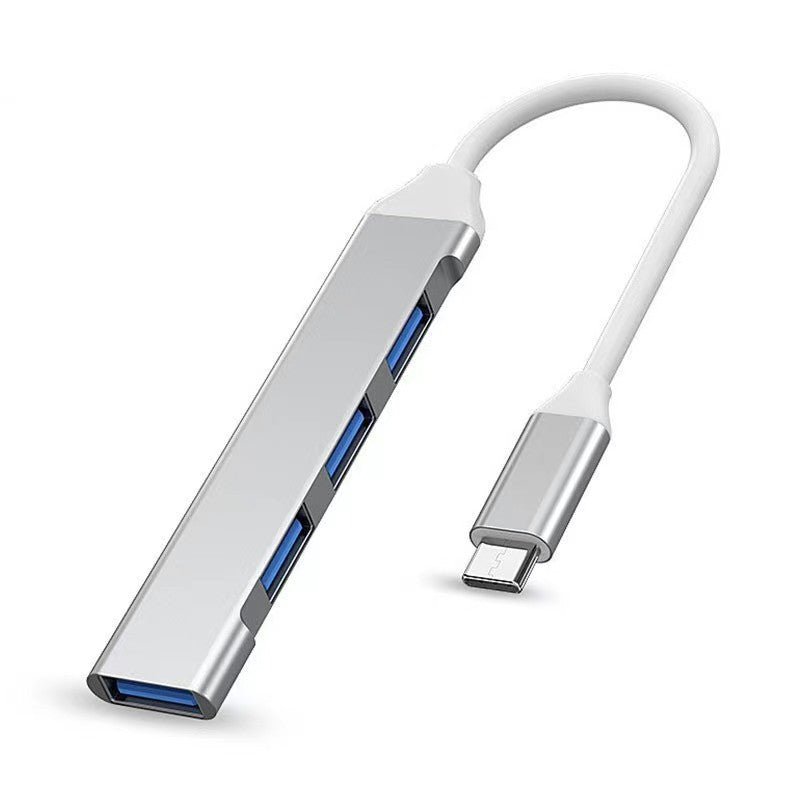
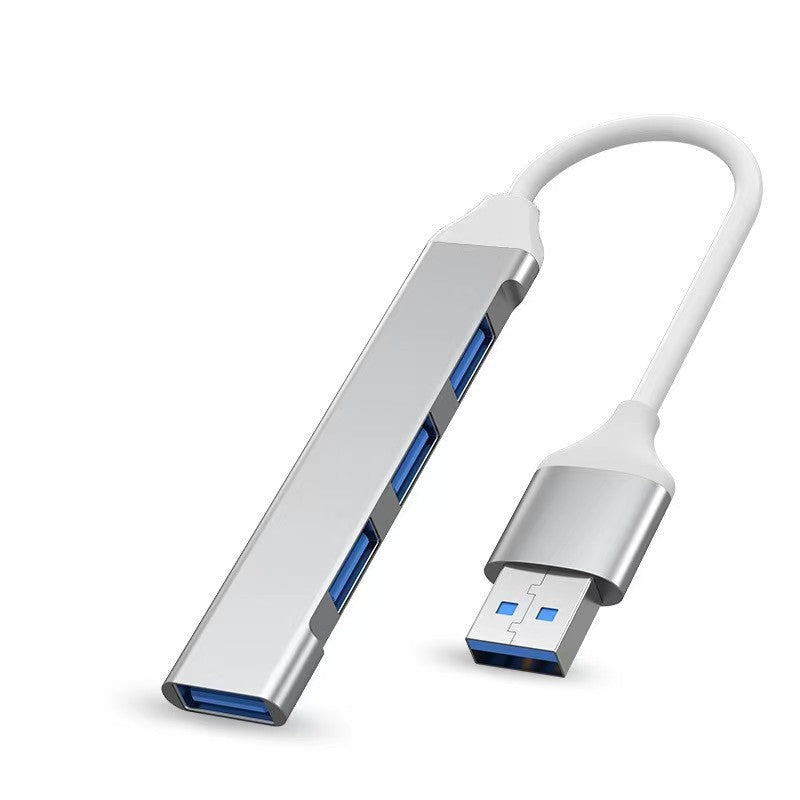
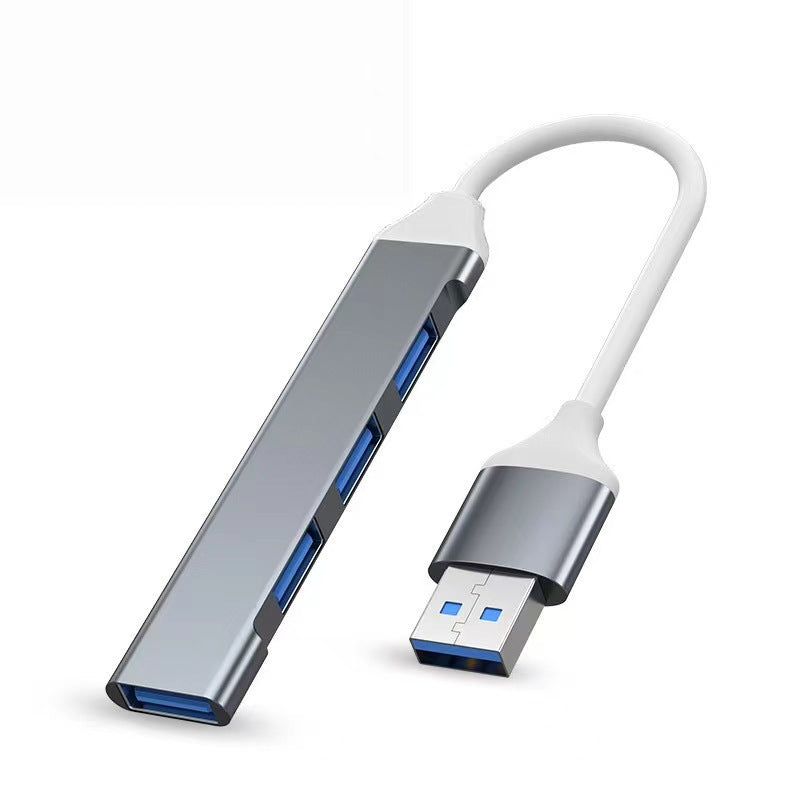
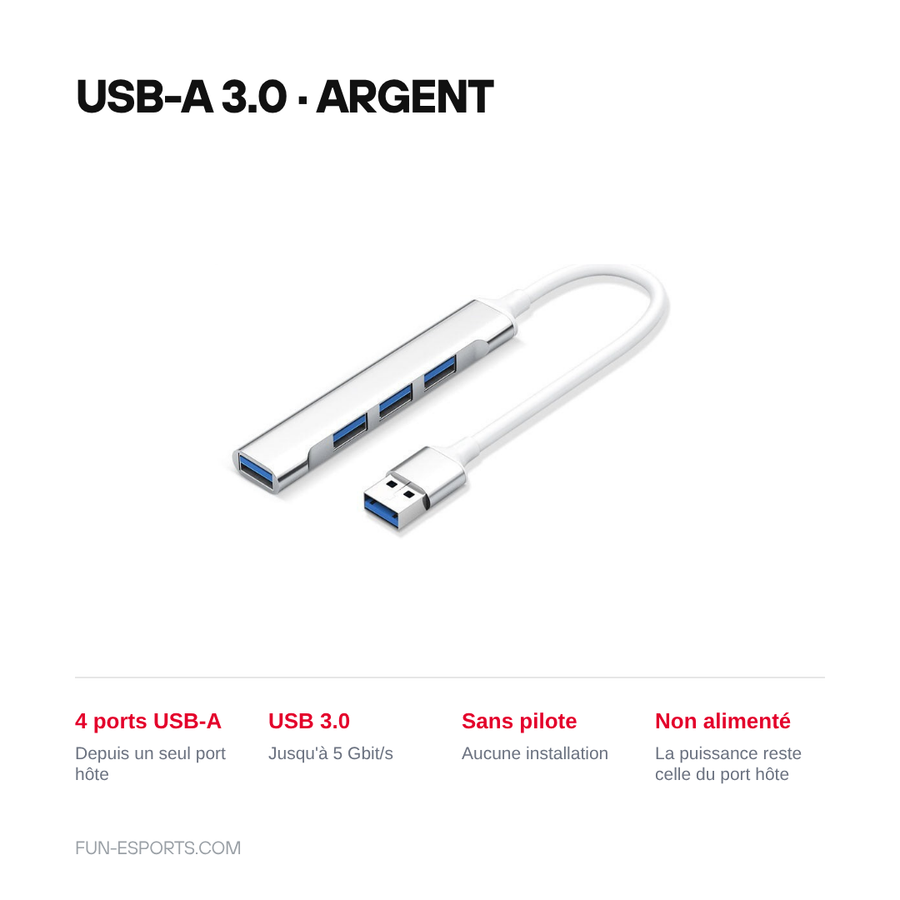
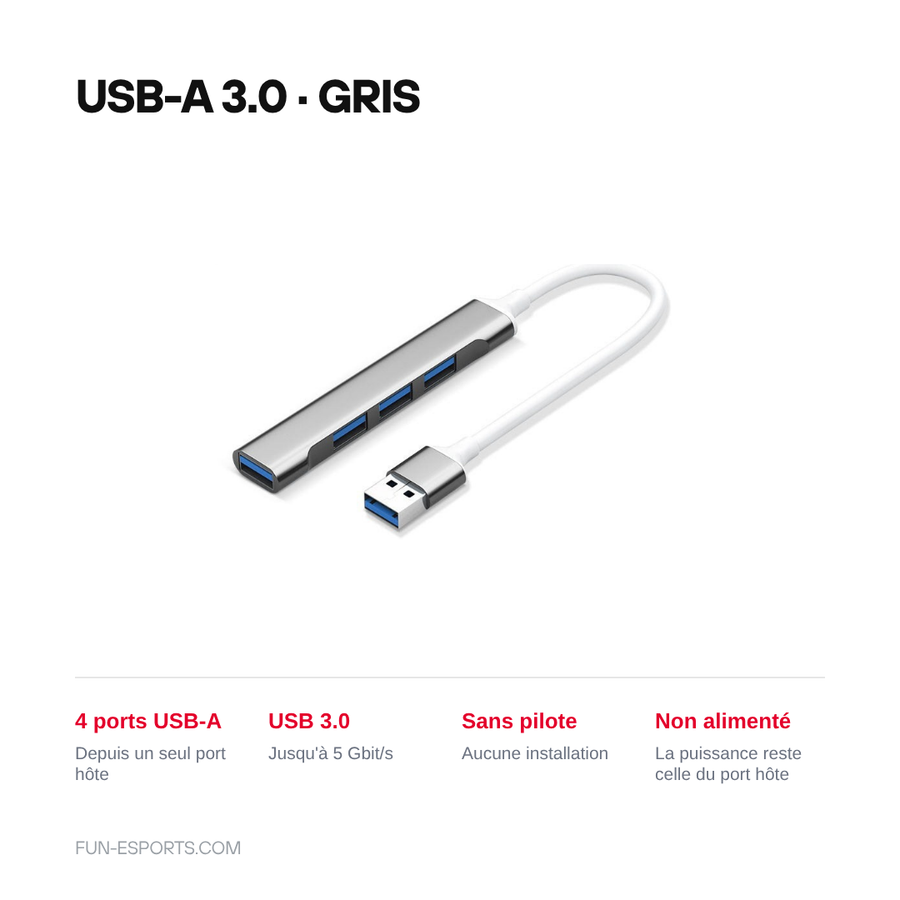
On a laptop, an emulation mini-PC or an Android handheld, USB ports run out fast: two controllers, a keyboard, a ROM stick and there is no room left. This 4-port hub plugs into a single port and gives you four, with no driver and no configuration. Two host connectors to choose from, USB-A or USB-C, in a 2.0 or 3.0 version.
What it does
- Four USB-A ports: enough to connect two controllers, a keyboard and a USB stick at the same time.
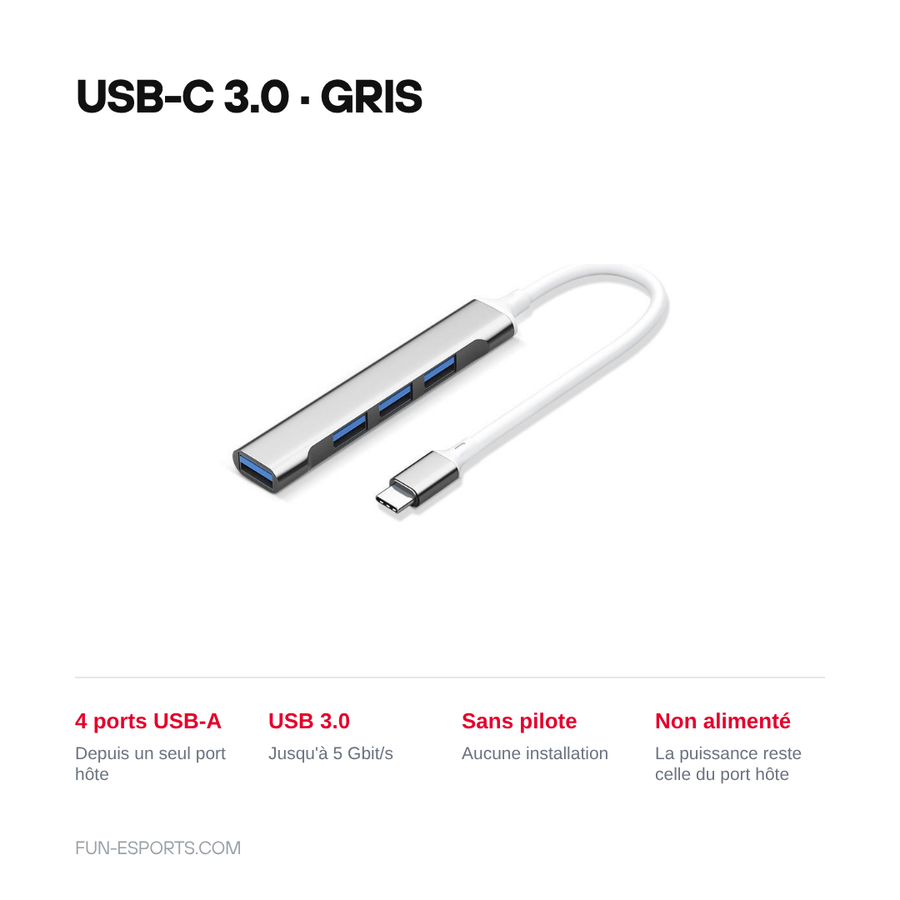
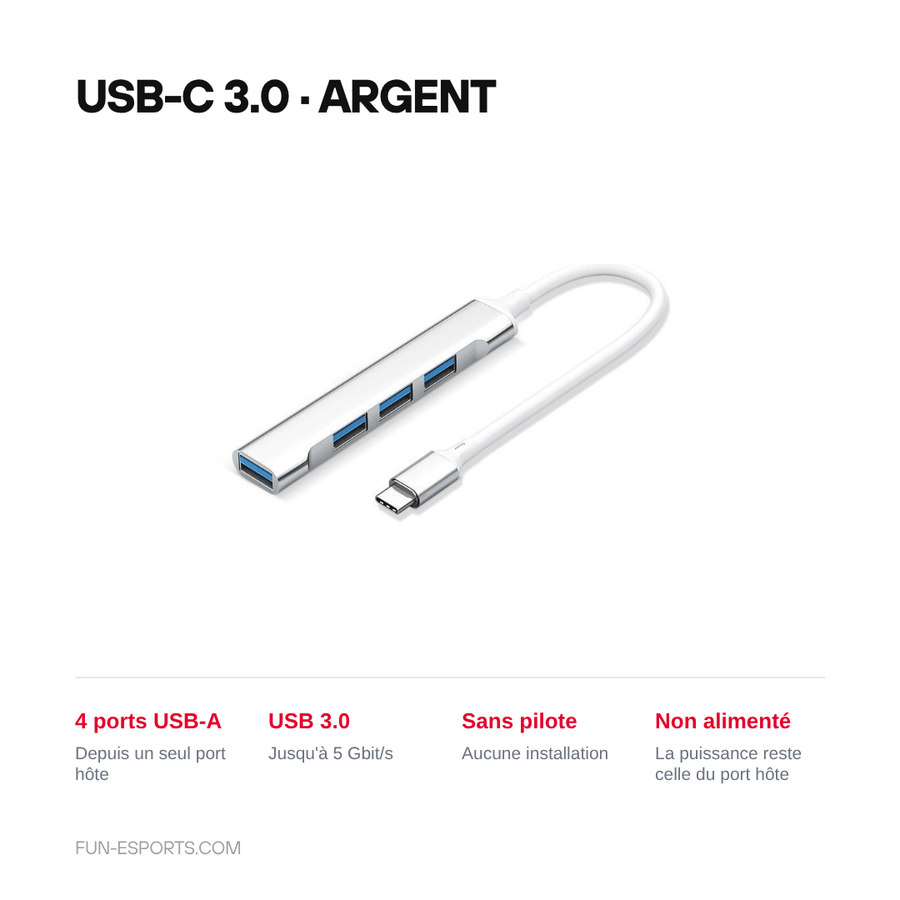
- Host connector of your choice: USB-A for a PC or a conventional mini-PC, USB-C for a recent machine or a handheld that supports USB OTG.
- Two speeds: 2.0 version (up to 480 Mbit/s, enough for controllers and peripherals) or 3.0 version (up to 5 Gbit/s, for file transfers).
- No driver: recognised straight away by Windows, macOS and Linux.
What it doesn't do
- No external power supply: the available power is whatever the host port provides, shared between the four sockets. A power-hungry 2.5" hard drive or charging a console may not work.
- Despite the "docking station" wording used by the supplier, there is no HDMI video output, no network socket and no card reader: these are four USB ports, nothing else.
- It doesn't speed up a slow port: plugged into a USB 2.0 port, a 3.0 hub stays limited to the host port's speed.
- On a handheld, operation depends on the machine's USB OTG mode — some do not enable it.
Compatibility
Windows PCs, Macs, Linux machines and emulation mini-PCs. The USB-C variants suit machines with a Type-C port and Android or Linux handhelds that support USB OTG. The 2.0 or 3.0 choice and the colour (grey or silver) are made when ordering. This hub is not a power adapter and does not replace a video dock.
Skill required
None. Plug it in and it is recognised: no disassembly, no soldering, no software to install. Just check your machine's connector (USB-A or USB-C) before choosing the variant.
In the box
- 1 four-port USB hub, connector and colour according to the variant chosen.
Delivery in 10 to 18 days · ships within 3 to 5 days · 2-year legal guarantee · 14-day returns.
Worth reading before you order: Gaming Accessories
4-Port USB Hub for a Gaming Setup — USB-A or USB-C Version
Four USB ports from a single one: controllers, keyboard and USB stick connected at the same time.
En stock
📦Ships within 3 to 5 business days · Delivery in 10 to 18 business days · 2-year legal guarantee · 14-day returns.
ℹÀ partir de 150 €, la livraison s’effectue en Point Relais.
- 🇫🇷SAV français
réponse sous 1 jour ouvré - 🛡Garantie légale
2 ans - ↩14 jours
pour changer d’avis - 🔒Paiement sécurisé
CB · PayPal · Klarna
The single port that ruins the evening
An emulation mini-PC, a slim laptop or a recent Android console often offer only one or two USB ports. As soon as you want two controllers for a two-player game, a keyboard to configure RetroArch and a stick holding the ROMs, something has to be unplugged. It is exactly the kind of detail that cuts a session short before it starts.
What four ports change
The hub plugs into a single port and gives you four, recognised without a driver under Windows, macOS and Linux. You leave the controllers permanently connected and keep a socket free for the USB stick. The 3.0 version reaches 5 Gbit/s for transferring a ROM set, while 2.0 is more than enough for input devices.
What we say before you buy
The supplier calls it a « docking station »: it is a hub, nothing more. No HDMI, no network, no card reader. It has no external power supply, so the available power is that of the host port and a power-hungry hard drive may not spin up. And on a handheld, everything depends on USB OTG: if the machine doesn't support it, no hub will change that.
What this accessory brings
Verified manufacturer specifications · vérifié le
Ce qu’il fait bien
- Four USB-A ports from a single host port
- USB-A or USB-C host connector, your choice
- 2.0 version (480 Mbit/s) or 3.0 version (5 Gbit/s)
- No driver to install
- Compact format, easy to carry in a bag
Ce qu’il ne fait pas
- No external power supply: the power is the host port's, shared between the four sockets
- No video output, no network socket and no card reader, despite the supplier's « docking station » wording
- Doesn't speed up a slow port: plugged into USB 2.0, the speed stays that of the host port
- On a handheld, depends on whether the machine supports USB OTG
Voir toute la fiche technique+
Matière et format
- Type d’accessoire
- USB hub
Compatible avec
- Windows PC
- Mac
- Linux
- Emulation mini-PC
- Handheld consoles with an OTG-compatible USB-C port
Dans la boîte
- 1 four-port USB hub (connector and colour according to the variant chosen)
Frequently Asked Questions
🔌 How many ports does this hub add?
Four USB-A ports, from a single port used on your machine.
🖥️ USB-A or USB-C: which variant should I choose?
Look at the free port on your machine. USB-A for a PC or a conventional mini-PC, USB-C for a recent laptop or a handheld that supports USB OTG.
⚡ Does it need an external power supply?
No, and there isn't one: the hub draws its power from the host port. That power is shared between the four sockets, which limits power-hungry peripherals.
🎮 Can I connect two controllers at the same time?
Yes, that is the main use: two wired controllers or two wireless dongles, plus a keyboard and a USB stick.
💾 Does an external hard drive work on it?
A USB stick or a frugal SSD works without any trouble. A mechanical 2.5" hard drive draws more current: without an external power supply, start-up is not guaranteed.
🧩 Do I need to install a driver?
No. Windows, macOS and Linux recognise the hub as soon as it is plugged in.
🚚 What are the delivery times?
Delivery in 10 to 18 days, ships within 3 to 5 days.
🛡️ What guarantee applies?
2-year legal guarantee of conformity. 14-day returns. Our customer service replies within 1 business day.
Why buy here rather than on a marketplace
It is a fair question. Here is the answer, straight.
Every listing is checked before publication: real compatibility, material, dimensions, box contents. Many models never make it into the catalogue.
A question about compatibility, a fit problem, a return: you write, a human replies within 1 business day. In French.
The 2-year legal warranty of conformity is handled by us — not by a form on the other side of the world. And 14 days to change your mind, with no need to justify yourself.
We do not claim to be the cheapest. We claim that you will know exactly what you are buying before you pay.
Read this before choosing
Our guides to accessories: compatibility, protection, transport.

Pixel art: create your own designs for a Divoom display
Grid size, number of colours, outlines, animation: the guide to getting started in pixel art and displaying your own creations on a Divoom display.
2 min de lecture · publié le

Divoom pixel art speakers: which one should you choose?
Astrotoo, Ditoo-Pro, FlowToo, Tiivoo-2, Timebox-Evo, MiniToo, Fairy-OK: the seven Divoom speakers compared, by use and budget.
2 min de lecture · publié le

Times Frame or Times Frame Pure: which Divoom floating photo frame should you choose?
64 or 32 GB, three colours or just one, a dial or not: the real differences between the Times Frame and Times Frame Pure…
1 min de lecture · publié le