Description complète
Attack Shark R1 Wireless Gaming Mouse – Ultimate Precision and Performance
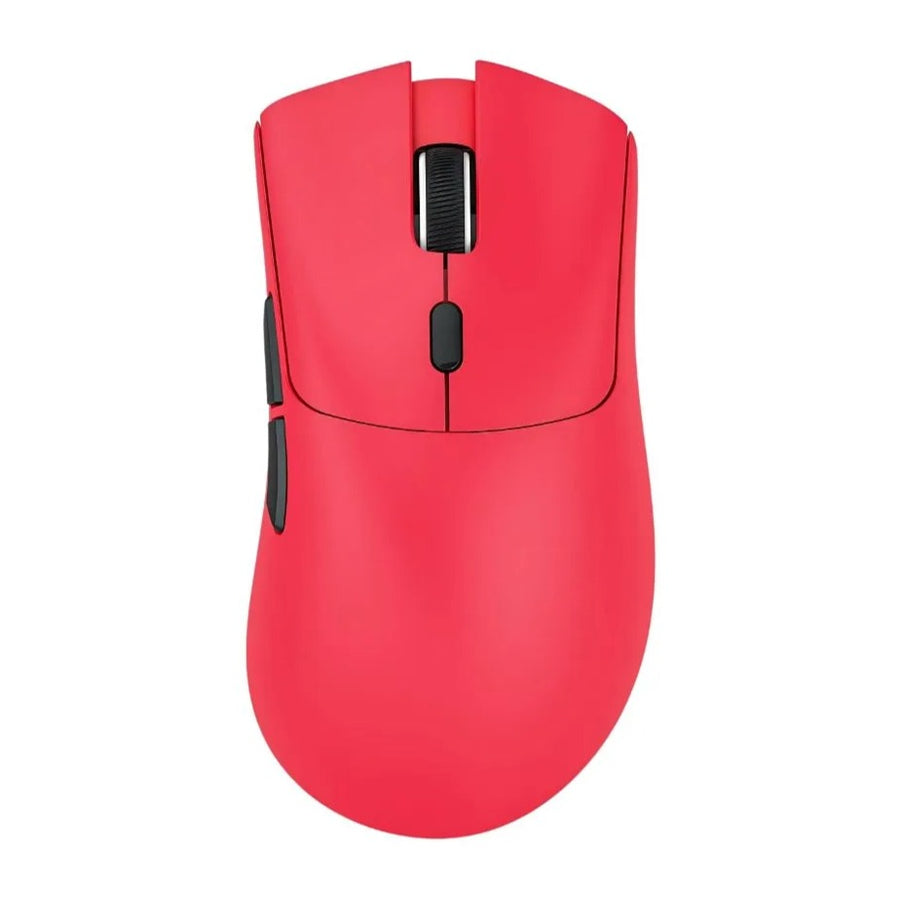
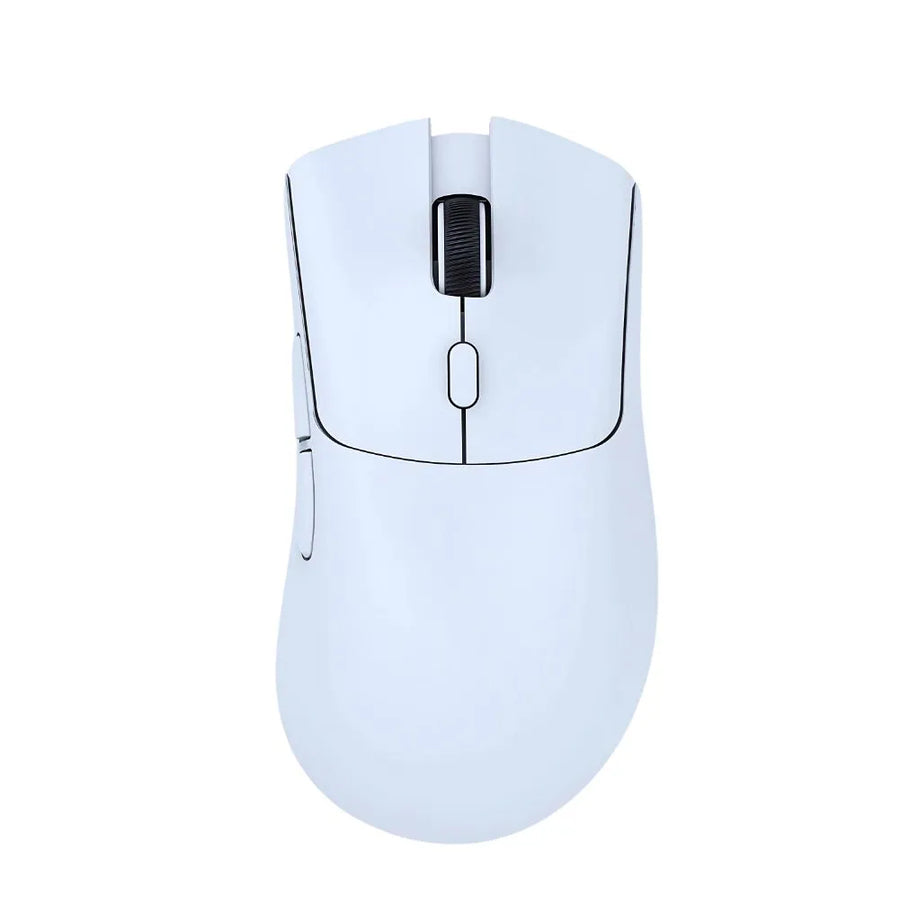
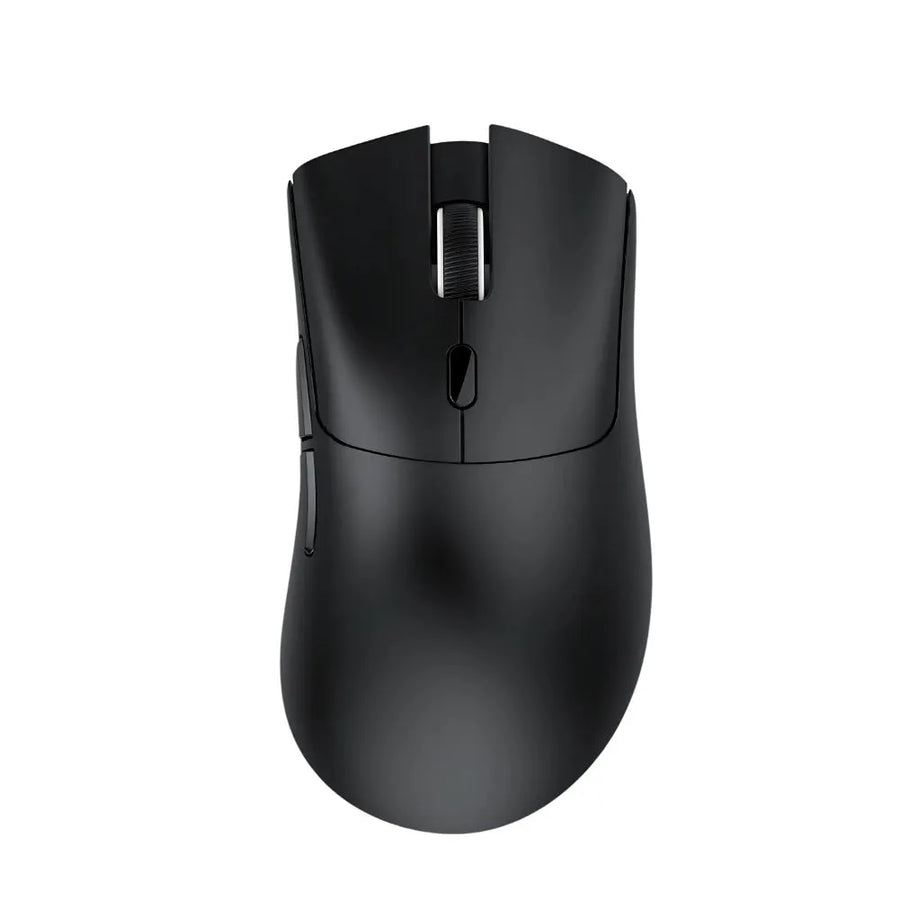
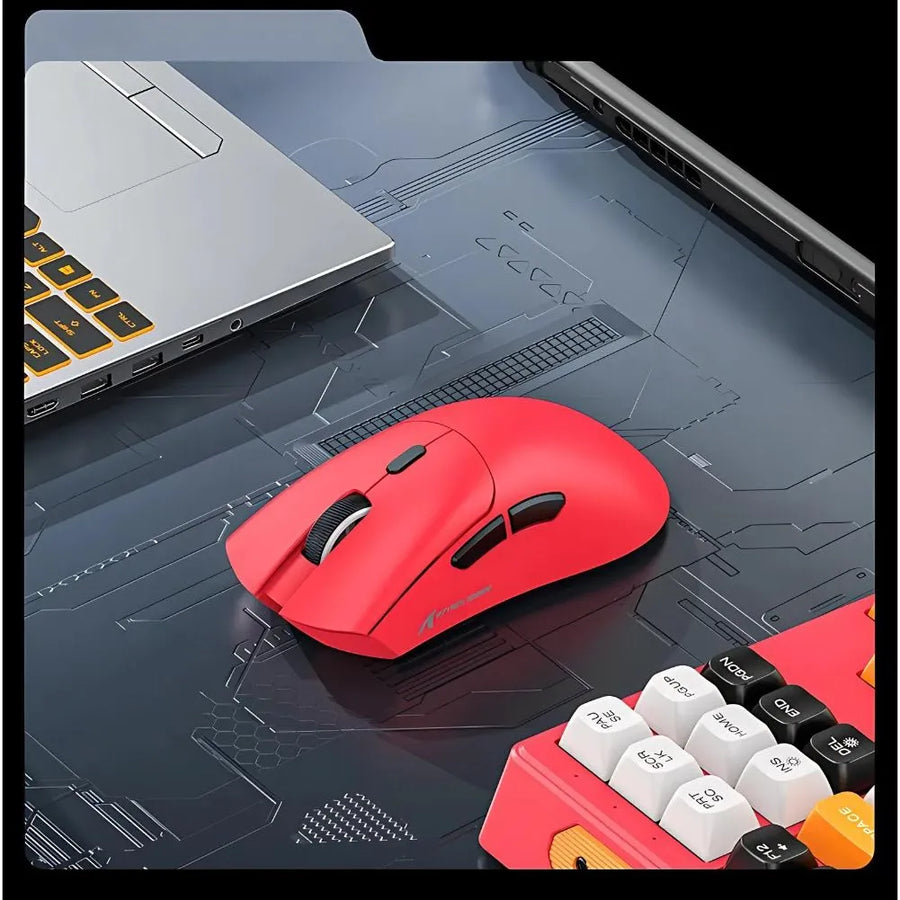
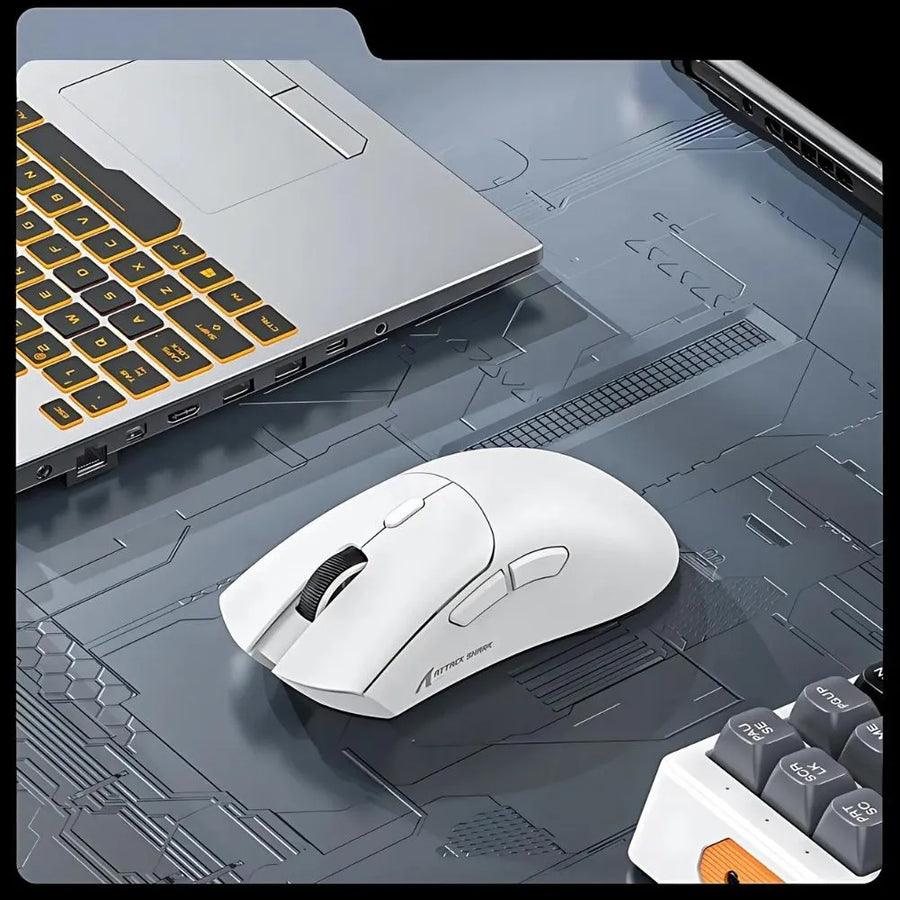
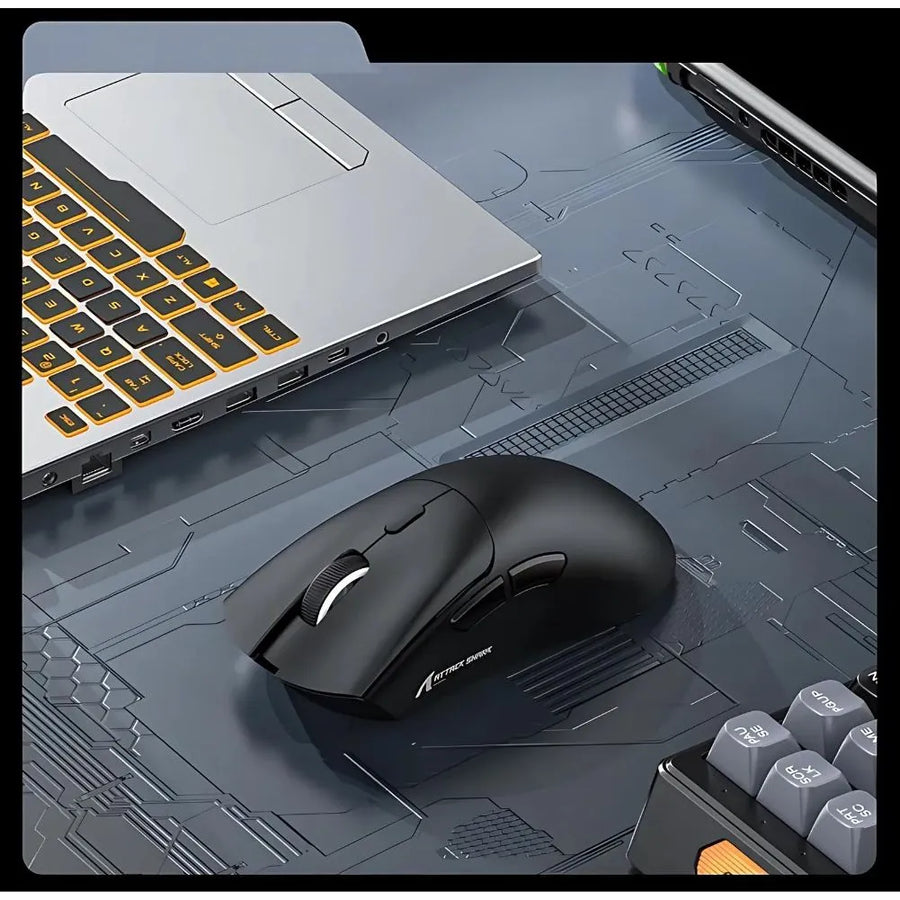
Unleash top-level performance with the Attack Shark R1 wireless gaming mouse . Designed for demanding gamers, it offers pinpoint accuracy thanks to its adjustable DPI of up to 18,000. Enjoy optimal responsiveness with its Pixart 3311 sensor and tri-mode connectivity (Bluetooth, 2.4 GHz, and USB) for maximum flexibility. Its lightweight design (59 g) and robust buttons ensure a comfortable grip for even the most intense gaming sessions.
Key features of the Attack Shark R1 Wireless Gaming Mouse
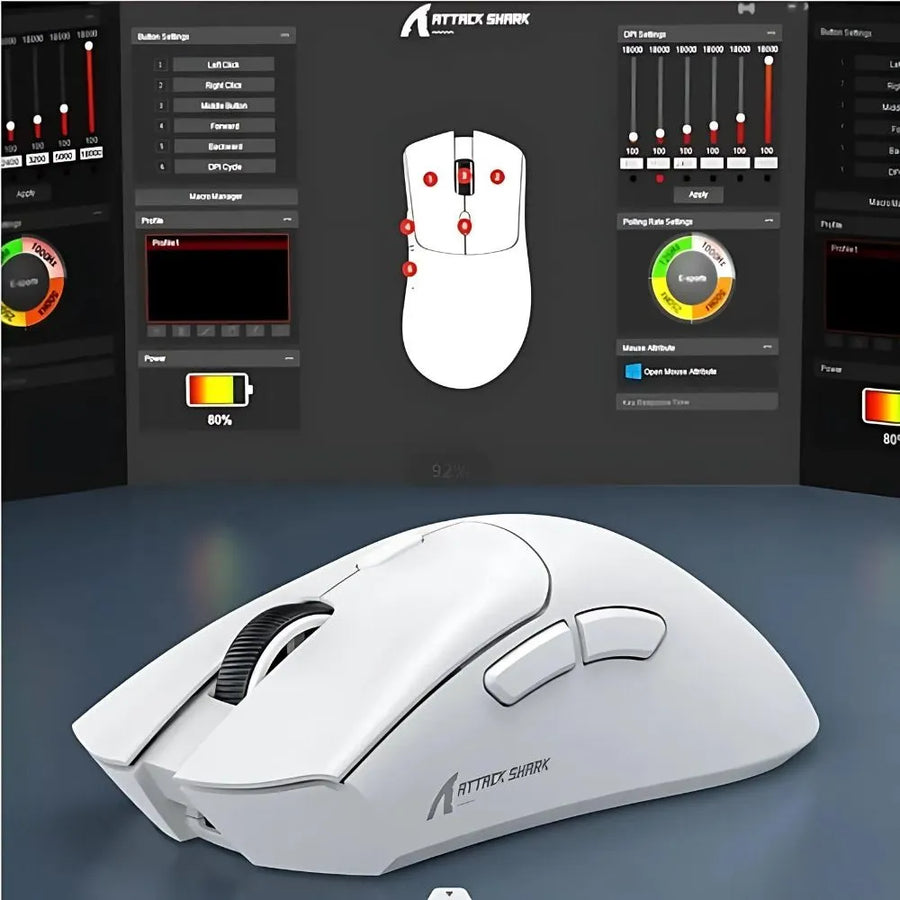
- Adjustable DPI up to 18,000 : Extreme precision for all types of games, with color indicators for each level.
- Tri-mode connectivity : Choose between Bluetooth, 2.4G or USB to adapt to any situation.
- Pixart 3311 sensor : Flawless responsiveness for perfect control of your movements.
- Button durability : Huayu switches supporting up to 20 million clicks for maximum longevity.
Technical specifications of the Attack Shark R1 Gaming Mouse
- DPI : 800 to 18,000, adjustable with color indicators.
- Sensor : Pixart 3311.
- Connection Modes : Wired, 2.4G, Bluetooth.
- Refresh Rate : 125–1000 Hz, adjustable via software.
- Weight : 59 g (without receiver).
- Button durability : 20 million clicks.
- Compatibility : Windows XP to Win 11, macOS, Android, Linux.
Box contents
- 1 x Attack Shark R1 Gaming Mouse
- 1 x 2.4G Receiver
- 1 x User Manual
- 1 x USB-C Cable
- 1 x Anti-slip stickers
Usage tips for an optimal experience
For optimal gaming performance, adjust the DPI according to the type of game. Apply the anti-slip stickers to improve grip during intense sessions and regularly recharge the included USB-C cable.
Why choose the Attack Shark R1 Gaming Mouse?
The Attack Shark R1 wireless gaming mouse is perfect for gamers seeking precision, responsiveness, and durability. Its flexible connectivity, high-performance sensor, and lightweight design make it an ideal choice for dominating all types of games.
Discover our Gaming Mouse collection to complete your setup and find the perfect accessory!
Attack Shark R1 Wireless Gaming Mouse - Precision and Flexibility
PixArt PAW3311 sensor at 18 000 DPI, 59 g and a stated 65 hours, over 2,4 GHz, Bluetooth 5.2 or USB-C wired.
Ce qu’il y a dedans
- Récepteur USB-A 2,4 GHz
En stock
📦Delivery in 10 to 18 days · dispatched within 3 to 5 days.
ℹÀ partir de 150 €, la livraison s’effectue en Point Relais.
- 🇫🇷SAV français
réponse sous 1 jour ouvré - 🛡Garantie légale
2 ans - ↩14 jours
pour changer d’avis - 🔒Paiement sécurisé
CB · PayPal · Klarna

What it does best: a full-size shell at 59 g
A stated 59 g for a 123,5 × 64 × 41 mm shell, which means a full-size format and not a miniature mouse. Attack Shark reaches that weight with liquid-nitrogen-cooled injection molding. The PixArt PAW3311 sensor goes up to 18 000 DPI across 6 steps, with a stated 400 IPS. The white Huano switches are rated for 20 million clicks. Three connection modes, switchable with a button under the mouse.

PAW3311: what the sensor can do, and where it stops
The PAW3311 is a recent entry-level sensor. It tracks movement up to a stated 400 IPS, about 10 metres per second. Beyond that, tracking drops out. In practice, only FPS players on very low sensitivity, who sweep across the whole mouse pad in one motion, reach that limit. High-end sensors such as the PAW3395 state 650 IPS. That is the main gap between this R1 and PAW3395 models.

Who it is not for
It is not for the competitive FPS player on very low sensitivity: the 400 IPS of the PAW3311 quickly come close to wide arm sweeps, where a PAW3395 states 650. It is not for you either if you want RGB lighting or a charging dock — neither is stated here. Finally, Attack Shark does not publish the battery capacity: only the 65 hours of battery life are communicated, which rules out any precise comparison with the competition.
Sélection
Why this mouse is in our catalogue
We check every mouse before listing it. Many never make it in.
Every mouse is checked before it enters the catalogue: the sensor actually fitted, the weight on the scales, the shape and the grips it supports, what it does not do. Many models never make it in, because they do not live up to what they announce. What this one can do, and where it stops, is detailed further down this page.
🎮Selected by Julien · Fun-Esports
What this mouse can do
Verified manufacturer specifications · vérifié le
Ce qu’elle fait bien
- Capteur PixArt PAW3311 : 18 000 DPI sur 6 paliers, 400 IPS annoncés.
- 59 g annoncés pour un châssis de taille pleine, 123,5 × 64 × 41 mm.
- Switches Huano blancs, 20 millions de clics annoncés par le constructeur.
- 65 heures d'autonomie annoncées.
- Trois modes commutables par un bouton sous la souris : 2,4 GHz, Bluetooth 5.2, filaire USB-C.
Ce qu’elle ne fait pas
- Capteur PAW3311 : 400 IPS annoncés, contre 650 IPS sur les PAW3395 des modèles supérieurs.
- Aucun éclairage RGB annoncé sur ce modèle.
- Pas de base de charge : la recharge passe par le câble USB-C.
Voir toute la fiche technique+
Capteur et précision
- Capteur
- PixArt PAW3311
- DPI maximum
- 18000
- Fréquence d’interrogation
- 1000 Hz
Châssis et clics
- Switches
- Huano blancs, 20 millions de clics annoncés par Attack Shark
- Forme
- Ergonomique
- Connexion
- Tri-mode (2,4 GHz / BT / USB-C) · 2,4 GHz wireless · Bluetooth 5.x · USB-C wired
Compatibilité
- Windows
- macOS
- Android
- Linux
Prises en main
- Paume
- Griffe
Connectique
- Récepteur USB-A 2,4 GHz
- USB-C (mode filaire et recharge)
Format
- Poids
- 59 g
- Dimensions
- 123,5 × 64 × 41 mm
- Logiciel de configuration
- Pilote Attack Shark R1
Frequently Asked Questions
What is the difference with the Attack Shark X6?
The sensor and the kit. The R1 carries a PixArt PAW3311 at 18 000 DPI and 400 IPS, with no charging dock and no RGB. The X6 uses a PixArt PAW3395 at 26 000 DPI, with a magnetic RGB charging dock, and weighs 49 g against 59 g.
How long does the battery last?
Attack Shark states 65 hours. The capacity in mAh is not published by the manufacturer, so we do not list it.
How do you switch connection mode?
With a button under the mouse, which moves from the 2,4 GHz link to Bluetooth 5.2. Wired mode is activated by plugging in the USB-C cable.
18 000 DPI, do you really need to use them?
No. Most players stay between 400 and 3 200 DPI. The 6 adjustable steps cover that range easily; the 18 000 DPI figure shows the sensor's headroom.
Is there RGB lighting?
No RGB lighting is stated on this model. Color indicators only signal the selected sensitivity step.
Is it suitable for large hands?
The shell measures 123,5 × 64 × 41 mm, with 41 mm of height at the back. It is a full-size format, which accepts the palm grip as well as the claw grip.
Why buy here rather than on a marketplace
It is a fair question. Here is the answer, straight.
Every listing is checked before publication: real sensor, DPI, weight, shape, what the mouse does not do. Many models never make it into the catalogue.
A question, a driver problem, a return: you write, a human replies within 1 business day. In French.
The 2-year legal warranty of conformity is handled by us — not by a form on the other side of the world. And 14 days to change your mind, with no need to justify yourself.
We do not claim to be the cheapest. We claim that you will know exactly what you are buying before you pay.
Read this before choosing
Our guides to gaming mice: sensor, weight, grip.

Retroid Pocket Flip 2, the next generation foldable Android console
foldable Android console that combines AMOLED and Snapdragon power
3 min de lecture · publié le

Anbernic RG557: Portable Android for retro gaming
Anbernic RG557: the portable Android that puts AMOLED at the service of retro (and more)
3 min de lecture · publié le

Anbernic RG35XX Pro: the portable retro console that reinvents the Game Boy
3 min de lecture · publié le