Description complète
8BitDo N30: the 8-bit controller turned into a desk mouse
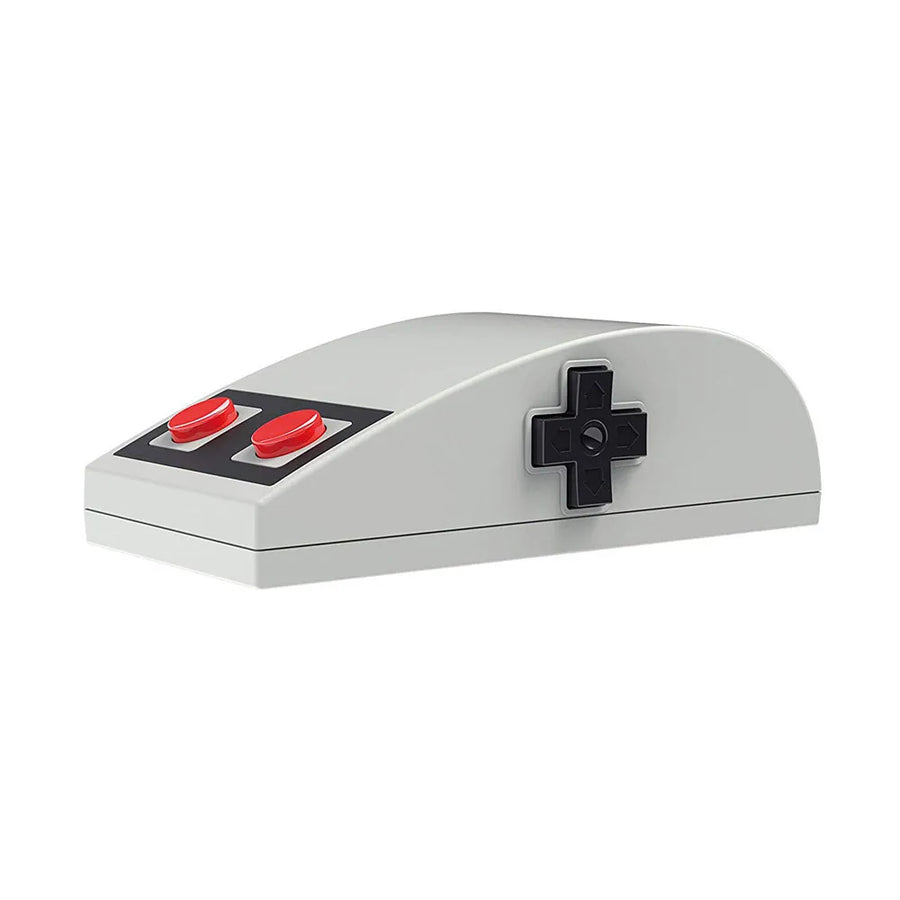
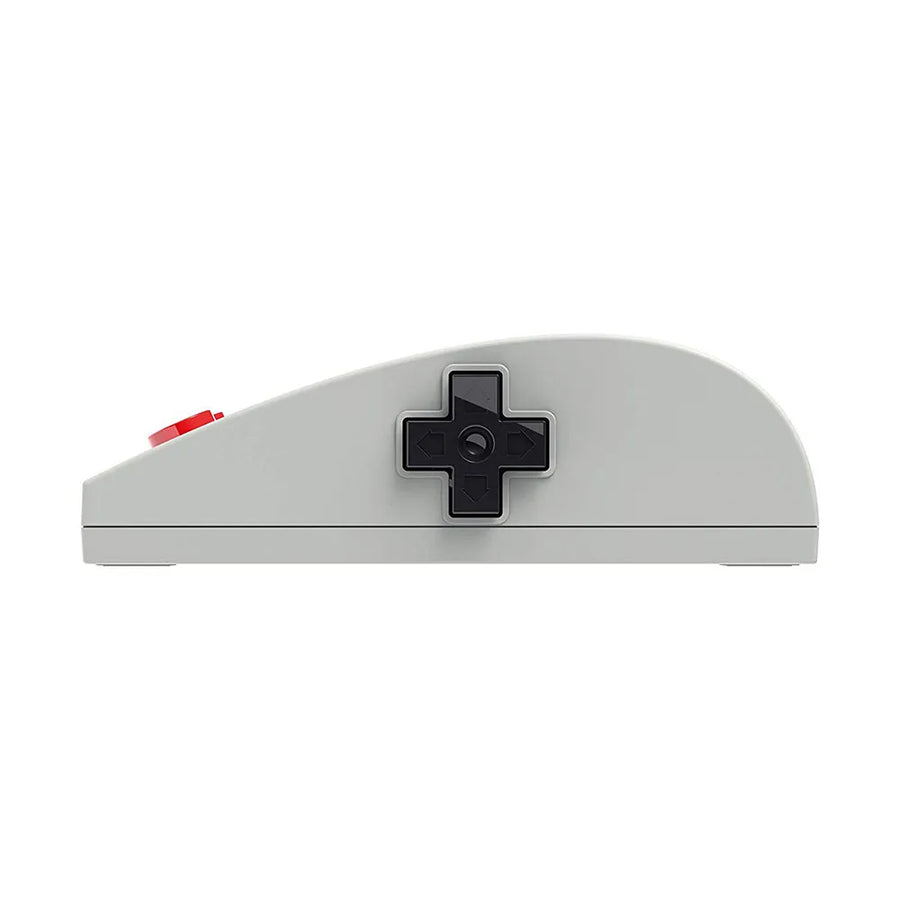
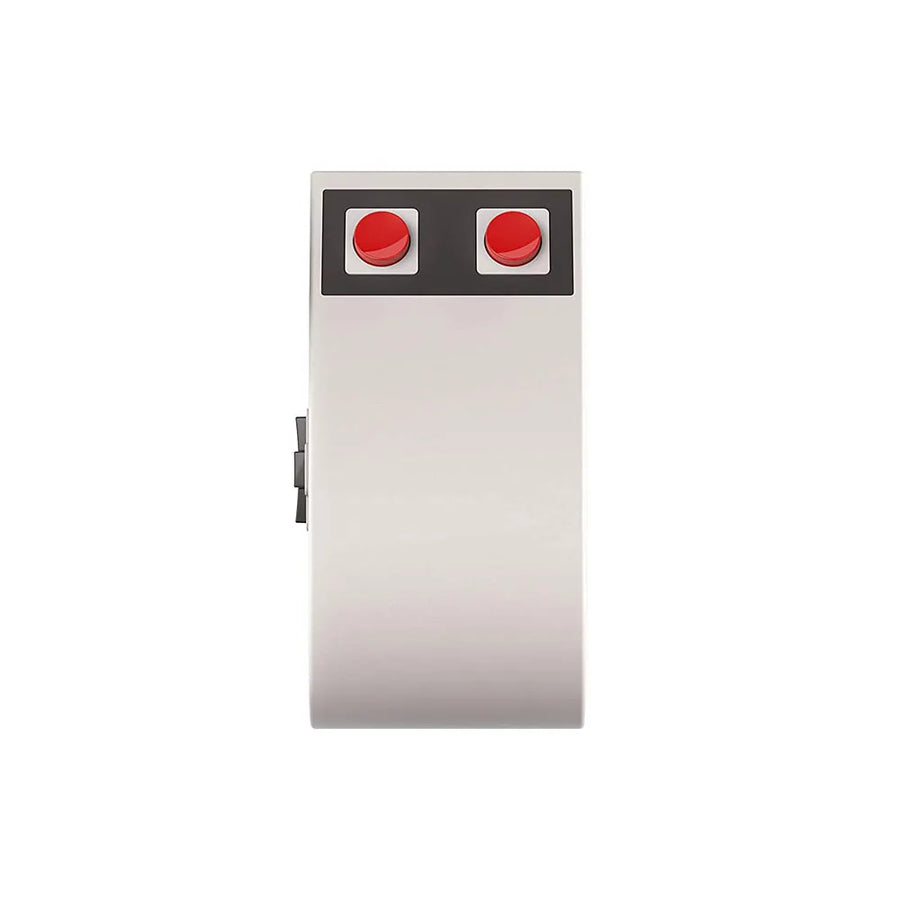
The N30 takes the light grey, the black band and the two red buttons of the 8-bit controller. The left and right clicks are those two buttons. On the side, a directional pad is used for navigation. It is a desk mouse for a retro setup, not a gaming mouse.
What it does
- 2.4 GHz wireless: USB receiver included, stated range of 10 metres.
- Touch surface: the top of the mouse is used for scrolling, with no wheel.
- One AA battery: 100 to 120 hours of use stated.
- Lightweight: 71 g, 110 × 56 × 35 mm.
What it doesn't do
- It is not a gaming mouse: 1,000 DPI sensor, no sensitivity adjustment.
- No Bluetooth: it needs the USB receiver, so a free USB port.
- No rechargeable battery: it runs on one AA battery, not included.
- No wheel: scrolling uses the touch surface, which takes some getting used to.
- It does not connect to any vintage console.
Compatibility
Windows and macOS, with the 2.4 GHz receiver plugged into USB. No vintage console is supported.
Getting started
Insert an AA battery, plug the receiver into a USB port and switch the mouse on. No software is needed.
In the box
- 1 8BitDo N30 mouse
- 1 2.4 GHz receiver
- 1 manual
The full selection: Retro mice
8BitDo N30 wireless mouse — 8-bit controller shape, red buttons and navigation pad
The 8-bit controller turned into a desk mouse. For a retro setup, not for gaming.
En stock
📦Delivery in 10 to 18 days · dispatched within 3 to 5 days
ℹÀ partir de 150 €, la livraison s’effectue en Point Relais.
- 🇫🇷SAV français
réponse sous 1 jour ouvré - 🛡Garantie légale
2 ans - ↩14 jours
pour changer d’avis - 🔒Paiement sécurisé
CB · PayPal · Klarna
The controller we held, now under the palm
Light grey, black band, two red buttons: the N30 reproduces the 8-bit controller line for line. The two buttons are the left and right clicks, and the directional pad sits on the side. On a desk, it is recognisable from afar and matches a retro keyboard or keycaps.
Easy to plug in, nothing to install
One AA battery, the 2.4 GHz receiver in a USB port, and the mouse works on Windows and macOS. No driver, no software. The battery lasts 100 to 120 hours of use according to the manufacturer, and is replaced in seconds.
A desk mouse, not a competition mouse
Let's be clear: the N30 is not made for gaming. Its sensor stays at 1,000 DPI with no adjustment, and scrolling uses a touch surface instead of a wheel. For a retro setup, it is perfect. For gaming on PC, the 8BitDo Retro R8 is better suited.
What this mouse can do
Verified manufacturer specifications · vérifié le
Ce qu’elle fait bien
- Shape and colours of the 8-bit controller
- 2.4 GHz wireless, 10-metre range
- 100 to 120 hours on one AA battery
- No software to install
Ce qu’elle ne fait pas
- Desk mouse, not for gaming: fixed 1,000 DPI
- No Bluetooth, USB receiver required
- AA battery not included, no rechargeable battery
- No wheel: scrolling via touch surface
Voir toute la fiche technique+
Capteur et précision
- DPI maximum
- 1000
Châssis et clics
- Forme
- 8-bit controller, flat top
Format
- Poids
- 71 g
- Dimensions
- 110 × 56 × 35 mm
Frequently Asked Questions
🎮 Can you game with it?
Not really. Its sensor stays at 1,000 DPI with no adjustment. It is a desk mouse. For gaming, the 8BitDo Retro R8 is better suited.
🔌 How does it connect?
2.4 GHz wireless, with the included USB receiver. It has no Bluetooth.
💻 Which computers does it work with?
Windows and macOS, with no software to install.
🔋 How is it powered?
By one AA battery, not included, for 100 to 120 hours of use according to the manufacturer. It has no rechargeable battery.
🖱️ How do you scroll a page?
With the touch surface on top of the mouse. There is no wheel, which takes some getting used to.
📦 What is in the box?
1 8BitDo N30 mouse, 1 2.4 GHz receiver and 1 manual.
🚚 What are the delivery times?
Delivery in 10 to 18 days, dispatched within 3 to 5 days.
🛡️ What warranty applies?
2-year legal guarantee of conformity. Returns within 14 days.
Why buy here rather than on a marketplace
It is a fair question. Here is the answer, straight.
Every listing is checked before publication: real sensor, DPI, weight, shape, what the mouse does not do. Many models never make it into the catalogue.
A question, a driver problem, a return: you write, a human replies within 1 business day. In French.
The 2-year legal warranty of conformity is handled by us — not by a form on the other side of the world. And 14 days to change your mind, with no need to justify yourself.
We do not claim to be the cheapest. We claim that you will know exactly what you are buying before you pay.
Read this before choosing
Our guides to gaming mice: sensor, weight, grip.

Pixel art: create your own designs for a Divoom display
Grid size, number of colours, outlines, animation: the guide to getting started in pixel art and displaying your own creations on a Divoom display.
2 min de lecture · publié le

Divoom pixel art speakers: which one should you choose?
Astrotoo, Ditoo-Pro, FlowToo, Tiivoo-2, Timebox-Evo, MiniToo, Fairy-OK: the seven Divoom speakers compared, by use and budget.
2 min de lecture · publié le

Times Frame or Times Frame Pure: which Divoom floating photo frame should you choose?
64 or 32 GB, three colours or just one, a dial or not: the real differences between the Times Frame and Times Frame Pure…
1 min de lecture · publié le