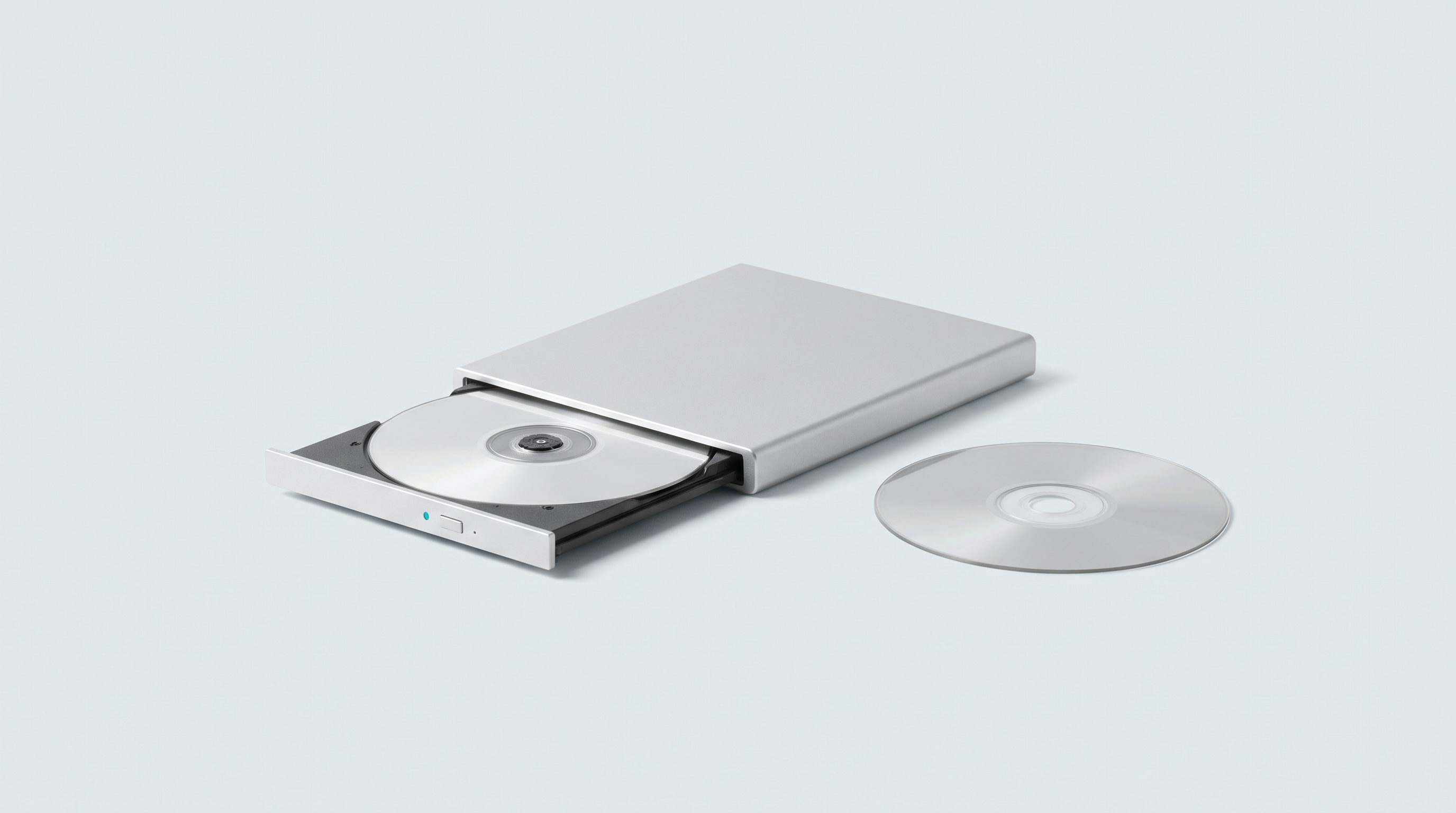
To copy your cartridges, you have to buy a reader. For your PlayStation 1 and PlayStation 2 discs, you don't: a computer's optical drive is enough. An internal burner, a cheap USB enclosure or the drive in the laptop sleeping in a cupboard: this is the hardware people used to burn CDs fifteen years ago. The PS1 uses CDs, the PS2 uses DVDs, two formats any drive knows how to read. The work consists of getting the right file format, then checking that the copy is complete.
The legal framework, in three sentences
Making a backup copy of software you own is provided for by Article L122-6-1 of the French Intellectual Property Code. Video games, however, have been classed as a "complex work" since a French Court of Cassation ruling of 25 June 2009, and no French case law settles the question of a disc you own. One point, on the other hand, leaves no doubt: downloading a game image is an infringement, even if the original disc is sitting on your shelf. We are retailers, not lawyers: this is information, not legal advice.
The legal catalogues are gathered on our Where to play legally page, and the overall picture, cartridges included, is in our complete guide to copying.
The hardware
An internal drive connected over SATA in a desktop tower is the most comfortable option: stable power, rotation speed often adjustable. An external USB enclosure does the job perfectly well. So does a slim laptop drive, but it runs hot and is less consistent on damaged discs.
The classic pitfall with external drives is power: many draw more current than a passive USB hub delivers. The result is interrupted reading, an ejected disc, errors that have nothing to do with the condition of the disc. Plug the drive straight into a port on the computer, using the supplied Y cable if there is one.
Second caveat: not all drives are equal once you go beyond plain reading. The reference tools give the advantage to Plextor models on the tricky areas of a CD, rank certain LG, Asus and Lite-On units lower, and flag limitations on generic drives. Irrelevant for a PS2 DVD, decisive for protected European PS1 games.
| Type of drive | PS2 (DVD) | PS1 (CD) | Limitation to know about |
|---|---|---|---|
| Internal SATA in a tower | Yes | Yes | The most stable; speed adjustable depending on the model |
| External USB desktop drive | Yes | Yes | Plug into a direct port, not a passive hub |
| Slim laptop drive | Yes | Yes | Runs hot, less consistent on a scratched disc |
| Blu-ray drive | Yes | Depends on the model | Some handle CDs and audio tracks poorly |
The PlayStation 1: a CD, so BIN plus CUE
A PS1 disc is not a simple data file. Many titles store their music as separate audio tracks, in standard CD format, just like an album: the disc then holds a data track followed by one or more sound tracks.
Hence two kinds of file. The .bin file or files hold the raw data. The .cue is a small text file describing the structure: how many tracks, in what order, of what type, at what position. Without it, the emulator sees a mass of bytes with no idea where the music starts.
A game copied without a .cue sometimes starts, but stays silent where the soundtrack should be playing, or freezes at the title screen. And if you rename the .bin, correct the name it holds by opening the .cue in a text editor.
The copying software
-
Redumper: free software, Windows and Linux, with a macOS version announced. It produces
.binfiles split by track, the.cue, a detailed log and, depending on the drive, a subchannel reading. It is the most talkative tool about read quality. - DiscImageCreator: the other reference tool, used by the Redump preservation project, often driven through a graphical interface.
- ImgBurn: free, Windows, simple interface. Its read mode writes a BIN plus CUE pair as soon as the disc has several tracks, and an ISO image for a single-track DVD. Less talkative about errors, enough for a disc in good condition.
- cdrdao: command line under Linux.
Then keep the .cue and its .bin files in the same folder. For a multi-disc game, an .m3u file listing the .cue files in order lets the emulator change disc without leaving the game.
The PlayStation 2: a DVD, so an ISO image
The PS2 reads DVDs, except for part of the early catalogue released on CD — those discs are recognisable by their blue underside and are copied like a PS1 game, as BIN plus CUE. The rest is DVD, and a game DVD holds only one data track: the copy gives a single ISO file, with no companion file.
Under Windows, ImgBurn's read mode is enough. Under Linux or macOS, a raw copy of the optical device with dd gives the same result, the device name varying from one machine to another.
The real issue with the PS2 is size. A single-layer DVD goes up to 4.7 GB, a dual-layer one to 8.5 GB. That brings in a limit that catches people out: a card formatted in FAT32 refuses any file of 4 GB or more. A 3.8 GB ISO copies across; a 6 GB one is rejected, and the card is not to blame.
| Console | Medium | Format obtained | Typical size | Consequence for the card |
|---|---|---|---|---|
| PlayStation 1 | CD | BIN + CUE (+ M3U for multi-disc) | from 100 MB to ~700 MB | No constraint |
| PlayStation 2 (blue CDs) | CD | BIN + CUE | up to ~700 MB | No constraint |
| PlayStation 2 (single-layer DVD) | DVD-5 | ISO | up to 4.7 GB | FAT32 blocks from 4 GB |
| PlayStation 2 (dual-layer DVD) | DVD-9 | ISO | up to 8.5 GB | exFAT required, or compression |
Two ways out: format the card in exFAT, after checking that your firmware accepts it in our firmware compatibility table, or shrink the file. The choice of card matters just as much, and our benchmarks are in the article on choosing your microSD card. Finally, the PS2 only runs on Android consoles with enough power, never on Linux models: the detail is in our comparison of PS2 emulators for handheld consoles.
Converting to CHD afterwards
Once you have the image, converting it to CHD format often halves the size, without loss, and replaces the BIN plus CUE pair with a single file. The tool is called chdman, with one command for CD images and another for DVD images. A compressed dual-layer PS2 image frequently drops back below 4 GB, which settles the FAT32 card problem.
The procedure has its own article, with the exact commands and the pitfalls. Just check that your emulator accepts CHD for the system in question: it is the case for the common PS1 emulators and the main PS2 emulators, to be confirmed depending on the version.
The special cases
European PS1 games with LibCrypt protection
Some of the PS1 games released in Europe carry a protection called LibCrypt. It does not rest on the visible data of the disc, but on information stored in the subchannel, which an ordinary copy does not preserve. The game starts, then freezes or drops back to the title screen.
The remedy is a companion file with the extension .sbi. DuckStation's documentation is explicit: this file must have the same name as the game image and sit in the same folder. The emulator also accepts CHD images that already contain the subchannel information.
Getting that subchannel from your own disc requires a drive able to read it. This is where the model counts: when the drive can't manage it, the copying tool writes it in black and white in its log. A recent budget drive often fails on precisely this point.
Dual-layer PS2 games
A DVD-9 is read in two stages, with a switch point from one layer to the other: that is where reading slows down, and sometimes fails. Three habits to adopt: lower the speed if the software allows it, clean the disc, keep an eye on the final file size. A truncated image gets through the menus without a problem and always crashes at the same point in the game.
Scratched discs
Radial scratches, running from the centre to the edge, usually get through; circular scratches, which follow the track, are the most troublesome. Clean with lukewarm water and a microfibre cloth, from the centre outwards, never in circles, and let it dry.
If reading stumbles, run it again: a second pass, sometimes on a different drive, succeeds where the first one failed. Serious tools record unreadable sectors in their log, worth reading before concluding that the copy is good. If the copied game then refuses to start, our article on fourteen possible causes covers the more mundane explanations.
Saturn and Dreamcast: where it gets stuck
The Saturn uses CDs, often with audio tracks: a computer drive reads them. The obstacle lies elsewhere. Saturn emulators require the console's BIOS, which we do not supply and which cannot be downloaded legally, and Saturn emulation remains demanding, including on machines that handle the PS1 without flinching. Running a copy on the original console means getting around a hardware protection: we don't cover that subject.
The Dreamcast does not use an ordinary CD but a GD-ROM, a Sega proprietary format that fits around a gigabyte into a double-density area. A computer drive cannot address that area. Copying your own Dreamcast disc with the hardware described here is therefore not possible, and we give no alternative method.
Checking that the copy is sound
An incomplete image looks like a valid one until you get past the menu. Four checks remove the doubt.
- The tool's log. Redumper and DiscImageCreator detail the errors encountered. Zero sectors in error is the good signal; otherwise, read the disc again.
- The size. A PS2 ISO that stops at 700 MB when the disc is a DVD points to an interrupted read.
- The checksums. The tools calculate an MD5 or SHA-1 checksum of your copy. Preservation databases such as Redump publish the reference checksums, and nothing else: no game files. A match confirms that the copy matches the original.
- Playing it for real. Start the game, get past the title screen, load a level, trigger a cutscene. Flaws almost always show up at a scene change or on an audio playback.
For an image that has already been converted, chdman has a verification command that checks the integrity of the CHD file. It's quick, and it should be done before deleting the original image — which is worth keeping on an external drive until the game has been played through.
FAQ
Do you really need a particular drive?
No, not for ordinary reading: any computer DVD drive copies a PS1 or PS2 disc. The model only becomes decisive for protected European PS1 games, which require the subchannel to be read.
My computer no longer has a drive, what can I do?
An external USB enclosure can be found for a few tens of euros, new or second-hand. Connect it directly to a port on the computer: an unpowered hub causes interruptions that get wrongly blamed on the disc.
BIN plus CUE or CHD, which should you keep?
CHD for playing: it takes up less space and fits in a single file. The original image as an archive, on an external drive. The conversion is reversible; reading a damaged disc again isn't always.
Why does my PAL game freeze after the title screen?
That is the typical symptom of LibCrypt protection on a European PS1 game: the .sbi file is missing, and it must have exactly the same name as the image and sit in the same folder. A CHD image that already contains the subchannel data also settles the problem.
Can a PS2 image run on a Linux console?
No. Handheld consoles running Linux stop at the PlayStation 1, the Nintendo 64 or the Dreamcast depending on the model; the PS2 needs a powerful Android machine. Copying your discs still makes sense: the file doesn't expire.
Where to start
Take a PS1 game in good condition, copy it, launch it, listen to the music. Once that first copy is validated, the rest is only a matter of reading time. The machines able to run what you have copied, PS2 included, are gathered in our selection of Android consoles.