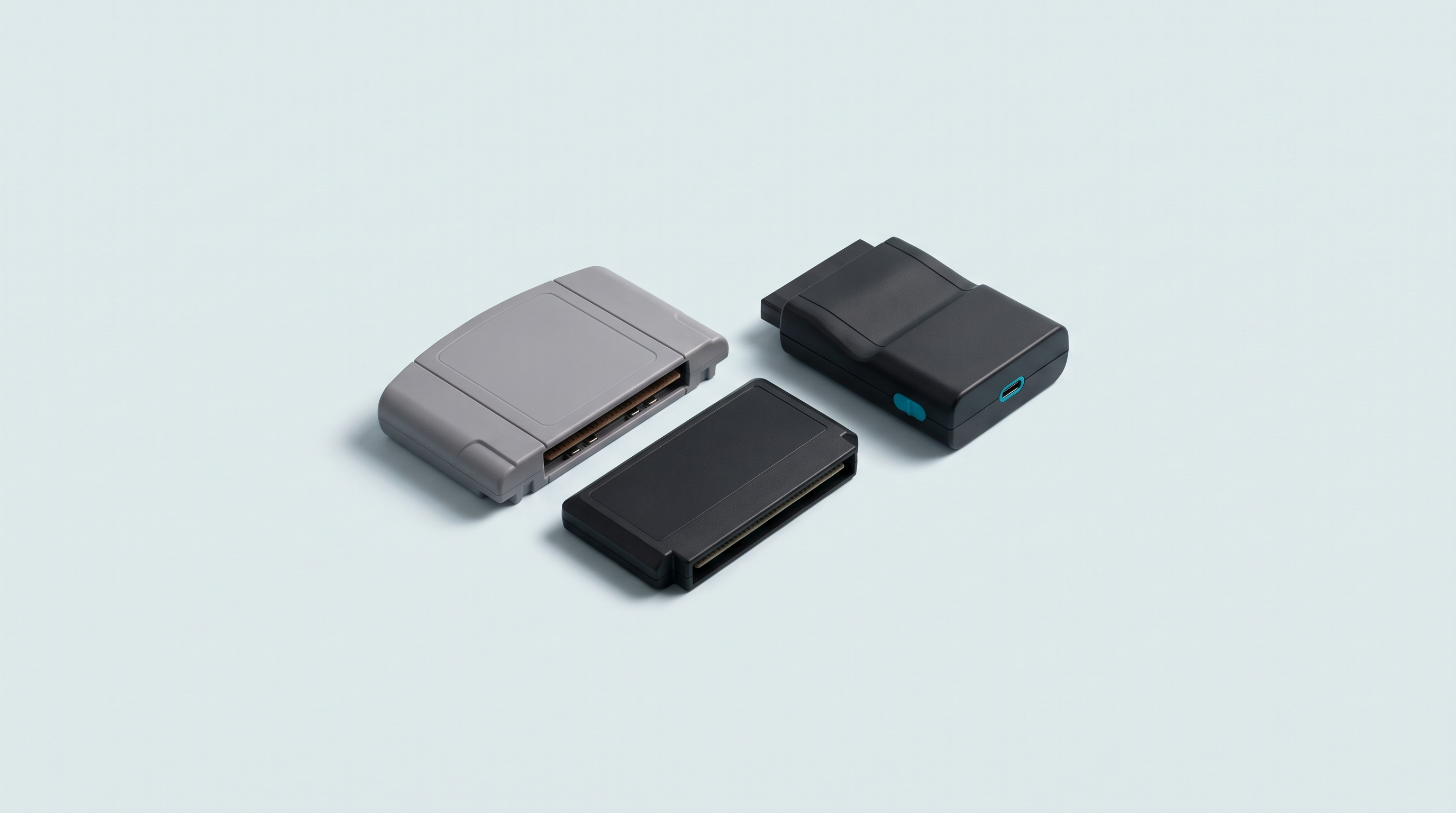
A Nintendo 64 cartridge and a Mega Drive cartridge pose two different problems. On the N64, the file you get can come out in three incompatible byte orders, and the saved game sits in one of four possible memories, sometimes even outside the cartridge. On the Mega Drive, the obstacle is more mundane: a coin cell fitted in 1993, a few titles with special chips, and a file format inherited from the copiers of the day. Here's how to handle both families cleanly, from plugging in to a verified file.
The legal framework, in three sentences
Making a back-up copy of software you own is provided for by article L122-6-1 of the French Intellectual Property Code. However, video games have been classed as a “complex work” since the Cour de cassation ruling of 25 June 2009, and no French case law settles the question of copying a cartridge you own. One point is certain, on the other hand: downloading a ROM is an infringement, even if the original cartridge is in your drawer. Official sources are listed on our Where to play legally page. We are retailers, not lawyers: this is information, not legal advice.
The hardware, system by system
No single connector reads both a Nintendo 64 cartridge and a Mega Drive cartridge. So you either choose a dedicated reader or a multi-system device with several slots.
| System | What reads it | Note |
|---|---|---|
| Nintendo 64 | BennVenn Joey 64 · Open Source Cartridge Reader · N64 module for the Retrode 2 | The Joey 64 mounts like an external drive, Controller Pak included |
| Mega Drive / Genesis | Open Source Cartridge Reader (built-in slot) · Retrode 2 · Retrode 3 announced | Native slot on the Open Source Cartridge Reader |
| Master System | Open Source Cartridge Reader (built-in slot) · SMS module for the Retrode 2 | The SMS module is one of the few still offered by OpenPandora |
| Game Gear | Open Source Cartridge Reader with an adapter | Listed as “supported with an adapter”, not among the native slots |
The Open Source Cartridge Reader advertises native slots for NES, Super Nintendo, Nintendo 64 — Controller Pak included — Game Boy, Mega Drive and Master System, plus many other systems via adapters. At Retrode, OpenPandora warns that most of its modules are no longer made for lack of connectors, and is preparing a Retrode 3 announced at under €100, price and date to be confirmed.
The model-by-model comparison, with recorded prices, is in our cartridge readers section; the method common to all systems is in our complete guide to dumping cartridges.
Nintendo 64: the three byte orders
This is the quirk that surprises people most. The same cartridge can give three files with identical content but bytes arranged differently: .z64, .v64 or .n64, depending on the device and the software.
| Extension | Byte order | First four bytes of the file |
|---|---|---|
.z64 |
The machine's native order | 80 37 12 40 |
.v64 |
16-bit half-words swapped, the Doctor V64 copier format | 37 80 40 12 |
.n64 |
32-bit words swapped | 40 12 37 80 |
These three signatures are the ones the mupen64plus code uses to recognise the format and put the file back in order before loading it. Every known commercial cartridge carries the value 80 37 12 40 at that position: that's what makes automatic detection possible.
The practical consequence: open the file in a hex editor, look at its first four bytes, and you'll know which order it's in. Most emulators accept all three and convert on the fly; some older tools demand .z64, to be confirmed depending on the software. When in doubt, keep the .z64.
.z64 can contain bytes arranged as .v64. Trust the first four bytes, not the name.Nintendo 64: the four save types
The N64 has no single save format. Each publisher picked its own memory, and a reader that doesn't handle yours will leave you the ROM, but not your saved games.
| Type | Capacity | Usual extension | Examples |
|---|---|---|---|
| 4 kbit EEPROM | 512 bytes | .eep |
Super Mario 64, Mario Kart 64, GoldenEye 007, Banjo-Kazooie, Star Fox 64 |
| 16 kbit EEPROM | 2 KB | .eep |
Donkey Kong 64, Banjo-Tooie, Perfect Dark, Conker's Bad Fur Day, Mario Party 3 |
| SRAM | 32 KB | .sra |
Ocarina of Time, Super Smash Bros., 1080 Snowboarding, Resident Evil 2 |
| Flash | 128 KB | .fla |
Majora's Mask, Paper Mario, Pokémon Stadium |
| Controller Pak | 32 KB | .mpk |
An accessory, not a cartridge |
Three ways to find out what your game uses. Let the reader do it: serious devices announce the type before dumping. Consult the mupen64plus project's public database, which gives the type title by title — it's the source of the examples above. Or, once the dump is done, look at the file size: 512 bytes, 2 KB, 32 KB or 128 KB each point to one type and one only.
One detail explains a lot of disappointments: on the N64, the EEPROM isn't wired to the cartridge bus but to the same serial line as the controllers, with its own commands. So a cheap dumper designed to read the ROM may simply ignore it. Check this point before buying.
Many games, incidentally, have no internal memory at all: more than five hundred entries in the mupen64plus database are marked as having no cartridge save. Those wrote to the Controller Pak.
The Controller Pak, to be treated like a cartridge
The Controller Pak is a 32 KB memory card that slides into the underside of the controller, built on SRAM powered by a coin cell housed in the accessory. It's the most fragile medium in the N64 ecosystem, and often the one holding your lap times in Mario Kart 64 or Diddy Kong Racing.
The Joey 64 and the Open Source Cartridge Reader read it like a cartridge: insert, read, and you get an .mpk of exactly 32 KB — any other size means an incomplete read. Do it before changing the accessory's battery, never after: removing the cell wipes the SRAM.
Mega Drive: batteries, formats and chips
Battery-backed cartridges
Not every Mega Drive cartridge saves, and those that do use two techniques. The first is SRAM kept alive by a soldered coin cell: Phantasy Star IV, Shining Force, Beyond Oasis. That's the family on borrowed time, the cell being thirty years old.
The second is a serial EEPROM, which keeps data without a battery. It's fitted to a short, well-identified list: Wonder Boy in Monster World, Mega Man - The Wily Wars, NBA Jam, NHLPA Hockey 93, Micro Machines 2 and the other Codemasters J-Carts, several Acclaim titles. Those games are safe, but not every reader knows how to read their memory.
There's no need to open the cartridge to find out which one you have: the ROM header declares it. The characters RA at offset 0x1B0 indicate an external memory, followed by a byte that distinguishes SRAM from EEPROM and says whether it occupies the even bytes, the odd bytes or both. SRAM wired to the odd bytes only gives a file twice as big as expected, half filled with FF: that's normal.
File formats
A Mega Drive cartridge read correctly gives a raw file, named .bin, .md or .gen. All three mean the same thing: the ROM as it is, with the string SEGA readable at offset 0x100.
The special case is .smd, produced by Super Magic Drive copiers: a 512-byte header, then interleaved data, each 16 KB block split into two halves, one with the odd bytes, the other with the even ones. A recent emulator detects it and puts it back in order on its own; a tool that doesn't know the format will make nothing of it. A dump you make yourself with a modern reader gives raw data.
On the Master System and Game Gear, checking is simpler still: the string TMR SEGA must appear at one of the three offsets 0x1FF0, 0x3FF0 or 0x7FF0 depending on the title.
Games with unusual hardware
Three cases stand apart, worth knowing before a strange result surprises you.
- Virtua Racing carries an extra chip, the SVP. The file reads like any other, but running it requires an emulator that supports this chip.
- Super Street Fighter II uses a dedicated bank mapper. A correct dump must return the whole ROM, not just the first bank.
- Sonic & Knuckles has a connector on top that takes another cartridge. You dump both separately; it's the emulator that reconstructs the combination.
Opening and cleaning, only when necessary
In most cases, a cotton bud lightly dampened with isopropyl alcohol on the gold contacts is enough, with nothing taken apart: rub along the tracks, let it dry, try again.
If you really must open one, Nintendo 64 cartridges come apart with a 3.8 mm Gamebit security screwdriver. On the Sega side it varies by region and revision: some shells unclip without screws, others take a security screw of the same kind. Check yours before buying a screwdriver, to be confirmed depending on the version in hand.
Dumping step by step
A Nintendo 64 cartridge
- Clean the contacts if the cartridge has been sitting in a box, and let it dry.
- Connect the reader, or power it if it's a standalone SD-card unit.
- Insert the cartridge all the way, without forcing, with the device switched off if the manufacturer asks for it.
- Dump the ROM and note the extension of the file produced.
- Then dump the save: it's a separate operation on all these devices.
- Check the size you get: 512 bytes, 2 KB, 32 KB or 128 KB, never anything else.
- Dump the ROM again and compare the two files. If they're identical, the dump is reliable.
A Mega Drive, Master System or Game Gear cartridge
- Clean the contacts the same way, and fit the adapter if it's a Game Gear cartridge.
- Insert the cartridge and let the device identify the ROM size from the header.
- Dump the ROM, then check for
SEGAat offset 0x100, orTMR SEGAon an 8-bit Sega cartridge. - If the header declares an external memory, dump the save next.
- Dump again and compare, here too.
Almost all these devices can also write back to rewritable cartridges. That isn't the subject of this article, nor what we recommend them for.
Troubleshooting
- Two successive dumps give different files. Unstable contact: clean again and reinsert. A dump you can't reproduce is a bad dump.
- The ROM loads but the picture falls apart. On the N64, look at the first four bytes: your tool expects a different order.
-
No save is found. On the N64, check that the game has internal memory and that your reader handles EEPROM. On the Mega Drive, check the
RAfield before concluding there's a fault. - The save is empty even though the game had one. On a battery-backed cartridge, the cell is dead: SRAM loses its contents along with its power, and there's nothing to recover.
Once you have the files
One folder per system, the ROM and its save side by side, a copy on a second medium. If the file then refuses to launch on a handheld console, the problem lies elsewhere: the folder or the emulation core, a subject covered in our article on firmware folder structures. A successful dump stored on a single drive is not a backup. For the formats a handheld console expects, see our article on retro handheld saves; to find out which machines really hold up with the N64 on the move, see our comparison of Nintendo 64 emulators on handheld consoles.
Gamebit screwdrivers, cotton buds and disassembly kits are gathered in our workshop and modding section.
Which byte order should you keep for your Nintendo 64 files?
.z64, which matches the machine's native order: it's the format checksum databases compare against, and the one every tool accepts. If your reader produces .v64 or .n64, the content is the same, only the arrangement of the bytes changes.
How do I know which save type my N64 game uses?
Look at the size of the file produced: 512 bytes for a 4 kbit EEPROM, 2 KB for a 16 kbit EEPROM, 32 KB for SRAM, 128 KB for Flash. The mupen64plus project's public database also gives the information title by title, and serious readers display the type before dumping.
Can you read a Game Gear cartridge with a Master System reader?
Not directly. On the Open Source Cartridge Reader, the Master System has a native slot while the Game Gear is among the systems supported via an adapter. So plan for the adapter at the same time as the device.
Does my Mega Drive cartridge have a battery?
Only games with battery-backed SRAM have one. The header says so: the characters RA at offset 0x1B0 indicate an external memory, and the next byte distinguishes SRAM from EEPROM. EEPROM titles, such as Wonder Boy in Monster World or Micro Machines 2, do without a battery.
Can a single device handle my whole Nintendo and Sega collection?
Just one, in practice: the Open Source Cartridge Reader, which brings NES, Super Nintendo, Nintendo 64, Game Boy, Mega Drive and Master System slots together in one box. It costs considerably more than a dedicated reader and is partly self-assembled. For just two systems, two dedicated devices work out cheaper.