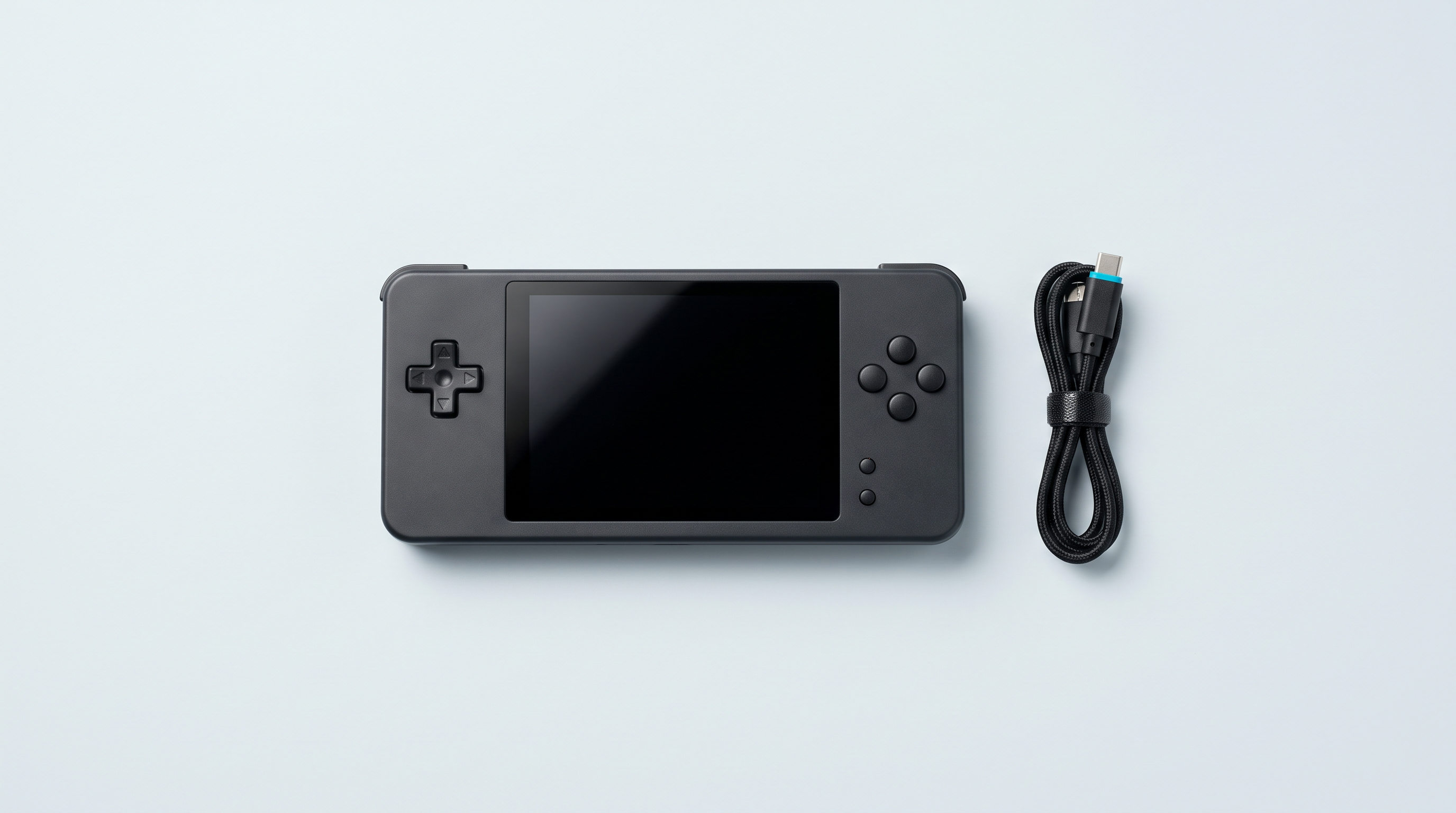
You press the button, nothing. No light, no vibration, not a sound. In the vast majority of cases, a retro handheld that won't turn on isn't dead: it's flat, it's booting from a damaged microSD card, or it's already on without you seeing it. Genuine hardware faults do exist, but they come at the end of the list. Here are the causes in the order you should rule them out, each with its symptom and the action to take, then what you must never attempt.
| What you see | Most likely cause | First thing to do |
|---|---|---|
| No light, no reaction | Battery, cable or charger | Charge for an hour without touching it |
| Light on, black screen | microSD card or firmware | Remove the card and turn it back on |
| The cable no longer holds | Dirty charging port | Clean it dry, console switched off |
| Sound or vibration, no picture | Backlight | Shine a light across the screen |
| Only works plugged in | Battery at the end of its life | Contact customer service |
| After a drop or a spill | Impact or moisture | Don't turn it on, don't charge it |
1. The battery is completely flat
Symptom. No reaction at all, even plugged in. The console hasn't been used for weeks.
Cause. A lithium battery's protection circuit cuts everything off when the voltage drops too low, between 2.2 and 2.9 V per cell depending on the manufacturer. The console can then neither start up nor show that it's charging, and the charger has to wake it at a low current first.
Solution. Plug it into a mains charger, not a power bank: many cut out when the current drawn is too low. Leave it for an hour without touching it.
2. The cable or the charger is at fault
Symptom. Nothing with this cable, when everything was fine yesterday.
Cause. A USB-C cable with broken strands where it leaves the connector, or the charger: Retro Game Corps reports cases of overcharged, sometimes dangerous batteries linked to the mains adapter.
Solution. Go back to the supplied cable and change the charger. The label on the back tells you what the machine expects, generally 5 V at a modest current: avoid recent fast chargers.
3. The charging port is dirty
Symptom. The cable no longer holds, you have to tilt it for charging to start, and it stops at the slightest movement.
Cause. Lint gets into the port and each insertion packs it into a plug that prevents contact.
Solution. With the console switched off and unplugged, scrape outwards with a wooden toothpick. Never a metal object: the central tongue of a USB-C port bends without any effort. No compressed air, which pushes the lint further in.
4. The microSD card is blocking start-up
Symptom. The charging light responds, a logo sometimes appears, then the screen stays black.
Cause. On almost every Linux console, the system isn't in the machine: it's on the microSD card in the first slot. A corrupted, worn or counterfeit card, and there is nothing left to boot. Retro Game Corps notes that the generic cards supplied fail far more often than branded cards.
Solution. Switch off, remove the card, turn it back on. If the machine comes to life or shows a message, the doubt is settled. And if you replace it, write a complete system image: copying and pasting the files from the old card never boots. Our guide on choosing a microSD card details the models that hold up.
5. The firmware was written incorrectly
Symptom. Black screen after the logo, an incoherent picture or a boot loop, right after an installation.
Cause. An image meant for a neighbouring model, an interrupted write, or a badly extracted archive.
Solution. Wait first: on the first boot, these systems expand their partition, and the Knulli documentation gives one minute to a minute and a half on a 64 GB card. Beyond five minutes, the expansion has failed. Write the image again, checking the exact name of your model: Anbernic and TrimUI have very similar variants with incompatible files. Our guide to installing firmware and the compatibility table cover the rest.
6. The power button needs more than a press
Symptom. You press, you let go, nothing. You start again ten times, in vain.
Cause. The power-on threshold is longer than on a phone: some machines need a firm two- to three-second hold. A frozen console, for its part, doesn't respond to a short press.
Solution. Press and count to five without letting go, in a dark room. To force a stuck machine to shut down, the Onion documentation, on the Miyoo Mini, gives a hold of more than ten seconds. Some models also have a reset hole, worth checking in the manual.
7. The screen works, the backlight doesn't
Symptom. Black screen, but the console vibrates on start-up, makes a sound, or responds to the buttons.
Cause. Either the brightness has been taken down to zero by a shortcut pressed by accident, or the backlight no longer comes on.
Solution. In the dark, shine a lamp across the screen. A ghost image means the panel is alive and only the lighting is missing: bring the brightness back up with your firmware's shortcut, which varies from one system to another. If the screen stays black while the sound is running, the fault is a hardware one.
8. The battery is reaching the end of its life
Symptom. The console starts up plugged in and switches off as soon as you remove the cable, or stops at 40%.
Cause. Normal cell wear. Battery University's figures are clear: drained fully every time, a battery lasts on the order of three hundred cycles before falling to 80% of its capacity, against about a thousand if you only discharge it to 40%. Stored full at 25 °C, it loses nearly 20% in a year, against 4% stored at 40%.
Solution. No software remedy, only a replacement, which means opening the machine. To look after the ones that are still fine: recharge before going too low, avoid the car in summer, and store the console at around 40%.
9. The console has been dropped or has taken moisture
Symptom. Everything was working, then an impact or a liquid, and nothing since.
Cause. After a drop, often a connector knocked loose. After a liquid, corrosion, which sometimes takes several days to cut a track.
Solution. For a liquid, don't turn it on and don't plug anything in. Apple's recommendations for a wet device apply just as they stand: tap the device with the connector facing down, then leave it somewhere dry and in the open air. Apple states up to twenty-four hours of drying and advises against the bag of rice, whose particles get into the device. On a console that isn't waterproof, allow two days.
Switched off, or on with no picture?
That is the question that splits the diagnosis in two. Four observations are enough.
- The light. Plug in the charger: if it lights up, power is getting through.
- The sound. Headphones plugged in: a start-up sound means the system is running.
- The heat. The back of a machine that is working warms up within two minutes.
- The lamp. A ghost image visible from an angle, and the panel is alive.
Console on but black: the screen, the card or the firmware. No sign of life: the power supply. If it starts up fine but one title refuses to launch, see the fourteen causes of a game that won't start instead.
What not to do
Opening the machine while it is under guarantee. These shells are held together by clips and tiny screws, with ribbon cables that tear at the first wrong move. Above all, opening it ends the guarantee: a repair that would have been covered becomes a repair at your own expense.
Forcing the charge. A charger far more powerful than the label calls for, plugging in over and over, a night of charging with nobody watching: those are the situations in which overheated batteries are reported.
Drying with a hairdryer. Heat warps plastics and loosens adhesives. Apple explicitly advises against it, just as it does rice. Only slow, ventilated drying works.
Moving on to customer service
If the nine causes have been ruled out, the fault is a hardware one. Put the file together before you write: the exact model printed on the back, variants included; the date of purchase and the order number; what happened just before; what you have already tried, without a microSD card and with another cable; and finally ten seconds of video with the charger plugged in. That saves three rounds of messages.
Send it all through our contact page. Our consoles are covered for two years and customer service is in France. Don't ship anything before you have received the procedure to follow.
And if the verdict is a dead microSD card, the most common case, choose a checked model: the cards in our microSD cards section are verified by writing and reading back before dispatch.
My console only starts up when plugged into the charger. Can it be repaired?
Yes, but not with a setting: it is the sign of a battery that no longer holds, or of a connector knocked loose after a drop. In both cases the machine has to be opened, so it goes through customer service.
How long should I charge a completely flat console before it responds?
Allow an hour on a mains charger, without touching it: a battery whose protection circuit has cut out has to be woken at a low current first, and no light comes on at that point. If nothing moves after two hours, stop rather than insist.
How can I tell whether it is the microSD card without using a computer?
Remove the card from the first slot and turn the console back on. On a Linux console, the machine behaves differently without a card: a message, a waiting screen, behaviour that is abnormal but visible. If it shows signs of life without the card and stays black with it, the card is to blame. On an Android console, the test tells you nothing.
Can I replace the battery myself?
These batteries are often plugged in with a connector, with no soldering. But opening the console ends the guarantee, the cell is frequently glued in, and a pinched lithium battery is a real fire risk. Out of guarantee it is doable; under guarantee there is no point.
I spilled a liquid and the console still works. Should I do anything?
Yes. Switch it off, don't charge it, let it dry in the open air for at least twenty-four hours, two days if the liquid was sugary. Corrosion works slowly: a console that works the same day can fail the following week.