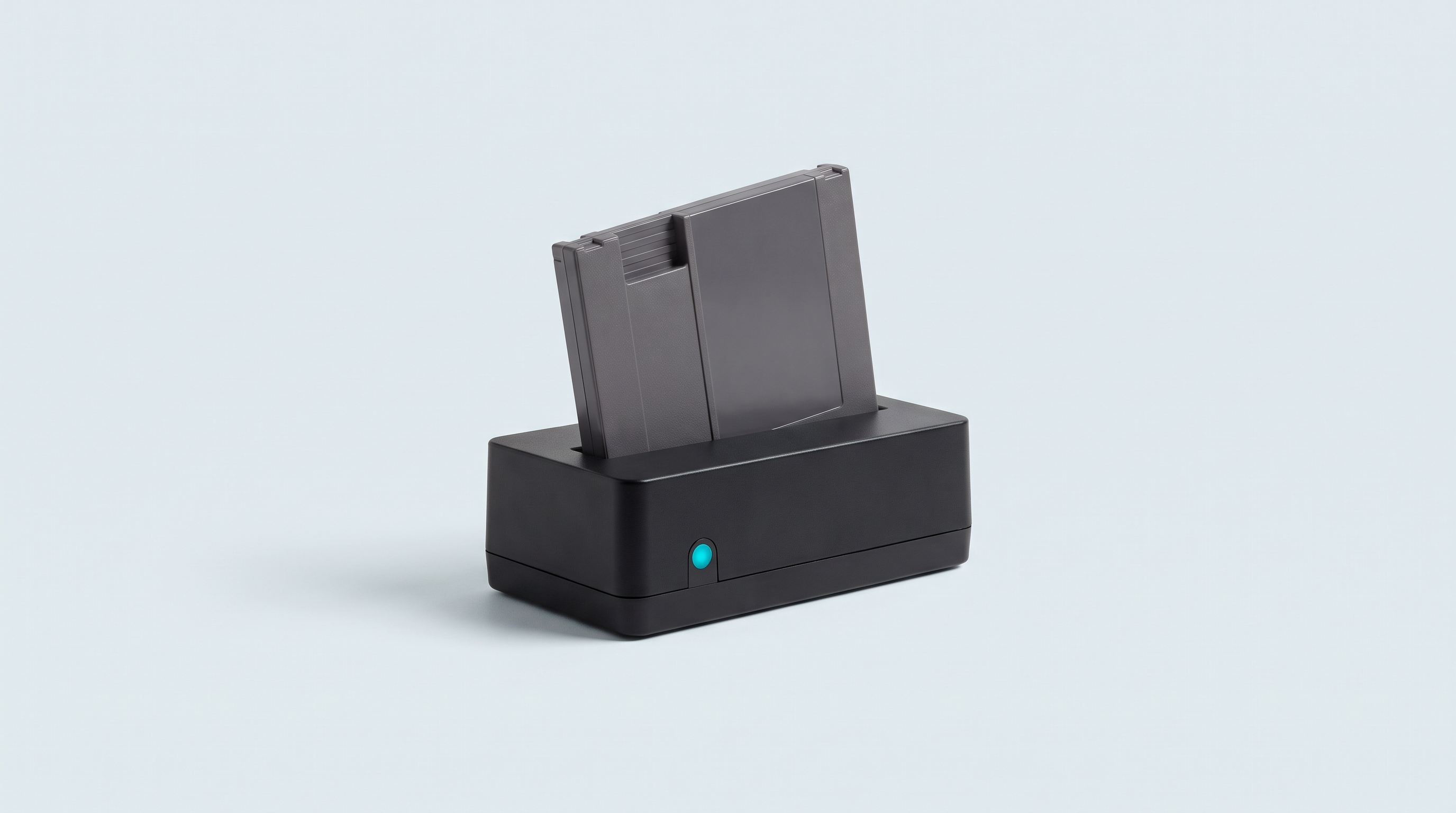
You plug in the reader, you insert the cartridge, and the software stays empty. No title, no save memory detected. Nine times out of ten, neither the reader nor the software is at fault: it is the contact between the gold pins and the connector. The FlashGBX documentation says it plainly — an unstable connection is the leading cause of read errors — and Epilogue likewise puts most failures down to the cartridge. Here are the ten causes, from the most common to the rarest.
1. The contacts are dirty
Symptom. Nothing shows up, or the title appears one time in five, while the same reader sees other cartridges.
Cause. Three kinds of deposit build up on the pins of a thirty-year-old cartridge: finger grease, which polymerises into a film much like varnish, dust, and the corrosion of the copper and nickel that works its way up through the pores of the gold plating.
Fix. A cotton bud and 99% isopropyl alcohol: lower concentrations leave too much water on the contacts. Rub each face along the direction of the pins, never across them, until the cotton bud comes away clean: two to four passes is normal. Let it dry and do not touch the pins with bare hands again. No water, no household cleaner, no pencil eraser. For a stubborn case, a contact cleaner such as DeoxIT D5 or D100: alcohol dissolves organic films, not oxides.
2. The cartridge is badly inserted
Symptom. No detection at all, even though the cartridge is visibly in place.
Cause. It is not pushed all the way in, it is crooked, or it is the wrong way round. Some formats go in in a counter-intuitive direction: on the Game Boy Camera, Epilogue notes that the screws face up.
Fix. Remove it and reinsert it firmly, without forcing. On a GBxCart RW, if the device restarts when you engage the cartridge, insert it hot, with the software already open.
3. The USB cable only carries power
Symptom. The reader lights up, but the computer does not see it at all.
Cause. Many USB-C cables supplied with chargers or power banks only wire up the power lines: they charge, they carry no data.
Fix. Go back to the supplied cable, the one the manufacturer validated. Change port too: both Epilogue and FlashGBX recommend trying several cables and several ports before anything else.
4. The driver is missing on Windows
Symptom. The software searches for the device endlessly. In Device Manager, an unknown item appears with an exclamation mark, or nothing at all.
Cause. The GBxCart RW and GBFlash communicate through a USB-to-serial bridge. Without the driver, Windows enumerates the hardware but assigns it no port.
Fix. Install FlashGBX using its 64-bit Windows installer, which includes the drivers, rather than the portable archive. On Linux it is a matter of access rights: a udev rule on the 1a86:7523 and 0483:5740 identifiers, or membership of the right group; the brltty package, for its part, conflicts with the CH340/CH341 driver and has to be uninstalled.
5. The software does not support this reader
Symptom. The system does see the reader, but the application never displays a cartridge.
Cause. Each piece of software only talks to one family of devices. FlashGBX supports the GBxCart RW (1.4, 1.4a and 1.4c verified), the GBFlash (1.2 and 1.3), the Joey Jr in V2++ and the Game Bub; Epilogue devices go through their own application.
Fix. Check the stated compatibility and the software version: a recent device often requires a recent one. Our guide to copying cartridges sets out the full procedure.
6. The cartridge is a counterfeit
Symptom. The cartridge is detected but the title is wrong or unknown, or the integrity check fails.
Cause. Counterfeits do not share the architecture of originals: chips buried in black epoxy, stacked boards, drilled pins.
Fix. Epilogue's application classifies the cartridge as Official, Unofficial or Unrecognized by comparing hardware and data against its database: this check catches most copies, not all of them. With FlashGBX, run the cartridge analysis before reading anything from a reproduction.
7. The save battery has leaked
Symptom. Intermittent or no detection on a cartridge that used to work, with green or white marks on the board.
Cause. The electrolyte of a leaking lithium battery attacks the traces and solder joints around the holder, then spreads. Epilogue files this case among the faults that cleaning will not put right.
Fix. Open the cartridge, wear gloves and goggles, do not scrape it dry. Clean the corroded area and check the continuity of the traces. An eaten-through trace is repaired with wire — that is micro-soldering. On the save side, see our article on retro console saves.
8. The reader's connector is worn out
Symptom. No cartridge is detected any more, or you have to press down on it for things to work.
Cause. The connector's blades lose their spring after several hundred insertions, or dust has lodged at the bottom of the slot.
Fix. Try three or four clean cartridges. If only one fails, that one is the problem; if they all fail, it is the reader. Blow out the slot with dry compressed air, try it on another computer, then make a warranty claim.
9. The USB hub does not supply enough power
Symptom. The reader disconnects mid-read or only appears every other time, and the behaviour changes from port to port.
Cause. An unpowered hub shares the current of a single port between all its connectors; some laptop ports do not deliver enough power.
Fix. Epilogue's support is categorical: avoid hubs, adapters and docking stations, and plug straight into the computer. Unplug external drives and webcams too for the duration of the read.
10. The cartridge format is not supported
Symptom. Nothing happens, even though the hardware reads other cartridges.
Cause. Two situations. The most ordinary one: the reader is not meant for that system — a Game Boy reader will never see a Super Nintendo cartridge. The second: SD-card cartridges, which store games on removable media rather than on internal chips. The EverDrive, EZ Flash Omega and EZ Flash Junior are not supported by Epilogue for that reason.
Fix. Check the stated compatibility before buying. On region, there is nothing to worry about: the common readers are region-free, and the SN Operator accepts all three cartridge shapes without an adapter.
| Symptom | Likely cause | First move |
|---|---|---|
| One cartridge silent, the others fine | Dirty contacts | 99% isopropyl alcohol |
| Reader lit up, invisible to the system | Cable with no data lines | Supplied cable, another port |
| Endless search for the device | Missing driver or rights | Windows installer, udev rule |
| Wrong title, integrity check failed | Counterfeit | Check authenticity |
| Disconnections mid-read | Not enough power | Plug in directly |
Describing your problem properly to get help
"My cartridge doesn't work" lets nobody help you. A remote diagnosis rests on facts, and it takes very few of them.
- The exact model of the reader and its revision, if it is marked.
- The software and its version, the operating system and its own.
- The cartridge: game, system, region, condition of the pins.
- The cross-test: how many cartridges you tried, how many worked.
- What you have already tried: cleaning, another cable, another port.
- What appears on screen and the state of the indicator lights, as they are.
The cross-test is the most useful: in a minute it separates a faulty cartridge from a faulty device. Add a sharp photo of the pins and the log file if the software produces one. Write to us through the contact page.
Frequently asked questions
Do you have to open the cartridge to clean the contacts?
Not always: the pins are reachable through the opening in the shell. Opening it lets you clean both faces and inspect the board, which helps if the problem persists, but it means having a security screwdriver in the right size.
The cartridge is detected but the read stops. Same problem?
Most of the time, yes: an unstable connection produces both a failure to detect and an interrupted read. Go back to cleaning, change cable and port. A read that fails at a different place each time points to a contact problem.
The game starts on my console but not on the reader. Is that possible?
Yes. The reader carries out checks that the console does not. A marginal cartridge can therefore launch a game and still fail a full copy. That is not a good sign for it: clean it.
Can a reproduction cartridge be read?
Often, but with no guarantee. Many share the command set of well-known flash chips and are recognised correctly. Others fail the integrity check, their architecture differing from the original.
My reader no longer sees any cartridge. Is it dead?
Not necessarily. Test it on another computer with another cable: that rules out the machine and the cabling. If it stays silent everywhere with several clean cartridges, the connector or the electronics are at fault. Contact the seller about the warranty at that point.
Cleaning the contacts alone solves most cases. The consumables and tools are in our workshop and modding section, and the devices in the cartridge readers section.