












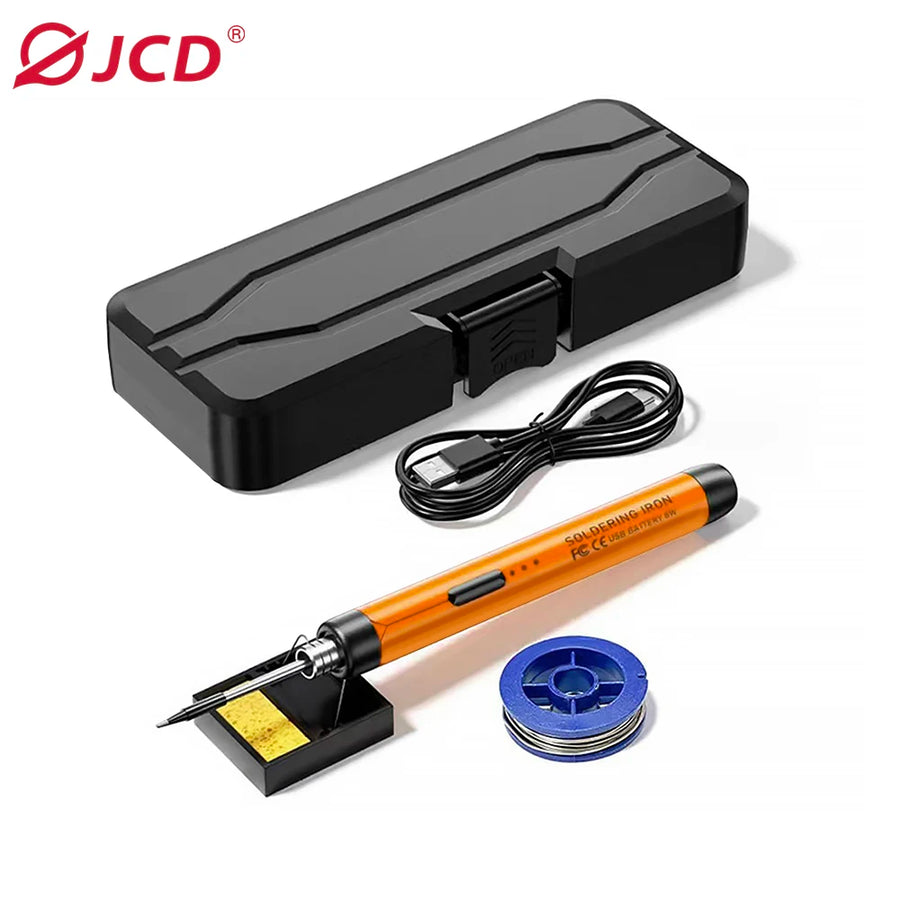
Description complète
JCD C200 cordless soldering iron: solder a console without hunting for a socket
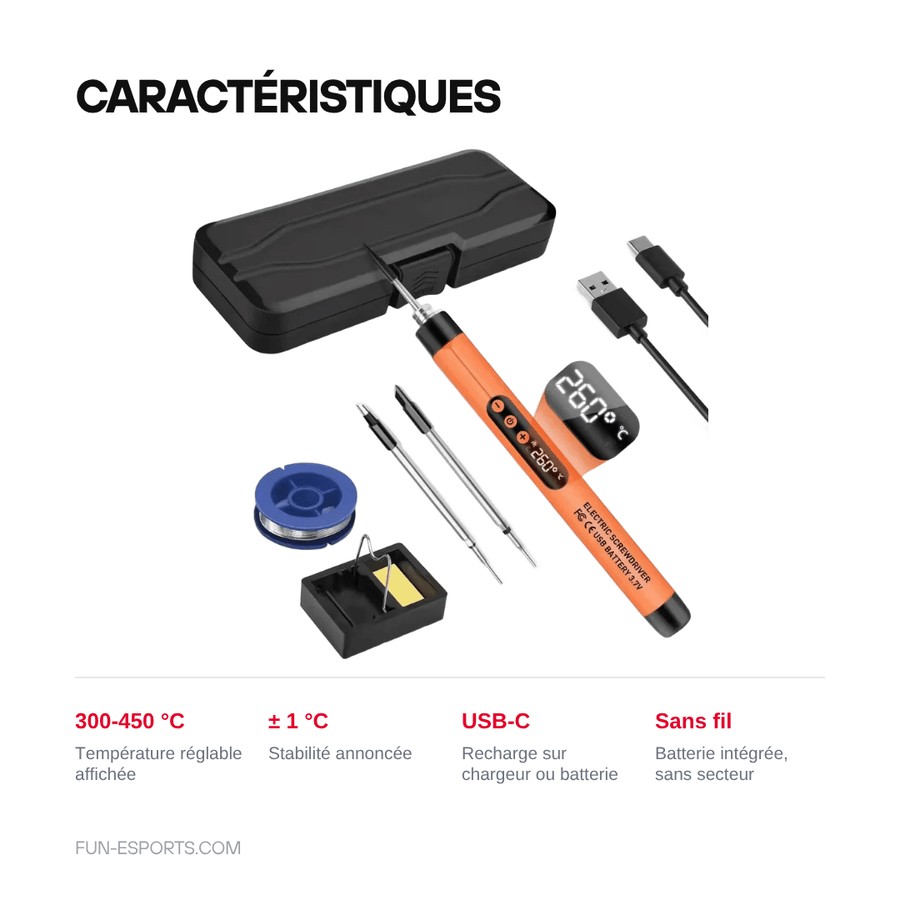
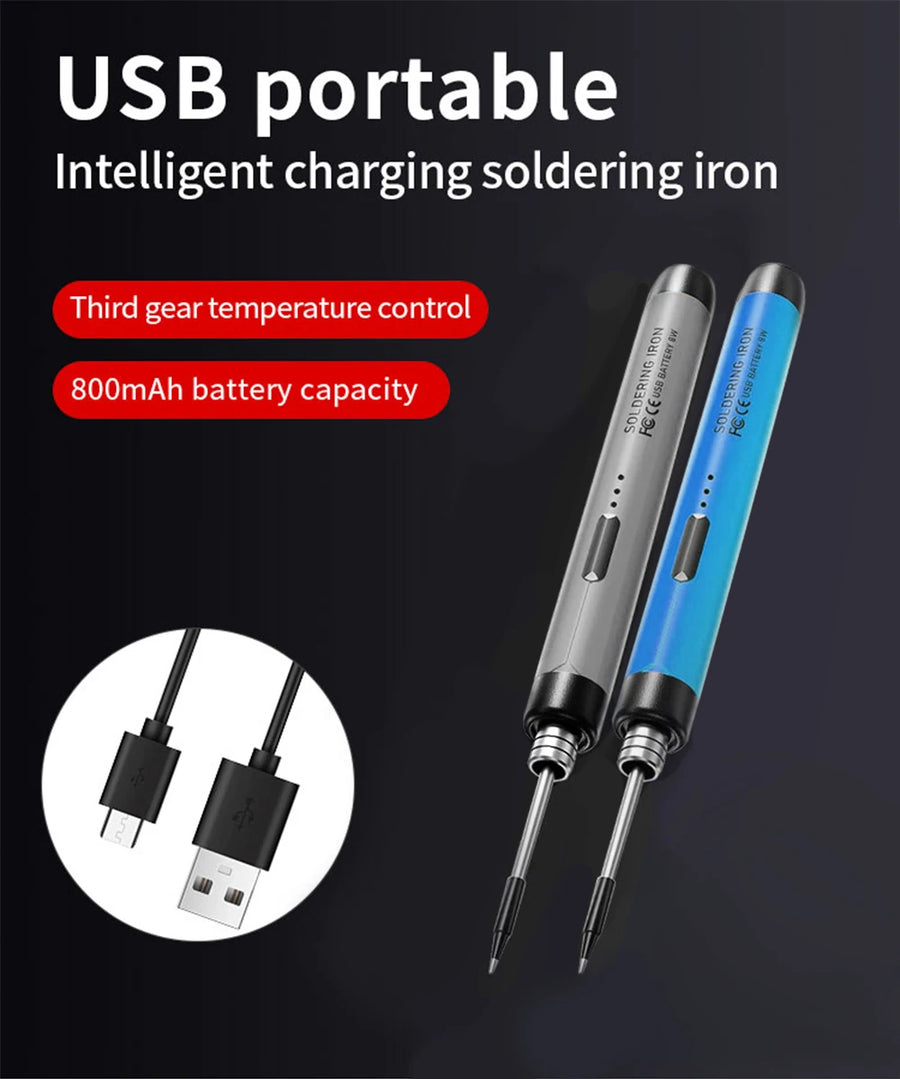
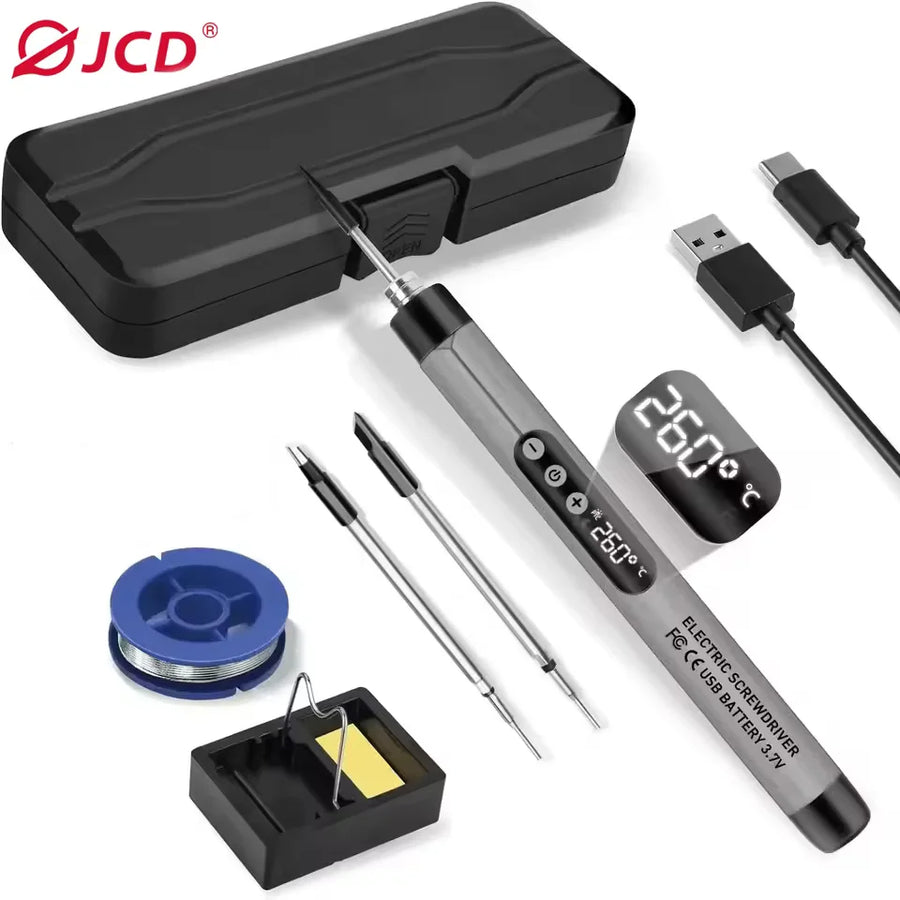
Replacing a capacitor on a Mega Drive, fitting the ribbon cable of an IPS kit or reattaching a battery wire doesn't require a 60 W station: it requires a fine tip that's hot in a few seconds, and both hands free. The JCD C200 is a battery-powered iron, rechargeable via USB-C, with a temperature adjustable from 300 to 450 °C shown on the display.
What it does
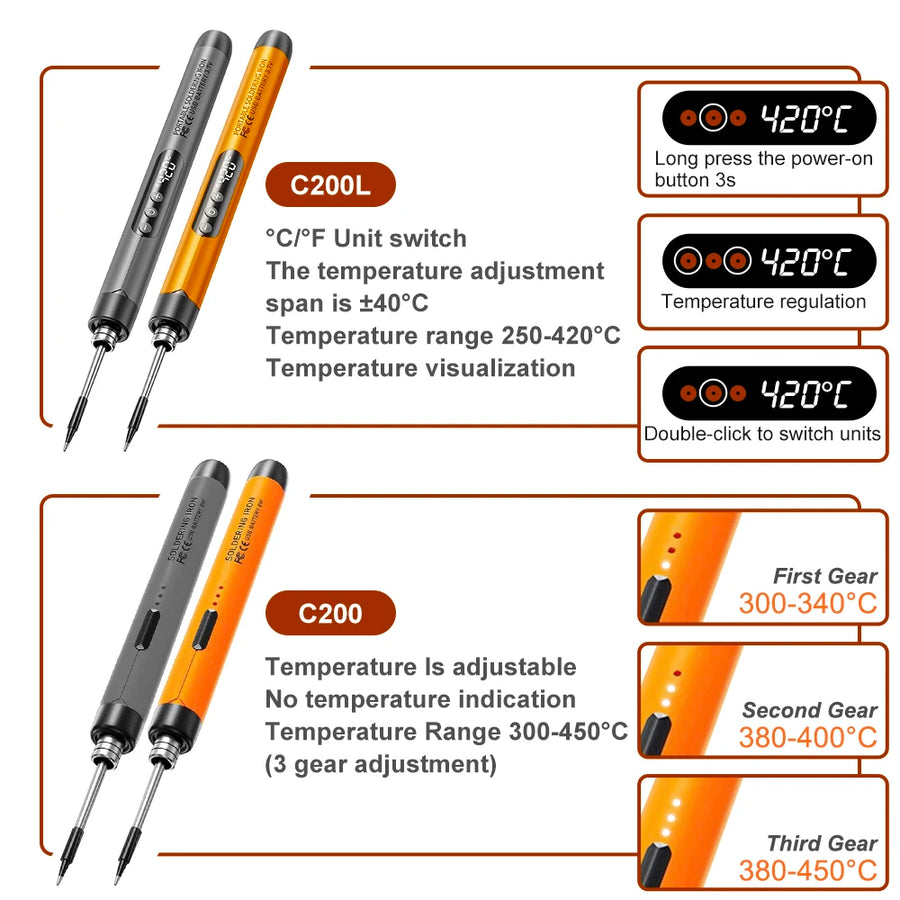
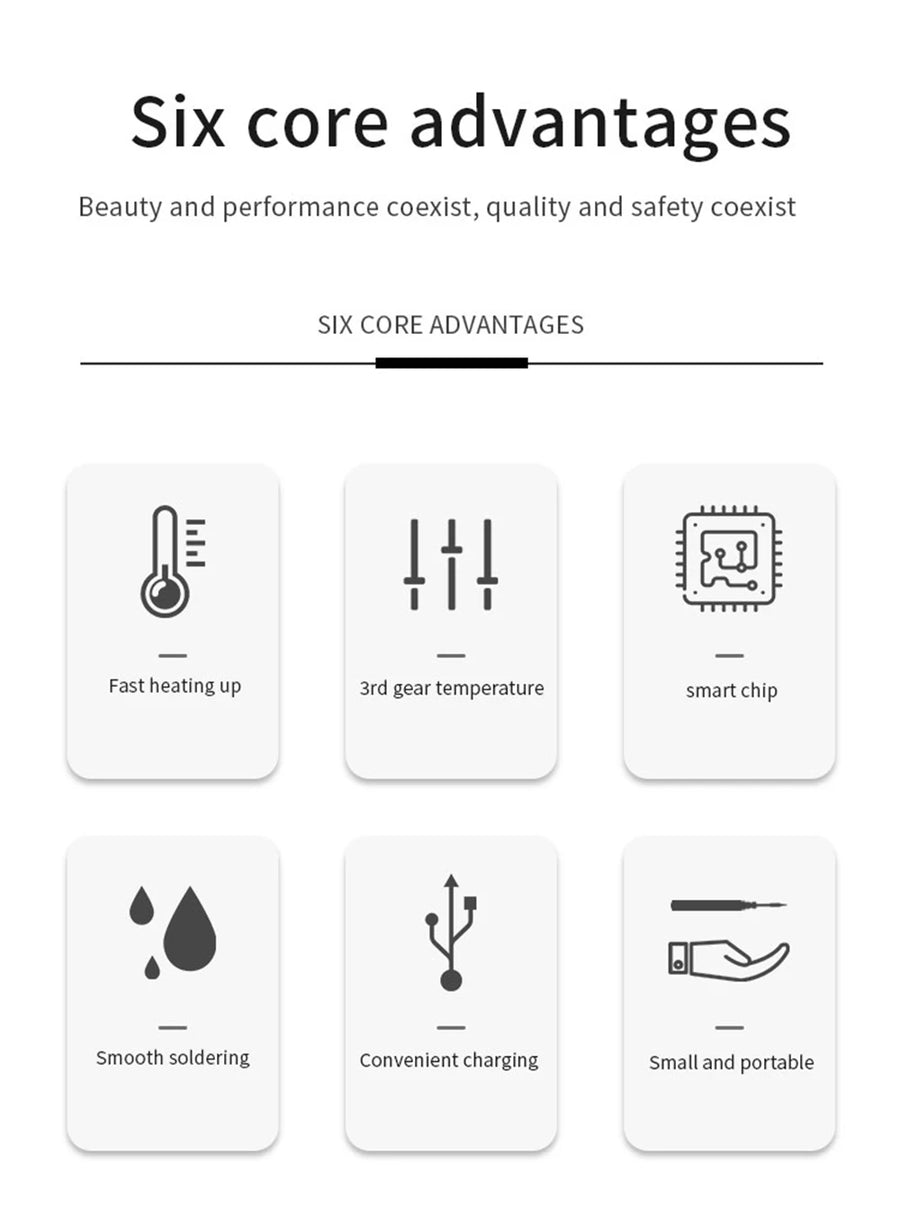
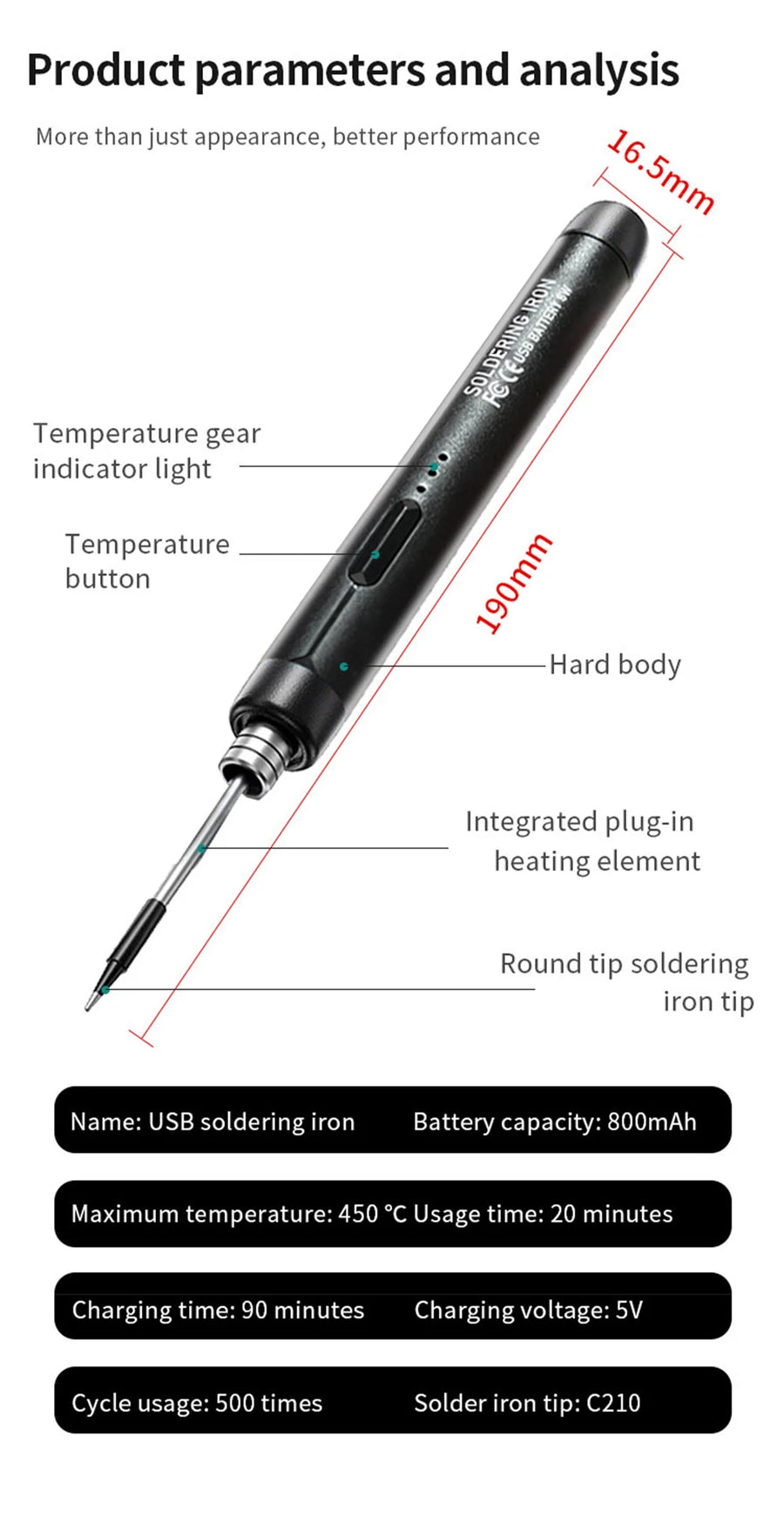
- Adjustable temperature 300-450 °C: you choose the setting according to the solder you use, lead-free or conventional, and the display shows the current value. Stability stated by JCD at ±1 °C.
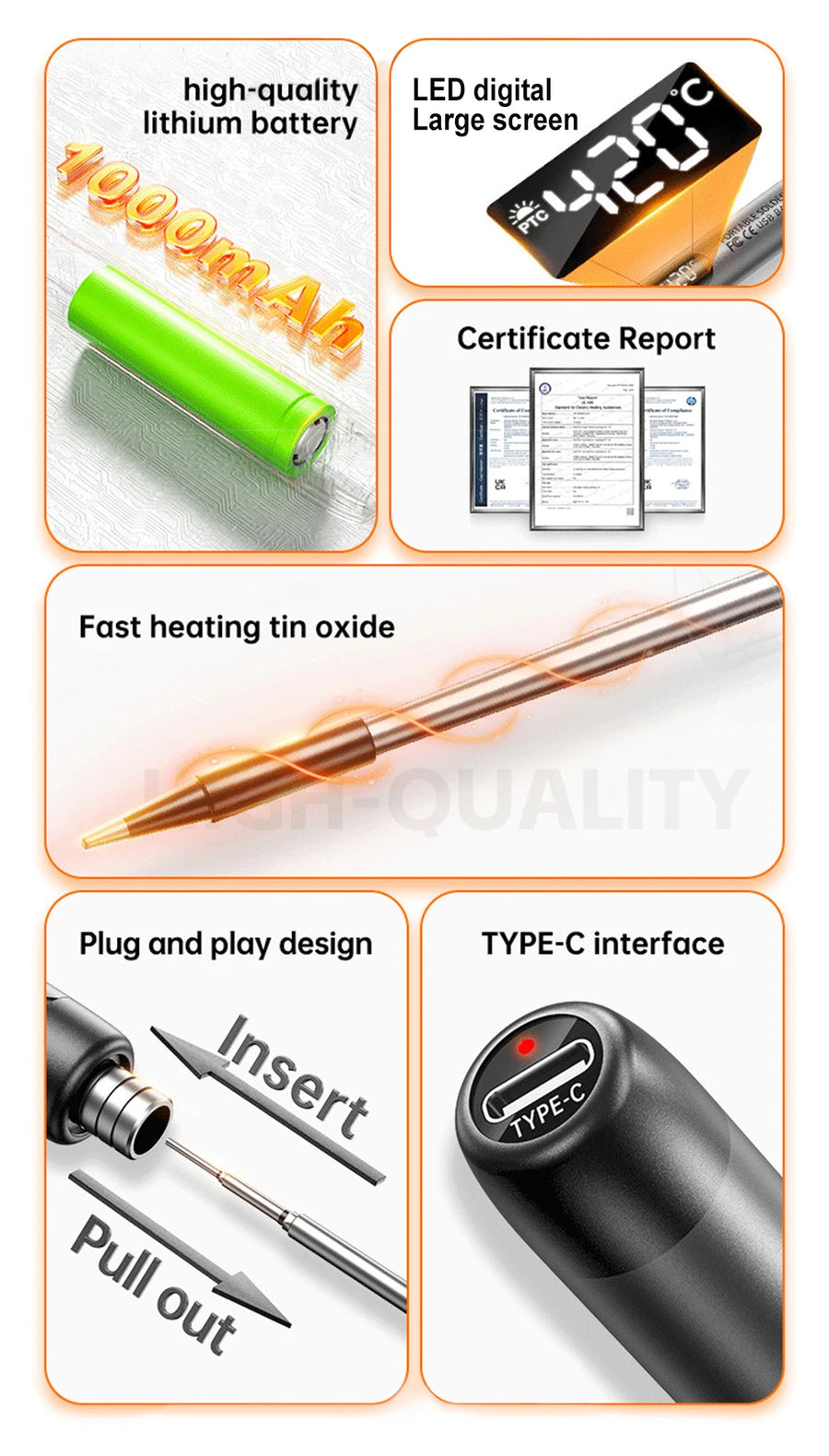
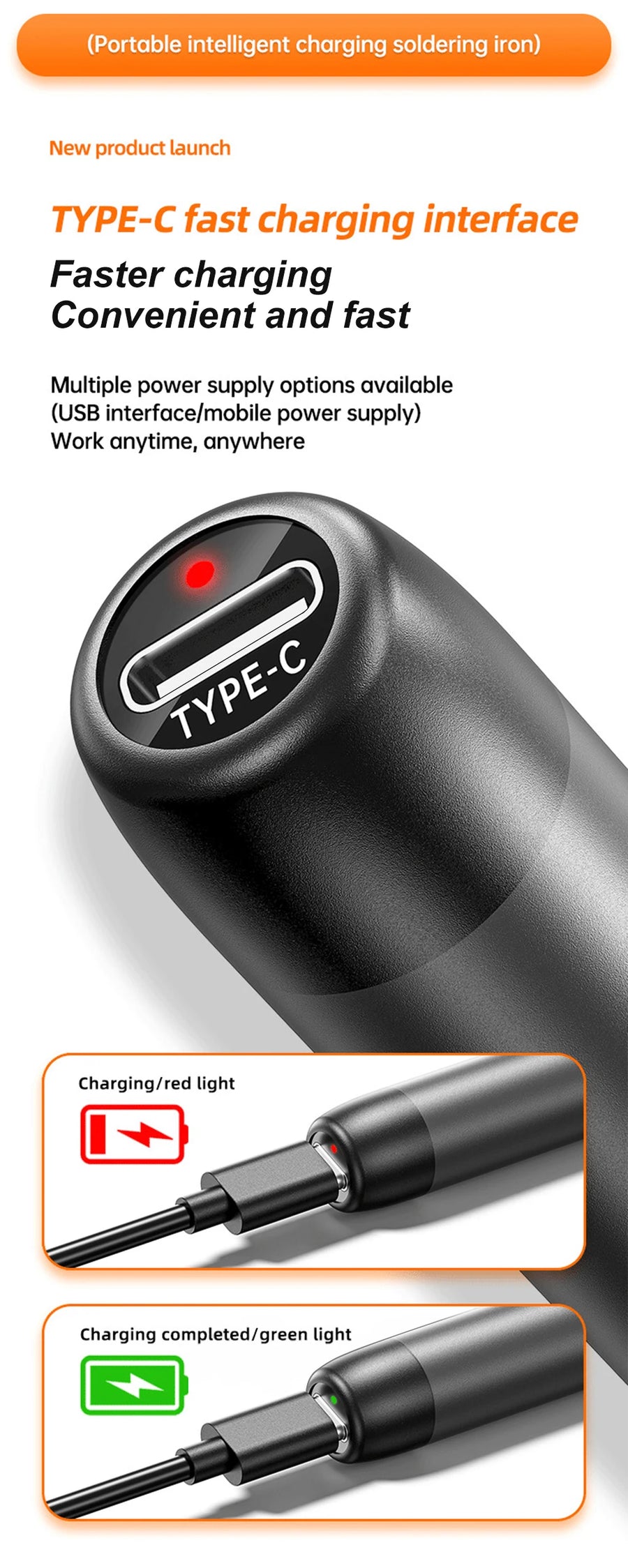
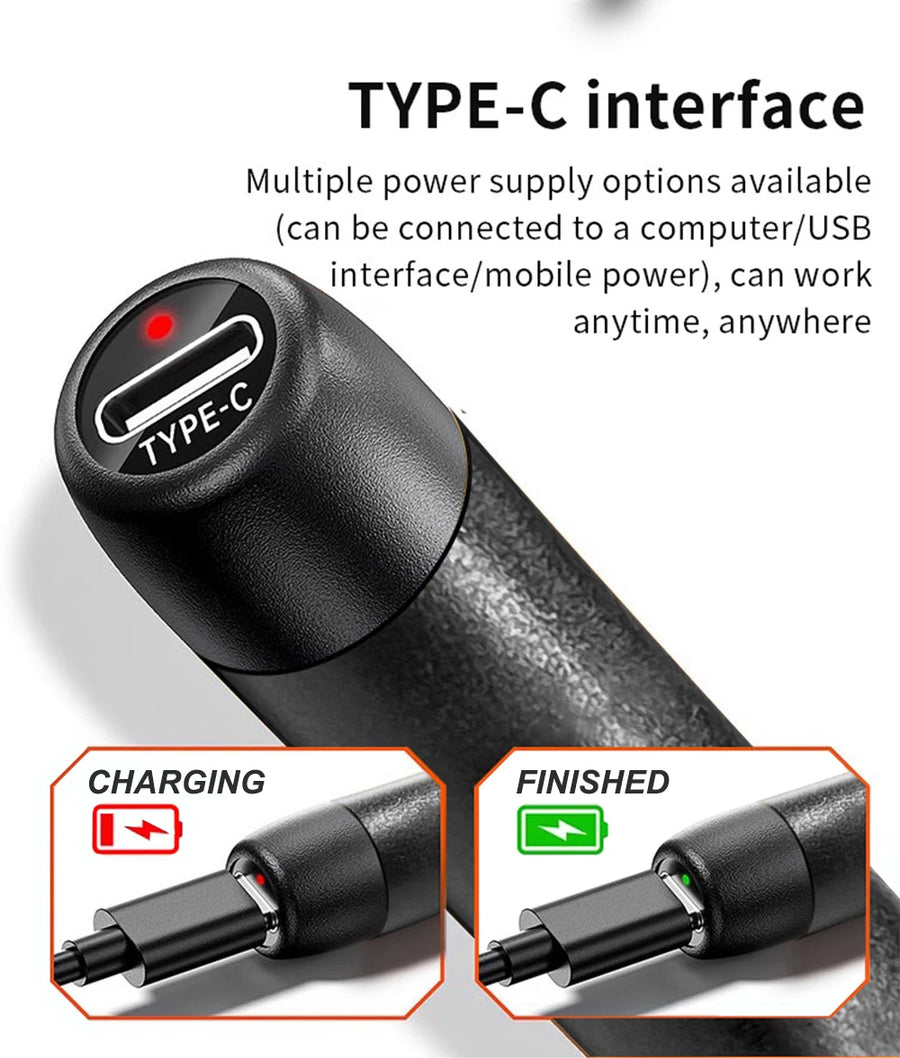
- Self-powered, no mains cable: the iron runs on its built-in battery — 800 mAh on the C200 version, 1000 mAh on the C200L version — and recharges on any USB-C charger or power bank.
- Pen format: the grip stays slim, which matters when you're soldering screen pads or AWG 30 wire on a handheld motherboard.
What it doesn't do
- It isn't a soldering station. The stated power is 8 W: thick ground planes, metal shielding and large power connectors require a more powerful iron.
- It doesn't desolder. No pump, braid or hot air: to remove a component, you need the corresponding tools as well.
- The manufacturer doesn't state the actual battery life. For a long session, plan to work with the USB-C cable plugged in.
- Consumables are not supplied: solder, flux and desoldering braid are up to you.
- The supplier's datasheet mentions an “input voltage 220 V”, which doesn't match a USB-C powered device. Only power it through its USB-C port, never directly from the mains.
Compatibility
It's a tool, not a part: it doesn't connect to any console. It's sized for the fine soldering you come across in retro gaming — IPS screen ribbon cables and pads, battery wires, buttons, crystals, small capacitors on Game Boy, Game Boy Color, Game Boy Advance, PS1, Dreamcast or Mega Drive. However, it isn't suited to large thermal masses: chassis, shielding, home console power connectors, arcade cabinet wiring.
Skill level required
For users who have soldered before. The iron doesn't do away with the need for flux, a cleaning sponge or wool, or a clear work surface. Work in a ventilated room: flux fumes should not be inhaled. The tip stays burning hot for several tens of seconds after switching off — let it cool before putting the iron away.
In the box
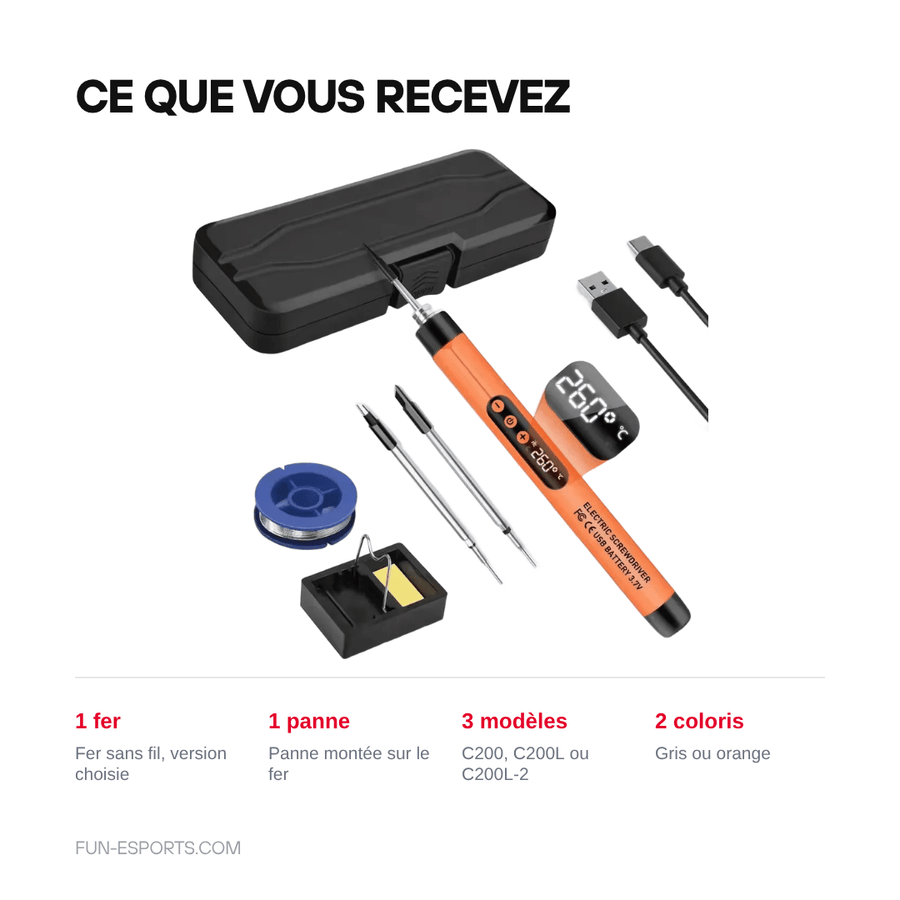
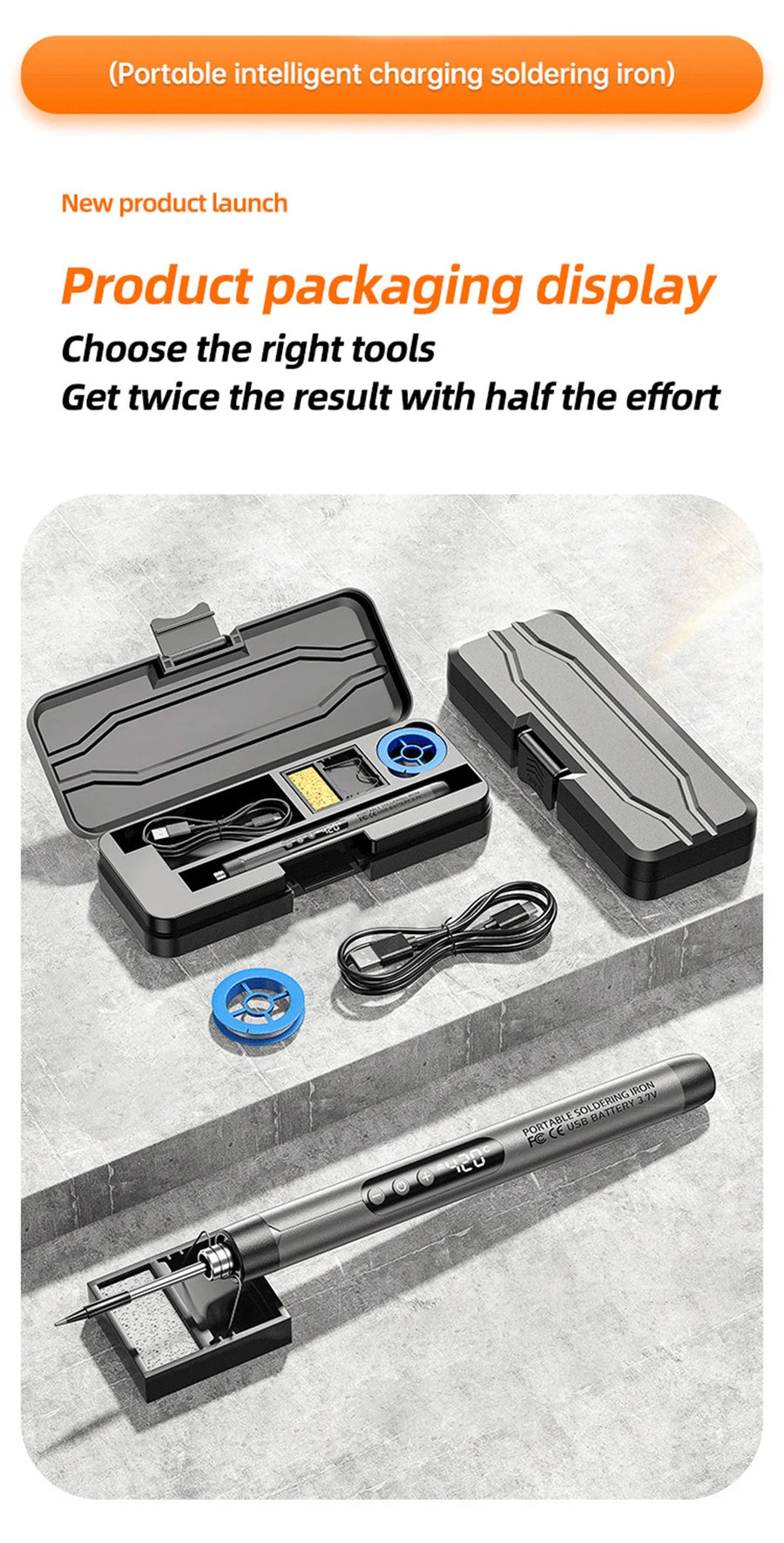
- 1 JCD cordless soldering iron, in the version chosen (C200, C200L or C200L-2).
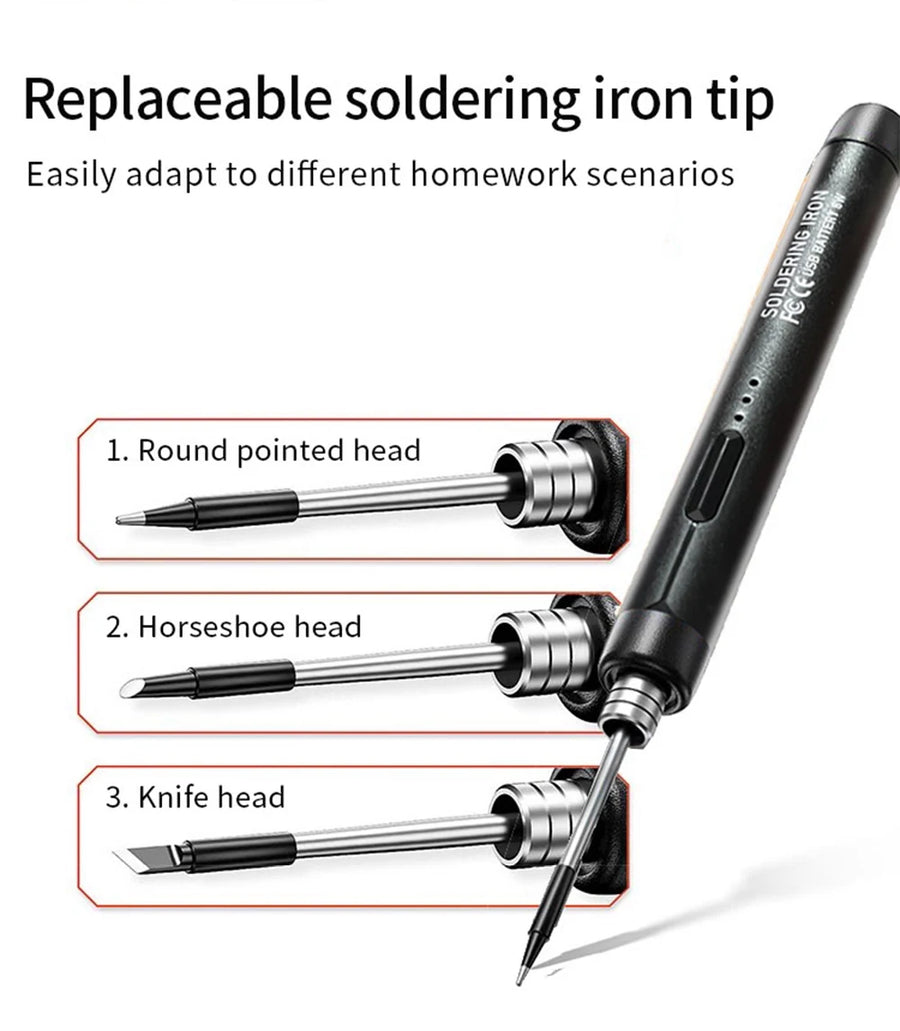
- 1 tip fitted on the iron.
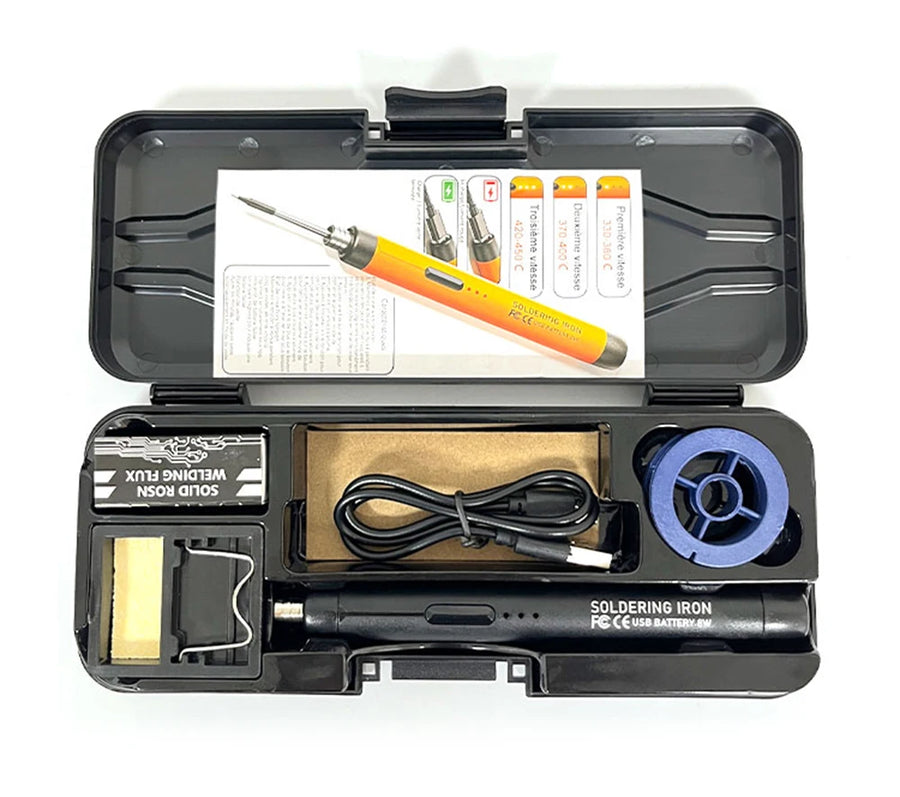
- The accessories supplied vary by version: only count on the iron and its tip.
Read before ordering: Accessories & tools
Delivery in 10 to 18 days · ships within 3 to 5 days · 2-year legal guarantee · 14-day returns.
JCD C200 USB-C cordless soldering iron — adjustable 300 to 450 °C
Cordless iron 300-450 °C, USB-C charging: for fine soldering on your retro consoles.
En stock
📦Ships within 3 to 5 business days · Delivery in 10 to 18 business days · 2-year legal guarantee · 14-day returns.
ℹÀ partir de 150 €, la livraison s’effectue en Point Relais.
- 🇫🇷SAV français
réponse sous 1 jour ouvré - 🛡Garantie légale
2 ans - ↩14 jours
pour changer d’avis - 🔒Paiement sécurisé
CB · PayPal · Klarna
The technique: soldering without unrolling three extension cords
Most retro repairs come down to three solder joints: a battery wire that has come loose, an IPS screen ribbon cable to attach, a swollen capacitor to replace on a Mega Drive board. Getting out a full station for that is more off-putting than anything else. This iron is held like a pen, heats on its own battery and can be used anywhere: on the kitchen table as well as on a corner of the workbench.
The tool: a precision iron, not a station
JCD states a range of 300 to 450 °C, stability of ±1 °C and 8 W of power. These figures tell you exactly what it's for: fine soldering, AWG 30 wire, motherboard pads. They also tell you what it won't do, and it's important to know that before buying: a ground plane or metal shielding absorbs heat faster than this iron produces it.
The limitation we state before you buy
The manufacturer doesn't state the actual battery life, and the box contains only the iron and its tip: no solder, flux or desoldering braid. So budget for consumables on top, and keep the USB-C cable within reach for long sessions. Listing verified on 19 August 2026: we only show the specifications stated by JCD here, without extrapolating them.
What this accessory brings
Verified manufacturer specifications · vérifié le
Ce qu’il fait bien
- Temperature adjustable from 300 to 450 °C, shown on the display
- Runs on a built-in battery, no mains socket needed
- USB-C charging from a charger or power bank
- Pen format suited to fine soldering
- Stated stability of ±1 °C
Ce qu’il ne fait pas
- Stated power 8 W: not enough for ground planes, shielding and power connectors
- Doesn't desolder: pump, braid or hot air needed as well
- Actual battery life not stated by the manufacturer
- Solder, flux and stand not supplied
- Supplier datasheet inconsistent on input voltage: power via USB-C only
Voir toute la fiche technique+
Matière et format
- Type d’accessoire
- Cordless soldering iron
Compatible avec
- Game Boy / Game Boy Color / Game Boy Advance
- PS1
- Dreamcast
- Mega Drive
- Retro handheld consoles (IPS kit installation)
- Controllers and arcade sticks
Dans la boîte
- 1 JCD cordless soldering iron (version chosen)
- 1 tip fitted on the iron
Frequently Asked Questions
🔧 Is this iron enough to recap a console?
For the small surface-mount capacitors of a handheld console or an audio board, yes. For large capacitors connected to a ground plane or shielding, no: 8 W isn't enough to bring the pad up to temperature, and you'll need a more powerful iron.
🎮 What's the difference between the C200, C200L and C200L-2 versions?
The C200 has an 800 mAh battery, the C200L a 1000 mAh battery. The C200L-2 reference is a pack offered by the manufacturer whose contents aren't documented: only count on the iron and its tip.
🔌 How does it charge?
Through its USB-C port, from a phone charger or a power bank. Only power it through this port: nothing plugs directly into the mains.
🌡️ How do you set the temperature?
Using the buttons on the body of the iron, between 300 and 450 °C, with the current value shown on the display. JCD states a stability of ±1 °C.
📦 What's in the box?
The soldering iron in the version chosen and its fitted tip. Any accessories vary by version: don't base your order on them.
🧰 What other tools do I need?
Solder, flux, desoldering braid and something to clean the tip. A screwdriver suited to your console (tri-wing or Y for Nintendo handhelds) is essential to open it.
🚚 What are the delivery times?
Delivery in 10 to 18 days, ships within 3 to 5 days.
🛡️ Which guarantee applies?
2-year legal guarantee of conformity. 14-day returns. We reply within 1 business day.
Why buy here rather than on a marketplace
It is a fair question. Here is the answer, straight.
Every listing is checked before publication: real compatibility, material, dimensions, box contents. Many models never make it into the catalogue.
A question about compatibility, a fit problem, a return: you write, a human replies within 1 business day. In French.
The 2-year legal warranty of conformity is handled by us — not by a form on the other side of the world. And 14 days to change your mind, with no need to justify yourself.
We do not claim to be the cheapest. We claim that you will know exactly what you are buying before you pay.
Read this before choosing
Our guides to accessories: compatibility, protection, transport.

Pixel art: create your own designs for a Divoom display
Grid size, number of colours, outlines, animation: the guide to getting started in pixel art and displaying your own creations on a Divoom display.
2 min de lecture · publié le

Divoom pixel art speakers: which one should you choose?
Astrotoo, Ditoo-Pro, FlowToo, Tiivoo-2, Timebox-Evo, MiniToo, Fairy-OK: the seven Divoom speakers compared, by use and budget.
2 min de lecture · publié le

Times Frame or Times Frame Pure: which Divoom floating photo frame should you choose?
64 or 32 GB, three colours or just one, a dial or not: the real differences between the Times Frame and Times Frame Pure…
1 min de lecture · publié le