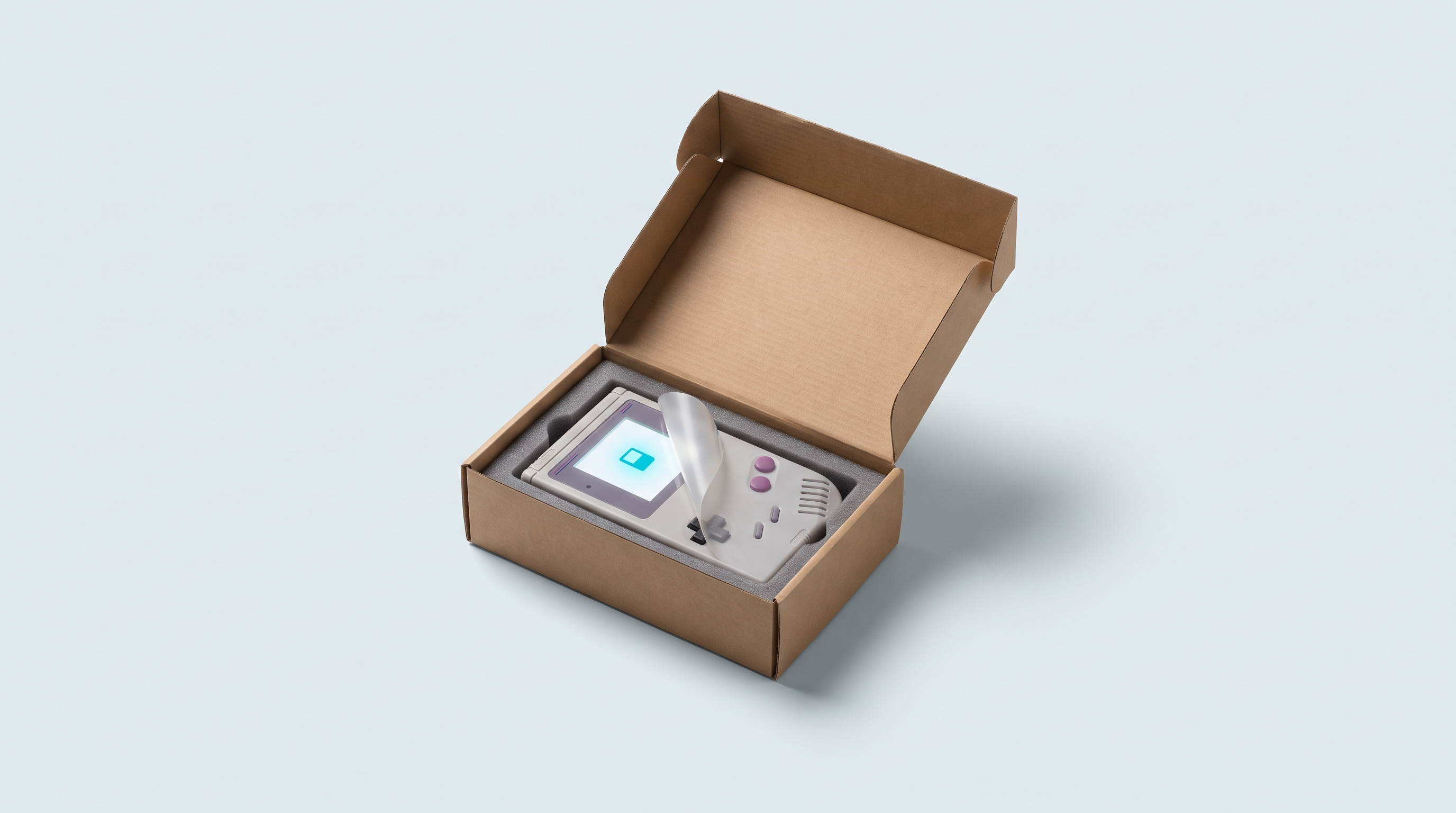
The box is open, the console is in your hand, and the temptation is to switch it on and launch a game within a minute. Half an hour of method now will spare you most of the problems people report to us in the first few weeks: unreadable microSD card, lost saves, firmware installed over an original setup that can no longer be found. The ten steps below apply to a Linux console as well as to an Android machine, with differences pointed out along the way, and are listed in the order you should do them.
Before you even switch it on
1. Check the box contents and the screen condition
Take everything out and compare it with the manufacturer's list. A TrimUI Brick box contains the console, a cable, a manual and a pair of spare L/R buttons; elsewhere, the contents are often limited to the console, a USB-C cable and a microSD card. Report a missing accessory straight away.
Remove the protective shipping film from the screen: it's designed for storage, it dulls the image and scratches. Use the bare screen to look for defective pixels, by displaying a fully white image, then black, then red, green and blue. A dead pixel stays black, a stuck pixel stays lit in a fixed colour. The ISO 9241-307 standard sorts panels into four classes: class 1 already allows one dead pixel, class 2 allows two. A single dot therefore isn't necessarily treated as a defect; a cluster of dots, a line or a dark area should be reported immediately.
2. Charge it fully, but not for the reason you think
The advice to “charge for eight hours before first use” comes from nickel-cadmium batteries and their memory effect. Lithium-ion cells don't have this effect, and an initial full charge doesn't condition them. Samsung says so in black and white for its phones: it isn't necessary.
Two reasons to plug the console in before playing anyway: it's shipped partially charged and the stock may have sat for several months; and a full charge in one go gives the battery gauge a high reference point, which makes the displayed percentage less fanciful. Leave it switched off while charging, it heats up less and charges faster.
The settings that take five minutes
3. Language, date and time
These consoles start up in English, sometimes in Chinese. On a TrimUI Brick, press R to open the settings, then System, then Language. On Android machines, language and time zone are chosen in the first-boot setup wizard.
The date deserves special attention. Many entry-level Linux consoles have no dedicated clock battery and start from zero after a complete power loss. Your save files then carry a wrong date and games with an internal clock behave strangely. Wi-Fi solves the problem through automatic sync; otherwise, set the time manually from the firmware menu. The exact behaviour depends on the model and version, so check it on your machine.
4. Brightness and volume, and what they cost in battery life
The backlight is the biggest power drain on a retro handheld console, well ahead of the processor on 8- and 16-bit games: going from maximum to a comfortable indoor level makes a visible difference to battery life. The speaker counts too. For long sessions, wired headphones use less power than a turned-up volume, and Bluetooth is the most power-hungry of the three.
| Machine and firmware | Brightness | Volume |
|---|---|---|
| TrimUI Brick (stock firmware) | START + L / START + R | SELECT + L / SELECT + R |
| Miyoo Mini Plus on Onion OS | Menu + volume buttons | Volume buttons (Vol- and Vol+ together: mute) |
| Anbernic RG35XX on GarlicOS | Menu + volume buttons | Volume buttons |
| Android consoles (Retroid, AYN, Anbernic Android) | Android notification shade | Physical volume buttons |
The microSD card, the real issue
5. Check the supplied card
The supplied card holds the firmware and the folder structure. It's also the part that fails most often. Three checks before you rely on it seriously.
Real capacity. A card advertised as 128 GB may only hold 8, with a controller programmed to lie to the system. The only valid check writes data across the whole space, then reads it back.
Formatting. Most of these consoles expect FAT32 on the games partition; the TrimUI Brick manual says so. exFAT is only accepted by some firmwares.
Contents. Note the folder structure, you'll need it in step 8.
| Tool | System | What it does |
|---|---|---|
| H2testw | Windows | Free. Writes test files across all free space then reads them back. Slow, but thorough. |
| F3 (f3write / f3read) | Linux, macOS | Open source. Same principle as H2testw, on the command line. |
| ValiDrive | Windows | Free. Random spot checks across the whole declared capacity. Not exhaustive, but enough to expose a fake capacity. |
| SD Insight | Android | Reads the manufacturer ID stored in the card. A clue, not proof. |
A full check on 128 GB takes one to two hours: run it while the console charges. It's this check, a full write followed by a full read-back, that we apply to the microSD cards we ship. To choose a second one, the criteria are in our microSD card guide.
6. Back up an image of the original card, before anything else
This is the golden rule of this guide, and the only step you mustn't skip. The original card contains firmware, settings and a folder structure that the manufacturer doesn't always publish. Once overwritten, it may be impossible to recover.
Copying the visible files isn't enough: you need an image of the entire card, sector by sector, hidden partitions included. On Windows, Win32 Disk Imager does the job: select the drive, choose a destination file ending in .img, click Read. Allow thirty minutes to over an hour. On macOS and Linux, the dd command does the same thing.
dd, a wrong identifier can overwrite your computer's system drive. Double-check the target.Store the image on your computer or an external drive, with the model and date in the file name. It's the size of the card, not the size of the data. As long as you have it, nothing is final.
Getting the console up and running
7. Connect to Wi-Fi, if the machine has it
On a Linux console, it's mainly used to sync the time, transfer files without removing the card, and sometimes to play over a local network. The procedure is similar to the TrimUI Brick's: open the settings, choose Wi-Fi, select the network, enter the password.
On an Android console, it's essential from the first boot. On Retroid Pocket devices, updates are under Settings, System, then Retroid Pocket FOTA, with the console plugged in during the process. Do it before anything else: it sometimes resets settings. As these machines receive few security patches, avoid entering sensitive credentials on them.
8. Add your games
Each firmware expects its files in a specific folder structure, one folder per system, and one wrong name is enough for nothing to show up in the menu. The topic has its own article: transferring your games and following the firmware's folder structure. Two good habits: add two or three files first to validate the method, and eject the card properly. On many firmwares, the list must be refreshed to show new additions; on Onion OS, that's the Select button.
9. Check that saves really work
Don't find out after fifteen hours of play that nothing is being written. The check takes three minutes: launch a game, play for five minutes, save in the game, exit through the menu, switch the console off completely, switch it back on and check that your progress is there.
Try again with a save state, a feature of the emulator rather than the game: Menu + R2 to create one, Menu + L2 to load it on Onion OS. If your progress is missing when you come back, the cause is almost always the card or a sudden shutdown. The details are in our article on saves.
10. Sleep mode and button combinations
Learn the difference between sleep and shutdown right away. On the TrimUI Brick, a short press on the power button puts it to sleep, a three-second press shuts it down properly, a ten-second press forces it off. This logic applies to most Linux machines, and a forced shutdown remains a last resort: it's what corrupts cards. On Android, set the screen timeout to five or ten minutes, otherwise the screen turns off during cutscenes. Retroid Pocket devices include an input tester in their settings, handy for checking buttons and sticks while the warranty is still fresh.
Finally, note down the three or four everyday combinations: emulator menu, save state, brightness, exiting a game. On GarlicOS, Menu + X opens the RetroArch menu. On Onion OS, pressing Menu and the other button must be quick, otherwise the console thinks you're exiting.
What not to do in the first week
- Installing custom firmware without an image of the original card. The number one reason consoles come back to us with software faults. Custom firmware goes on after the backup, not before.
- Formatting the original card to tidy things up. It often contains partitions that are invisible from the file explorer. Get a second card and keep the first one intact.
- Forcing a cartridge or microSD card into its slot. These connectors are fragile and hard to repair. A cartridge goes in without resistance; if it sticks, it's upside down, the format doesn't match, or the contacts are dirty.
- Leaving the battery at 0% for weeks. A prolonged deep discharge degrades the cell and can make it unrecoverable. If you're putting the console aside, charge it to around half its capacity.
And if something's wrong
A game that won't launch, an empty menu, a console stuck on the logo: the cause is almost always mundane, a badly named folder, a badly formatted card or an incomplete file. Go through the list in our troubleshooting article before concluding it's a hardware fault.
If the fault is hardware-related — screen, button, battery, connector — report it without delay. The 2-year legal guarantee of conformity applies, and a defect found on delivery is simpler to deal with than a problem reported a few months later. Write to us via the contact page with the model, a photo or short video and what you've already tried.
And if you're still choosing a machine, or adding a second one for a different use, the selection is in our handheld consoles section.
Do you really need to fully charge the console before the first game?
Not for the battery's health: lithium-ion cells have no memory effect. It's useful for two other reasons: the console often arrives with little charge after months in stock, and a full charge gives the battery gauge a high reference point. Using it between 20 and 85% is gentler on it afterwards.
How can you tell if the supplied microSD card is genuine?
The only reliable check writes data across the entire advertised capacity, then reads it back: H2testw on Windows, F3 on Linux or macOS. ValiDrive, also on Windows, gives a quicker verdict through random spot checks. A card that fails must be replaced, not reformatted: the problem lies in the controller.
Can I play without ever backing up an image of the original card?
Yes, as long as you don't change anything structural. The risk appears as soon as you format the card, install another firmware, or it gets corrupted on its own. Without an image, you then have to hope the manufacturer offers its original firmware for download, which isn't always the case.
My console has no Wi-Fi. Is that a problem?
Not for playing. You lose time sync, network transfers and local network play. Your files will go through the microSD card plugged into the computer, which is faster anyway. Remember to reset the date after a complete shutdown.
Does a dead pixel entitle you to an exchange?
It depends on the panel class chosen by the manufacturer under the ISO 9241-307 standard: class 1 tolerates one dead pixel, class 2 tolerates two. A single dot is therefore not systematically recognised as a defect. Several grouped dots, a line or a dark area, on the other hand, do count as a defect, to be reported on delivery with a photo.
Should I install custom firmware straight away?
No. Spend a week with the original system, long enough to find out what you're really missing. Many people change firmware out of habit, then discover they've lost a useful feature. If you take the plunge, do it after backing up the original image, and preferably on a second card.