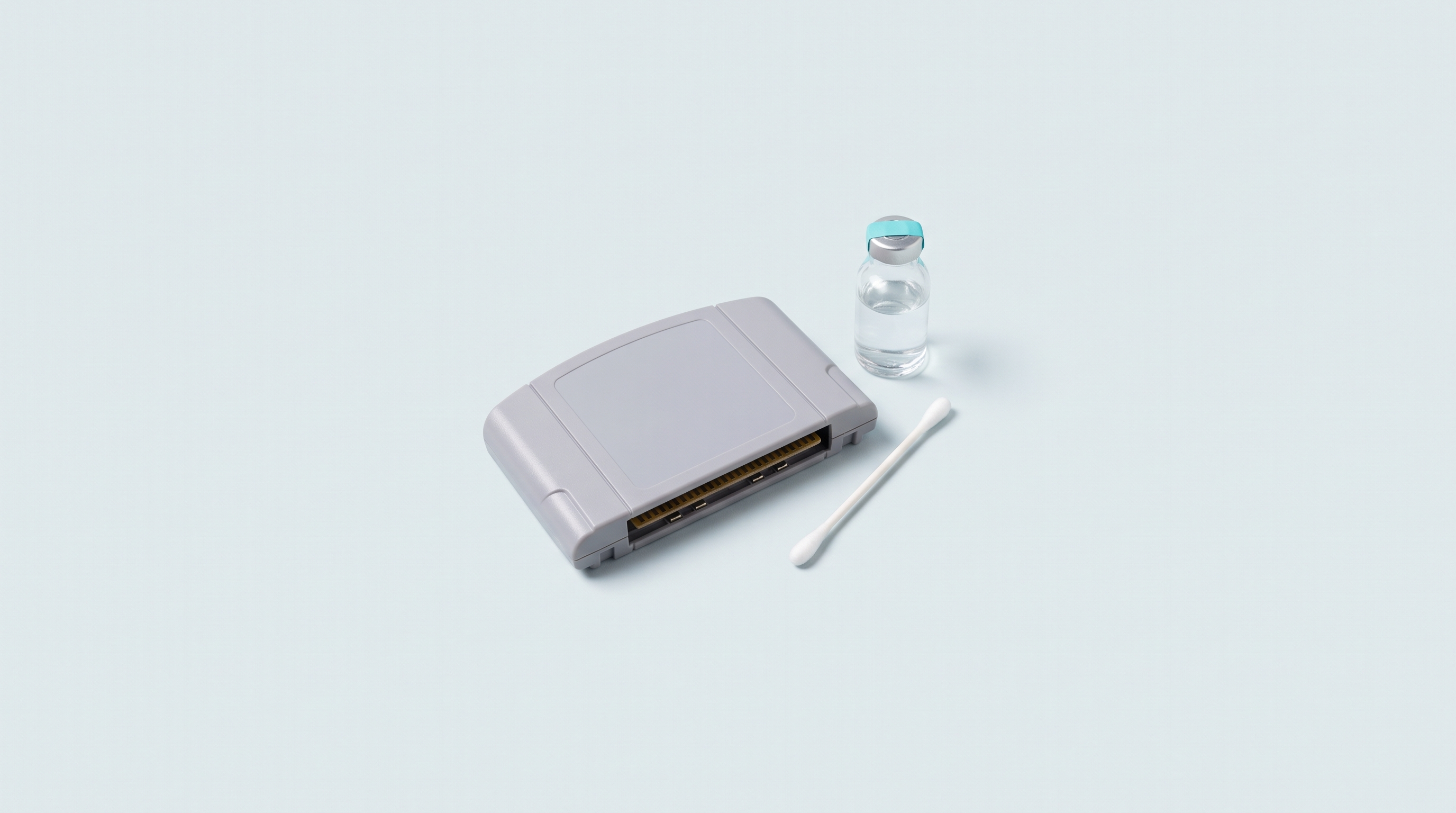
You insert the cartridge, the screen stays black. Or it shows a mush of pixels, or the game crashes after ten minutes. The reflex is to conclude that the cartridge is dead: it almost never is. Nine times out of ten, the problem comes down to an invisible film on the contact edge: oxidation, dust, finger residue, sometimes traces of saliva thirty years old. Cleaning takes five minutes, provided you use the right product and avoid the ones that damage the gold plating permanently.
Why contacts eventually stop conducting
The contact edge of a cartridge is a copper strip covered with a very thin layer of gold. Gold does not oxidise, but the layer is thin and porous, and every insertion scratches it a little. Damp, storage in a cellar and handling with bare hands create an insulating film where the copper shows through. The console now only has partial contact on some pins, and the symptom depends on the pin: nothing on screen, a plain screen, wild colours, random freezes, one successful boot out of five attempts. If there are other leads to rule out, our list of causes for a game that will not start will save you time.
One case not to confuse with this: the save that is wiped after switching off while the game itself runs perfectly. The contacts have nothing to do with it, it is the battery soldered inside the cartridge that is flat.
The right product, and the ones to banish
The reference product is isopropyl alcohol at 99% or above, sold in bottles or in aerosols for electronics. It contains almost no water: it dissolves grease, evaporates quickly and leaves no residue. One detail that electronics maintenance suppliers point out: this alcohol is hygroscopic, an open bottle absorbs moisture from the air and loses its usefulness. Close it again.
| Product | Verdict | Why |
|---|---|---|
| Isopropyl alcohol 99% | Yes | Dries fast, no residue |
| Isopropyl alcohol 70% | As a stopgap | 30% water: slow drying |
| Methylated spirits | No | Additives and dyes, leaves a film |
| Vinegar, lemon juice | No | Diluted acid: attacks copper |
| Household products, wipes | No | Conductive residue after drying |
| Abrasive eraser, sandpaper | No | Tears off the gold plating and bares the copper |
| Tap water | No | Limescale, drying not guaranteed |
| Contact cleaner such as DeoxIT | Yes, with judgement | The maker has a range dedicated to gold surfaces |
Sanding a connector with sandpaper, a common piece of advice on English-language forums, is to be avoided: it works once, then condemns the part to oxidise.
The method, step by step
- Switch off and unplug the console, remove the cartridge.
- Set yourself up under a raking light: it reveals the dull areas.
- Soak a cotton bud in alcohol without drenching it: damp, not dripping.
- Rub each side of the contact edge along the direction of the tracks, about ten firm back-and-forth passes.
- Look at the cotton bud. Grey or black, throw it away and start again with a new one, until it comes out clean: that is the only stopping criterion.
- Finish with a dry, lint-free microfibre cloth.
- Let it dry for fifteen minutes: powering a console back up on a damp contact is the only real risk of the operation.
- Try it, then store the cartridge in a box or a closed case: storage accounts for half the problem.
If one pass is not enough
Opening the shell gives access to both sides of the board. Nintendo home console cartridges need a 3.8 mm Gamebit screwdriver, Game Boy and Game Boy Advance ones a Y1 tri-wing. The method stays the same.
Green oxidation
Green deposits indicate copper corrosion under gold plating that has been breached. Alcohol does not dissolve them: gentle mechanical rubbing will be needed, accepting that the gold plating there is lost and that the job will have to be redone every year. A contact cleaner that leaves a protective film limits the recurrence.
Leaking battery
Cleaning the console connector
One faulty cartridge across several consoles: it is the cartridge. Several faulty cartridges on one console: it is that console's connector.
The procedure, as documented for the slot of a Nintendo 64: console unplugged, a few short bursts of dry air spray along the slot, then a cotton bud soaked in alcohol along the whole length of the connector. Spray held upright, same drying time as for a cartridge.
One case resists: the NES 72-pin connector, whose blades loosen with age. Cleaning improves matters, replacement remains the only lasting solution. The same logic applies to a USB cartridge reader: when dirty, it produces false reads before it stops reading anything at all.
Blowing into the cartridge: the legend
The gesture has stayed in the collective memory, and it is counterproductive: blowing deposits moisture and saliva on the pins, which speeds up their corrosion. Repair guides say so bluntly, and informal studies have never shown any beneficial effect.
If the game started up anyway, what worked was the gesture that came with the blowing: taking the cartridge out and putting it back rubbed the contacts against the connector. Reinserting it was the fix, and it only delayed today's cleaning.
When the cartridge really is dead
Three checks before you conclude. Is the contact edge clean and shiny along its whole length? Has the cartridge been tried on a second console? Does another cartridge work on this one?
If all three answers point the wrong way, open the shell and inspect the board. A broken track, a chip with lifted legs, liquid tide marks, a cracked solder joint: those are component faults, not cleanliness faults. A USB cartridge reader settles it faster, since it shows whether the chip responds, as described in our guide to copying cartridges.
The cleaning kit
- Isopropyl alcohol 99%, in a sealed bottle.
- Cotton buds with paper or wooden sticks, five to ten per cartridge.
- A lint-free microfibre cloth.
- A dry air spray.
- A 3.8 mm Gamebit screwdriver and a Y1 tri-wing.
- Nitrile gloves as soon as a battery has leaked.
- An adjustable lamp.
Can you use 70% alcohol if that is all you have?
Yes, as a stopgap. The 30% water content lengthens drying and can leave deposits: double the waiting time, and do another pass at 99% as soon as you have some.
Does a white eraser really damage the contacts?
Yes. The gold plating is measured in microns and an abrasive eraser removes it in a few passes. The contact looks shiny at the time, but the bared copper then oxidises much faster. A one-way trip.
Do you have to open the cartridge every time you clean it?
No. Cleaning from the outside is enough in the vast majority of cases, with no tools. Opening it is justified when two or three passes have achieved nothing, when green deposits are visible, or when a battery has leaked.
My game starts then crashes after a few minutes, is that a contact problem?
It is a serious hypothesis: a partial contact can hold when cold then give way when the metals expand. Clean it, then try again. If the crash comes back at exactly the same point, look towards the components.
Do today's retro handheld consoles have the same problem?
They have no cartridge connector, so no contact edge oxidation. Their equivalent is the microSD card and its reader, both sensitive to dust. A puff of dry air in the slot and a cloth on the contacts are enough.
Going further
The kit fits in a box and lasts for years. If in doubt, write to us through the contact page before doing anything irreversible. Consumables, opening tools and spare parts are gathered in our workshop and modding collection.