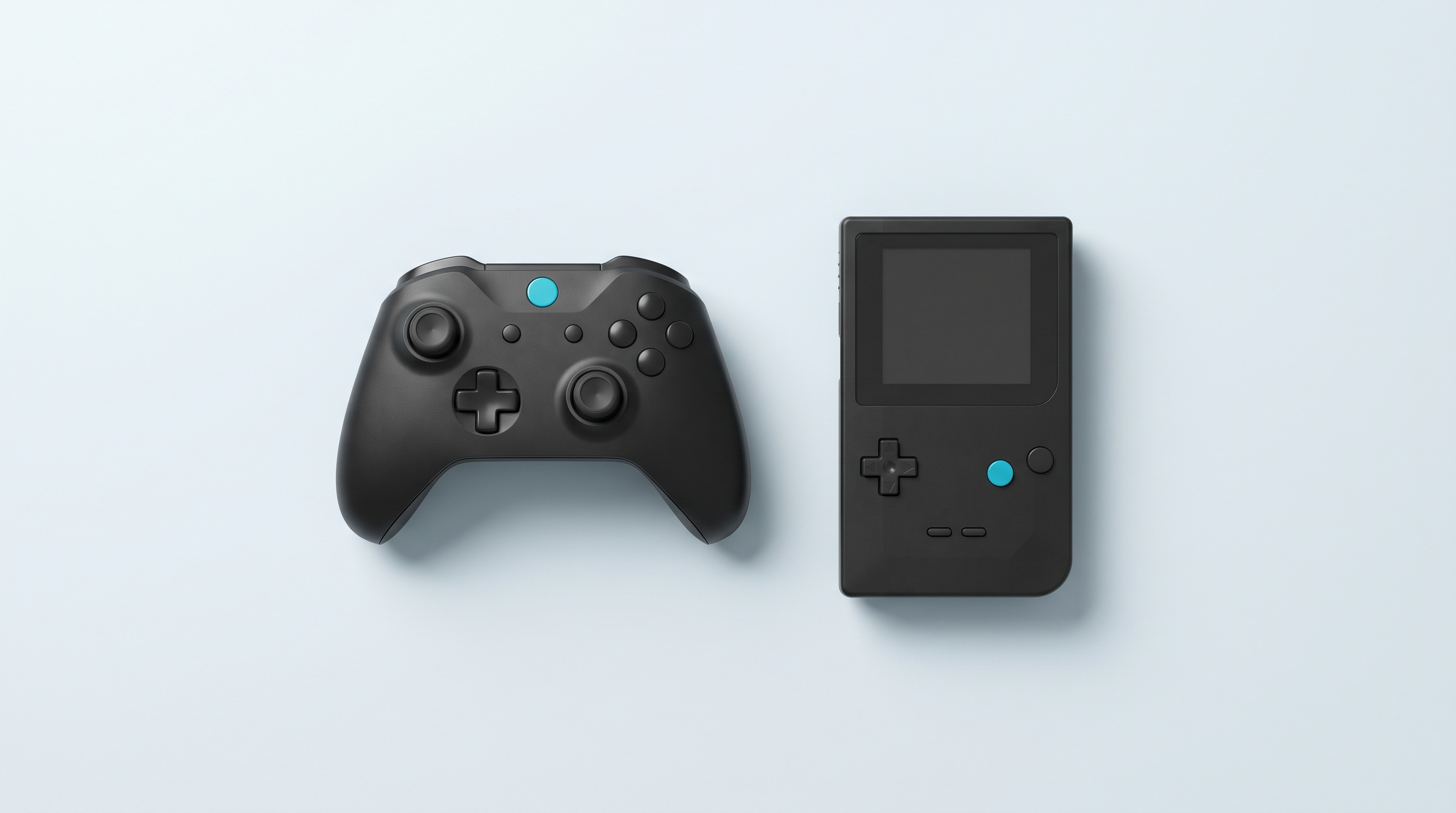
On a retro handheld console, an external controller is mostly useful for three things: playing on a TV without wrecking your back, getting through a two-hour session without cramps, and starting a two-player versus match. The idea is simple; the reality less so. Everything comes down to two unrelated points: whether the device has a Bluetooth chip, and whether the installed firmware can use it. One console may have the chip and offer nothing in its menus; another has none at all, and no update will ever change that. Here is how to find out where you stand.
What an external controller brings, and what it costs
On a TV, there is no debate: several models have a video output, and holding the console in your hand while the picture is three metres away makes no sense. For long sessions, the argument is ergonomic: a 3.5-inch console forces a tight grip with your wrists closed in, whereas a full-size controller spreads the effort. With two players it is even more straightforward: no extra controller, no second player. One last, rarely mentioned advantage is wear: the sticks on a handheld are miniature parts that are hard to replace.
On the other side, there are three drawbacks. A wireless controller adds a few milliseconds of latency, a battery to recharge, and one more thing not to forget. On entry-level Linux consoles, setting it up is not a three-click job either.
First question: does your console have a Bluetooth chip
Check this before buying any controller: no firmware can create a radio that isn't there. Here is what the official spec sheets of the most common devices state.
| Device | Bluetooth listed | Fallback option |
|---|---|---|
| Anbernic H700: RG35XX Pro, RG35XX H, RG35XXSP, RG34XX, RG40XX H, RG 40XXV, RG CubeXX | Yes, Bluetooth 4.2 and 2.4/5 GHz Wi-Fi | — |
| Anbernic RG28XX | No, neither Wi-Fi nor Bluetooth | Wired, or a 2.4 GHz dongle through the USB/OTG port |
| Anbernic RG353V and RG353PS | Yes, Bluetooth 4.2 | — |
| TrimUI Brick and Smart Pro | Yes on the manufacturer's spec sheet: 2.1+EDR/4.2 | 2.4 GHz dongle or wired if the firmware doesn't expose it |
| Miyoo Mini Plus | No, Wi-Fi only | Wired or 2.4 GHz dongle |
| Powkiddy RGB20S | No, neither Wi-Fi nor Bluetooth | Wired or 2.4 GHz dongle |
| Android: Retroid Pocket, AYN, Anbernic Android | Yes, Bluetooth 5.x depending on model | — |
| Windows: ROG Ally, MSI Claw | Yes, just like a PC | — |
A word on version numbers: Bluetooth 4.2 versus 5.3 makes almost no difference for a controller, because the data rate required is so low and the standard is backward compatible. The version affects range and power consumption. What decides success is the software.
Second question: does the firmware know how to use it
Android: the simple case
On a Retroid Pocket, an AYN or an Anbernic running Android, pairing works just like on a phone: settings, connected devices, pair new device. The built-in buttons remain active at the same time. That is a concrete argument in favour of these devices, covered in detail in our Android or Linux comparison.
Linux: it all depends on the installed system
KNULLI and Batocera derivatives. The best-documented case. Press Start, open Controller & Bluetooth Settings, enable Bluetooth, then choose automatic or manual pairing. Keyboards, mice and audio are handled the same way. The official documentation gives two useful tips: turn off Wi-Fi during pairing if the controller doesn't show up, and check that it works in PC mode, because some controllers are locked to a single ecosystem.
ROCKNIX. Same logic, same Controller & Bluetooth Settings menu in EmulationStation. The project acknowledges one limitation: disconnections are not handled cleanly. Switching off a Bluetooth headset without first going back to the default audio output cuts the sound until you reboot.
muOS. Bluetooth is not an official feature of the system. Pairing goes through a separately distributed community app: it works for many users, but it is neither guaranteed nor maintained by the firmware team.
MinUI and NextUI. NextUI, on TrimUI devices, supports Bluetooth audio; as for controllers, no official documentation describes pairing. Don't count on it without checking on your version.
Anbernic stock firmware. It handles pairing on equipped models, with a menu whose location changes from one version to the next. Our firmware compatibility table sums up what each system brings, device by device. On the Miyoo Mini Plus, the matter is settled: no chip, no pairing.
The pairing procedure, step by step
- Charge the controller. A low battery is the leading cause of pairing that fails or drops out after ten minutes.
- Put it in the right mode. Many multi-platform controllers start in a different mode depending on the button held at power-on. On 8BitDo controllers in the SN30 Pro family: X + Start for X-input mode intended for PC, B + Start for D-input, Y + Start for Switch mode, A + Start for macOS. On a Linux console, go for PC mode.
- Enable Bluetooth on the console and turn off Wi-Fi for the duration: both radios share the 2.4 GHz band.
- Put the controller in pairing mode, usually by long-pressing its dedicated button until it flashes rapidly.
- Start the search from the Bluetooth menu and select the controller.
- Check the player number assigned, then try it in a game, not just in the interface.
Bluetooth, 2.4 GHz dongle or wired
| Connection | Strengths | Limitations |
|---|---|---|
| Bluetooth | Nothing to plug in, no port taken up. The same controller works with the console, the phone and the PC. | Depends on the firmware. Highest latency of the three. Pairing sometimes has to be redone. |
| 2.4 GHz dongle | Seen as a wired controller: works even without a Bluetooth chip. More consistent link, including with two players. | Takes up the USB-C port, often the only one, and requires an OTG adapter. |
| Wired USB-C | The most reliable, minimal latency, no battery to manage. | One more cable, and the charging port is in use. |
On an RG28XX, a Miyoo Mini Plus or an RGB20S, the Bluetooth debate therefore doesn't exist: a controller and 2.4 GHz dongle set is the only wireless option. The OTG adapter you need is in our handheld console accessories section. For two-player gaming, that same dongle remains the safest choice: two Bluetooth controllers at once give inconsistent results on these devices.
Mapping the buttons after pairing
A recognised controller is not the same as a properly configured one. The most common trap is the physical layout: on a Nintendo-style controller, A and B, X and Y are swapped compared with an Xbox-style controller. The system reads codes, not letters, hence the crossed buttons after an otherwise successful pairing.
On Batocera-family firmware, you reconfigure from the pairing menu, using a wizard that asks you to press each button. On RetroArch-centred systems, assignments are corrected in the input settings, port by port; our essential RetroArch settings guide details the order of the menus. On Android, expect one mapping per emulator.
One last tip: write down your configuration, or back up the corresponding file. A custom firmware installation starts from a blank slate, and redoing three mappings from memory takes time.
Latency: what causes it, and when you notice it
Between pressing a button and the pixel moving, there is the controller, the radio link, the emulator and the screen. The radio link is only one link in the chain, and rarely the worst.
The Gamepadla measurement database, which measures controllers on PC, gives an order of magnitude: wired models range from about 1 to 8 milliseconds on the buttons, 2.4 GHz dongle connections from 1 to around thirty, and Bluetooth from about 7 to around thirty. The ranges overlap: a good Bluetooth controller beats a poor dongle controller. These figures apply to a PC, but the typical gap between wired and wireless is counted in milliseconds, not tenths of a second.
Consistency matters as much as the average: a link that responds in 12 milliseconds every time can be compensated for by reflex, while a link that swings between 8 and 40 feels floaty.
Where you notice it: shoot 'em ups, rhythm games, pixel-perfect platformers, versus games. In a turn-based RPG, nobody will tell the difference. On a TV, the first suspect is still the screen: enable Game mode, which gains you far more than switching to wired. A Bluetooth headset, for its part, has a more noticeable audio delay than a controller.
Troubleshooting
The controller doesn't appear in the list
In order: check that it is in pairing mode and not simply switched on; that it isn't already connected to a nearby phone; that it starts in a PC-compatible mode; that Wi-Fi is turned off during the search; and that your firmware actually offers Bluetooth. That last point solves half the cases.
The buttons are swapped or a stick doesn't respond
This is a mapping problem, not a connection problem. Run the firmware's configuration wizard again, or correct it port by port in the emulator. If only one stick is unresponsive, check that the controller isn't in D-input mode, where analogue axes are sometimes missing.
The controller drops out, or pairing is lost on reboot
Dropouts most often come from distance, an obstacle — your own body between the controller and the console is enough — or a low battery. Try at one metre, with no obstacle and the controller charged.
Pairing lost at every boot is a software problem. A documented case on the TrimUI Brick running KNULLI: the device generates a random Bluetooth address at every boot, so saved pairings are no longer recognised, with no fix released to date. When the firmware lets you down, the 2.4 GHz dongle settles the matter: it doesn't depend on any Bluetooth stack.
Choosing your controller
Three criteria before looks: compatibility in PC mode, essential as soon as the console runs Linux; a backup wired connection, which saves the sessions where Bluetooth refuses to cooperate; and real battery life, a frequent weak point of budget models.
Our selection is split between retro controllers, for the period-accurate layout, and gaming controllers when comfort and sticks come first.
My console doesn't have Bluetooth, can I still play with a wireless controller?
Yes, with a controller and 2.4 GHz dongle set plugged into the USB-C port via an OTG adapter. The system then sees a wired controller, which gets around the lack of a Bluetooth chip on an RG28XX, a Miyoo Mini Plus or an RGB20S. Check that your console's port really supports OTG mode and not just charging.
Does a recent home console controller work on a retro handheld console?
It depends on the model and the firmware. The KNULLI documentation warns that some controllers are designed for a single ecosystem and only pair properly with it. Multi-platform models with a PC mode are the safe choice; if in doubt, a wired USB connection lets you check.
Is my console's Bluetooth 4.2 too old?
No, not for a controller: the data exchanged is minimal and the standard is backward compatible. The version mainly affects range and power consumption. What makes pairing fail is almost always the firmware or the controller's mode, not the chip version.
Do I have to pair again every time I switch on?
Normally not: the console remembers the controller, which reconnects in a few seconds. There are exceptions caused by firmware bugs, such as this case reported on the TrimUI Brick running KNULLI where the Bluetooth address changes at every boot. A controller with a 2.4 GHz dongle then avoids the problem.
Does the external controller disable the console's buttons?
In most cases both stay active, which is handy for two players on a TV. However, the order in which players are assigned can change, and the shortcut combinations along with it. Check how to exit a game from each controller before you find yourself stuck.
Can you connect two wireless controllers at the same time?
It is possible, but two Bluetooth controllers at once give inconsistent results on these small Linux devices. For regular two-player gaming, a 2.4 GHz dongle that handles several controllers, or a wired controller alongside a wireless one, holds up better.