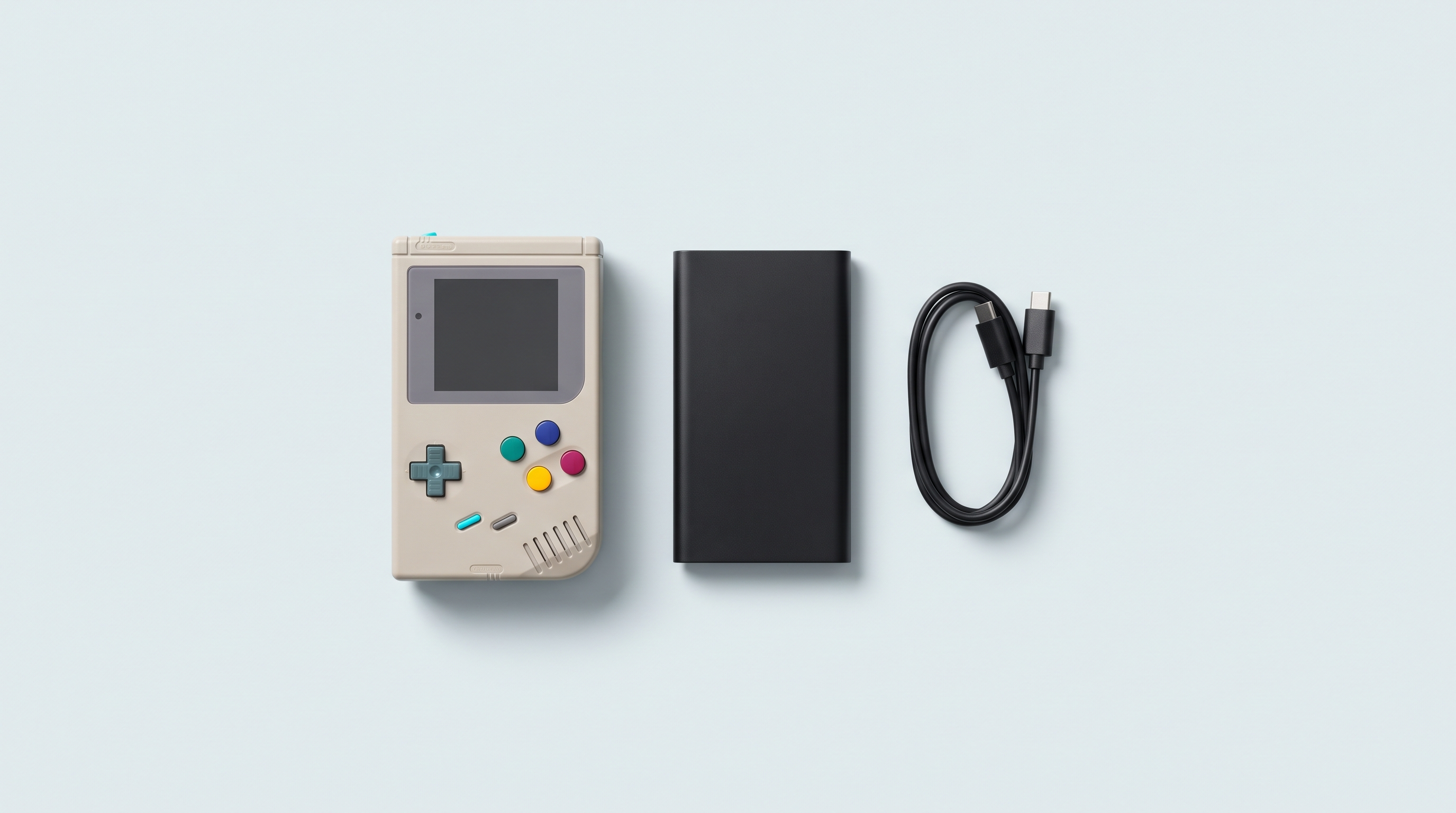
A console advertised for seven hours that shuts down after three: that's the most common complaint after the first week of use. In almost every case, the battery is perfectly fine. What has changed is what the machine does with its power: a PlayStation 1 emulator doesn't cost the same as a Game Boy Advance emulator, and a screen at full brightness doesn't cost the same as one at half. Battery life isn't a single value, it's a range, and you move within it every time you change a setting.
The five factors that drain the battery
1. The emulated system, by far
This is factor number one. Emulating a Game Boy Advance takes a trivial amount of work. A PlayStation 1, a Nintendo 64 or a Dreamcast keep the processor busy for much longer on every frame. A GameCube or a PS2 on an Android machine also put constant load on the GPU.
On an AYN Odin 2 Portal with its 8,000 mAh, one reviewer records about fourteen hours on Game Boy Advance and ten hours on GameCube or PS2 rendered at 3x. Between the lightest and the heaviest system your machine can run, battery life is divided by two to three, and no setting makes up for that gap.
2. Screen brightness
The backlight is the second biggest drain, and the only one you can act on instantly. On small Linux machines whose processor draws little power, the screen accounts for a considerable share of the total: lowering the brightness there changes the result more than on an Android device that heats up its SoC.
We won't give a universal percentage, because there isn't one: the gain depends on the panel and on where you start. Going from maximum to a comfortable indoor level shows on the gauge within the hour. AMOLED panels, like those of the Retroid Pocket 6 or the RG556, are a special case: only lit pixels draw power, so a 4:3 game surrounded by black bars costs less there than the same image stretched to full screen.
3. Wi-Fi and Bluetooth
These two radios are often wrongly blamed. Bluetooth on its own uses little power: a smartphone measurement shows less than two points of difference over twenty-six hours between Bluetooth on and off at idle. On a console, the drain comes from the external controller, not from the chip.
Wi-Fi, on the other hand, is worth switching off: an active chip with nothing to do keeps scanning and maintaining its connection to the network throughout the session. On a low-power Linux console, this background drain weighs heavily. Turn it on to transfer your files, then switch it off to play.
4. Processor frequency
Many custom firmwares expose a frequency setting or a performance profile. It's a real lever, but a conditional one: it only helps if your system offers it. Raising the frequency for a stubborn Dreamcast game costs battery life; leaving it raised for SNES means paying without getting anything back. Firmwares with per-emulator settings make this lever usable: see our alternative firmwares and the compatibility table.
5. Volume and headphone output
The weakest of the five, but not zero. These speakers are small and poorly loaded acoustically: to get volume out of them, the amplifier runs inefficiently, and the difference shows over a long session. Wired headphones cost less than a speaker turned up.
Orders of magnitude, machine by machine
Published values only, under the conditions in which they were measured. These are not guarantees: firmware and settings make the result vary.
| Machine | Battery | Emulated system | Recorded battery life |
|---|---|---|---|
| Anbernic RG35XX (H700) | 2,600 mAh | Mixed 8/16-bit use | 7 h claimed, not verified |
| TrimUI Brick (A133 Plus) | 3,000 mAh | Mixed use | About 5 h claimed |
| Retroid Pocket 6 (SD 8 Gen 2) | 6,000 mAh | NES, SNES, GBA | 12 to 13 h measured |
| Retroid Pocket 6 | 6,000 mAh | PS1, N64, then GameCube and PS2 | 9 to 10 h, then 5 to 6 h |
| AYN Odin 2 Portal | 8,000 mAh | GBA, then GameCube and PS2 at 3x | 14 h, then 10 h |
| Asus ROG Ally | 40 Wh | Modern PC game, 25 W | Less than 1 h |
| Asus ROG Ally X | 80 Wh | Modern PC game, 25 W | About 1 h 55 |
On Linux machines, battery life is decent because the workload is light; on Android devices, a big battery makes up for a much hungrier processor; on Windows machines, several tens of watts bring battery life down to around an hour. Our Android or Linux comparison details the trade-offs, and the comparison tool lets you filter by specifications.
Why the advertised battery life means nothing
A manufacturer who writes "7 hours" isn't necessarily lying: they just don't say under what conditions they got that figure, and no standard measurement protocol exists.
- The scenario is chosen by the seller. A run on an 8-bit game, screen at half brightness, Wi-Fi and sound off, gives a value nobody will reach while actually playing.
- The advertised capacity isn't always the real capacity. At the entry level, the gap exists, and it's rarely in your favour.
- Firmware changes everything. The figure is measured on the stock system, which has neither the same sleep mode nor the same frequencies as a custom firmware.
The settings that gain you the most
Ranked from biggest to smallest gain.
- Play the right system on the right machine. On Game Boy Advance, a small Linux device runs effortlessly where an Android with a big processor spends power for nothing. It's the only "setting" that really doubles battery life.
- Lower the brightness by one or two notches. Immediate effect, no downside indoors, and the step most people never take.
- Switch off Wi-Fi while playing. You only need it to transfer, update or sync.
- Set up automatic sleep. Knulli, for example, triggers screen dimming, screen off, sleep or shutdown after a period of inactivity, followed by a second, more aggressive mode. That's what saves you from finding a dead machine the next day.
- Bring the frequency back down after a demanding game, if you had raised it for a specific title.
- Lighten image processing. Filters, CRT shaders and strict sync cost computation on every frame: see our essential RetroArch settings.
Power banks: what helps and what doesn't
A 10,000 mAh power bank doesn't deliver 10,000 mAh. That value is the capacity of the internal cells, at 3.7 V, while the USB output runs at 5 V: the total drops to about 7,400 mAh, to which the converter efficiency applies, which Anker puts at around 82%. That leaves roughly 6,000 usable mAh, or 60% of the printed figure — two charges of an Anbernic RG35XX, just one of a Retroid Pocket 6.
Then comes the trap with small Linux consoles. Many power banks cut their output when they detect almost no current being drawn: a console that draws very little, or that is switched off while charging, falls below this threshold and the power bank stops. Two workarounds: a model with a low-current mode, known as "low current", or leaving the console switched on while it charges.
Charging while playing works, provided the source supplies more than the machine consumes. For an entry-level Linux console, any USB-C power bank will do; for a high-end Android, count on 18 to 30 W; for a Windows machine such as the ROG Ally, 45 W is a minimum and 65 W is comfortable. Below that, you slow down the discharge without reversing it.
Watch out for the simple charging circuit of Linux consoles: on Anbernic machines, specialist retailers recommend a 5 V charger, up to 2 A. The risk comes mainly from cheap "fast charging" chargers with exotic protocols.
Making the battery last for years
A cycle means using up 100% of the capacity, not plugging in once: two sessions that go from 100 to 50% make one cycle, not two. Apple designs the batteries of the iPhone 14 and earlier to retain 80% of their capacity after 500 cycles, and 1,000 on recent models. Our consoles don't have Apple cells, but the order of magnitude is right.
The end-of-charge voltage is the parameter that matters. Battery University's data is clear: charged to 4.20 V per cell, a cell lasts 300 to 500 cycles, versus 850 to 1,500 if you stop at 4.00 V, at the cost of a quarter of usable capacity.
On a console, you can't set this voltage. Three habits are enough: don't leave the machine plugged in at 100% for days on end, don't leave it at zero, recharge before the gauge collapses. There's no need to "calibrate" the battery with full discharges: lithium-ion has no memory effect.
If a console is going to sit unused for several months, store it neither full nor empty. Apple recommends about 50% charge, in a dry, cool place below 32 °C, with the device switched off. Battery University puts a number on the opposite mistake: a cell stored full at 40 °C retains only 65% of its capacity after a year, versus 80% at 25 °C. And an empty battery forgotten for a year can drop below the minimum voltage and refuse to charge.
The special case of Android machines
An Android console is a phone without a SIM card, with everything that implies in terms of background tasks. Hence the very different standby times between two machines with identical batteries.
Android does have a power-saving mechanism, Doze, which kicks in when the device stays unplugged, stationary and with the screen off: network access suspended, Wi-Fi scans disabled, syncs and scheduled jobs pushed back to widely spaced maintenance windows. On paper, standby should be frugal. In practice, three things sabotage it.
- Exempted apps. An app allowed to ignore battery optimisation keeps working. Go through the list in the settings.
- Synced accounts. Email or cloud storage wake the console regularly. On a machine used only for gaming, there's no reason to have them.
- Manufacturer overlays. The in-house layer that manages controllers, performance profiles or the fan runs constantly and can't be disabled.
So the right reflex differs from a Linux machine: on Android, actually switch the console off if you don't plan to come back to it within the day. On a Linux device, deep sleep is so frugal that shutting down adds almost nothing.
Battery life isn't bought in mAh: you get it by matching the machine to the type of game. A 3,000 mAh Linux device on 16-bit games lasts longer than a 6,000 mAh Android on PS2, and costs three times less. Battery capacity is listed on every product page, as is the machine's condition on delivery; to compare, browse our retro handheld consoles.
Should you fully drain the battery from time to time?
No. This habit comes from nickel-cadmium batteries and their memory effect, which lithium-ion doesn't have. Repeated deep discharges actually shorten battery life: a cell withstands far more cycles with partial discharges than with full ones.
Does playing while charging damage the battery?
It's not charging at the same time that causes the problem, it's the heat it produces. A light session on mains power does no harm; a heavy emulation session while charging heats the cell, and temperature is what wears out a lithium battery. If the back of the console gets noticeably hot, unplug it.
Which power bank should you choose for a retro console?
A USB-C Power Delivery model, not a USB-A power bank. For a Linux console, any power rating will do, but check that it has a low-current mode. For an Android, aim for 18 to 30 W; for a Windows machine, 45 W minimum. And only about 60% of the advertised capacity actually reaches the console.
Why does my console lose charge when it's switched off?
On an Android machine, what you call "off" is often standby, during which services keep running despite Doze. On a Linux device, some consoles keep a residual power draw in deep sleep. The cell's self-discharge also exists, but it's much slower.
Can you replace the battery of a retro handheld console yourself?
On some models, the cell is attached with a plug-in connector and the job can be done with screwdrivers. On others, it's soldered. A punctured or bent lithium battery can catch fire: if in any doubt, don't open it and write to us.