
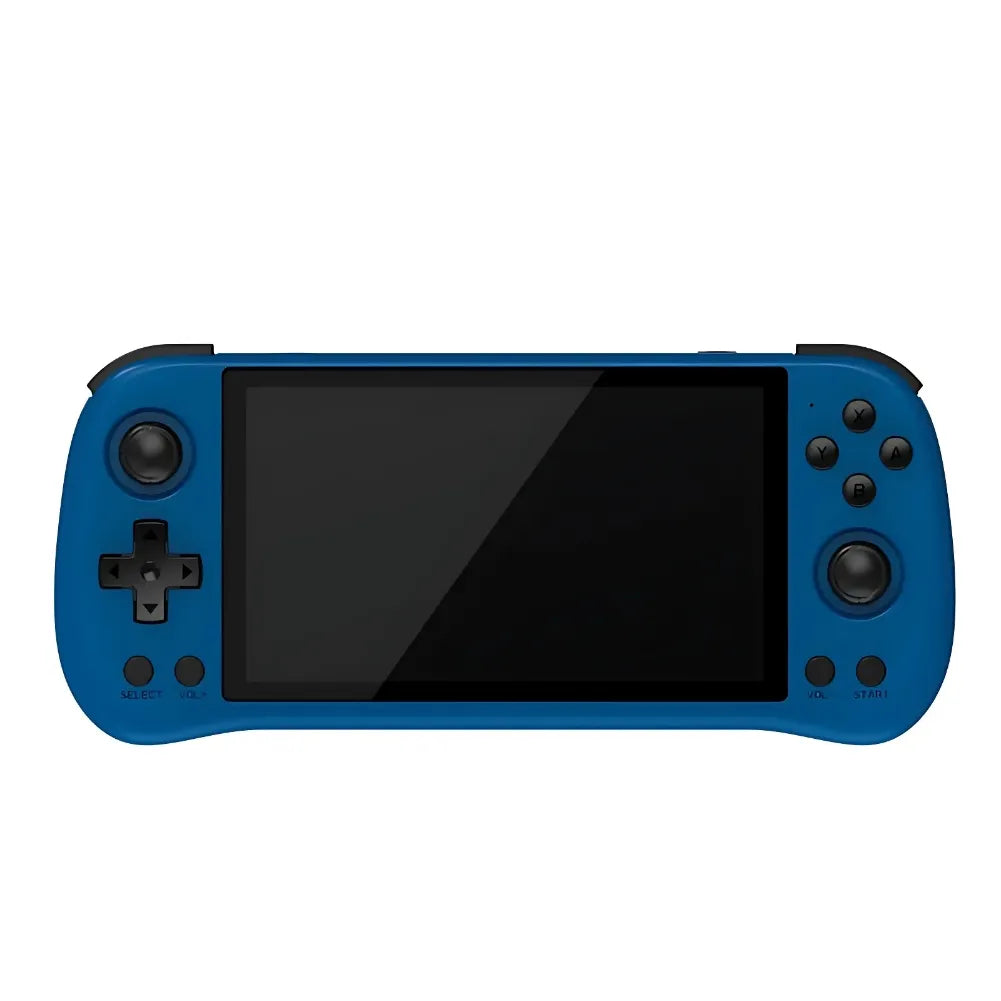
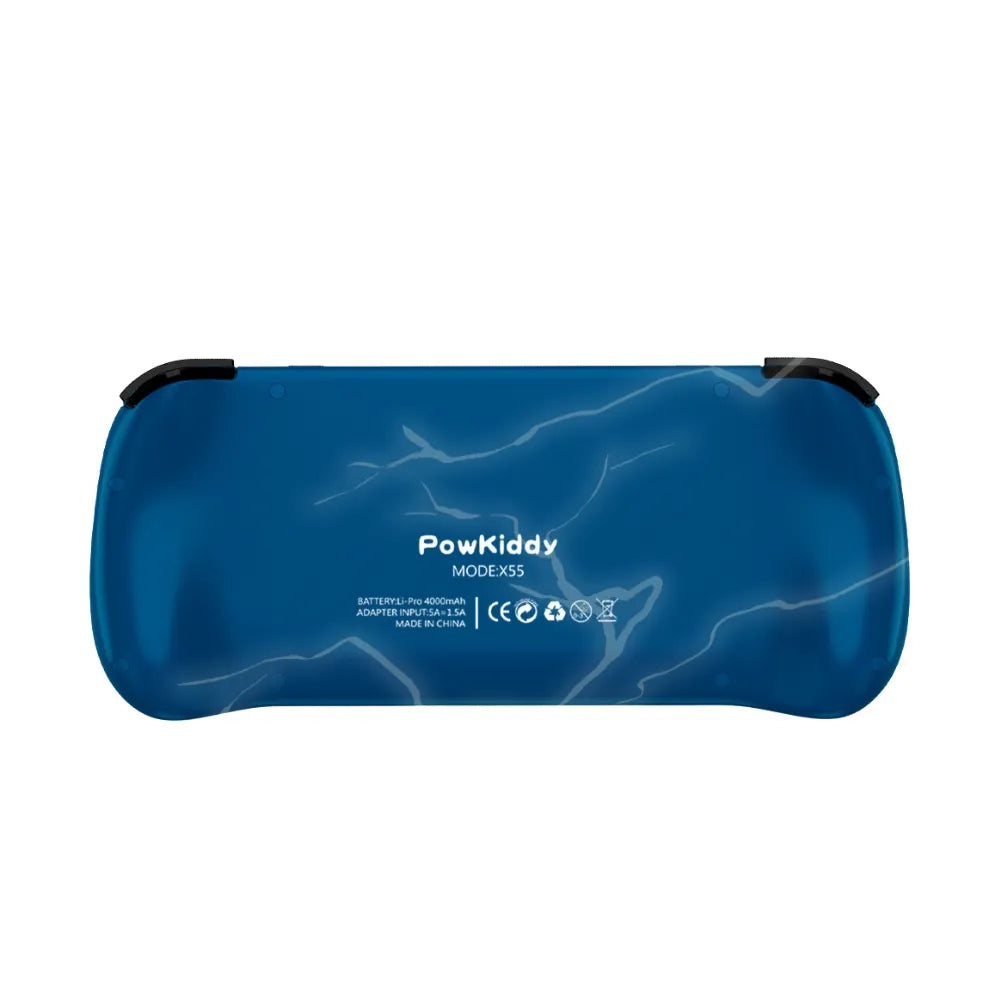
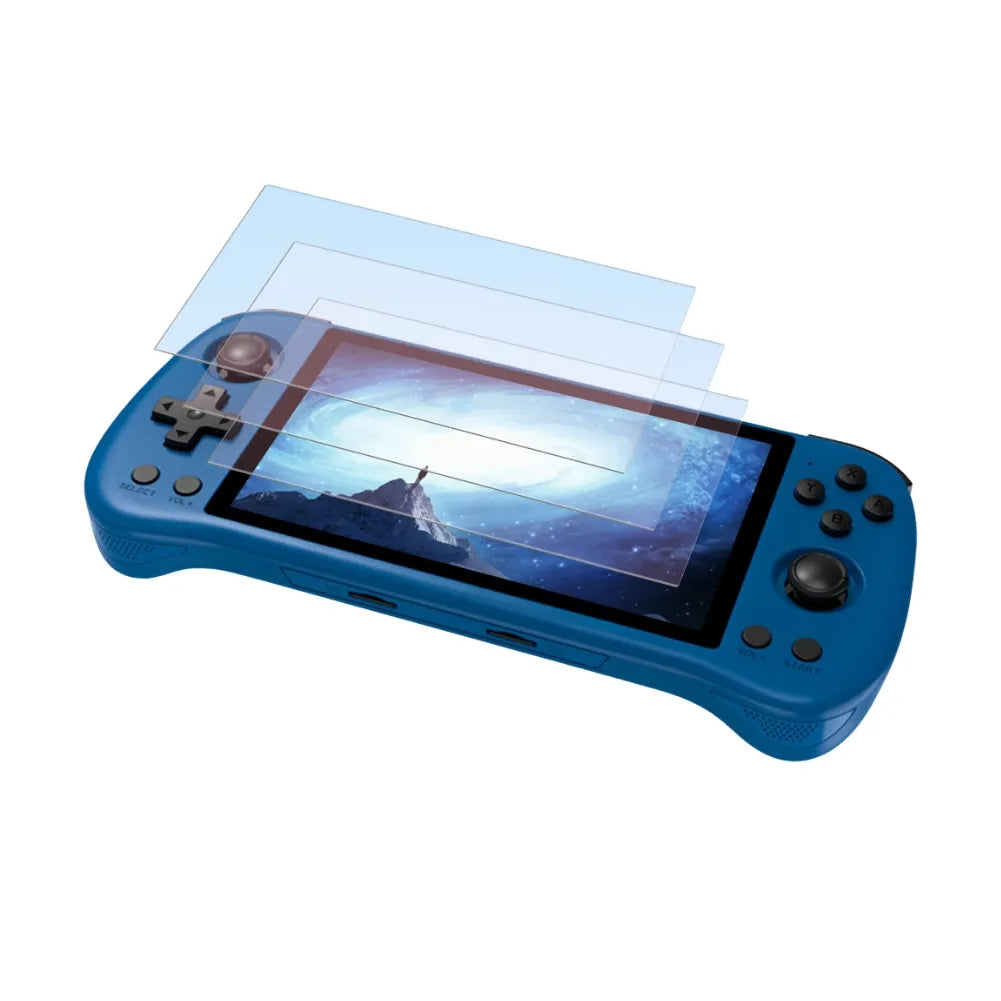


Powkiddy X55 – HD Retro-Gaming Portable Console
Discover the Powkiddy X55 , a handheld gaming console that blends modern design with retro features. Equipped with a 5.5-inch (13.97 cm) IPS screen with a 1280x720 HD resolution, this console delivers exceptional visual quality. With its open-source Linux system, quad-core RK3566 processor, and 2 GB of RAM, it's perfect for retro gaming enthusiasts seeking smooth and customizable performance.
Key features of the Powkiddy X55
- Smooth performance: RK3566 quad-core processor and 2GB of RAM for fast emulation.
- High-definition IPS screen: A 1280x720 resolution for sharp and immersive graphics.
- Extensive customization: Open-source Linux system and TF card support up to 256 GB.
Technical specifications of the Powkiddy X55
- System: Open-source Linux.
- Screen: 5.5 inch (13.97 cm) IPS, 1280x720 resolution, RGB.
- Processor: Rockchip RK3566 quad-core ARM Cortex-A55, up to 1.8 GHz.
- GPU: ARM Mali-G52.
- RAM: 2 GB LPDDR4X.
- Storage: 16GB base + 64/128GB options, expandable up to 256GB via TF card.
- Battery: 4000 mAh, 4-hour battery life, full charge in 2 hours.
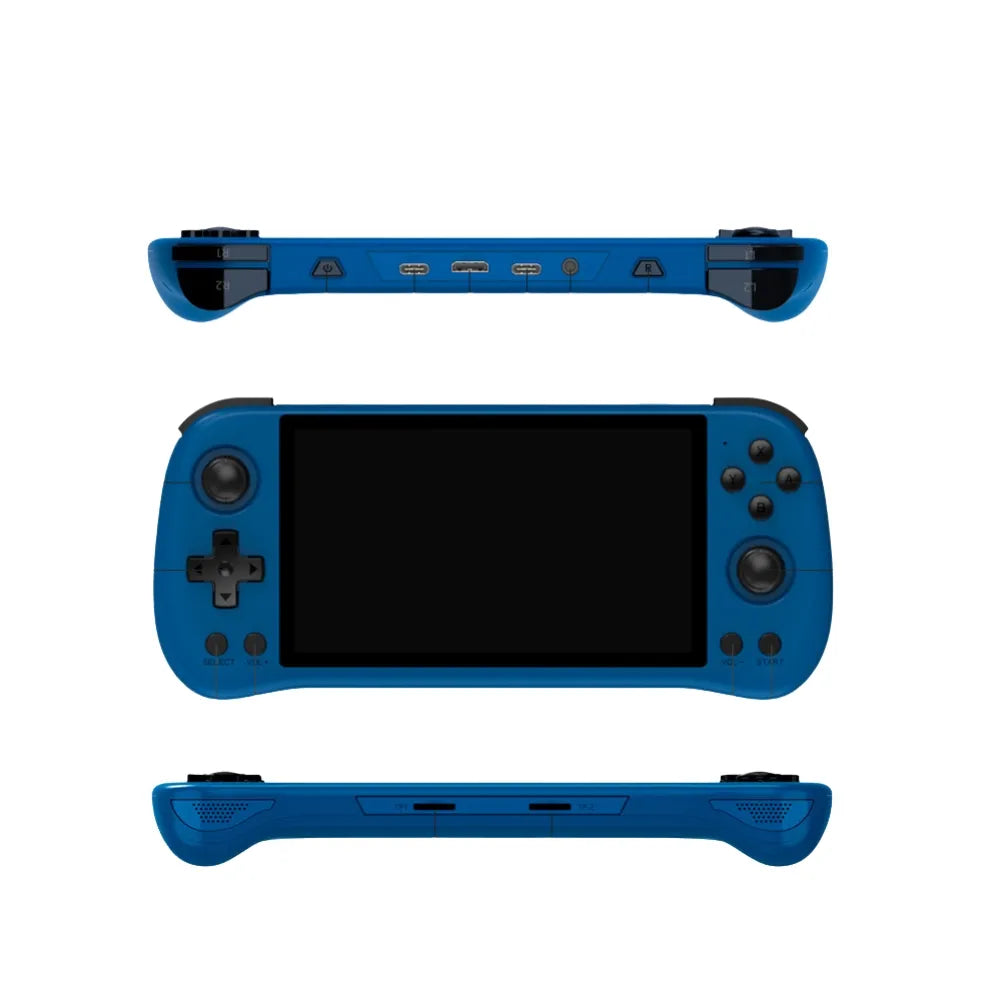
- Interface: Type-C, HDMI, OTG-USB, 3.5mm headphone port.
- Features: Brightness adjustment, HDMI video output, sleep mode, button configuration.
- Dimensions: 21.25 x 9.45 x 1.9 cm; weight: 293 g.
- Accessories: USB Type-C cable, user manual, gift box.
Why choose the Powkiddy X55?
The Powkiddy X55 is ideal for retro-gaming enthusiasts. Thanks to its HD IPS screen, powerful processor, and open-source system, it offers a smooth and customizable gaming experience. Its ability to emulate several classic platforms and its ergonomic design make it a versatile console accessible to everyone.
Usage tips
- Optimized storage: Use high-capacity TF cards to store your favorite games.
- Big screen experience: Connect the console to a screen via HDMI for total immersion.
- Customization: Configure Linux system settings for an experience tailored to your needs.
Conclusion
With the Powkiddy X55 , enjoy a smooth and customizable retro gaming experience. Its power, high-definition screen, and open-source ecosystem make it a must-have console for retro gaming enthusiasts and advanced customization lovers.
Discover our complete collection
Explore all our gaming consoles for all gamers and find the console that perfectly matches your expectations.
Product features
📊 Emulation performance
🖥️ Screen
🧭 Ergonomics
🔌 Ports and Connectivity
🎮 Controls
⚙️ Technical specifications
| Storage | 16 GB |
| Battery | 4000 mAh |
| RAM | 1 GB |
| RAM type | LPDDR4X |
| Architecture | ARM |
| Chipset | RockChip RK3566 |
| CPU | Cortex-A55 |
| GPU | Mali-G52 2EE |
| CPU Frequency | 1.8 GHz |
| CPU Cores | 4 |
| CPU threads | 4 |
| GPU frequency | 850 MHz |
Optimized performance for retro gaming
The POWKIDDY X55 is equipped with a quad-core RK3566 processor, ensuring smooth performance for all your favorite retro games. Its 2GB of RAM guarantees fast navigation and seamless emulation.
An immersive visual experience
With its 5.5-inch HD IPS screen, the console offers crisp graphics and vibrant colors. Perfect for fully enjoying the details of your classic games.
Unlimited customization
Thanks to its open-source Linux system, the POWKIDDY X55 allows you to personalize your experience. You can easily add emulators and games, while also expanding storage with a TF card.
Frequently Asked Questions
What is the Powkiddy X55 console?
The Powkiddy X55 is a portable retro gaming console that emulates many classic platforms (NES, SNES, GBA, PS1, etc.), with a 4.3″ IPS screen, a 3000 mAh battery and a Linux/Android based system.
What are the main technical characteristics?
4.3″ IPS screen (800×480), quad-core ARM Cortex-A7 CPU, 512MB–1GB RAM, microSD slot up to 128GB, 3000mAh battery (6–8h), Bluetooth 5.0, mini HDMI and stereo speakers.
Which emulators and systems are supported?
NES, SNES, Mega Drive, Game Boy, GBA, PSP, PS1, MAME, FinalBurn Neo, PC Engine, Wonderswan, etc., with performance varying depending on the platform.
How do I install and manage games?
Format a microSD card to FAT32/exFAT, copy the ROMs into named folders (/NES, /GBA…), insert it, restart and launch the games via the menu.
How do I update the firmware?
Download the official firmware, place update.img at the root of a microSD card, insert it, start up while holding “Volume +” and follow the instructions.
What is the battery life and how can it be optimized?
Approximately 6–8 hours. To extend battery life: lower the brightness, turn off Bluetooth, close background apps, and use optimized ROMs.
How do I connect the X55 to a TV or external controllers?
For TV: mini HDMI to HDMI cable and select the source. For controllers: enable Bluetooth, put the controller into pairing mode, and pair it in the settings.
What are some common problems and their solutions?
Frozen screen: Restart and update the firmware. No sound: Check the volume/headphones. MicroSD card not recognized: Reformat it. Unstable Bluetooth: Re-pair the controller.