
MSI Claw : Intel Core Ultra power, 120Hz screen and ergonomic design for a smooth Windows gaming experience anywhere.
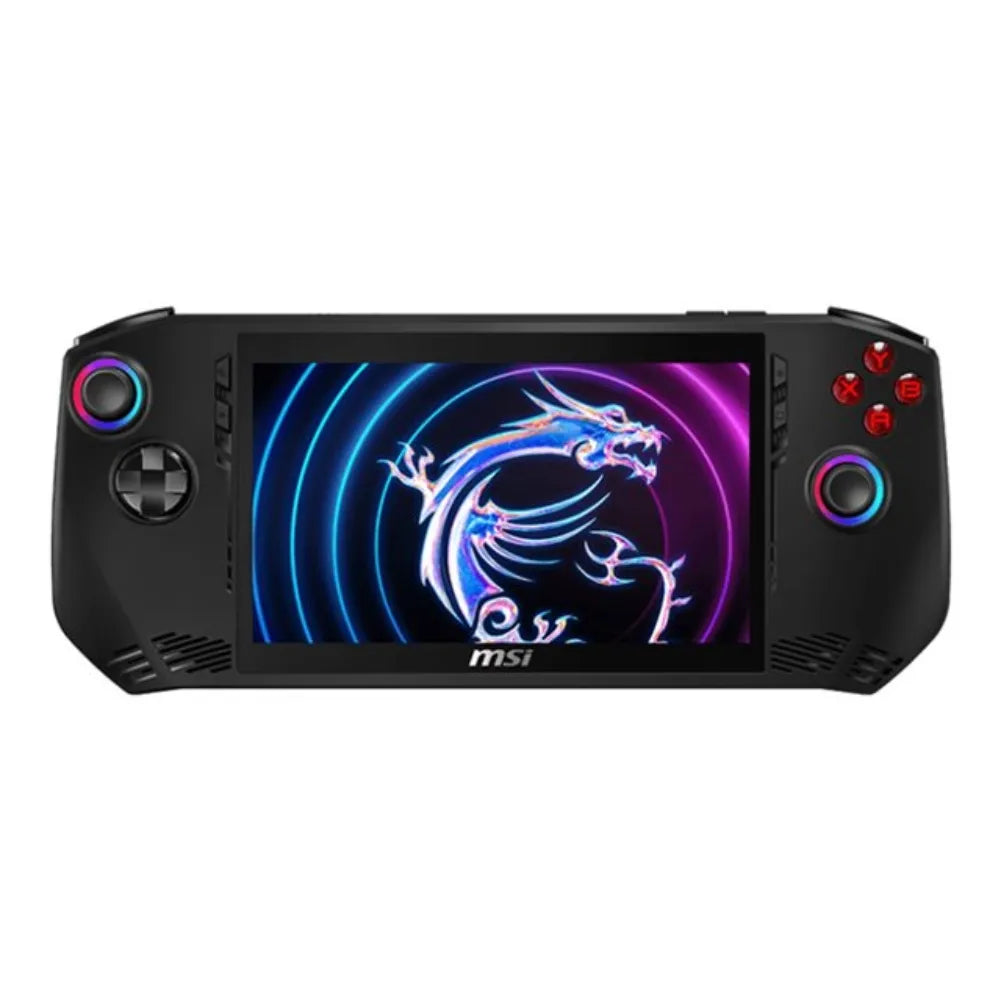
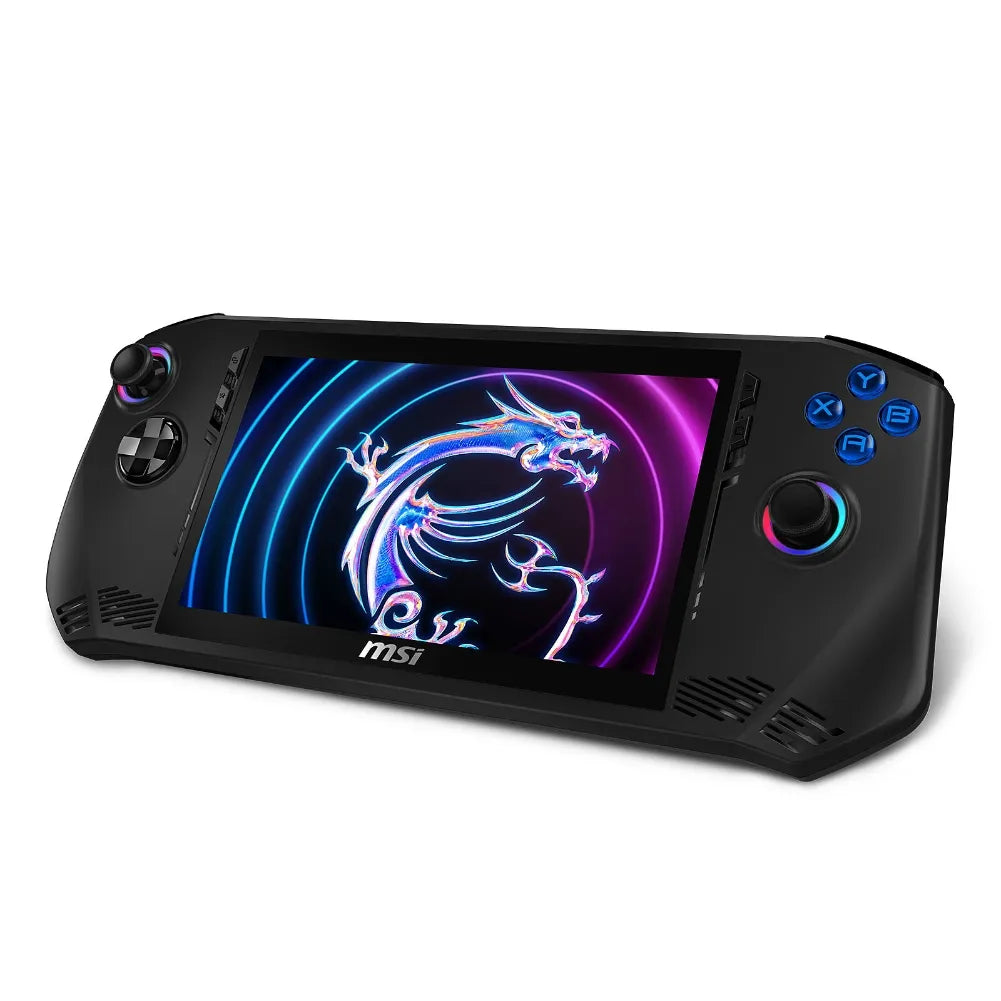
The MSI Claw is a Windows 11 portable gaming PC designed to take your
Game library (Steam, Xbox/PC Game Pass, Epic, GOG…) everywhere, without compromising on ergonomics.
It combines a smooth 7" or 8" screen , modern processors (Intel® or AMD depending on the version)
and the MSI Center M overlay to manage profiles, fans and controls in the blink of an eye.
➜ See the product details (French model in stock):
MSI Claw A1M-043FR — Power & Mobility
Technical characteristics & specifications
- Screens : 7" or 8" in Full HD/Full HD+ (up to 120 Hz ) with VRR for a clear and smooth image.
- CPU/GPU : Intel® Core™ Ultra (iGPU Arc) or AMD Ryzen™ Z-series (iGPU Radeon) depending on the model.
- Memory & storage : up to 32GB LPDDR5x and NVMe SSD ( M.2 ), microSD slot to expand the library.
- Controls : sticks, analog triggers, vibrations, gyroscope (depending on the game), mapping in MSI Center M.
- Connectivity : Wi-Fi, Bluetooth, USB-C (charge/dock), 3.5mm audio, microSD.
- Software : MSI Center M (profiles per game, TDP, fans), overlay for instant adjustments.
- Battery life : depends on the title and settings (TDP, 60/120 Hz, FPS cap).
New for 2025: MSI Claw 8
- Claw 8 AI+ (Intel) — 8" 1920×1200 120 Hz screen with VRR, 80 Wh battery, up to 32GB LPDDR5x , Intel Arc 140V iGPU, often dual Thunderbolt 4 depending on SKU.
- Claw A8 (AMD) — 8" 120 Hz screen with VRR, 80 Wh battery, up to 24GB LPDDR5x-8000 , Radeon 890M iGPU, M.2 2280 storage.
- Objective : greater battery life (80 Wh), superior display comfort (8" 120 Hz) and improved performance optimized for recent Intel/AMD drivers, while remaining plug-and-play under Windows.
In-game performance & user experience
- Compatibility : Windows PC games (all stores), cloud gaming (Xbox Cloud, GeForce NOW) and local streaming .
- Quick settings : Performance/Silent profiles, 60/120 Hz, FPS cap, fan curve — without leaving your game.
- Comfort : balanced chassis, pronounced grips, precise triggers; the 7-8" FHD/FHD+ screen remains very readable.
- Battery life tip : aim for 60 Hz + maximum FPS + moderate TDP for AAA games on the go.
MSI Claw vs other handheld consoles
- Steam Deck / OLED Deck : SteamOS = exemplary simplicity/sleep. Claw = Windows (all stores). Screen up to 8" 120 Hz , more settings and versatility.
- ASUS ROG Ally / Ally X : similar philosophy (Windows, 120 Hz). Claw 8 is available in Intel (AI+) and AMD (A8) versions : Choose according to pilot/ecosystem preference and range/budget.
- AYANEO / Lenovo Legion Go / others : alternatives with larger battery/screen or Hall sticks; the Claw focuses on MSI integration (Center M), 120 Hz screen and recent Intel/AMD configurations.
Choosing the right MSI Claw
- Usage : Recent AAA games (prefer Claw 8) vs indies/retro games (A1M may suffice).
- Screen & battery : need for comfort/endurance → 8" / 80 Wh (Claw 8).
- CPU : Driver and software preferences → Intel (AI+) or AMD (A8).
- Storage : 512 GB fills up quickly; fast microSD and/or SSD upgrade (M.2 2230 on A1M, M.2 2280 on A8).
- Customer service : favour EU resellers (VAT included, returns, clear guarantees).
Compatible & recommended accessories
- USB-C dock/hub with HDMI/DP output + pass-through power (65–100 W).
- Fast microSD card (A2/U3) for your libraries.
- Protection : hard case, tempered glass, grips.
- Compact GaN charger (65–100 W) for plugged-in gaming in performance mode.
- Bluetooth/2.4 GHz controller for TV/office.
Price & availability
Prices vary depending on the configuration (CPU, RAM, SSD) and any applicable promotions. For a French model available with local after-sales service and VAT included, please see: MSI Claw A1M-043FR — Power & Mobility Check the exact capacity and version (A1M, 8 AI+, A8) before purchasing.
❓ MSI Claw FAQ
🎮 What is the MSI Claw and who is it for?
The MSI Claw is a Windows 11 gaming laptop that runs your PC games (Steam, Xbox/PC Game Pass, Epic, GOG, etc.) on the go. It's aimed at gamers who want the versatility of Windows in a console-like format, with fine-tuning options (TDP, fans, 60/120 Hz) and a console-like feel.
🔀 What are the differences between Claw A1M (7") and Claw 8 (8" AI+ / A8)?
- Screen : A1M in 7" FHD, Claw 8 in 8" (FHD/FHD+) up to 120 Hz for more comfort.
- Platforms : A1M on Intel Core Ultra 1st gen, 8 AI+ on latest gen Intel, A8 on AMD Ryzen Z-series.
- Battery : Claw 8 focuses on higher capacity (increased endurance compared to 7").
- Connectivity/storage : Varies depending on SKU (M.2 SSD shape, ports). Check the product specifications before purchasing.
🕹️ What games can I play and with what settings?
Compatibility : Windows PC games (DX11/DX12/Vulkan), cloud gaming (Xbox Cloud, GeForce NOW) and local streaming from a PC.
- Indies & retro : 1080p/60 stable, low consumption.
- Recent AA/AAA games: aim for 720p–900p or FSR/FSR 2, limit to 45–60 FPS to balance smoothness and battery life.
- 120 Hz : ideal when plugged in for competitive/fast-paced games; when on the go, prefer 60 Hz.
🔋 What is the battery life and how can it be optimized?
- Set the screen to 60 Hz and limit the FPS (45/60).
- Choose a Silent/balanced profile and reduce the TDP for light games.
- Lower the brightness , disable background apps.
- Use a 65–100W GaN charger for plugged-in gaming in performance mode.
💾 Can I increase the storage?
Yes. The Claw features a replaceable NVMe SSD (M.2 format depending on the model) and a microSD card reader for expanding your library. A2/U3 cards are recommended for fast loading times.
🖥️ Can you play on an external TV/screen?
Yes. Use a USB-C dock/hub with HDMI/DisplayPort output and power pass-through (65–100 W). Pair a Bluetooth/2.4 GHz controller for living room comfort.
🌡️ Overheating and noise: is this normal?
Like any compact gaming PC, temperature and noise levels depend on the TDP and the game being played. MSI Center M profiles (fan speed, FPS cap) help maintain a comfortable operating environment. A cooling pad can also improve stability during extended gaming sessions.