
ASUS ROG Ally : Windows gaming power, stunning display and ergonomic design to dominate your AAA games anywhere.

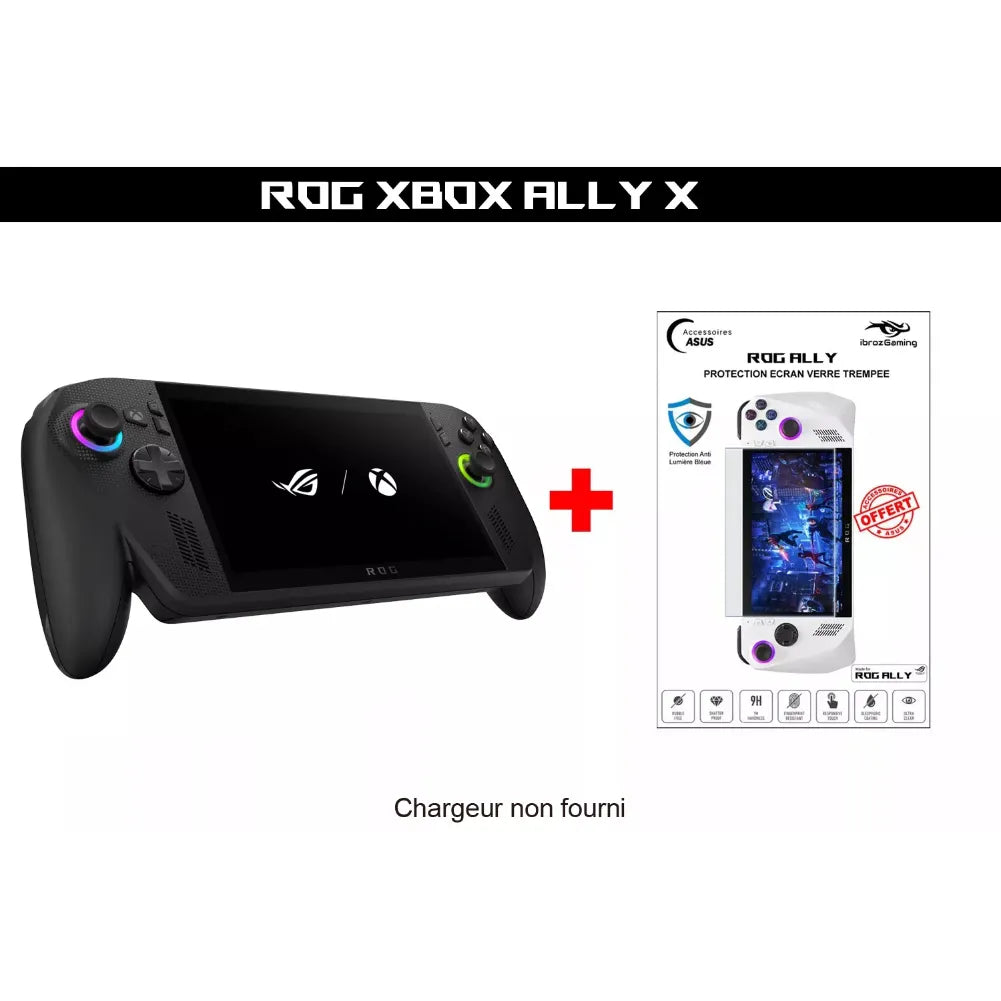
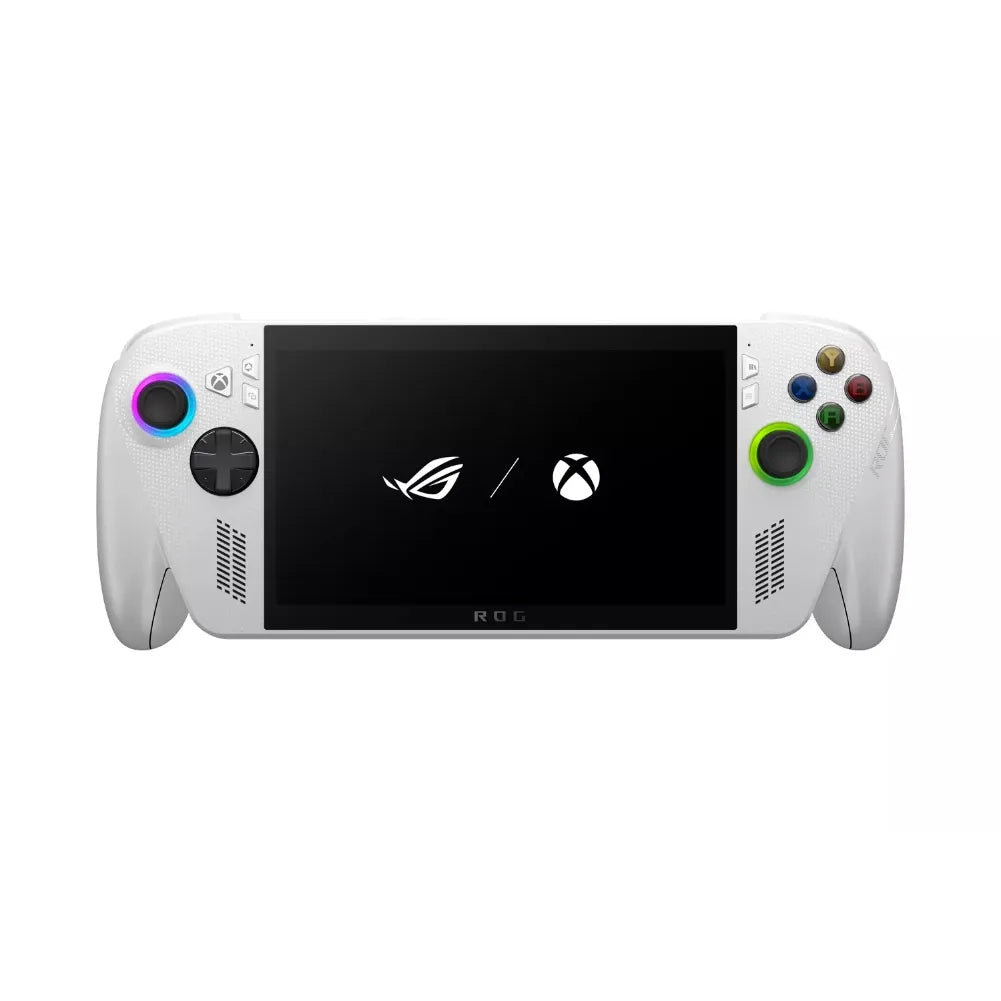
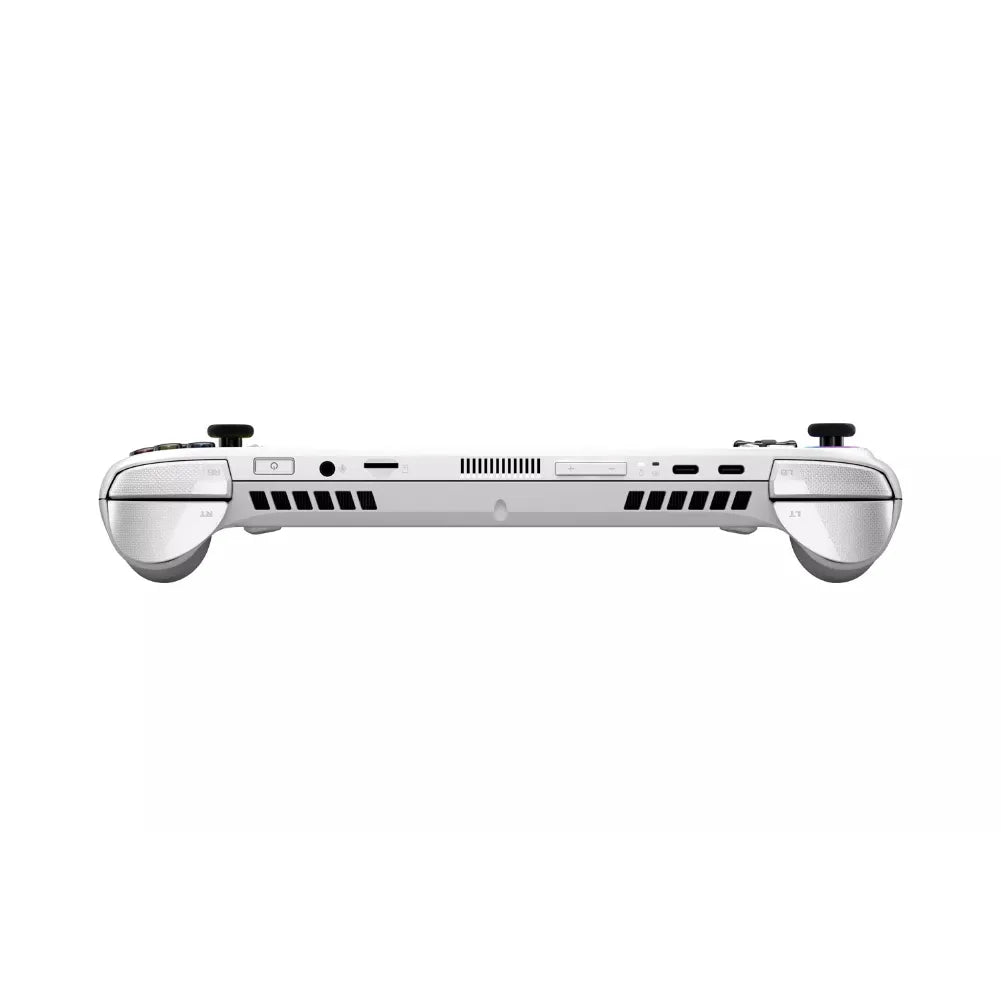
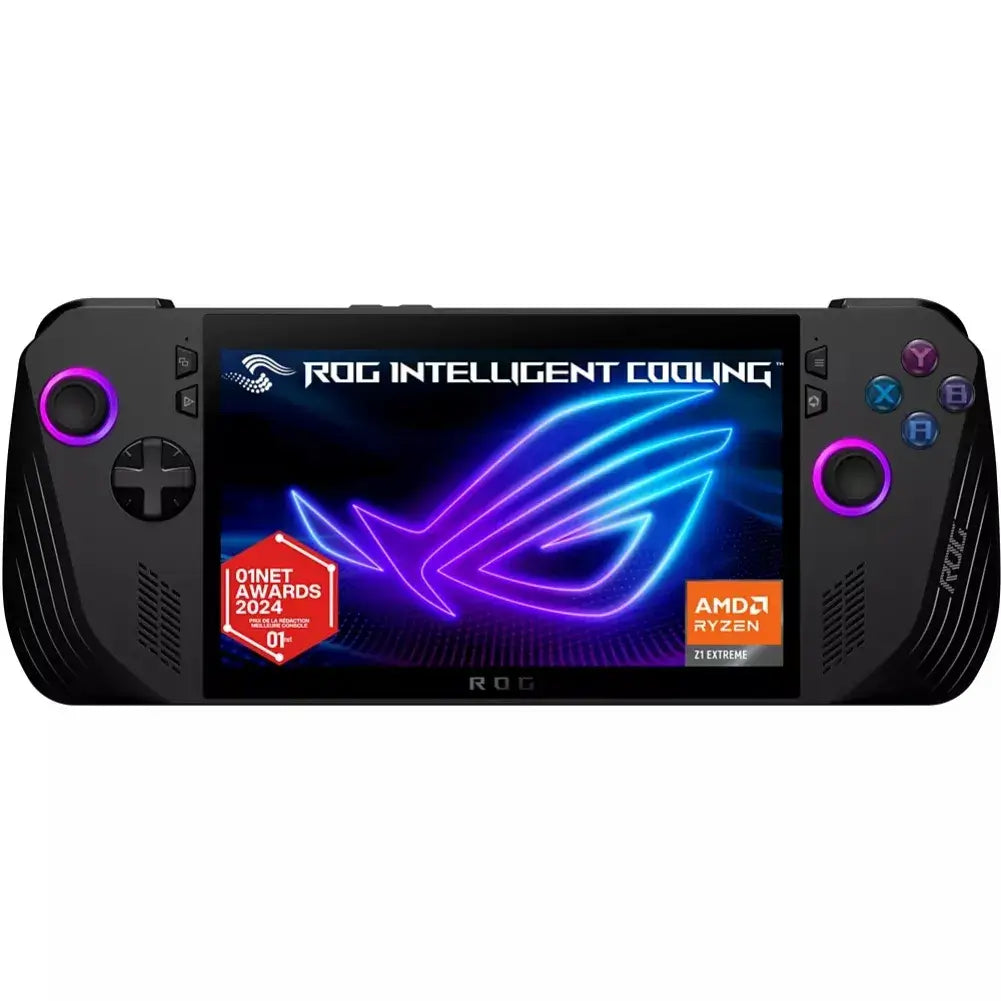
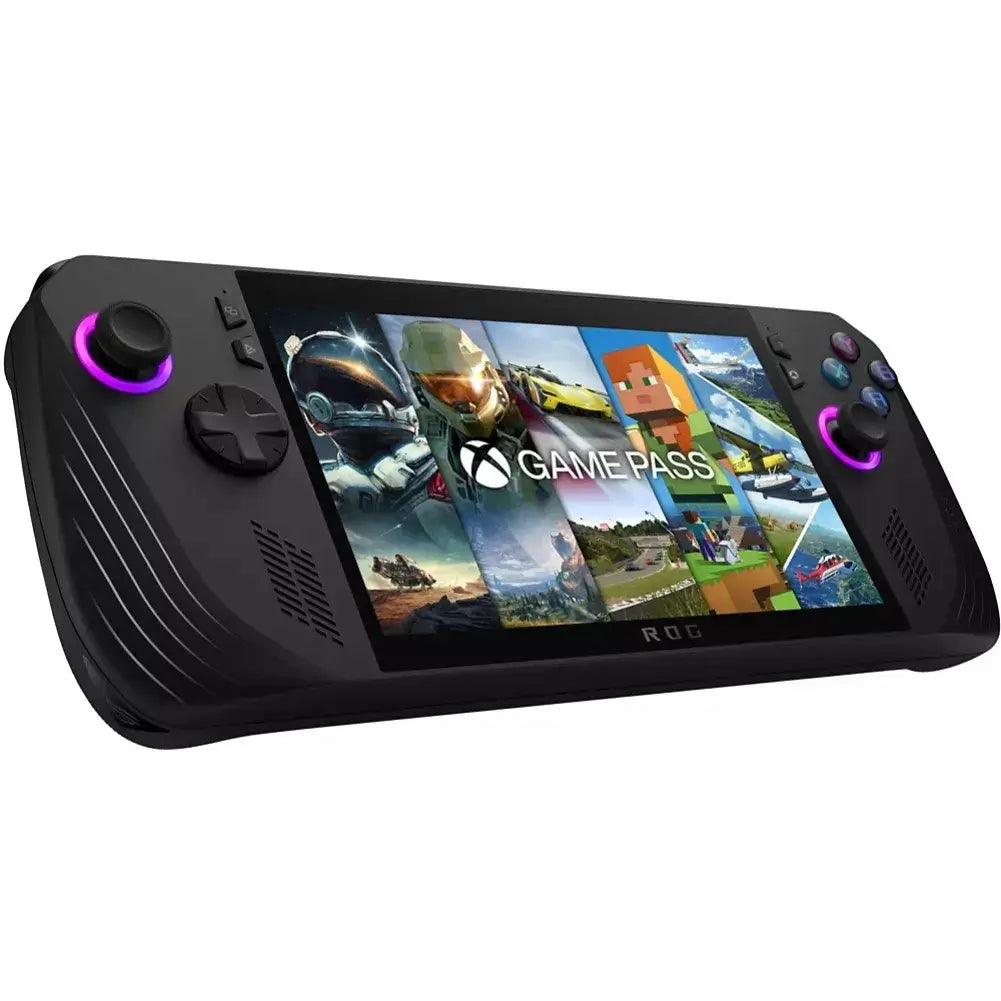
The Asus ROG Ally is a Windows 11 console/laptop designed to play your entire library of games.
Mobile PC library (Steam, Xbox/PC Game Pass, Epic, GOG…). It features a very smooth 7" screen,
an AMD Ryzen APU ( Z1 series / Z1 Extreme ) and dedicated ROG tools for quickly switching between games, modes
power and settings without leaving your game.
➜ See the product page: ASUS ROG Alliance X
Technical specifications & performance
- Screen : 7", Full HD (1920×1080), up to 120 Hz with VRR/FreeSync.
- Graphics processor : AMD Ryzen Z1 / Z1 Extreme APU (Zen 4 + RDNA 3) suitable for 720p/1080p gaming.
- Memory & storage : 16 GB LPDDR5 (or more depending on version) + replaceable NVMe M.2 2230 SSD.
- Connectivity : Wi-Fi, Bluetooth, USB-C (charging/docking), microSD reader.
- Software : Armoury Crate SE (launcher, profiles per game, mapping, TDP), Silent/Performance/Turbo modes.
- Battery life : varies depending on title/mode (longer sessions in 60 Hz and Silent/Performance modes).
- Video output : gaming on TV/monitor via USB-C dock/hub; ROG XG Mobile eGPU compatibility (depending on version).
Gaming experience & compatibility
- Compatibility : Windows PC games (all stores), cloud gaming (Xbox Cloud, GeForce NOW), local streaming from a PC.
- Controls : sticks, analog triggers, vibrations; key profiles, gyroscope on some games.
- Comfort : optimized ventilation, balanced chassis, quick adjustments (TDP/fans) per set.
- Image quality : 1080p clear on 7", 60/120 Hz selectable; VRR to smooth the framerate.
ROG Ally vs other handheld consoles
- Steam Deck / OLED Deck : SteamOS = exemplary simplicity/sleep. Ally = native Windows (all stores). 1080p/120Hz screen and more performance (Z1 Extreme), battery life often lower at 120Hz.
- Nintendo Switch : closed and optimized ecosystem. Ally = handheld gaming PC , much more powerful and open.
- Other laptops (AYANEO, Lenovo Legion Go, MSI Claw…): the Ally shines with its 1080p/120 Hz screen, The ROG ecosystem (Armoury Crate, XG Mobile) and a very good performance/screen ratio; the alternatives sometimes offer more battery, larger screen, Hall sticks, etc.
Choosing the right ROG Ally
- Processor : aim for the Z1 Extreme for more comfortable recent 3D games in 1080p.
- Storage : 512GB fills up quickly; add a microSD A2/U3 or replace the M.2 2230 SSD.
- Screen & battery : when on the go, choose 60 Hz and a Silent/Performance profile to maximize battery life.
- Dock/display : for TV, plan for a USB-C HDMI/DP hub + Bluetooth/2.4 GHz controller.
- After-sales service & guarantees : favour official resellers; check returns and EU coverage.
Recommended accessories
- USB-C dock/hub with video output and power pass-through (65–100 W).
- A2/U3 microSD card to expand the library.
- Protection : tempered glass, hard case, grip.
- 65–100W GaN charger for better plugged-in Turbo sessions.
- Bluetooth/2.4 GHz controller for playing on an external screen.
- ROG XG Mobile eGPU (depending on version) to transform the Ally into a living room PC.
Price & availability
The Ally is available in Z1 and Z1 Extreme versions (and revisions). Prices vary depending on configuration and promotions.
Available via the ASUS store and specialist retailers in France/EU (VAT included, local after-sales service).
Check the capacity/edition before purchase.
➜ Access the product page: ASUS ROG Alliance X
❓ ROG Ally FAQ
🎮 Which games are compatible?
All Windows PC games (Steam, Xbox/PC Game Pass, Epic, GOG…), cloud gaming (Xbox Cloud, GeForce NOW) and local streaming from a PC.
⚡ 60 Hz or 120 Hz: which to choose?
120 Hz = ultra-smooth and ideal VRR for plugged-in use. When on the go, 60 Hz significantly increases battery life.
🔧 Can the SSD be replaced?
Yes, the M.2 2230 SSD is replaceable. Back up your data and follow a guide for cloning/reinstallation.
🌡️ Does the Ally get very hot?
Like any compact gaming PC, it depends on the TDP and the game. Use Armoury Crate profiles, a cooling pad, and/or an FPS cap.
🧩 Steam Deck or ROG Ally?
Deck = simplicity, standby mode, and SteamOS integration. Ally = Windows (all stores), 1080p/120Hz screen, and even better performance with the Z1 Extreme. Choose according to your library and priorities.