
Boost your devices with microSD cards , SSDs , and USB drives suitable for photo , video , and handheld consoles . Fun Esports offers a certified selection, competitive prices, and expert advice to help you make the right choice without compromising on reliability or performance.
About SanDisk
SanDisk is a global leader in data storage . A pioneer in memory cards and USB flash drives, the brand has become a favorite among photographers, videographers, gamers, and professionals thanks to its high-performance, reliable, and user-friendly products. Now part of the Western Digital group, SanDisk continues to innovate, offering fast and durable storage solutions suited to all uses.
Who is SanDisk and what is its expertise?
Founded in the 1980s, SanDisk specializes in flash memory (NAND). Its expertise covers design, controller optimization, advanced wear leveling, and data security. The result: stable, high-performance storage media with very low failure rates and recognized manufacturer warranties.
The main product families of SanDisk
Memory cards (SD, microSD, CFexpress)
- SD/SDHC/SDXC for hybrid and SLR cameras. Recommended speed classes: U3 and Video Speed Class V30/V60/V90 depending on the resolution/bitrate (4K/6K/8K).
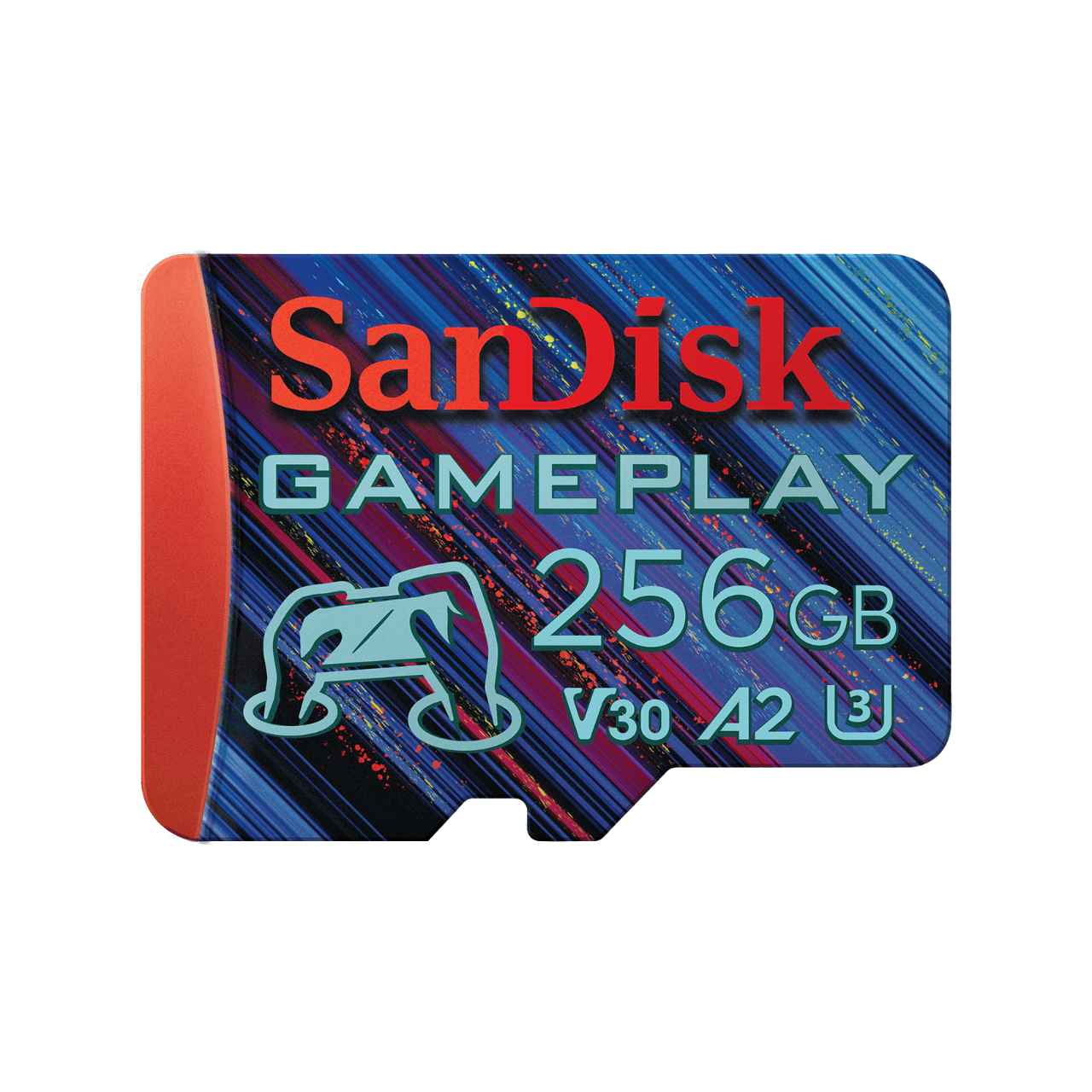
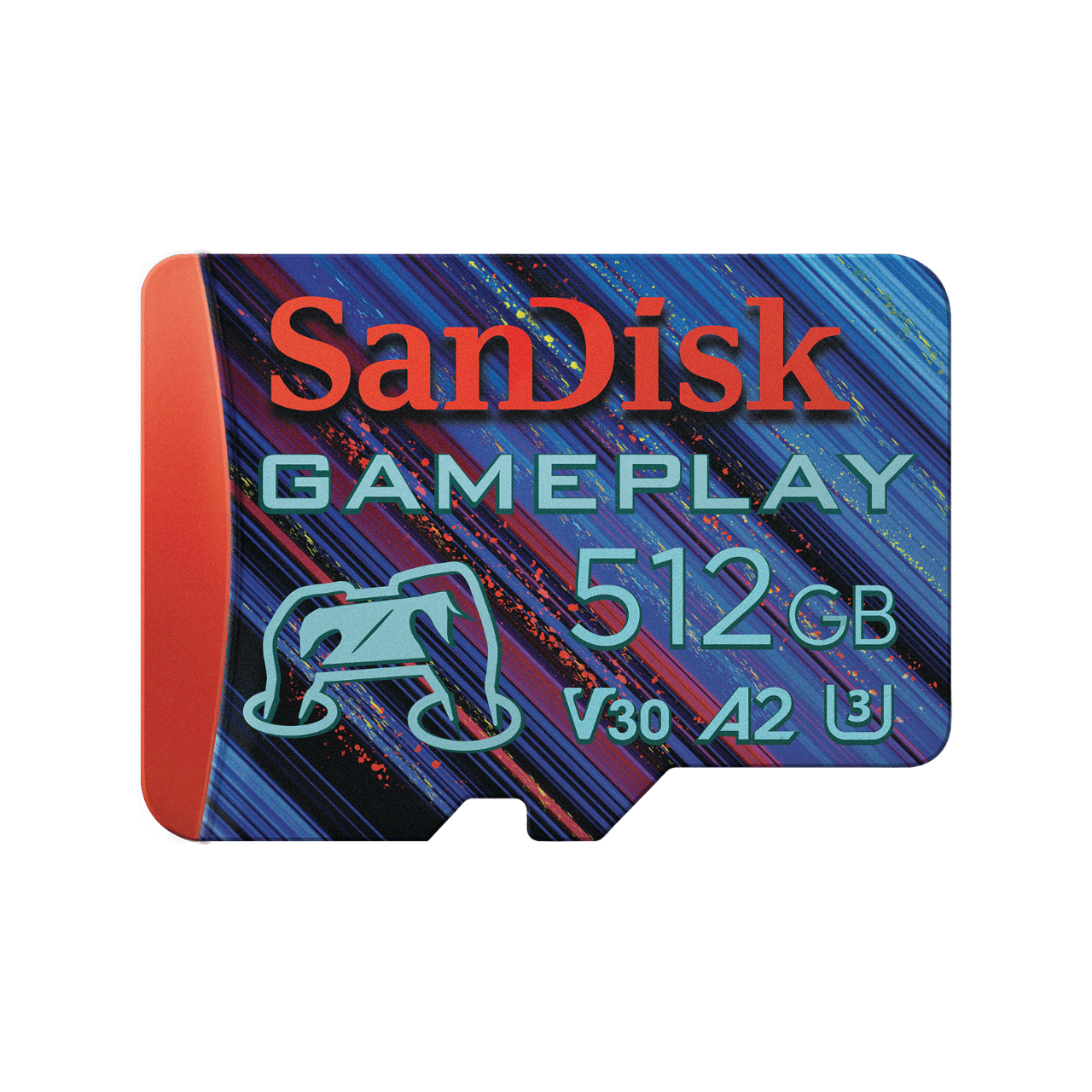
- microSD cards for smartphones, drones, action cameras, and handheld consoles. Look for the A1/A2 logo (quick apps) and U3/V30 for 4K.
- CFexpress (Type A/B) for high-end photo/video cameras: very high speeds for RAW burst shooting and 8K video.
USB flash drives
- High-speed USB 3.x for fast transfer of large files.
- Dual models (USB-A + USB-C) for easy switching between PCs, Macs, tablets and smartphones.
- Useful features: retractable caps, key ring eyelets, password protection software.
External SSDs
- SanDisk Extreme Portable SSD : compact, durable (shockproof casing, splash protection depending on the model), ideal for photo/video creation and secure transport of projects.
- SanDisk Extreme PRO Portable SSD : even faster for demanding workflows (video editing, large RAW files, sound libraries).
Internal SSDs (PC & gaming)
- NVMe SSD for faster boot times, game loading, and overall responsiveness.
- Common M.2 formats, simple installation and immediate gains in loading times.
Gaming & portable consoles: why SanDisk?
Whether you're playing on Lenovo Legion Go , MSI Claw or Nintendo Switch , SanDisk covers all your mobile gaming needs:
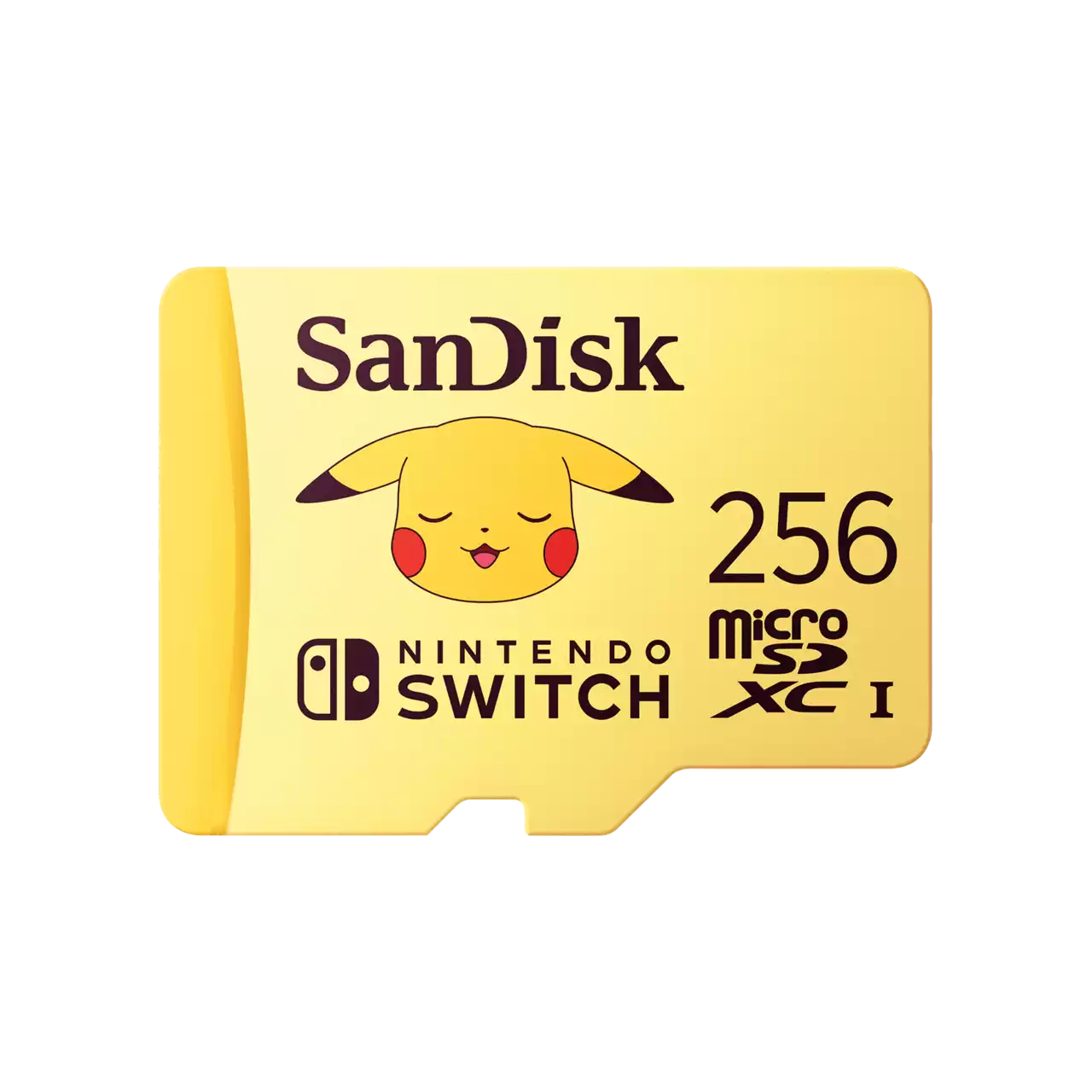
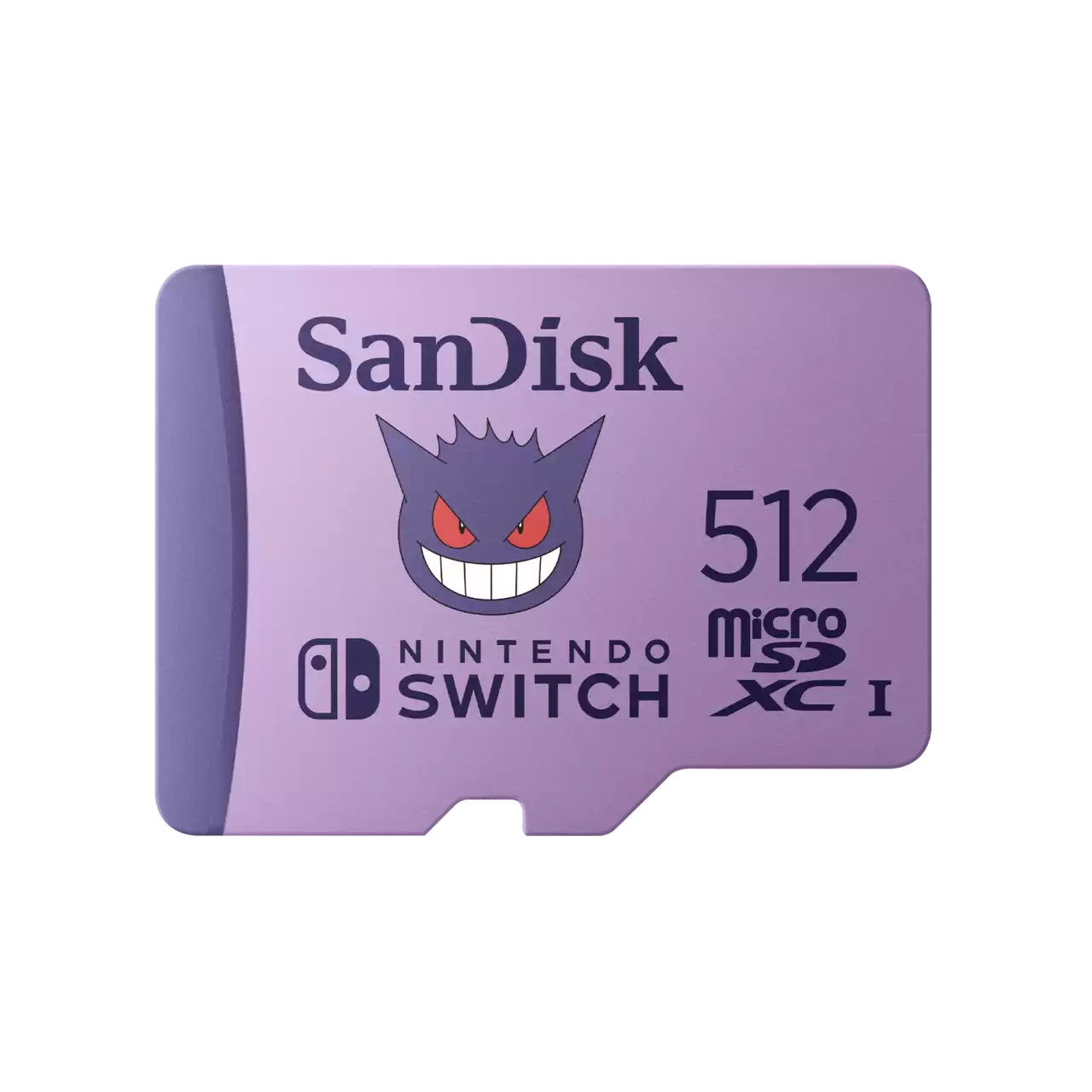
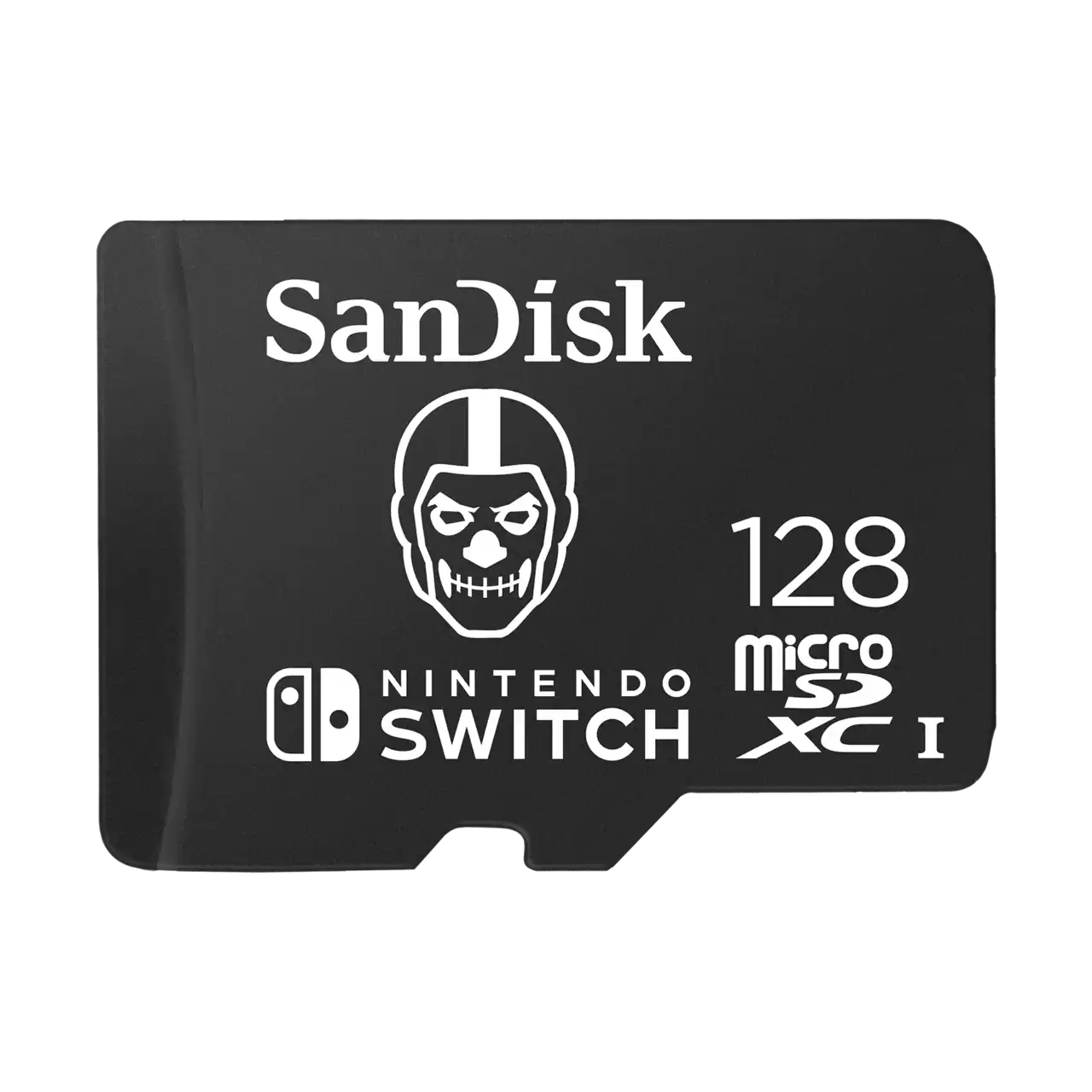
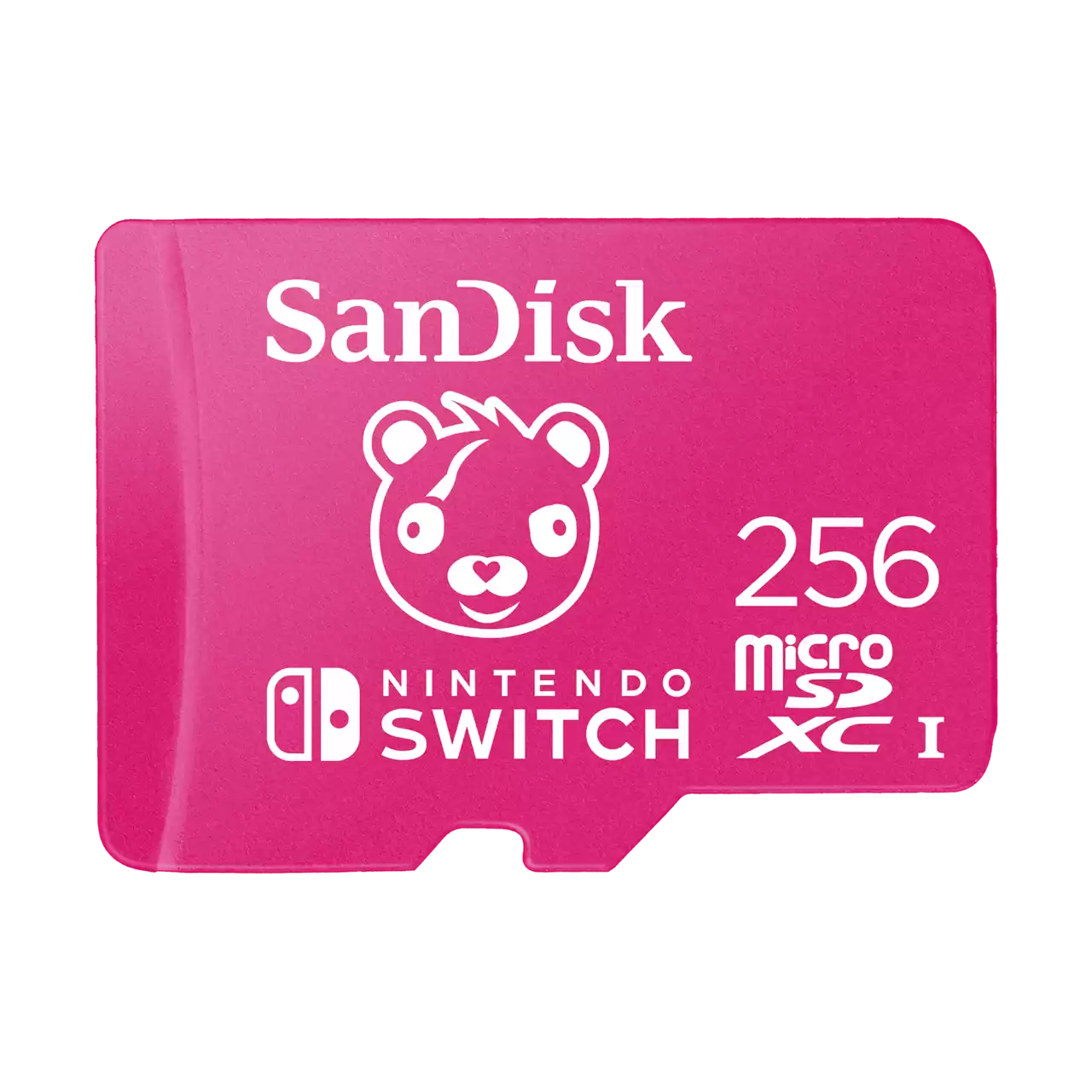
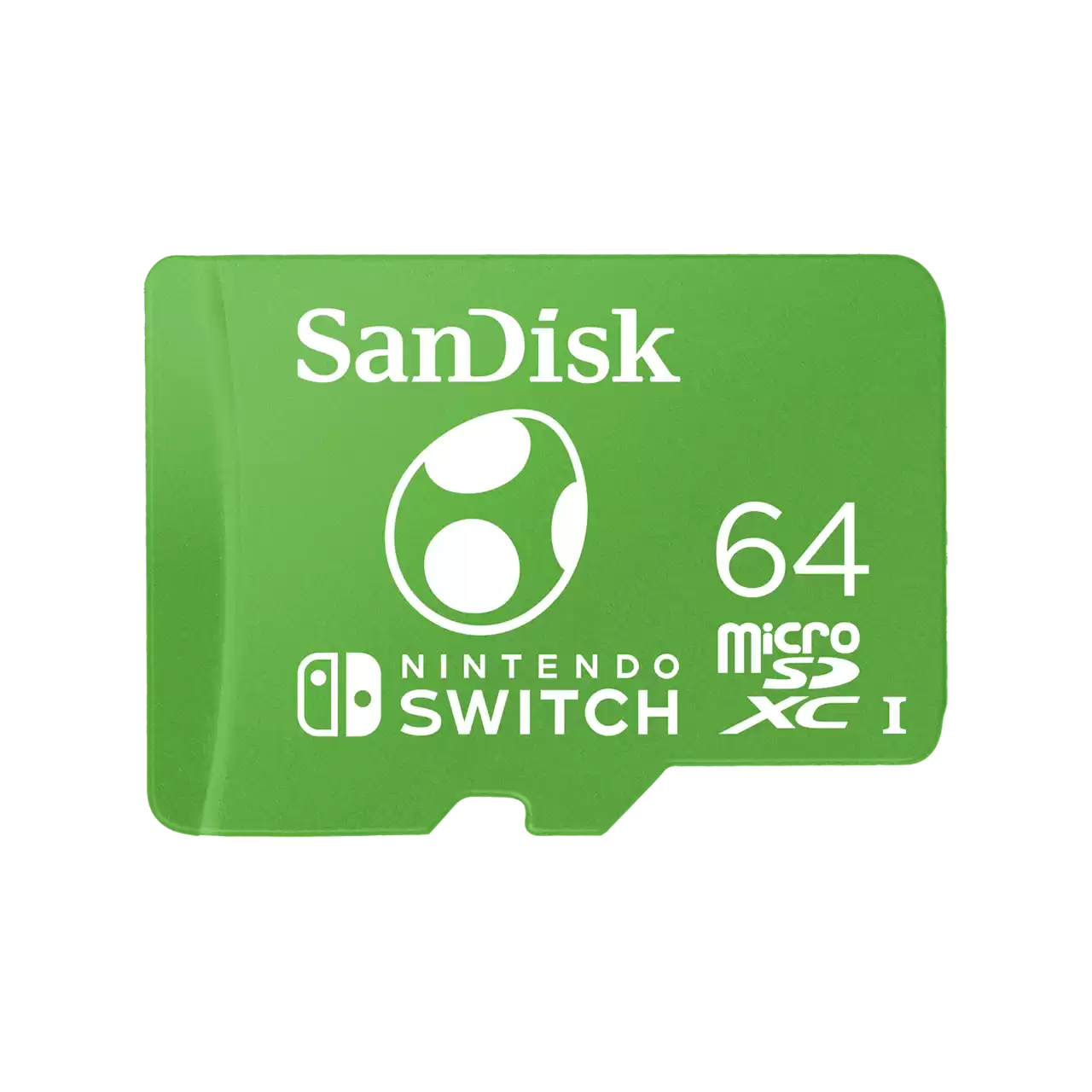
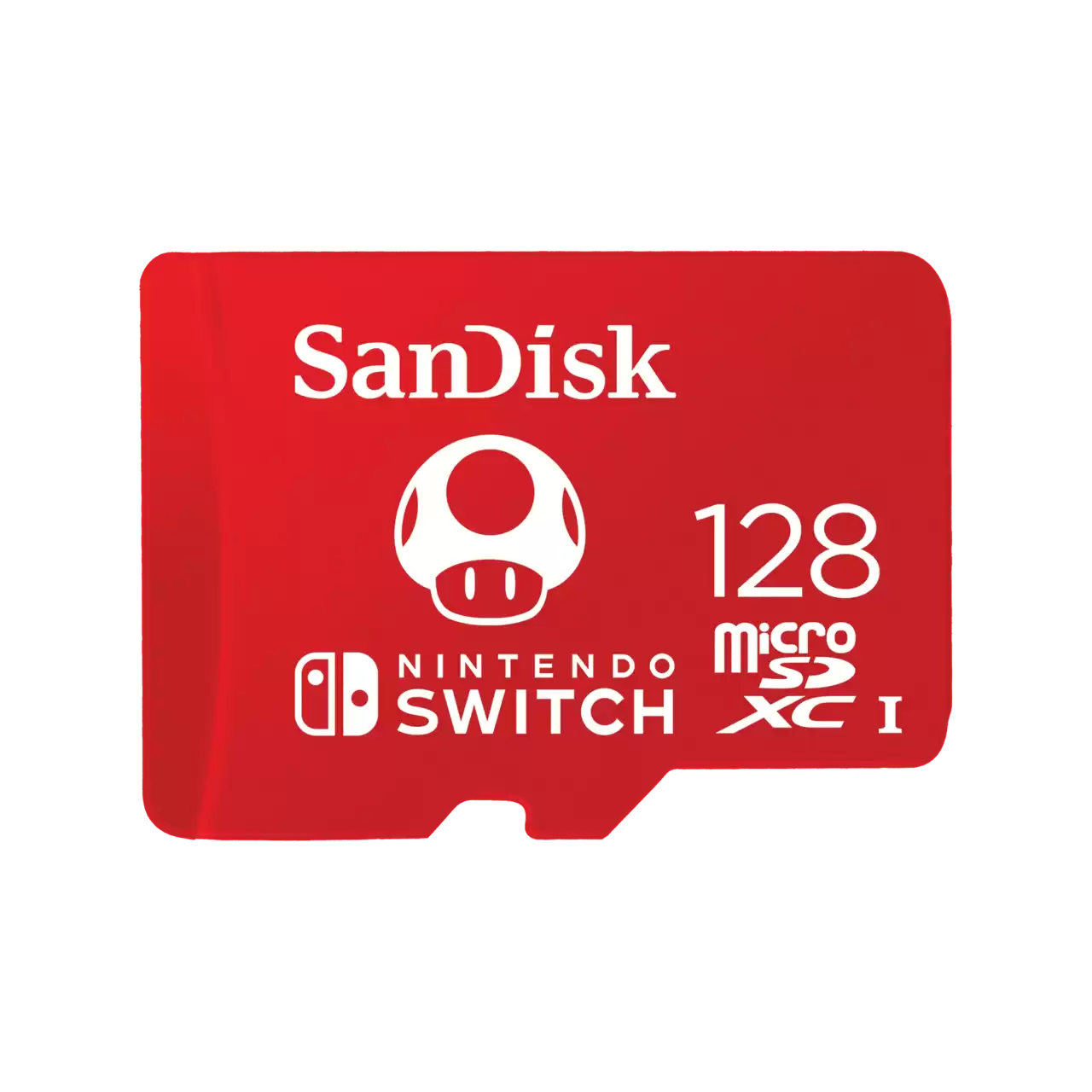
- Nintendo Switch : Officially licensed Nintendo microSD cards up to 1TB , designed and tested for the console, with speeds up to 100MB/s read and 90MB/s write for fast loading and a larger game library.
- For Windows handheld consoles (Legion Go, MSI Claw) : choose U3/V30 and A2 microSD cards for smooth loading times and app installations. For large game libraries, SanDisk Extreme external SSDs (USB-C) offer very fast transfers and are an ideal solution for moving your games between your PC and handheld console.
- Home consoles & ecosystem : In addition, an external SSD can serve as a game archive and facilitate transfers to compatible internal storage — convenient for freeing up space without deleting your titles.
Quick tip : Format your cards and SSDs directly from your console/PC, keep some free storage space (10–20%) to maintain stable transfer speeds, and consider a 3-2-1 backup of your game data. At Fun Esports, you'll find the best prices and expert advice tailored to your handheld consoles.
SanDisk Advantages and Innovations
- Controlled performance : controllers and firmware optimized for stable real-world speeds, even when approaching full tank.
- Long-term reliability : memory wear leveling, advanced error correction.
- Security : encryption options and password protection on selected ranges.
- Rugged terrain : reinforced models (shocks, vibrations, splashes) for nomadic creators.
- Clear ecosystem : readable ranges and markings (UHS-I/II, U3, V30/V60/V90, A1/A2) for easy selection.
SanDisk vs. the rest of the market
Compared to other major storage brands, SanDisk stands out for its consistent performance , wide product range (from smartphones to professional enclosures), and build quality . Rather than comparing prices or benchmarks point by point, remember that SanDisk offers consistent and proven products that are easy to recommend for both everyday and professional use.
How to choose your SanDisk product according to its intended use?
Photo
- Hybrid/DSLR cameras : SDXC U3 cards minimum. For RAW burst shooting and high-bitrate 8K/6K/4K, upgrade to V60 or V90 (or CFexpress depending on your camera).
- Compact/bridge cameras : SDHC/SDXC Class 10/U1 are sufficient for photo and Full HD video.
Video
- 4K : aim for a minimum of V30 (SD/microSD). For high bitrates, V60 or V90 .
- Action cam & drone : microSD U3/V30 , ideally with A2 certification if you use apps.
Smartphone & tablet
- microSD A2 for improved application and video recording performance.
- Dual USB flash drives (USB-C + USB-A) for quickly offloading media and freeing up space.
PC, Mac & consoles
- Internal NVMe SSD to boost boot times and game loading.
- External USB 3.2 SSD for game libraries, project export and mobility.
Backup & professional mobility
- SanDisk Extreme (or Extreme PRO) external SSD for a good balance of speed / durability / security .
- Enable password protection when available and keep a second copy (3-2-1 backup).
Best practices for optimizing your SanDisk media
- Format the device (camera, video camera, console) to avoid incompatibilities.
- Avoid cards that are 100% full to maintain stable debits.
- Update the firmware and software provided when prompted.
- Protect them physically (case, cord, cover): shocks and dust are the enemies of longevity.
- Backup plan : duplicate your important data on at least two separate media.
Where can I buy SanDisk with confidence?
To avoid counterfeit products and benefit from responsive customer service, choose a reputable retailer. At Fun Esports, you'll find the best prices , expert advice focused on gaming and creation, and attentive customer support.
In summary
If you're looking for fast, reliable, and easy storage for photos, videos, gaming, or backups, SanDisk is a sure bet. Choose your product based on your needs (photo/video: V30/V60/V90 or CFexpress; smartphone/drone: microSD U3/A2; mobile: external SSD; PC/gaming performance: NVMe SSD) and adopt good backup practices. Find your SanDisk products at the best prices on Fun Esports .
❓ SanDisk FAQ – Handheld & Retro Consoles
🎮 Which SanDisk microSD card is compatible with Nintendo Switch?
For the Nintendo Switch , choose a SanDisk microSDXC UHS-I card with at least U3/V30 for smooth loading. SanDisk cards licensed by Nintendo offer proven compatibility and high reliability.
- Recommended capacity : 256 GB for standard use, 512 GB to 1 TB for a large game library
- Good practice : format the card from the Switch and leave 10–20% free space
- Practical tip : opt for a high-quality USB-C/USB-A reader for your data transfers.
💻 What SanDisk solution for Lenovo Legion Go & MSI Claw?
For Windows portable consoles, aim for fast and durable hardware:
- SanDisk Extreme microSD card (UHS-I, U3/V30 , A2 ) for installing games/applications and reducing loading times
- SanDisk Extreme Portable SSD (USB-C) for storing a large library and moving your games between PC and console
- Best practices : format from within Windows (exFAT), use a short, high-quality cable, avoid hubs
🕹️ Which SanDisk cards are compatible with retro consoles (Anbernic, Retroid, Miyoo, etc.)?
Retro systems work very well with:
- SanDisk Ultra : excellent performance/price ratio for 8/16/32-bit and PS1
- SanDisk Extreme : faster and more durable (recommended if you frequently handle ROMs)
- FAT32 vs exFAT : Some firmware requires FAT32; consult your model's guide.
- Organization : 1 card for the system, 1 card for the ROMs = simplified maintenance
💽 Can I play directly from an external SanDisk SSD?
Yes, on Windows handheld consoles and on PC: a SanDisk Extreme Portable SSD offers excellent load times and large capacity.
- Nintendo Switch : the game launches from the microSD card , not from an external SSD
- Tips : USB-C 3.x port, short, high-quality cable, leave some slack for better performance
✅ How to avoid counterfeit goods and buy with confidence?
Buy from a reliable reseller: at Fun Esports, you benefit from the best prices and authentic products.
- Check the packaging, the part number, and test the actual capacity/speed if needed.
- Beware of offers that seem too good to be true for very large capacities
- If in doubt, contact our support team with photos and the serial number.
📦 Which capacity should I choose depending on the use?
Choose according to your library and console:
- Switch : 256 GB (standard), 512 GB–1 TB (large game library)
- Legion Go / MSI Claw : microSD 512GB–1TB; in addition, 1–4TB external SSD for your AAA games
- Retro : 128–256 GB (8/16/32-bit); 256–512 GB if you add CD-ROM/arcade
Tip : Allow a 20–30% margin for additional updates and dumps.